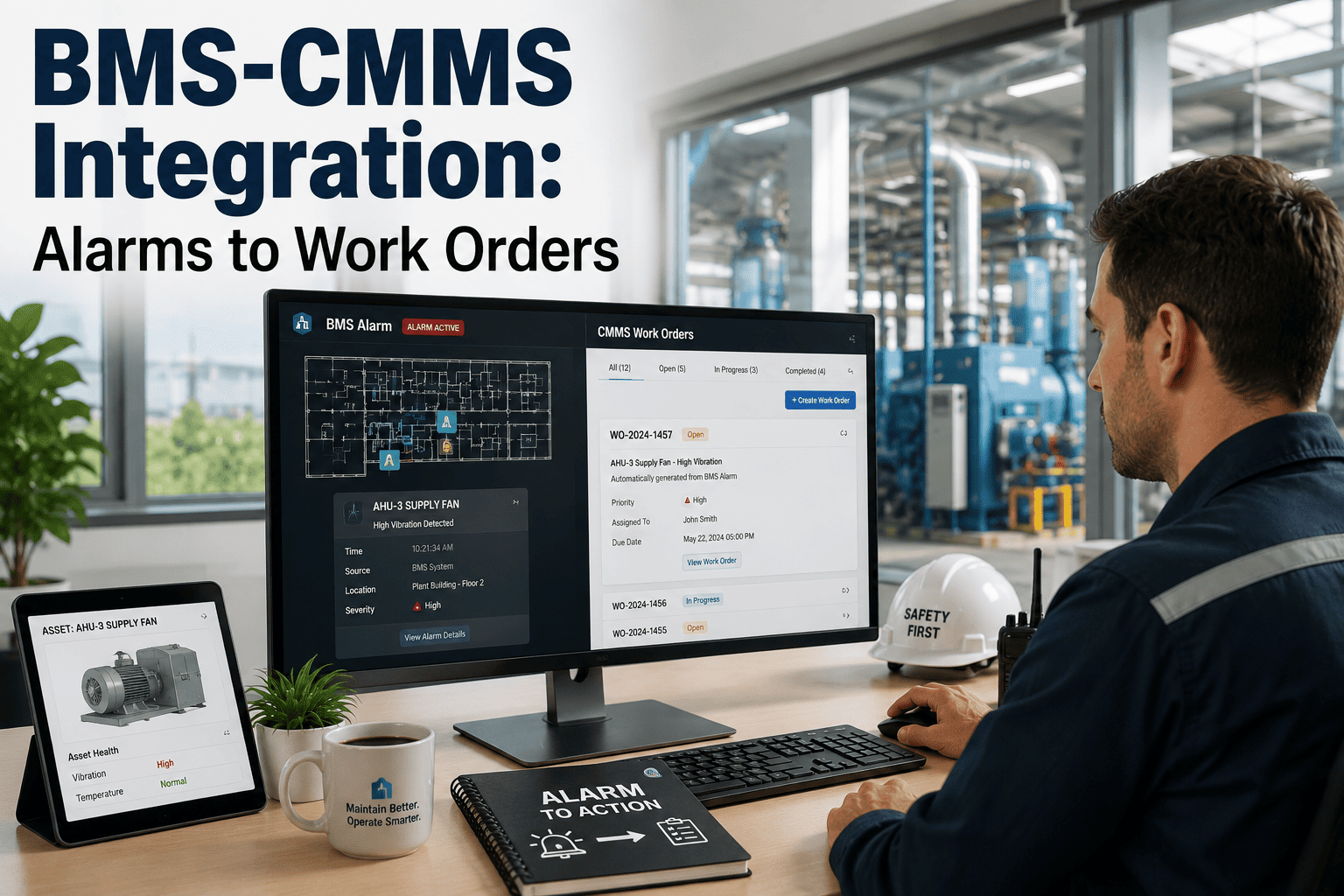
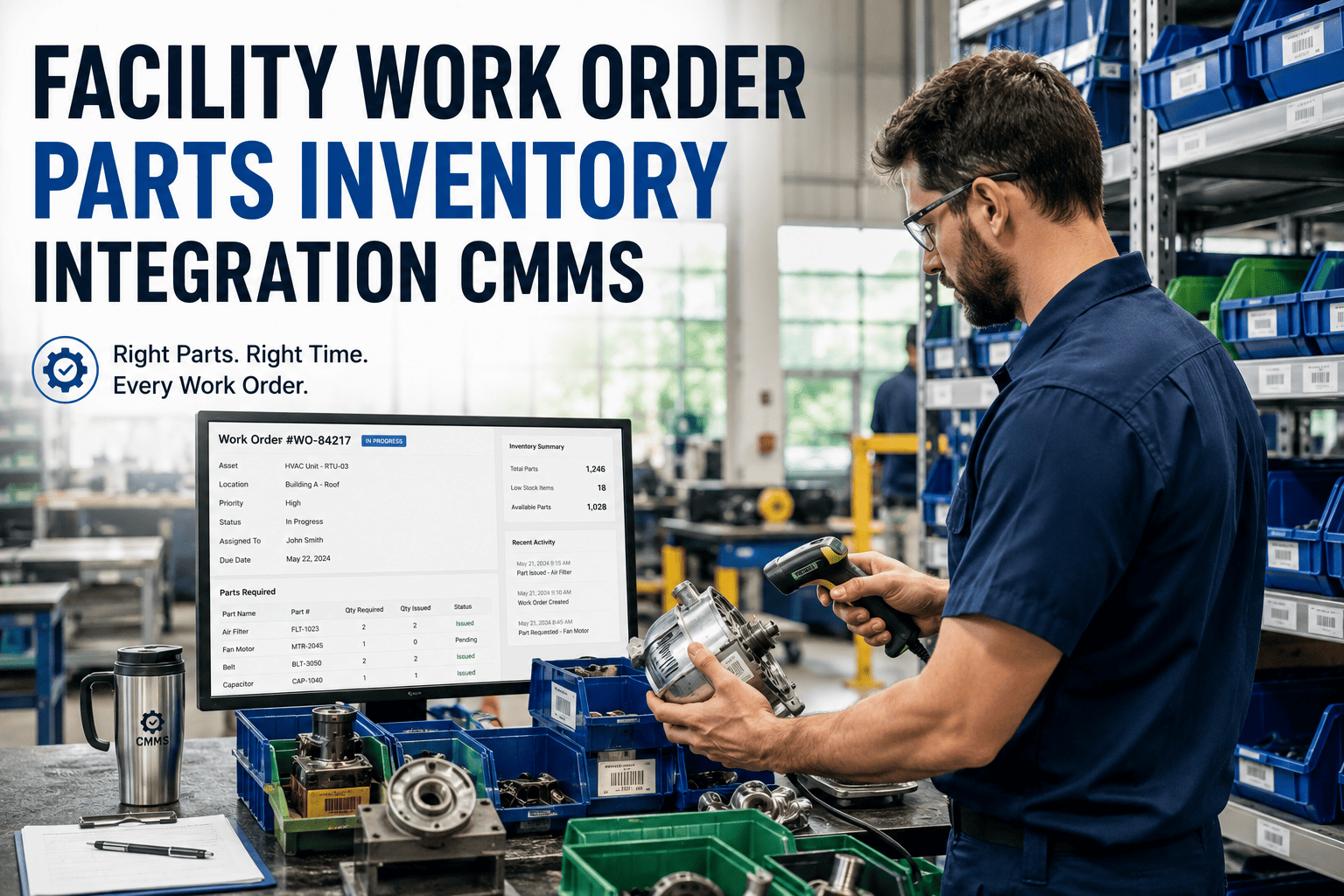
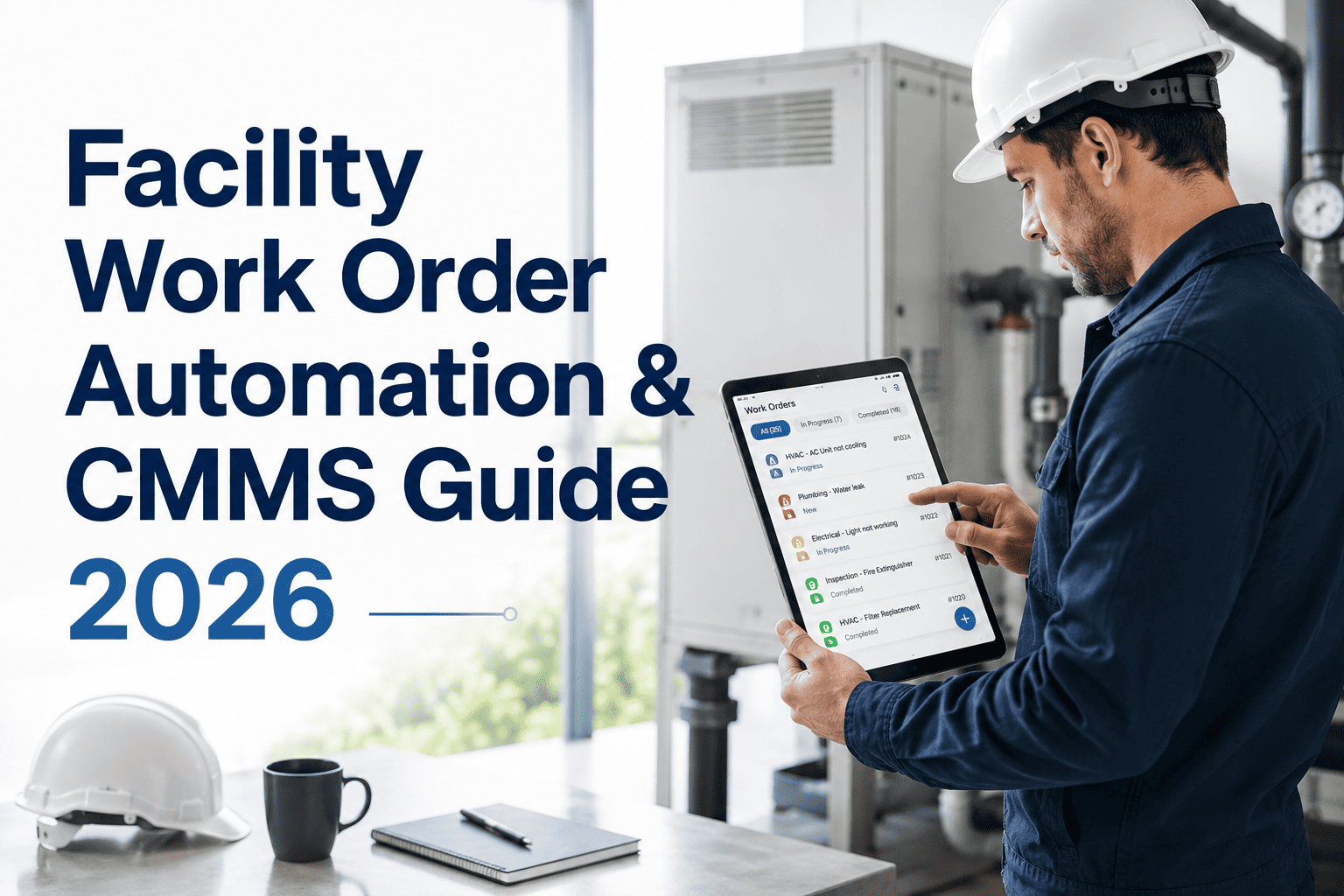
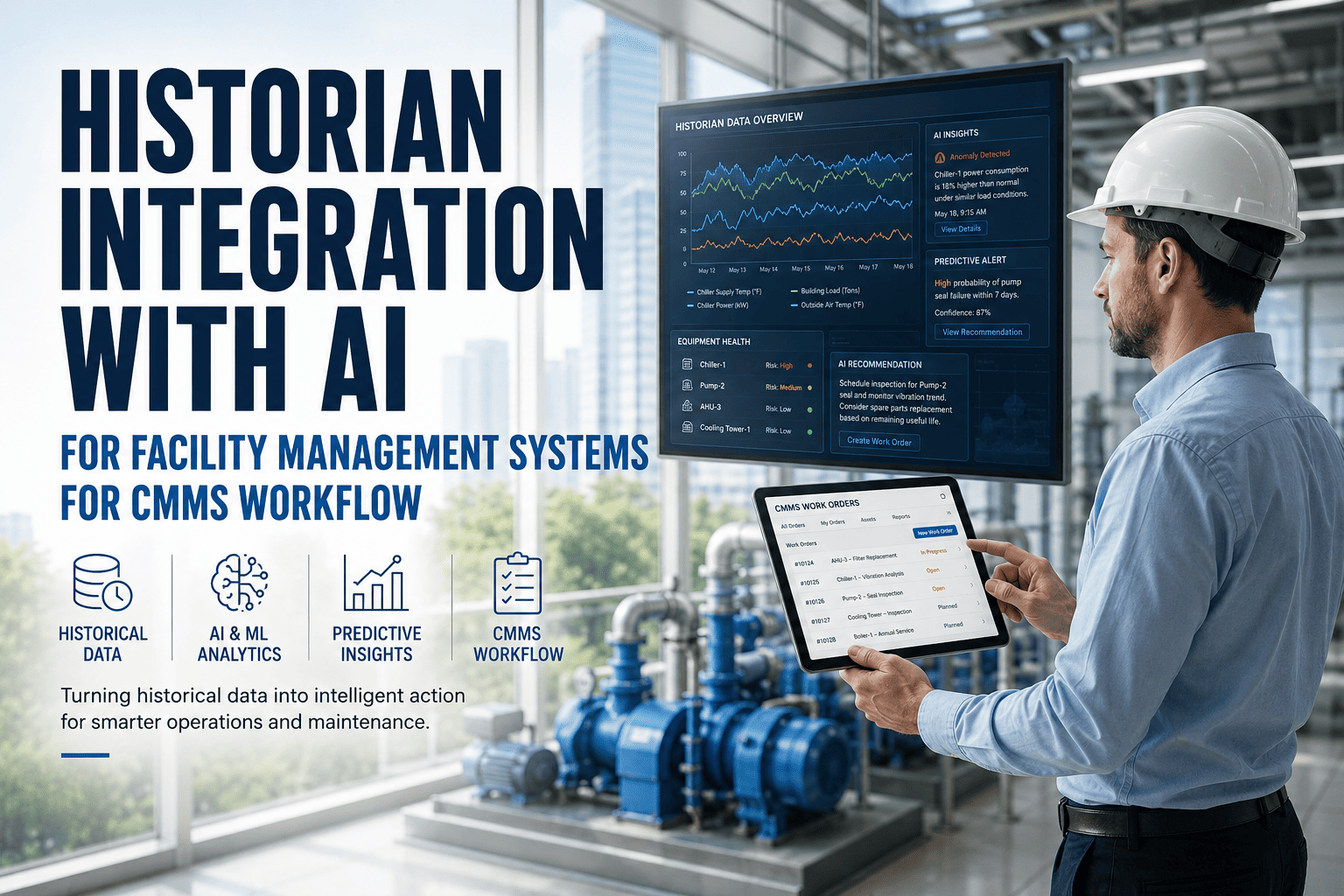
Facility managers running SAP as their enterprise backbone face a persistent challenge — maintenance data lives in one system while finance, procurement, and HR data live in another. The result is fragmented workflows, duplicate data entry, delayed reporting, and maintenance teams making decisions without the full picture. Integrating a CMMS directly with SAP eliminates these silos, creating a unified ecosystem where work orders, asset records, inventory levels, and cost data flow seamlessly between systems.Oxmaint's SAP integration connects your maintenance operations to SAP PM, MM, FI/CO, and HR modules — synchronizing asset masters, work orders, spare parts, and financials in real time so your facility team operates from a single source of truth. Schedule a demo to see how it works for your facility.
Why Facility Teams Need CMMS-SAP Integration
Most facility operations already rely on SAP for procurement, finance, and HR. But SAP Plant Maintenance (PM), while powerful for enterprise-level asset lifecycle tracking, was designed for desktop-first workflows with complex interfaces that slow down technicians in the field. A dedicated CMMS like Oxmaint fills this gap — providing mobile-first work order management, intuitive preventive maintenance scheduling, and real-time asset tracking that SAP PM alone cannot deliver efficiently. The integration connects both systems so that data entered once flows everywhere it needs to go. If you are currently managing maintenance with spreadsheets alongside SAP, sign up for Oxmaint to see the difference a connected system makes.
Without Integration
With Oxmaint + SAP Integration
Already Running SAP? Connect It to Oxmaint in Weeks, Not Months
Oxmaint offers pre-built API connectors for SAP PM, MM, and FI/CO — no custom middleware required. Your data starts flowing from day one.
What Data Flows Between CMMS and SAP
The integration is not a one-way export — it is a continuous, bidirectional data exchange that keeps both systems current. Here is exactly what syncs between Oxmaint and SAP across the four major module areas:
- Asset master records and functional locations
- Equipment hierarchy and technical specifications
- Work orders: creation, status, and completion
- Maintenance plans and task lists
- Notification data and failure codes
- Inspection and measurement readings
- Spare parts master data and stock levels
- Material reservations from work orders
- Goods receipts and goods issues
- Purchase requisitions for parts reorder
- Vendor master data and lead times
- Warehouse transfers between locations
- Maintenance cost postings to cost centers
- Labor hours and overtime calculations
- Invoice verification and payment triggers
- Budget consumption tracking by asset
- Depreciation and asset capitalization data
- Month-end reconciliation data
- Technician profiles and certifications
- Shift schedules and availability
- Labor time confirmations
- Training records and qualifications
- Safety certifications and expiry dates
- Role-based access permissions
Integration Architecture: How Oxmaint Connects to SAP
There are multiple ways to connect a CMMS to SAP depending on your IT infrastructure, whether you are running SAP ECC on-premise or SAP S/4HANA Cloud. Oxmaint supports all major integration methods through its open API architecture:
Need Help Mapping Your SAP Integration?
Oxmaint's integration team works with your SAP admins to configure the exact data mapping your facility requires — from asset hierarchies to cost center structures.
Key Benefits for Facility Management Teams
The real value of CMMS-SAP integration emerges when facility teams stop managing two disconnected systems and start operating from one unified platform. Here are the measurable outcomes facilities consistently achieve with
Oxmaint's asset managementconnected to SAP:
Eliminate Double Data Entry
Technicians complete work orders in Oxmaint's mobile app. Labor hours, parts consumed, and completion status auto-post to SAP PM and FI/CO. No more re-keying data at a desktop terminal — saving 2-4 hours per technician per week.
Real-Time Inventory Accuracy
When a technician uses a spare part on a work order, SAP MM stock levels update instantly. Purchase requisitions trigger automatically when stock hits reorder points — eliminating emergency procurement and reducing inventory carrying costs by 15-25%.
Faster Month-End Close
Maintenance costs post to SAP FI/CO in real time rather than batch-processed at month-end. Finance teams see accurate cost-center breakdowns daily, reducing month-end reconciliation from days to hours.
Compliance Without the Paper Trail
Every work order, inspection, and parts transaction creates an automatic digital audit trail across both systems. For facilities subject to OSHA, ISO 55001, or industry-specific regulations, this means audit readiness built into every workflow — not a separate exercise.
Multi-Site Visibility from One Dashboard
Facilities managing multiple sites get a portfolio-wide view of asset health, work order backlog, and maintenance spend — all synchronized with SAP's enterprise reporting. Compare KPIs across sites, identify underperforming assets, and allocate resources where they matter most.
Mobile-First Technician Experience
SAP PM was built for desktop use. Oxmaint puts the full work order lifecycle on a mobile device with offline capability — so technicians update records in the field, scan barcodes for parts, attach photos, and capture signatures without returning to a terminal. Sign up to try it.
Implementation Roadmap: From SAP Standalone to Integrated CMMS
Connecting Oxmaint to your SAP environment follows a structured process that typically completes in 2-6 weeks depending on complexity. Here is the typical rollout path for facilities moving from standalone SAP PM to an integrated CMMS approach:
Discovery and Data Mapping
Oxmaint's integration team reviews your SAP module configuration (PM, MM, FI/CO), identifies the data objects to sync, and maps fields between both systems. This includes asset hierarchies, cost center structures, and material master records.
API Configuration and Testing
RESTful API endpoints or SAP CPI connectors are configured. Test data flows through a sandbox environment to validate asset sync, work order creation, and material transactions before touching production data.
Data Migration and Validation
Historical asset records, open work orders, and inventory data are migrated into Oxmaint. Reconciliation checks verify that SAP and Oxmaint show identical records before going live.
Training, Go-Live, and Optimization
Facility technicians, supervisors, and SAP admins receive role-specific training. The integration goes live with parallel monitoring to catch any sync issues. Continuous optimization follows based on usage patterns and feedback.
Connect Your SAP System to Oxmaint CMMS Today
Stop managing maintenance in two disconnected systems. Oxmaint integrates with SAP PM, MM, FI/CO, and HR — giving your facility team a unified platform for work order management, asset tracking, inventory control, and financial reporting. Implementation takes weeks, not months.
Frequently Asked Questions
Which SAP modules does Oxmaint integrate with?
Oxmaint integrates with SAP PM (Plant Maintenance) for asset records and work orders, SAP MM (Materials Management) for spare parts inventory and procurement, SAP FI/CO (Finance and Controlling) for cost postings and budget tracking, and SAP HR/SuccessFactors for technician profiles and certifications. The integration works with both SAP ECC (on-premise) and SAP S/4HANA (cloud) environments through RESTful APIs, SAP PI/PO middleware, or SAP Cloud Platform Integration (CPI).
How long does the SAP integration take to implement?
Typical implementation takes 2-6 weeks depending on the number of SAP modules involved, data volume, and customization requirements. Simple integrations covering PM and MM can go live in 2-3 weeks. More complex setups involving FI/CO cost center mapping, multi-plant configurations, and custom workflows may take 4-6 weeks. Oxmaint uses pre-built API connectors that significantly reduce configuration time compared to building custom middleware from scratch.
What ROI can facilities expect from CMMS-SAP integration?
Facilities typically achieve 200-400% ROI within 12-24 months through a combination of reduced maintenance costs (25-40%), decreased equipment downtime (20-35%), and improved maintenance productivity (30-50%). The integration specifically eliminates 2-4 hours of manual data entry per technician per week, reduces month-end reconciliation time by 60-80%, and improves inventory accuracy by 15-25% through real-time SAP MM synchronization. Organizations maintaining active optimization programs typically see 25-40% annual value increases beyond initial implementation benefits.
Does Oxmaint work offline when SAP connectivity is interrupted?
Yes. Oxmaint's mobile app works fully offline — technicians can create work orders, log labor, consume parts, attach photos, and complete inspections without network connectivity. When connectivity is restored, all data syncs automatically to both Oxmaint's cloud and your SAP system. This is a critical advantage over SAP's native mobile solutions, which typically require continuous connectivity. For facilities with remote buildings, underground areas, or unreliable network coverage, offline capability ensures maintenance data is captured accurately regardless of conditions.
Can we keep using SAP PM alongside Oxmaint after integration?
Absolutely. The integration is designed to complement SAP PM, not replace it. SAP PM continues to serve as your enterprise asset management backbone — handling asset lifecycle management, financial reporting, and compliance documentation. Oxmaint handles the day-to-day operational layer — mobile work orders, field inspections, preventive maintenance scheduling, and real-time technician workflows. Data flows between both systems automatically, so managers see consolidated reporting in SAP while technicians work efficiently in Oxmaint's mobile-first interface.