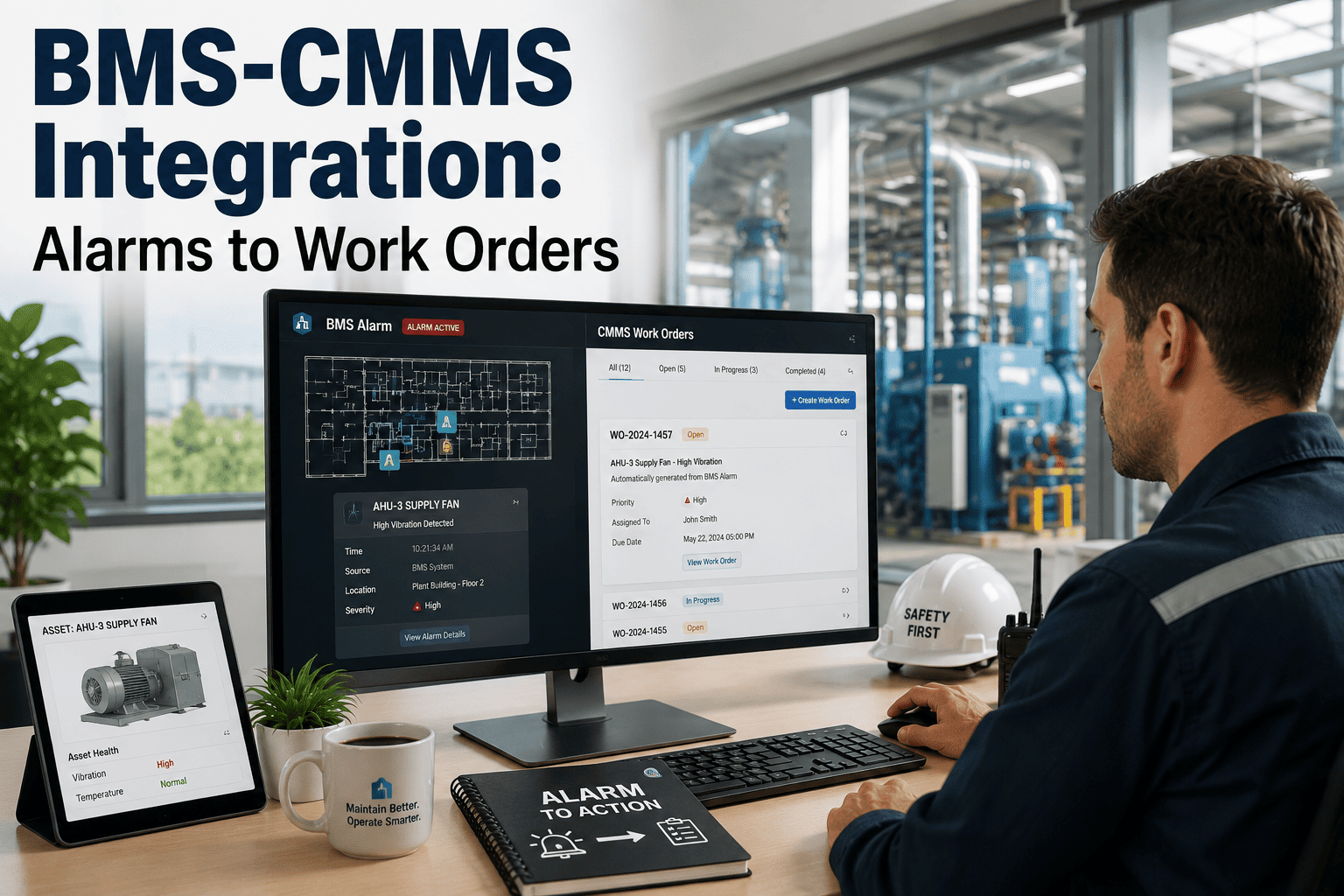
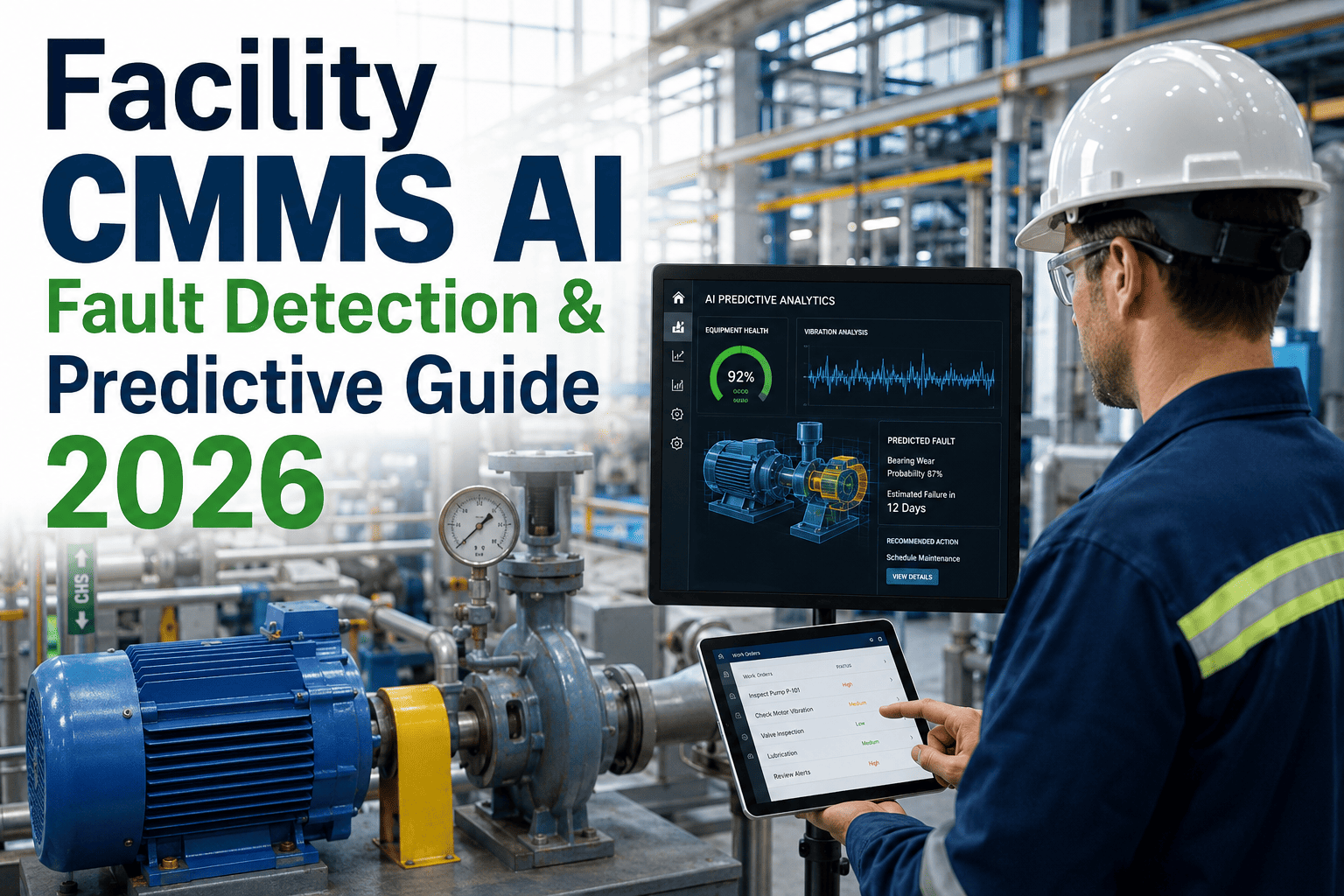
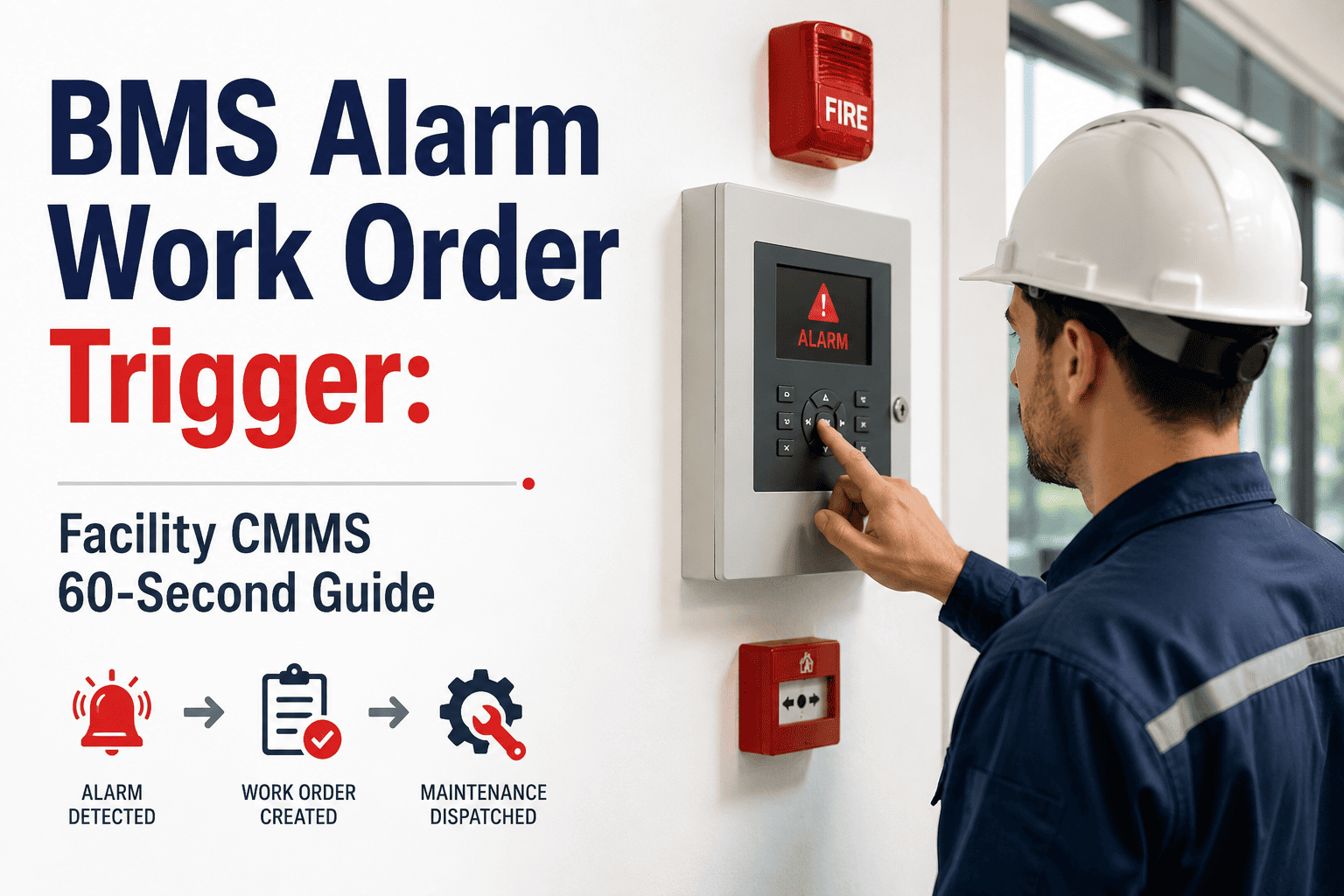
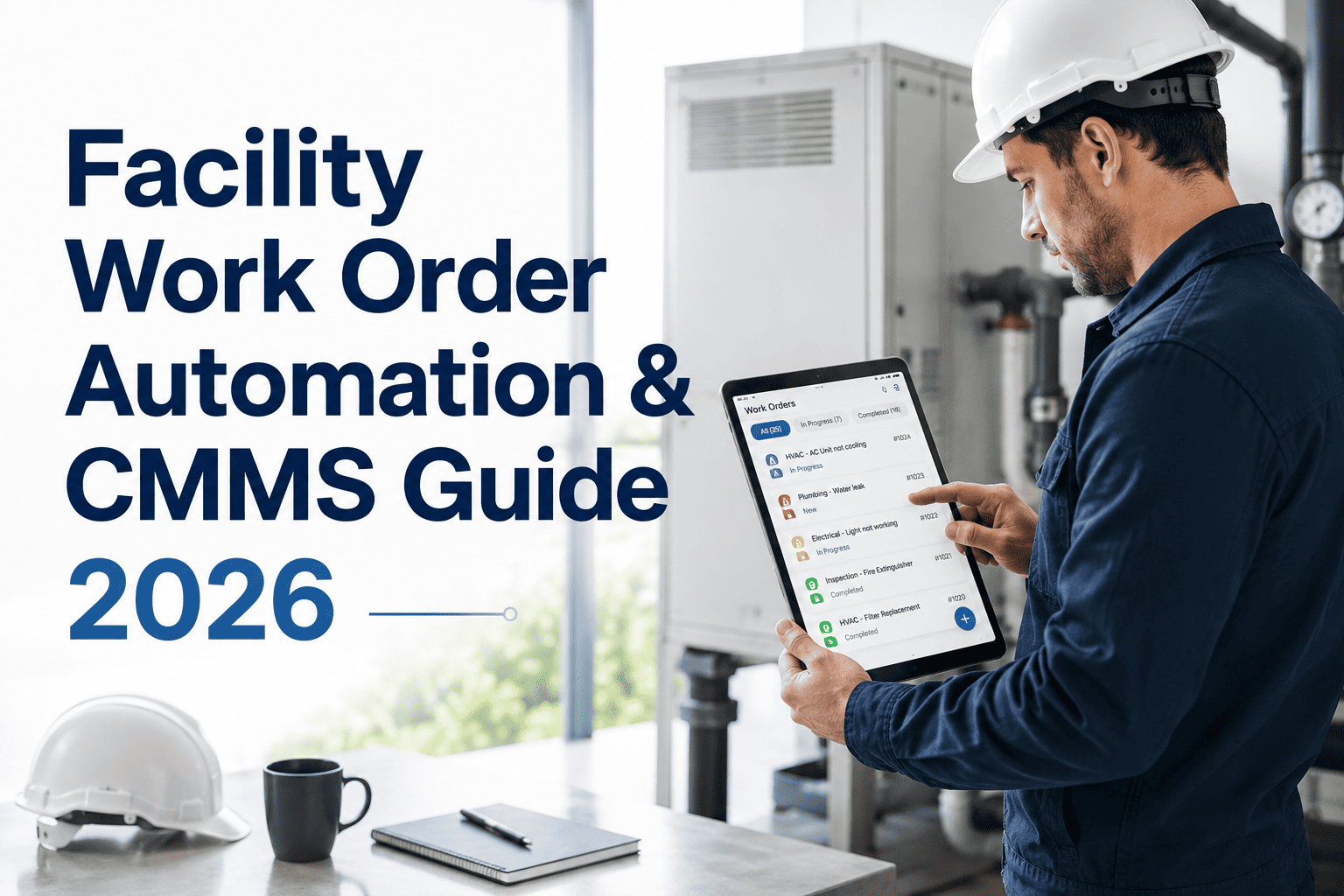
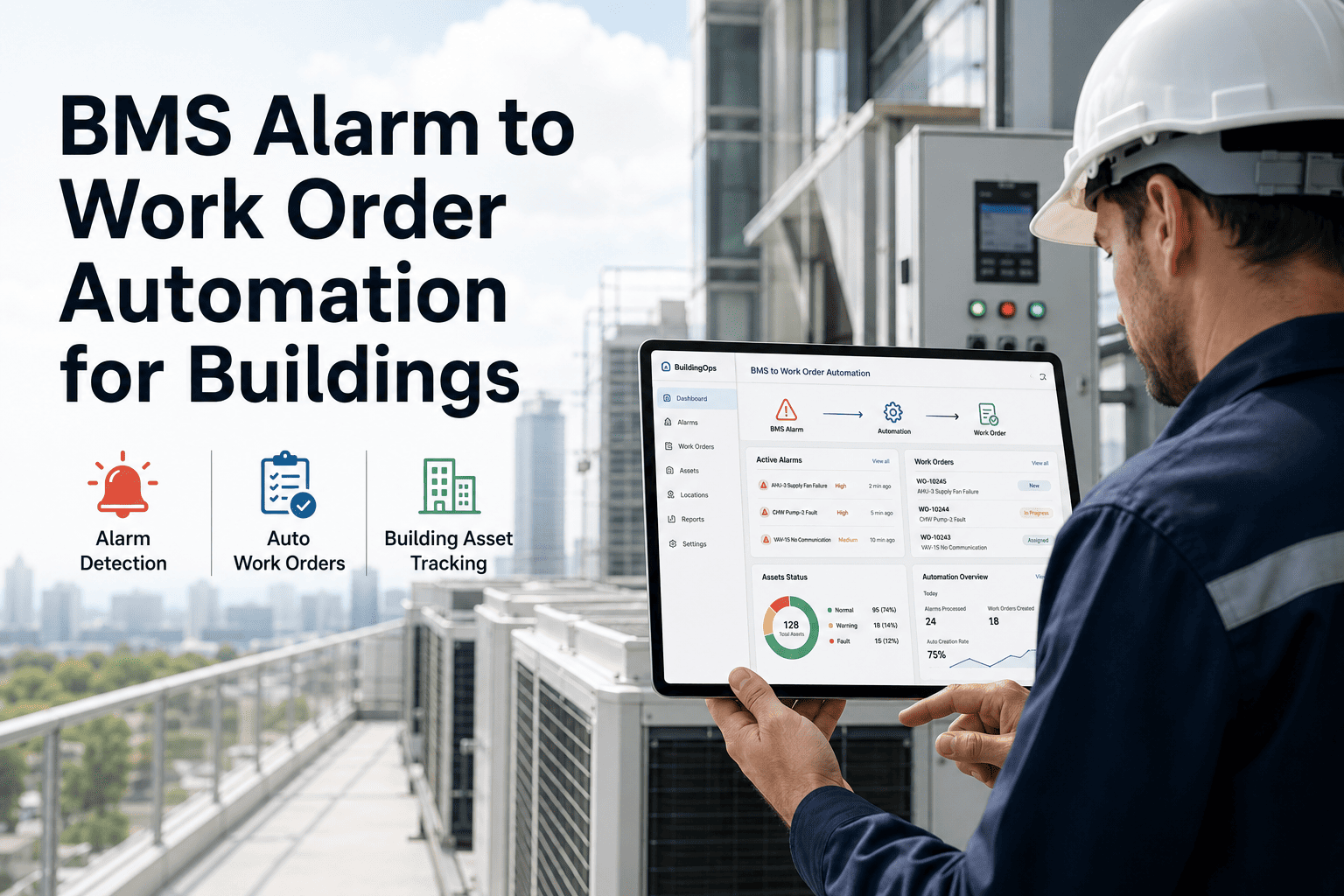
Every minute a BMS alarm sits unacknowledged is a minute your equipment edges closer to failure. OxMaint's BMS-to-CMMS automation pipeline converts building management system alarms into prioritized, assigned work orders in under two minutes — eliminating the manual handoff that costs facility teams hours every day and lets critical faults slip through unnoticed.
Integration Guide · BMS & CMMS · 2026
BMS Alarm to CMMS Work Order Automation for Facilities
Stop copying alarms into spreadsheets. Learn how automated alarm-to-work-order pipelines cut response time from hours to minutes across every site in your portfolio.
72 min
Average manual alarm response time in facilities without automation
<2 min
Automated alarm-to-work-order time with OxMaint BMS integration
43%
Of critical alarms missed or delayed in manual-review environments
The Alarm Response Gap — Why Manual Handoff Fails
BMS systems generate thousands of alarms per month across a multi-building portfolio. Without automation, someone must read the alarm, determine its priority, find the right technician, create a work order, and follow up — all manually. Research from ASHRAE 2025 shows that the average facility loses 3.4 hours of technician time daily just to alarm triage and work order creation. That is time not spent fixing equipment.
MANUAL ALARM FLOW vs. AUTOMATED PIPELINE
Manual (Current State)
BMS generates alarm
↓
Email/SMS to supervisor
↓
Supervisor reviews priority
↓
Manually creates work order
↓
Calls technician
↓
Response in 45–90 min
VS
OxMaint Automated Pipeline
BMS alarm received
↓
AI classifies severity
↓
Work order auto-created
↓
Technician push-notified
↓
Response in <2 min
Alarm Priority Matrix — How AI Scores Alarms
Not all alarms are equal. OxMaint's AI engine classifies every incoming BMS alarm across four severity tiers — automatically routing critical alarms to on-call technicians while queuing low-priority items for planned maintenance windows. This eliminates alarm fatigue and ensures the right fault gets the right resource, every time.
| Priority Level |
Alarm Type Examples |
Auto-Response |
Target Resolution |
| P1 Critical |
Chiller failure, fire suppression fault, power loss |
Immediate dispatch + escalation |
30 minutes |
| P2 High |
HVAC fault, lift alarm, BMS communication loss |
Work order + technician alert |
2 hours |
| P3 Medium |
Filter overdue, sensor drift, minor setpoint deviation |
Scheduled work order |
Next business day |
| P4 Low |
Informational alerts, minor efficiency deviation |
Logged for PM review |
Weekly PM cycle |
Supported BMS Integrations
Siemens Desigo CC
BACnet / REST API
Live
Johnson Controls Metasys
BACnet / Modbus
Live
Honeywell EBI
OPC-UA / REST
Live
Schneider EcoStruxure
BACnet / MQTT
Live
ABB Ability
Modbus / REST
Beta
Custom BMS / Generic
MQTT / Webhook
Configurable
Expert Review
"The gap between alarm generation and maintenance action is where facility performance is won or lost. Organizations that automate this handoff see immediate gains in uptime, technician utilization, and occupant satisfaction — the impact is measurable within weeks, not quarters. The technology now available through SaaS CMMS platforms makes this achievable for any facility team, regardless of the BMS brand already in place."
— Marcus Webb, Lead Consultant, Smart Building Technologies Group · IFMA Research Partner 2025
Ready to Eliminate Alarm Triage from Your Team's Day?
See a live walkthrough of BMS alarm-to-work-order automation configured for your specific BMS platform.
Frequently Asked Questions
Will OxMaint work with our existing BMS without replacing it?
Yes — OxMaint integrates with your existing BMS as a data consumer, not a replacement. The integration reads alarm data from your BMS using standard protocols (BACnet, Modbus, MQTT, OPC-UA) and feeds it into OxMaint's work order engine. Your BMS continues to operate exactly as it does today.
Start free and connect your BMS within the first week — our integration team handles the configuration setup at no additional cost.
How does the AI know which alarms are critical vs. informational?
OxMaint's alarm classification engine uses a combination of alarm type mapping, asset criticality scoring, historical fault patterns, and time-of-day weighting to determine priority. Facility managers can also define custom priority rules for specific alarm codes from their BMS. The system learns from technician feedback — when a P3 alarm consistently triggers urgent follow-up, the model adjusts its scoring for that alarm type.
Book a demo to see priority tuning in action for your alarm catalogue.
What happens if the same alarm fires repeatedly without resolution?
OxMaint's escalation engine detects unresolved or repeat alarms and automatically escalates — reassigning the work order to a senior technician or supervisor, and sending a time-stamped escalation notification. Escalation thresholds are fully configurable: you can set rules based on alarm count, time elapsed, or asset criticality tier. All escalation events are logged with timestamps for compliance and audit purposes, ensuring nothing falls through the cracks during shift changes or busy periods.
From Alarm to Action in Under 2 Minutes
OxMaint connects your BMS to your maintenance team — automatically. Free to start, no IT project required.