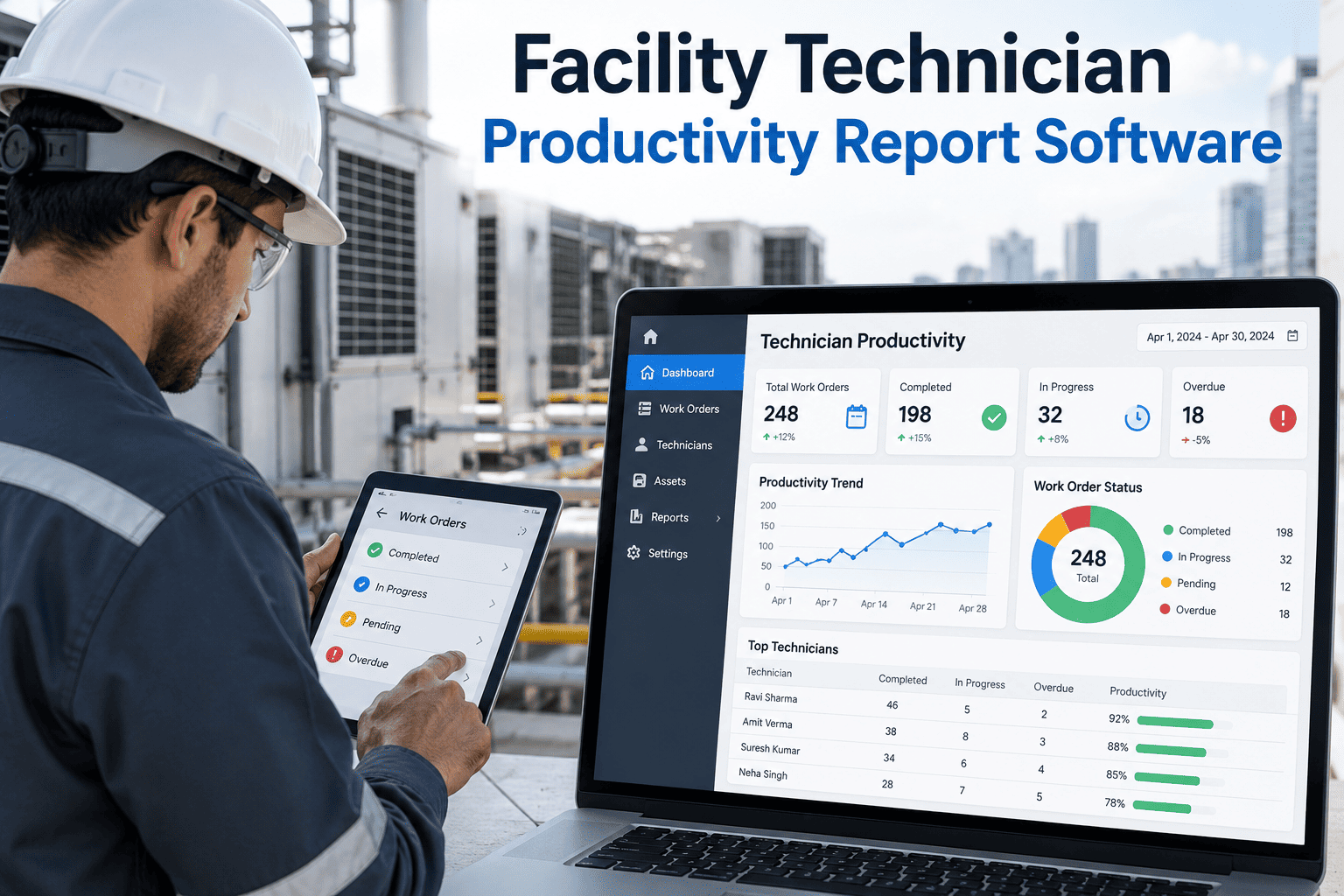
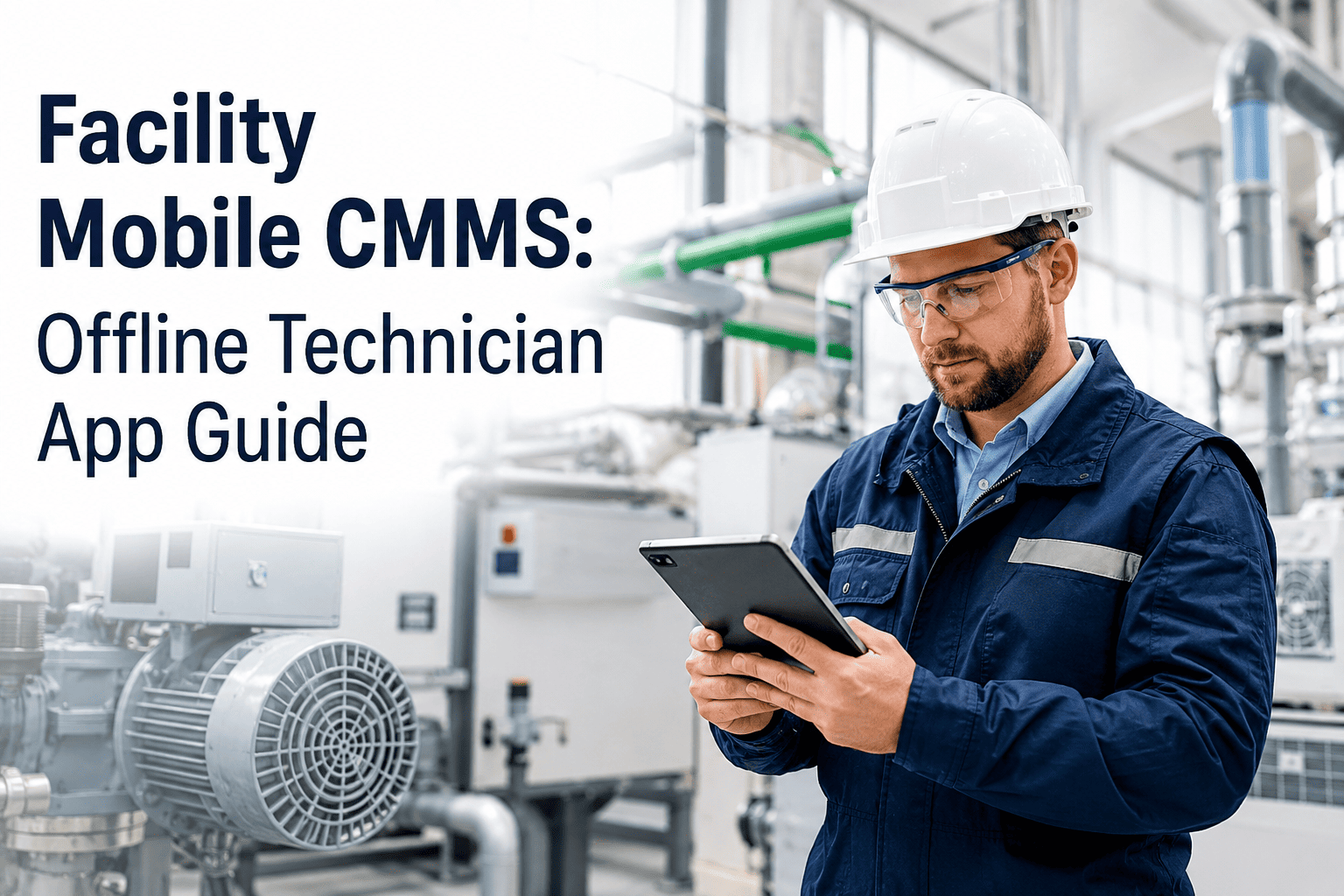
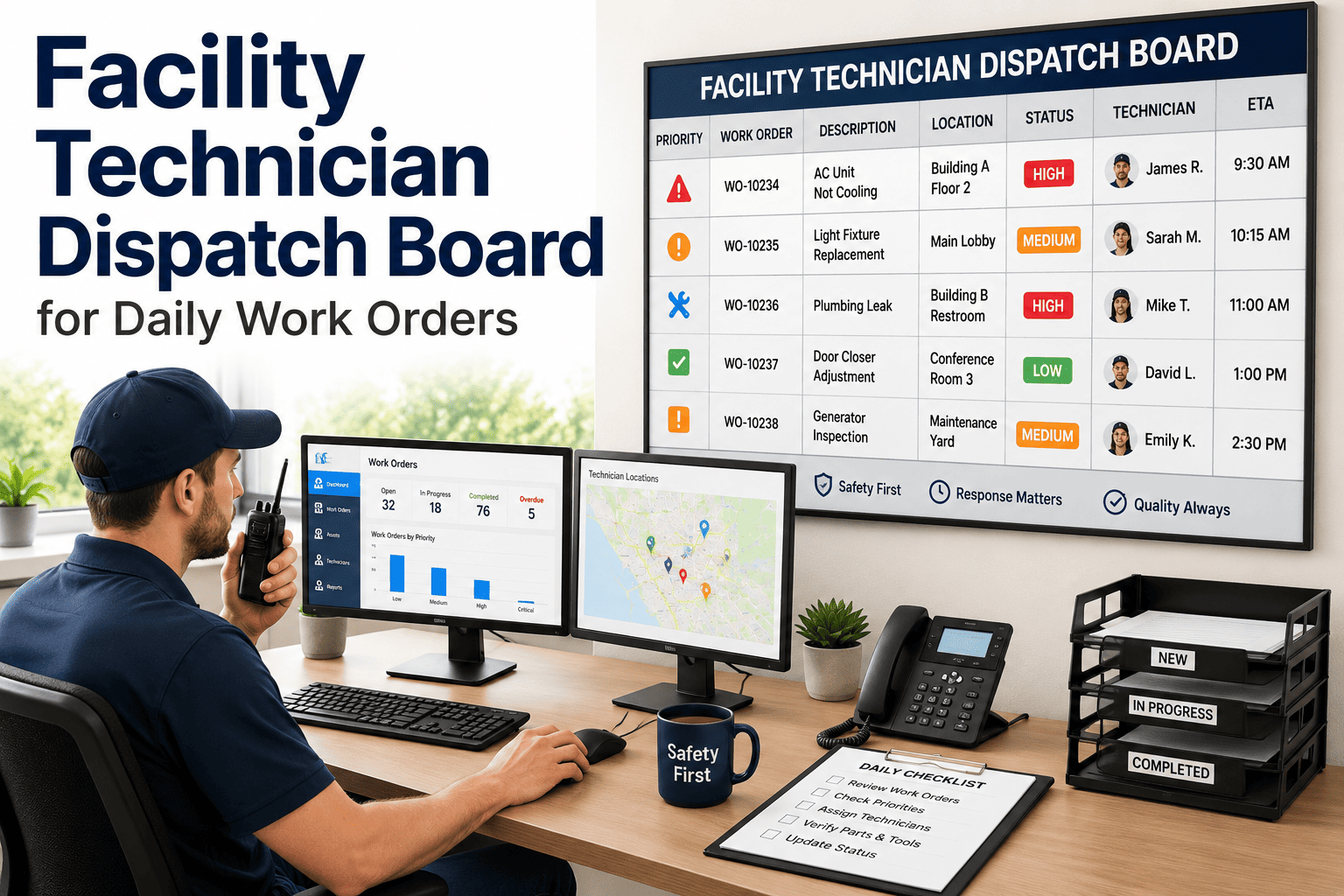
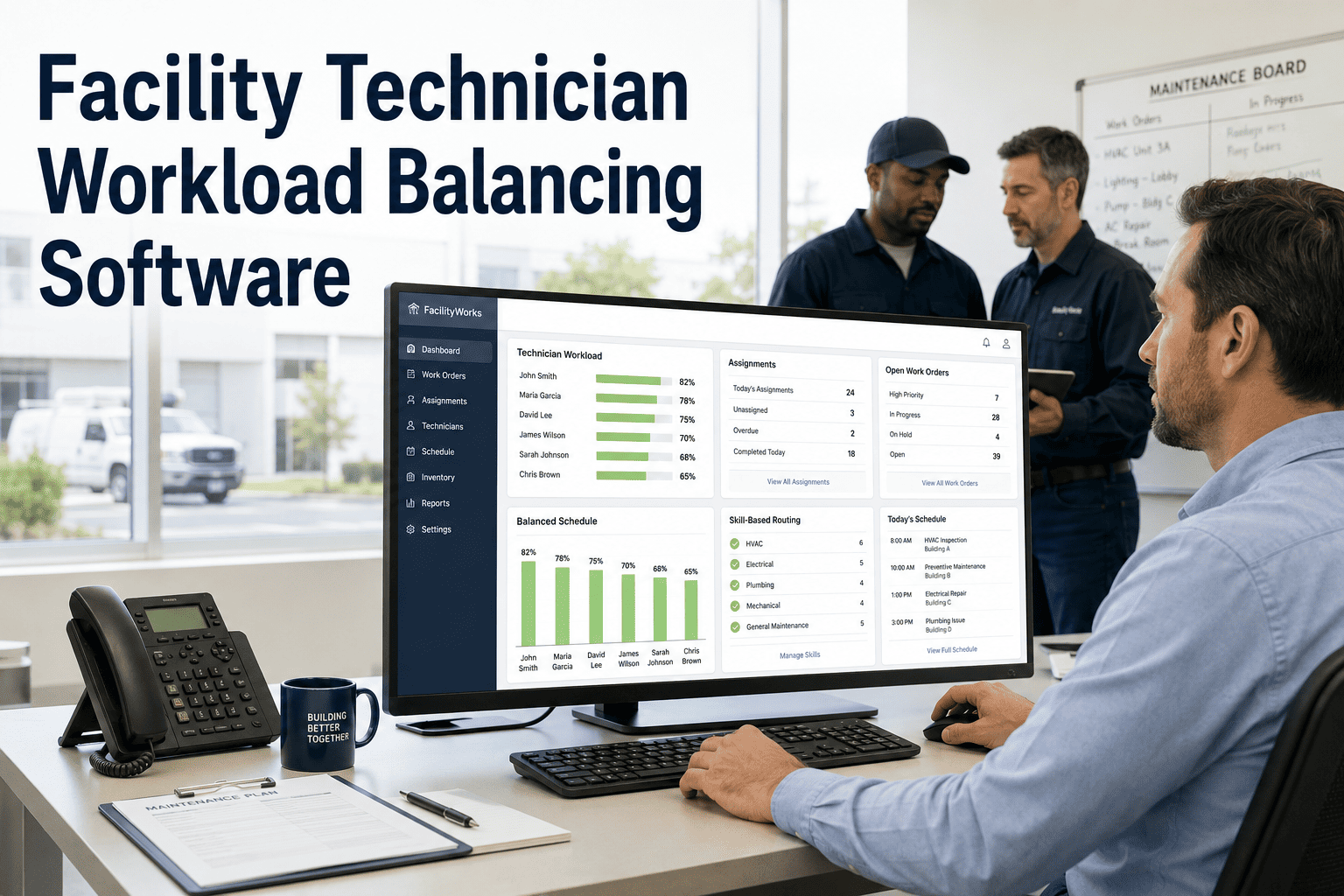
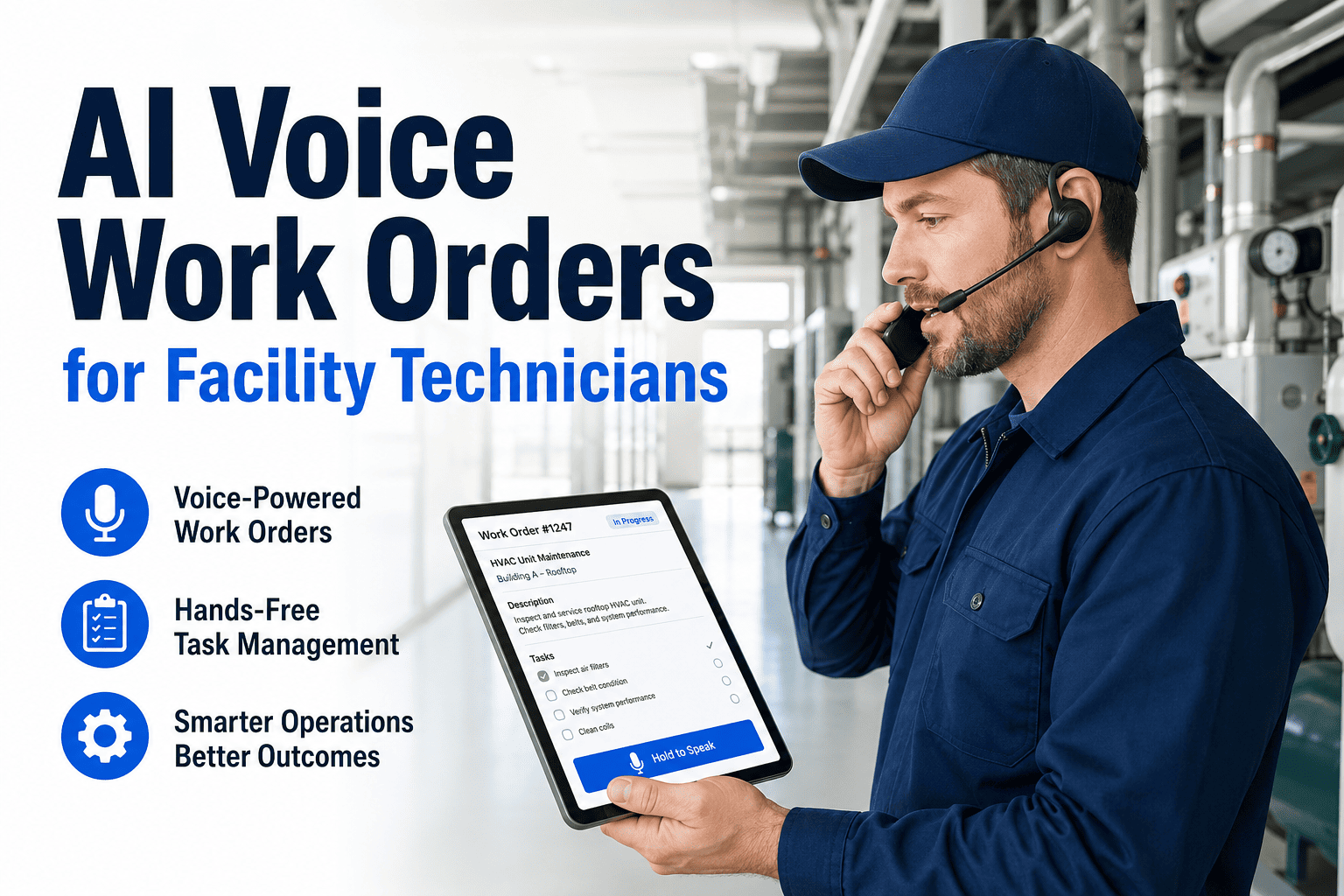
Field technicians in the USA and UAE are losing 3 to 5 hours every single day to paperwork, manual data entry, and walking back to the office just to log a completed work order. In 2026, that is not a workflow problem. It is a revenue problem. Oxmaint's mobile CMMS puts real-time work orders, full asset history, QR code scanning, and offline capability directly on your technician's phone from day one. Book a demo to see it running on your device in under 30 minutes.
3-5 hrs
Lost daily per technician to paperwork and manual re-entry without mobile CMMS
50%
Improvement in maintenance productivity documented after mobile CMMS deployment
32%
Reduction in unplanned downtime with mobile-first work order management in place
37%
Average productivity increase in the first year of mobile CMMS implementation
Your Technicians Are in the Field. Your CMMS Should Be Too.
Oxmaint is built mobile-first from the ground up. Create work orders, scan QR codes, attach photos, log parts, and close jobs from any smartphone. Full offline mode for basements, plant rooms, and no-signal zones. Live in 14 days.
What Mobile CMMS Actually Solves for Facility Teams
The Core Problem
A desktop-only CMMS is built for an office. Maintenance work happens in the field. The gap between where work is done and where data lives costs facilities billions in preventable downtime, missed compliance records, and technician hours spent on administration instead of repairs. Oxmaint closes that gap permanently by making the full CMMS available on any smartphone, online or offline, with no data entry delays and no paper in the loop.
01
Paper Work Orders Get Lost
Completed paper forms sit in a supervisor's inbox for hours. Key details, parts used, root cause notes, and follow-up observations are forgotten before re-entry. Oxmaint captures everything at the point of work, the moment it is most accurate.
02
Technicians Arrive Without Context
Without mobile access, a technician arrives at a failure with no last repair history, no standard job plan, no parts list. They improvise. They make a second trip to stores. They repeat a repair that did not work. Mobile CMMS delivers full asset context before they reach the equipment.
03
Compliance Records Are Incomplete
When an auditor, insurer, or regulator asks for proof that an inspection was completed on a specific asset on a specific date, paper-based teams cannot answer quickly. Missing photos, lost signatures, and absent timestamps create serious exposure in the USA and UAE.
04
Dispatch Creates Dead Time
When a technician finishes a job and needs to find the next one, every minute spent walking to the office, calling a supervisor, or waiting for a radio response is wasted. Mobile dispatch pushes the next priority work order to their phone the moment the current one closes.
05
No Signal Means No Data
Plant rooms, building basements, data centers, and remote facilities regularly have poor or zero signal. Without offline capability, technicians revert to paper in those zones and the data gap returns. Oxmaint's offline mode captures everything and syncs automatically when signal returns.
06
Supervisor Visibility Is Blind
Without mobile CMMS, a maintenance supervisor has no idea what is happening in the field right now. Work order status is unknown until the technician returns. Overdue jobs are invisible until they become incidents. Real-time mobile CMMS gives supervisors live operational visibility.
Oxmaint Mobile CMMS: Core Capabilities for Field Technicians
Work Orders
Real-Time Work Order Management
Receive, accept, update, and close work orders from any location. Status changes sync to supervisors and dashboards instantly. Priority jobs push to the nearest available technician with GPS routing, parts list, and full asset history attached.
Asset Access
QR Code Asset Scanning
Scan any asset's QR code to instantly pull up full maintenance history, manuals, open work orders, last three repairs, and standard job plans. No searching, no typing, no guessing. Asset context in under 3 seconds from any phone camera.
Offline Mode
Full Offline Capability
Complete functionality in basements, tunnels, remote sites, and dead zones with no cellular coverage. Data queues locally on the device and auto-syncs the moment connectivity returns. Zero workflow interruption, zero data loss.
Documentation
Photo and Video Evidence Capture
Capture before and after photos, annotate images with markup tools, and attach video evidence directly to work orders from the field. Creates an irrefutable compliance record and eliminates disputes about what was or was not completed.
Voice AI
Voice-to-Text Work Logging
Technicians dictate repair notes hands-free while working on equipment. AI transcription converts speech to structured CMMS entries with 97% accuracy. Faster than typing, more complete than memory, and captured at the exact moment of repair.
Inventory
Mobile Parts and Inventory Tracking
Log parts consumed directly from the work order on mobile. Check real-time stock levels before starting a job. Scan barcodes to record parts used. Automatic reorder triggers prevent the stock-out that delays a planned repair into an emergency.
Inspections
Digital Inspection Checklists
Complete equipment inspections, safety audits, and compliance checks on mobile with mandatory photo capture for failed items. Digital signatures at point of completion. All records auto-archived against the asset, always audit-ready.
AI Dispatch
AI-Powered Smart Dispatch
When a work order is generated, AI assigns it to the right technician based on skill, location, current workload, and parts availability. No supervisor bottleneck. No radio dispatch. The right person gets the right job with everything they need to start immediately.
See Every Feature Running Live on Your Device
Oxmaint mobile CMMS is available on iOS and Android. Your team is fully operational in under 14 days. No IT project, no implementation fees, no training weeks. Most technicians are productive on day one because the interface feels like the apps they already use.
Deployment Workflow and Implementation Roadmap
Phase 1
Week 1
Asset Registry and QR Tag Deployment
All assets registered in Oxmaint's hierarchy with category, location, and maintenance classification. QR tags printed and applied at the asset. Existing paper PM schedules imported and converted to digital preventive maintenance triggers. BAS and IoT sensor connections mapped.
Deliverable: Complete digital asset registry with QR tags live on all critical assets
Phase 2
Week 2
Technician Mobile App Activation and Role Setup
Every technician added to Oxmaint with role-based access permissions. Mobile app installed on iOS and Android devices. Work order templates configured per asset type with standard job plans, parts lists, and photo requirements. Push notification routing set per team and shift.
Deliverable: Full technician team live on mobile app with work order capability from day one
Phase 3
Week 3
Supervisor Dashboard and Real-Time Reporting
Supervisor and manager dashboards configured with live work order status, technician location, overdue jobs, and KPI metrics. Automated escalation alerts when jobs exceed target completion time. Compliance inspection schedules activated with mobile checklists per asset.
Deliverable: Live supervisor dashboard with full field visibility across all active technicians
Phase 4
Week 4+
AI Automation, Integration, and CapEx Intelligence
AI smart dispatch activated for automatic work order routing. ERP, IoT, and BMS integrations connected via API. Predictive maintenance thresholds configured for critical assets. Rolling CapEx forecasting model populated with asset condition data from mobile field entries.
Deliverable: Fully automated mobile CMMS workflow with AI dispatch and integration active
Before and After Mobile CMMS: The Operational Shift
| Operational Area | Without Mobile CMMS | With Oxmaint Mobile CMMS |
|---|---|---|
| Work order delivery to technician | Printed and hand-delivered, or radio dispatch with no details attached | Push notification to phone with full asset history, job plan, and parts list |
| Repair documentation | Handwritten on paper form, re-entered at desk hours or days later | Logged on mobile at point of repair with photos, voice notes, and parts used |
| Asset history access in the field | Not available. Technician starts every job with zero prior context | Full history, last three repairs, and manuals via QR code scan in under 3 seconds |
| Compliance inspection records | Paper checklists, missing signatures, photos not captured, stored in folders | Digital checklists with mandatory photo capture and digital signature, auto-archived |
| Supervisor visibility | Unknown until technician returns. No real-time status on any active job | Live dashboard with every technician's current job, status, and location in real time |
| Work in no-signal zones | Reverts to paper. Data gap until technician reconnects and re-enters manually | Full offline mode. Data captured locally and auto-synced when signal returns |
| Parts consumption tracking | Estimated or forgotten. Inventory accuracy degrades within weeks | Barcode scan logs parts at point of use. Inventory updates in real time |
| Audit package assembly | Days of manual record gathering before any inspection or compliance review | Full audit-ready export from Oxmaint in under 2 hours, any time period |
Oxmaint vs Competitors: Mobile CMMS Capability Comparison
| Mobile Feature | Oxmaint | MaintainX | UpKeep | Fiix | Limble | IBM Maximo | Hippo CMMS | Cryotos | eMaint | Asset Essentials |
|---|---|---|---|---|---|---|---|---|---|---|
| Full offline mode | Yes | Yes | Yes | Partial | Yes | Partial | No | Partial | Yes | Partial |
| QR code asset scanning | Yes | Yes | Yes | Yes | Yes | Yes | Partial | Yes | Yes | Yes |
| AI-powered smart dispatch | Yes | No | No | No | No | Custom | No | Partial | No | No |
| Voice-to-text work logging | Yes | No | No | No | No | No | No | Yes | No | No |
| Photo and video capture on WO | Yes | Yes | Yes | Yes | Yes | Yes | Partial | Yes | Yes | Yes |
| Multi-site portfolio dashboard | Yes | Yes | Partial | Yes | Yes | Yes | No | Partial | Yes | Yes |
| IoT and BMS integration | Yes | Partial | Partial | Yes | Partial | Yes | No | Partial | Yes | Partial |
| CapEx forecasting from mobile data | Yes | No | No | Partial | No | Yes | No | No | Partial | Partial |
| Deploy in under 14 days | Yes | Yes | Yes | Varies | Yes | No | Yes | Varies | Varies | Varies |
| Compliance audit export ready | Yes | Partial | Partial | Partial | Partial | Yes | Partial | Partial | Yes | Partial |
Regional Compliance: Mobile CMMS Requirements by Market
| Region | Compliance Frameworks | Mobile CMMS Obligation | Oxmaint Compliance Feature |
|---|---|---|---|
| USA | OSHA 29 CFR, EPA documentation requirements, NFPA fire inspection records, ASHRAE 180, ADA compliance logs, JCAHO for healthcare | Time-stamped inspection records, digital sign-off at point of work, photo evidence for compliance audits, 30-year retention for certain categories | OSHA-aligned mobile inspection templates, mandatory photo capture for flagged items, digital signature with GPS stamp, auto-archived against asset with audit export |
| UAE | Dubai Civil Defence (DCD) fire and safety inspection mandates, OSHAD-SF Abu Dhabi OHS Framework, DEWA regulations, Trakhees compliance for free zones, municipality building codes | Civil Defence inspection records on mobile at point of completion, contractor safety documentation, multilingual forms for diverse workforce, DCD-format audit reports | DCD-aligned inspection templates, Arabic language support, contractor safety induction tracking on mobile, multilingual mobile forms, OSHAD-SF compliant documentation export |
| United Kingdom | HSE Building Safety Act 2022, COSHH 2002, PUWER 1998, LOLER 1998, Legionella risk assessment obligations, NHS PLACE standards | PUWER equipment inspection records with frequency tracking, LOLER lifting equipment certificates on mobile, Legionella monitoring logs, COSHH exposure records | UK-aligned inspection templates for PUWER and LOLER, Legionella monitoring schedule with mobile logging, COSHH exposure record management, NHS PLACE inspection form library |
| Canada | CSA Z1000 OHS standard, provincial OHS Acts (OHSA Ontario, WSIA BC, OHSA Alberta), Technical Standards and Safety Authority (TSSA), National Building Code | Provincial OHS inspection records, TSSA pressure vessel and boiler inspection logs, multi-province portfolio documentation, bilingual (English/French) mobile forms for Quebec operations | CSA Z1000-aligned templates, TSSA inspection scheduling with mobile capture, bilingual mobile interface for Canadian operations, multi-province dashboard with jurisdiction-specific compliance tracking |
| Europe (EU/Germany) | BetrSichV Machinery Safety Ordinance, DGUV safety regulations, DIN EN ISO 45001, EU Machinery Directive 2006/42/EC, GDPR for maintenance data records | BetrSichV scheduled inspection records, DGUV-compliant safety documentation, GDPR-compliant data handling for technician records, ISO 45001 corrective action closure on mobile | BetrSichV inspection templates, multilingual EU mobile forms (German, French, Spanish), GDPR-compliant data architecture, ISO 45001 CAPA management via mobile with escalation alerts |
| Saudi Arabia | SASO Technical Regulations, Saudi MOMRA building safety standards, Saudi Aramco SAEP-302 for industrial facilities, General Authority for Civil Aviation (GACA) for airports | SASO-aligned inspection records, Arabic-language mobile forms for local workforce, contractor safety documentation for large workforces, Aramco-compliant LOTO records | SASO-aligned inspection templates, full Arabic mobile interface, contractor induction tracking, Saudi Aramco LOTO checklist support, multilingual documentation for expatriate workforce management |
Already Compliant for the USA and UAE From Day One
Whether your operations run under OSHA in the USA, Dubai Civil Defence in the UAE, HSE in the UK, or BetrSichV in Germany, Oxmaint's mobile CMMS ships with pre-configured compliance templates for your jurisdiction. No custom setup required.
Results: What Facility Teams Achieve After Oxmaint Mobile CMMS
50%
Productivity improvement
Average maintenance productivity gain in the first year after switching from desktop-only or paper-based workflows to Oxmaint mobile CMMS across a 15-technician team
2,900 hrs
Admin hours recovered annually
A team of 15 technicians spending 45 minutes per day on manual re-entry recovers 2,925 hours per year when mobile CMMS eliminates all paper-based data entry
32%
Fewer unplanned downtime events
Facilities using Oxmaint mobile-first CMMS with preventive maintenance scheduling and mobile inspection capture see 32% reduction in unplanned downtime within 12 months
Zero
Compliance findings at audit
Commercial facility in Dubai reported zero Civil Defence documentation findings in their first post-deployment DCD inspection, versus three findings in the prior cycle using paper records
70%
Reduction in spare parts expense through mobile barcode scanning at point of use and automated reorder triggers eliminating emergency stock purchases
97%
Voice-to-text transcription accuracy for field repair notes logged via Oxmaint's AI dictation, eliminating typing errors and incomplete manual entries
2 hrs
Time to assemble a complete compliance audit documentation package from Oxmaint, versus days of manual record searching with prior paper-based systems
14 days
From Oxmaint mobile CMMS sign-up to fully operational team with QR tags live, work orders flowing, and supervisor dashboard active, no IT project required
Frequently Asked Questions
Does Oxmaint mobile CMMS work without internet in basements and remote sites?
Yes. Oxmaint's offline mode provides full functionality including work order access, QR code scanning, photo capture, checklist completion, and parts logging with zero connectivity. All data queues locally on the device and syncs automatically the moment signal returns, with no manual action required. Start free or book a demo to see offline mode demonstrated on your actual device.
How long does it take for field technicians to learn and adopt the Oxmaint mobile app?
Most technicians are completing work orders independently on their first day. The interface is designed to feel like the consumer apps they already use. There are no training weeks, no classroom sessions, and no certification requirements. Most teams are fully operational within 14 days of account setup. Book a demo to see a live walkthrough of the technician experience.
Is Oxmaint mobile CMMS secure enough for enterprise and government facility use?
Yes. Oxmaint uses end-to-end data encryption, role-based access control, two-factor authentication, and SOC 2 Type II compliance. Data residency options are available for UAE and European operations. All records are immutable and time-stamped for audit integrity. Start free or book a demo to review the security architecture for your operation.
Can Oxmaint mobile CMMS integrate with our existing ERP, BMS, or IoT systems?
Yes. Oxmaint integrates with SAP S/4HANA, Oracle, and Microsoft Dynamics for ERP cost flow. BMS platforms including Siemens Desigo, Honeywell EBI, and Johnson Controls Metasys connect via BACnet/IP or REST API. IoT sensor breaches auto-generate mobile work orders pushed directly to the assigned technician. Book a demo to walk through your specific integration requirements.
How does Oxmaint mobile CMMS support compliance in both the USA and UAE simultaneously?
Oxmaint ships with pre-configured inspection templates for OSHA in the USA and Dubai Civil Defence and OSHAD-SF in the UAE. Arabic language support, multilingual mobile forms, and jurisdiction-specific audit exports mean a single platform covers both markets without custom development. Start free or book a demo to see both compliance frameworks configured in one account.
Can we connect Oxmaint to related pages like preventive maintenance and HVAC programs?
Yes. Oxmaint's mobile CMMS integrates directly with preventive maintenance scheduling, HVAC maintenance programs, energy management workflows, and maintenance staffing tools. Learn more about our HVAC preventive maintenance best practices, how to build a PM program from scratch, energy and ESG compliance with CMMS, and solving staffing shortages with AI automation.
Stop Losing 3 to 5 Hours Per Technician Per Day to Paper
Facility teams in the USA, UAE, UK, Canada, and Europe are deploying Oxmaint mobile CMMS in 14 days with no IT project, no implementation fees, and measurable productivity gains from the first shift. Your technicians deserve better tools. Your maintenance records deserve better data.
Offline Mobile CMMS
QR Code Asset Scanning
AI Smart Dispatch
USA and UAE Compliance