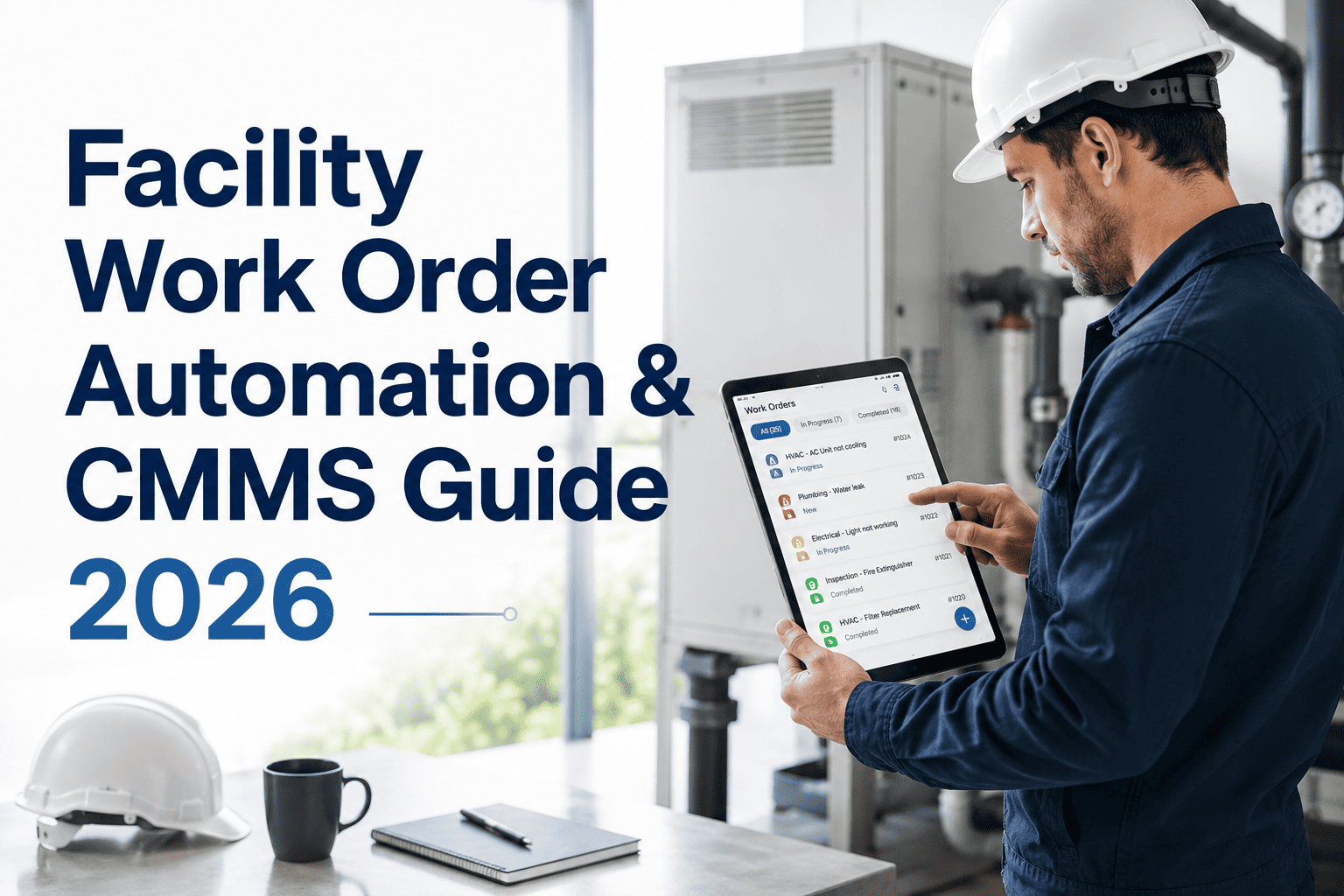
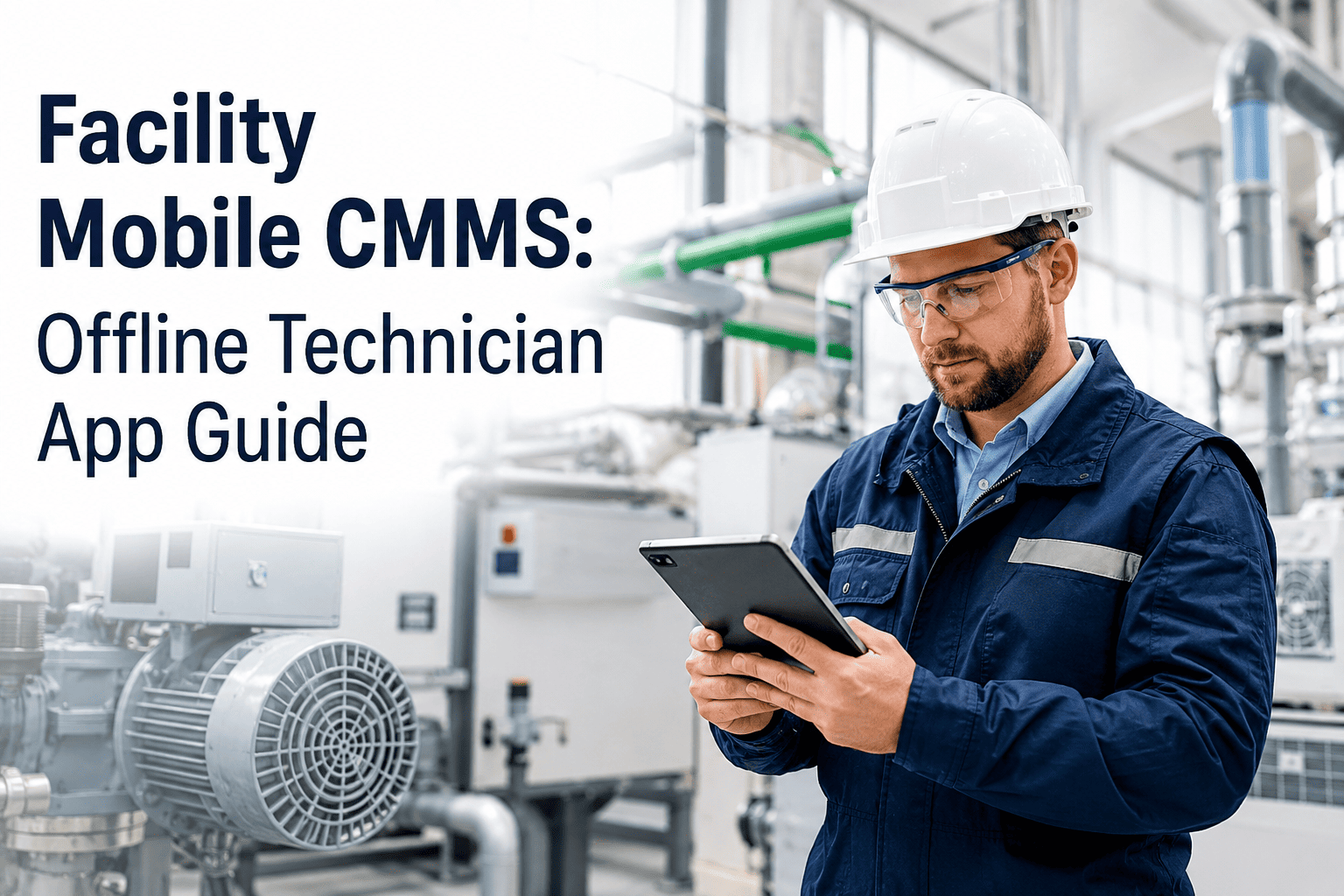
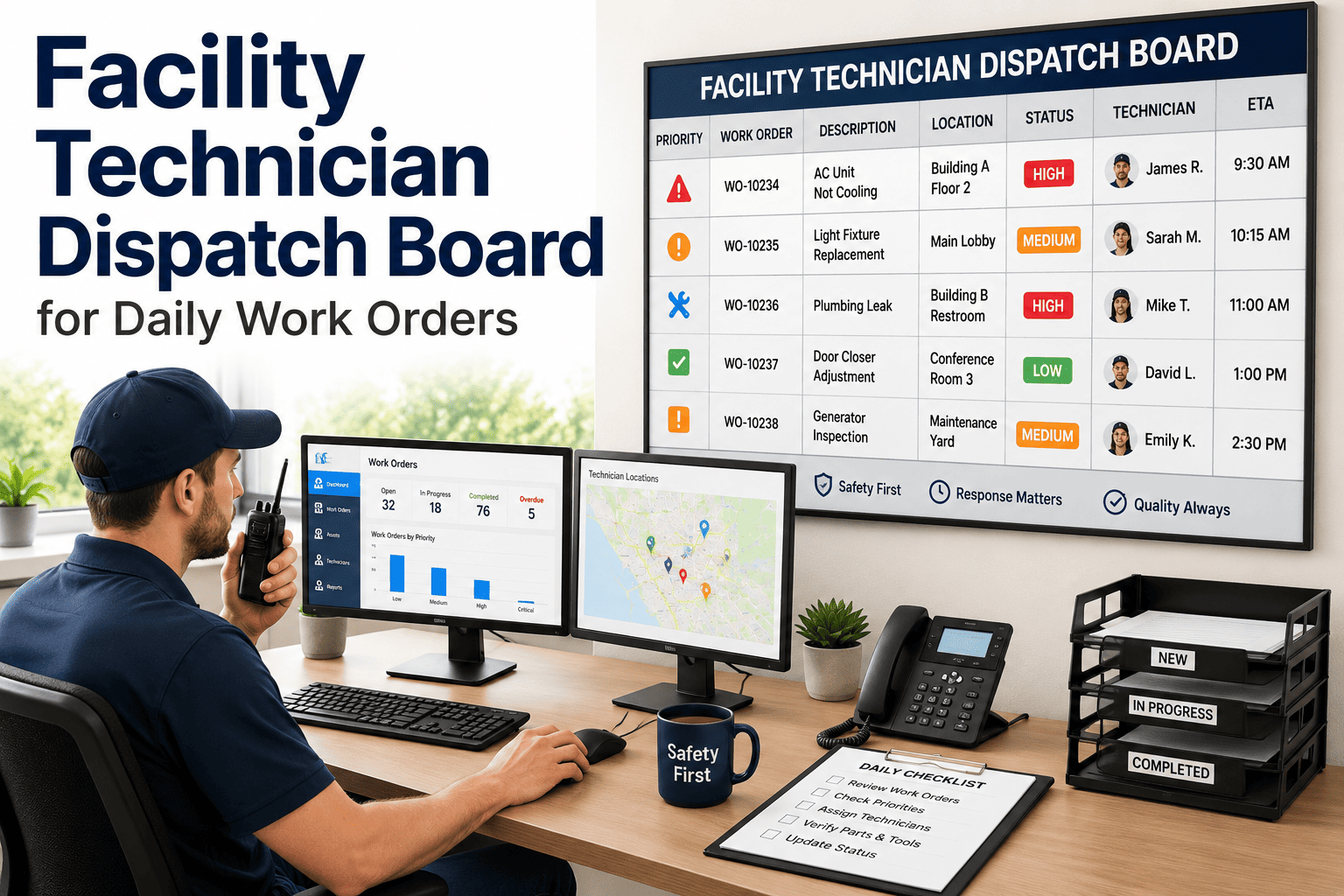
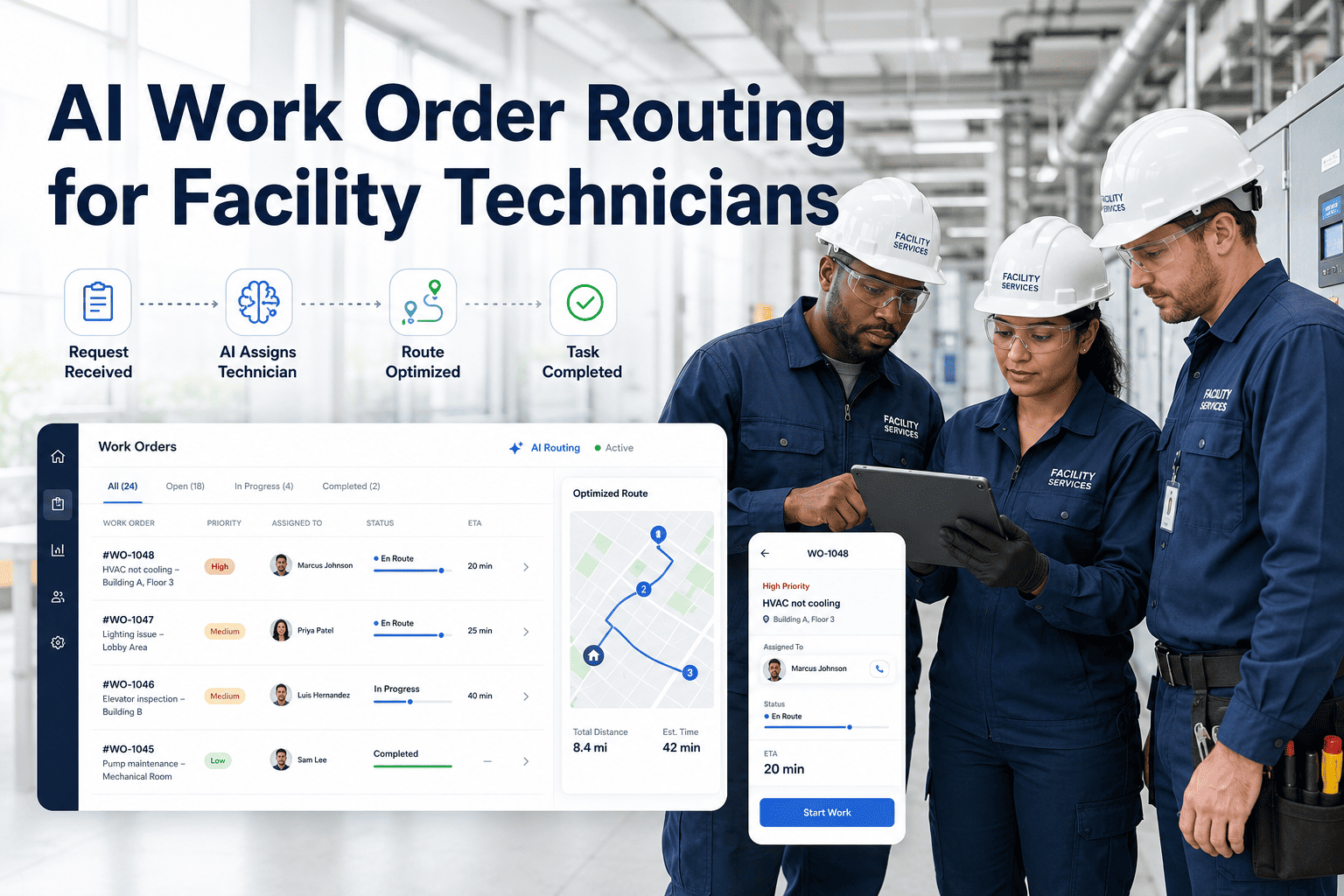
Technicians spend just 24.5% of their shift doing actual hands-on repair work. The other 75.5% disappears into coordination overhead: walking to get paper work orders, calling the office for asset history, returning to a desktop to log completion, and searching for parts that may not even be in stock. Mobile CMMS access changes this equation permanently. Mobile tools save technicians 42 minutes per day in administrative friction. Eliminating print-room trips, manual data entry, and binder searches recovers up to 90 minutes per technician per day. The FSM market reflects this shift: valued at $6.21 billion in 2026 and growing at 16% CAGR toward $23.61 billion by 2035, with mobile-first applications as the primary growth driver. The companies deploying mobile CMMS in 2026 are building a measurable productivity gap over teams still printing paper work orders. Sign up free to put Oxmaint mobile on your field team's devices today, or book a demo to see the full technician mobile workflow for your facility type.
Every Work Order. Every Asset Record. Fully Offline Capable. On Any Device.
Oxmaint mobile gives your field technicians real-time work orders, full asset history, photo documentation, QR scanning, and offline capability on iOS, Android, and any web-enabled device. No desktop required for any step of the work order lifecycle.
What Mobile CMMS Actually Means for a Field Technician's Day
Mobile CMMS is not a smaller version of the desktop platform. It is a purpose-built interface designed around how technicians actually work: moving between assets, often in areas with no connectivity, hands occupied during repairs, needing information in seconds not minutes. The distinction matters because mobile apps designed for desktop workflows fail in the field. Purpose-built mobile CMMS eliminates every step that requires a technician to stop working and go somewhere else.
What Paper Work Orders Cost Per Technician
Print-room trips: 15 min. Manual data entry after job: 20 min. Asset history lookup at desktop: 12 min. Parts availability phone call: 8 min. Total daily administrative friction: 55 min. Across a team of 10 technicians over 250 working days, that is 2,292 hours of lost productive time per year.
What Mobile Access Returns Per Technician
Work order received on phone: instant. Asset history on QR scan: 3 seconds. Parts availability on mobile: real-time. Repair notes via voice-to-text: hands-free. Job closure on phone at asset: 45 seconds. 42 to 90 minutes returned per technician per day to actual productive repair work.
6 Mobile CMMS Capabilities That Define Best-in-Class in 2026
These six capabilities separate mobile CMMS platforms that genuinely change field productivity from those that simply display a task list on a smaller screen. Oxmaint delivers all six natively on iOS, Android, and any web-enabled device.
Work orders received, accepted, updated, and closed from any location in real time. Status changes sync to supervisors and dashboards instantly. No morning meeting required for assignment. No whiteboard to check. A new urgent work order at 2am reaches the on-call technician in under 60 seconds with full asset context attached.
All assigned work orders, asset records, checklists, and repair history cached on device before shift. Complete work order execution in basements, tunnels, remote plant areas, and RF-shielded rooms with zero connectivity. All actions timestamped locally. Auto-sync resumes the moment connectivity returns. No data lost, no actions undone.
Technician scans QR tag on any asset and gets instant access to the last 24 months of maintenance history, attached wiring diagrams, failure modes, standard job plan, parts list, and safety isolation procedure. No searching. No typing. No calling the office. Full context before touching a single fastener.
Capture before and after photos, annotate images with markup, and attach video evidence directly to the work order at the equipment. Required photo fields enforced before closure. Documentation quality that was previously impossible with paper now happens automatically as part of the normal job completion flow.
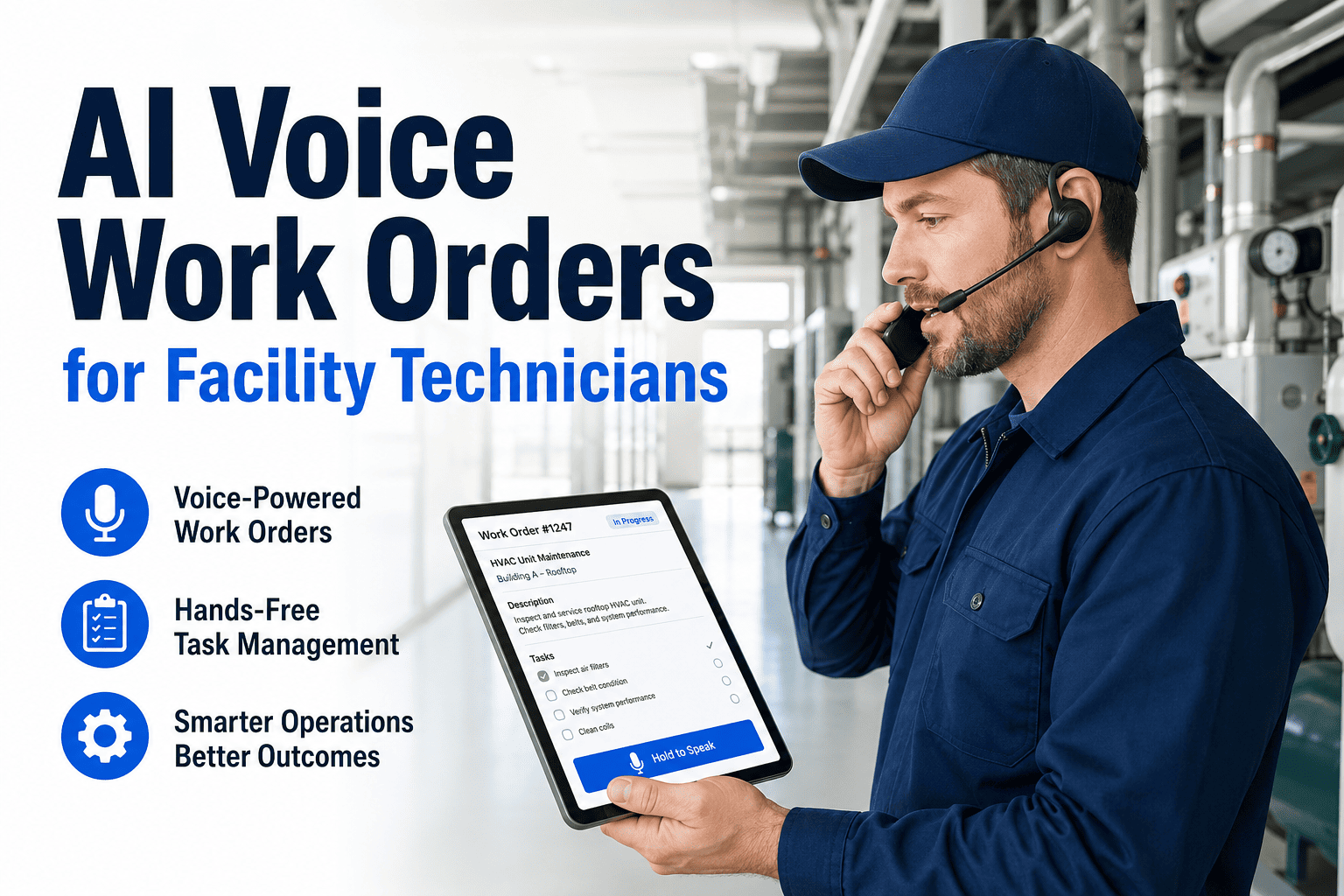
Technicians dictate repair notes hands-free while working on equipment. AI transcription converts speech to structured CMMS entries at 97% accuracy. No typing while wearing gloves. No stopping work to write. Repair notes that previously averaged 2 sentences in paper records now average 6 to 8 sentences of useful diagnostic detail when captured via voice.
Technician sees live parts availability on mobile before walking to the asset. Required parts for the job listed on the work order automatically. Parts consumption recorded at job closure without manual entry. Auto-generated reorder request when stock drops below minimum. The second visit caused by missing parts is eliminated before the first visit starts.
The Productivity Gap: Paper vs Mobile CMMS vs Best-in-Class Mobile
| Performance Metric | Oxmaint Mobile Best-in-Class | Basic Mobile CMMS | Paper-Based System |
|---|---|---|---|
| Work Order Receipt | Instant push notification with full asset context, parts list, and safety notes pre-attached. Under 60 seconds from creation to technician receipt. | Notification with work order number. Technician looks up asset history separately. No parts list attached automatically. | Paper printed at office. Technician walks to collect at shift start or when dispatched. Overnight and weekend failures wait until next business day. |
| Asset History Access | QR scan at asset shows 24-month maintenance history, wiring diagrams, failure modes, and standard job plan in under 3 seconds from any location including offline. | Asset records accessible on mobile with connectivity. No offline caching. Diagrams and SOPs often only available on desktop version of platform. | Technician calls office or returns to desktop terminal. Average 12-minute delay before starting work. History often incomplete or unavailable for older assets. |
| Job Documentation | Voice-to-text notes, before/after photos, and digital signature captured at asset in under 3 minutes. Required fields enforced. 100% documentation completion rate. | Text entry on mobile for notes. Photos supported. No required field enforcement. Completion rate varies by technician. No voice input capability. | Handwritten notes on paper form. Average 2 sentences of repair detail. Re-entered to desktop later by admin or technician. 41% of paper records incomplete when audited. |
| Offline Capability | Full functionality with no connectivity. Local-first architecture caches all assigned work, asset records, and checklists on device before shift begins. Auto-sync with conflict resolution on reconnect. | Partial offline. View-only mode in some platforms. New data capture often requires connectivity. Sync on reconnect may overwrite in-progress entries. | Paper always works offline but creates data entry backlog. Completed forms must be physically returned to office for processing. Average 48-hour lag before data in system. |
| Supervisor Visibility | Real-time dashboard shows all open work orders, technician locations, job status, and SLA compliance across all sites simultaneously. No phone calls required to check status. | Dashboard updates periodically when technicians sync. Requires technicians to actively update status. No GPS-level location awareness on all platforms. | Supervisor visibility limited to what technicians radio or call in. Paper form status unknown until physically returned. Backlog only visible at end of shift or day. |
A Full Shift on Oxmaint Mobile: What Changes
This is what a standard technician shift looks like before and after deploying Oxmaint mobile. The difference is not theoretical. It is documented in time recovered per shift, first-time fix rates, and data quality metrics from facilities that have made the transition.
Put 90 Minutes Per Technician Per Day Back Into Productive Repair Work.
Oxmaint mobile eliminates every administrative step that pulls technicians away from equipment. Real-time work orders, QR asset scanning, offline access, voice-to-text notes, photo documentation, and parts visibility. All in one app on any device your team already carries.
Frequently Asked Questions: Mobile CMMS for Field Technicians
What happens when a technician loses connectivity in a basement or equipment room?
Oxmaint uses local-first architecture. All assigned work orders, asset records, checklists, and repair history are cached on the device before the shift begins. The technician works normally with zero connectivity, completing checklists, taking photos, and logging notes. When connectivity is restored, all actions sync automatically using conflict resolution that preserves every field entry made offline. Sign up free to test offline mode on your own device, or book a demo to see offline capability demonstrated in a real low-connectivity environment.
Do technicians need new hardware or company-issued devices to use Oxmaint mobile?
No. Oxmaint is available as a native app on iOS and Android, and as a responsive web app on any browser-enabled device. Technicians use their existing smartphones. Facilities with ruggedised device programmes can deploy immediately. The same account functions across phone, tablet, and desktop with role-based access controls set per user. Book a demo to see the mobile interface on your current device type, or sign up free to download the app today.
How long does it take a technician to learn the Oxmaint mobile interface?
Most technicians complete their first work order on mobile in under 10 minutes without formal training. The interface is designed around the 4 daily actions: open work order, view asset history, log completion, close job. Role-specific training covering a technician's daily-use features takes under 30 minutes and delivers above 80% adoption within the first week. Sign up free to test the technician interface yourself, or book a demo to walk through the technician onboarding flow.
Can the mobile app be used for inspections and compliance checklists, not just work orders?
Yes. Oxmaint mobile supports digital inspection checklists with required measurement fields, conditional logic, photo evidence requirements, and digital signature capture. Completed inspections generate compliance records automatically with timestamps. The inspection cannot be marked complete until all required fields are populated, enforcing genuine execution versus paper tick-box compliance. Book a demo to see inspection checklists for your specific asset types, or sign up free to configure your first digital inspection today.
Your Field Team Is Already Carrying the Hardware. Give Them the Software to Match.
Oxmaint mobile deploys on any iOS or Android device your team already carries. Real-time work orders. Full offline access. QR asset scanning. Voice-to-text notes. Photo documentation. Parts visibility. Digital inspections. Zero new hardware. Zero implementation fee. Technicians productive on mobile within 30 minutes of their first login.