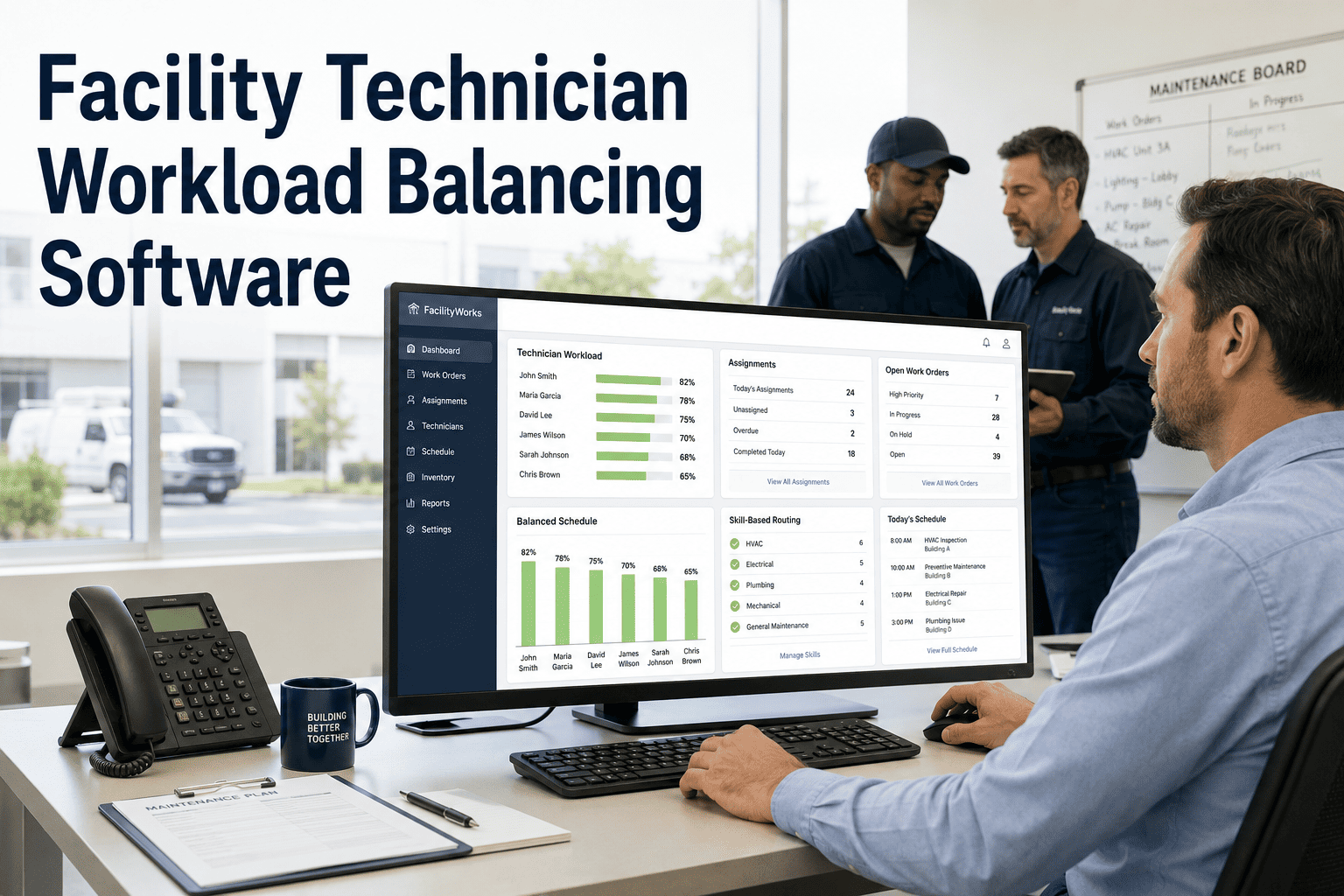
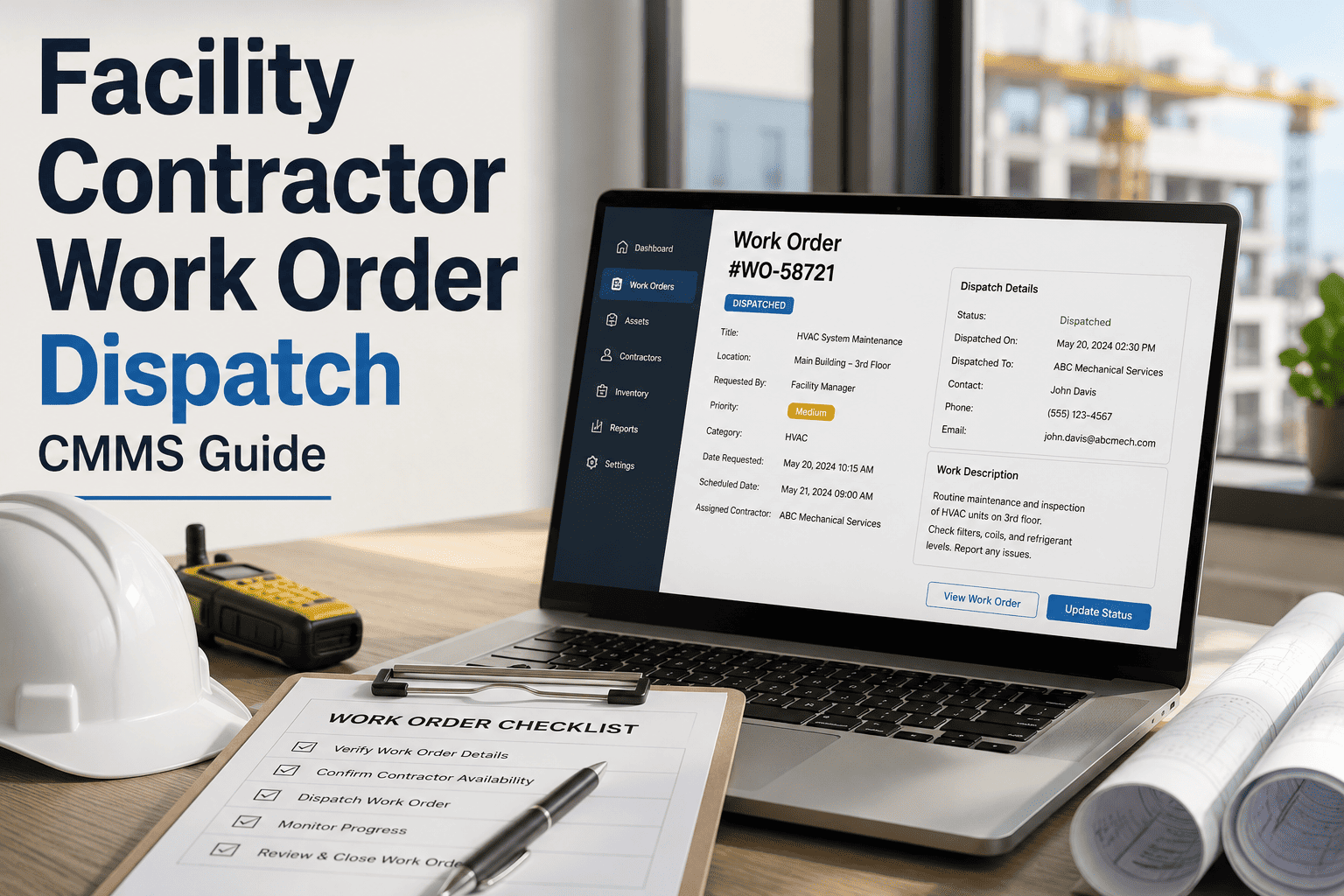
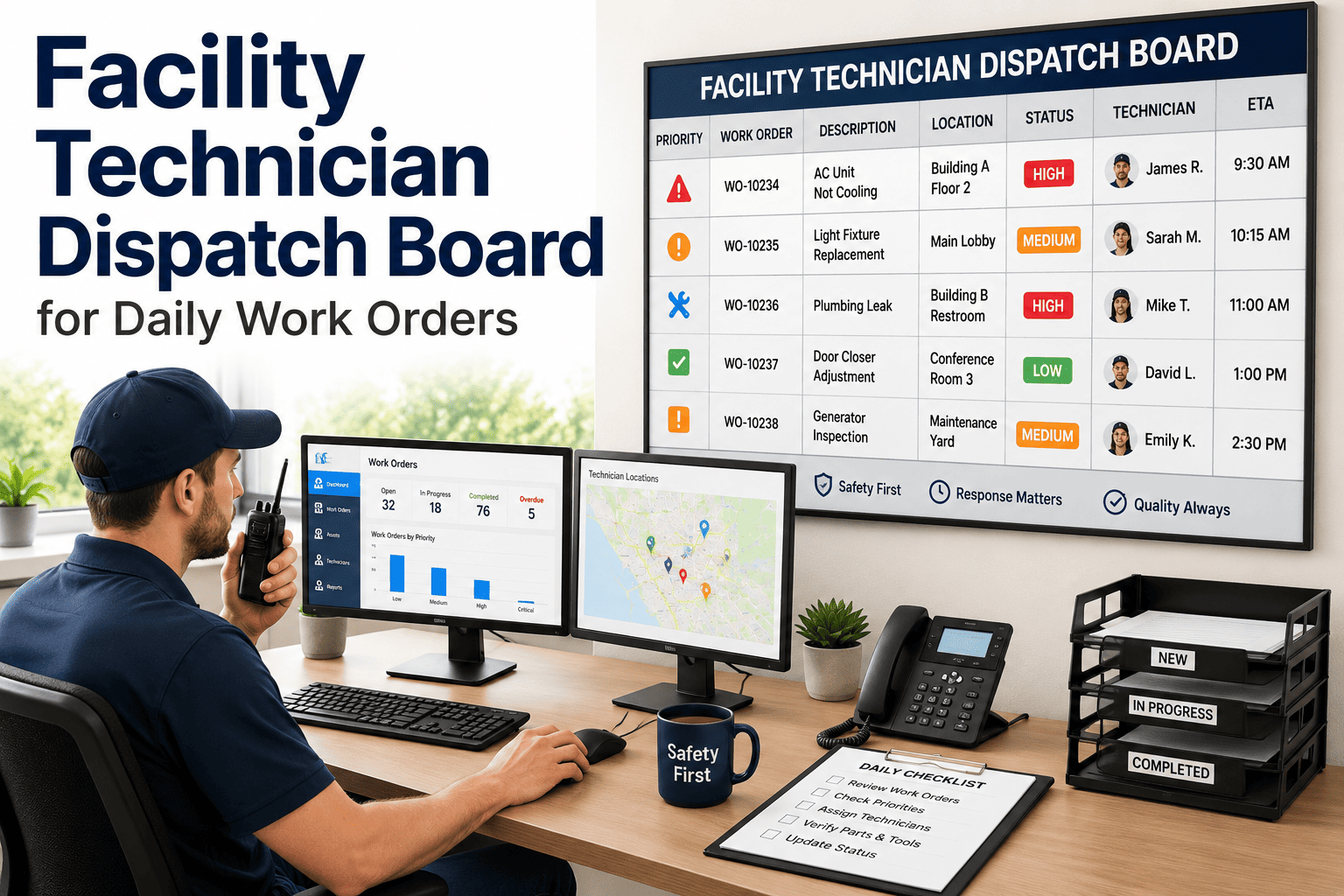
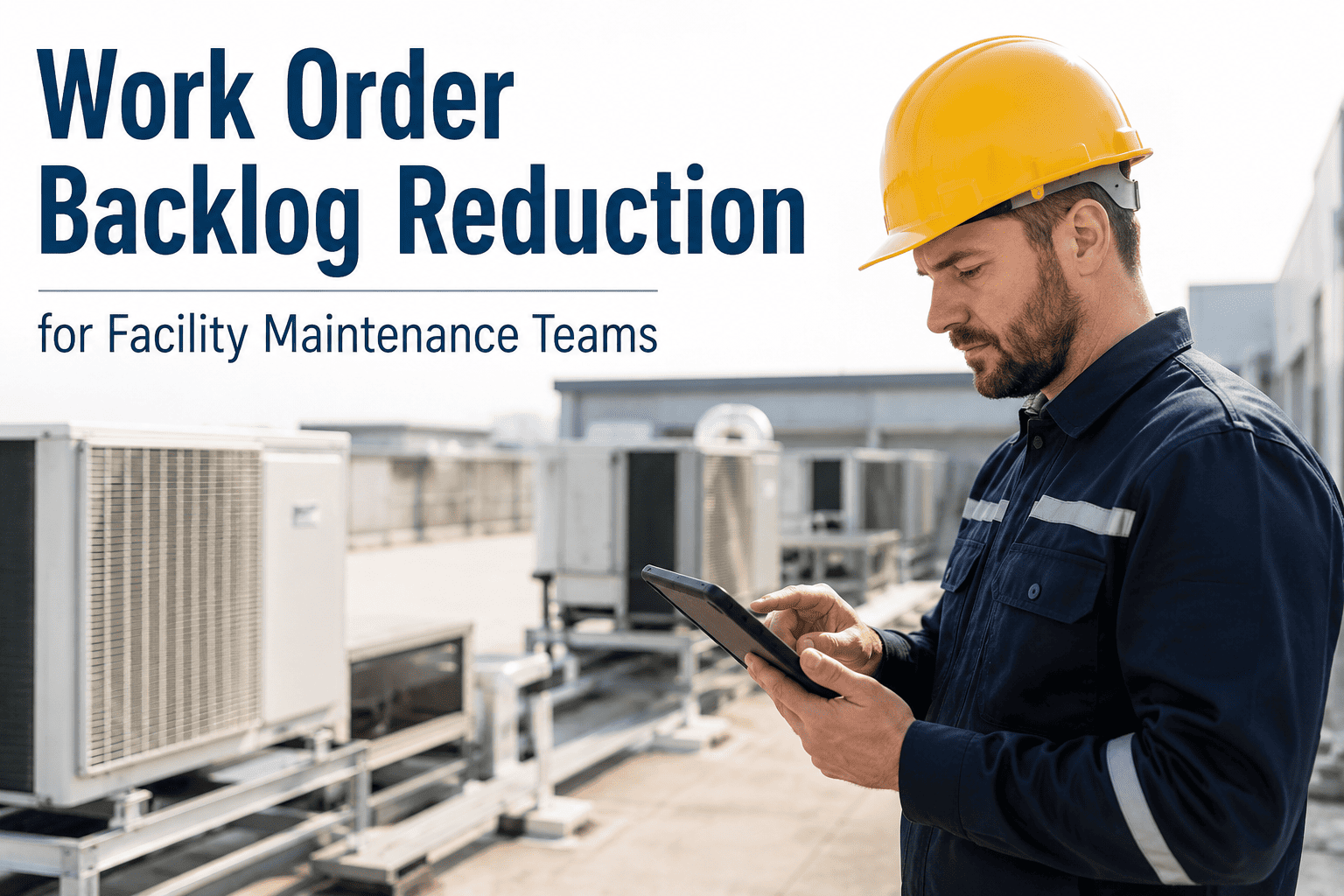
It's a familiar scene in facility teams: one technician has eleven open tickets while another has two, not because of skill differences but because assignments happened based on who was easiest to reach when the request came in. Meanwhile, overtime costs climb for the overloaded technician while the underutilized one finishes early. Facility technician workload balancing software assigns work based on location, skill match, current load, and availability — so every technician carries a fair, realistic workload and urgent jobs don't sit behind a backlog that someone else could have handled.
Article · Mobile Field Operations
Balance the Workload Before It Becomes Overtime
Assign jobs by location, skill, current workload, and availability — reducing delays and overtime across your technician team.
A Snapshot of Unbalanced Assignments
Workload imbalance is rarely intentional — it's usually the accumulated effect of small decisions made under time pressure. A coordinator assigns the next job to whoever responds first, and over a week, that pattern compounds into a significant gap between technicians.
Technician A
11 active tickets — overloaded
Technician B
6 active tickets — balanced
Technician C
2 active tickets — underutilized
Technician D
7 active tickets — balanced
Let the System Find the Right Technician — Every Time
Oxmaint considers location, skill match, current workload, and availability before assigning a job — so urgent work goes to someone who can actually get to it quickly, not just whoever's closest to a phone.
Four Factors Behind Every Smart Assignment
L
Location
Jobs are matched to the technician closest to the site, reducing travel time and increasing daily job capacity.
S
Skill Match
Specialized jobs — electrical, HVAC, plumbing — route to technicians certified or experienced in that category.
W
Current Workload
Technicians already near capacity are deprioritized for new non-urgent assignments until their queue clears.
A
Availability
Shift schedules, time off, and current job status determine who's actually free to take on new work right now.
Before and After Workload Balancing
| Metric |
Before Balancing |
After Balancing |
| Average tickets per technician |
2 to 11 (high variance) |
5 to 7 (even distribution) |
| Weekly overtime hours |
18 hours team-wide |
4 hours team-wide |
| Average job assignment time |
34 minutes |
9 minutes |
| Skill-mismatched assignments |
22% of jobs |
3% of jobs |
What Balanced Workloads Actually Deliver
78%
reduction in overtime hours after automated workload balancing
3.2x
faster assignment time compared to manual dispatch decisions
94%
of jobs routed to correctly skill-matched technicians on first assignment
Expert Review
"Our best technician was burning out, not because he was the only capable one, but because he was simply the most responsive when dispatch called. Once assignments started factoring in current workload automatically, his ticket count dropped by nearly half within two weeks — and the technicians who'd been underutilized finally started getting a fair share of the work. Overtime costs dropped almost immediately."
— Maintenance Operations Lead, Industrial Manufacturing Facility
See Fair, Smart Assignment in Action
Book a 30-minute demo and see how Oxmaint balances your team's workload automatically — reducing overtime while making sure urgent jobs reach the right technician first.
Frequently Asked Questions
How does workload balancing software decide who gets the next job?
The system evaluates technician location relative to the job site, skill match for the issue type, current open ticket count, and shift availability, then assigns the job to whoever is the best overall fit.
Oxmaint applies this logic automatically for every new request.
Can coordinators override automatic assignments if needed?
Yes — automatic assignment provides a recommended technician, but coordinators retain full ability to reassign manually for special circumstances or specific job requirements.
Does this work for teams spread across multiple buildings or sites?
Yes — location-based matching works across multi-site portfolios, ensuring technicians aren't sent across long distances when a closer qualified technician is available.
How quickly can our team start seeing reduced overtime after setup?
Most teams see workload distribution improve within the first two weeks of automated assignment.
Book a demo to see how this would apply to your current team structure.