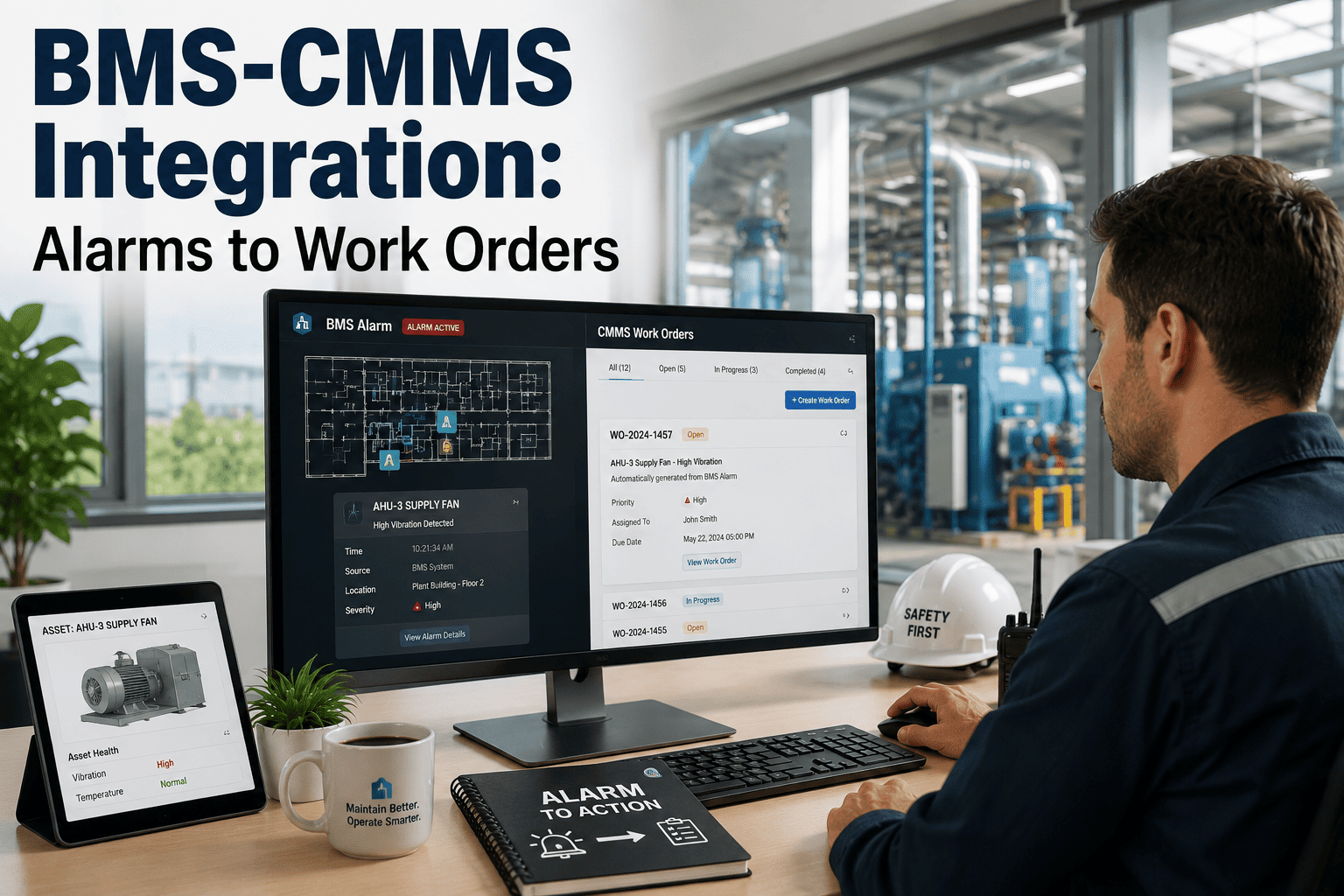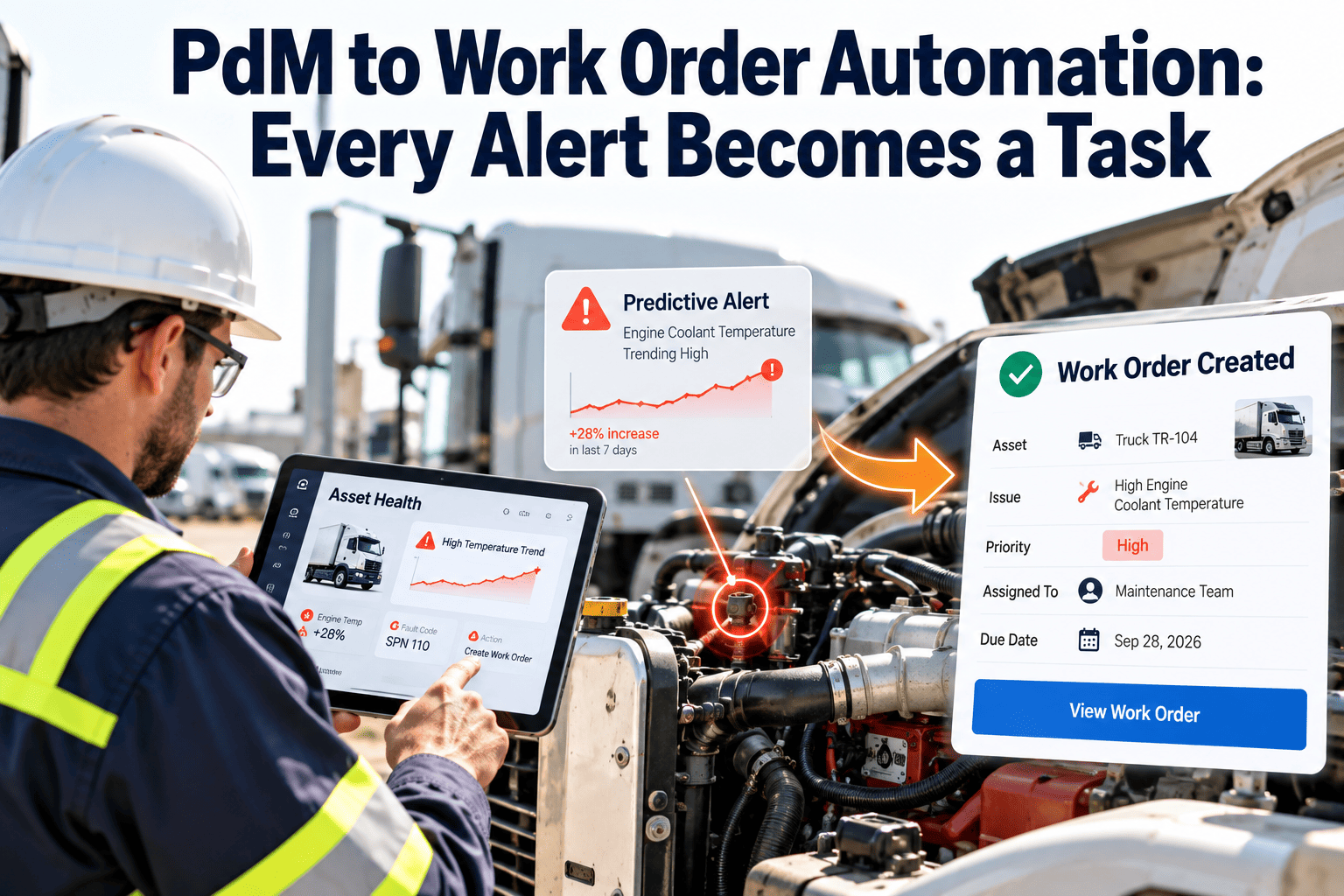
Predictive maintenance tools are good at detecting trouble. They are far less good at making sure someone actually responds. In many facilities a vibration warning or temperature drift lands in an inbox, gets read once, and disappears until the asset fails. The gap is workflow, not analytics. When each confirmed alert becomes a scheduled task with the right priority, procedure, parts, and technician, prediction starts to change outcomes. This guide explains how to build that link with CMMS work order automation in commercial and industrial facilities.
PdM to Work Order Automation: Every Alert Becomes a Task
Alerts without action are noise. See how to route condition data into prioritized, fully planned work orders so facility teams respond before failure, not after.
Where predictive alerts get lost
Most failures of a predictive program happen after detection. These are the breakpoints maintenance teams report most often.
Alerts live in a separate tool
Monitoring dashboards and the CMMS do not share asset IDs, so someone retypes the problem by hand.
No ownership
Nobody is named to review an alert, so everyone assumes someone else will.
Duplicate notifications
One failing bearing produces dozens of messages, and technicians learn to ignore them.
Missing context
A ticket that says "high vibration" without asset history, procedure, or parts slows the first visit.
No feedback
Findings never return to the alert rule, so false positives repeat month after month.
The alert-to-task pipeline, stage by stage
Ingest
Collect readings from sensors, meters, and building controls. Map each point to one asset record so alerts always know which machine they describe.
Evaluate
Apply fixed limits, rate-of-change rules, or model-based deviations. Require a condition to persist before it counts, which reduces nuisance alerts.
Classify
Assign severity from asset criticality, fault type, and how quickly the condition is worsening.
Create
Generate a work order with the asset, symptom, readings, suggested procedure, and required skills already attached.
Schedule
Place the task in a maintenance window that fits severity, production, tenant impact, and technician availability.
Close and learn
Record what was found, what was done, and whether the alert was valid. Use it to refine the rule.
Triage rules that keep the queue usable
Not every alert deserves the same response. The table shows an example structure; set actual response targets to match your site, contracts, and risk tolerance.
| Severity | Typical trigger | Work order type | Response approach |
|---|---|---|---|
| Critical | Condition near a protective limit on a life-safety or process-critical asset | Emergency corrective | Notify on-call technician and supervisor immediately |
| High | Confirmed worsening trend on a critical asset | Priority corrective | Schedule in the next available window |
| Medium | Sustained drift on a non-critical or redundant asset | Planned corrective | Bundle with nearby preventive work |
| Low | Early indicator or single out-of-range reading | Inspection task | Verify on the next round or watch the trend |
Reduce noise before it reaches technicians
- Group repeated alerts from one asset into a single open work order.
- Suppress alerts while the asset is under planned maintenance.
- Require confirmation over a time window or several readings.
- Route by skill: electrical, controls, mechanical, or refrigeration.
What a complete automated work order contains
Diagnosis
- Asset ID, location, and criticality
- Triggering reading and threshold
- Trend chart or recent values
- Previous similar failures
Planning
- Repair or inspection procedure
- Safety steps and lockout requirements
- Estimated labor and skill needed
- Access and shutdown coordination
Resources
- Parts list checked against stock
- Reservation or purchase request
- Tools and test instruments
- Contractor details when needed
A technician who arrives with the history, procedure, and parts completes the job in one visit more often than one who arrives with only an alarm name.
Make every condition alert actionable
Connect assets, schedules, inventory, and work orders in one workflow so detection leads to a completed repair.
Before and after alert automation
Manual handoff
- Alert emailed to a shared inbox
- Planner reads it hours later
- Asset located and history searched
- Ticket typed from scratch
- Parts discovered missing on site
Automated handoff
- Rule confirms the condition
- Work order created automatically
- Asset history attached
- Parts and skills identified
- Technician notified on mobile
Connecting inventory, labor, and scheduling
Automation breaks down if the work cannot be resourced. Link the order to the supporting records.
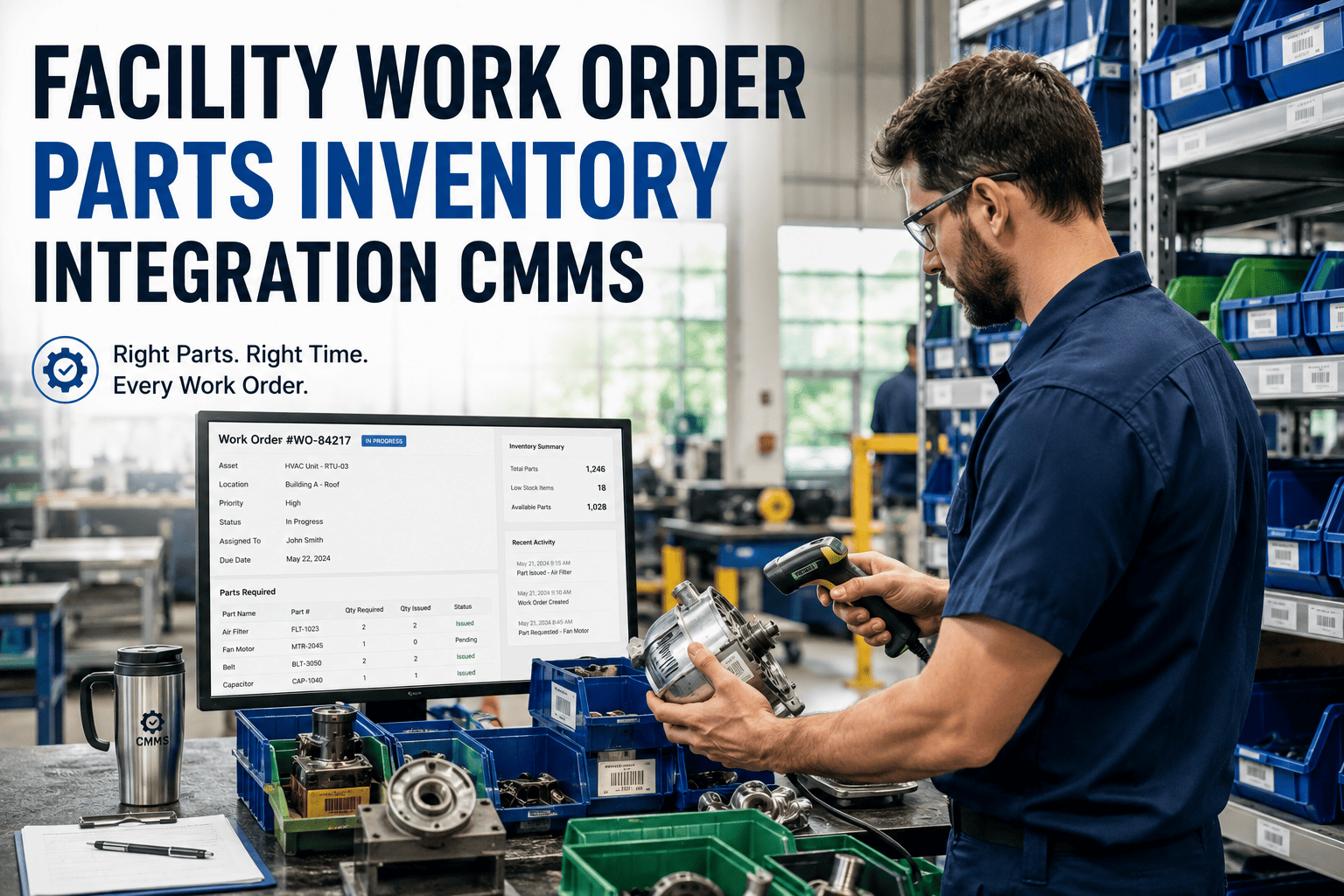
- Inventory: reserve bearings, belts, filters, sensors, and contactors when the order is created, and trigger reorders below minimum levels.
- Labor: match the task to certified staff and shift schedules instead of assigning by default.
- Preventive plans: merge predictive tasks with nearby scheduled work to limit shutdowns.
- Compliance: keep inspection results and completion records with the asset for audits.
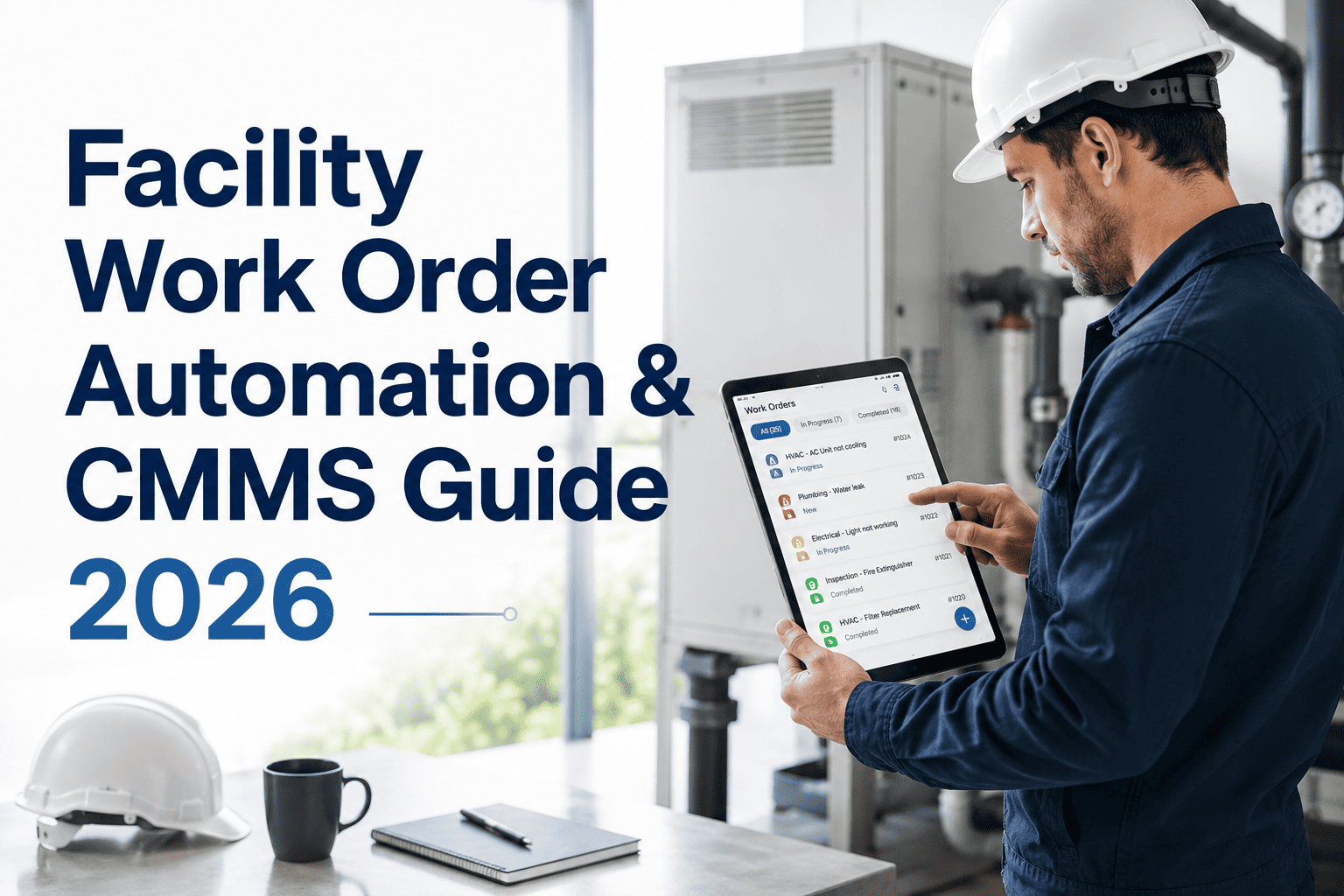
- Mobile access: let technicians accept, update, photograph, and close tasks in the field.
Measuring the automation
Track these against a pre-launch baseline. Improvements in valid alert rate usually come from feedback captured at work order closure.
A staged rollout
Pick pilot assets
Choose a few critical assets with reliable data, such as chillers or air handlers.
Align records
Match monitoring points to CMMS asset IDs and failure codes.
Tune rules
Run alerts in review mode first, then enable automatic orders once accuracy is acceptable.
Expand
Add asset classes and refine using closure feedback.
PdM work order automation FAQs
Should every alert create a work order?
No. Create orders for confirmed conditions and send early signals to inspection tasks or watch lists.
Can existing sensors and BMS data be used?
Often yes. Review integration options in a short demo before buying hardware.
How do we avoid alert fatigue?
Group duplicates, require persistence, suppress during maintenance, and review false positives regularly.
Do technicians need new tools?
Mobile work order access is usually enough. Tasks arrive with history and procedures attached.
Where should we begin?
Clean your asset list and set up assets and work orders for one critical system.
Stop letting warnings sit in an inbox
Build a maintenance workflow where each verified condition becomes a planned, assigned, and documented job.