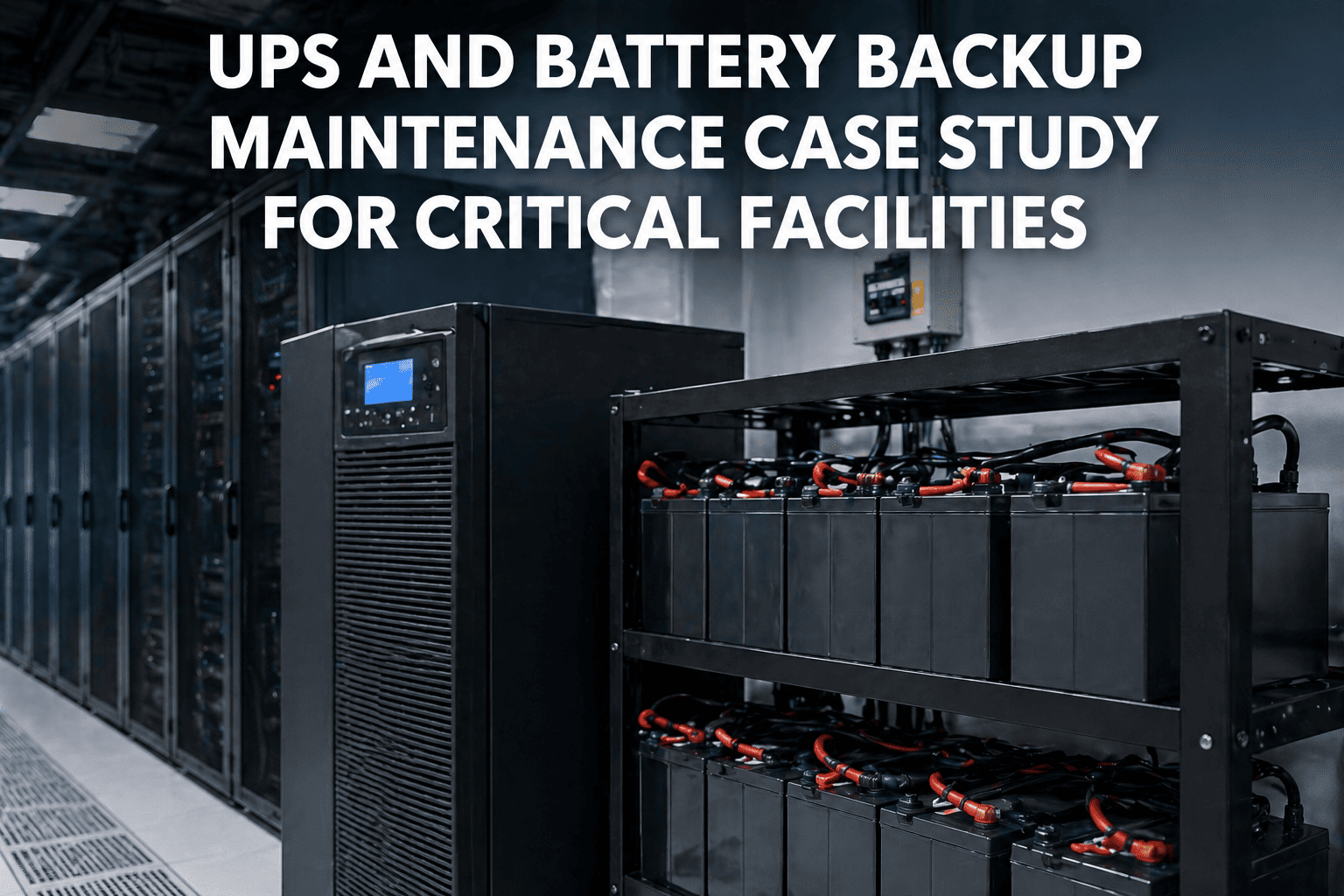
The data center hums along quietly at 2:43 AM when suddenly the lights flicker. A UPS alarm pierces the silence—battery voltage dropping fast. Within seconds, the static bypass engages, but not before a critical server cluster experiences a hard shutdown. The post-incident analysis reveals the culprit: a failing capacitor that had been degrading for months without detection. According to facility management studies, 75% of UPS failures are preventable with proper monitoring and maintenance. This guide covers the most common UPS failure causes, alarm interpretations, and systematic troubleshooting approaches that keep your critical power infrastructure reliable.
Facilities that implement predictive maintenance programs reduce unplanned UPS failures by up to 80%. The key lies in understanding failure mechanisms, interpreting alarm codes correctly, and catching warning signs early. Start your free OXmaint trial to automate UPS monitoring and never miss a critical maintenance window.
The Five Major UPS Failure Categories
Battery System: The #1 Culprit
Battery failure causes more than half of all UPS problems. The chemical nature of batteries makes them the weakest link in any UPS system, requiring vigilant monitoring and proactive replacement.
| Problem | Check | Solution |
|---|---|---|
| Low Battery Voltage | Individual cell voltages; float voltage (2.25-2.30V/cell) | Equalize charge; replace weak cells/strings |
| Thermal Runaway | Battery temperature (>45°C critical); charging current | Reduce ambient temp; replace affected batteries immediately |
| Sulfation Buildup | High impedance readings; reduced runtime; white deposits | Controlled overcharge or battery replacement |
| Swollen/Bulging Cells | Physical inspection; case deformation | Immediate replacement; check for overcharging |
| Short Runtime | Load vs. capacity; battery age; ambient temperature | Load audit; battery capacity test; replace if >3-5 years |
Common UPS Alarms and Their Meanings
| Alarm | Meaning | Immediate Action |
|---|---|---|
| On Battery | Utility power lost; UPS running on stored energy | Verify utility status; check transfer switch; monitor runtime |
| Low Battery | Battery charge below threshold; limited runtime remaining | Initiate graceful shutdown if extended; check charging system |
| Overload | Connected load exceeds UPS capacity (>100%) | Reduce load immediately; identify power-hungry equipment |
| On Bypass | Load fed directly from utility; no UPS protection | Investigate cause; transfer back when safe; check inverter |
| High Temperature | Internal temperature exceeds safe limits | Check fans/cooling; reduce ambient temp; clean filters |
| Battery Fault | Battery string issue detected; reduced backup time | Test individual batteries; replace faulty cells/strings |
| Rectifier Fault | AC-to-DC conversion problem; batteries not charging | Check input voltage; inspect rectifier components |
| Inverter Fault | DC-to-AC conversion failure; may transfer to bypass | Check output connections; inspect IGBTs; call service |
Tracking UPS alarms manually leads to missed patterns and repeat failures. Facilities using digital maintenance systems identify recurring issues 4x faster. Sign up for free and start logging alarm codes with automatic pattern detection today.
Capacitor Degradation
Electrolytic capacitors are the second most common point of failure. Heat and age cause electrolyte to dry out, dramatically reducing capacitance and eventually causing complete failure.
| Problem | Check | Solution |
|---|---|---|
| Bulging Capacitors | Visual inspection; top vents pushed out | Replace entire capacitor bank; check for root cause |
| Electrolyte Leakage | Brown residue on PCB; chemical smell | Clean board; replace caps; check for damage spread |
| High Ripple Voltage | DC bus ripple (>5% indicates degradation) | Capacitor bank replacement; check rectifier health |
| Reduced Capacitance | ESR testing; capacitance meter readings | Replace if <80% of rated value |
| Harmonic Distortion | Output THD (>5% THD indicates filtering issues) | Replace filter capacitors; check inverter output stage |
Cooling System Failures
| Problem | Check | Solution |
|---|---|---|
| Fan Failure | Fan rotation; bearing noise; current draw | Replace fan assembly; check for obstructions |
| Blocked Air Filters | Filter condition; static pressure differential | Clean or replace filters; establish cleaning schedule |
| High Ambient Temperature | Room temperature (>40°C triggers derating) | Improve room cooling; relocate heat sources |
| Internal Hot Spots | Thermal imaging; component temperature readings | Clean internal dust; verify airflow paths; check components |
| Thermal Shutdown | Temperature logs; ambient conditions at time of failure | Address cooling deficiency; may need UPS relocation |
Inverter and Rectifier Issues
| Problem | Check | Solution |
|---|---|---|
| IGBT Failure | Gate driver signals; thermal imaging; short circuit test | Replace IGBT module; check gate driver circuit |
| Thyristor/SCR Damage | Forward/reverse blocking; gate triggering | Replace thyristor; check snubber circuits |
| Output Voltage Instability | Voltage regulation (±2-3% normal); load step response | Check AVR settings; inspect feedback circuits |
| Transfer Failure | Static switch operation; synchronization; bypass voltage | Test static switch; verify bypass source quality |
| Input Current Distortion | Input THD (>10% indicates rectifier issues) | Check input filter; inspect rectifier bridge |
Quick Diagnostic Reference
Want this diagnostic checklist built into your mobile device with automatic work order creation? Book a personalized demo and we'll show you how facilities cut diagnostic time by 65%.