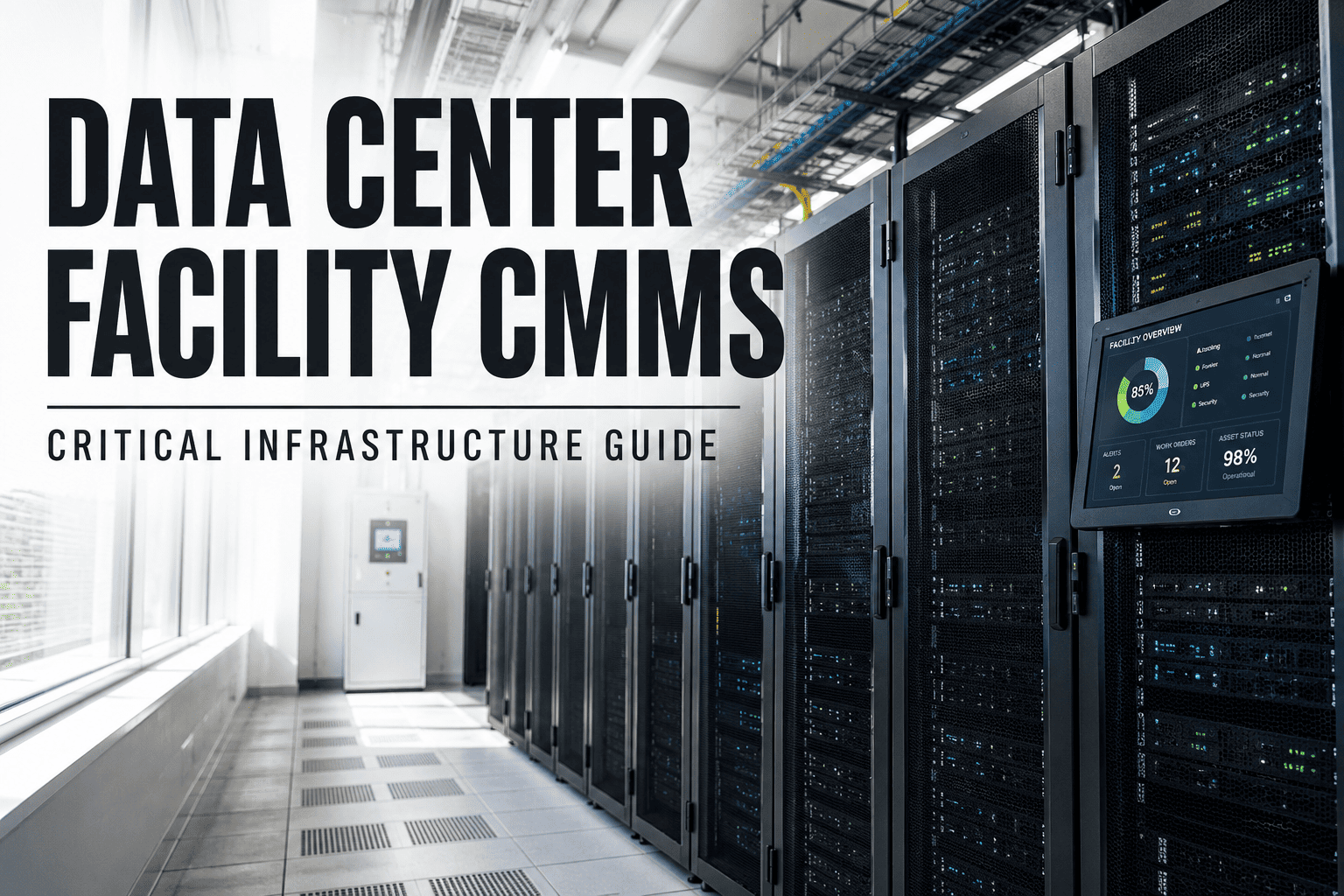
It's 3:15 AM when the data center manager receives an alert—not the catastrophic "UPS Failure: Load on Bypass" message, but something far more useful: "Battery cell #14 showing elevated impedance. Predicted failure window: 21-35 days. Work order automatically created." Four weeks later, a routine cell replacement during scheduled maintenance prevents what would have been a $125,000 data center outage. This is the power of systematic UPS inspection. According to industry studies, facilities with comprehensive UPS inspection programs experience 85% fewer unplanned outages and extend battery life by 25-40%. This guide provides a complete UPS system inspection checklist to ensure your critical power infrastructure remains reliable.
85%
Fewer Outages
With regular inspections
25-40%
Extended Life
Battery longevity improvement
99.999%
Uptime Target
Five-nines reliability
72%
Failures Preventable
Through proactive inspection
UPS systems are your last line of defense against power disruptions, protecting critical equipment from utility failures, surges, and power quality issues. Regular inspection identifies degraded batteries, failing capacitors, cooling problems, and connection issues before they cause costly downtime. Start your free OXmaint trial to digitize your UPS inspection program and never miss a critical maintenance task.
Critical UPS Inspection Categories
Battery System Inspection
40%
Cell voltage, impedance testing, terminal corrosion, electrolyte levels, thermal imaging, connection torque
Power Electronics & Inverter
25%
Capacitor inspection, IGBT module health, rectifier performance, output waveform quality, harmonic distortion
Cooling & Environmental
15%
Fan operation, filter condition, ambient temperature, humidity levels, airflow patterns, heat exchanger efficiency
Transfer Switch & Bypass
12%
Static switch health, maintenance bypass operation, transfer timing, contact condition, synchronization accuracy
Electrical Connections
8%
Termination torque verification, thermal scanning, cable condition, busbar inspection, grounding integrity
Daily UPS Visual Inspection Checklist
| Inspection Item | What to Check | Action if Abnormal |
| Front Panel Status |
All LEDs normal, no alarm indicators, display readable |
Document alarm codes, investigate immediately |
| Audible Alarms |
No buzzing, clicking, or unusual sounds from unit |
Identify source, schedule inspection |
| Operating Mode |
Confirm UPS is in normal "Online" mode, not bypass |
Investigate why system is on bypass |
| Load Percentage |
Verify load is within 40-80% optimal range |
Rebalance loads if outside range |
| Battery Status |
Battery indicator shows fully charged, no faults |
Check charger output, test batteries |
| Environmental |
Room temperature 68-77°F (20-25°C), no leaks or odors |
Adjust HVAC, investigate chemical smells |
| Ventilation |
Air intake/exhaust unobstructed, fans audible |
Clear obstructions, check fan operation |
Pro Tip: Create a daily inspection route that takes less than 5 minutes but covers all critical visual checkpoints. Use a mobile CMMS app to log readings and automatically flag deviations.
Schedule a free consultation to set up automated inspection workflows.
Weekly UPS Inspection Checklist
| Component | Inspection Task | Acceptable Range |
| Input Voltage |
Record all three phases, check for imbalance |
±10% of nominal, <3% imbalance |
| Output Voltage |
Verify stable output on all phases |
±2% of nominal voltage |
| Frequency |
Check input and output frequency stability |
±0.5 Hz of 60 Hz (or 50 Hz) |
| Battery Float Voltage |
Verify charger output matches battery specs |
Per manufacturer (typically 2.25-2.30 V/cell) |
| DC Bus Voltage |
Check DC link voltage stability |
Per manufacturer specifications |
| Internal Temperature |
Record ambient and internal cabinet temps |
<95°F (35°C) internal |
| Event Log Review |
Download and review all logged events |
No unexplained faults or transfers |
| Runtime Estimate |
Verify calculated runtime at current load |
Meets design requirements |
Monthly UPS Inspection Checklist
| System Area | Inspection Tasks | Tools Required |
| Battery String |
Individual cell voltage readings, visual inspection for corrosion, swelling, or leaks |
Digital multimeter, inspection mirror |
| Connections |
Thermal scan of all terminations, check for hot spots >10°C above ambient |
Infrared thermometer or camera |
| Cooling System |
Clean or replace air filters, verify fan operation, check for dust buildup |
Replacement filters, vacuum, compressed air |
| Capacitors |
Visual inspection for bulging, leaking, or discoloration |
Flashlight, inspection checklist |
| Bypass Operation |
Test maintenance bypass switch operation (if safe to do so) |
Coordination with operations |
| Alarm Testing |
Verify all alarm contacts and remote monitoring signals |
Test procedure, communication with NOC |
| Firmware Check |
Verify current firmware version, check for updates |
Manufacturer documentation |
Never Miss a Critical UPS Inspection
Automated scheduling, mobile checklists, and instant alerts—setup takes just 15 minutes
Quarterly Battery Testing Protocol
| Test Type | Procedure | Pass/Fail Criteria |
| Impedance Testing |
Measure AC impedance of each cell/jar using battery analyzer |
<20% increase from baseline; flag cells >30% |
| Float Voltage Check |
Record individual cell float voltages across entire string |
Within ±0.05V of average; no cells below 2.18V |
| Intercell Resistance |
Measure connection resistance between cells |
<10% increase from baseline |
| Thermal Survey |
IR scan all cells, connections, and terminals |
No cell >5°C above adjacent cells |
| Electrolyte Check |
Check specific gravity (flooded) or inspect vents (VRLA) |
1.215-1.220 SG; no bulging vents |
| Charger Performance |
Verify charger output current and voltage regulation |
Within ±1% of setpoint |
Critical: Battery failures account for over 40% of all UPS outages. Impedance testing every quarter can identify failing cells 6-12 months before catastrophic failure. Always trend data over time—sudden changes are more significant than absolute values.
Annual UPS Maintenance & Testing
| Service Task | Description | Typical Duration |
| Full Load Bank Test |
Test UPS at 100% rated load for minimum 4 hours |
4-8 hours |
| Battery Discharge Test |
Controlled discharge to verify actual runtime capacity |
2-4 hours |
| Transfer Testing |
Test all transfer modes: utility-to-battery, battery-to-utility, bypass |
1-2 hours |
| Capacitor Inspection |
ESR testing, visual inspection, replacement if degraded |
2-4 hours |
| Torque Verification |
Re-torque all power connections to manufacturer specs |
2-3 hours |
| Fan Replacement |
Replace cooling fans per manufacturer schedule (typically 5-7 years) |
1-2 hours |
| Firmware Updates |
Apply latest firmware with proper change management |
1-2 hours |
| Calibration |
Calibrate all meters, sensors, and protection setpoints |
2-3 hours |
UPS Inspection Frequency Matrix
Monthly
Detailed Inspection
Quarterly
Battery Testing
| Task Category | Frequency | Performed By |
| Visual status check |
Daily |
Facility staff |
| Parameter recording |
Weekly |
Facility staff |
| Thermal imaging |
Monthly |
Trained technician |
| Filter replacement |
Monthly/Quarterly |
Facility staff |
| Battery impedance test |
Quarterly |
Certified technician |
| Full load test |
Annually |
Manufacturer/specialist |
| Capacitor testing |
Annually |
Manufacturer/specialist |
| Battery replacement |
3-5 years (VRLA) / 10-20 years (Flooded) |
Certified technician |
Common UPS Problems & Warning Signs
| Symptom | Possible Causes | Recommended Action |
| Frequent transfers to bypass |
Overload, internal fault, loose connections, failing components |
Check load levels, inspect connections, review event logs |
| Reduced battery runtime |
Aged batteries, failed cells, charger issues, higher load |
Perform impedance test, verify charger output, check load |
| High internal temperature |
Failed fans, blocked filters, ambient temp, overload |
Clean filters, check fans, verify room cooling |
| Battery charging alarm |
Charger failure, battery failure, loose connections |
Check charger output, inspect battery connections |
| Output voltage fluctuation |
Failing capacitors, inverter issues, control board problems |
Schedule capacitor inspection, check inverter module |
| Audible buzzing/humming |
Loose components, transformer issues, capacitor failure |
Identify source, check torque, inspect capacitors |
| Ground fault alarm |
Insulation breakdown, moisture intrusion, wiring fault |
Megger test, inspect for moisture, check wiring |
Quick Diagnostic Reference: UPS Alarm Response
Battery fault alarm
Check charger output → Test individual cells → Inspect connections → Replace failed cells
Overtemperature warning
Check room HVAC → Inspect air filters → Verify fan operation → Reduce load if needed
Overload condition
Verify actual load → Shed non-critical loads → Check for short circuits → Review load additions
Input voltage fault
Check utility supply → Verify input breaker → Inspect input wiring → Contact utility if needed
Bypass active alarm
Check why UPS transferred → Review event log → Inspect inverter → Attempt restart per procedure
Fan failure warning
Identify failed fan → Check for obstructions → Order replacement → Monitor temperature closely
Communication loss
Check network cables → Verify SNMP settings → Restart monitoring card → Test connectivity
Capacitor end-of-life
Schedule replacement → Order capacitor kits → Plan maintenance window → Arrange bypass power
Digitize Your UPS Inspection Program
Mobile checklists, automatic scheduling, trend analysis—free forever for small teams
UPS Battery Life Factors
| Factor | Impact on Life | Mitigation Strategy |
| Ambient Temperature |
Every 15°F above 77°F cuts life by 50% |
Maintain room at 68-77°F (20-25°C) |
| Discharge Cycles |
Deep discharges reduce cycle life significantly |
Minimize runtime events, size for load |
| Float Voltage |
Incorrect float accelerates degradation |
Verify charger calibration quarterly |
| Ripple Current |
High AC ripple causes internal heating |
Check rectifier filter capacitors |
| Cell Imbalance |
Weak cells degrade faster, stress string |
Quarterly impedance testing, replace weak cells |
| Age |
VRLA: 3-5 years typical; Flooded: 10-20 years |
Plan replacement before end of life |
ROI: Proactive vs Reactive UPS Maintenance
| Cost Category | Reactive Approach | Proactive Inspection |
| Emergency Service Calls |
$8,000-15,000 |
$1,500-3,000 (80% reduction) |
| Planned Maintenance |
$2,000-4,000 |
$4,000-6,000 (comprehensive program) |
| Battery Replacement |
$12,000-18,000 (early failure) |
$10,000-15,000 (full life achieved) |
| Downtime Costs |
$50,000-500,000 (per incident) |
$0-5,000 (planned maintenance only) |
| CMMS Software |
$0 |
$1,200-2,400/year |
| Total Annual Cost |
$72,000-537,000 |
$16,700-31,400 |
Critical: The average cost of data center downtime exceeds $9,000 per minute. A single prevented UPS failure can pay for years of proactive maintenance. The ROI on comprehensive UPS inspection programs typically exceeds 500% in the first year alone.
UPS Inspection Documentation Requirements
| Document Type | Contents | Retention Period |
| Inspection Records |
Date, technician, readings, observations, corrective actions |
Life of equipment + 3 years |
| Battery Test Reports |
Cell voltages, impedance values, thermal data, trends |
Life of battery string + 1 year |
| Load Test Results |
Test date, load levels, duration, transfer times, pass/fail |
Life of equipment + 3 years |
| Event Logs |
All alarms, transfers, faults with timestamps |
Minimum 2 years |
| Service Reports |
Work performed, parts replaced, recommendations |
Life of equipment + 5 years |
| Calibration Records |
Meters calibrated, standards used, results |
Life of equipment |
Frequently Asked Questions
How often should UPS batteries be tested?
Battery impedance testing should be performed quarterly for critical applications. Monthly visual inspections and voltage checks are recommended for all UPS systems. Annual discharge tests verify actual runtime capacity. More frequent testing (monthly impedance) is recommended for batteries over 3 years old or in high-temperature environments.
What's the optimal load percentage for a UPS?
The optimal operating range is 40-80% of rated capacity. Below 40%, you're underutilizing the investment and efficiency suffers. Above 80%, you have limited headroom for load growth and inrush currents. Operating consistently above 90% increases stress and reduces component life. Plan for capacity additions when reaching 70-75% sustained load.
Can I perform UPS maintenance without taking the load offline?
Many inspection tasks can be performed with the UPS online: visual checks, parameter readings, thermal imaging, and battery voltage measurements. However, full load testing, battery discharge tests, and internal component inspection require transferring to bypass or an alternate power source. Always follow manufacturer procedures and have qualified personnel perform maintenance.
When should UPS capacitors be replaced?
Electrolytic capacitors typically last 5-10 years depending on operating temperature and quality. Schedule capacitor inspection during annual maintenance and plan replacement at 7-8 years for critical systems. Signs of capacitor failure include: bulging tops, electrolyte leakage, reduced voltage regulation, and increased output harmonics. Proactive replacement is far less expensive than emergency service.
What training do technicians need for UPS inspection?
Daily visual inspections can be performed by facility staff with basic training. Weekly parameter logging requires understanding of normal operating ranges. Quarterly battery testing and monthly thermal imaging require specialized training and equipment. Annual comprehensive maintenance should be performed by manufacturer-certified technicians or experienced power systems specialists. Always follow NFPA 70E electrical safety requirements.
Ready to Bulletproof Your UPS Systems?
Get started in under 15 minutes. Free forever for small teams.