Work Order Approval Process Best Practices for Facilities
By shreen on February 6, 2026
Every facilities team knows the frustration: a critical repair request sits untouched because it is stuck in an approval queue nobody can see. Work order approvals are the gatekeepers of your entire maintenance operation, yet most organizations still rely on email chains, paper sign-offs, or hallway conversations to move requests forward. The result is delayed repairs, rising costs, and equipment that deteriorates while waiting for a signature. A structured, digital approval process eliminates these bottlenecks and gives your team the speed and accountability they need to keep facilities running at peak performance. Schedule a free consultation to see how Oxmaint streamlines work order approvals for facilities of every size.
Why Work Order Approvals Matter for Facilities
Work order approvals do far more than authorize a repair. They control spending, ensure safety compliance, allocate the right technicians, and create an auditable trail that protects your organization during inspections. Without a clear approval workflow, maintenance teams waste hours chasing authorizations while equipment downtime grows and costs spiral.
The Real Cost of Broken Approval Workflows
3.2 Days
Average approval delay for non-emergency work orders using manual or email-based systems
$12K+
Monthly cost of delayed maintenance from approval bottlenecks at mid-size facilities
43%
Of facility teams report being understaffed, making efficient approval routing even more critical
62%
More maintenance requests completed daily by teams using CMMS-driven approval workflows
Tired of chasing approvals through email threads? Oxmaint routes every work order to the right approver automatically, so your team can focus on repairs instead of paperwork.
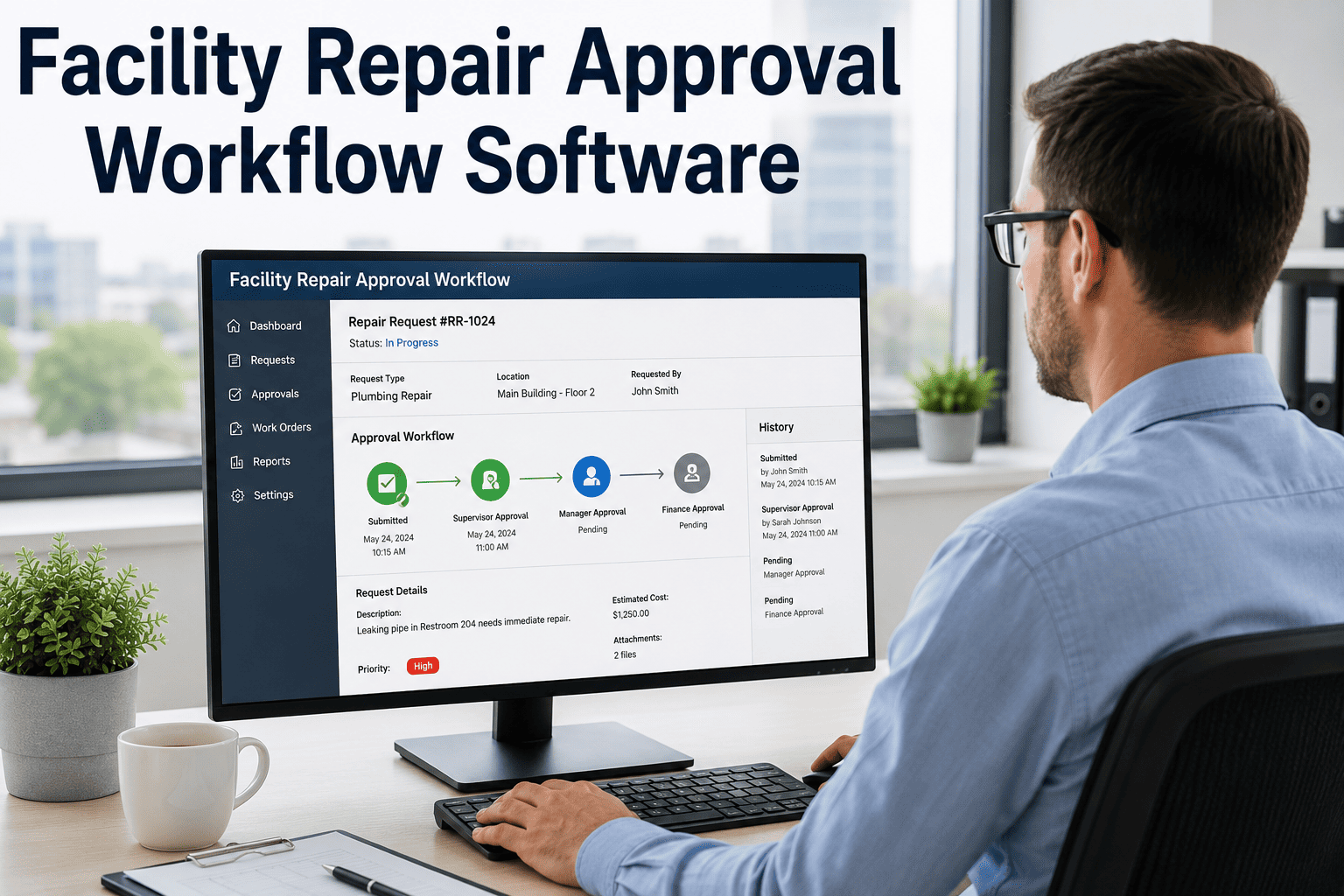
A well-designed approval process follows a clear path from request to completion. Each stage has specific checkpoints that ensure quality, safety, and cost control without creating unnecessary delays. Here is how a modern, CMMS-powered approval workflow operates.
Work Order Approval StagesFrom request submission to work completion and close-out
01
Request Submission
A staff member identifies a maintenance need and submits a digital request through the CMMS. The form captures issue description, location, asset details, urgency level, and supporting photos, ensuring the approver has everything they need to make a fast decision.
02
Triage and Prioritization
A designated request administrator reviews incoming submissions, eliminates duplicates, validates completeness, and assigns a priority level. Emergency, high, medium, and low categories determine how fast the request moves through the approval chain.
03
Manager Approval
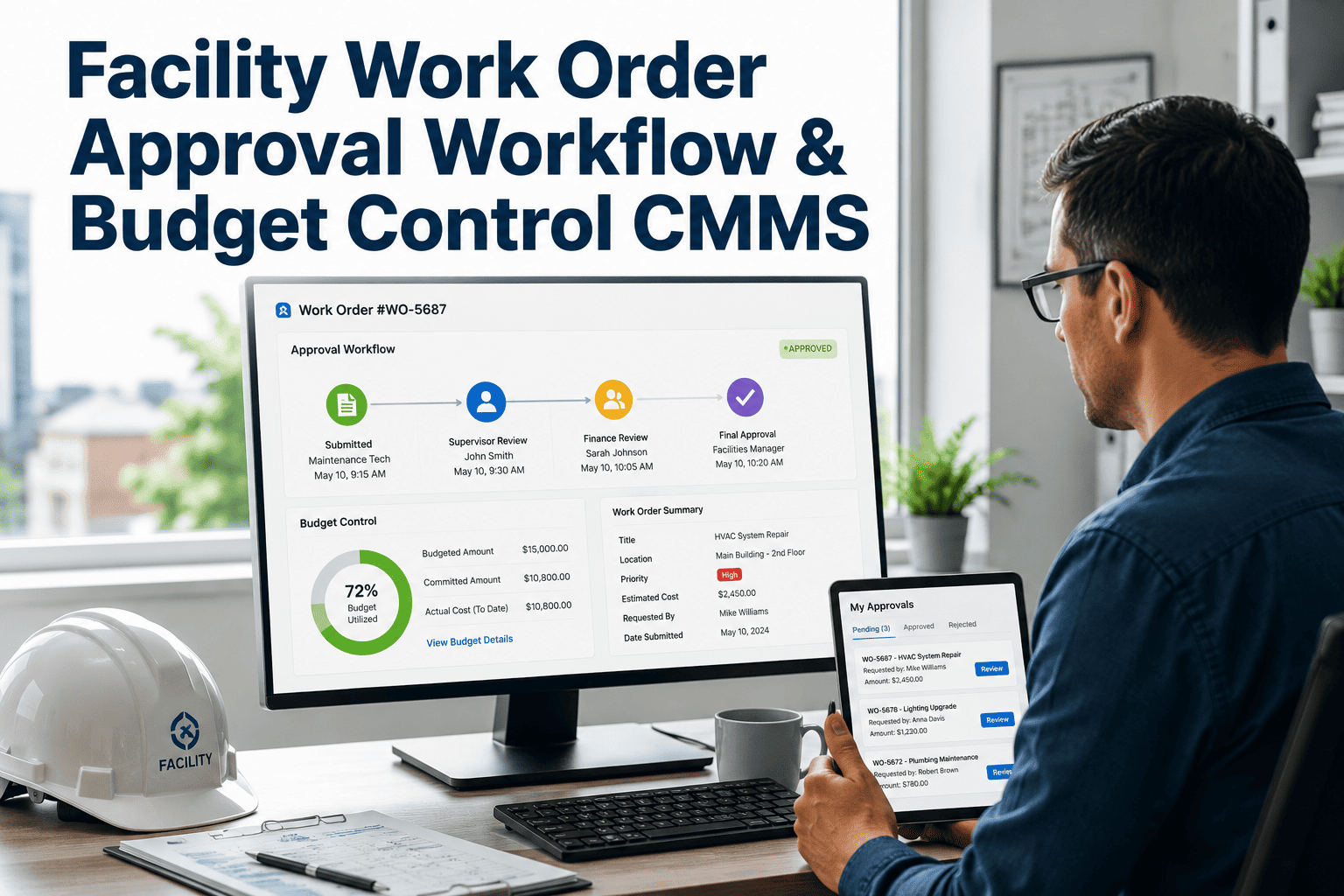
The maintenance manager or supervisor reviews scope, resource requirements, and budget impact. For high-cost work orders, approval may route to a department head or finance contact. Sign up for Oxmaint to set up multi-tier approval rules that match your organization's spending thresholds.
04
Technician Assignment and Scheduling
Once approved, the work order is assigned to a qualified technician based on skill set, availability, and location. The CMMS schedules the task, attaches SOPs and safety instructions, and notifies all stakeholders automatically.
05
Execution, Review, and Close-Out
The technician completes the work, documents materials used, labor hours, and findings. A supervisor verifies completion quality before the work order is closed and logged in the asset history for future reference and compliance audits.
Best Practices for Streamlined Approvals
Facilities that consistently close work orders on time share a common trait: they treat the approval process as a system to be optimized, not a formality to endure. These proven practices reduce cycle time, prevent errors, and keep your maintenance team productive.
7 Approval Workflow Best Practices
01
Standardize Request Forms
Use configurable templates that require all critical fields before submission. When every work order arrives with a complete problem description, asset ID, location, and urgency level, approvers can act immediately without follow-up questions.
02
Define Clear Approval Authority
Assign specific approval roles by cost threshold and work type. For example, a shift supervisor approves repairs under $500, a facility manager handles $500 to $5,000, and a director signs off on anything above that. Document these rules in your CMMS.
03
Automate Routing and Escalation
Configure your CMMS to route work orders to the correct approver based on category, cost, and location. Set automatic escalation rules so that if an approval is not acted on within a defined window, it moves to the next person in the chain.
04
Create a Priority Matrix
Establish clear guidelines that everyone follows: emergency requests bypass standard approval and go directly to dispatch, while routine preventive tasks follow the full review cycle. This prevents life-safety issues from getting stuck behind a broken cabinet door.
05
Enable Mobile Approvals
Managers are rarely at their desks. Mobile-enabled approval workflows let supervisors review, approve, or reject work orders from anywhere, cutting response time from days to minutes. Book a demo to see Oxmaint's mobile approval in action.
06
Auto-Approve Low-Risk Work
Not every work order needs a human sign-off. Routine preventive maintenance tasks, scheduled inspections, and low-cost repairs can be auto-approved by the system, freeing managers to focus on complex or high-budget decisions.
07
Track and Audit Every Decision
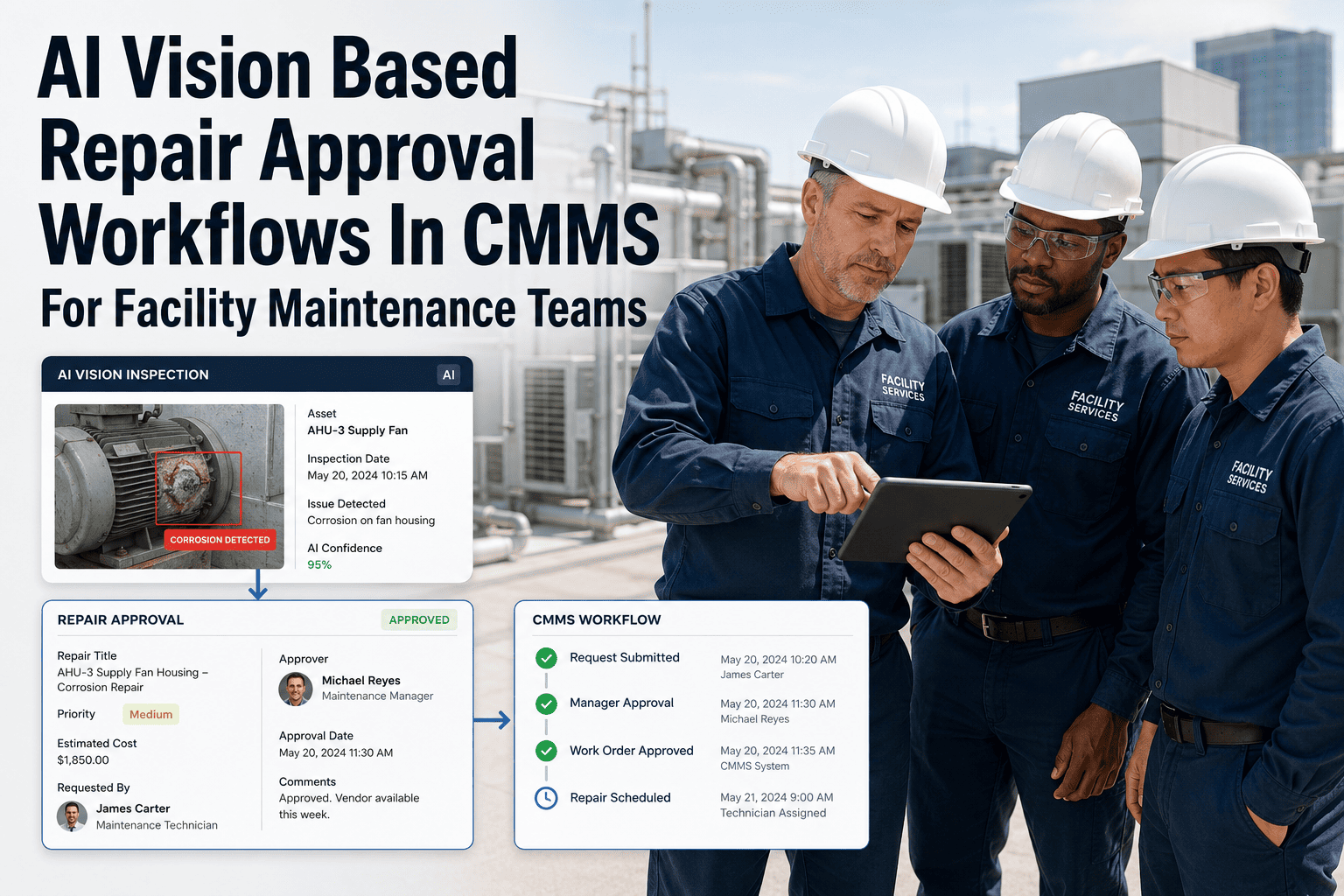
Every approval, rejection, and modification should be time-stamped and logged with the approver's name. This audit trail is essential for compliance, safety reporting, and continuous improvement of your maintenance program.
See how automated approval routing works. Book a personalized demo and we will map the workflow to your facility's approval hierarchy.
The difference between chasing signatures on paper and approving work orders with a single tap is not just convenience. It changes how quickly your facility responds to problems, how much you spend on emergency repairs, and whether you pass your next audit.
Approval Process Comparison
Manual Approvals
Paper forms or email chains with no tracking
Approvals lost in inboxes or on desks
No escalation when approvers are unavailable
Inconsistent priority handling across shifts
Zero audit trail for compliance reviews
3+ Daysaverage approval cycle time
CMMS-Powered Approvals
One-tap mobile approvals with full context
Automatic routing to the correct authority
Built-in escalation timers and notifications
Priority matrix enforced system-wide
Complete audit trail with timestamps
<2 Hoursaverage approval cycle time
Stop Losing Time to Approval Bottlenecks
Oxmaint automates your entire work order approval workflow, from request to close-out. Set approval thresholds, enable mobile sign-offs, and give every stakeholder real-time visibility into where every work order stands.
Not all work orders are equal. A burst pipe demands a different approval path than a routine filter replacement. Mapping your approval workflow to the type and urgency of work ensures the right level of oversight without slowing down time-sensitive repairs.
Approval Routing by Work Order Category
Work Order Type
Approval Path
Typical Timeframe
Key Checkpoints
Emergency
Auto-dispatch, post-approval review
Immediate
Safety confirmation, cost review after completion
Corrective (High Priority)
Shift supervisor approval
Under 2 hours
Asset criticality, parts availability, safety check
Corrective (Standard)
Maintenance manager approval
Within 24 hours
Budget check, technician skill match, scheduling
Preventive Maintenance
Auto-approved by schedule
Pre-scheduled
Compliance verification, parts pre-staging
Capital / High-Cost
Multi-tier: Manager, Director, Finance
3 to 5 business days
Budget approval, vendor quotes, ROI justification
Inspection
Auto-approved or supervisor review
Same day
Regulatory compliance, certification status
Oxmaint lets you configure custom approval rules for each work order type. Sign up and set up your approval matrix in minutes.
Key Metrics to Monitor Your Approval Process
What gets measured gets improved. Tracking these approval-specific KPIs helps you identify bottlenecks, hold approvers accountable, and continuously reduce the time between request and repair.
Approval Performance Metrics
Approval Cycle Time
Average time from work order submission to approval. Track by priority level and approver to identify who or what is causing delays.
First-Pass Approval Rate
Percentage of work orders approved without being returned for more information. A low rate signals that request forms need better templates or training.
Escalation Frequency
How often work orders trigger an escalation because the primary approver did not respond in time. High rates may indicate workload imbalance or unclear responsibilities.
Compliance Audit Score
Percentage of work orders with complete approval documentation. Facilities with strong digital approval trails consistently score higher in safety and regulatory audits.
Get real-time dashboards for every approval metric. Create your free Oxmaint account and start tracking work order performance across all your facilities.
Even well-intentioned teams fall into patterns that slow approvals and frustrate technicians. Recognizing these common pitfalls is the first step toward building a workflow that actually works.
Approval Pitfall Resolution Guide
Pitfall
Impact
Solution
Single-point approver
All work orders stall when one person is unavailable
Configure backup approvers and automatic delegation rules in your CMMS
Incomplete request forms
Work orders bounce back for more details, doubling cycle time
Use mandatory fields and drop-down menus to enforce complete submissions
Over-approval of routine work
Managers overwhelmed with low-value sign-offs
Auto-approve preventive maintenance and work orders below a set cost threshold
No escalation path
Pending approvals sit indefinitely with no accountability
Set time-based escalation rules that push unapproved work orders up the chain
Lack of mobile access
Approvers can only act when at their desk, delaying off-hours requests
Deploy a CMMS with full mobile approval capability for anytime, anywhere sign-offs
A work order approval process is only as fast as its slowest approver. When you automate routing and set escalation timers, you remove the human bottleneck without removing human judgment from the decisions that truly need it.
-- Facilities Management Best Practices, Industry Insight
Build a Faster, Smarter Approval Process with Oxmaint
Your facilities team deserves a work order system where approvals happen in minutes, not days. Oxmaint gives you configurable approval hierarchies, mobile sign-offs, automatic escalation, and a complete audit trail for every decision, all in one platform built for maintenance teams.
A work order approval process is the structured workflow that a maintenance request follows from submission through authorization to technician assignment. It defines who reviews each request, what criteria they evaluate such as cost, priority, and safety, and how the approved work order moves forward to scheduling and execution. A digital CMMS like Oxmaint automates this entire chain. Sign up for a free account to set up your custom approval workflow today.
How can I speed up work order approvals at my facility?
The most effective strategies include enabling mobile approvals so managers can act from anywhere, auto-approving routine and low-cost work orders, configuring escalation timers for unanswered requests, and standardizing submission forms so approvers get complete information the first time. A CMMS platform handles all of these automatically.
Should emergency work orders still go through approval?
Emergency work orders should be dispatched immediately to protect people and assets. However, best practice is to log the emergency work order in your CMMS and route it for post-completion review. This ensures that emergency costs are documented, root causes are investigated, and the audit trail remains intact. Schedule a consultation to learn how Oxmaint handles emergency workflows.
What approval authority levels should we set up?
A common approach is tiered by cost: shift supervisors approve work under a lower threshold, facility managers handle mid-range costs, and directors or finance approve capital-level expenditures. Your CMMS should also allow approval routing by work type, asset criticality, and location for more granular control.
How does Oxmaint help with work order approval compliance?
Oxmaint timestamps every approval action, logs the approver's identity, and stores the complete decision history for each work order. This creates an auditable trail that satisfies safety inspections, regulatory reviews, and internal governance requirements. You can generate compliance reports with a single click. Sign up to see how it works for your team.