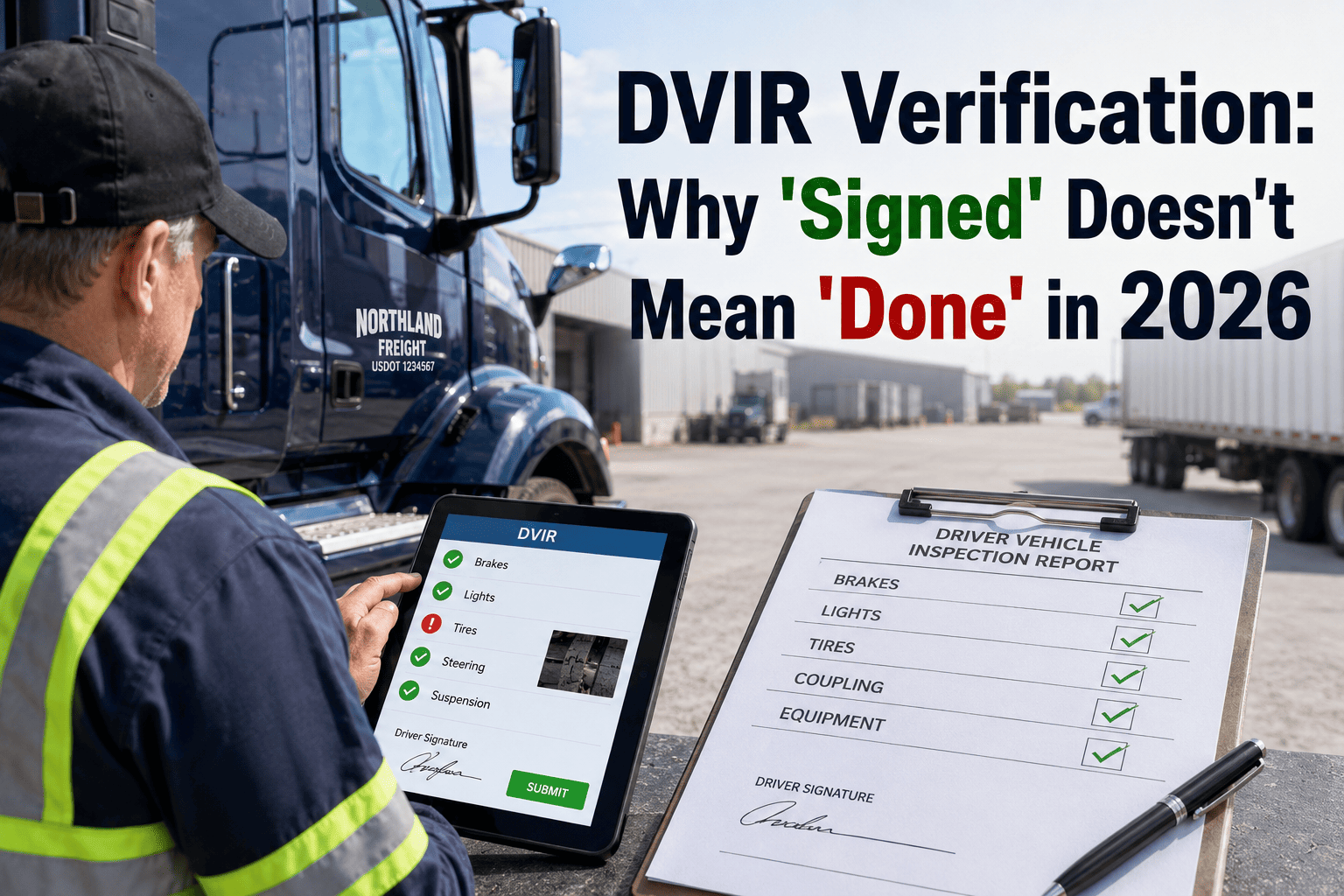
An FMCSA auditor doesn't start a DVIR review by checking your trucks. They start by checking your clock. Under the FMCSA final rule effective March 23, 2026, auditors now routinely cross-reference every Driver Vehicle Inspection Report timestamp against ELD GPS data, toll records, and fuel card transactions, and a single mismatch is treated as evidence of a falsified record, not a clerical error. One Texas fleet learned this the hard way: out of 9,200 paper DVIRs pulled in a single compliance review, 87 showed a pre-trip inspection logged after the vehicle had already left the yard, and the citations followed even though every truck involved was mechanically sound. The paperwork failed the fleet, not the equipment. This guide breaks down exactly what auditors check when they suspect timestamp manipulation, and how a system with locked, hash-verified timestamps closes the gap before it becomes a citation. See how Oxmaint locks DVIR timestamps at submission at app.oxmaint.ai.
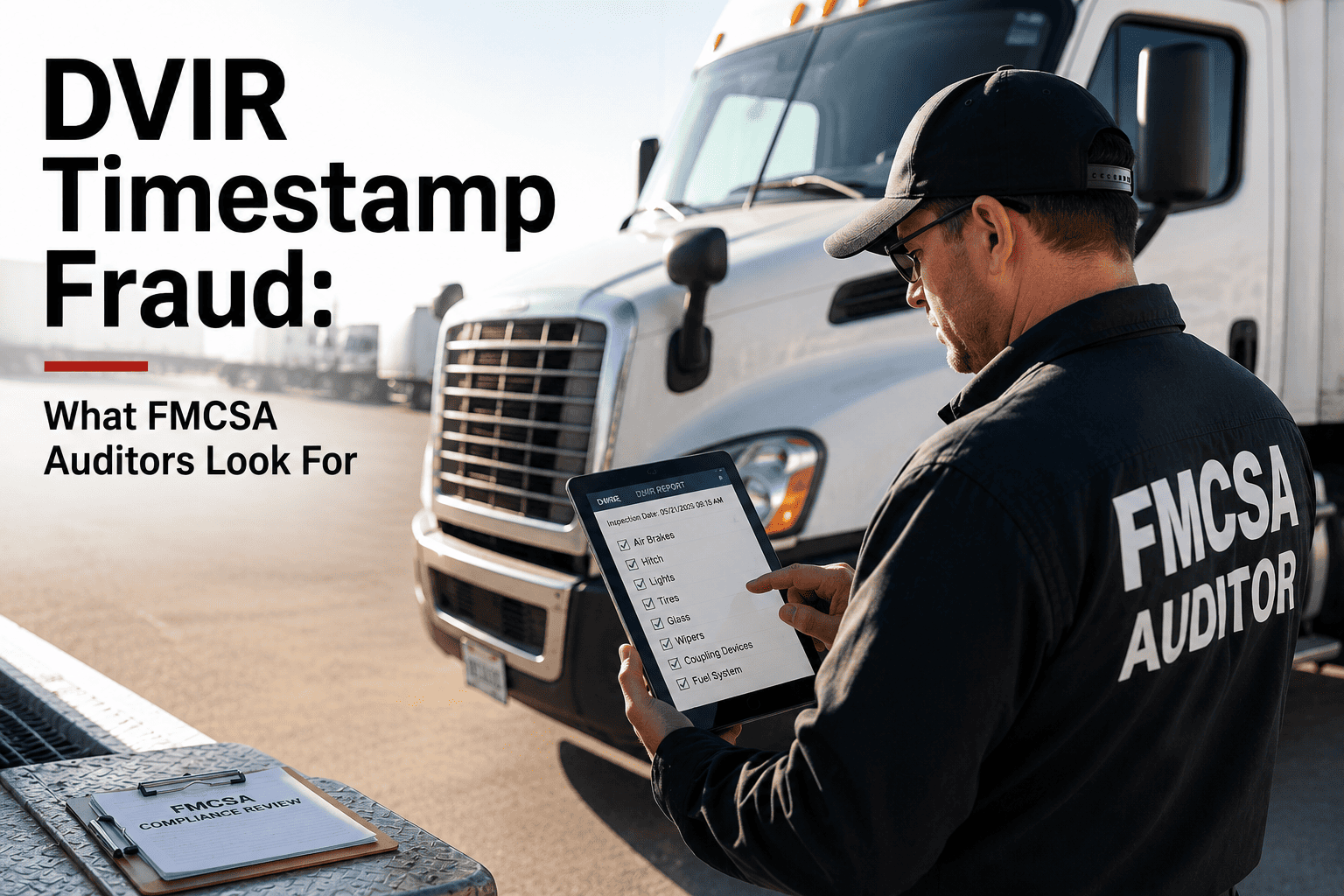
DVIR Timestamp Fraud: What FMCSA Auditors Look For
Timestamp manipulation is now the fastest route to an FMCSA citation. Here's exactly what auditors cross-check, and how a hash-signed digital DVIR record removes the risk entirely.
The 5 Red Flags Auditors Check First
FMCSA auditors don't read DVIRs line by line looking for mechanical detail. They pattern-match against known fraud signatures, and they've seen the same five shortcuts on nearly every carrier that gets cited. Here's what triggers a closer look.
Inspection time before departure conflict
A post-trip DVIR timestamped before the ELD shows the vehicle still moving is an automatic falsification flag, no manual review needed.
Inspections completed in under 3 minutes
An 11-plus point walk-around inspection physically takes longer than this. Suspiciously fast submissions are the clearest sign of pencil whipping.
Mismatched equipment IDs across the chain
The unit number on the driver report, the repair order, and the certification signature must all match. This is the single most common fraud indicator.
Identical timestamps across multiple drivers
Two different drivers logging the exact same inspection minute on separate vehicles points to a batch of DVIRs filled out after the fact.
Missing chain-of-custody signature
Driver defect report, mechanic certification, next-driver acknowledgment. One missing link is one violation, and it's the top DVIR-specific citation FMCSA issues.
The Evidence Chain Auditors Actually Cross-Check
A timestamp on its own means nothing to an auditor — it's only useful once it's compared against a second, independent record of where the vehicle and driver actually were. This is the sequence a compliance review follows once a DVIR looks questionable.
DVIR Timestamp
The time the driver claims the pre-trip or post-trip inspection was completed and signed.
ELD GPS Data
Vehicle location and movement status at that exact minute, pulled directly from the electronic logging device.
Toll, Fuel & Scale Records
Independent third-party timestamps that confirm or contradict where the vehicle was at the claimed inspection time.
If a DVIR shows a 6:00 PM post-trip inspection but ELD data places the truck still moving at 6:15 PM, the record is flagged as falsified before an auditor even opens the file — this cross-check now runs automatically under the 2026 rule.
What This Looked Like for One Fleet
The outcome: 11 individual citations, a proposed fine of $47,300, and a conditional safety rating requiring monthly follow-up audits. Every citation was a paperwork failure. Not one came from a mechanically unsafe vehicle — the paper system simply couldn't prove the inspections happened when they were supposed to.
Paper Timestamps vs. Hash-Signed Digital Timestamps
The core problem with a handwritten timestamp is that it can be written at any point after the fact. A locked, hash-signed digital timestamp removes that possibility entirely — it's generated by the device, not typed by the driver.
| Attribute | Paper DVIR | Hash-Signed Digital DVIR |
|---|---|---|
| Timestamp source | Handwritten by driver, any time | Device clock, locked at submission |
| Can be backdated | Yes, undetectably | No, cryptographically sealed |
| GPS location proof | None | Captured automatically |
| Signature verification | Visual comparison only | E-SIGN/GPEA digital signature |
| Audit retrieval time | Hours to days, if found at all | Seconds, filtered by date or unit |
| Retention compliance | Manual, prone to loss | Automatic 90-day cloud archive |
How Oxmaint Locks Down DVIR Timestamp Integrity
Passing an audit isn't about having more paperwork, it's about having records an auditor can't argue with. Oxmaint builds timestamp integrity into the DVIR workflow itself, so there's nothing left to manipulate.
Device-Locked Timestamps
Every DVIR timestamp is generated by the submitting device at the moment of entry and cannot be edited or backdated afterward.
GPS-Verified Inspections
Location data is captured alongside every signature, proving the driver was physically at the vehicle when the report was filed.
Inspection Speed Scoring
Reports completed faster than a real walk-around inspection allows are automatically flagged for review before they reach an auditor.
Three-Signature Chain Tracking
Driver defect report, mechanic certification, and next-driver acknowledgment are all captured and matched, with gaps surfaced instantly.
Equipment ID Cross-Match
Unit numbers are validated across every step of the DVIR chain, closing the single most common audit fraud indicator.
90-Day Automatic Retention
Every record is archived to the retention window required under 49 CFR 396.11 and exportable by date or vehicle in seconds.
Give an Auditor a Record They Can't Dispute
Oxmaint's DVIR workflow locks timestamps at the device, matches equipment IDs automatically, and archives every record for the full retention window.
Frequently Asked Questions
What exactly counts as DVIR timestamp fraud?
Are electronic DVIRs actually legal now?
How does an auditor actually catch a backdated timestamp on paper?
How long do we need to keep DVIR records?
Can Oxmaint help us switch from paper to a compliant digital DVIR?
Stop Explaining Timestamps. Start Locking Them.
Device-locked timestamps, GPS verification, and automatic retention — built into every DVIR with Oxmaint.