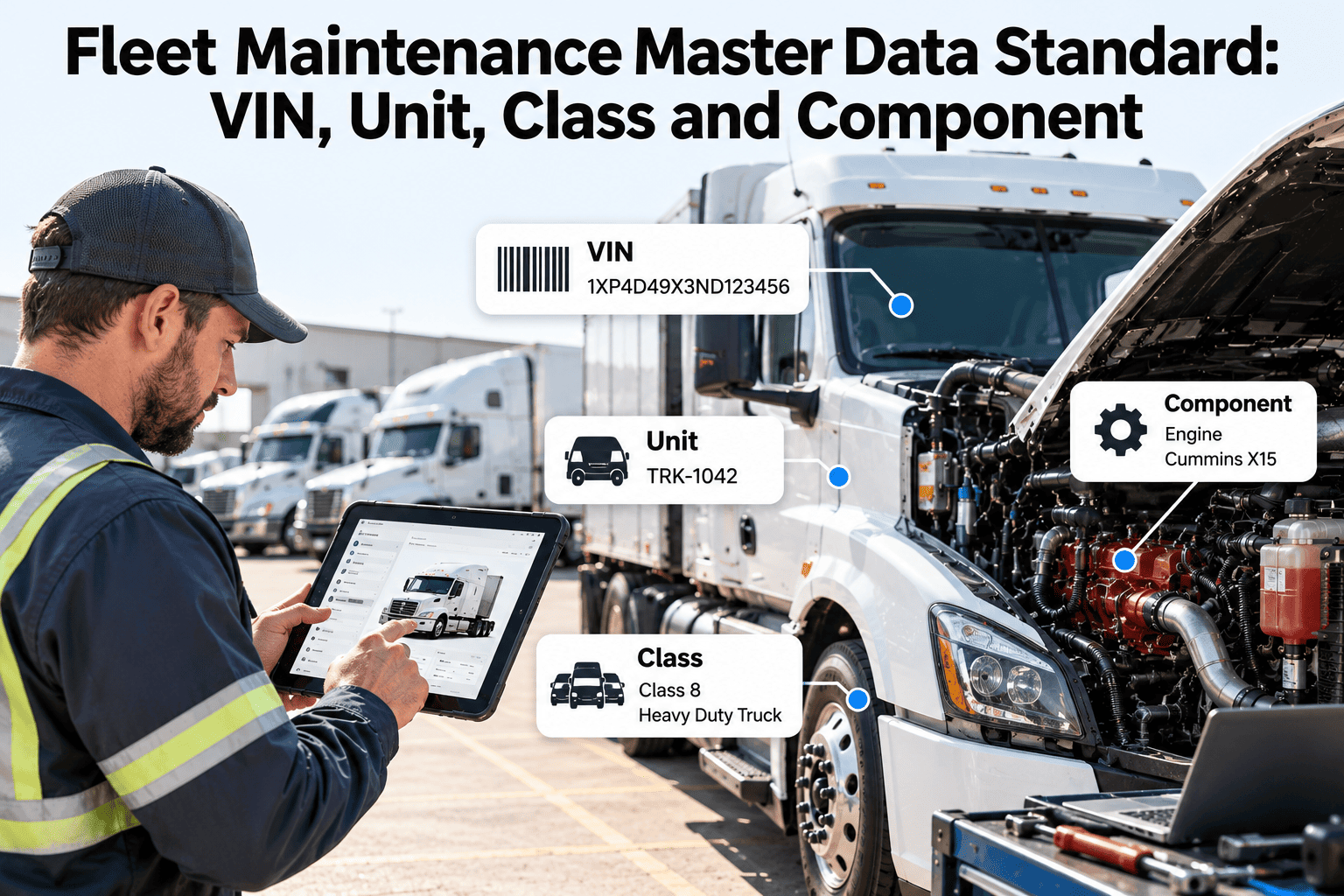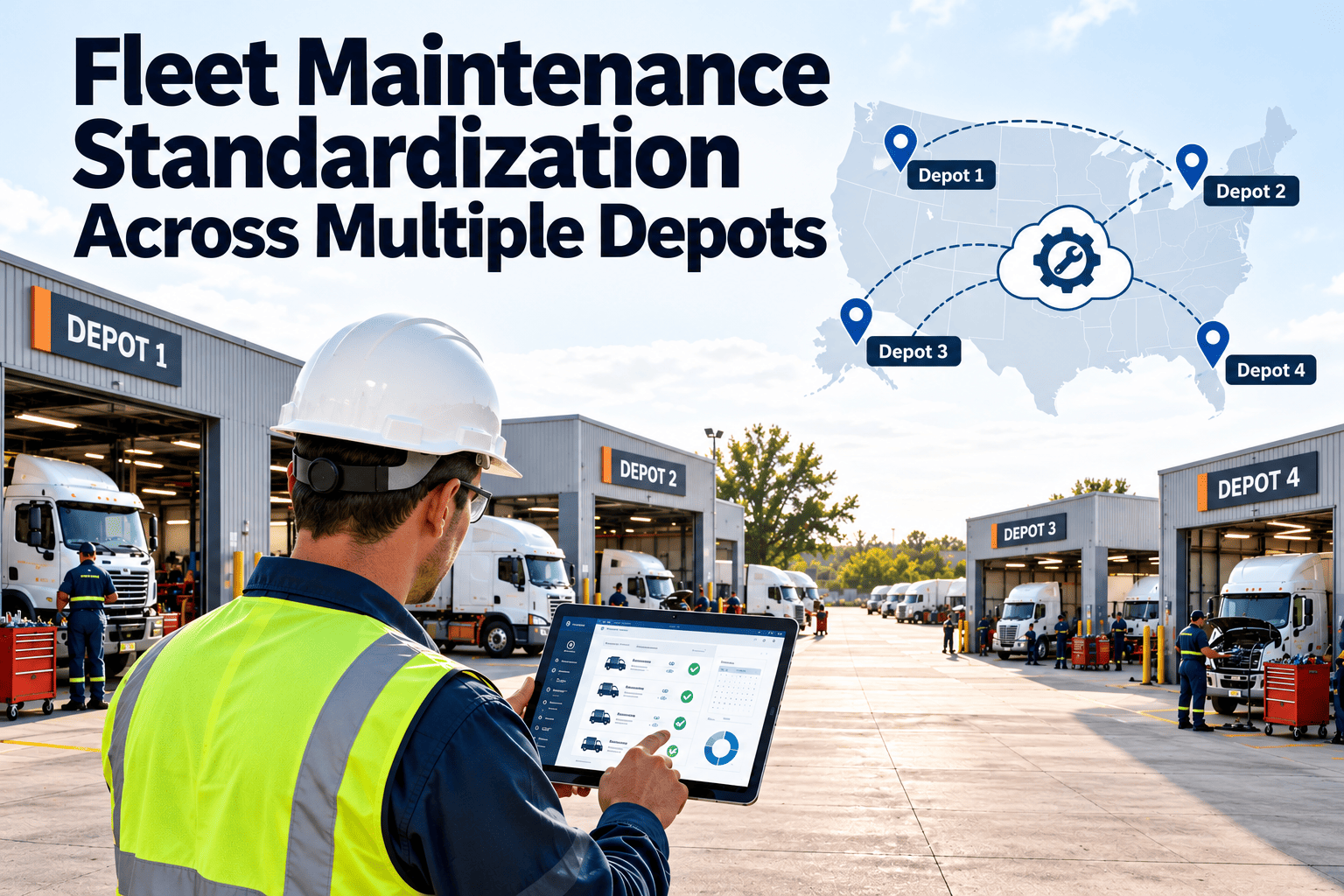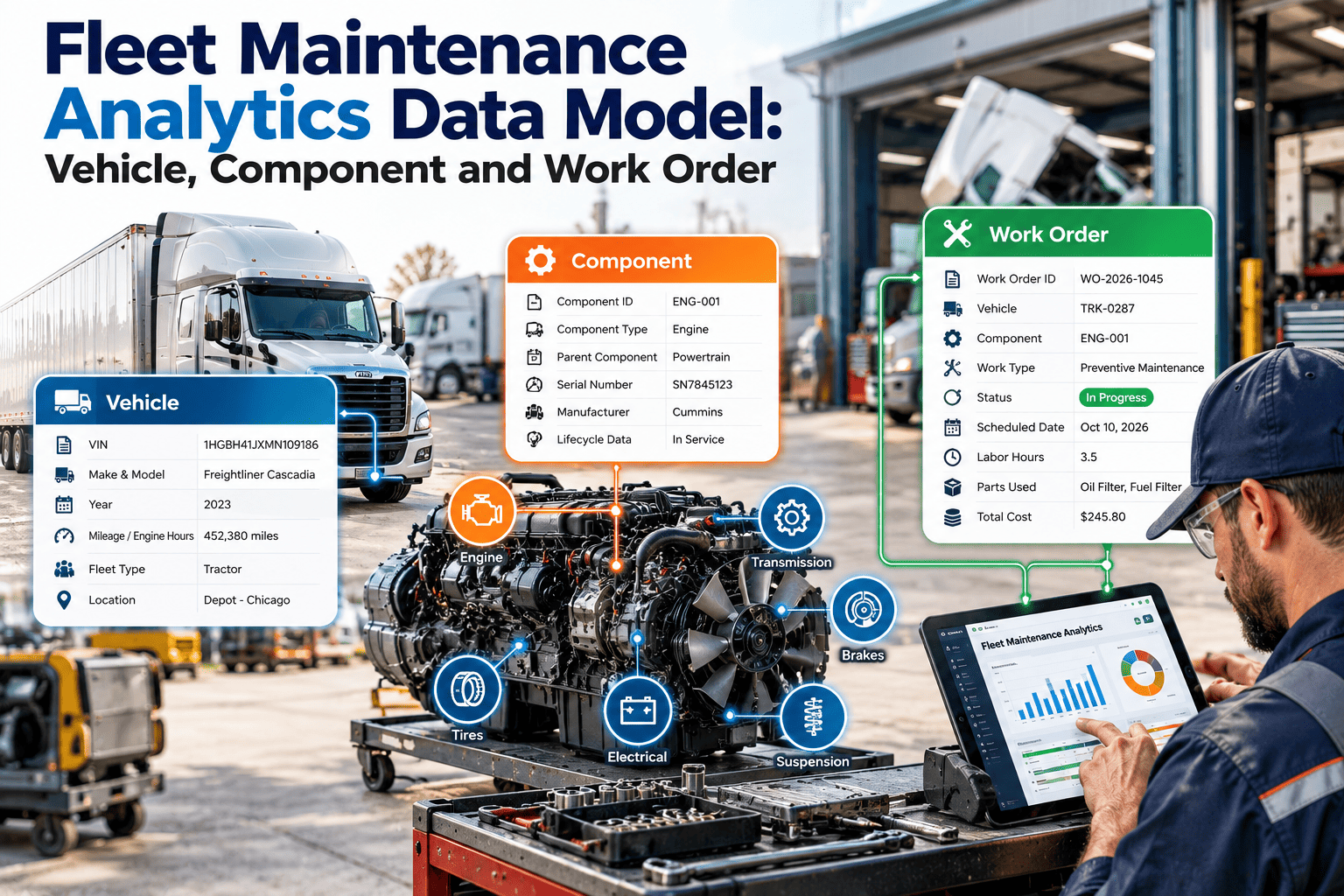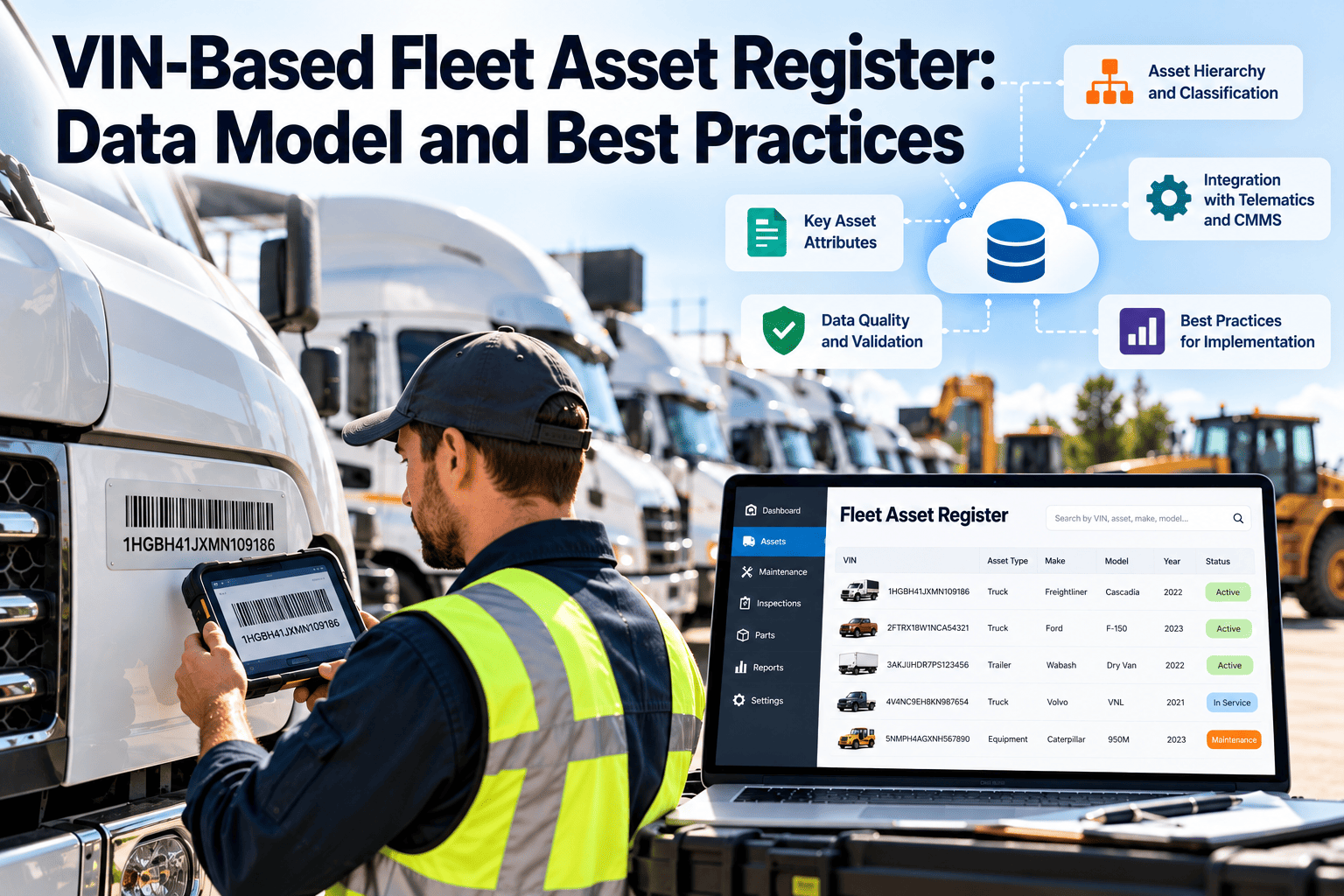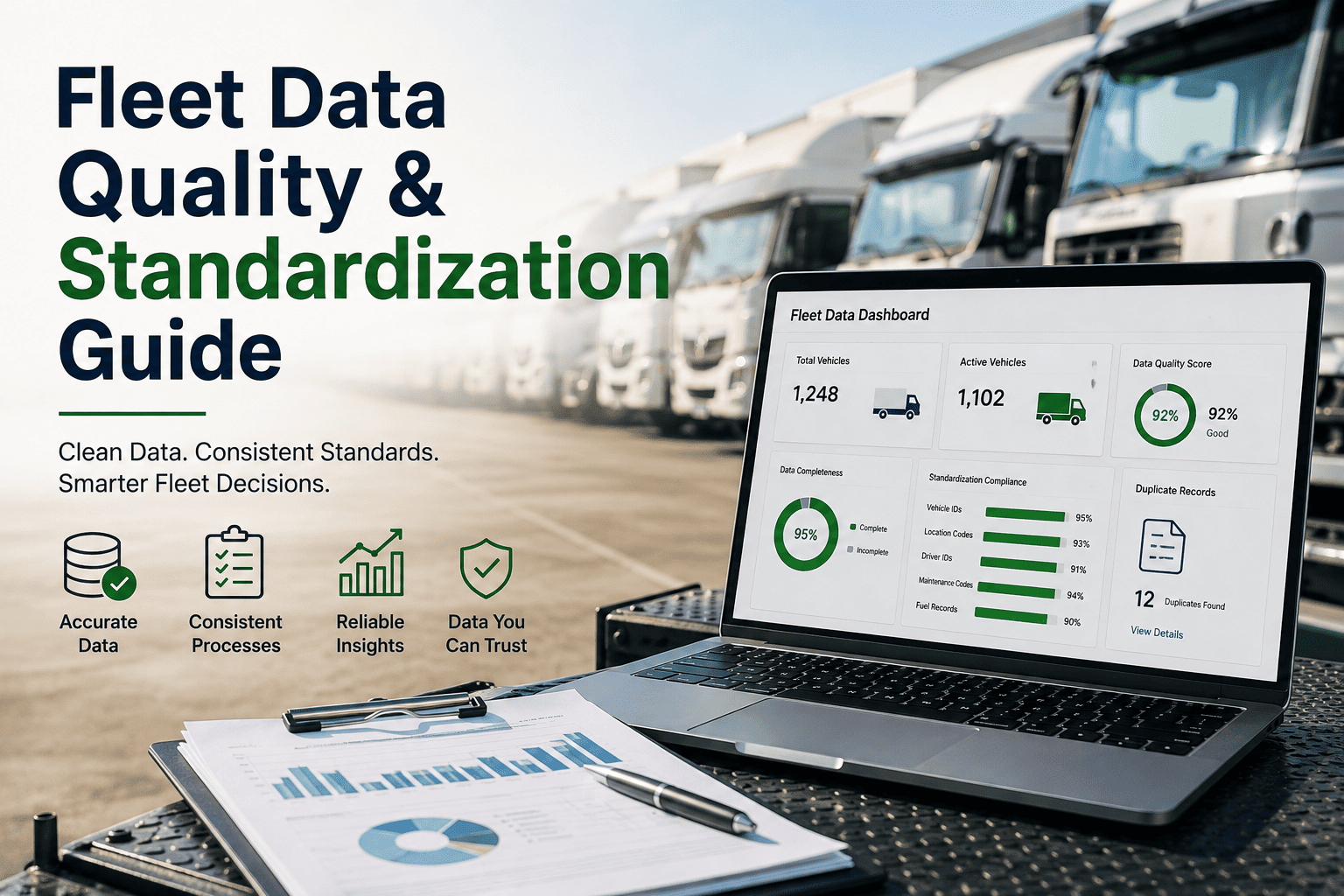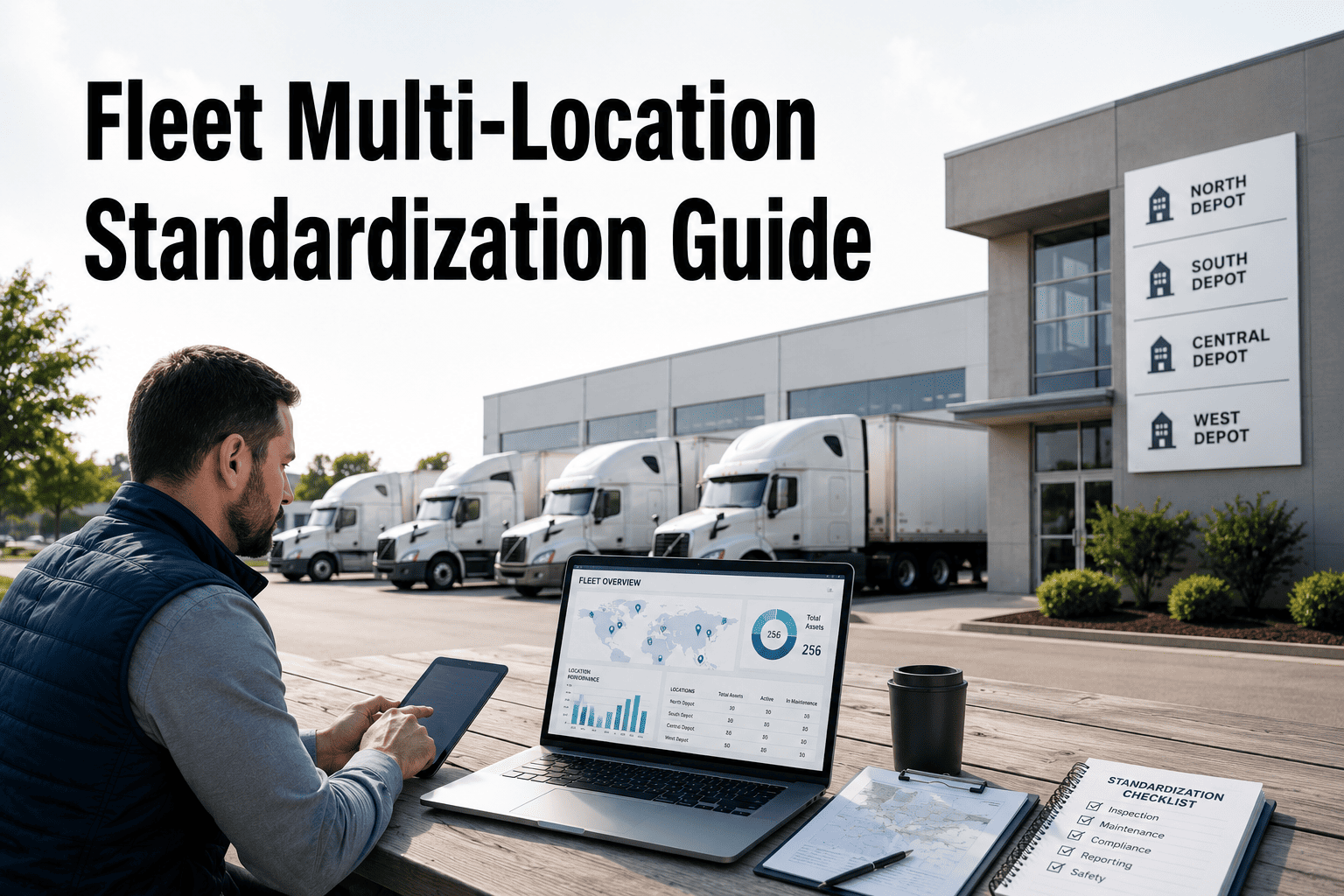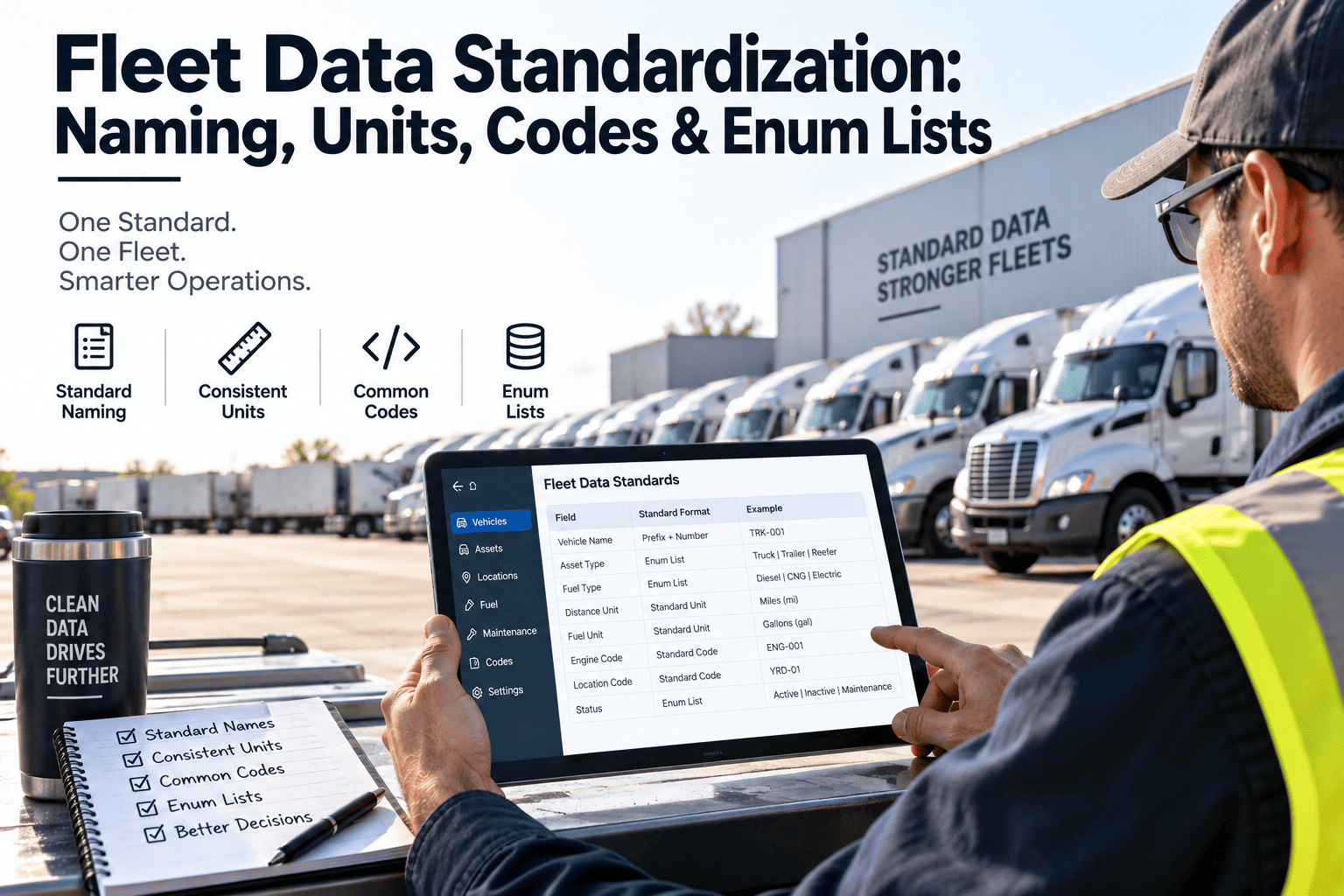
Fleet software migrations often stumble on the data, not the software. One spreadsheet row says Freightliner, the next says Frtlnr, and the odometer is in miles for some trucks and kilometers for others. Standardizing names, units, codes, and enum lists before you load anything decides whether reports can be trusted. This guide sets out practical rules for each, and shows where Oxmaint depends on clean records.
Fleet Data Standardization: Naming, Units, Codes and Enum Lists
Define field names, measurement units, and controlled code lists once, before migration, so every schedule, report, and cost figure means the same thing across the fleet.
Raw spreadsheet entry
Standardized record
Why Standardization Decides Migration Success
A maintenance system is only as reliable as the fields it groups, filters, and calculates on. Small inconsistencies that a person reads past become hard failures for a report or a schedule.
Duplicate names split history
Mixed units break triggers
Free-text status hides downtime
Ambiguous dates corrupt warranty
Blank fields hide assets
Where inconsistent data comes from
- Several people enter records with no shared dictionary or pick lists.
- Acquired fleets arrive with their own naming habits and units.
- Telematics feeds, fuel cards, and shop invoices each describe the same truck differently.
- Technicians type free-text notes because no failure code list exists.
- Old spreadsheets accumulate columns nobody remembers defining.
Naming Conventions: The Anatomy of an Asset ID
An asset ID should be short, unique, and stable. It identifies a unit for its whole life, so it should not carry details that change, such as the driver, the terminal, or the license plate.
Rules for asset IDs
- Use uppercase, one separator, and a fixed number of digits.
- Keep VIN, plate, model year, and location in their own fields.
- Retire IDs instead of deleting or recycling them.
- Publish the class code list so every terminal uses the same prefixes.
Rules for field names
VIN Handling: Validate Instead of Retyping
The vehicle identification number is the strongest natural key a fleet has. Typing it by hand invites errors, so validate every entry against the format rules.
Positions 1 to 3
Positions 4 to 9
Positions 10 to 17
VIN validation checklist
- Exactly 17 characters, stored in uppercase with no spaces.
- The letters I, O, and Q are never valid, because they resemble 1 and 0.
- The check digit passes the North American calculation for vehicles built for that market.
- Trailers and equipment without a standard VIN use a separate serial number field, not a fake VIN.
Unit Standards: One Canonical Unit per Measure
Choose one canonical unit for each measure and store every value in it. Convert for display only. Cross-border fleets especially benefit, since drivers can see local units while reports stay consistent.
| Measure | Store as | Rule | Common mistake |
|---|---|---|---|
| Odometer | Whole number in miles or kilometers, fleet-wide | Readings must never decrease without a logged meter replacement | Entering 212k instead of 212000 |
| Engine hours | Decimal hours | Record separately from distance for idle-heavy units | Converting hours to minutes by hand |
| Fuel volume | Gallons or litres, one only | Store price and volume separately | Mixing US and imperial gallons |
| Tire pressure | psi or kPa, one only | Include the measurement temperature note if tracked | Comparing a psi target to a kPa reading |
| Weight | Pounds or kilograms, one only | Separate tare, gross, and payload fields | Using one weight field for all three |
| Date and time | ISO 8601, stored in UTC | Display in the local time zone of the site | Ambiguous month and day order |
| Money | Decimal amount plus ISO 4217 currency code | Never store the symbol inside the amount | Storing text such as $1,200 CAD |
Enum Lists: Controlled Vocabularies That Survive Growth
An enum is a fixed list of allowed values. It replaces free text with codes that group cleanly, and it is the single best defense against status fields that drift over time.
Asset status
Work order type
Priority
Design rules for every enum
- Give each value a stable code, a readable label, and a one-sentence definition.
- Make values mutually exclusive, so a record never fits two at once.
- Retire values with an end date instead of deleting them, so history stays valid.
- Name an owner for each list who approves additions.
- Limit the catch-all value, and review anything filed under it every month.
Parts and Vendor Records: The Quiet Source of Cost Errors
Parts and vendors change more often than trucks do, and duplicates multiply quickly. Small rules here protect inventory counts and cost reporting.
Parts master rules
- Issue one internal part number per item, and keep the manufacturer number as its own field.
- Record a cross-reference list for approved alternates.
- Set a unit of measure such as each, box, or litre, and never mix them.
- Assign every part a category code so usage can be summarized.
Vendor master rules
- Use the full legal name, and write suffixes such as LLC the same way every time.
- Search for a match before creating a new vendor.
- Keep locations as separate records under one parent vendor.
- Store payment terms and contact roles in fixed fields.
Clean Fields Before You Migrate, Not After
Oxmaint works best when assets, meters, parts, and work orders arrive in a consistent structure. Talk to our team about mapping your current fields to a standard that will scale.
Borrow Existing Standards Instead of Inventing Your Own
Where a public standard exists, use it. Standard codes make integrations with telematics, fuel cards, and accounting systems far easier.
Failure Codes: A Simple Taxonomy Technicians Will Use
A failure code list turns repair notes into patterns. Keep the structure shallow, because technicians skip lists that take longer to pick from than to describe.
Tips for adoption
- Make the first two levels required, and the rest optional at first.
- Map fault codes from telematics to the same system and component levels.
- Review the most common free-text notes every quarter and promote them into codes.
Merging an Acquired Fleet Without Losing History
An acquisition brings trucks, trailers, and a different data culture. Treat the newcomer as a migration in its own right, and resist the urge to load it as is.
- Assign new asset IDs under your convention, and keep the old identifier in a legacy ID field.
- Convert units to your canonical choice, and note the conversion date.
- Map their status and work order types to your enum lists before any load.
- Keep original service records attached to each unit so warranty and resale history stay intact.
The Migration Pipeline: From Spreadsheet Chaos to a Clean Load
Standardization is a sequence, and skipping a stage pushes the cost downstream. Work through the stages in order, and record what you decide at each one.
Inventory every source
Profile the data
Write the data dictionary
Map and transform
Clean and deduplicate
Pilot load a small group
Validate and freeze the standard
Common pitfalls during mapping
- Mapping many old values to one catch-all code and losing useful detail.
- Converting units once for the load but not fixing the entry forms that created the problem.
- Cleaning data without asking the technicians and dispatchers who know which records are true.
- Skipping a pilot and discovering mapping errors only after thousands of records are loaded.
- Leaving the dictionary in a personal folder where new hires never see it.
Validation Rules to Pass Before the Full Load
Must pass to load
Warn and review
Governance: Who Owns the Standard
A standard decays without owners. Assign each data domain a role, a change rule, and a review rhythm, then keep the dictionary where everyone can read it.
| Data domain | Suggested owner | Change rule | Review |
|---|---|---|---|
| Asset master | Fleet or maintenance manager | New class codes need approval | Quarterly |
| Parts and inventory | Parts manager | One part number per item, with cross-references | Quarterly |
| Vendors | Purchasing or finance | Verify duplicates before adding | Twice a year |
| Code lists | Maintenance supervisor | Retire values, never delete | Quarterly |
| Locations and users | Operations manager | Update on every hire, move, or closure | Monthly |
What Clean Data Unlocks in a Maintenance Platform
Data quality scorecard
Frequently Asked Questions
Should we clean data before or after migrating to a maintenance system?
Which unit should a fleet choose for odometer readings?
Do trailers need a VIN field?
How many values should an enum list contain?
Can we standardize data after we have already started using a system?
Build the Data Standard Your Maintenance Program Deserves
Consistent names, units, and codes turn maintenance records into decisions you can trust. See how Oxmaint uses them to schedule preventive work, control parts, and report on cost by asset.