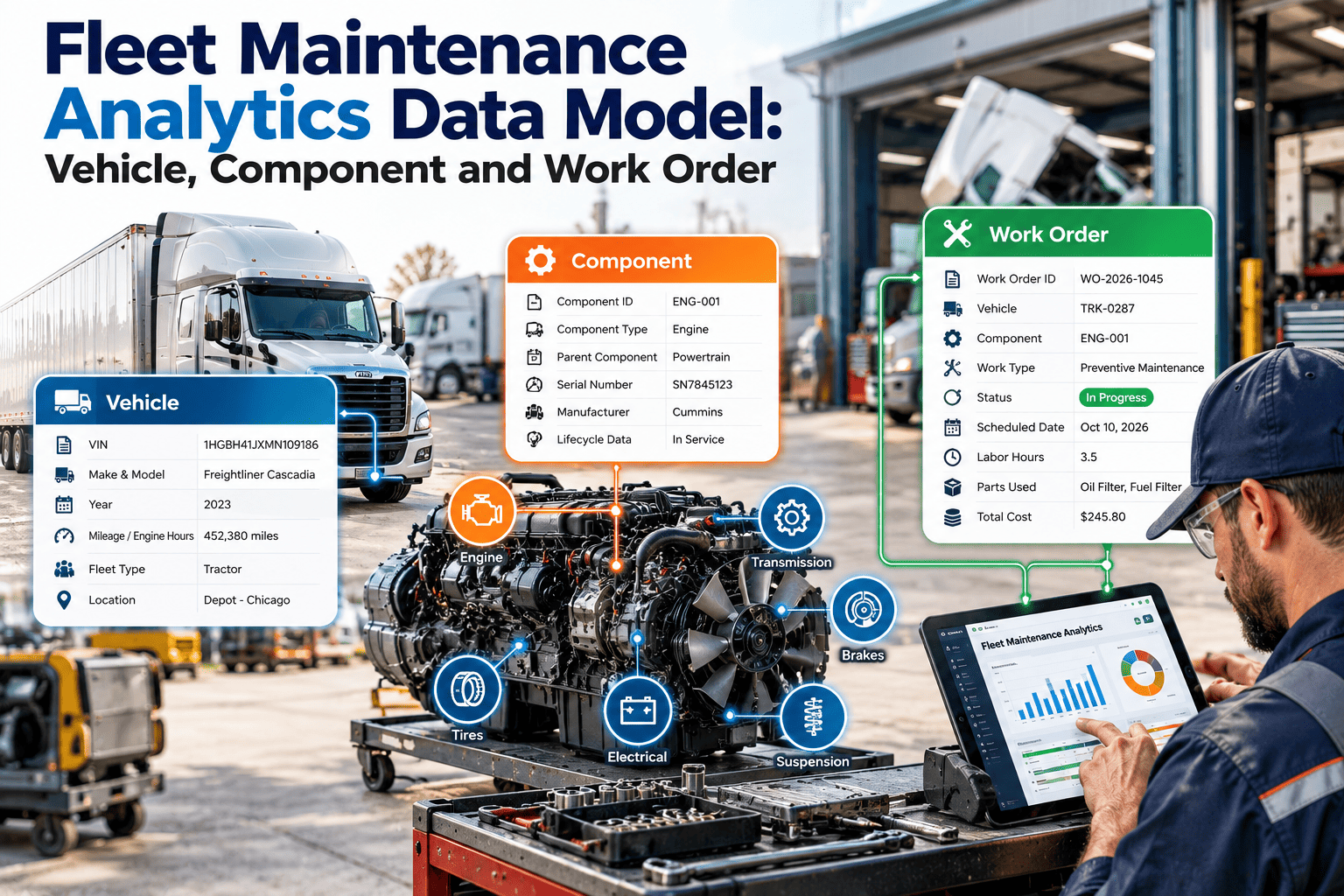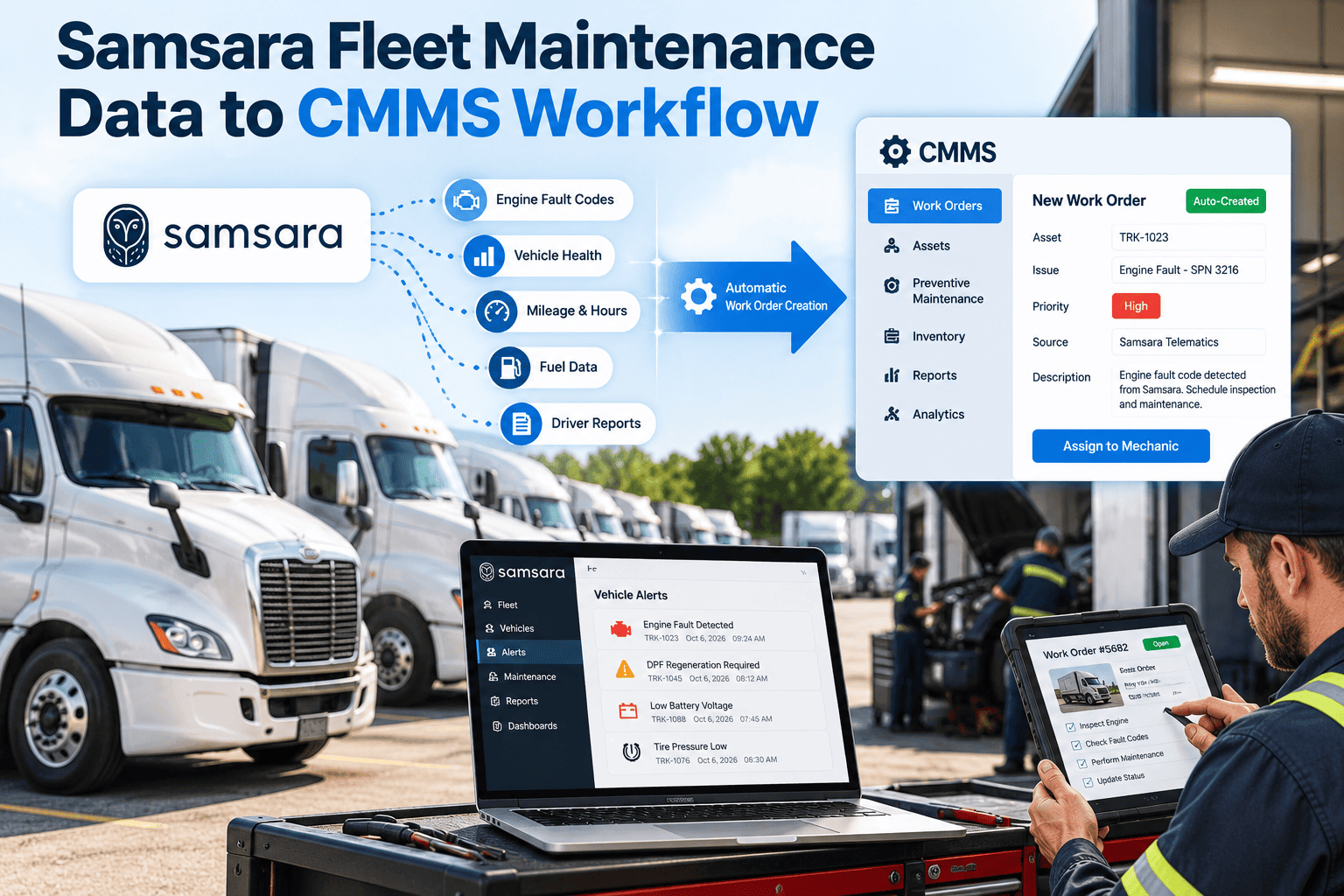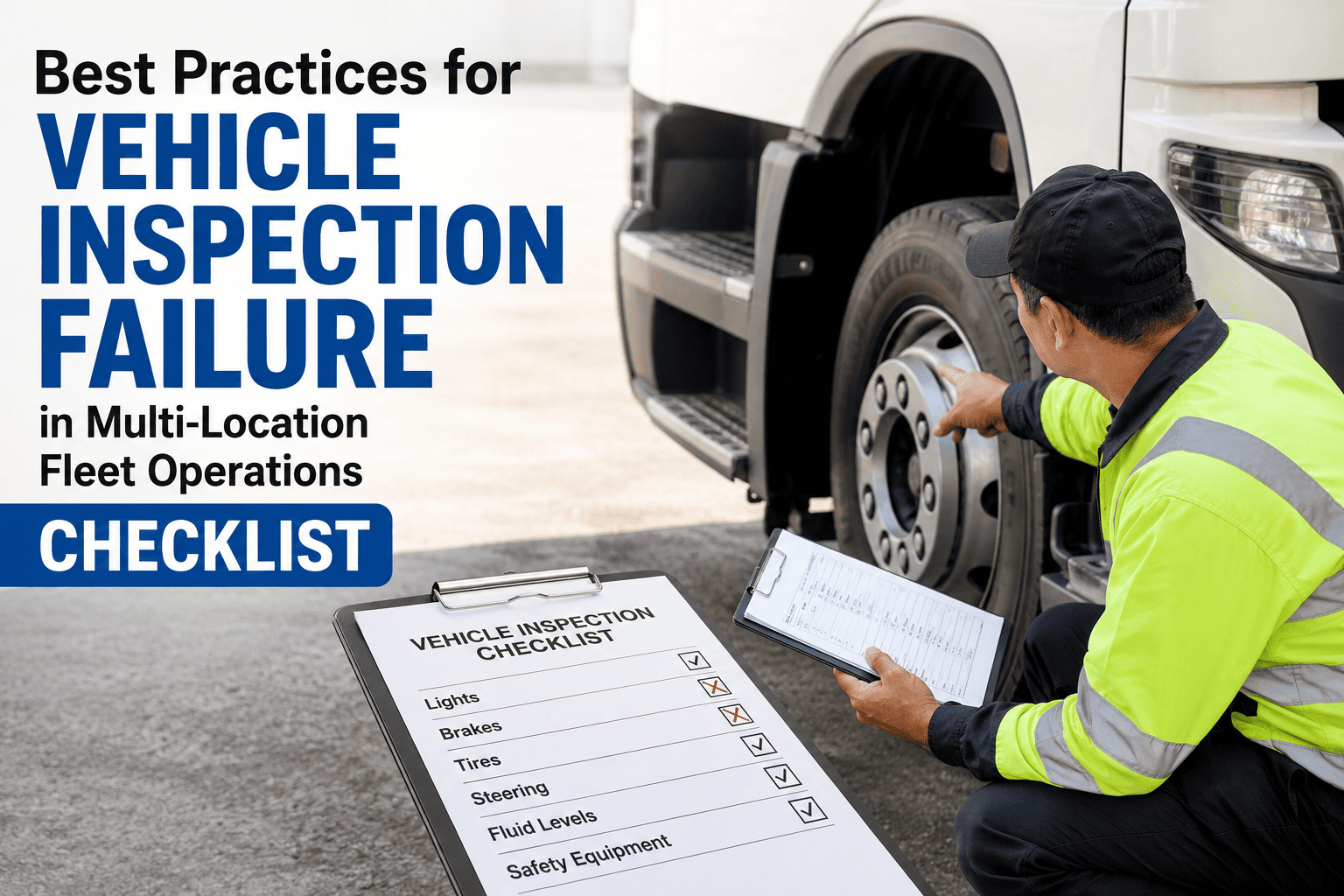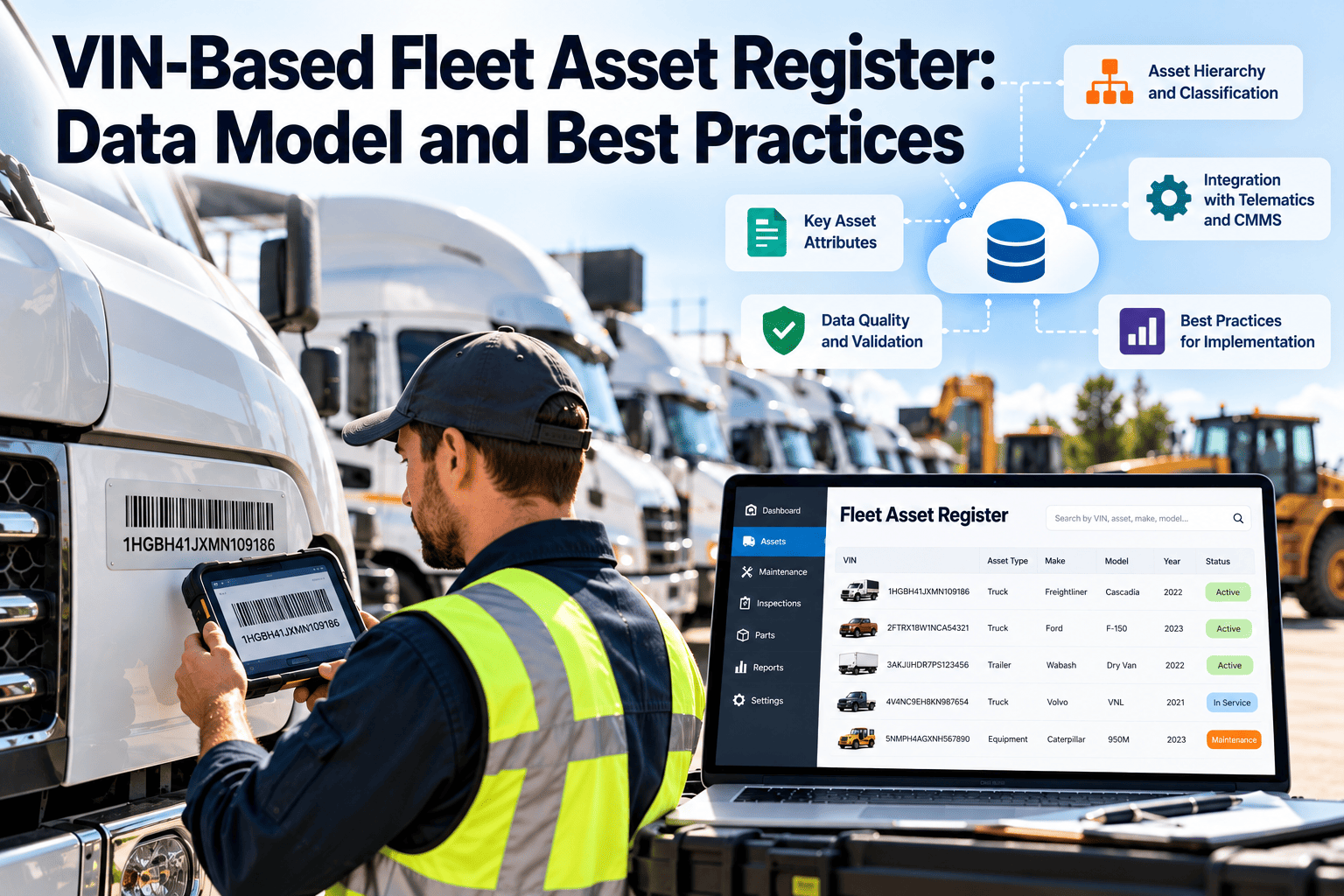
A fleet asset register is only as reliable as the identifier that holds it together. Unit numbers get reused, plates change with registration cycles, and telematics devices move between trucks. The 17-character VIN stays with the vehicle for life, which makes it the strongest anchor for maintenance history, warranty, recalls, and compliance records. This guide covers the data model, field rules, and habits that keep a register clean, and shows how a fleet maintenance CMMS can enforce them in daily work.
VIN-Based Fleet Asset Register: Data Model and Best Practices
Build one vehicle record per VIN, link every component, meter reading, inspection, and work order to it, and stop losing history when unit numbers change.
Why unit numbers fail as a primary key
Most registers start with the number painted on the door. It works until the fleet grows, units are resold, or a spreadsheet gets copied.
- The same number is reused after a vehicle is sold, and old history attaches to the new truck
- Vehicles transferred between depots get renumbered, breaking the maintenance trail
- Typos create duplicate records for one vehicle
- Recall and warranty lookups need manual matching
- Auditors cannot tie a record to a physical chassis
- One permanent identifier per chassis, regardless of depot, plate, or driver
- Unit number, plate, and telematics ID become editable attributes with history
- Format validation catches typos at entry
- Recall and warranty checks run against a single reliable value
- Records stay defensible during inspections and audits
Capture the VIN from the vehicle, not from memory
Most register errors start at entry. A VIN copied from an old spreadsheet carries every earlier mistake with it, so the physical vehicle should be the source of truth.
| Capture method | Strength | Risk | Best use |
|---|---|---|---|
| Read from the dash or door-frame VIN label | Highest accuracy for the actual chassis | Hard to reach or worn on some units | Onboarding and annual audit |
| Barcode or camera scan on a mobile device | Fast and avoids typing errors | Glare or damaged labels | Routine inspections |
| Copy from title or registration | Convenient and already on file | Transcription errors at the source | Cross-check only |
| Import from dealer or OEM invoice | Good for bulk additions | Invoice may reference a different build | Pre-delivery, then verify on arrival |
| Telematics-reported VIN | Automatic and continuous | Device misconfiguration or swaps | Validation against the register |
Simple capture rules
- Require a second person or a scan to confirm every new VIN
- Reject entries that fail the check digit or contain the letters I, O, or Q
- Store the date and method of verification on the record
- Compare telematics VINs to register VINs on a recurring schedule and investigate any mismatch
What each part of the VIN tells your register
Under the ISO 3779 structure used in North America, each position group carries information you can decode and store as searchable fields.
| Positions | Meaning | Store as | Register use |
|---|---|---|---|
| 1-3 | World manufacturer identifier | Make, country, vehicle type | Filter by OEM, route parts catalogs |
| 4-8 | Vehicle descriptors | Model, body, engine, GVWR class | Match PM templates and parts |
| 9 | Check digit | Validation flag | Reject mistyped VINs at entry |
| 10 | Model year code | Model year | Age-based replacement planning |
| 11 | Assembly plant | Plant code | Scope recalls and service campaigns |
| 12-17 | Production sequence | Serial number | Unique chassis identity |
- The letters I, O, and Q are not used in modern VINs, so any entry containing them is a likely typo for 1 or 0.
- Vehicles built before 1981 often have shorter, non-standard serial numbers and need a manual flag.
- Decoding supplies defaults only. Always let a technician confirm the decoded engine, axle, and transmission against the actual vehicle.
A layered model: one vehicle, many linked records
Treat the VIN record as the parent. Everything else hangs from it with a clear owner and a clear change history.
Vehicle (VIN)
Identity, decoded attributes, status, acquisition and disposal dates.
Assignment
Unit number, plate, depot, cost center, driver, with effective dates.
Components
Engine, transmission, axles, tires, batteries, reefers, liftgates, PTOs.
Meters
Odometer, engine hours, and PTO hours with source and timestamp.
PM schedules
Interval rules by meter or time, tied to vehicle class.
Inspections
DVIRs, annual inspections, and defect results.
Work orders
Labor, parts, downtime, failure codes, and approvals.
Core field specification
| Field | Rule | Reason |
|---|---|---|
| VIN | 17 characters, unique, validated, read-only after save | Stable primary key |
| Unit number | Unique among active vehicles, editable with history | Operational shorthand |
| Status | Controlled list: active, in shop, standby, sold, scrapped | Keeps reports accurate |
| Vehicle class | Controlled list tied to PM template | Drives intervals and parts |
| Primary meter | Odometer or engine hours, one designated source | Avoids conflicting readings |
| In-service date | Required | Age and lifecycle cost |
| Disposal date and reason | Required on retirement | Closes the lifecycle record |
Which identifier does which job
A VIN-based register does not delete the other identifiers. It gives each one a defined role.
| Identifier | Changes? | Role | Handling |
|---|---|---|---|
| VIN | No | Permanent identity | Primary key, locked |
| Unit number | Sometimes | Shop and dispatch reference | Searchable attribute with history |
| License plate | Yes | Registration and tolling | Dated attribute |
| Telematics device ID | Yes | Data feed mapping | Linked to VIN, re-pairable |
| Fuel card number | Yes | Fuel cost allocation | Dated attribute |
| Trailer or body number | Sometimes | Equipment tracking | Own record, linked to parent VIN |
Track components under the VIN, not beside it
A vehicle is a chassis plus parts that move. If component history lives in a separate sheet, you cannot tell which engine, axle, or battery set was on the truck when a failure happened.
| Component | Identify by | Track | Why it matters |
|---|---|---|---|
| Engine | Serial and model | Install date, meter at install, rebuild history | Warranty and overhaul planning |
| Transmission | Serial and model | Fluid service, repairs, swaps | Repeat-failure analysis |
| Drive and steer axles | Position and serial | Seal, bearing, and brake work | Spec comparison across classes |
| Tires | Position and DOT code | Tread depth, pressure, rotation, retread | Cost per distance by position |
| Batteries | Install date and group | Test results and replacement | Prevent no-start events |
| Aftertreatment | Part number and serial | Cleaning and replacement | Emissions-related downtime |
| Reefer, liftgate, PTO | Own serial | Hours and service | Separate meter-based schedules |
When a component moves to another vehicle, the register should show both the removal from one VIN and the installation on the other.
Use the VIN to close recall and warranty gaps
Recall status and warranty coverage are vehicle-specific, so both depend on a correct VIN.
- Check open recalls by VIN on a set schedule, and when a vehicle is acquired or returns from a lease.
- Create a work order for each open recall and keep the completion record on the vehicle.
- Store warranty start date and meter limits so that repairs are flagged as potentially claimable at the time of the work order.
- Keep supporting notes and photos with the repair so claim submissions do not depend on memory.
What one complete vehicle record looks like
The values below are fictional and only show how fields relate to each other.
| Section | Example entry |
|---|---|
| Identity | VIN (locked), vehicle class: Class 8 tractor, status: active |
| Assignment | Unit 214 since January, plate on file, depot: North yard, cost center: line haul |
| Meters | Odometer is the primary meter, engine hours secondary, last reading source: driver inspection |
| Components | Engine serial, transmission serial, 10 tire positions, battery set installed last spring |
| Schedules | Tractor PM A and B by distance, annual inspection by date, brake inspection by date |
| History | Linked inspections, corrective work orders, parts issued, recall completions |
Give every vehicle a record that outlives its unit number
Set up your VIN-based register, link PM schedules and work orders, and see the full history of any truck in one place.
Seven register events every VIN should pass through
Data quality is a workflow problem. Define who does what at each event, and the register stays accurate without cleanup projects.
Onboard
Capture VIN from the vehicle itself, not only from paperwork. Validate the check digit and block duplicates.
Decode and confirm
Auto-fill make, model, year, and engine, then have a technician verify against the build plate.
Baseline
Record starting meter, tire sizes, component serials, and the last known service dates.
Assign schedules
Attach the PM template for the vehicle class and the correct meter basis.
Operate and maintain
Every inspection, repair, and part issue posts to the VIN, never to a free-text unit name.
Change
Engine swaps, upfits, reassignments, and plate changes create dated change entries, not overwrites.
Retire
Record final meter, disposal reason, and sale or scrap value. Keep the history readable for audits.
Common register errors and how to prevent them
| Error | Typical cause | Prevention |
|---|---|---|
| Duplicate vehicle records | Same VIN entered twice with different unit names | Unique constraint on VIN |
| Wrong decoded specs | Trusting decoder output for custom builds | Technician verification step |
| Orphaned history | Unit number reuse | Link all records by VIN |
| Meter jumps backward | Manual entry or replaced cluster | Reject lower readings, log cluster swaps |
| Missing trailers | Treated as accessories | Separate asset class with own ID |
| Stale status | Sold vehicles left active | Required disposal workflow |
Register health checklist
- Every active vehicle has a valid 17-character VIN
- No two active records share a unit number
- Each vehicle has a PM schedule and a current meter reading
- Replaced components are recorded with install date and meter
- Retired vehicles carry a disposal date and reason
How a VIN-based register supports recordkeeping
For US carriers under FMCSA rules, maintenance records must be traceable to the specific vehicle. Check your own jurisdiction for local requirements.
| Requirement area | What the record needs | Register support |
|---|---|---|
| Inspection, repair, and maintenance records (49 CFR 396.3) | Vehicle identification, dates, and nature of work, retained for the required period | Work orders linked to VIN with dates and descriptions |
| Driver vehicle inspection reports (396.11) | Defects reported and repairs certified | Inspection results converted to corrective work orders |
| Periodic inspections (396.17) | Documented annual inspection for each vehicle | Recurring schedule with completion evidence |
| Safety recalls | Open recall status per vehicle | VIN-based lookup and tracked recall work orders |
Confirm current retention periods and applicability with your compliance team, since rules vary by vehicle type and region.
KPIs that show whether the register is trustworthy
Track these monthly and review them with the shop manager. Set your own targets from your baseline.
Where Oxmaint fits in a VIN-based register
Oxmaint maintenance management software keeps the VIN record connected to the daily work that creates its history.
| Register need | Oxmaint capability |
|---|---|
| Single vehicle record with components | Asset management with parent and child assets |
| Interval-based service | Preventive maintenance scheduling by meter or calendar |
| Defect capture at the vehicle | Mobile inspections that create corrective work orders |
| Repair history by VIN | Work orders with labor, parts, and notes |
| Parts tied to the right chassis | Inventory issued against work orders |
| Management visibility | Dashboards and reports by vehicle, class, or depot |
A practical 30-day path to a clean register
Export current lists, validate every VIN, and resolve duplicates.
Define vehicle classes, controlled lists, and identifier roles.
Load assets, baseline meters, and attach PM templates.
Train technicians on mobile inspections and run the first health report.
Who owns which register fields
Without clear ownership, nobody fixes errors. Assign each data group to a role and review it on a fixed cadence.
| Role | Owns | Review cadence |
|---|---|---|
| Fleet manager | Vehicle class, status, assignment, disposal | Monthly |
| Shop supervisor | PM templates, component records, work order closure quality | Weekly |
| Technician | VIN verification, inspection results, meter readings | Every visit |
| Parts lead | Parts-to-vehicle compatibility and issue accuracy | Monthly |
| Compliance lead | Inspection records, recall closure, retention | Quarterly |
Close the lifecycle record when a vehicle leaves
Retired vehicles still matter for cost analysis, replacement planning, and audits. Do not delete them.
- Record the final meter reading, disposal date, and method such as sale, trade, or scrap
- Capture sale or salvage value so lifecycle cost per vehicle is complete
- Close open work orders and PM schedules, and remove active alerts
- Reassign reusable components such as tires, batteries, or equipment to stock or other vehicles
- Keep the full maintenance history searchable under the retired VIN for the required retention period
VIN-based asset register questions
Should the VIN be the only identifier?
No. Keep unit number and plate as attributes, but use the VIN as the permanent key.
How do we handle trailers and equipment without a VIN?
Give them their own asset records with serial numbers and link them to the parent vehicle when attached.
What happens when an engine is replaced?
Keep the VIN record, add a dated component change, and reset the component meter. You can book a demo to see this workflow.
Can we migrate from spreadsheets?
Yes. Clean and validate VINs first, then import in batches by vehicle class.
Where do we start?
Start with active vehicles and open PMs. You can sign up and load a pilot group first.
Build a fleet register you can trust at every audit
Anchor every inspection, PM, and repair to the VIN, and give your team one reliable history for each vehicle.