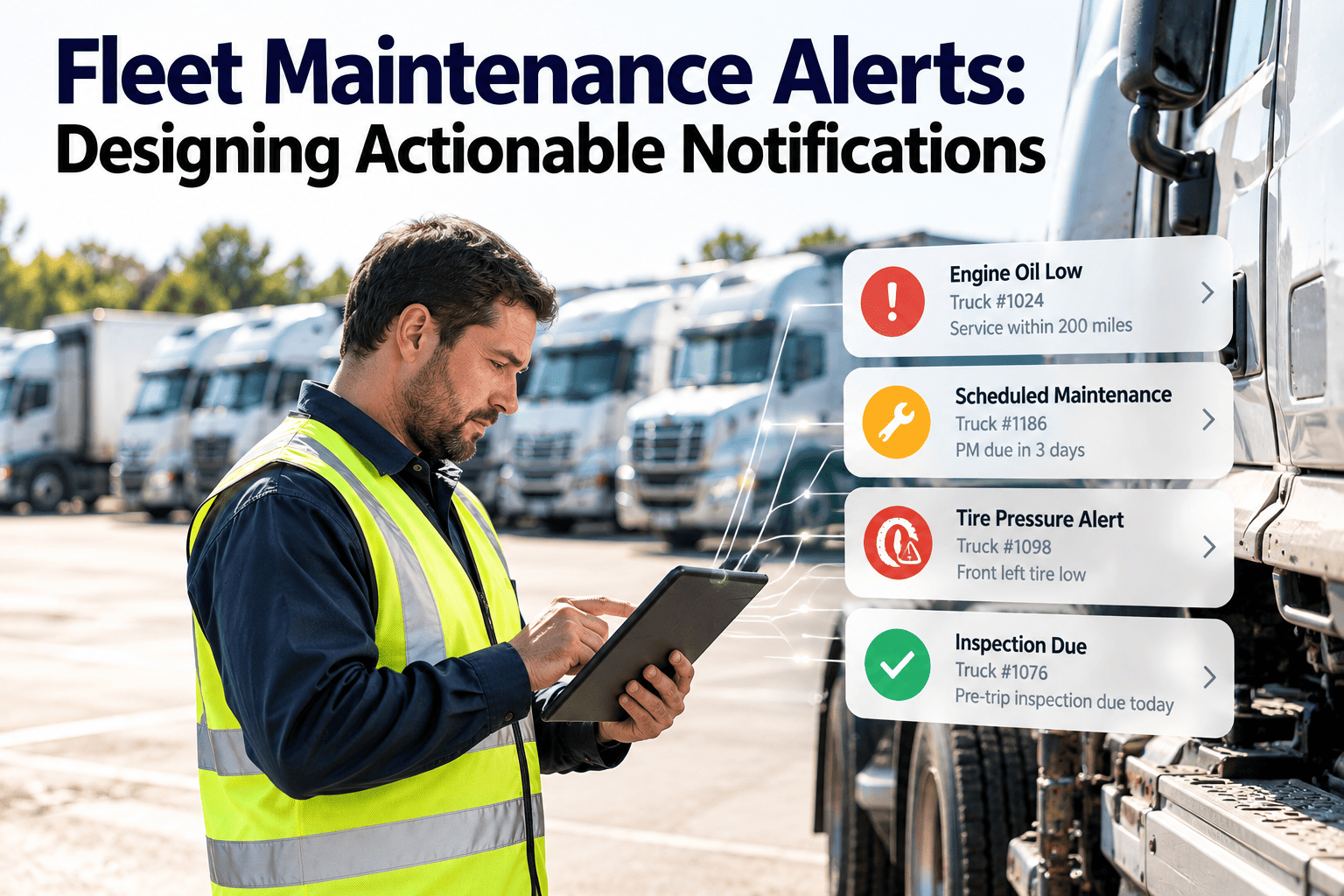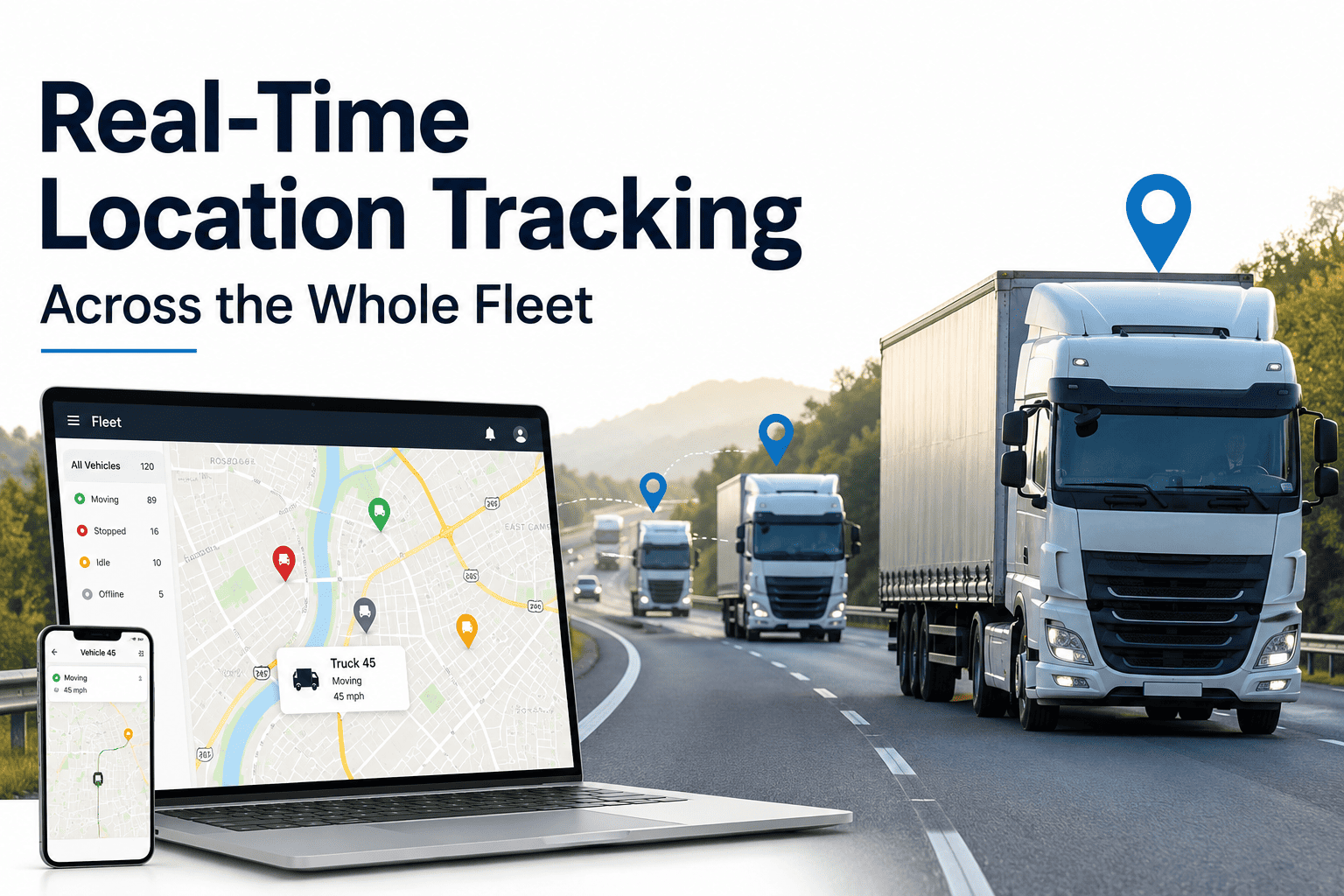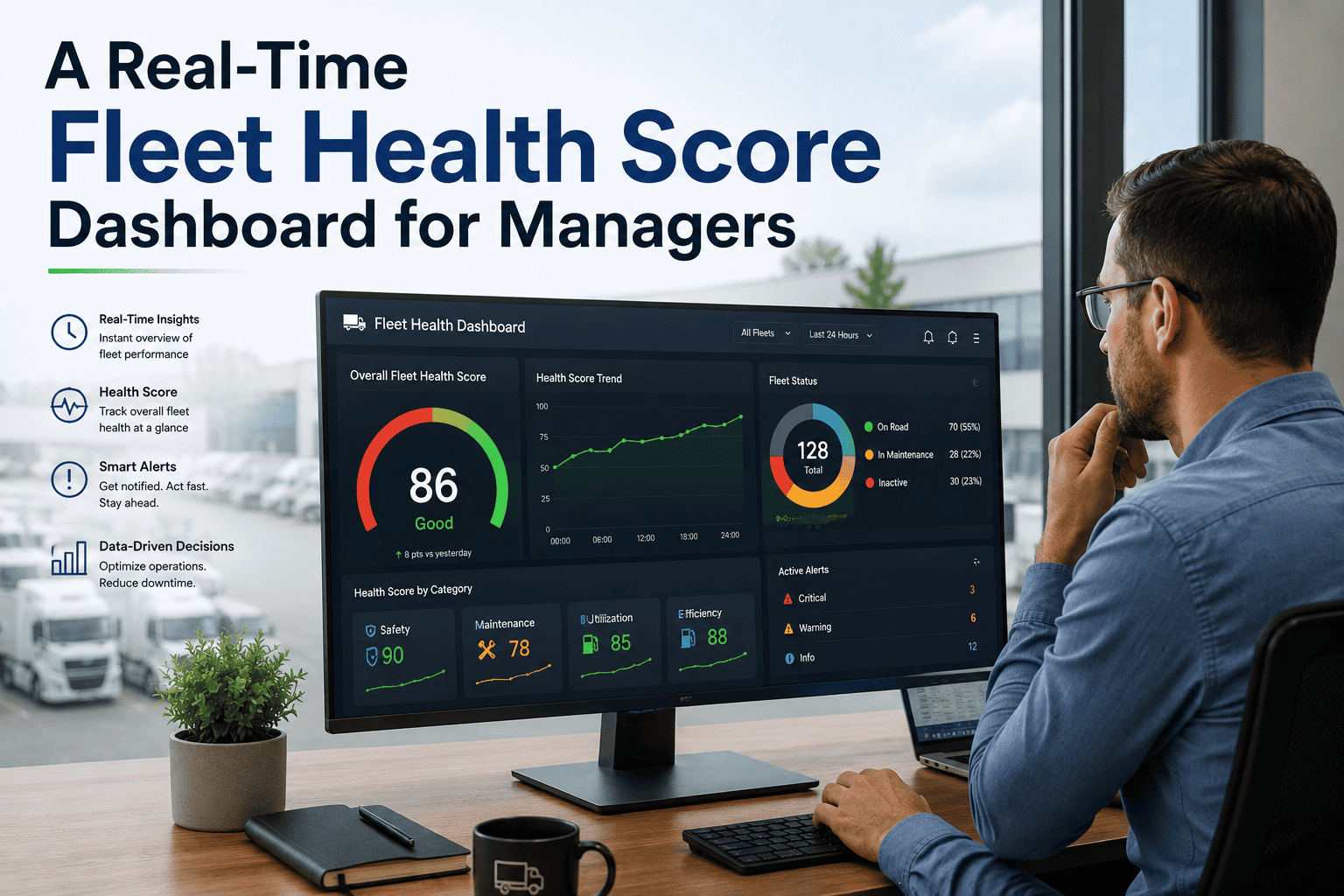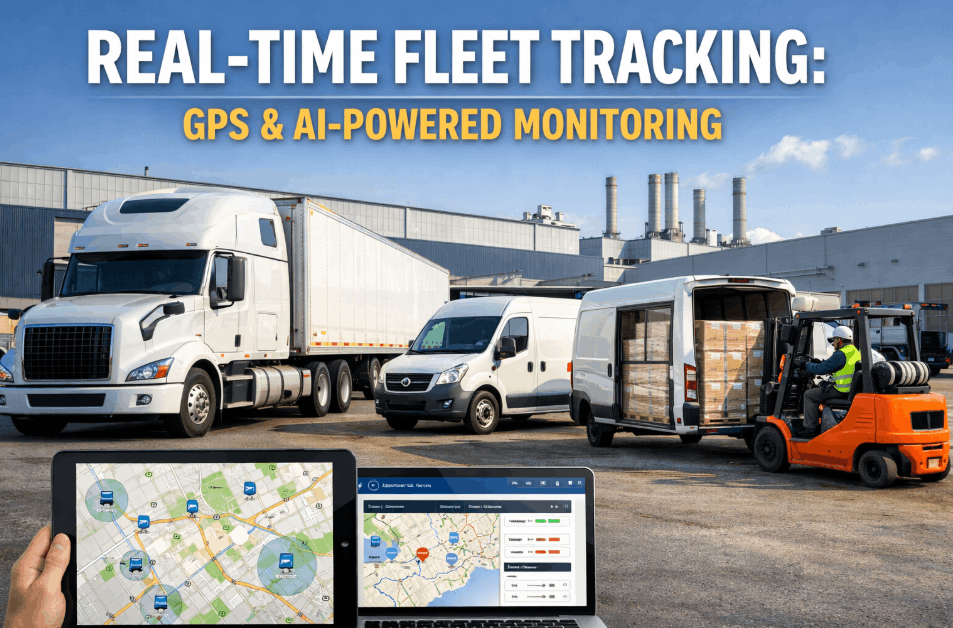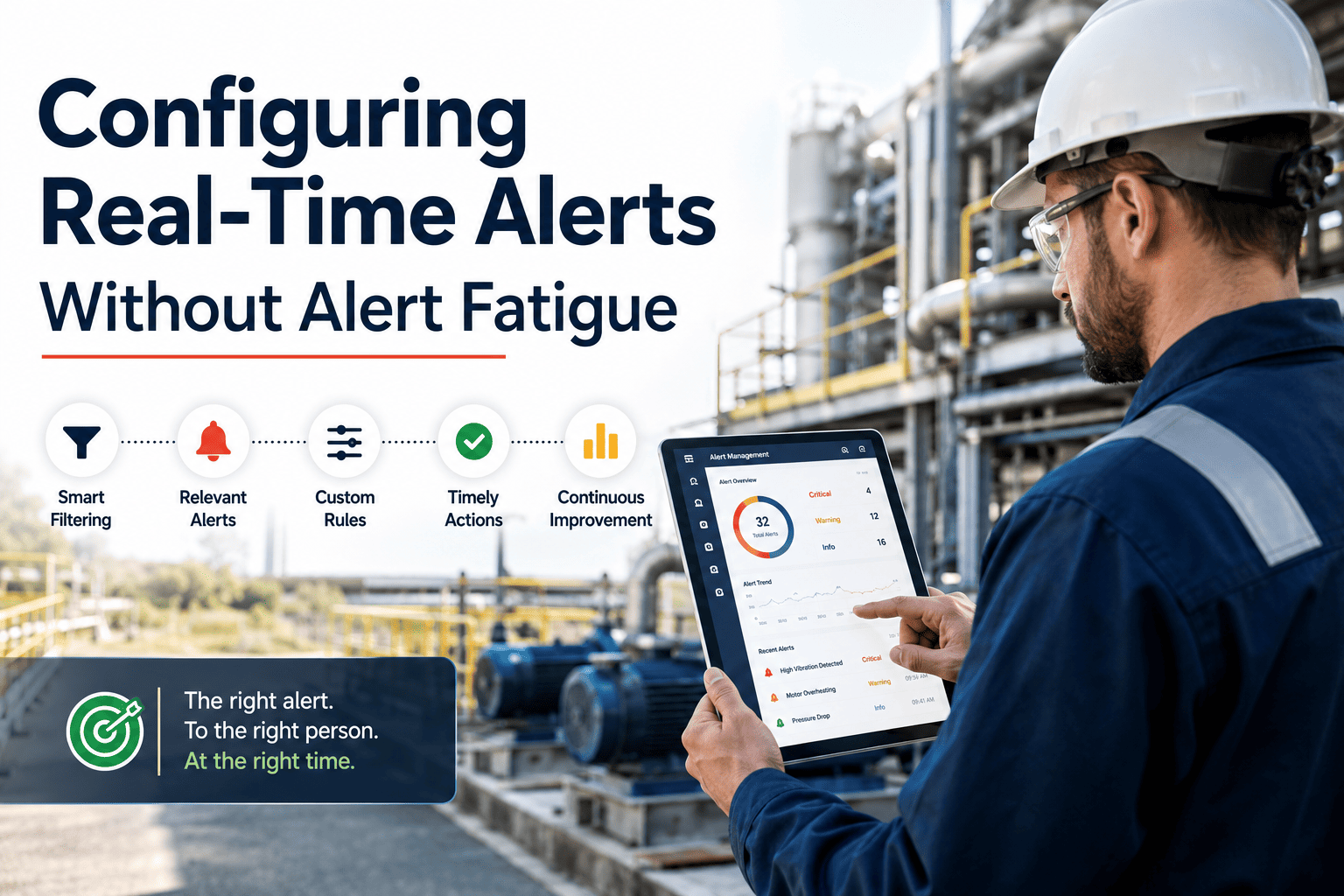
Real-time alerts in a fleet management system are only valuable when they fire on conditions a human can actually act on — a platform that pushes 400 notifications a day to a dispatcher's phone gets muted within the first week, and the alerts that genuinely matter slip through alongside the noise. The discipline that separates a working alert program from an ignored one is threshold configuration: how tight the triggers are, who receives them, how duplicates are suppressed, and how often the rules are re-tuned against real dispatch data. This guide walks through the five-part framework most well-run fleets use to land in the 5–15 alerts-per-user-per-day band, where each notification earns its keep. You can configure every rule described here inside Oxmaint, or skip ahead and Start Free Trial to test the thresholds against your own fleet data this week.
Is your fleet alert channel still alive — or already on mute?
Most dispatchers silence fleet alerts within 7 days of go-live because the system fires on normal traffic, not on real exceptions. Disciplined threshold tuning brings the noise down to 5–15 actionable notifications per user per day — the band where alerts actually get read.
A working alert program rests on five disciplined decisions
Each layer filters the raw event stream so the alerts that reach a human are the ones worth a decision. Skip any layer and the volume creeps back up — skip two and the channel goes mute again inside a month.
Severity Classification
Tag every alert critical, high, medium or low — each with a hard action SLA. Critical means act now; low means it lives in a weekly report and never pushes.
Audience Routing
Route by role, not by topic. Critical to the on-call dispatcher, high to the shop foreman queue, medium to a daily digest, low to a weekly summary email.
Threshold Calibration
Fire on the unusual, not the normal. A hard-brake event in stop-and-go traffic is data; the same event on an open highway at 65 mph is an alert.
Suppression Rules
Aggregate repeats and suppress known issues until the condition changes. One root cause should produce one alert, not forty.
Periodic Tuning
Every 30–60 days, review dismissed alerts. Retire the ones nobody acts on or raise their threshold — alert-to-action rate is the only metric that matters.
Four severity tiers, four destinations, four response windows
The tier system collapses 90% of an untuned alert stream into digests and reports, reserving push notifications for the 5–15 daily events that genuinely require a human decision within hours.
| Tier | Definition | Response SLA | Routing | Delivery |
|---|---|---|---|---|
| Critical | Safety, breakdown, theft, geofence breach | Immediate | On-call dispatcher + duty manager | Push, SMS, in-app |
| High | Check-engine, DTC, idle over 45 min | Within 4 hours | Shop foreman queue | In-app + email |
| Medium | PM due, route deviation, fuel variance | Within 24 hours | Daily digest, 7:00 AM | Email digest |
| Low | Trend data, utilisation snapshots | No action required | Weekly summary report | Report only |
A 220-truck regional fleet was generating ~380 alerts per dispatcher per day — mostly hard-braking and idle pings fired at default thresholds. After classifying every alert into the four tiers above and routing medium/low to digests, push volume dropped to 11 alerts per dispatcher per day, and the average time-to-acknowledge on critical alerts fell from 14 minutes to under 90 seconds because the channel was no longer muted.
Starting thresholds most fleets use — then tune to your own data
These are baseline triggers, not final answers. Run them for 30 days, then raise or lower each one until the alert-to-action rate sits above 60% — the point at which the channel is trusted enough to stay unmuted.
Hard Braking
Sustained deceleration above 0.45 g on a dry road at speeds over 35 mph — filters out normal urban stop-and-go.
Speeding
9 mph above the posted limit sustained for 60+ seconds. Below that is typically flow-of-traffic and not worth a push.
Engine DTC
Coolant temperature or derate SPNs route straight to the shop foreman queue; non-critical codes go to the daily digest.
Idle Time
Continuous idle past 45 minutes outside a designated rest area — balances driver comfort against fuel burn.
Off-Route
Half a mile off the planned route for more than 5 minutes. Tighter than that produces false positives in dense urban grids.
HOS Approaching
Alert dispatcher 30 minutes before a driver's Hours-of-Service limit — enough lead time to find a safe stopping point.
If the rate drops below 60% on any alert type, raise the threshold or retire the alert. Below 40%, the entire channel loses credibility with dispatchers within two weeks.
One root cause should produce one alert, not forty
Without suppression rules a single faulted sensor can generate a fresh alert every 30 seconds, swamping a dispatcher's queue. The four rules below collapse repeat noise into a single trackable event.
Time-Window Aggregation
Same asset, same alert type, within a 15-minute window → one alert, not fifteen. The alert carries a count so the dispatcher sees severity at a glance.
Known-Issue Suppression
Once a work order is opened against an asset+fault, suppress that specific alert until the work order closes — no re-alerting on a problem already being handled.
Escalation, Not Repetition
If a critical alert is unacknowledged after 5 minutes, escalate to the next role — don't re-fire the same alert to the same person. Repetition trains people to swipe away.
Condition-Change Gating
Geofence and route alerts only re-fire when the vehicle changes state (re-enters, re-exits) — not on every position ping while the condition persists.
Every 30–60 days, audit the alerts nobody acted on
Thresholds drift. Routes change, driver behaviour improves, seasons shift braking patterns. A quarterly tuning ritual keeps the alert program honest — and keeps the dispatcher channel trusted.
Baseline capture
Export 30 days of alert logs. Tag every fired alert as acted-on, dismissed, or ignored. The ignored pile is your tuning target.
Retire or raise
For every alert type with an action rate below 40%, either retire it outright or raise the threshold by 25–50%. Re-deploy and watch for two weeks.
Re-measure
Re-export the log. Confirm push volume per dispatcher is inside the 5–15 band and the action rate on remaining alerts is above 60%.
Schedule the next pass
Lock a recurring 60-day review on the calendar. Oxmaint surfaces the alert-to-action rate per rule automatically so the audit takes 20 minutes, not two hours.
See your real alert volume before you commit to a tuning pass
Connect a fleet data source to Oxmaint and the dashboard shows your current alerts-per-dispatcher-per-day and alert-to-action rate within the first session — no spreadsheet export required.
Five questions fleet managers ask before configuring alerts
How many alerts per dispatcher per day is actually healthy?
The working band is 5–15 alerts per user per day, with an alert-to-action rate of 60% or higher. Below 5 and you're likely suppressing real exceptions; above 15 and dispatchers start swiping without reading. Measure both numbers together — volume alone tells you nothing about quality.
What's the fastest way to cut alert volume in an existing fleet system?
Move every medium and low-severity alert out of push notifications and into a daily digest or weekly report. That single routing change typically cuts push volume by 70–85% without raising a single threshold, because most fleets are pushing informational events that don't require an immediate decision.
How do I stop repeat alerts from a single faulted sensor?
Enable time-window aggregation (one alert per asset per fault type per 15 minutes) and known-issue suppression (no re-alerting once a work order is open). You can configure both rules per alert type in Oxmaint — Start Free Trial and they're on by default for safety and mechanical alert categories.
Should critical alerts go to more than one person?
Yes — route critical alerts to the on-call dispatcher plus a duty manager, and set a 5-minute escalation timer. If the first recipient doesn't acknowledge, the alert escalates rather than re-firing to the same person. Repetition trains people to dismiss; escalation trains people to respond.
How often should thresholds be re-tuned, and what do I look for?
Review every 30–60 days. Export the alert log, sort by alert type, and look at the action rate for each. Any alert type below 40% action rate should be retired or have its threshold raised by 25–50%. Oxmaint tracks alert-to-action rates per rule automatically, so the audit takes about 20 minutes.
Tune your fleet alerts to the 5–15 band this week
Oxmaint ships with per-role, per-user threshold controls, automatic suppression rules, and alert-to-action tracking built in — so the tuning framework above is configuration, not custom development.
Free 14-day trial · No credit card