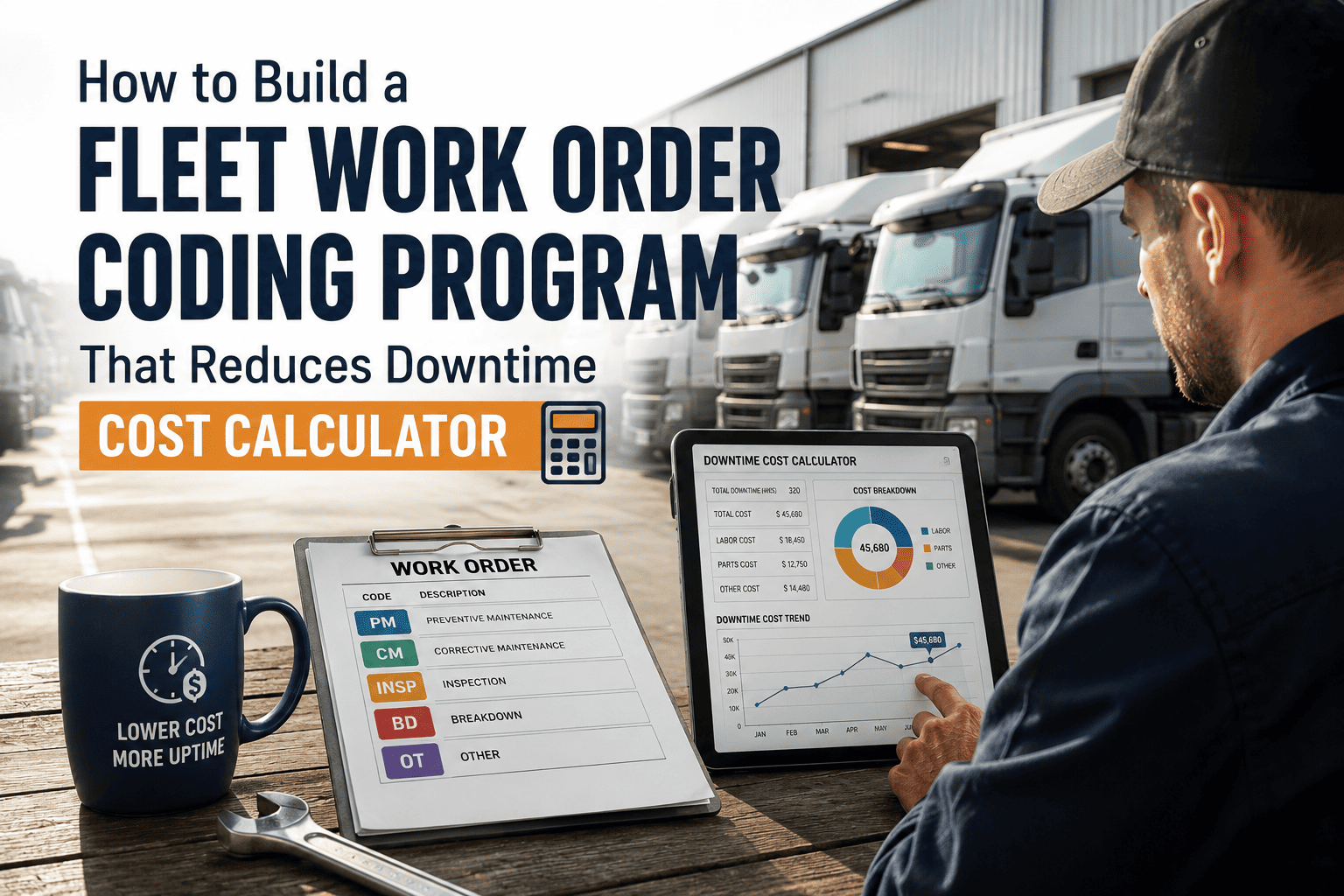
Every hour a commercial vehicle sits in the shop waiting for a technician to find the right part or understand what failed last time is an hour of direct revenue loss — and in most fleets, that wait is caused by the same problem: nobody coded the previous work order properly. A structured work order coding program does more than organize paperwork. It creates a searchable maintenance history that technicians can use to diagnose faster, managers can use to predict failures, and finance teams can use to justify PM investments. Fleets that build this program intentionally — with the right codes, the right triggers, and the right system — cut unplanned downtime by 40–60% within the first year. Oxmaint's CMMS is built around this exact workflow, from first work order to fleet-wide reporting. Use the calculator and framework below to design and cost-justify your own program.
How to Build a Fleet Work Order Coding Program That Reduces Downtime
A step-by-step program framework plus a real downtime cost calculator to help you measure the ROI before you build, and track it after you launch.
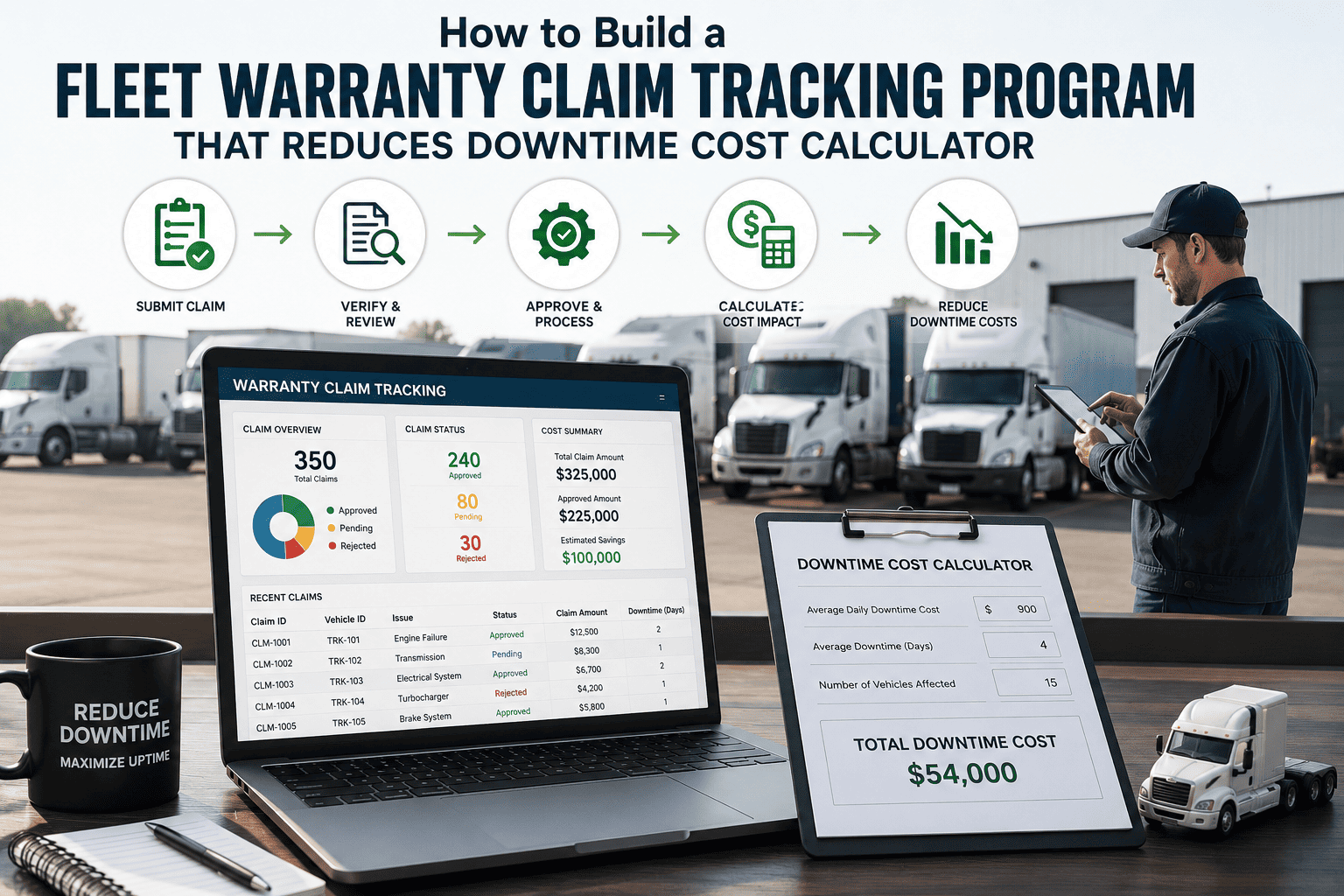
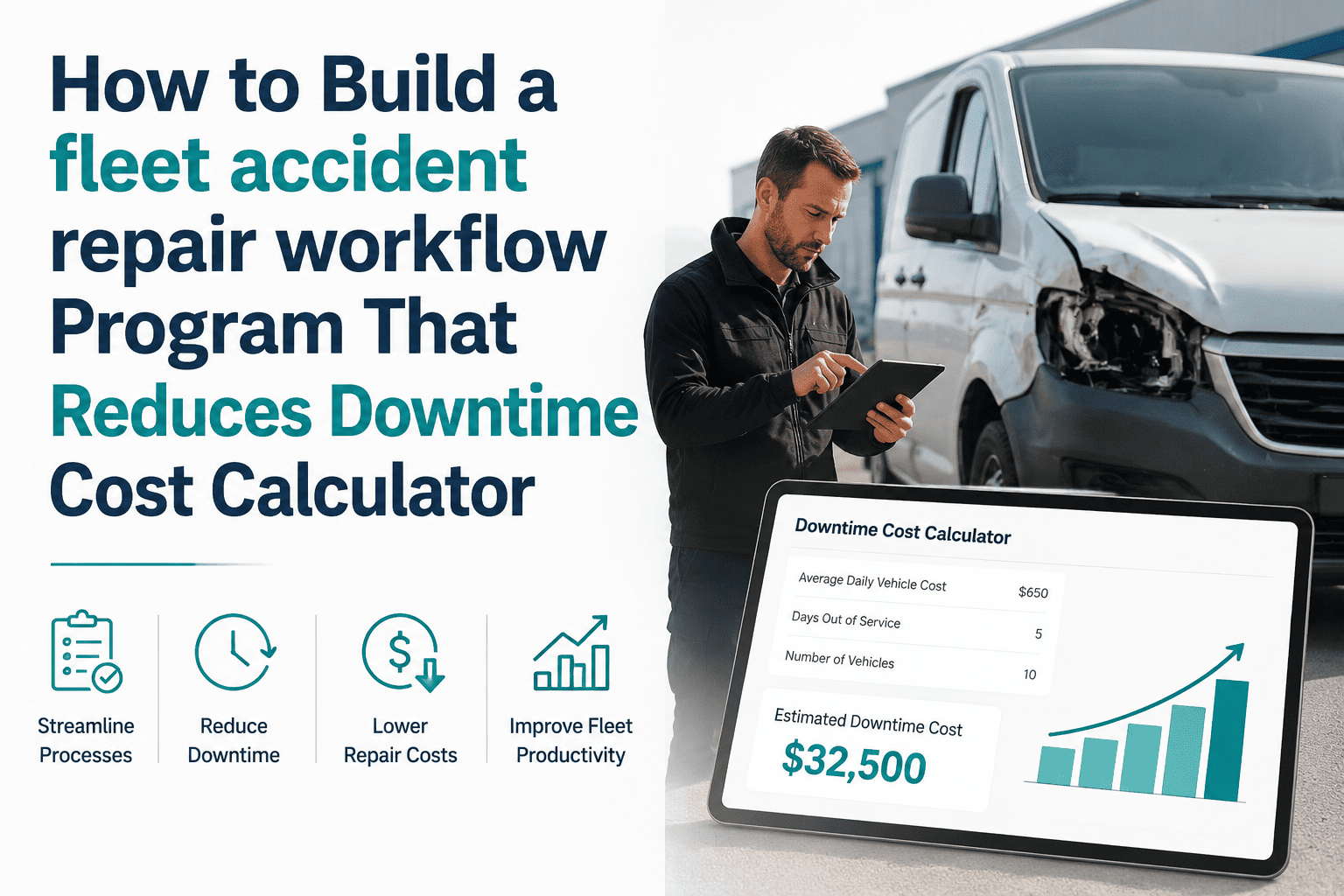
Downtime Cost Calculator
See what unplanned downtime is costing your fleet — and what a 40% reduction would save annually.
Revenue per downtime hour and savings % are adjustable estimates. Actual results vary by fleet type and coding maturity.
The 4-Phase Program to Build Your Work Order Coding System
Building this program in phases means you see results within 30 days without overhauling your entire operation at once. Each phase builds on the last.
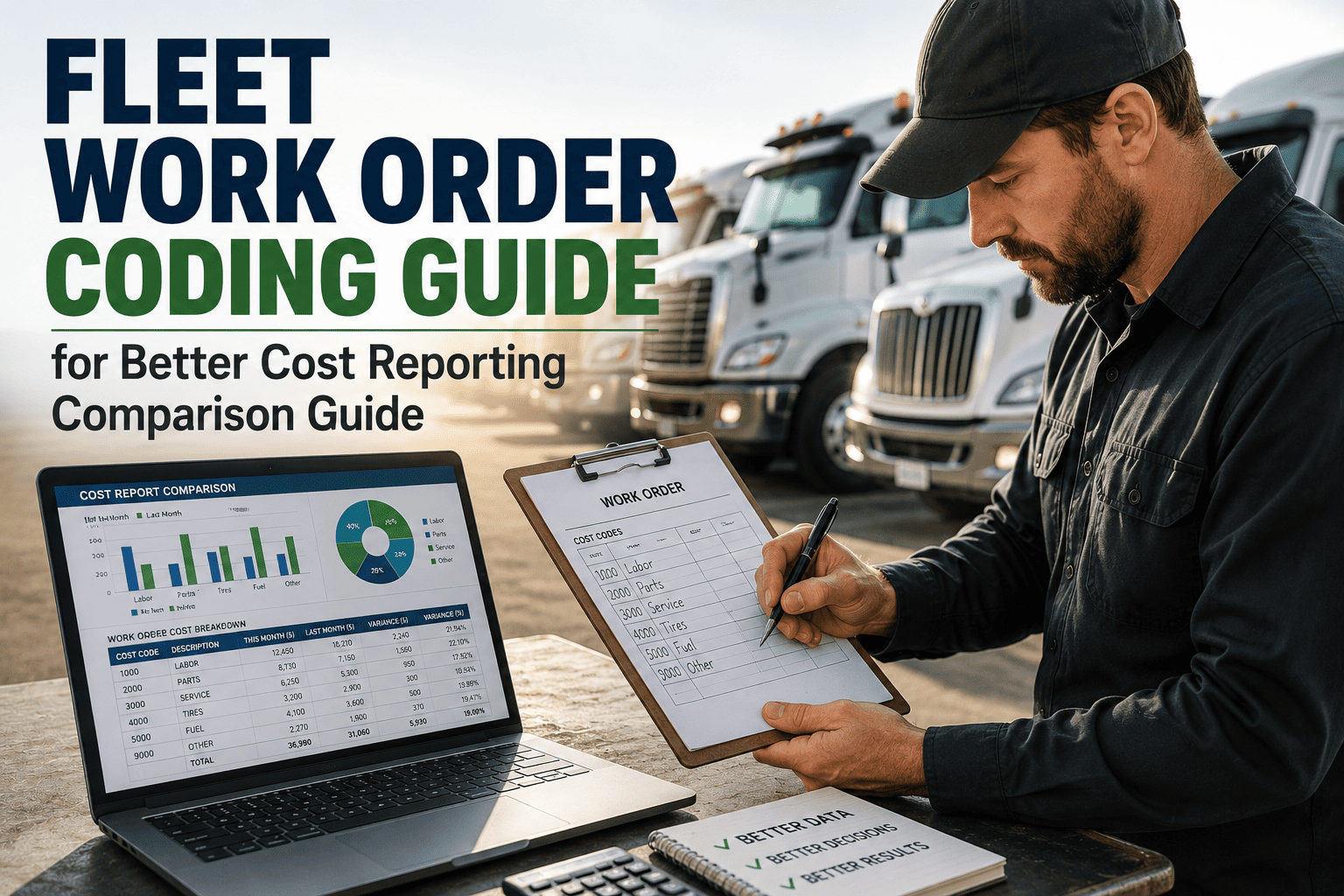
Review 90 days of past work orders. Identify the top 10 repair types by frequency and the top 5 by cost. These become your mandatory system codes and fault codes. Define your cost categories: PM, repair, breakdown, inspection, and warranty. Map cost centers to depots or routes. Document the final code library before any system configuration begins.
Build your code library into required work order fields. System code, fault code, cost category, and cost center should all be required dropdowns — not optional text fields. Configure your CMMS so a work order cannot be closed without all four fields completed. Set up automatic cost center population based on vehicle assignment. Test the form with two or three technicians before fleet-wide launch.
Once coding is live, use historical data to set PM triggers based on actual failure intervals, not OEM defaults. If brakes on your urban delivery vehicles fail at 60,000 miles on average, set your PM trigger at 52,000. Build alert rules that fire when the same fault code appears on a vehicle twice within 60 days. These repeat-fault alerts are the fastest path to downtime reduction in the first 90 days.
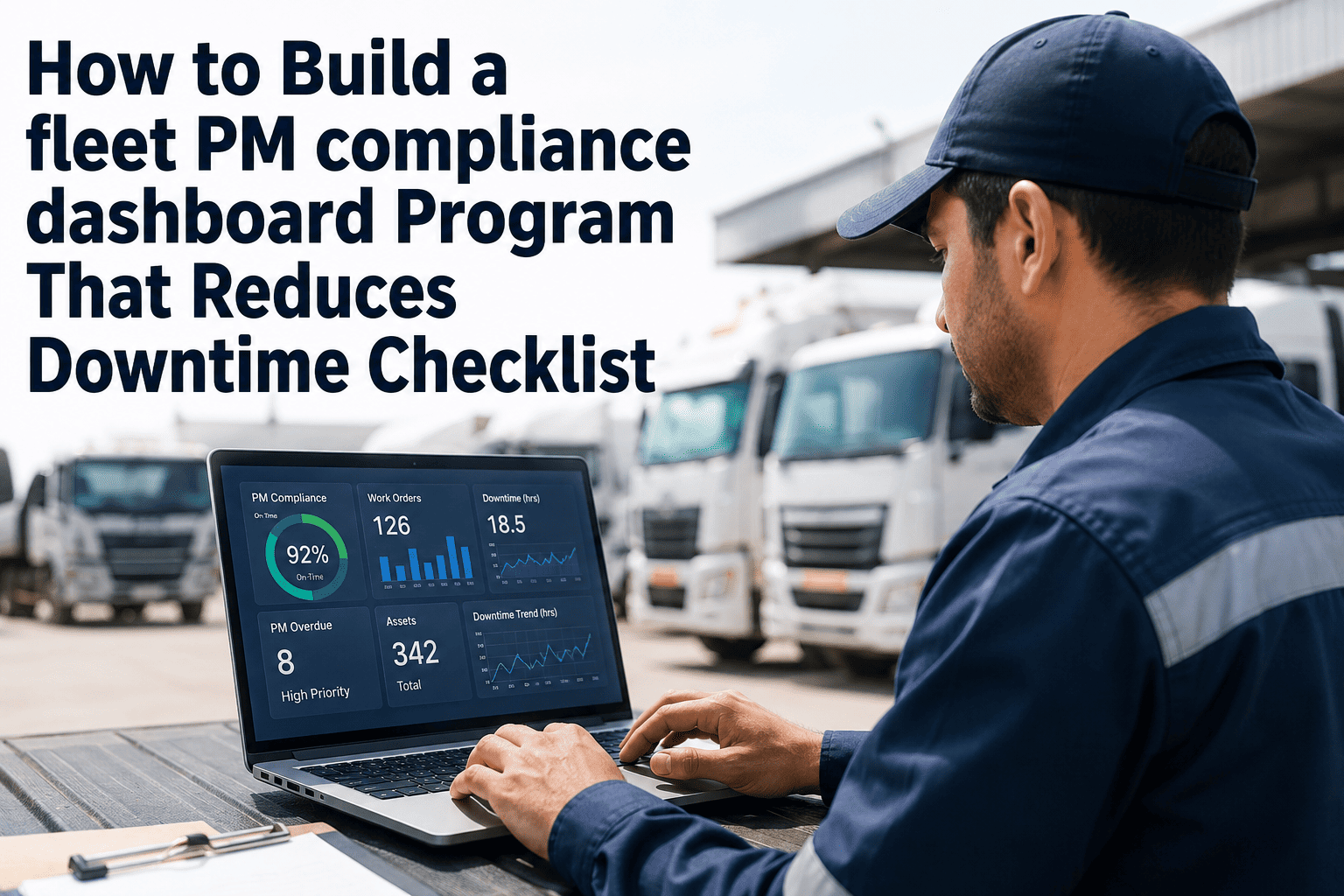
Set a 30-minute weekly review of three reports: top 5 vehicles by unplanned downtime hours, top 5 fault codes by frequency, and PM compliance rate. Any vehicle appearing in the top 5 for three consecutive weeks enters an asset review — evaluate for repair vs replace. Any fault code in the top 5 for two consecutive weeks triggers a root cause investigation. This weekly cadence is what converts data into action.
Oxmaint comes with a pre-built code library based on ATA standards, configurable required fields, and repeat-fault alert rules — so you can complete Phase 1 through 3 in under a week, not a month.
KPIs to Track at Each Program Stage
| KPI | How to Measure | Target at 90 Days | Target at 12 Months |
|---|---|---|---|
| Work order coding compliance | % of WOs closed with all 4 required fields | 90%+ | 98%+ |
| PM vs reactive spend ratio | Planned PM cost / total maintenance cost | 60% planned | 80%+ planned |
| Mean time to repair (MTTR) | Avg hours from WO open to vehicle back in service | 20% reduction | 40% reduction |
| Repeat fault rate | % of fault codes appearing 2+ times per vehicle in 90 days | Under 15% | Under 8% |
| Cost per mile by asset class | Total maintenance cost / total miles per vehicle group | Baseline established | 5–12% reduction |
Frequently Asked Questions
How long does it take to see downtime reduction after implementing work order coding?
Do we need a full-time analyst to run this program?
What if our fleet has mixed vehicle types — trucks, vans, trailers?
How does work order coding help with parts inventory?
Can this program work for fleets using external repair vendors?
Oxmaint gives you the code library, the work order forms, the PM triggers, and the weekly reports to run this program without adding headcount. Set it up in days. See results in weeks.