IFTA Fuel Tax Reporting: How Fleet Software Simplifies Compliance
By Alex Jordan on March 21, 2026
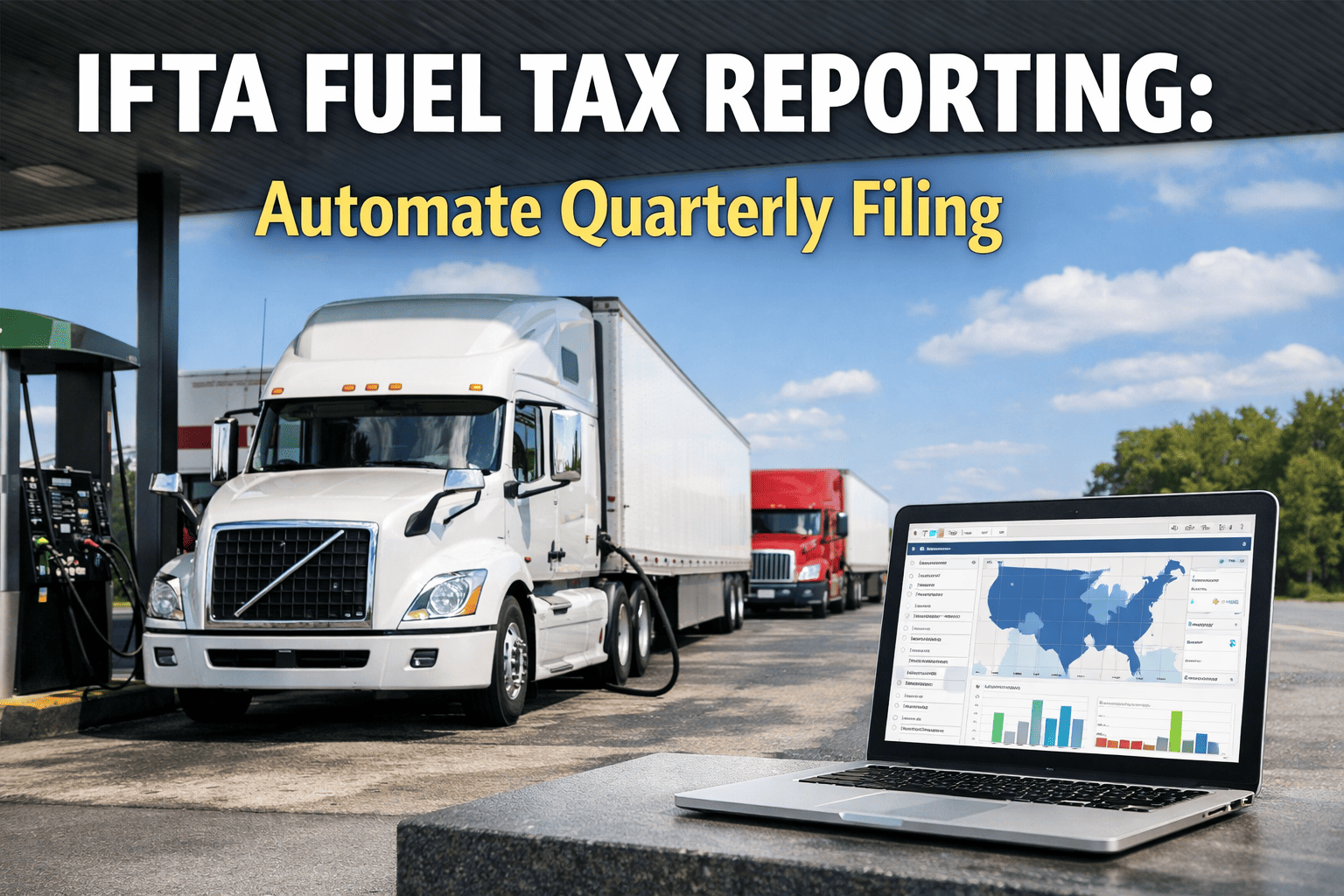
IFTA requires commercial fleets operating across two or more jurisdictions to track miles by state, record every fuel purchase by location, and file a quarterly return reconciling the difference. For a 15-truck fleet running 12 states, that's 60 filings per year — compiled manually by most compliance teams from fuel cards, paper logs, and GPS exports in separate systems. Errors mean $50/day penalties per jurisdiction, interest on underpayments, and a 3-year audit lookback. OxMaint integrates GPS mileage, OBD fuel data, and fuel purchases automatically — generating IFTA-ready jurisdiction reports in minutes. Book a demo to see it on live fleet data.
IFTA Compliance Automation
From Manual Spreadsheets to Automated IFTA Returns — in One Platform.
OxMaint captures GPS-verified miles per jurisdiction, OBD fuel consumption data, and fuel purchase records automatically — generating your quarterly IFTA summary report ready for filing in minutes.
Error reduction with GPS-automated mileage tracking vs. manual logs
How IFTA Works: The Core Calculation
IFTA operates on a single principle: fleets pay fuel tax to each jurisdiction in proportion to the miles driven there, regardless of where the fuel was physically purchased. If your truck drives 40% of its miles in Texas and 15% in Oklahoma, those jurisdictions are owed fuel tax on 40% and 15% of your total fuel consumption respectively — even if the driver filled up entirely in one state. The quarterly return calculates: miles per jurisdiction → gallons consumed per jurisdiction (miles ÷ fleet MPG) → fuel purchased per jurisdiction → net tax owed or credit due per jurisdiction. The math is straightforward. The data collection is not.
IFTA Quarterly Calculation — Step by Step (Single Vehicle Example)
1
Total Miles Driven
18,400 mi
GPS-verified odometer or telematics reading for the quarter
÷
2
Fleet Average MPG
6.8 mpg
OBD-derived fuel consumption data per vehicle — more accurate than fleet average
=
3
Total Gallons Consumed
2,706 gal
Allocated proportionally across jurisdictions by miles driven
−
4
Gallons Purchased
2,580 gal
From fuel card data and receipts — captured per purchase location
=
5
Net Position
126 gal owed
Taxed at each jurisdiction's rate — sum of all states = quarterly return balance
Miles by Jurisdiction: Why Manual Tracking Fails
The most error-prone element of IFTA compliance is mileage allocation by jurisdiction — determining exactly how many miles each vehicle drove in each member state or province every quarter. Paper logs are inaccurate, inconsistent across drivers, and inadmissible in many IFTA audits without corroborating GPS data. ELD mileage data solves the accuracy problem but creates an integration problem — ELD exports in multiple formats that must be reconciled against fuel card data in a separate system, then manually entered into IFTA calculation software. The correct solution is GPS telematics that logs state-line crossings automatically, combined with a CMMS that stores the jurisdiction mileage record per vehicle and generates the IFTA summary without manual data transfer at any step.
OBD and GPS Integration: The Data Foundation for Accurate IFTA
Accurate IFTA compliance rests on two data streams that must be captured automatically — not estimated. The first is jurisdiction mileage: GPS telematics with state-line detection logs every border crossing with timestamp, coordinates, and odometer reading, creating an auditable mileage record that survives IFTA audit scrutiny. The second is fuel consumption per vehicle: OBD-II and J1939 CAN bus integration captures actual engine fuel consumption from the ECU, which is significantly more accurate than the fleet-average MPG approach and essential for vehicles with variable loads or significant idle time. Together, GPS mileage and OBD fuel data create the two inputs that drive every IFTA calculation — and when both flow automatically into a CMMS, the quarterly return becomes a report generation task rather than a data collection task.
IFTA Data Flow — From Vehicle to Filed Return
01
GPS Telematics
State-line crossing detection
Logs every jurisdiction boundary crossing with timestamp and odometer. Miles per state calculated automatically per vehicle per day — zero manual mileage logging.
02
OBD-II / J1939
Real fuel consumption per vehicle
ECU-reported fuel consumption replaces fleet-average MPG estimates. Per-vehicle actual consumption accounts for load variation, idle time, and engine condition.
03
Fuel Card Integration
Purchase location + gallons per transaction
Fuel card data feeds purchase jurisdiction, gallons, and price per transaction. Receipts matched automatically — no manual data entry from fuel receipts.
04
OxMaint CMMS
IFTA calculation + report generation
Combines GPS miles, OBD consumption, and fuel purchases per jurisdiction. Calculates net tax position per state and generates quarterly IFTA return summary — audit-ready.
05
SAP / ERP Integration
Automatic tax liability posting
IFTA liability calculated in OxMaint posts automatically to SAP accounts payable. Tax payment triggered, financial records updated — no manual journal entries.
06
AI Anomaly Detection
Flags discrepancies before filing
AI compares fuel consumption patterns to vehicle-class norms. Flags unusual MPG deviations, missing mileage periods, and jurisdiction gaps before the return is filed — preventing audit triggers.
Digital Twin Technology: Predictive IFTA Liability Forecasting
Digital twin technology — virtual models of fleet routes and vehicles that simulate operational scenarios — has a specific and high-value application in IFTA compliance: tax liability forecasting. A fleet digital twin models the expected fuel consumption and jurisdiction mileage allocation for planned routes across the next quarter based on dispatch schedules, vehicle assignments, and historical performance. This gives fleet controllers and finance teams a projected IFTA liability figure 6–8 weeks before the return is due — allowing routing adjustments that minimize tax exposure, cash flow planning for the payment, and early identification of jurisdictions approaching audit-risk thresholds. The same digital twin that optimizes route planning for fuel cost also optimizes IFTA liability as a secondary output.
Digital Twin + AI — IFTA Applications Beyond Basic Compliance
Quarterly Tax Forecasting
Digital twin models planned routes against historical fuel consumption to project jurisdiction tax liability 6–8 weeks ahead of quarterly deadline. Finance team receives projected payment figure with 94%+ accuracy.
AI models alternative routing scenarios and their IFTA liability impact. When two routes have equal delivery time, the system recommends the one with lower net tax position — particularly useful in high-tax jurisdictions.
Value: 4–9% fuel tax reduction through route-level optimization.
Audit Risk Scoring
AI flags vehicles and jurisdictions with anomalous fuel consumption ratios — high MPG variance, jurisdiction gaps in mileage records, and fuel purchase patterns inconsistent with route data — before the return is filed.
Value: Catches data errors before they become audit triggers.
Predictive Maintenance Link
Declining OBD MPG data that affects IFTA calculations also signals a vehicle maintenance issue. An engine burning 12% more fuel than baseline triggers both an IFTA recalculation and a predictive maintenance work order.
Value: Connects tax accuracy to vehicle health in one data stream.
“
We used to spend 3 days every quarter pulling mileage from ELD exports, matching it to fuel card data in Excel, and manually entering it into our IFTA filing system. With OxMaint pulling GPS and fuel card data automatically, our quarterly IFTA report generates in about 20 minutes. We haven't had a penalty in two years.
IFTA compliance failures are expensive because the penalty structure compounds. Late filing triggers a flat penalty per jurisdiction per day. Underpayment triggers interest on the shortfall at a rate set quarterly by IFTA. An audit — triggered by late filing, inconsistent returns, or anomalous fuel consumption patterns — can claw back three years of returns, adding audit costs to the underlying liability. The most common cause of all three penalty types is the same: manual data collection that introduces errors, creates delays, and produces records that do not survive audit scrutiny.
An IFTA audit examines three categories of records: mileage documentation (GPS logs, ELD exports, or driver logs per vehicle per jurisdiction per day), fuel purchase records (receipts, fuel card statements, bulk fuel logs), and the mathematical reconciliation between the two. The most common audit failure points are: mileage records that cannot be traced to a specific vehicle and date, fuel purchases without location documentation, and discrepancies between reported MPG and the vehicle's actual consumption profile. GPS-automated mileage records and OBD consumption data solve all three — and because they are timestamped, GPS-attributed, and stored per vehicle in the CMMS, they are specifically the format auditors accept as primary documentation.
IFTA Audit Readiness Checklist — What OxMaint Generates Automatically
✓
GPS Mileage Log Per Vehicle
Daily mileage by jurisdiction, GPS-verified, stored per vehicle. Accepted by all IFTA member jurisdictions as primary mileage documentation.
✓
Fuel Purchase Record by Location
Fuel card transactions stored per purchase event with jurisdiction, gallons, price, and date. Reconciles directly to fuel tax credits on the return.
✓
OBD Fuel Consumption Record
Per-vehicle ECU fuel consumption data establishes actual MPG for the audit period — replacing estimated fleet averages with verifiable engine data.
✓
Quarterly Return Calculation Trail
Complete audit trail from raw GPS and fuel data to the filed return figures — every calculation step documented and exportable for auditor review.
✓
3-Year Historical Archive
All mileage, fuel, and return data retained for the full IFTA audit lookback period. Historical records accessible per vehicle, per quarter, per jurisdiction.
✓
AI Anomaly Flag History
Pre-filing anomaly detection log shows that discrepancies were identified and resolved before filing — demonstrating good-faith compliance effort to auditors.
94%
Error reduction: GPS auto-mileage vs. manual driver logs
Manual logs miss state-line crossings and undercount jurisdiction miles — the most common IFTA audit trigger.
20 min
Typical time to generate quarterly IFTA return with automated data vs. 2–3 days manual
Automated jurisdiction mileage and fuel purchase matching eliminates the manual reconciliation step entirely.
$500+
Minimum penalty per late quarterly return on a 10-jurisdiction fleet
Automated deadline tracking and pre-built quarterly reports eliminate the risk of late filing due to data not being ready.
3 yrs
IFTA audit lookback window — errors in past returns surface years later
OxMaint retains GPS, OBD, and fuel records for the full audit period — audit-ready on demand, not scrambled together under notice.
Frequently Asked Questions
Does OxMaint automatically calculate IFTA or do we still need separate IFTA filing software?
OxMaint generates the IFTA quarterly summary report — miles by jurisdiction, gallons consumed per state, fuel purchases per state, and net tax position per jurisdiction — which is the data your filing software or manual return requires. The calculation is complete; the submission step uses your state's IFTA portal or a licensed tax preparer. Start free to see the IFTA report format for your fleet.
What GPS or telematics systems does OxMaint integrate with for IFTA mileage?
OxMaint integrates with Samsara, Geotab, Verizon Connect, Webfleet, and ELD providers via standard APIs. State-line crossing data feeds into IFTA mileage allocation automatically. Fleets without telematics can import ELD exports for IFTA calculation. Book a demo to see your telematics provider connected live.
Can OBD fuel consumption data replace manual fuel logs for IFTA?
OBD ECU consumption data is used for IFTA calculation accuracy but IFTA auditors require fuel purchase receipts (fuel card records or physical receipts) as the basis for jurisdiction-level fuel credits. OBD data validates the MPG calculation and flags anomalies — the purchase records establish the credit. Both are needed. OxMaint manages both streams in one platform.
How does the SAP integration work for IFTA tax payments?
When OxMaint calculates the quarterly IFTA liability, the net balance per jurisdiction posts automatically to SAP accounts payable as a tax liability accrual. Payment processing runs through SAP's normal AP workflow. Historical IFTA payments are traceable in both OxMaint and SAP for audit purposes. Book a demo to see the SAP integration in action.
What triggers an IFTA audit and how does OxMaint help prevent one?
Audits are typically triggered by late filings, inconsistent MPG across returns, large jurisdiction imbalances without explanatory routing, and missing mileage periods. OxMaint's AI anomaly detection flags all four before filing — and the GPS/OBD audit trail provides the documentation that makes any audit resolvable quickly. Start building your audit-proof records today.
IFTA Filing in 20 Minutes Instead of 3 Days. Every Quarter.
OxMaint automates the entire IFTA data pipeline — GPS-verified miles by jurisdiction, OBD fuel consumption per vehicle, and fuel card purchases by state — combined into a quarterly IFTA return summary that is audit-ready from day one. Stop spending days on a compliance task that technology can solve in minutes.