Ask any fleet manager running more than one yard the same question — "how many 295/75R22.5 drive tires do we have right now, and where?" — and the answer is almost always a guess. Tires move between yards on trailers, get pulled for emergency swaps, and sit forgotten in a corner rack nobody logged. That guesswork is expensive: tire failures account for over half of all roadside calls, and every emergency swap costs far more than a tire pulled from a shelf that was already tracked. This guide breaks down why yard-level tire visibility fails at scale and how platforms like OxMaint turn scattered tire stock into one searchable, location-aware inventory.
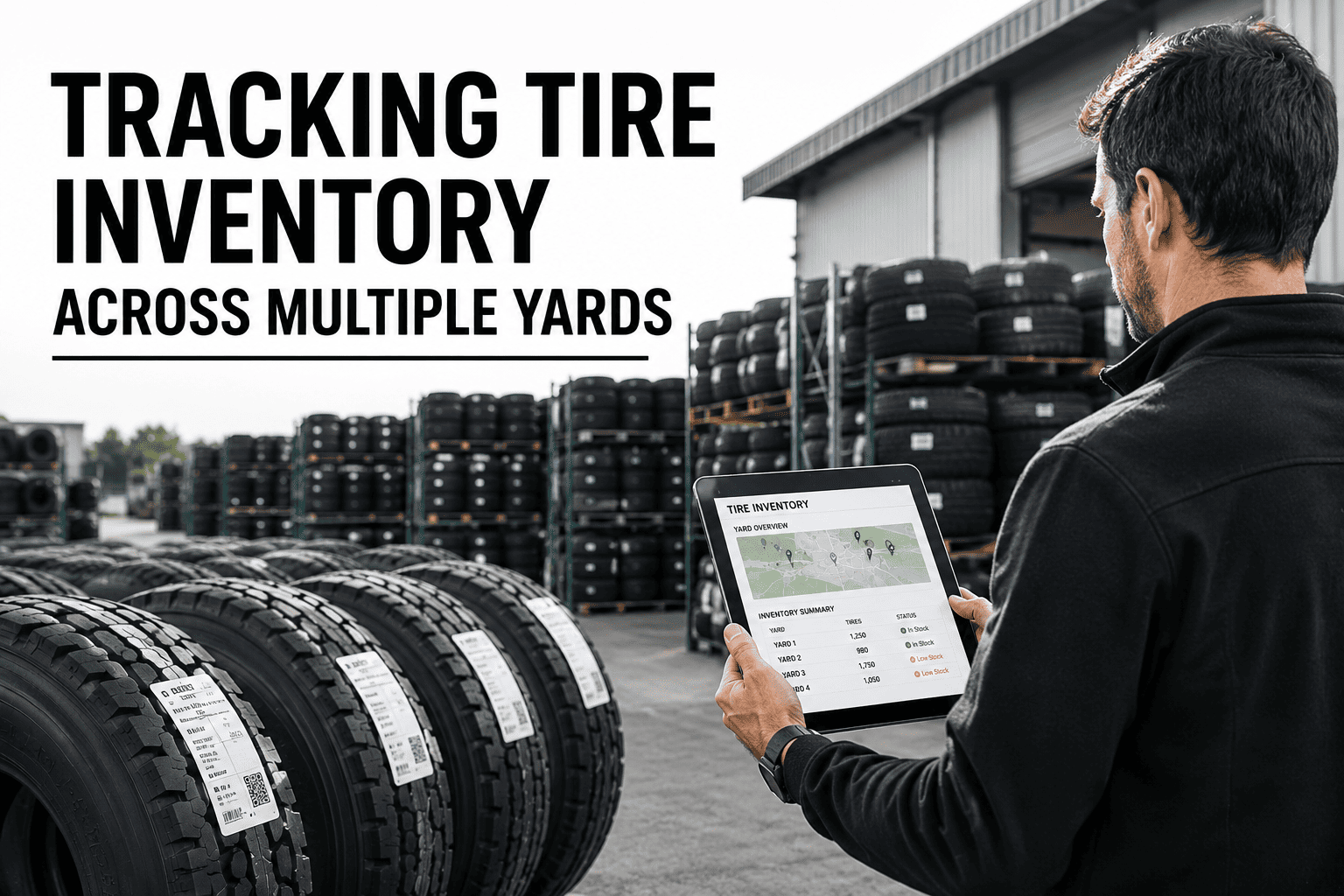
Tracking Tire Inventory Across Multiple Yards
Know exactly which tire sizes and quantities sit at every yard, in real time — so an emergency swap in Fresno never has to wait on a phone call to Bakersfield.
What a Multi-Yard Tire Inventory System Actually Needs to Track
A single-yard shop can get by on memory and a whiteboard. The moment a second yard enters the picture, tire stock becomes a coordination problem, not a counting problem. Here are the six data points that separate a system that works from one that just looks organized.
Every tire size and tread pattern needs its own live count at each individual yard — not a fleet-wide total that hides which location is actually running low.
Busy yards burn through certain sizes faster than others. A single reorder point for the whole fleet either overstocks quiet yards or starves busy ones.
When tires move from one yard to another to cover a shortage, that movement has to be recorded immediately — otherwise both yards show the wrong count.
Tires sitting on a rack still age out and lose warranty coverage. Tracking date-of-manufacture and purchase date prevents installing expired stock.
A defined minimum reserve for the highest-failure sizes at each yard keeps an emergency swap from turning into a same-day supplier scramble.
Purchase price, vendor, and invoice history tied to each tire batch make cost-per-mile analysis possible and catches yards overpaying for the same size.
Comparing How Fleets Actually Track Tire Stock Today
Most multi-yard fleets fall into one of three approaches. Here is how each one holds up once a second or third yard is added to the mix.
| Tracking Criteria | Clipboard / Paper | Shared Spreadsheet | AI CMMS (OxMaint) |
|---|---|---|---|
| Stock Visibility Per Yard | Phone call required | Only if updated same-day | Live, real-time count |
| Reorder Alerts | None | Manual formula checks | Automatic threshold alerts |
| Inter-Yard Transfer Tracking | Rarely logged | Often forgotten | Logged at time of transfer |
| Emergency Stockout Resolution | Hours of calling around | 15–30 minutes searching | Under 2 minutes to locate |
| Warranty and Age Tracking | Not tracked | Manual date entry | Automatic aging alerts |
| Multi-Yard Reporting | Not possible | Manual consolidation | One-click fleet-wide report |
Stop Guessing Where Your Tires Actually Are
OxMaint gives every yard a live count by size, automatic reorder alerts, and a transfer log that updates the moment stock moves — so the next emergency swap takes minutes, not a round of phone calls.
Where Yard-Level Tire Tracking Quietly Breaks Down
These failure patterns repeat across fleets running two or more yards without a shared, location-aware inventory system.
A yard shows twelve of a size on paper, but three were pulled last week and never logged. The shortage is only discovered mid-emergency.
A yard runs out of a common size and nobody knows the yard two hours away has eight sitting on the rack, so a rush order goes out instead.
Tires move between yards to cover a shortfall, but the transfer never gets recorded, leaving both locations' counts wrong for weeks.
A tire that aged past its warranty window sitting in storage gets installed anyway, because nobody tracked the manufacture date.
Two yard managers order the same size in the same week because neither can see the other's stock, tying up cash in excess inventory.
Without mileage or age data attached to each tire, replacement decisions come down to a technician's gut feel instead of actual wear data.
How OxMaint Tracks Tires From Intake to Installation
A structured digital workflow removes every blind spot above. Here is the five-step cycle inside OxMaint.
Every new tire is logged with size, tread pattern, manufacture date, vendor, and assigned yard the moment it arrives.
Installing, pulling, or scrapping a tire updates that yard's live count instantly — no separate spreadsheet to remember.
When a size drops below its yard-specific threshold, a reorder alert goes out before the shortage becomes an emergency.
Moving stock between yards updates both locations at once, so the count is accurate the instant the tire leaves the truck.
Fleet managers see stock, age, and cost data across every yard from a single screen, searchable by size in seconds.
Frequently Asked Questions
Why does tire inventory get harder with more than one yard?
How does OxMaint know which yard has a specific tire size in stock?
Can this replace our current spreadsheet without losing our tire history?
Does tracking tire age actually matter if the tread still looks fine?
How long does it take to set up multi-yard tracking in OxMaint?
Give Every Yard the Same View of Your Tire Stock
Stop losing hours to phone calls and rush orders. OxMaint puts live tire counts, transfer tracking, and reorder alerts for every yard on one screen.