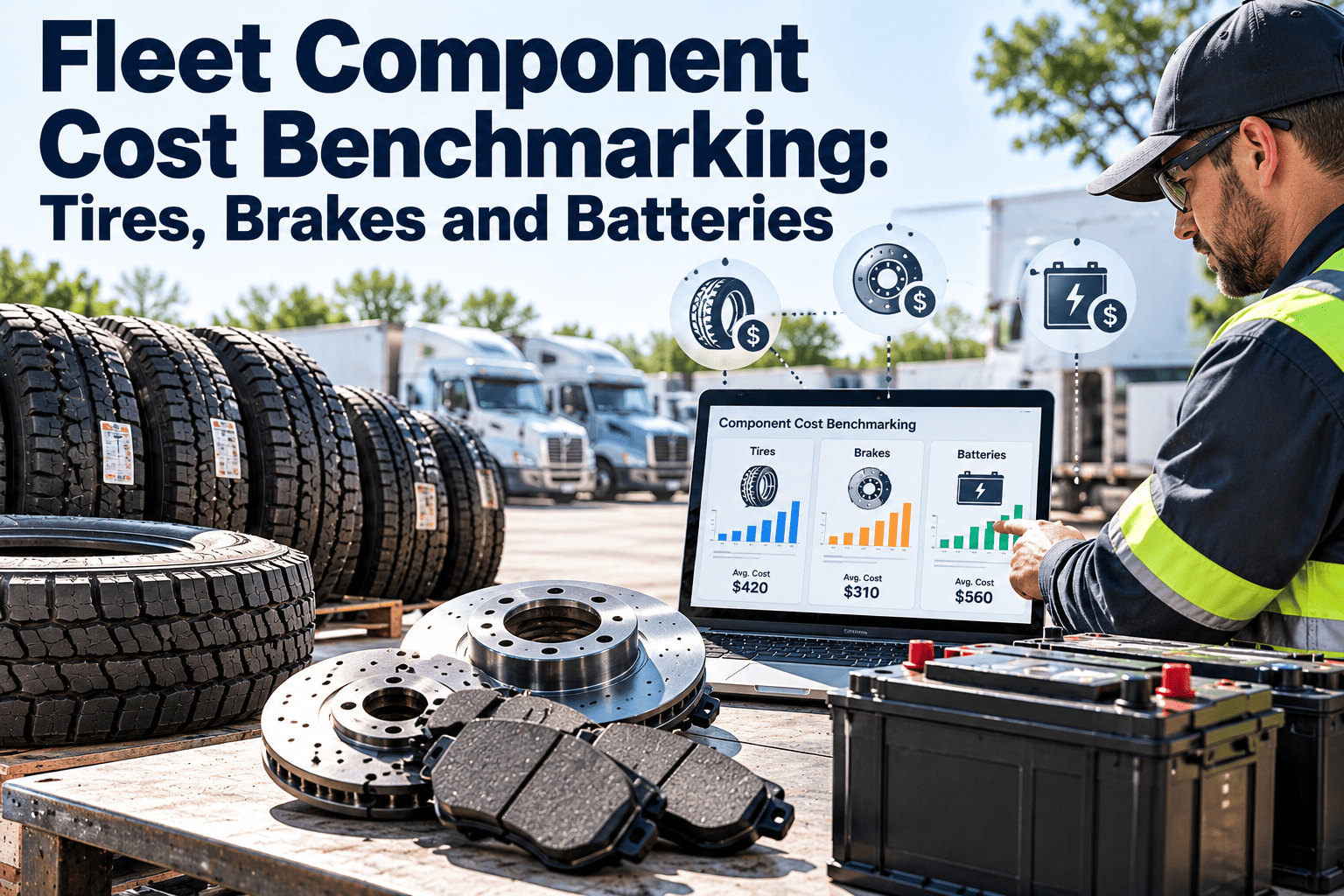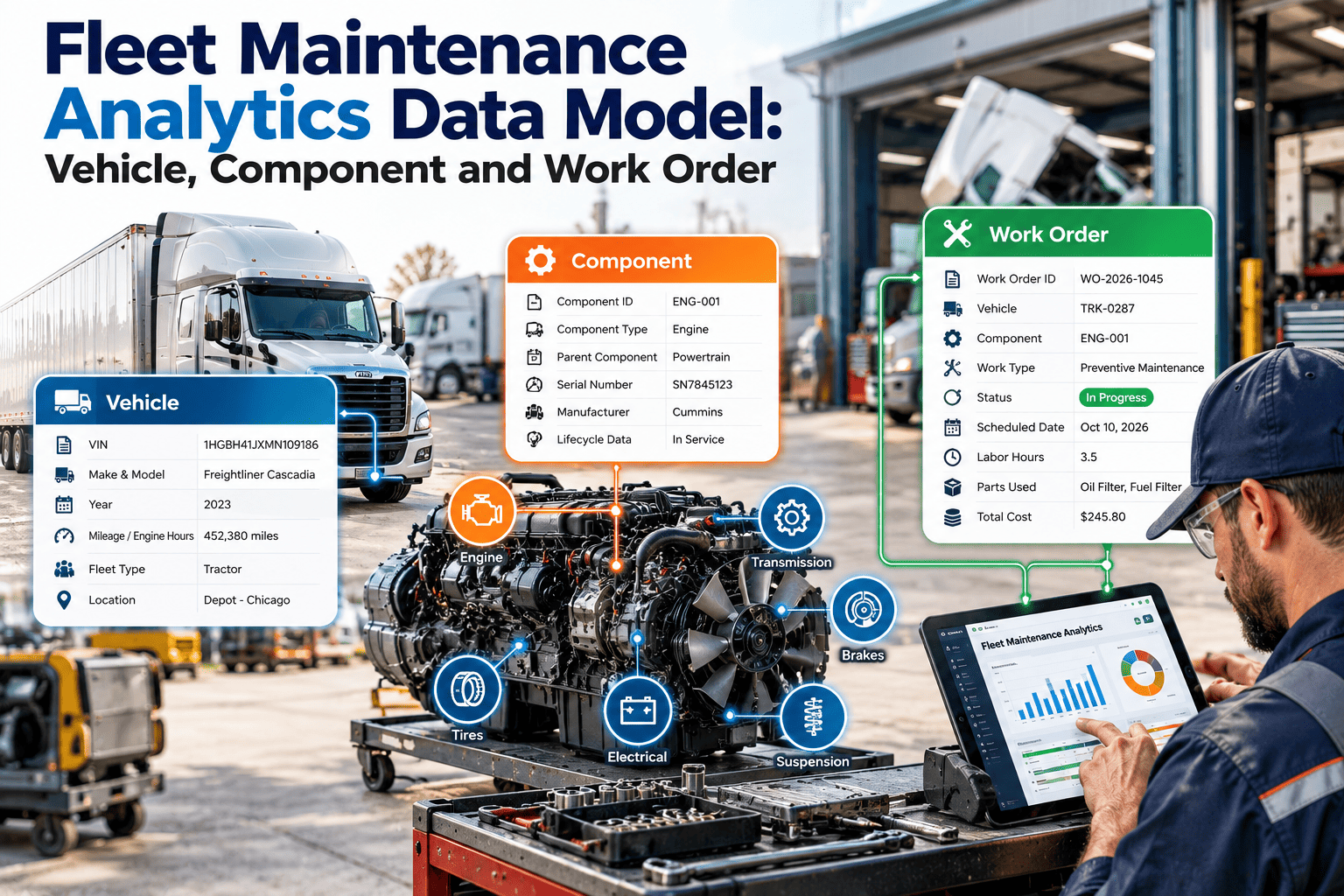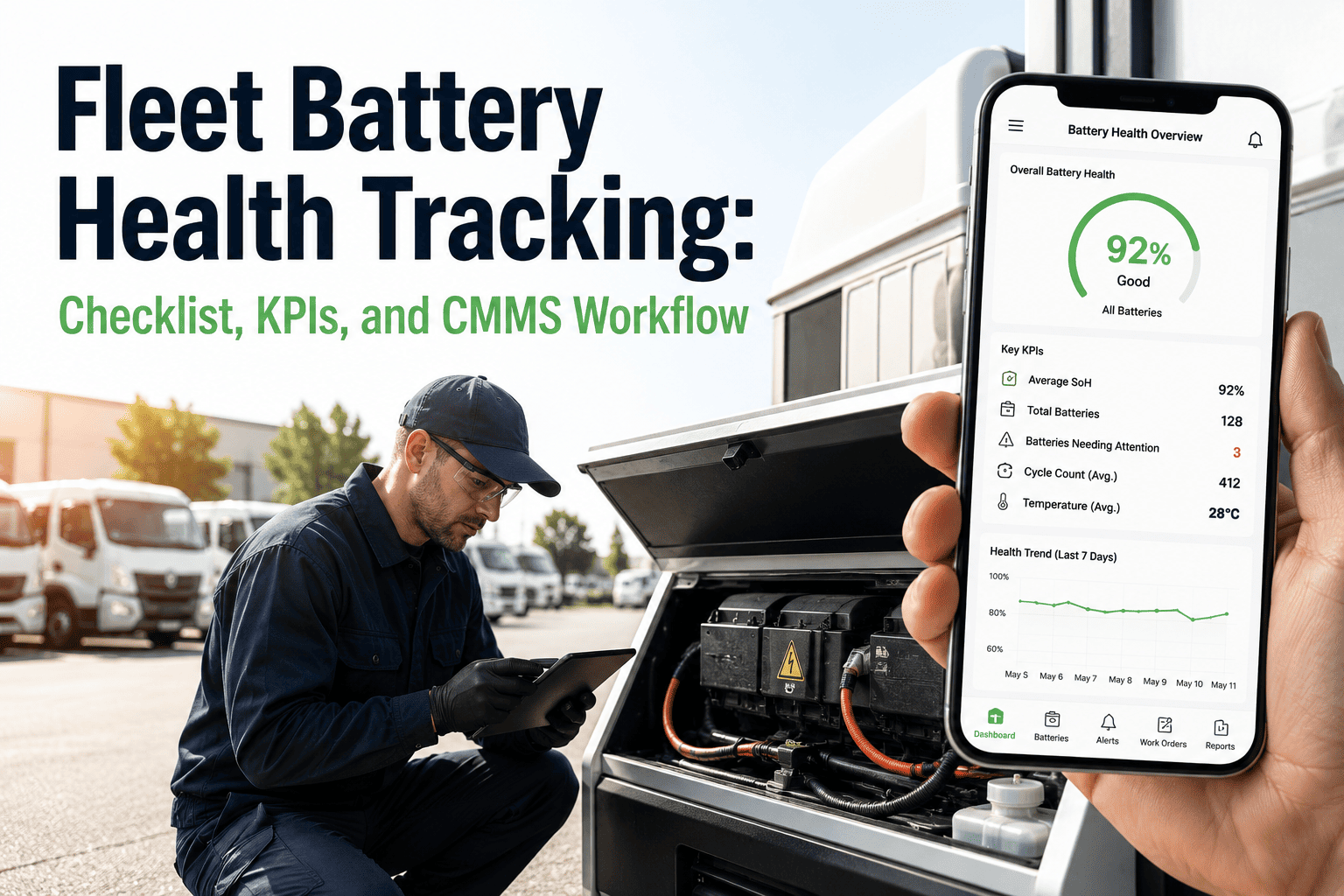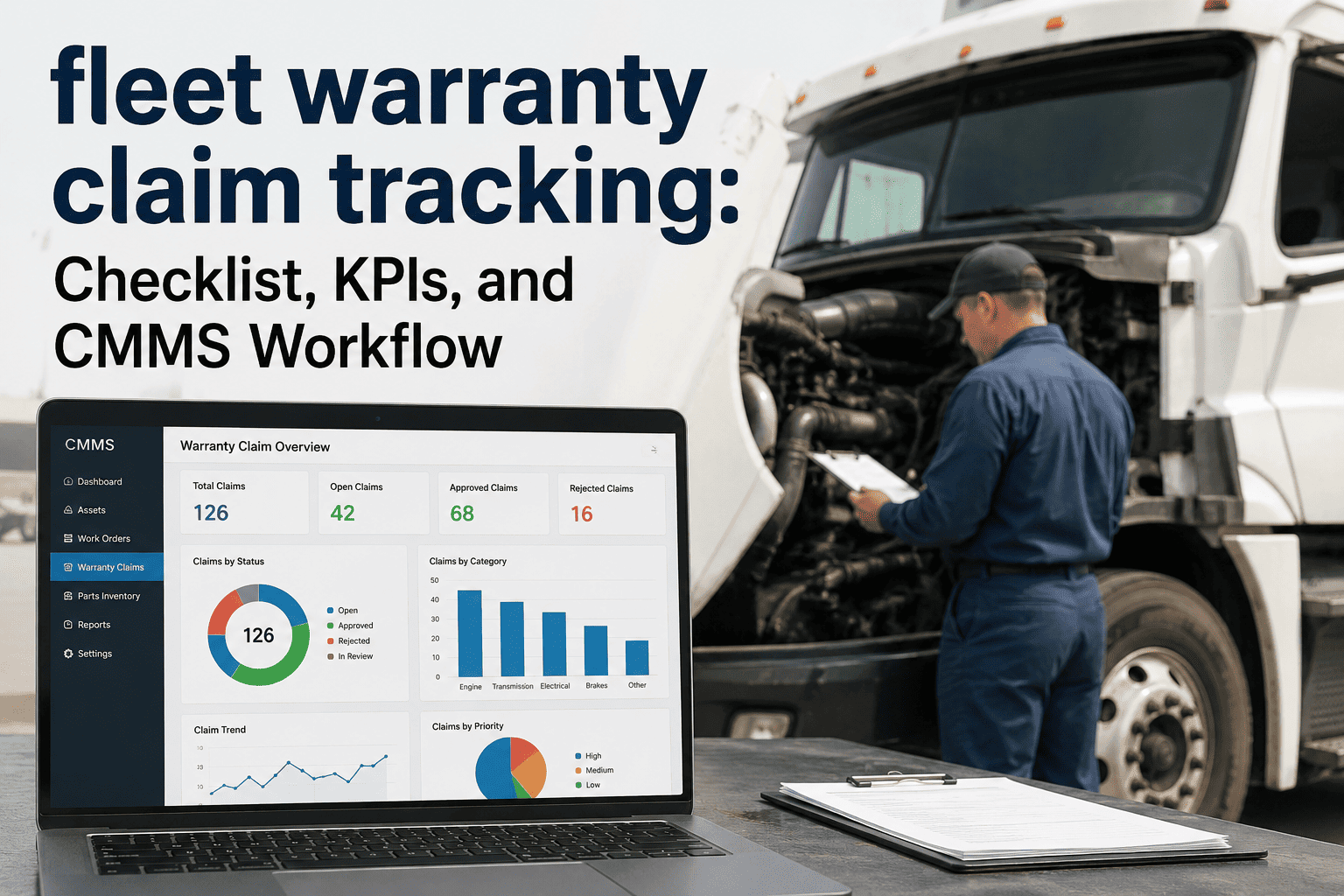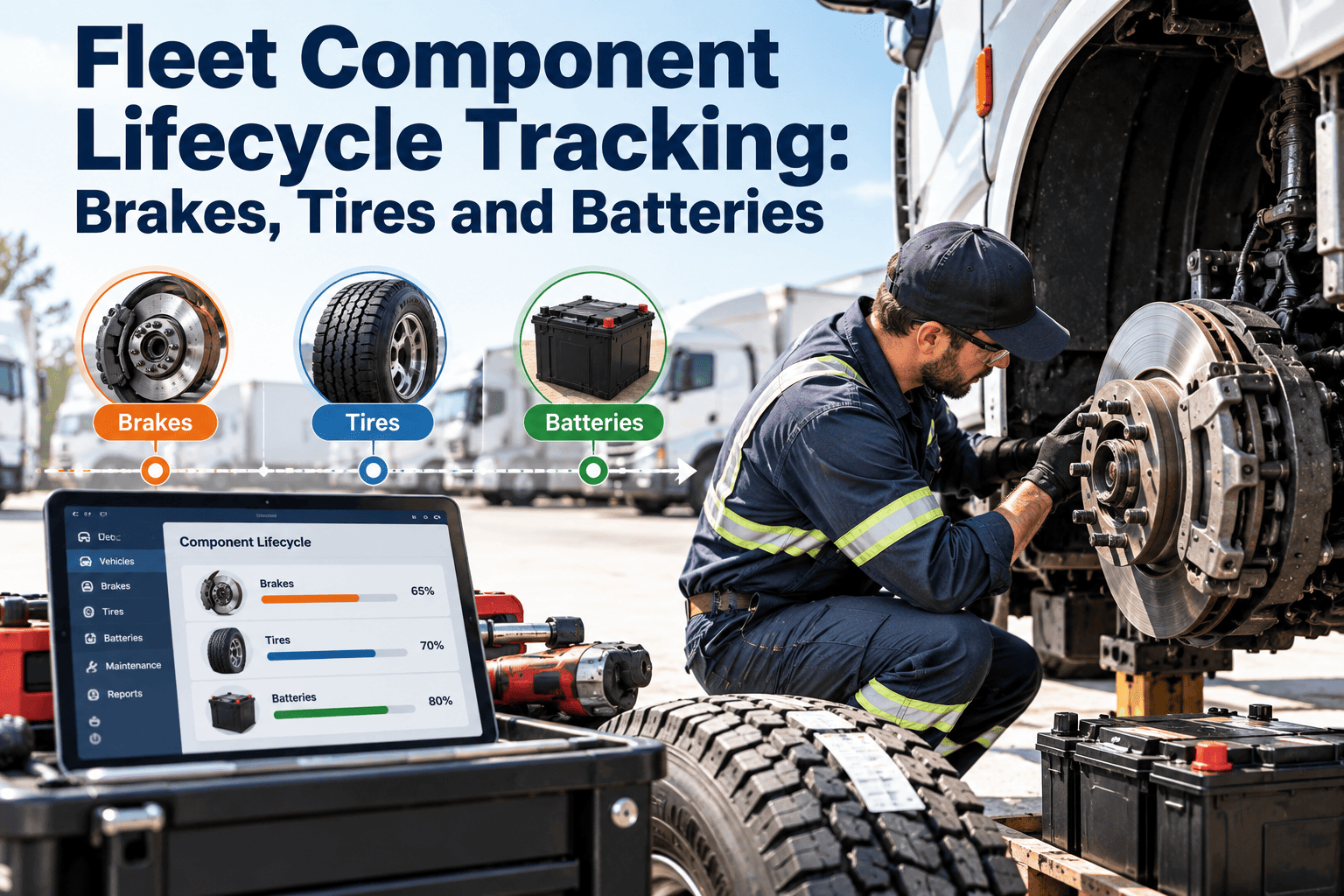
Brakes, tires, and batteries cause a large share of unplanned stops, yet many fleets track them only as line items on a repair invoice. Without a record of when each part was fitted, how it wore, and why it was removed, replacement timing becomes guesswork: parts are changed too early or fail too soon. Lifecycle tracking gives every component a start date, a wear history, and an end reason. This guide explains how to set it up, and how Oxmaint fleet maintenance software keeps those records tied to each vehicle.
Fleet Component Lifecycle Tracking: Brakes, Tires and Batteries
Treat each wear component as an asset with a birth, a wear curve, and a documented end, so replacement follows condition instead of habit.
Why these three components deserve their own records
Each one wears out predictably, fails in ways that stop the vehicle, and is replaced often enough to produce useful data.
Brakes
- Safety critical and regulated
- Wear differs by axle, duty cycle, and driving style
- Late replacement can damage drums, rotors, and calipers
Tires
- Among the most frequent and costly consumables
- Wear varies by position, pressure, and alignment
- Casings may carry several treads if managed well
Batteries
- A common cause of no-start events
- Life shortens with heat, vibration, and charging faults
- Weak units can be found by testing before failure
- When removal reasons are recorded, you can separate normal wear from premature failure.
- When position and vehicle are recorded, you can see which units or routes are hardest on parts.
- When costs are recorded per component, replacement budgets stop being a surprise.
The component record: what to capture
A lifecycle record needs a small set of fields completed the same way each time.
| Field | Brakes | Tires | Batteries |
|---|---|---|---|
| Identity | Axle and wheel position, part number | Serial or DOT code, brand, size | Group size, part number, serial |
| Start of life | Date, odometer, lining thickness | Mount date, odometer, starting tread depth | Install date, odometer, starting test result |
| In-service readings | Lining or pad thickness, rotor or drum condition | Tread depth, pressure, wear pattern | Voltage, load test, charging system output |
| Events | Adjustments, leaks, overheating | Repairs, rotations, damage | Jump starts, deep discharges, charging faults |
| End of life | Date, odometer, final thickness, reason | Removal tread, reason, retread decision | Date, test result, reason, age |
| Cost | Parts and labor | Purchase, repair, retread | Part, labor, and disposal |
Reading the wear curve
Most wear parts move through three phases. Knowing which phase a part is in helps you time inspections and avoid early replacement.
What the curve lets you do
- Spot a unit whose wear rate is well above its peers, then look for a root cause.
- Schedule replacement for a planned shop slot before the part reaches its limit.
- Avoid scrapping parts with plenty of life left because a fixed interval said so.
Three trigger types for replacement
No single trigger fits every part. Most programs combine them, with the safest one winning.
Meter or calendar interval
Replace or test at a set mileage, hours, or age. Simple to schedule, but ignores real condition. Useful as a safety net, especially for battery age.Condition measurement
Replace when thickness, tread depth, or test results reach a limit set from manufacturer guidance and regulation. Best for brakes and tires.Trend or prediction
Use wear rate and history to estimate remaining life and plan the job. It needs consistent readings, and it supports decisions without replacing inspection.Give every wear part a history
Record fit date, readings, and removal reason in one place, and let scheduled tasks bring each component back for inspection.
Brake lifecycle tracking
Always use manufacturer and regulatory limits. The routine below shows what to record, not the limits themselves.
Inspect and record
- Lining or pad thickness for every wheel position
- Rotor or drum condition and measurements
- Brake adjustment and stroke where applicable
- Leaks, heat damage, uneven wear, and noise reports
Interpret and act
- Compare left and right sides for uneven wear
- Compare axles, since front and rear wear at different rates
- Investigate seized components, drag, or contamination
- Raise a work order before readings reach the limit
Tire lifecycle tracking by position
Tracking by position, not just by vehicle, makes patterns visible and links wear to its cause.
| Observation | Possible cause | Lifecycle action |
|---|---|---|
| Fast wear on both shoulders | Chronic underinflation | Log pressure checks; investigate slow leaks |
| Uneven wear on one shoulder | Alignment problem | Record alignment date; check suspension |
| Repeated punctures on one position | Route hazard or wheel-end damage | Review repair events for that position |
| Early removal of one tire in a pair | Mismatched dual | Record pairing and re-match at next fit |
| Casing rejected at retread | Damage, age, or overloading | Review pressure and load history for that unit |
Battery lifecycle tracking
Batteries often fail suddenly, but the signs show in test data and charging records first.
- Age should trigger extra testing, and test results should decide replacement.
- If one vehicle keeps killing batteries, look at the charging system, parasitic draw, and mounting before buying another battery.
- Extreme heat or cold changes how often you should test, so adjust the cadence by season.
Fixed intervals versus condition-based replacement
Fixed rules are easy to run but waste life on some parts and miss fast failures on others.
Fixed-interval only
- Replaces good parts early on easy duty
- Misses units that wear faster than average
- No explanation when a part fails early
- Budgets built on averages that hide outliers
Condition plus interval
- Readings decide timing, intervals act as a safety net
- Fast-wearing units flagged for root cause review
- Removal reason recorded on every part
- Budgets built from real wear by vehicle class
Premature failure: sorting causes
When a component fails earlier than expected, the cause is often upstream of the part.
A simple lifecycle cost example
The figures are hypothetical, and they show the logic only.
KPIs for component lifecycle control
Track both reliability and cost, and break each down by vehicle class and position.
How Oxmaint supports lifecycle tracking
Oxmaint is maintenance management software. It stores the component history, inspections, and work orders, and does not replace manufacturer specifications or your safety procedures.
Component lifecycle tracking FAQs
What is component lifecycle tracking in fleet maintenance?
It is recording each part's fit date, wear readings, and removal reason against a vehicle and position. The record then guides replacement timing and cost review.
Should replacement follow mileage or condition?
Condition is usually more accurate for brakes and tires, while age matters for batteries. Many fleets use intervals as a safety net and readings as the decision.
How often should readings be taken?
It depends on duty cycle, regulation, and the part's phase of wear. Set intervals from manufacturer guidance and tighten them as parts near their limits.
How do I spot parts that wear too fast?
Compare wear rate across similar vehicles and positions, then check related faults. Book a demo to see component history in one view.
Where should a fleet start?
Begin with tire position records and brake thickness readings at every PM. Create an Oxmaint account to schedule them.
Replace parts on condition, not on guesswork
Give your shop one history for every brake, tire, and battery. See how Oxmaint turns readings into planned work.