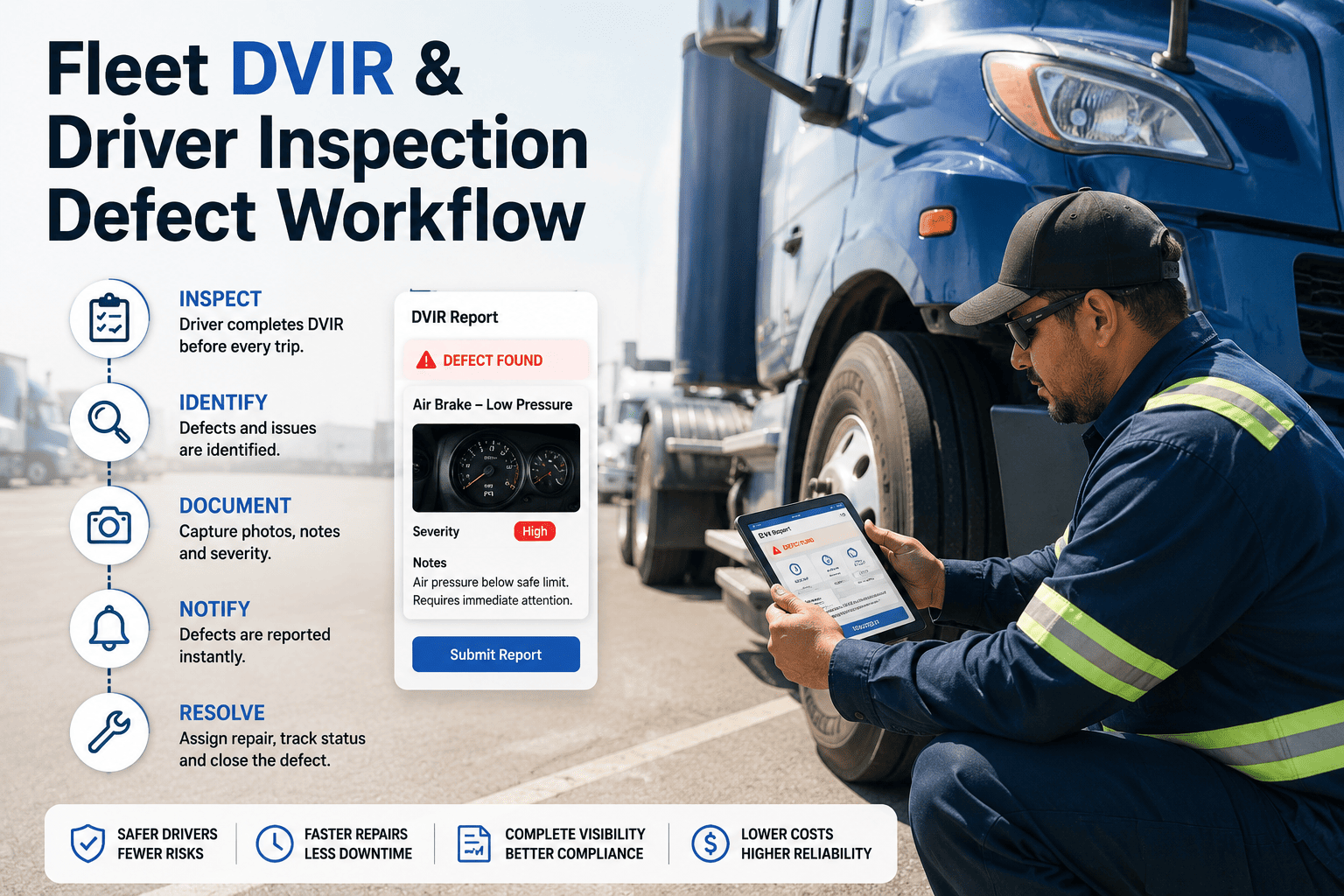
A driver vehicle inspection report is only useful if the defect it records reaches a technician, gets repaired and is confirmed before the next trip. On paper, that chain breaks at every handoff: unreadable handwriting, forms left in cabs, and defects that never become work orders. A digital DVIR workflow closes those gaps by turning each inspection into structured data that moves straight into repair and compliance records. This guide explains how the workflow runs, what the FMCSA rules ask for, and how to connect it to fleet inspection management software that keeps every step traceable.
Fleet Inspection Management Software: Digital DVIR Workflow
Move driver vehicle inspection reports off paper and into a connected workflow where every defect becomes a tracked repair, every repair is certified, and every record is ready for an audit.
Where Paper DVIRs Lose Defects
Most missed defects are not caused by careless drivers. They come from a process that asks people to carry information across several handoffs with nothing checking that it arrived. Each handoff below is a place where a brake, tire or lighting defect can quietly disappear.
Paper Handoff
- Driver writes defects on a paper form at the end of a long shift, often in poor light
- The form is dropped in a box, left in a door pocket or photographed later
- Office staff read the handwriting and re-type it into a work order, or do not
- Technician repairs from a verbal request with no link to the original report
- Next driver signs a stack of forms without seeing repair status
Digital Handoff
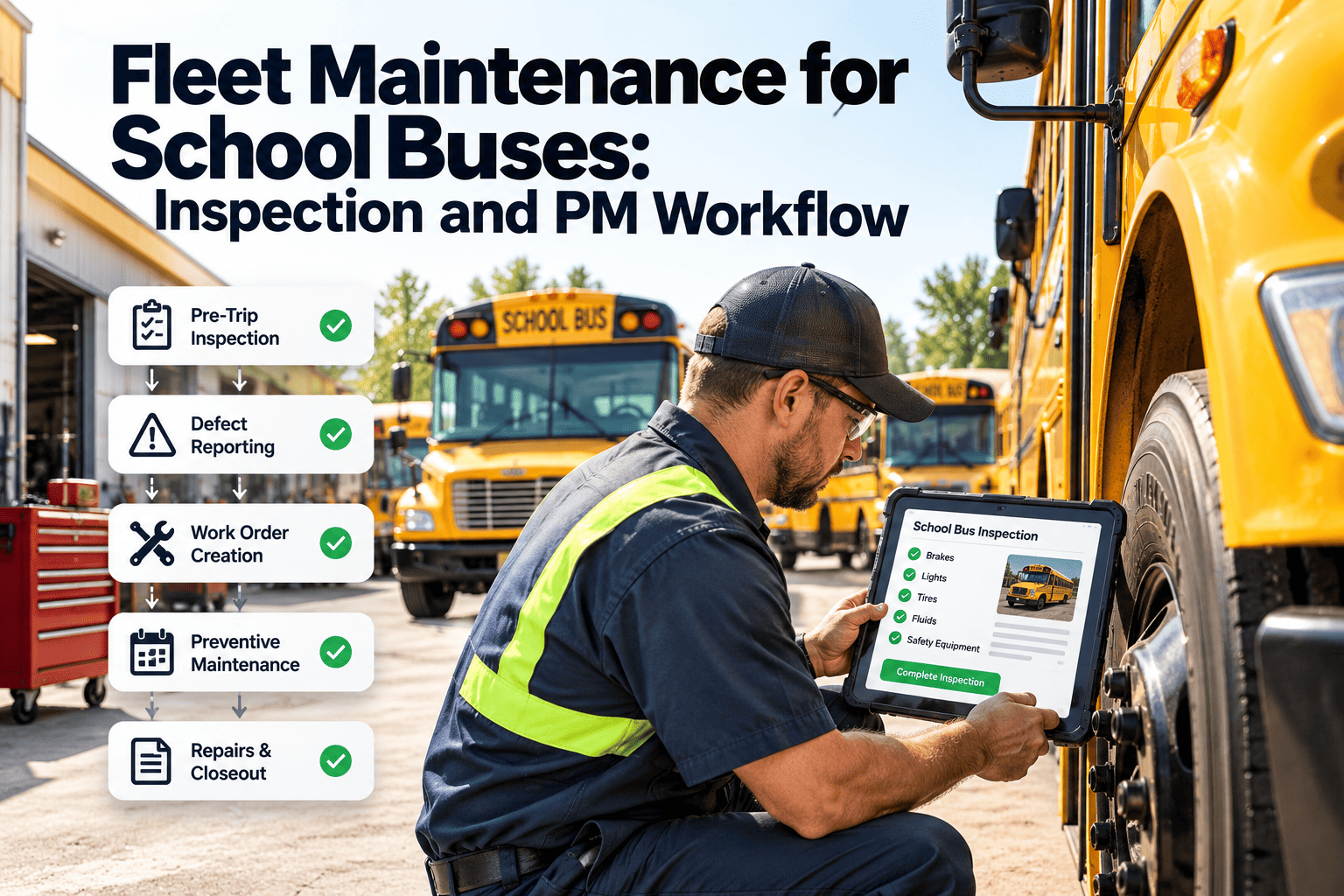
- Driver completes a structured checklist on a phone or tablet at the vehicle
- Failed items require a note and photo before the report can be submitted
- The defect creates a work order with asset, meter reading and severity attached
- Technician sees the original evidence and closes the repair on the same record
- Next driver sees prior defects and repair status inside the pre-trip review
Root Causes Behind Missed or Late Repairs
- Transcription gaps. Every manual re-entry step adds delay and error, especially when reports arrive in batches at the end of the week.
- No severity logic. When every defect is treated alike, a worn wiper blade and a steering complaint wait in the same queue.
- Weak asset identity. Reports filed against the wrong unit number or trailer never reach the right maintenance history.
- No feedback to drivers. Drivers stop reporting small defects when they never see a result.
- Painful retrieval at audit time. Finding three months of signed reports for one vehicle across paper stacks takes hours and still leaves gaps.
Regulatory Snapshot: What the DVIR Rules Ask For
The summary below describes US federal requirements for commercial motor vehicles under FMCSA. Requirements vary by vehicle type, region and operation, so confirm the current regulation text with your compliance team before finalizing forms.
| Requirement | Source | What It Means for the Workflow |
|---|---|---|
| Written post-trip report of defects | 49 CFR 396.11 | Driver reports any defect that affects safe operation or could cause a breakdown, for each vehicle operated that day |
| Report content | 49 CFR 396.11 | Vehicle identification, listed defects, date and driver signature must be captured on every report |
| Repair certification | 49 CFR 396.11 | Defects are repaired, or marked as not needing repair, and certified before the vehicle is dispatched again |
| Pre-trip review | 49 CFR 396.13 | Driver confirms the vehicle is safe and reviews the last report, signing where defects had been noted |
| Retention | 49 CFR 396.11 | Original report and certification are kept for three months from the date the report was prepared |
| Electronic records | 49 CFR 390.32 and FMCSA 2026 final rule | Electronic creation and storage is permitted, with explicit language added to 396.11 and 396.13 |
What an Auditor Typically Traces
- A defect reported by one driver on a specific vehicle and date
- The repair record and certification that closes that defect
- The next driver's acknowledgment before the vehicle moved again
The Digital DVIR Lifecycle, Step by Step
A working digital DVIR is a chain of seven linked events, not a single form submission. Each event has an owner and leaves a record behind it.
Turn Every Inspection Into a Tracked Repair
See how inspections, work orders and compliance records connect on one platform. Book a walkthrough or explore the workflow yourself.
Triage Rules: Which Defects Stop the Vehicle
Digital forms add value when the system knows what a defect means. Define severity levels once, map checklist items to them, and let the workflow apply the right response. Align the rules with regulator out-of-service criteria such as those published by CVSA and with your own safety policy.
Level 1: Do Not Dispatch
Level 2: Repair Before Next Dispatch
Level 3: Schedule Within a Set Window
Level 4: Monitor
Add a Repeat-Defect Rule
- Escalate when the same item fails on the same vehicle more than once in a set period
- Link repeat defects to a root cause review instead of another quick fix
- Use the pattern to adjust preventive maintenance tasks for that asset class
Designing an Inspection Form Drivers Will Complete Properly
Compliance depends on drivers using the form honestly and quickly. A long generic checklist invites tap-through behavior, which produces clean-looking reports and missed defects. Start from the baseline categories, then tailor by asset type.
Baseline Categories to Cover
- Service brakes and trailer connections
- Parking brake
- Steering
- Lighting and reflectors
- Tires
- Horn
- Windshield wipers
- Mirrors
- Coupling devices
- Wheels and rims
- Emergency equipment
Match the form to the asset
Require a deliberate answer
Demand evidence for failures
Work without a signal
Show the previous report
Close the loop with drivers
Why Digital DVIR Programs Stall, and How to Fix Them
| Failure Pattern | Effect | Practical Fix |
|---|---|---|
| Drivers tap through every item as pass | Defects go unreported and the record looks clean | Require deliberate answers, shorten forms, review completion time for outliers |
| Reports do not create work orders | Defects sit in an inbox while vehicles keep running | Map failed items to work orders through severity rules |
| Duplicate reports for one defect | Shop wastes time merging tickets | Show open defects on the asset so drivers confirm rather than re-report |
| Repair certification skipped | Audit gap between report and acknowledgment | Block unit release until the technician sign-off exists |
| Wrong vehicle selected | History is attached to the wrong asset | Use scan-to-select and verify the meter reading against the last value |
| Poor connectivity at the yard | Drivers revert to paper or skip the inspection | Offline mode with automatic sync |
From Defect to Work Order: Field Mapping
A DVIR becomes useful for maintenance only when its data lands in the right work order fields. Plan the mapping before you build the forms.
| DVIR Data | Work Order Field | Why It Matters |
|---|---|---|
| Vehicle ID | Asset | Places the repair in the correct maintenance history |
| Odometer or hour meter | Meter reading | Supports meter-based preventive maintenance and warranty checks |
| Failed item and driver note | Problem description | Gives the technician a starting point without a phone call |
| Photo | Attachment | Documents condition and timing of the defect |
| Severity level | Priority | Drives queue order and dispatch status |
| Driver and timestamp | Requester and created date | Shows report time versus repair time |
| Labor, parts and cause | Completion details | Feeds cost tracking and repeat-defect analysis |
| Technician sign-off | Certification record | Completes the chain required before the next dispatch |
KPIs That Show Whether the Workflow Is Working
Measure the workflow itself, not only vehicle outcomes. These indicators show where the chain is slowing down or being bypassed.
Inspection Completion Rate
Defect-to-Work-Order Time
Time to Repair by Severity
Repeat Defect Rate
Acknowledgment Completion
Roadside Inspection Outcomes
Give Your Shop the Evidence Before the Truck Arrives
Structured defect reports, severity-based work orders and certified repairs work best when they live in one system built for maintenance teams.
A Four-Phase Rollout Plan
Fleets that switch every depot on the same day usually face driver resistance and data problems at once. A phased rollout lets you fix issues while the scale is small.
- Clean the asset register and unit numbers
- Build templates per asset type
- Define severity levels and owners
- Confirm retention and signature rules
- Choose one depot or vehicle group
- Train drivers on the phone workflow
- Review reports and work orders daily
- Adjust wording and severity mapping
- Add remaining depots in waves
- Retire paper forms depot by depot
- Share pilot results with drivers
- Track completion rate by location
- Analyze repeat defects by asset class
- Link findings to preventive tasks
- Test condition-based triggers
- Review the templates twice a year
Audit Readiness Checklist
Run through this list monthly. Any unchecked item is a gap an auditor or plaintiff's attorney could find first.
- Any vehicle can be searched by date to show its reports for the retention period
- Each report shows driver identity, vehicle, date, defects and signature
- Every reported defect links to a repair record and certification
- Next-driver acknowledgments exist for reports that listed defects
- Reports cannot be edited after submission without an audit trail
- Out-of-service defects show the release time and who approved it
- Missed inspections are flagged and followed up within the shift
- Retention rules match the strictest regulation that applies to your operation
Where Digital Inspections Are Heading
Telematics alongside driver reports
Photo evidence as standard practice
Condition-based maintenance triggers
How Oxmaint Supports the Digital DVIR Workflow
Oxmaint is a maintenance management platform, so inspection findings connect to the same records that hold work orders, parts and service schedules. Confirm exact form options during a demo.
| Workflow Need | Oxmaint Capability | Result |
|---|---|---|
| Vehicle-specific checklists | Inspections with mobile access | Drivers complete forms at the vehicle |
| Defect to repair | Work orders and corrective maintenance | Failed items become tracked repairs with status |
| Unit history | Asset management | Reports, repairs and documents on one record |
| Service intervals | Preventive maintenance scheduling | Meter-based services planned next to inspection findings |
| Repair parts | Inventory control | Parts issued against the work order |
| Retention and retrieval | Compliance records and reporting | Reports searchable by vehicle and date |
| Management visibility | Dashboards | Open defects, overdue repairs and completion rates in view |
Frequently Asked Questions
What is a digital DVIR workflow?
Are electronic DVIRs acceptable under FMCSA rules?
How long should DVIRs be kept?
Should every defect create a work order?
How do we get drivers to inspect properly?
Replace Paper Handoffs With a Verified Repair Chain
Start with one depot, connect inspections to work orders and build audit-ready records from the first report onward.