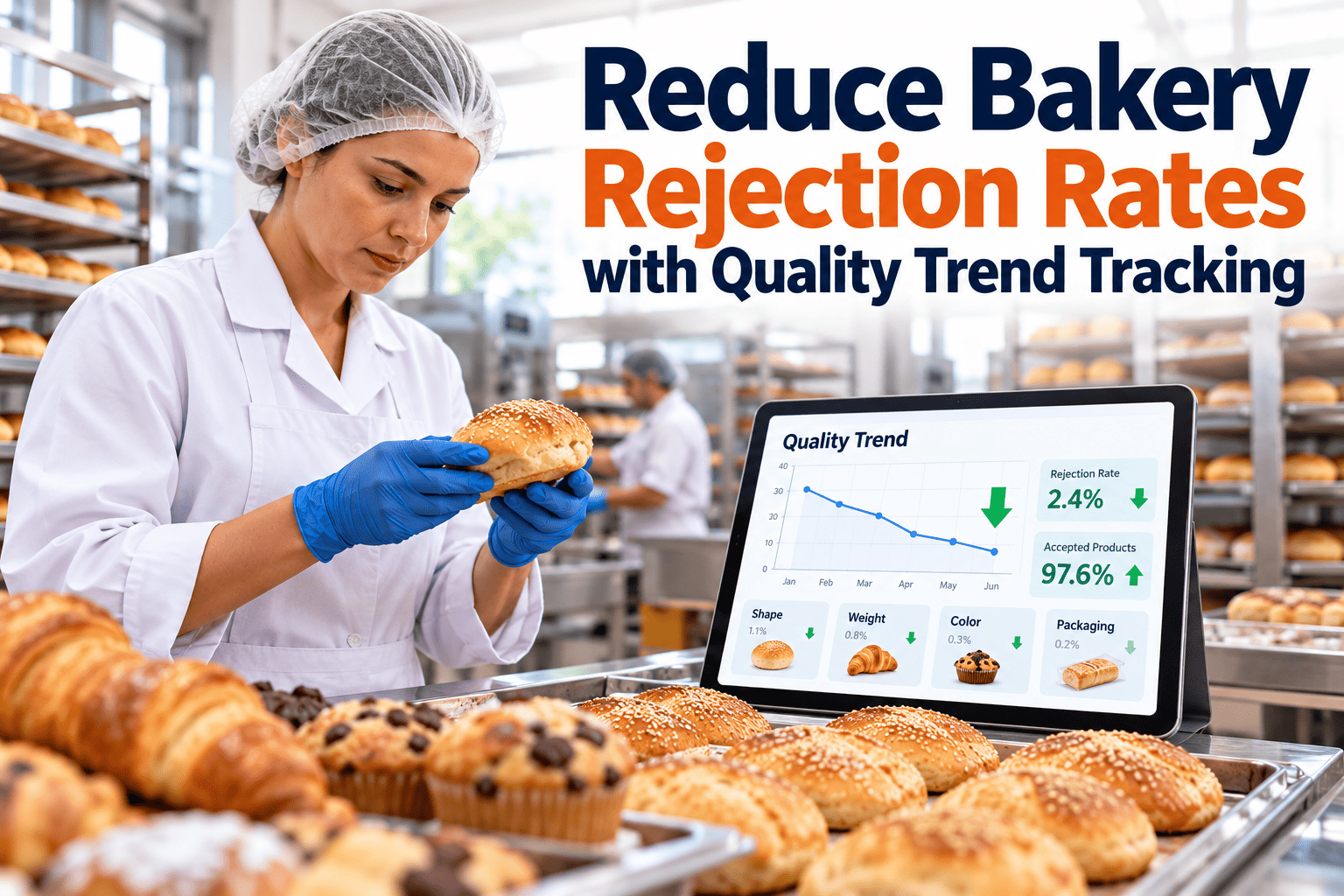
Every rejected loaf, bun or tray carries the cost of flour, labor, energy and line time, and most of that cost is invisible when rejects are counted only as a daily total. A single rejection percentage cannot tell you whether the problem sits in the proofer, the oven, the slicer or one particular shift. The way out is to record each reject with enough detail to see patterns, then act on the biggest cause first. This guide explains how, and how maintenance management software connects quality trends to equipment fixes.
Reduce bakery rejection rates with quality trend tracking
Track defects by line, shift and product, find the root causes behind them and close the loop with targeted corrective actions and maintenance work.
Why a single rejection rate hides the answer
An overall figure is a useful alarm, but it is a poor guide for action. Two plants with the same rate can have entirely different problems.
What the total tells you
- Whether things are getting better or worse overall
- Roughly how much product and money are being lost
- Whether a target has been met this week
What it cannot tell you
- Which line, shift or product is driving the loss
- Which defect types are growing or shrinking
- Whether a spike came from the process or from a failing machine
- Which fix to try first
Record every reject with five tags
Trend analysis only works if each reject is classified consistently. Keep the list of tags short and agree the definitions with production, quality and maintenance.
The point of failure and the point of detection are often different. A burnt crust is found at packing but caused in the oven.
Common bakery defects and where they originate
Use this table as a starting library. Adapt the categories to your own products, whether bread, buns, cakes, pastries or biscuits.
| Defect | Typical process stage | Common contributing factors |
|---|---|---|
| Under-baked or pale product | Baking | Oven temperature or zone imbalance, short bake time, overloaded trays, steam or airflow faults |
| Over-baked, burnt or dark product | Baking | Hot spots, burner or element faults, belt speed drift, uneven heat distribution |
| Wrong size, shape or weight | Dividing, moulding, depositing | Divider wear, pressure settings, dough temperature and consistency, depositor calibration |
| Collapsed or dense product | Mixing, proofing | Under or over mixing, proofer temperature and humidity, yeast activity, ingredient variation |
| Poor slicing or crumbled slices | Cooling, slicing | Product not fully cooled, dull blades, slicer misalignment |
| Sticking or tearing from tins and trays | Depanning, release | Worn or dirty tins, release agent coverage, handling stress |
| Foreign matter findings | Ingredients, handling, packaging | Sifter or magnet condition, damaged equipment parts, housekeeping |
| Packaging rejects | Packaging | Seal faults, coder issues, label errors, bag or film problems |
Use a line and shift heat map to find the hotspots
Plot rejection rate by line against shift. Color each cell as normal, watch or investigate according to targets you set. The pattern points to where to look first. The grid below shows how to read it.
One line, all shifts
Suspect equipment, product recipe or setup on that line.
One shift, all lines
Suspect training, staffing, methods or ingredient handling on that shift.
One cell only
Look at events in that window, such as a breakdown, a changeover or a new operator.
The grid shows a layout, not real results. Use your own data and thresholds.
Connect quality trends to the machines behind them
Log defects, raise corrective work orders and track equipment history in Oxmaint, so rejection analysis leads straight to repairs and preventive tasks.
Bring a recent reject report to the demo
Pareto thinking: fix the vital few first
In most bakeries a small number of defect types account for most of the loss. Rank defects by cost or quantity, and work from the top. The bars below illustrate the shape of a typical Pareto chart, with the largest cause on the left.
- Rank by cost of loss, not only by count, because a rare defect on an expensive product may matter more than a common one on a cheap product.
- Repeat the ranking each month, since fixing the top cause changes what comes next.
- Attach one owner and one corrective action to each of the top causes.
From defect to cause in five questions
Once the top defect is known, ask why repeatedly until you reach something you can change. Here is a pattern bakeries can adapt.
This is an example of the method, not a diagnosis for any specific oven.
Where equipment condition drives rejects
Much of what looks like a quality problem is a maintenance problem in disguise. Map the stages of your process to the equipment that most affects them.
| Stage | Equipment to watch | Maintenance checks that protect quality |
|---|---|---|
| Mixing | Mixers, scales, water meters, dough temperature control | Scale calibration, bowl and agitator wear, water temperature controls |
| Dividing and shaping | Dividers, rounders, moulders, depositors | Pocket and piston wear, pressure settings, belt and roller condition |
| Proofing | Proofers, humidity and temperature controls | Sensor calibration, humidifier cleaning, door seals |
| Baking | Ovens, burners, elements, fans, conveyors, steam | Temperature profile checks, burner and sensor service, belt tracking, steam generator descaling |
| Cooling and slicing | Cooling conveyors, slicers, blades | Blade sharpness and replacement, alignment, conveyor speed |
| Packaging | Baggers, sealers, coders, labelers | Jaw and heater service, print head cleaning, sensor checks |
Close the loop so the same reject does not return
Tracking is only valuable if it triggers action and the action is verified. Use a simple loop with clear owners.
Detect
A trend crosses its threshold for a line, shift or defect.
Diagnose
Quality and maintenance review the data and agree the likely cause.
Act
Raise a corrective work order or a process change with an owner and a date.
Verify
Compare the trend before and after, for a fixed period, using the same measure.
Standardize
Update the preventive plan, work instruction or training so the fix lasts.
Separate normal variation from a real change
Rejection rates move up and down every day. Reacting to every wobble wastes effort, while ignoring a genuine shift costs money. A simple control chart helps you tell them apart.
Plot the rate over time
Chart daily or per-batch rejection with a center line at the recent average.
Add control limits
Set upper and lower limits from your own history, using a method your quality team accepts.
React to signals
Investigate points outside the limits and runs of points on one side of the center line.
- Chart each major product family separately, because a mixed chart hides product-specific shifts.
- Mark events on the chart, such as maintenance, recipe changes, new ingredient lots and staffing changes.
- Recalculate limits only after a confirmed, lasting improvement, not after a single good week.
Startup and changeover rejects deserve their own view
Many bakeries lose a disproportionate share of product while lines warm up, change product or recover from stops. These losses blur into the daily average unless you separate them.
- Record whether each reject was made during startup, changeover, recovery after a stop or steady running.
- Compare the first period after each event with normal running, and look for patterns by line and by product pair.
- Check oven stabilization time, proofer recovery and dough temperature before the first batch is released.
- Write a startup checklist for each line, and verify it is followed, then review rejects again after a few weeks.
- Keep sequences of products in a way that reduces the severity of changeovers where the schedule allows.
Make classification consistent before you trust the trend
If two operators label the same defect differently, your trends are noise. A little calibration of the people doing the classification pays for itself.
Mistakes that slow down rejection reduction
Plants that struggle to improve often fall into the same few habits.
- Setting a target without knowing the current causes, so the team pushes numbers instead of fixing problems.
- Counting rejects only at the end of the line, so the stage that caused the defect is never identified.
- Treating every reject as an operator error, which discourages honest reporting.
- Fixing symptoms, such as adjusting oven temperature again and again, while a worn sensor or burner remains in place.
- Failing to check whether a corrective action worked, so the same issue returns months later under another name.
Put a cost on every reject to win support for fixes
Maintenance and quality projects compete for budget. A reject that is expressed in money is far easier to prioritize than a percentage.
- Ingredient cost of the lost product, including any value added by earlier steps such as proofing and baking.
- Labor spent sorting, reworking, repacking or disposing of rejects, and the line time lost while doing it.
- Energy used to bake or cool product that never reached a customer.
- Disposal cost, and any customer credits or penalties for defects that escaped.
- Compare the total with the cost of the corrective action, such as a replacement burner, a sensor or a new preventive task.
Measures that keep rejection reduction on track
Choose a small set, publish it where the line can see it and review it at the same time every week.
Turning rejection data into maintenance action
Oxmaint is maintenance management software. It does not replace your quality system, but it links quality findings to the equipment work that fixes them.
- Corrective work orders raised from a defect trend, assigned to the right technician with priority and due date.
- Preventive maintenance for ovens, proofers, dividers, slicers and packaging equipment, tuned to the failure patterns you find.
- Asset history that shows which machines are linked to repeated quality problems.
- Inspection tasks for oven profile checks, scale verification and line startup, completed on mobile devices.
- Reports and dashboards for overdue maintenance, repeat repairs and downtime by line.
- Inventory to keep burners, sensors, belts and blades available for fast repair.
Bakery rejection rate: common questions
What is a good bakery rejection rate?
It depends on product, process and customer specification, so compare against your own history and targets. Focus on the trend and the cost per defect type.
How many defect codes should we use?
Enough to separate distinct causes, but few enough that operators classify consistently. A list of 10 to 20 codes with photo examples works for many bakeries.
Who should own rejection reduction?
Shared ownership between production, quality and maintenance works best, with one named lead per defect. A demo shows how work orders connect these teams.
How soon can improvements show?
Fixes to clear equipment faults can show within weeks. Process changes need longer, so compare the same measure over a fixed period.
Where do we begin?
Pick one line, record rejects with the five tags for a month, then rank them. You can get started and log the first corrective actions right away.
Turn rejects into root causes and fixes
Give your quality and maintenance teams one shared view of defects, equipment history and corrective actions, and bring bakery rejection rates down for good.
Start with one line and one defect