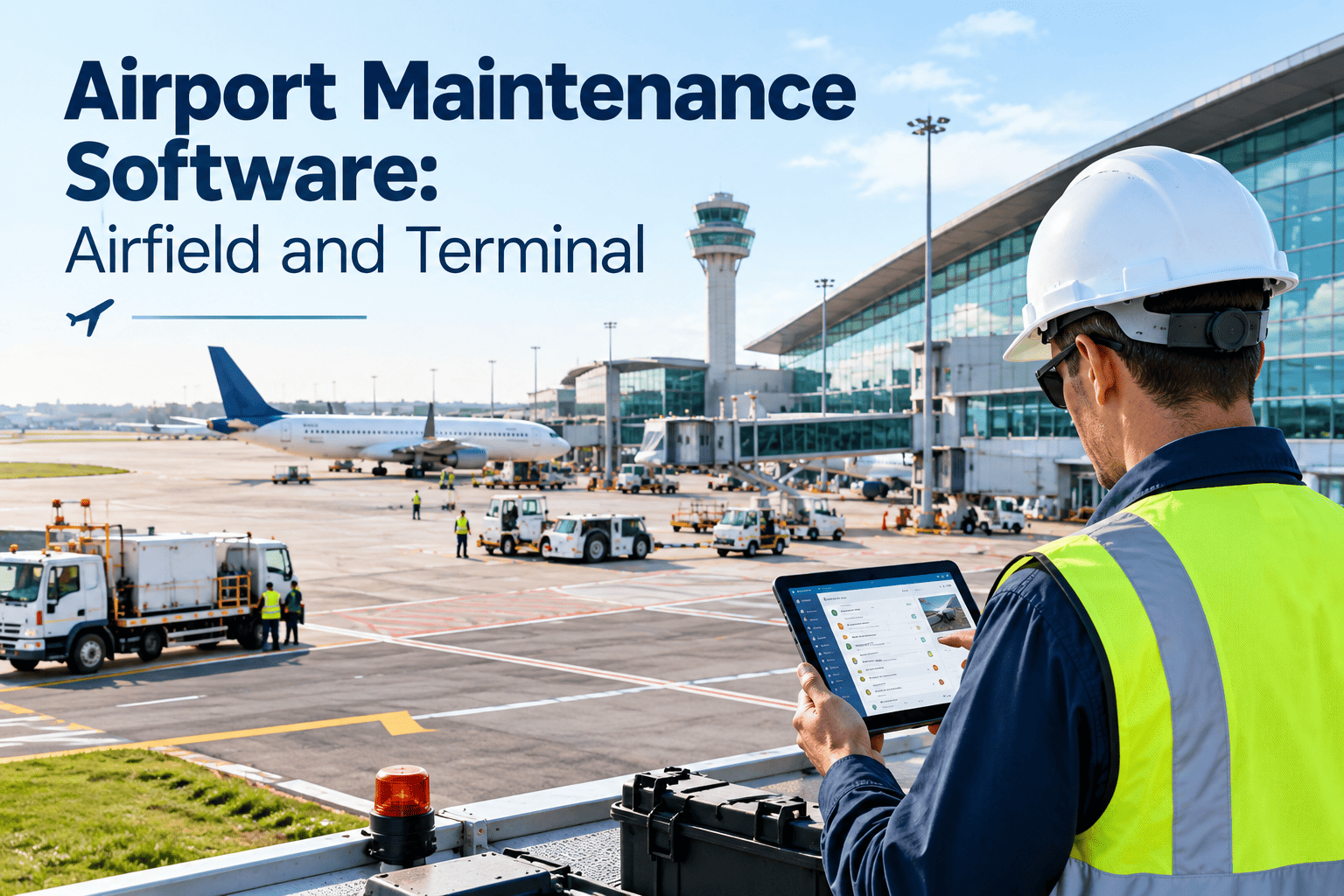
Airports maintain two very different worlds under one roof: a regulated airfield where a missed inspection can close a runway, and a busy terminal where failing air handlers, escalators and baggage systems affect thousands of passengers. Most teams still run these through separate logs, spreadsheets and radio calls, which makes missed inspections and lost records far too easy. This guide explains what airport maintenance software should do across airfield, terminal and ground equipment, how inspection cycles and discrepancy tracking should work, and what to look for before you buy. Teams that want to see the workflow in practice can start with Oxmaint and model their own asset hierarchy.
Airport Maintenance Software: Airfield and Terminal
Schedule airfield inspections, track lighting and pavement discrepancies, maintain terminal systems and ground equipment, and keep records ready for any review.
Why missed inspections happen at airports
Inspections are tied to operations
Inspectors share the airfield with aircraft and vehicles, so timing shifts with traffic, weather and closures.
Records live on paper
Clipboards and shared drives make it hard to prove an inspection happened or to find a past finding.
Findings do not become work
A noted discrepancy can sit between operations and maintenance, with no owner or due date.
Small teams cover many assets
Lighting, pavement, terminal systems and vehicles compete for the same few technicians.
Three maintenance domains, one record of truth
Airfield
- Pavement, shoulders and safety areas
- Edge, centerline and approach lighting
- Signs, markings and visual aids
- Navigation aids and wind indicators
- Drainage, fencing and wildlife controls
Terminal and buildings
- HVAC, chillers and building controls
- Elevators, escalators and moving walkways
- Baggage handling and boarding bridges
- Fire alarm, sprinklers and emergency power
- Restrooms, lighting, doors and finishes
Vehicles and equipment
- Aircraft rescue and firefighting vehicles
- Snow removal and sweeping equipment
- Ground support equipment and tugs
- Mowers, trucks and utility vehicles
- Generators, tanks and fuel systems
An inspection cadence you can schedule and verify
Certificated airports follow federal self-inspection requirements and guidance such as FAA Advisory Circular 150/5200-18 on airport safety self-inspection. Your Airport Certification Manual defines the exact frequencies, so use the layout below to organize them, not to replace them.
| Cycle | Typical content | What the record should show |
|---|---|---|
| Daily | Movement area surfaces, markings, signs, lighting, safety areas, construction zones, wildlife and debris | Inspector, time, areas covered, findings, photos, notifications made |
| Condition-triggered | Checks after storms, incidents, snow events or construction changes | Trigger, areas inspected, actions taken, reopening decision |
| Weekly and monthly | Lighting circuit checks, vehicle readiness, fencing, fuel storage checks as required | Checklist results, measurements, defects and repair links |
| Quarterly and annual | Friction testing, pavement surveys, equipment certifications, training renewals | Test reports, due dates, certificates and responsible staff |
Make every inspection a scheduled, recorded task
Oxmaint turns recurring inspections into mobile checklists with photos, timestamps and linked corrective work orders, so findings reach maintenance immediately.
The discrepancy lifecycle: from sighting to closure
Find
Inspector spots an unlit fixture, damaged sign or pavement defect and pins it to the asset.
Record
Photo, location, severity and time are captured on a mobile device.
Notify
Operations is alerted, and any required airfield notice follows your procedures.
Repair
A work order goes to the right trade with an access window and parts list.
Verify
The asset is re-inspected and the result recorded before closure.
Close
The record shows who did what and when, ready for review.
Airfield lighting and signs: keep the visual aids reliable
Lighting problems are common daily findings and often small to fix, yet they affect safe operations at night and in low visibility. FAA guidance has also stressed periodic maintenance of in-pavement fixtures, including checks on the bolts that hold them in place.
Schedule and track
- Each light, sign and circuit as an asset with location and type
- Preventive tasks for cleaning, torque checks, photometric checks and replacements
- Spare parts such as lamps, transformers and covers, with minimum stock levels
Watch for patterns
- Repeated outages on the same circuit or fixture type
- Fixtures damaged by snow removal or vehicles
- Long gaps between a reported outage and a verified repair
Pavement, markings and debris control
| Area | Preventive and routine work | Data worth keeping |
|---|---|---|
| Pavement surfaces | Crack sealing, joint repair, patching, rubber removal as needed | Defect location, size, repair date, condition survey results |
| Markings | Repainting on a cycle and after pavement work | Marking type, last paint date, visibility checks |
| Drainage and shoulders | Cleaning inlets, repairing erosion, mowing and vegetation control | Inspection photos, repair work orders, storm follow-ups |
| Debris and wildlife | Sweeping, patrols, fencing repairs and habitat management | Patrol logs, sightings, actions taken, repeat areas |
Pavement condition surveys and pavement management programs depend on consistent history. Linking daily defects and repairs to pavement sections keeps that history accurate between formal surveys.
Terminal systems: protect the passenger experience
Terminal assets are a typical facility maintenance problem, with the added pressure of constant use and tight flight schedules. Rank systems by their impact on safety and operations, then set PM and response rules to match.
| System | Why it matters | Maintenance emphasis |
|---|---|---|
| HVAC and controls | Comfort, air quality and equipment protection | Filter and coil PMs, seasonal tuning, alarm response |
| Baggage and conveyors | Direct effect on flight departures | Runtime-based PMs, spare parts, fast corrective response |
| Boarding bridges | Gate availability and safety | Scheduled inspections and defect tracking by gate |
| Vertical transport | Accessibility and passenger flow | Contractor coordination and downtime tracking |
| Fire and life safety | Compliance and emergency readiness | Inspection and test records with deficiency follow-up |
| Restrooms and public areas | Visible service quality | Cleaning rounds and fast repair of fixtures |
Vehicles and ground equipment: readiness over convenience
Plan by hours and season
- Meter-based PMs for engines, hydraulics and pumps
- Pre-season checks for snow removal and sweeping equipment
- Daily and shift readiness checklists for rescue vehicles
Track availability
- Downtime per vehicle and the reasons behind it
- Parts, repair cost and warranty history
- Replacement planning based on condition and cost trends
Coordinate maintenance with operations and access windows
Records and audit readiness
Paper and spreadsheets
- Searching binders for an old inspection
- Unsigned or incomplete checklists
- Corrective actions closed verbally
- Retention managed by habit
Digital maintenance records
- Searchable history by asset, date and inspector
- Required fields before a checklist can be submitted
- Corrective actions linked to work orders and closed with proof
- Retention aligned with your manual and regulations
Retention periods and required content come from your Airport Certification Manual and applicable regulations. Configure the system to match them, and confirm details with your FAA contact.
Measures that keep the program honest
Winter operations and seasonal readiness
Snow and ice events compress maintenance into short, high-pressure windows. Preparation before the season decides how well equipment and people perform during it.
Fencing, wildlife and perimeter assets
Routine checks
- Fence lines, gates and locks, with photos of any damage
- Drainage ditches, culverts and areas where animals gather
- Vegetation height and mowing cycles near operational areas
Records to keep
- Patrol and sighting logs with location and time
- Actions taken to deter or remove wildlife, by date and crew
- Repeat problem areas that need a design or habitat fix
Contractors, tenants and shared responsibility
Contracted trades
Give elevator, fire protection and baggage contractors the same work order and records process as in-house staff.
Tenant requests
Route airline and concession service requests into one queue, and separate billable work from airport-funded work.
Project handover
Register new assets, manuals and warranties at project close so they enter the PM program from day one.
Access control
Limit airside permissions by role, and record who entered which area for each work order.
Use maintenance records in capital planning and funding requests
Airports depend on federal, state and local funding for many projects. Reviewers and governing boards expect proof that existing assets are maintained and that replacement requests rest on condition, not preference.
Condition
Show inspection history and pavement or equipment condition by asset.
Cost
Report repair spending and downtime for aging systems.
Risk
Rank assets by safety and operational consequence.
Plan
Build a replacement schedule that links to funding sources.
Prove
Export records for applications, board packets and audits.
Report
Use the same data to show results after the project.
A practical rollout for an airport team
Mistakes that lead to missed inspections and weak records
Common weaknesses
- Inspection checklists copied from another airport without adapting them
- Findings recorded but not assigned to a person or a date
- No backup plan when the usual inspector is absent
- Different teams using different names for the same asset
Better habits
- Checklists built from your own manual, reviewed with inspectors yearly
- Every finding becomes a work order with an owner and a target
- Alternates trained and assigned in the schedule
- One asset naming standard used across operations and maintenance
Give the airport manager a clear weekly view
Managers do not need every detail, but they do need early warning. A short weekly summary built from the maintenance system lets leaders act before a small issue becomes a finding.
What to look for in airport maintenance software
How Oxmaint supports airport maintenance teams
Capabilities mapped to airport work
- Inspection checklists for airfield, terminal and vehicle readiness with photos and timestamps
- Preventive maintenance scheduling for lighting, pavement, building systems and equipment
- Work orders with priorities, assignments, access notes and verification steps
- Asset records, inventory and cost history for planning and funding requests
- Dashboards and reports for completion, backlog and compliance records
General aviation and smaller airports without formal certification can use the same workflow to organize inspections, preserve records and support grant applications.
Before choosing any system, walk through one real discrepancy from the last month with the vendor. Follow it from the inspector's phone to a closed work order and a printed record. If the steps are awkward for the inspector, the operations desk or the technician, the data will be incomplete, and incomplete data is what causes missed inspections in the first place.
Frequently asked questions
What does airport maintenance software do?
It schedules inspections and preventive work, manages corrective work orders, and keeps records for airfield, terminal and equipment assets in one system.
Can it help with daily airfield self-inspections?
Yes, by scheduling checklists, capturing findings with photos and linking them to work orders. You can book a demo to see an inspection workflow.
Does the software replace the Airport Certification Manual?
No. The manual defines your obligations. The software helps you follow and document them consistently.
Can we manage terminal and airfield assets together?
Yes. Use one asset hierarchy with separate schedules, checklists and permissions. You can sign up to build both in one workspace.
Is it useful for smaller airports?
Yes. Small teams benefit from scheduled inspections, clear ownership of findings and records that support funding applications.
Keep every inspection, repair and record in one place
Give airfield, terminal and equipment teams a shared maintenance system. Oxmaint helps airports reduce missed inspections and keep proof of the work.