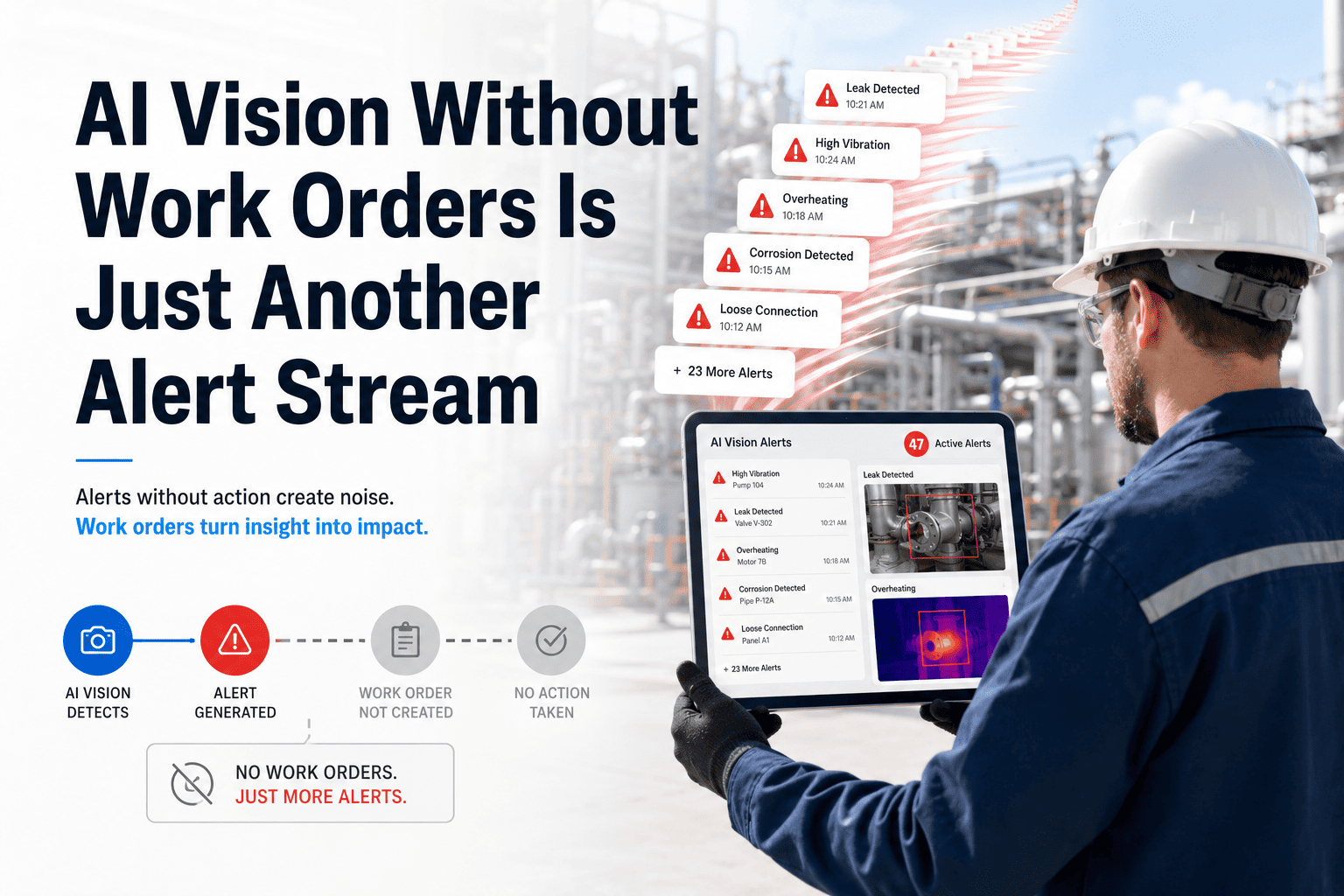
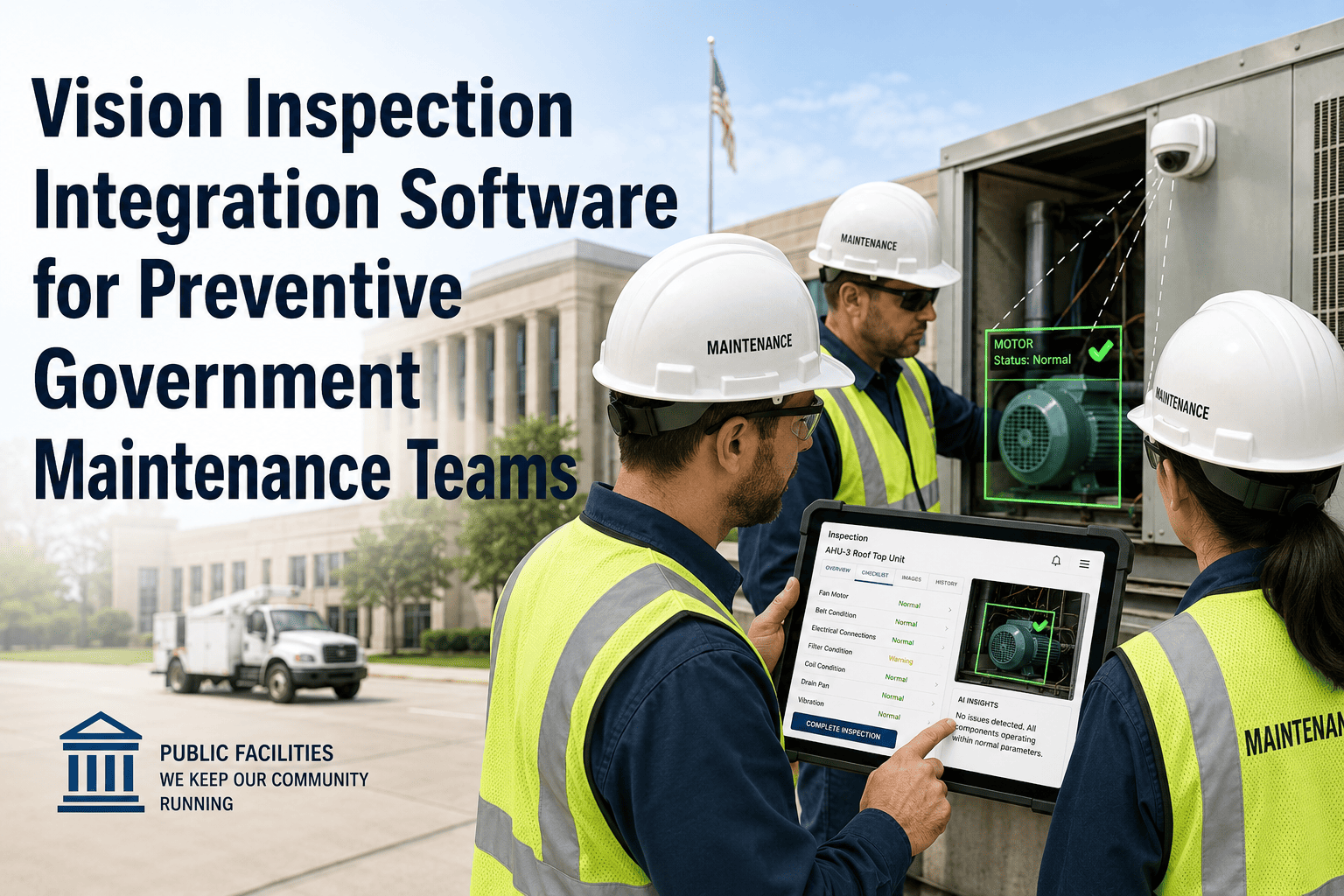
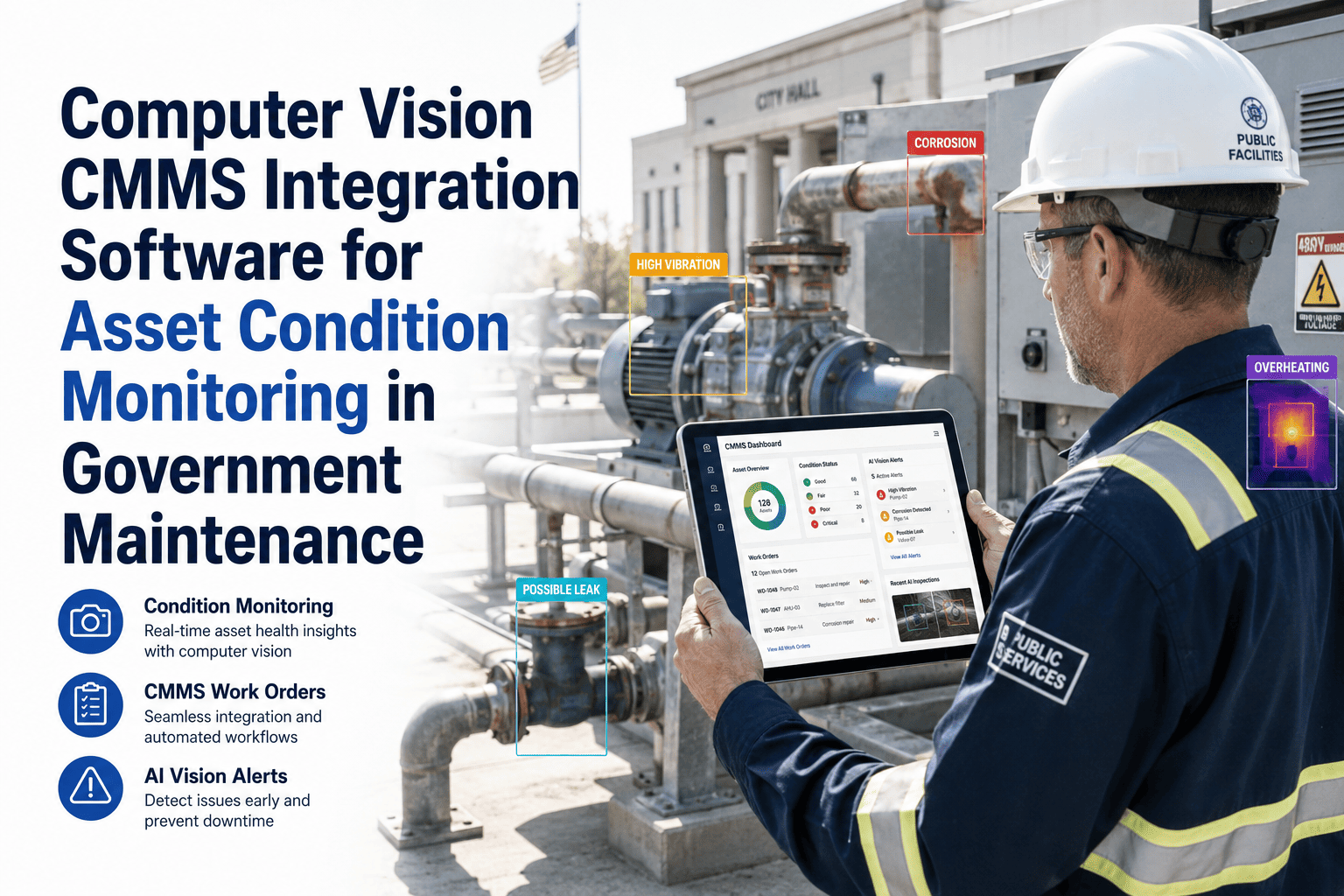
Most visual inspection tools are excellent at detecting defects and terrible at doing anything useful with that detection afterward. The output sits in a separate dashboard while your CMMS knows nothing about it until someone manually creates a ticket. An API connector closes that gap, letting your existing inspection tool — whatever it is — push detections straight into a structured work order the moment they happen. Sign in to OxMaint to connect your visual inspection system via API and start generating work orders automatically. Book a demo to see your inspection tool's output mapped to a live work order in real time.
What Gets Sent
A Detection Event, Structured for a Work Order
asset_idMatched to your existing asset registry
defect_typeClassification from your inspection model
severity_scoreNumeric rating used for routing logic
locationGeo-coordinates or facility zone reference
evidence_urlLink to the source image or clip
timestampDetection time, used for SLA tracking
OxMaint receives this structured event and creates a work order with every field already mapped — no manual re-entry on either end. Sign in to view the full connector specification.
Your Inspection Tool Already Knows About the Defect — Now Let It Tell Your CMMS
OxMaint's API connector turns any structured detection event into a fully populated, assigned work order, regardless of which vision platform produced it.
Compatibility
Built to Sit Behind Whatever Vision Stack You Already Run
Cloud Vision Platforms
Standard REST webhook integration for inspection tools that process and classify images centrally.
Edge AI Devices
Direct event ingestion from on-device inference, including offline-queued events that sync once connectivity returns.
Drone & Robotic Inspection
Custom-Built Models
Open API specification for in-house detection models, so internally built tools connect the same way as commercial ones.
Integration Reference
From Event to Work Order — Field Mapping
| Inspection Tool Field |
Maps To |
Used For |
| defect_type / class_label |
Work order category |
Routing to the correct maintenance team |
| severity_score / confidence |
Priority level |
Determining dispatch urgency |
| asset_id / device_id |
Linked asset record |
Pulling maintenance history and parts data |
| evidence_url |
Attached image/clip on the work order |
Giving the technician visual context |
Field mapping is configurable per inspection source. Sign in to map your tool's specific output fields.
Expert Review
A Practitioner's Perspective
"
Plants rarely need to replace their inspection tool — they need it to stop being an island. I've seen organizations spend heavily on a vision system and then route its output through a spreadsheet that someone updates twice a day. A well-built API connector is unglamorous work, but it's usually the single change that converts an expensive detection tool into an actual maintenance-efficiency gain, because the alert finally reaches the person who can act on it without a manual handoff.
Frequently Asked
Questions About the Visual Inspection API Connector
Do we need to replace our current visual inspection platform to use this connector?
No. The connector is built to receive structured detection events from whatever inspection platform, edge device, or custom model you already run, so your existing investment continues to be the detection layer.
Sign in to connect your current inspection tool.
What happens if our inspection tool's output format doesn't match the expected fields?
Field mapping is configurable, so your tool's specific output labels — whatever they're called on your end — can be mapped to the corresponding work order fields during setup rather than requiring you to change your tool's output.
Book a demo to map your specific field structure.
Can the connector handle a high volume of detections from a drone or robotic inspection run?
Yes. Batch ingestion is supported for inspection runs that generate many detections in a short period, so a single survey pass doesn't overwhelm the work order queue or require manual sorting afterward.
Sign in to configure batch ingestion settings.
Is the evidence image or video retained and linked permanently to the work order?
Yes. The evidence reference sent with the detection event is stored and attached to the resulting work order and the asset's history, so the original inspection record remains accessible for audits or future reference.
Book a demo to see evidence retention in practice.
Connect the Inspection Tool You Already Use to the Work Orders You Already Run
OxMaint's API connector turns visual detection events into structured, assigned work orders automatically — no manual re-entry, no disconnected dashboards.