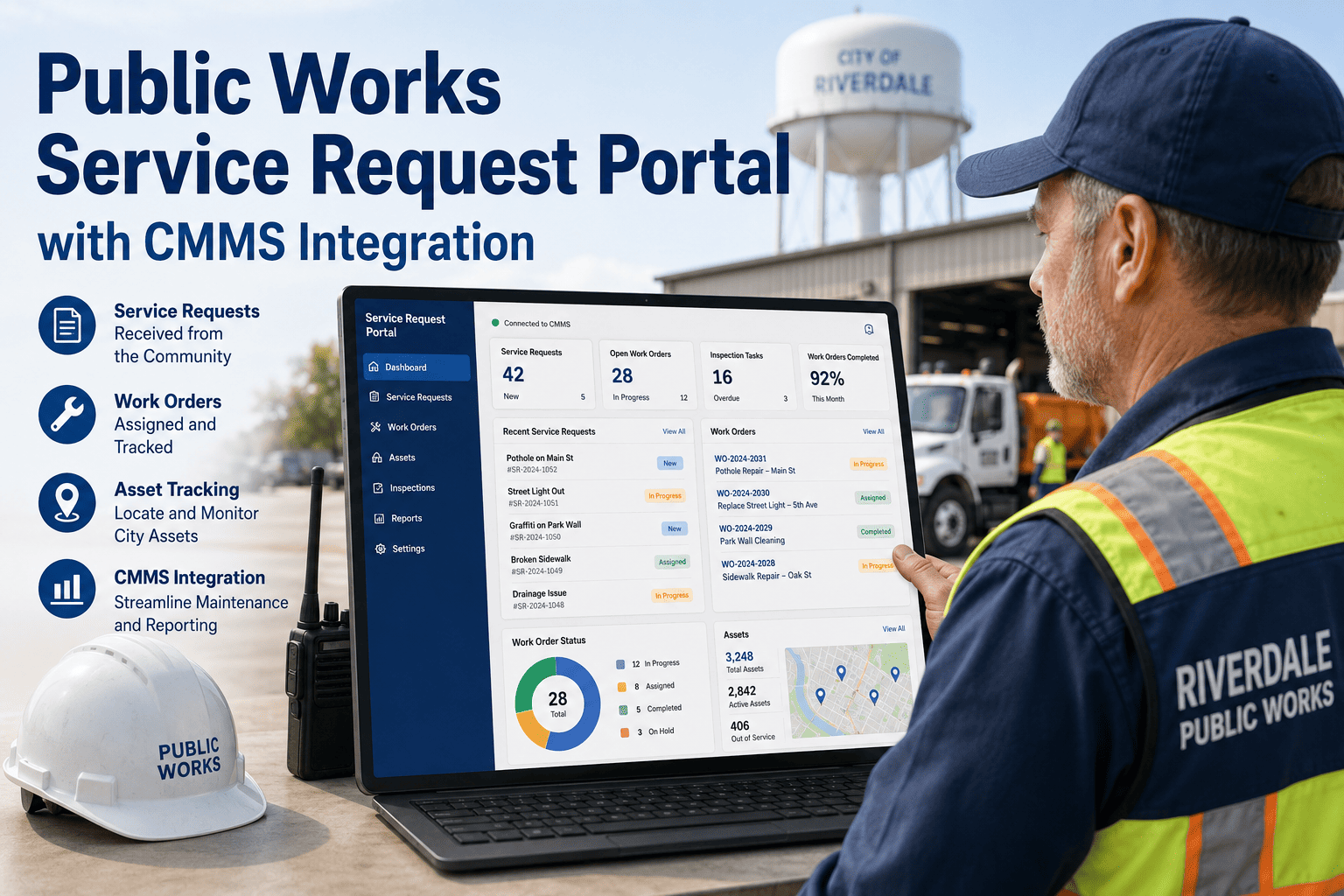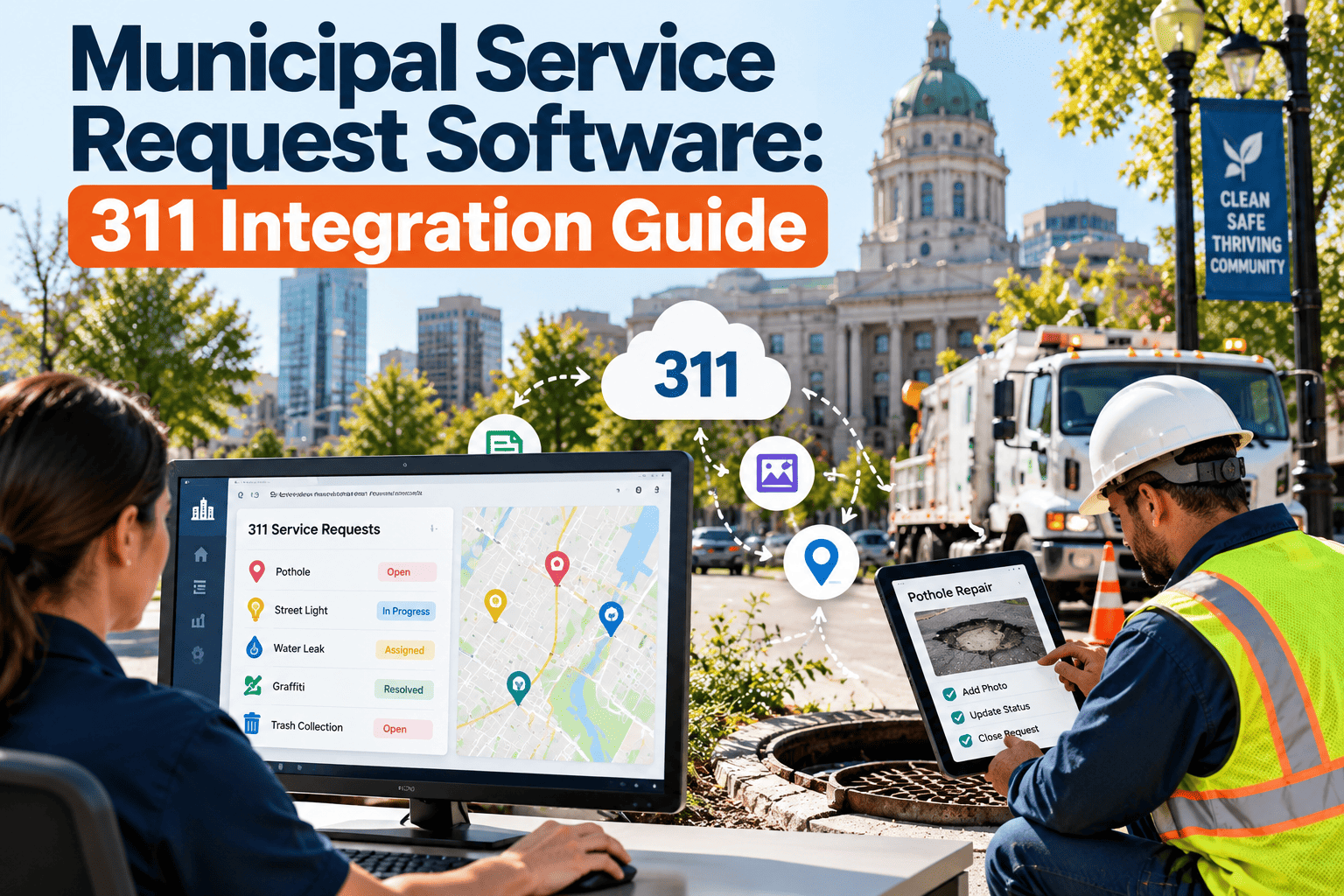
Every pothole report, missed trash pickup, and broken streetlight that comes through a city 311 line is really a maintenance request waiting to become a work order. The challenge for public works is that 311 intake and field maintenance often run in separate systems, so requests are retyped, duplicated, or lost between departments. Residents see the gap when they call again for a status update. This guide explains how to connect 311 service requests to maintenance workflows and publish meaningful performance data using Oxmaint work order software.
Turn Every 311 Service Request Into a Tracked Work Order
Connect resident requests to crews, assets, and closeout records so cities can respond faster, reduce duplicate calls, and report results with confidence.
The Gap Between 311 Intake and Field Work
A 311 platform is designed to capture and track requests. A maintenance system is designed to plan, assign, and document work. Cities get the best results when the two share data.
Disconnected Process
- Call takers email or re-enter requests for crews
- Duplicate reports create duplicate trips
- Crews close work without updating the request
- Managers pull numbers from several spreadsheets
- Residents call back to ask for status
Connected Process
- Each request creates or links to a work order
- Duplicates are merged under one job
- Field completion updates request status
- Reports draw from a single record
- Residents receive timely, accurate updates
Intake Channels and What Each Means for Maintenance
Requests arrive through many channels. The quality of location and detail varies, which affects how quickly crews can act.
| Channel | Strength | Data Risk | Handling Tip |
|---|---|---|---|
| Phone | Reaches residents without smartphones | Location and detail depend on the call taker | Use required fields for address and request type |
| Mobile app | Photos and map pins improve accuracy | Duplicate submissions for the same issue | Check nearby open requests before creating new jobs |
| Web form | Structured categories | Wrong category selected by resident | Allow staff to reclassify during triage |
| Email or social media | Convenient for residents | Free text with unclear location | Convert to a standard request before routing |
| Employee-reported | Detailed and often includes asset IDs | Not always visible in the 311 record | Log through the same intake path for consistent reporting |
Routing Map: From Request Type to Work Order
A shared category list is the foundation of any integration. Each 311 request type should map to an owner, a work order type, and a priority rule.
| 311 Request Type | Typical Owner | Work Order Type | Priority Logic |
|---|---|---|---|
| Pothole or road damage | Streets | Corrective repair | Higher for arterial roads or safety hazards |
| Streetlight outage | Electrical or lighting | Corrective repair | Higher near crossings and school zones |
| Water main or hydrant leak | Water utility | Emergency or corrective | Immediate when service or safety is affected |
| Sewer backup | Wastewater | Emergency response | Immediate for public health risk |
| Illegal dumping | Solid waste or streets | Cleanup task | Based on hazard and location |
| Traffic sign damage | Traffic operations | Corrective repair | Higher for stop and warning signs |
| Park or facility issue | Parks or facilities | Corrective or inspection | Based on safety and public use |
Give Crews the Full Story Before They Roll
Start with your most common request types and route them into work orders with location, photos, and priority already attached.
Keeping Statuses in Sync
Residents care about one thing: what is happening with their request. Map maintenance statuses to the simpler statuses shown in 311.
Many 311 platforms follow the Open311 GeoReport standard, which uses simple open and closed states with optional detail. Confirm what your platform supports before designing the mapping.
Handling Duplicates, Reopens, and Bad Locations
These three issues create most of the noise in service request data.
Duplicates
Match by request type, location, and open status. Link additional reports to the primary work order instead of dispatching again.
Reopened Requests
When a resident disputes a closure, reopen the original record. This shows whether repairs are lasting or temporary.
Vague Locations
Require an address, intersection, or map pin. Let crews add corrected coordinates or asset IDs during the visit.
Field Workflow for Request-Based Work
Crews complete the loop. A simple mobile process makes sure data returns to the record.
- Open the assigned work order and review request details, photos, and location notes.
- Confirm the problem on site. Update the category if the resident selected the wrong one.
- Complete the repair or document why it cannot be done, such as another agency owning the asset.
- Record labor hours, materials, and equipment used.
- Add before and after photos and a short resolution note written in plain language.
- Close the work order so the linked request status updates.
KPIs for a 311-Connected Maintenance Program
Measure both service speed and maintenance quality. Define each metric once and apply it consistently.
Open Data Reporting Without Exposing Personal Information
Many cities publish 311 data on open data portals. Maintenance records add useful context, but privacy must come first.
| Field | Value to the Public | Caution |
|---|---|---|
| Request category | Shows what issues residents report most | Use consistent category names |
| Created and closed dates | Supports response time analysis | Explain how closed is defined |
| General location | Reveals neighborhood patterns | Consider block-level rounding for sensitive cases |
| Resolution summary | Explains what was done | Remove names and contact details |
| Reporter details | Not needed for analysis | Do not publish |
Using Request Data to Improve Preventive Maintenance
Service requests show where infrastructure is failing. That knowledge can move work from reactive to planned.
- Spot repeat complaints at the same asset or block and schedule root-cause repairs.
- Compare request volume by neighborhood to check that service is distributed fairly.
- Time inspections and cleaning routes before seasonal peaks, such as storm drain clearing before heavy rain.
- Use cost and frequency data to support capital planning and budget requests.
A Practical Rollout Path
Cities rarely connect every department at once. A phased plan reduces risk and builds trust with crews.
Map Categories
Agree on request types, owners, and priorities with each department.
Pilot One Department
Start with streets or lighting and test intake, dispatch, and closeout.
Sync Statuses
Send completion data back so residents see accurate updates.
Expand and Report
Add departments, publish dashboards, and review KPIs monthly.
Where Oxmaint Fits
Oxmaint manages the maintenance side of the loop. Integration options depend on your 311 platform, so confirm technical details during a demo.
Frequently Asked Questions
Does every 311 request need a work order?
How should duplicate requests be handled?
Can small cities benefit without a large IT team?
What data should not appear on an open data portal?
How do I learn which 311 platforms can connect?
Close the Loop Between Residents and Crews
Connect 311 requests, field work, and performance reporting so public works can show residents what was fixed and how quickly.