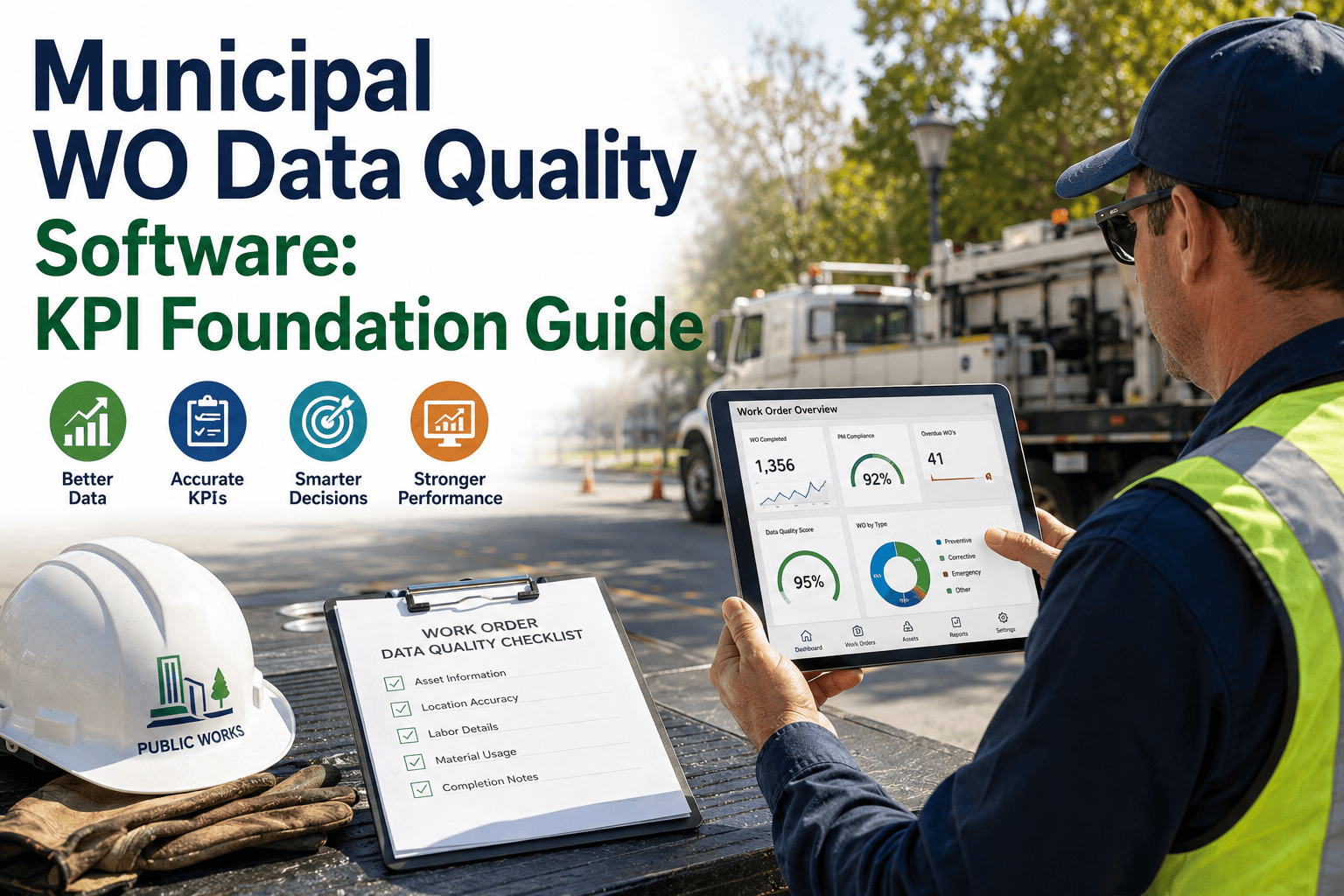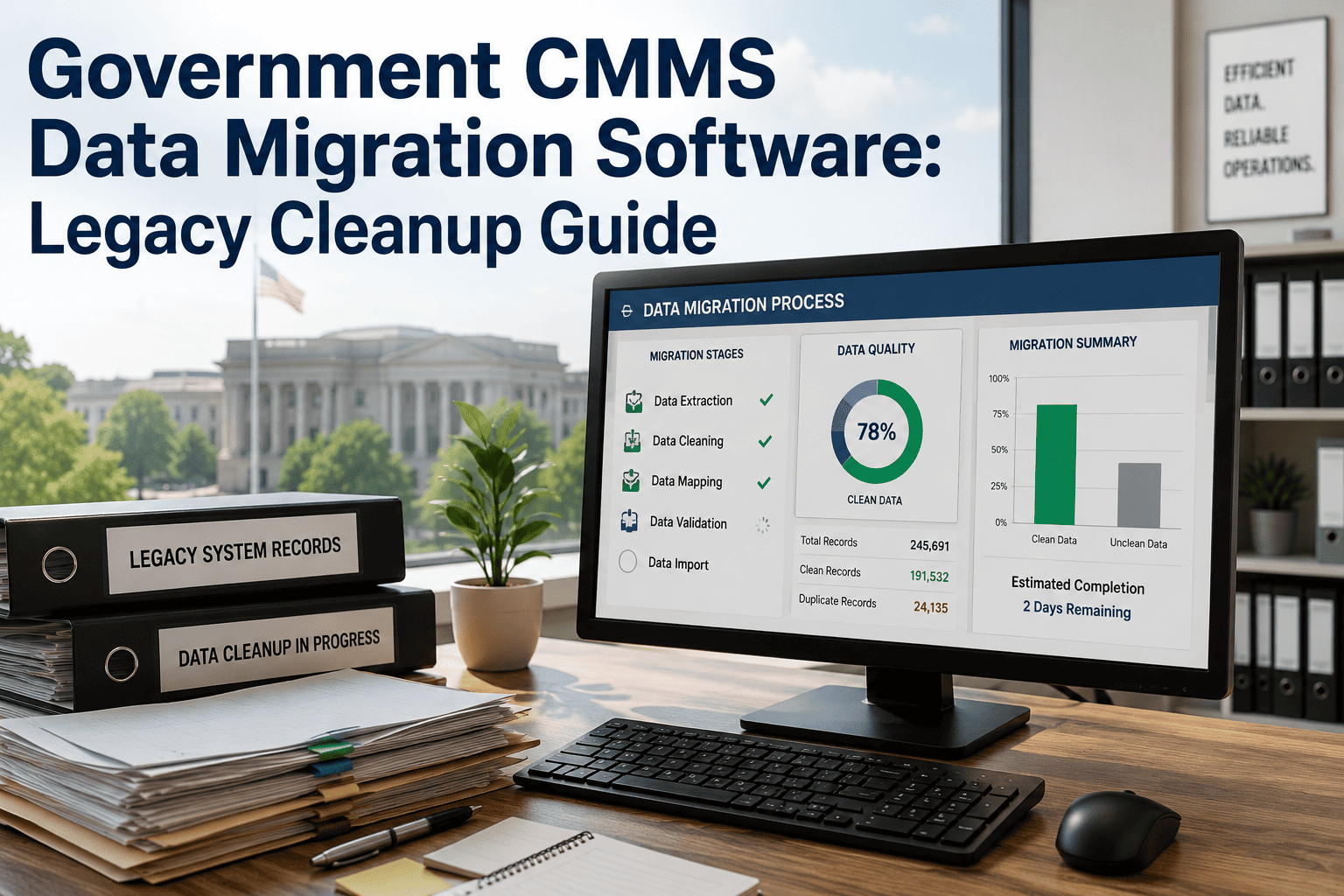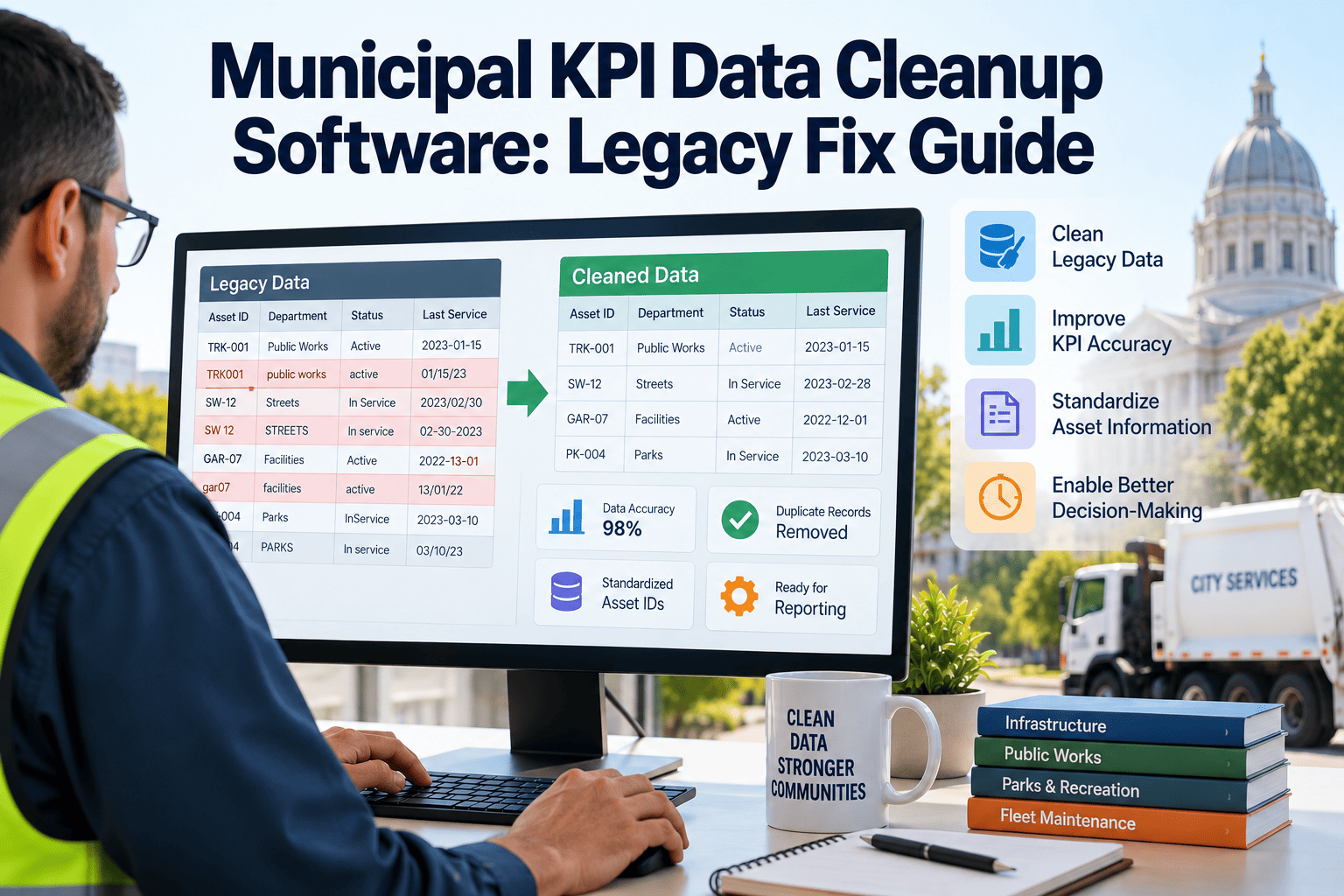
A city council asks a simple question — what percentage of work orders closed on time last quarter — and the answer takes three days instead of three minutes. The delay is never the KPI formula. It is the underlying maintenance data: duplicate work order rows from a failed system migration, assets with no category assigned, and repair records that were never linked back to the building or vehicle they belong to. Municipal governments increasingly report performance metrics to councils, state auditors, and residents, yet most legacy work order histories were never built with reporting in mind. OxMaint gives public works and facilities teams the structured asset and work order platform that turns fragmented legacy records into a clean, KPI-ready dataset.
Cleaning Up Legacy Work Order Data Before It Breaks Your KPI Reporting
A practical guide to fixing duplicate work orders, missing asset categories, and unlinked repair records so municipal KPI dashboards reflect what actually happened — not what the data entry backlog left behind.
Why Municipal KPI Dashboards Break Before They Ever Reach a Council Meeting
Most cities did not choose bad data on purpose. Work order systems get replaced every eight to twelve years, and each migration carries forward whatever formatting errors existed in the source system. Field crews close tickets from a truck cab using shorthand that never matches a dropdown list. Over a decade, the result is a records table nobody fully trusts.
What Bad Legacy Data Actually Costs a Public Works Department
Inaccurate KPI reporting is not a cosmetic problem. It changes staffing decisions, capital requests, and public trust. The table below shows how the same four data defects translate into specific reporting failures municipal teams encounter.
| Data Defect | Reporting Symptom | Operational Consequence |
|---|---|---|
| Duplicate work orders | Inflated volume, understated average response time | Overstaffing requests approved against a false demand curve |
| Missing asset category | Cost cannot be rolled up by system or facility type | Capital planning cannot identify which system is driving spend |
| Unlinked repair history | Asset appears to have no maintenance history | Replace-versus-repair decisions made without full cost context |
| Inconsistent status codes | Backlog counts vary depending on which code set is queried | Council sees a different backlog number every reporting cycle |
OxMaint standardizes asset records, work order status codes, and category structures at the point of entry, so every KPI query pulls from the same clean dataset — not a spreadsheet someone patched together the night before the meeting.
A Five-Stage Legacy Data Cleanup Workflow for Municipal CMMS Records
Cleaning up years of accumulated work order history is a project, not a setting you toggle on. Municipal teams that succeed treat it as a staged migration rather than a single bulk edit, because bulk edits on unverified data tend to introduce new errors faster than they fix old ones.
Data Quality Checklist Before You Trust a KPI Dashboard
Before a KPI number goes in front of a council or a state reporting portal, municipal data teams should be able to check every item below. If any box is unchecked, the number is an estimate, not a fact.
How OxMaint Supports Ongoing Municipal KPI Accuracy
A one-time cleanup only holds if the system prevents the same drift from returning. OxMaint enforces structured data entry at the source, so the discipline that cleaned up the legacy backlog becomes the default for every new record going forward.
The KPIs Municipal Governments Are Increasingly Required to Report
Performance reporting is no longer optional for most municipal public works and facilities departments. State transparency portals, bond covenant requirements, and resident-facing dashboards all ask for the same underlying metrics, which means the same underlying data has to be reliable across every reporting channel at once, not just the one channel a department happens to be preparing for this month.
Average time-to-close by work order priority is one of the most commonly requested figures, and it is also one of the most sensitive to duplicate records, because a single incident logged twice can pull an average down or up depending on which duplicate closed first. Backlog age distribution — how many open work orders are under thirty days, sixty days, and over ninety days — depends entirely on consistent status codes, since a ticket sitting in a legacy "pending" status that was never migrated to the current workflow will silently disappear from every backlog count.
Cost per asset category is another figure that shows up in almost every capital budget presentation, and it is completely unavailable without the asset categorization work described above. A city cannot tell a council how much was spent on HVAC repairs across its facility portfolio if half the work orders were logged against a building name with no system category attached. Preventive-to-corrective maintenance ratio, often used as a proxy for whether a department is managing assets proactively or reactively, requires that every work order be correctly tagged by type at creation — a field that is frequently left blank or defaulted in older systems, which quietly erodes the reliability of the ratio over time even when nobody has changed how maintenance is actually performed.
Building a Data Governance Process That Keeps KPIs Trustworthy Long-Term
A cleanup project fixes the historical record, but without a governance process behind it, the same drift returns within a budget cycle or two. Municipal teams that maintain clean KPI data over multiple years tend to assign clear ownership for three recurring responsibilities rather than treating data quality as a side task for whoever has time.
First, a designated data steward — often a GIS analyst, operations manager, or performance officer — reviews new asset entries and category assignments on a monthly cadence rather than waiting for an annual audit to catch drift. Second, field supervisors are held accountable for work order completeness before closing a ticket, since incomplete records are far cheaper to correct at the point of entry than six months later during a reporting cycle. Third, IT and operations leadership agree on a formal change process before any new asset category, status code, or work order type is added to the system, preventing the kind of uncontrolled vocabulary growth that caused the original mess in the first place and that will, left unmanaged, recreate the same reporting problems a cleanup project was meant to solve.
None of these steps require new headcount in most departments — they require the reporting system itself to make the correct entry the easy entry, through required fields, controlled dropdowns, and validation rules that catch missing data before a work order can be closed rather than after a council meeting exposes it. Departments that make this investment once tend to spend far less time defending their numbers in subsequent budget cycles, because the numbers were never allowed to drift in the first place. The upfront work of defining required fields is modest compared to the recurring cost of rebuilding trust in a dashboard every time someone in finance asks where a number came from.
Expert Perspective
Frequently Asked Questions
OxMaint gives municipal teams the structured asset register, standardized work orders, and live reporting tools that keep KPI data clean from the first entry forward.