Public works departments across the US and Canada are closing repair tickets 2.4x faster and cutting missed follow-ups by more than half after replacing paper dispatch and phone-based work tracking with mobile work order software built for field crews. Road repairs, drainage failures, facility breakdowns, and citizen complaints all demand a system that captures what happened, who did the work, what it cost, and where the photo evidence lives — before the next budget review or state audit. This page breaks down exactly how modern public works work order software operates, what data it captures, and what real departments are measuring after adoption. Book a 30-minute demo to see OxMaint configured for your department's asset types and crew structure.
Public Works · Work Order Management · Field Service
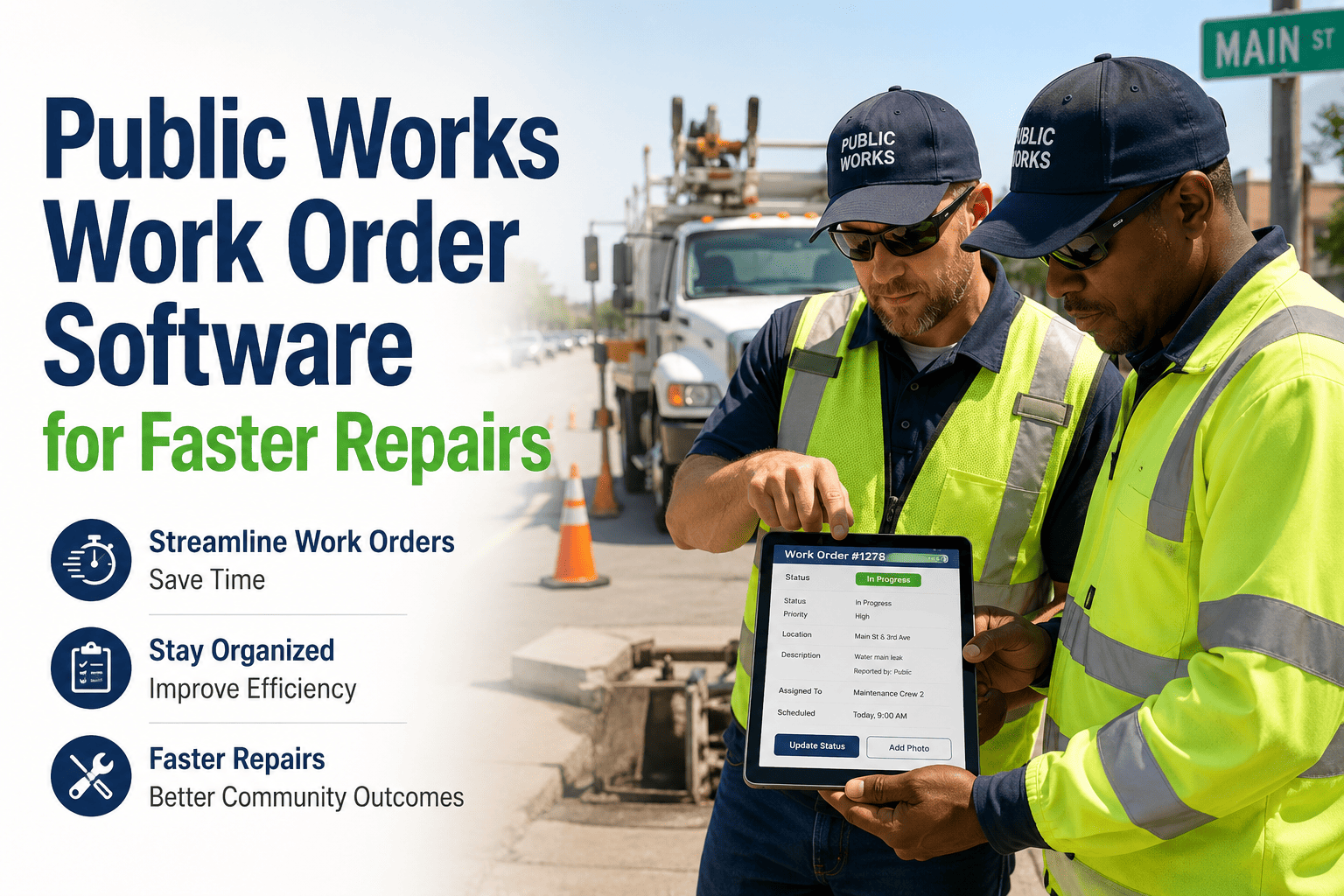
Public Works Work Order Software for Faster Repairs
Track road, drainage, facility, and citizen repair requests with mobile work orders, technician updates, photos, and proof of completion — all timestamped and audit-ready from the first dispatch.
2.4x
Faster work order closure vs paper dispatch
83%
Reduction in missed or duplicated dispatches
100%
Proof of completion with photo and GPS stamp
5 days
Typical time to go live with OxMaint field workflows
The Repair Workflow
How a Public Works Work Order Moves From Report to Closed — The Five Stages
1
Request Received
Pothole report, drainage call, facility complaint, or citizen app submission enters the system. Automatic categorization and priority scoring applied.
2
Work Order Created
Work order auto-generated with asset ID, GPS location, priority level, required materials, and estimated hours. Assigned to nearest qualified crew member.
3
Field Execution
Technician receives mobile alert, logs arrival, uploads before-photos, records materials used and actual hours. Work updated in real time — no radio check-ins required.
4
Completion Verified
After-photo, GPS stamp, and technician signature captured on mobile. Work order status moves to supervisor review queue automatically.
5
Closed and Reported
Work order closed with full cost, labor, and material record. Citizen notified automatically. Data rolls into department dashboard and audit log.
Asset Type Coverage
Every Asset Your Public Works Department Maintains — One Work Order System
Roads and Pavement
Pothole repair, crack sealing, resurfacing, line marking, curb and gutter
Drainage and Stormwater
Catch basin cleaning, culvert inspection, outfall monitoring, sediment removal
Bridges and Structures
Deck inspection, joint sealing, bearing replacement, load posting records
Streetlights and Signals
Outage repair, bulb replacement, signal timing updates, pole inspection
Parks and Grounds
Equipment repair, irrigation PM, trail maintenance, vandalism response
Fleet and Vehicles
Preventive maintenance, repairs, inspection logs, fuel tracking, defect reports
Performance Comparison
Paper and Spreadsheet Dispatch vs OxMaint Mobile Work Orders
| Workflow Stage |
Paper / Spreadsheet |
OxMaint Mobile |
| Request to work order creation |
15–45 minutes (manual entry) |
Under 60 seconds (automated) |
| Technician assignment |
Phone call or radio dispatch |
Auto-assigned by proximity and skill |
| Field status updates |
End-of-day radio or call-in |
Real-time mobile updates |
| Proof of completion |
Verbal confirmation only |
Photo + GPS + signature |
| Cost per work order recorded |
Rarely or never |
Always — labor, materials, time |
| Duplicate dispatch rate |
18–22% of all orders |
Under 2% |
| Audit-ready evidence |
Manual reconstruction, 3–5 days |
Export in under 2 hours |
Expert Perspective
What Public Works Supervisors and Department Directors Say
Rated 5 / 5
Before OxMaint, we were running 22 to 24 percent duplicate dispatches on pothole and drainage calls because the spreadsheet updated once a day and crews would show up to jobs already completed. Within three months, duplicates were under 2 percent and our supervisor no longer spends two hours a day on the phone tracking crew locations. The mobile photo and GPS proof of completion also ended the arguments with residents who called back saying work was never done — we can show them the exact timestamp and coordinates.
JR
James Rouillard
Public Works Superintendent, Northeast County Department · 16 yrs field operations management
Rated 5 / 5
The council started asking for maintenance cost-per-mile data on our road network during the capital improvement planning cycle. We had no answer before OxMaint because nobody had ever tracked actual labor and material costs per road segment. After six months of mobile work orders, we had cost-per-lane-mile by road class, which let us prioritize resurfacing projects by actual cost data instead of political pressure. That is a different category of conversation with elected officials — and the data came from the same system our crews use every day in the field.
SN
Sandra Nkemdirim, PE
Director of Public Works, Midwest City Government · 21 yrs infrastructure and capital planning
Frequently Asked Questions
Public Works Work Order Software — Questions From Department Leaders
Does OxMaint work on the Android and iOS phones our field crews already carry?
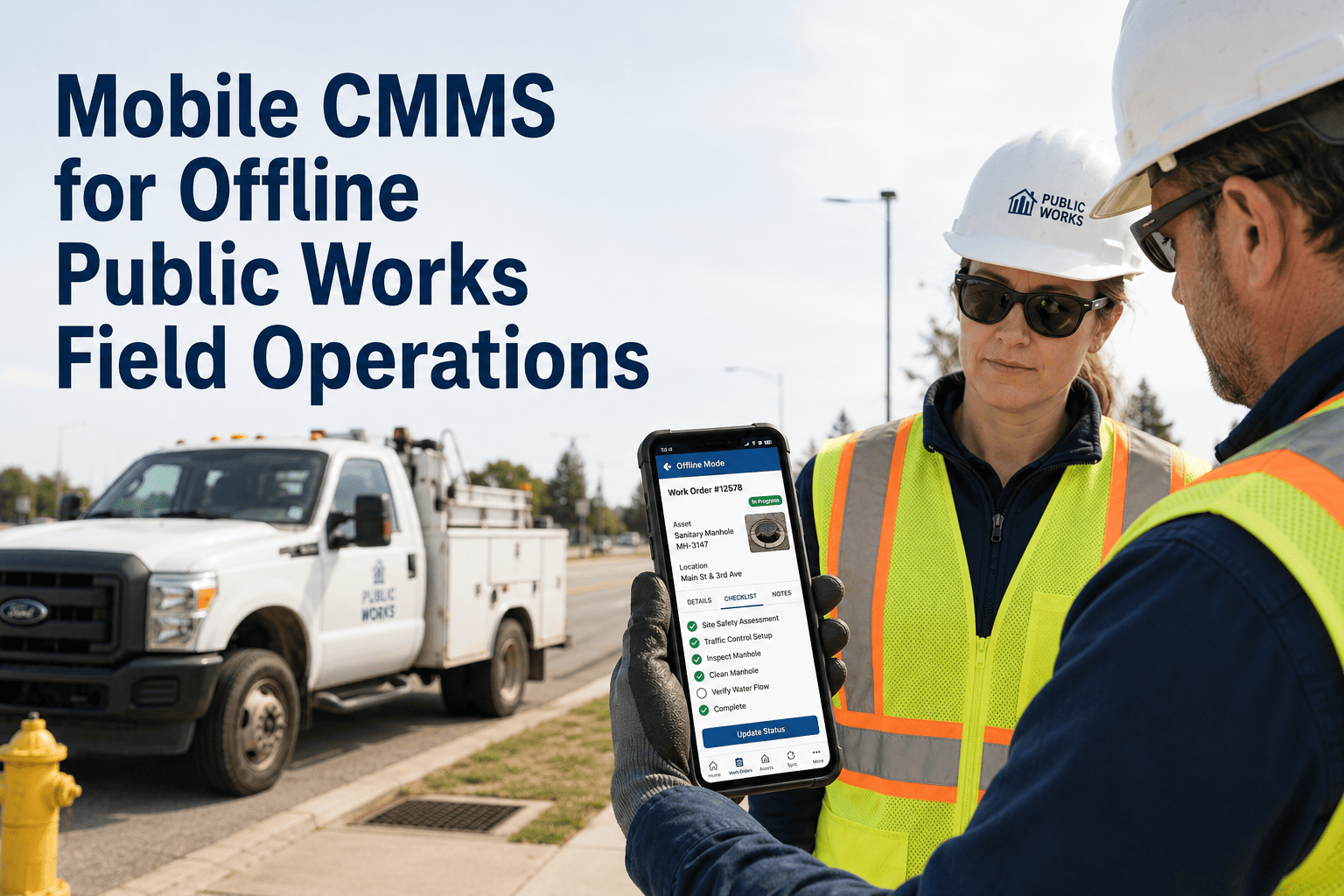
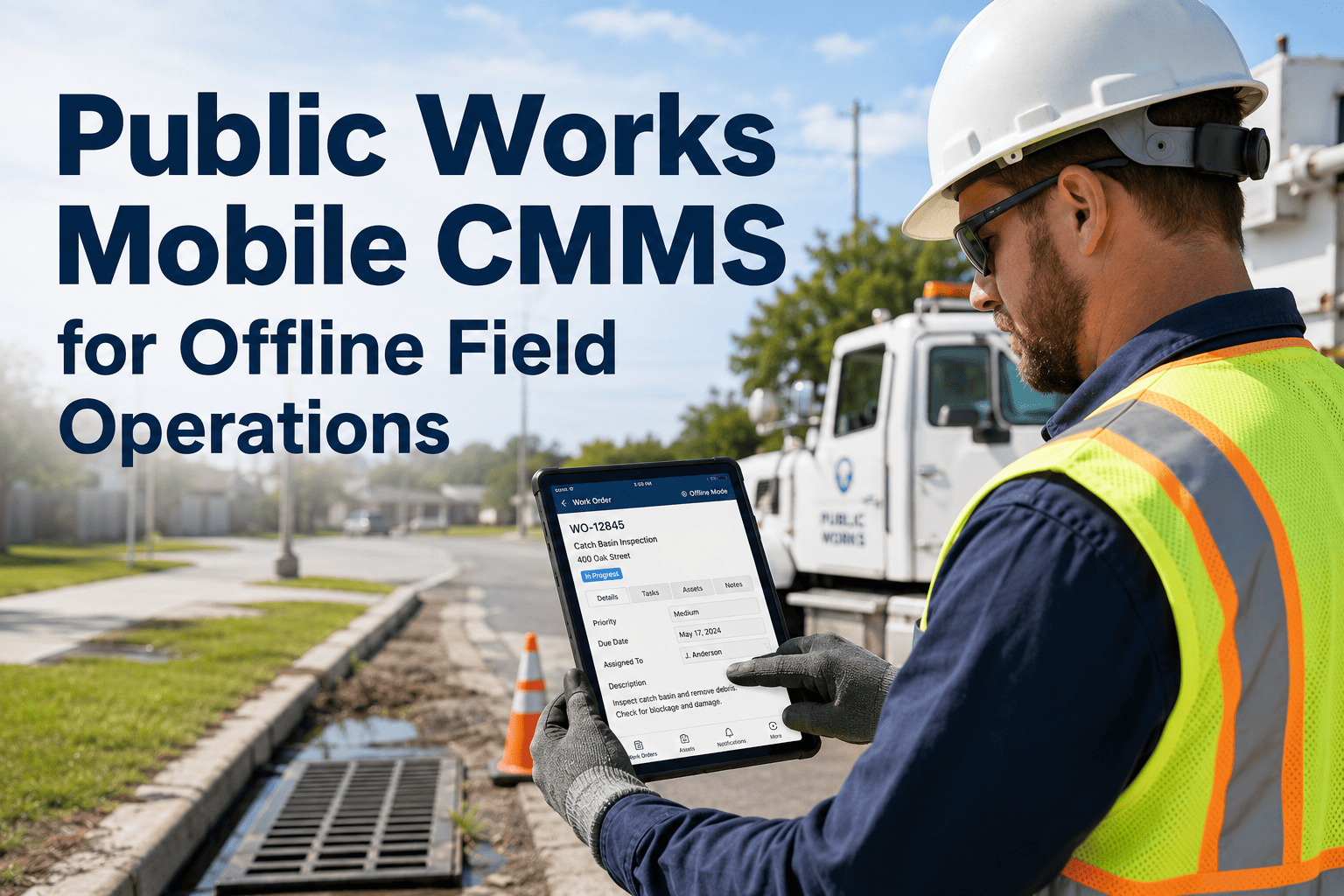
Yes. OxMaint's field app runs on any iOS or Android device — personal or department-issued — without requiring a specific hardware model. Technicians can update work orders, upload photos, record GPS location, and capture signatures entirely offline, with automatic sync when connectivity is restored. This covers rural routes and underground or basement work environments where signal is unreliable.
Start a free trial to test the mobile experience on your own device.
Can OxMaint handle work orders for both emergency repairs and scheduled preventive maintenance on the same platform?
Yes. OxMaint manages reactive work orders triggered by citizen reports or staff observations alongside scheduled preventive maintenance work orders triggered by calendar intervals, meter readings, or asset condition scores — all in the same system and visible on the same supervisor dashboard. Crew capacity is tracked across both types so supervisors can see total workload, not just emergency queue. See the unified work order queue in the
free trial.
How does OxMaint integrate with our existing 311 citizen request system?
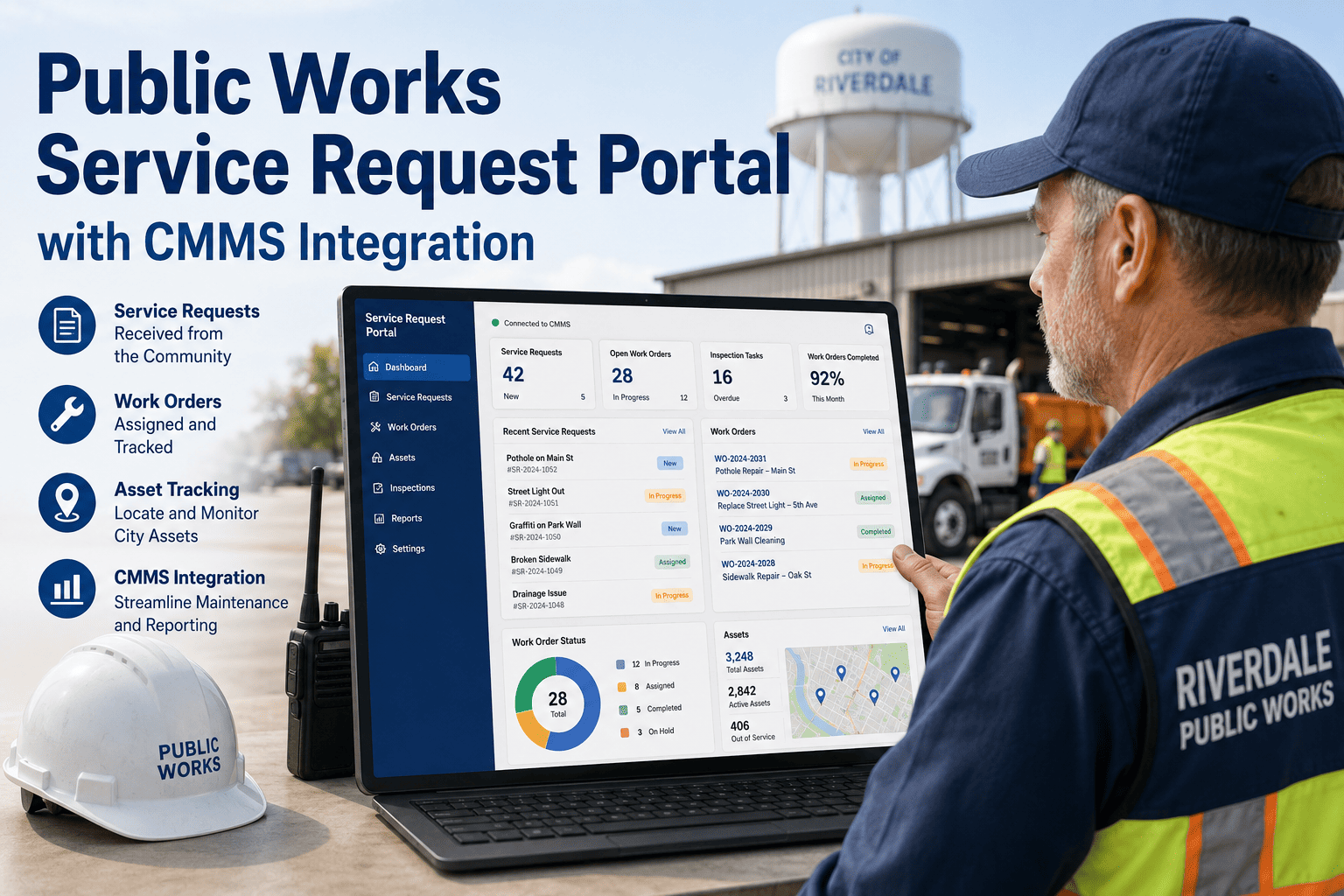
OxMaint connects to most major 311 platforms via API, automatically converting incoming citizen reports into categorized, prioritized work orders without manual re-entry by staff. For departments without a 311 system, OxMaint's native citizen request portal — accessible via web link or QR code — provides the same intake capability. Either way, citizens receive automatic status notifications so your department handles fewer follow-up calls.
Book a demo to review your specific 311 configuration.
What does a supervisor see differently compared to a field technician in OxMaint?
Supervisors see a real-time dashboard with all open work orders, crew locations on a map, capacity availability, overdue order flags, and escalation alerts — without calling anyone in the field. Technicians see their personal assigned queue with navigation to each job, checklist steps, photo prompts, and materials logging. Directors and managers see aggregated cost, compliance, and backlog data for reporting and budget presentations. Role-based access means each user sees exactly what they need and nothing they do not.
OxMaint · Public Works Work Order Platform
From First Report to Final Sign-Off — Public Works Work Orders Done Right
OxMaint gives your public works department the mobile work order system, automated dispatch, field photo documentation, and cost-per-asset reporting that transforms maintenance from a reactive scramble into a measured, defensible program. Your crew is ready. Your software should be too.