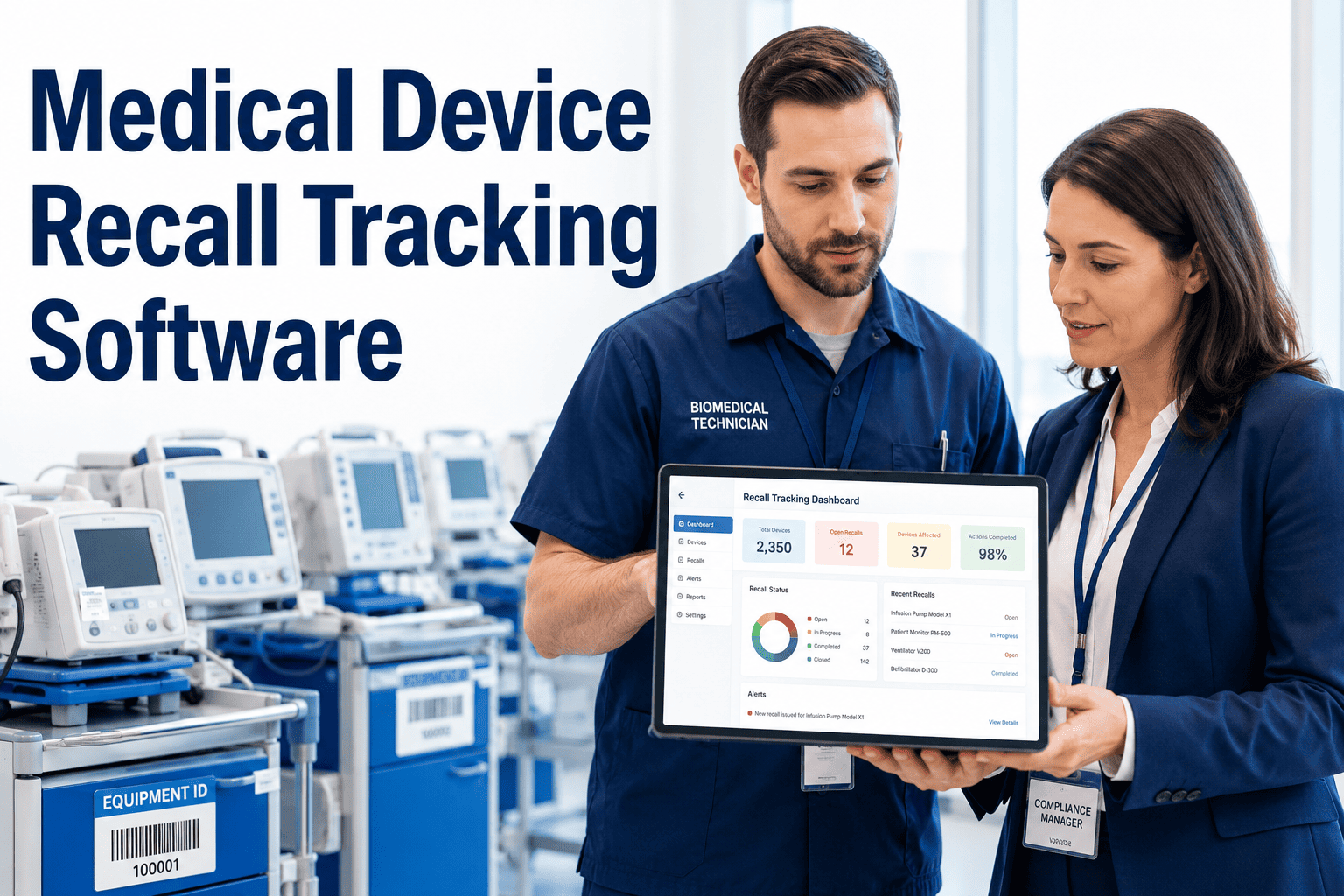
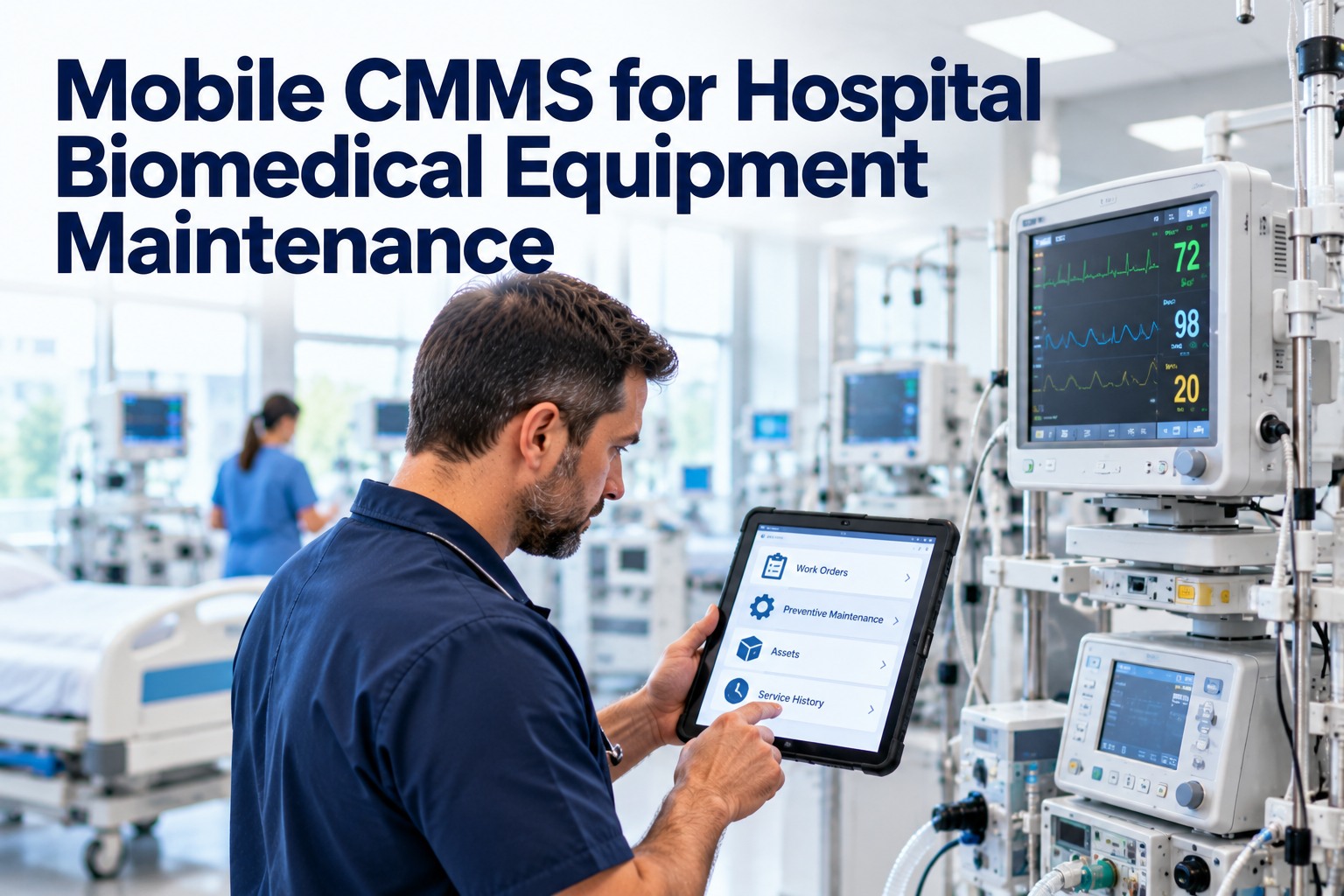
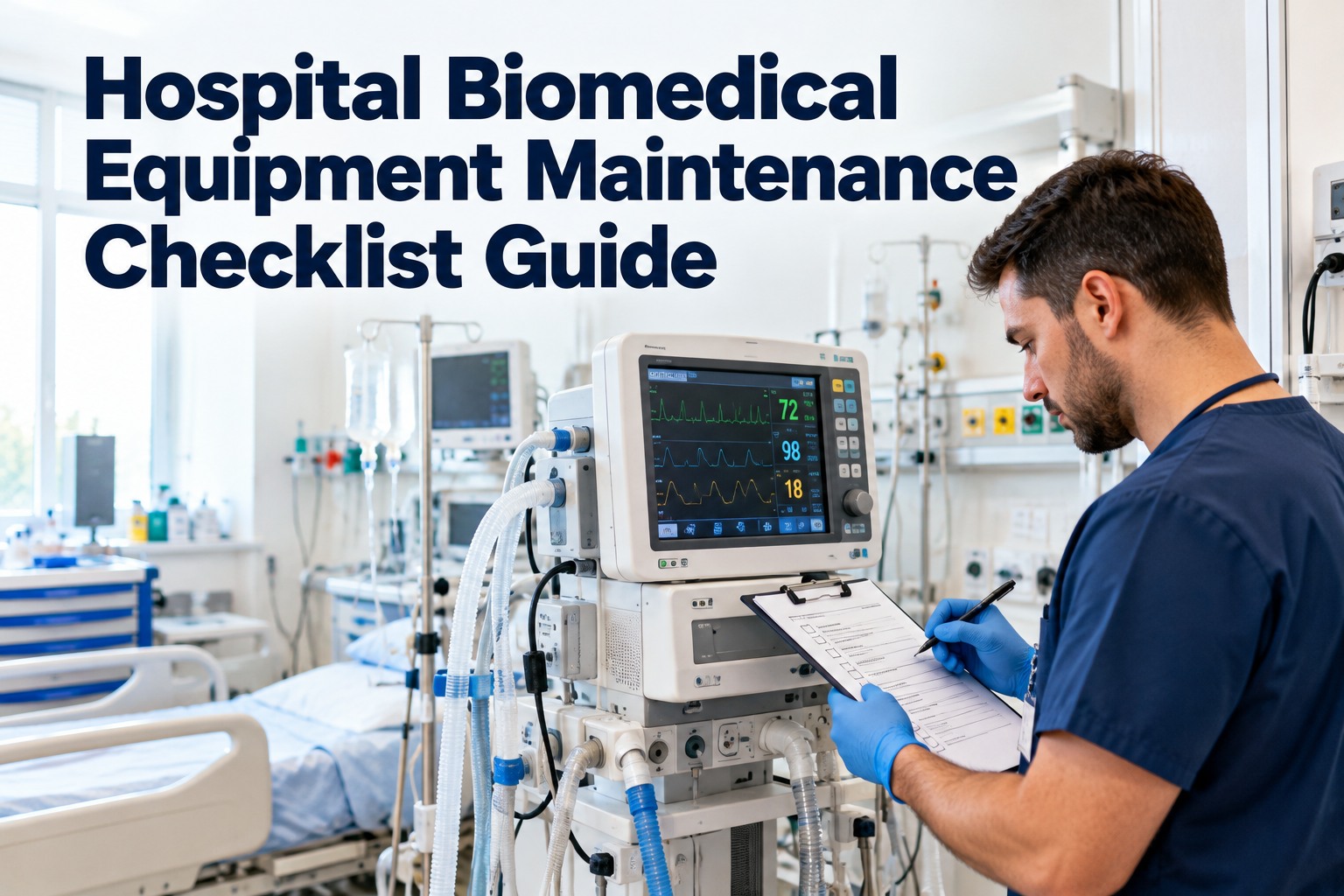
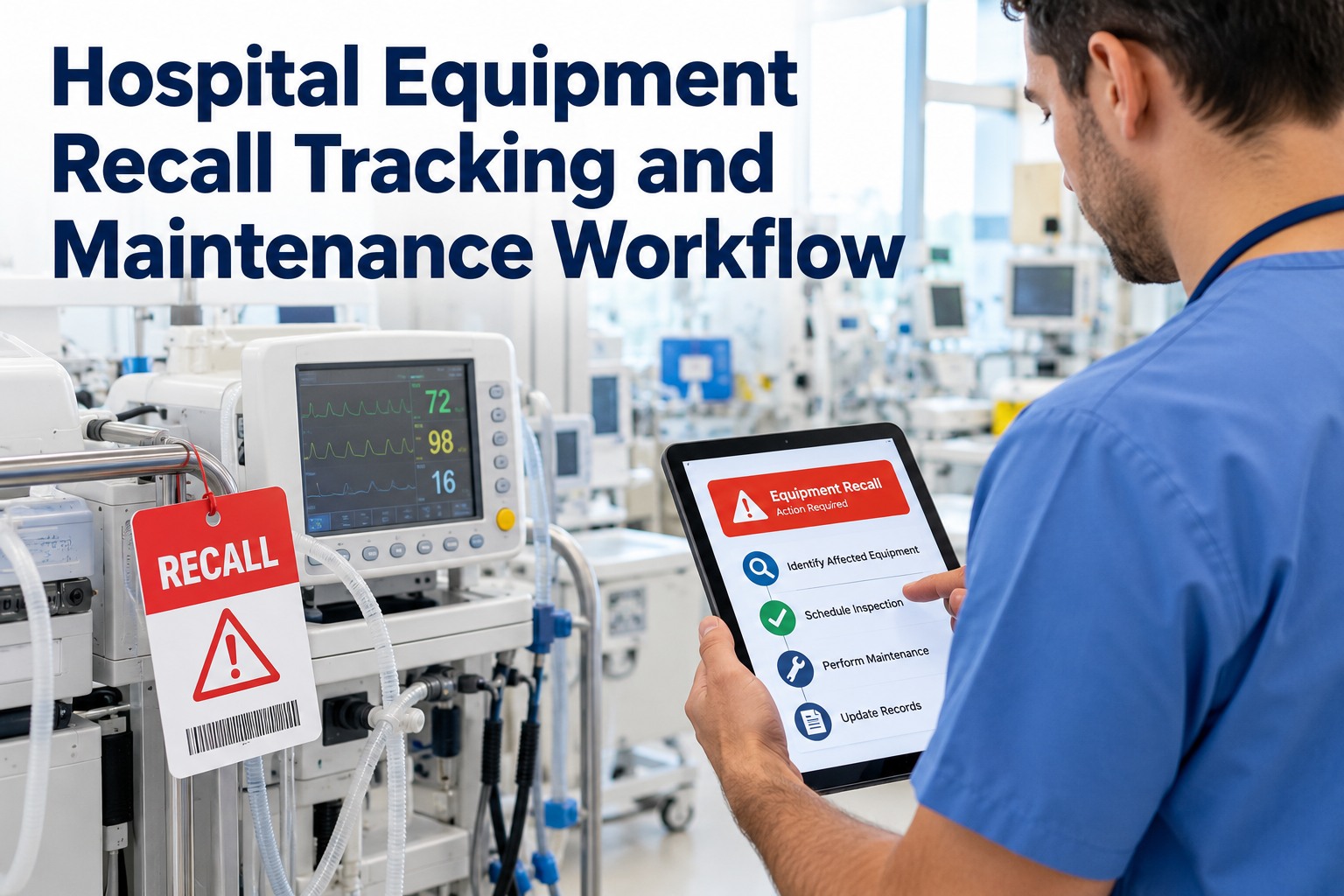
An FDA medical device recall does not give hospitals days to respond — it gives them hours to locate every affected device, remove it from service, document the action, and notify clinical staff before a patient encounter occurs. Most healthcare facilities still respond to recall notices by searching spreadsheets, calling departments, and checking paper asset logs — a process that takes hours, misses devices, and leaves institutions unable to demonstrate timely response to regulators. OxMaint's medical device recall tracking software gives biomedical, HTM, and compliance teams an asset registry with the model, serial number, location, and action history data needed to execute a complete FDA recall response in minutes, not hours. Start a free OxMaint trial or book a 30-minute demo to see how your device inventory looks in a searchable, recall-ready registry.
Healthcare · Biomedical · FDA Compliance
Medical Device Recall Tracking Software
Locate every affected device by model or serial number, document removal from service, and generate a complete FDA recall response report — before the next patient encounter, not the next business day.
4,000+
FDA medical device recalls issued annually in the US
72 hrs
Typical window for Class I recall response documentation
63%
of hospitals report their device registries are incomplete or inaccurate
The Problem
Why Hospital Recall Responses Break Down
Step 1
Recall Notice Arrives
FDA MedWatch or manufacturer notifies the hospital. The clock starts.
Problem: No central inbox. Notice may reach purchasing, clinical, or biomedical — or all three with no coordination.
→
Step 2
Locate Affected Devices
Match recalled model and serial numbers against hospital inventory.
Problem: Inventory lives in multiple spreadsheets, systems, and department-level paper logs. No single source of truth.
→
Step 3
Remove and Document
Pull affected devices from service and record the action taken.
Problem: Documentation is unstructured — email chains, sticky notes, or handwritten logs that cannot be exported for regulatory proof.
→
Step 4
Report to Regulators
Produce documentation of timely response to CMS, Joint Commission, or FDA.
Problem: No audit-ready output. Assembling evidence takes hours or days — increasing citation risk.
OxMaint Solution
How OxMaint Executes a Complete Recall Response
01
Search by Model or Serial Number Instantly
Every device in your OxMaint asset registry is searchable by manufacturer, model number, serial number, and location. A recall search returns every matching device across all sites in seconds — with current location and assignment status.
02
Tag and Remove Affected Devices with a Work Order
From the search results, create a recall removal work order for each affected device. The work order captures who removed it, when, where it was quarantined, and what patient safety instructions were followed — all in one record.
03
Document Every Action in the Device History
Every recall-related action — removal, inspection, repair, return to service, or disposal — is logged in the device's permanent history record with timestamp, technician identity, and linked documentation. Nothing is reconstructed from memory.
04
Export Audit-Ready Recall Response Report
OxMaint generates a structured recall response report showing all affected devices, their locations at time of recall, removal timestamps, and disposition status — formatted for FDA, CMS, or Joint Commission documentation requirements.
How Fast Can You Locate Every Recalled Device in Your Facility?
If the answer is "I am not sure," OxMaint can change that today. A complete asset registry with recall search is the foundation of every compliant HTM program.
Asset Registry
The Data Points That Make a Device Registry Recall-Ready
A recall response is only as fast as your underlying asset data. OxMaint captures the fields that actually matter when a recall notice arrives — for every device, across every location.
| Data Field |
Why It Matters for Recall Response |
Tracked in OxMaint |
| Manufacturer and Model Number |
Primary match field for FDA recall notices and MedWatch alerts |
Yes — searchable across entire inventory |
| Serial Number |
Identifies specific affected units vs. entire model lines — critical for targeted recalls |
Yes — individual record per unit |
| Current Location |
Tells responders exactly where to find the device — department, room, building |
Yes — updated on every move or assignment |
| Assigned Department / Patient Area |
Enables immediate clinical notification if device was in active patient use |
Yes — with assignment history |
| Maintenance and Repair History |
Supports risk assessment for devices that received recall-related repairs previously |
Yes — full work order history per device |
| Acquisition Date and Warranty Status |
Determines eligibility for manufacturer replacement or credit under recall terms |
Yes — with document attachments |
Frequently Asked Questions
Medical Device Recall Tracking — Common Questions
What information do hospitals need to respond to an FDA Class I recall?
For a Class I recall, hospitals need to identify all affected devices by model and serial number, document removal from patient use with timestamps, notify relevant clinical staff, and record disposition of each unit. OxMaint's asset registry and recall workflow capture all of these requirements in one place.
Build your recall-ready registry — start free.
How does OxMaint help if our device inventory is currently incomplete?
OxMaint supports bulk asset import from spreadsheets, allowing teams to migrate existing inventory data into the platform quickly. The implementation team assists with data cleanup and field mapping to ensure the registry is complete and recall-searchable from day one.
See the import process in a demo.
Can OxMaint track devices across multiple hospital campuses?
Yes. OxMaint supports multi-site healthcare systems with location-based asset assignment. A recall search returns affected devices across all campuses simultaneously, with each device's current location visible in the results — enabling coordinated system-wide recall response.
What does a Joint Commission surveyor typically ask about device recall processes?
Surveyors typically ask for the written recall response policy, evidence that recent recalls were acted on within the required timeframe, and documentation showing affected devices were identified and removed. OxMaint provides the timestamped work order trail and exportable report that makes these questions easy to answer.
Know Where Every Device Is Before the Next Recall Notice Arrives
OxMaint gives biomedical and HTM teams the asset registry, search capability, and recall documentation workflow to respond to any FDA notice completely and on time — every time.