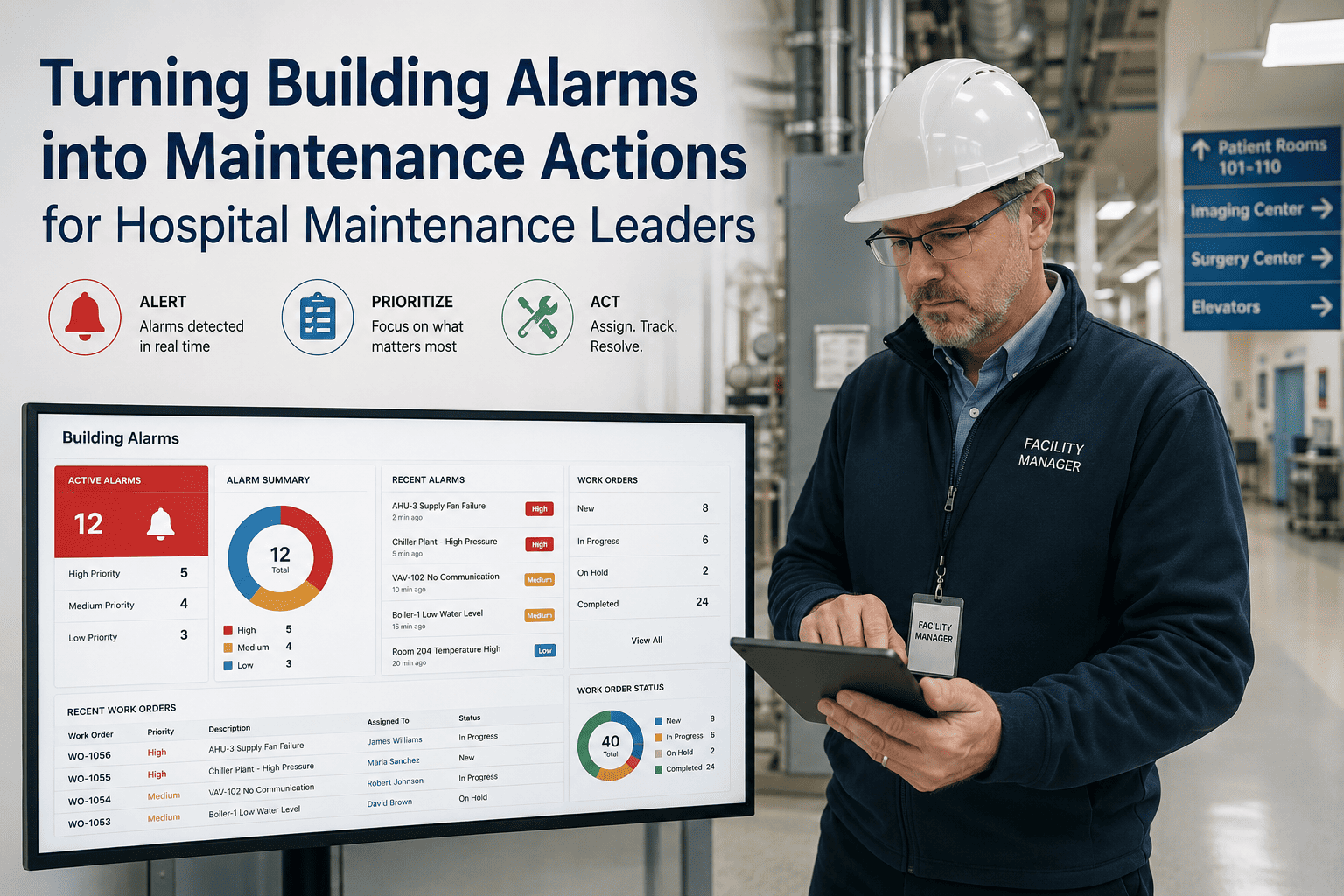
Most hospital building management systems are excellent at generating alarms. Very few of those alarms reliably become maintenance actions — assigned to the right technician, completed with evidence, closed with an audit trail. The gap between "alarm fired" and "work done and recorded" is where hospital assets degrade, compliance exposure grows, and engineering teams lose trust in their own monitoring infrastructure. This case study examines how hospital maintenance leaders transformed their building alarm workflow from a reactive, high-volume queue into a structured, evidence-backed maintenance operation — using OxMaint as the layer that converts alarm data into closed, compliant work orders. OxMaint is the platform that bridges your building alarm systems and your maintenance workflow. Book a demo to see how your alarm data can drive real, measurable maintenance outcomes.
Turning Building Alarms into Maintenance Actions for Hospital Maintenance Leaders
How hospital facilities teams closed the alarm-to-action gap — reducing response time, improving compliance evidence, and building leadership visibility into every alarm outcome.
The State of Hospital Alarm Management Before OxMaint
A 320-bed acute care hospital with a full BMS covering HVAC, critical power, medical gas monitoring, fire and life safety systems, and access control — generating an average of 280–350 alerts per day across all systems.
Engineering team of 11 technicians was receiving all alarms in a shared email inbox and a BMS console. Prioritization was manual, assignment was informal, and work completion was recorded in a paper log that was not linked to the original alarm. Compliance reports were assembled manually before each survey — a two-week process.
Three high-priority HVAC alarms over a six-month period were acknowledged in the BMS but never resulted in a dispatched technician. All three assets eventually failed — one during a surgical case, requiring emergency maintenance and care disruption. Leadership had no visibility into the gap until after the failures.
How OxMaint Transformed the Alarm Workflow
All 847 BMS-monitored assets were loaded into OxMaint with unique IDs, location data, criticality tiers, and maintenance history. BMS alarm tags were mapped to CMMS asset identifiers.
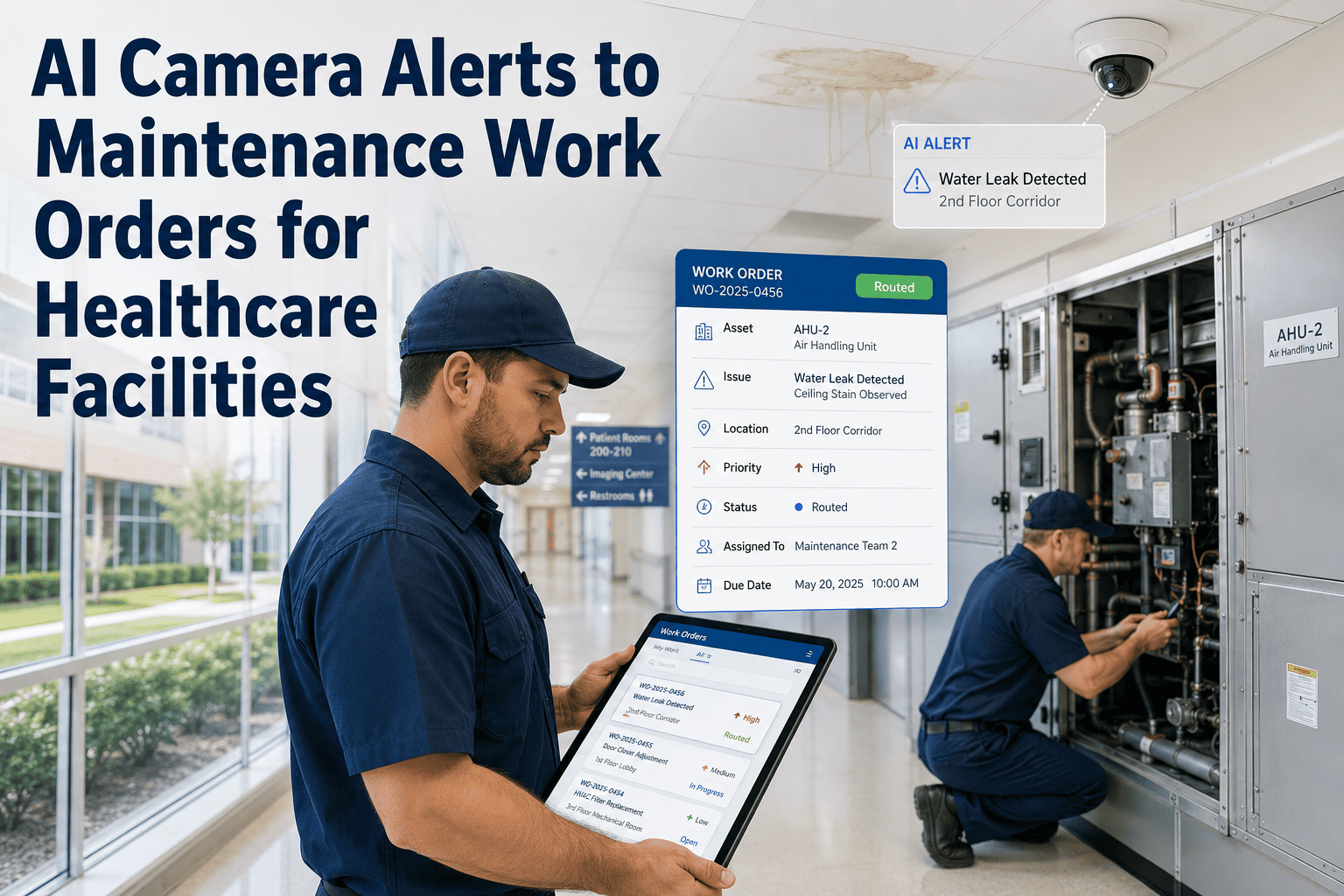
Alert thresholds were defined for 12 alarm categories. Life safety and critical equipment alerts were set to auto-create high-priority work orders. General utility alerts created standard tasks.
On-call schedules were loaded. Escalation paths were configured for critical and high-priority work orders — supervisor notification triggered at 15 minutes without technician acknowledgment.
All 11 technicians onboarded to OxMaint mobile. Work order acceptance, photo capture, parts documentation, and closure were handled on-device — no paper, no after-the-fact logging.
Engineering director, facilities VP, and compliance manager each received a configured dashboard view — open alarms, response time by priority, SLA performance, and closure rate by shift.
Measurable Results at 12 Months
| Metric | Before OxMaint | 12 Months After | Change |
|---|---|---|---|
| Mean time to dispatch (critical alarms) | 48 minutes | 16 minutes | ↓ 67% |
| Work order closure rate (alarm-triggered) | 54% | 91% | ↑ 37 pts |
| Alarms generating no maintenance action | ~130/week | ~9/week | ↓ 93% |
| Compliance report preparation time | 2 weeks per survey | 4 hours (automated) | ↓ 95% |
| Unplanned asset failures from missed alarms | 3 in 6 months | 0 in 12 months | ↓ 100% |
| TJC audit findings on alarm records | 4 findings | 0 findings | ↓ 100% |
What Hospital Maintenance Leaders Say
We had a world-class BMS and a broken alarm workflow. The BMS told us everything that was happening — and we acted on maybe a third of it. OxMaint was the missing piece: the layer that took alarm data and turned it into an assigned, tracked, evidenced maintenance action every single time. Within three months, our engineering team had more trust in the system than they had had in years.
The outcome I did not expect was the leadership visibility. Before OxMaint, I found out about alarm response problems through patient complaints or a near-miss. Now I see the KPI dashboard before I open my email in the morning — open alarms, SLA status, overnight closure rate. I know the state of our building before I set foot in it.
Frequently Asked Questions
How does OxMaint ensure that every building alarm results in a maintenance action?
OxMaint converts incoming building alarms into work orders automatically, assigns them based on your technician skills and shift schedules, and starts an SLA timer from the moment of creation. Unacknowledged work orders escalate to supervisors before the SLA window closes — ensuring that no alarm is silently ignored. Book a demo to see the end-to-end flow.
What types of building alarms can OxMaint receive and convert to maintenance tasks?
OxMaint ingests alarms from HVAC, critical power, medical gas, fire and life safety, access control, IoT sensor platforms, and BMS systems via API, BACnet, and Modbus connectors. Work order templates are configurable by alarm category so each alarm type generates the appropriate task structure. Start free to configure your alarm categories.
How does the mobile proof capture work for alarm-triggered work orders?
When a technician accepts and completes an alarm-triggered work order in OxMaint mobile, they capture photos, readings, parts used, and resolution notes — all timestamped and automatically attached to the work order record. This evidence is immediately visible to supervisors and stored permanently in the asset history for audit retrieval. Book a demo to see the mobile experience.
Can OxMaint produce the maintenance response reports we need for TJC Environment of Care surveys?
Yes — OxMaint generates structured, exportable compliance reports from alarm-triggered work order data, including response times, closure rates, evidence attachments, and SLA performance metrics. These reports are formatted for TJC EC chapter requirements and can be filtered by date range, asset type, alarm category, and technician. Start free to build your compliance report template.
Your Building Alarms Already Know What Needs to Be Fixed. OxMaint Makes Sure It Gets Done.
Convert every building alarm into an assigned, evidenced, and closed maintenance action — with the compliance trail and leadership visibility your hospital requires.