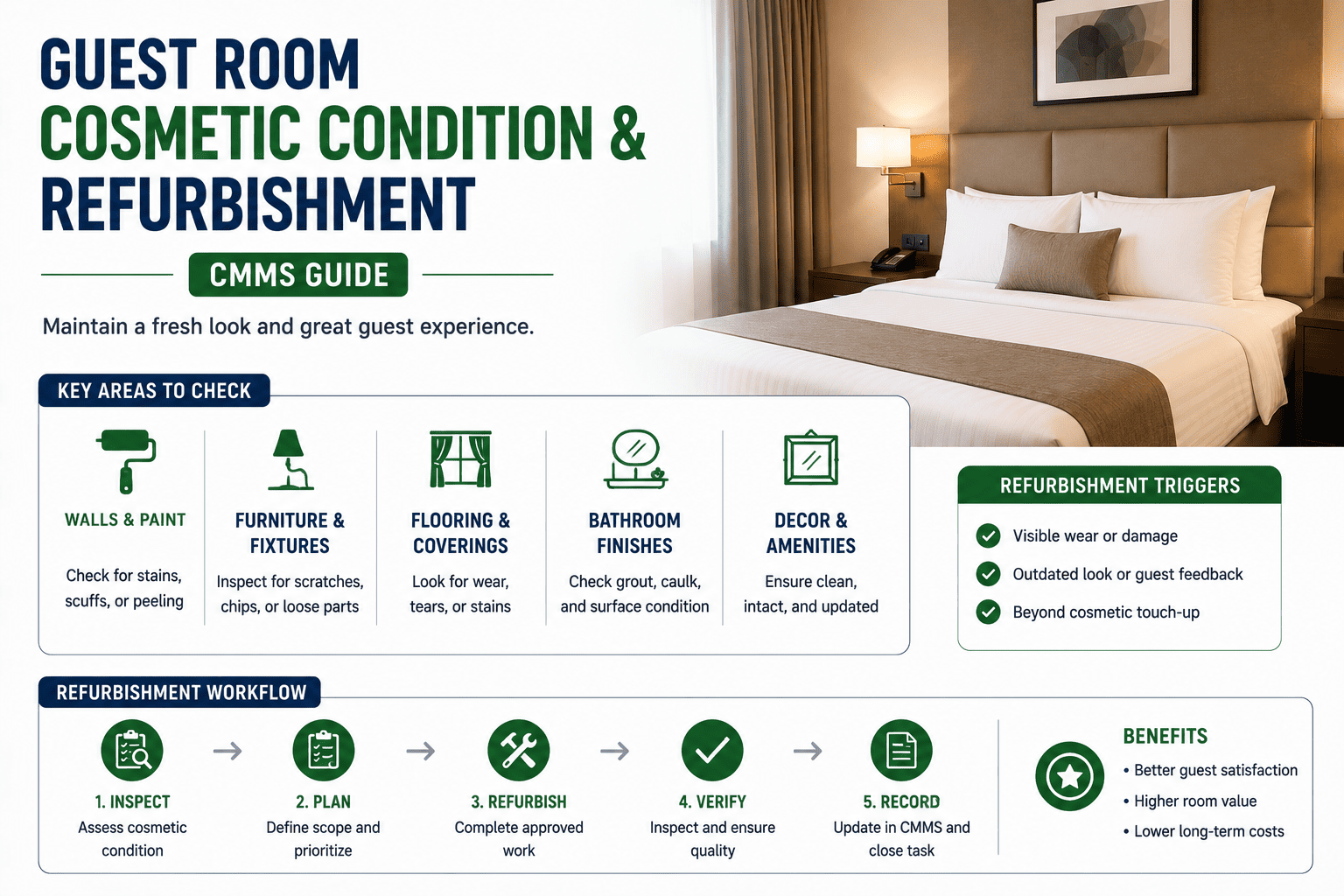
Cosmetic condition is the quietest line item on a hotel P&L — and the most expensive to ignore. A scuffed baseboard here, a worn carpet patch there, a hinge plate that lost its finish: each is invisible in isolation, but over 36 months they compound into the difference between a 4.2 and a 3.6 review score, a 12% drop in ADR, and a CapEx request that arrives two years too late. This guide maps how a CMMS catches cosmetic drift room-by-room, scores it against refurbishment triggers, and feeds capital planning with hard condition data instead of gut feel. If you want to skip ahead, you can Start Free Trial and configure the cosmetic workflow in under an hour.
Can you predict which room drops a review star — before the guest does?
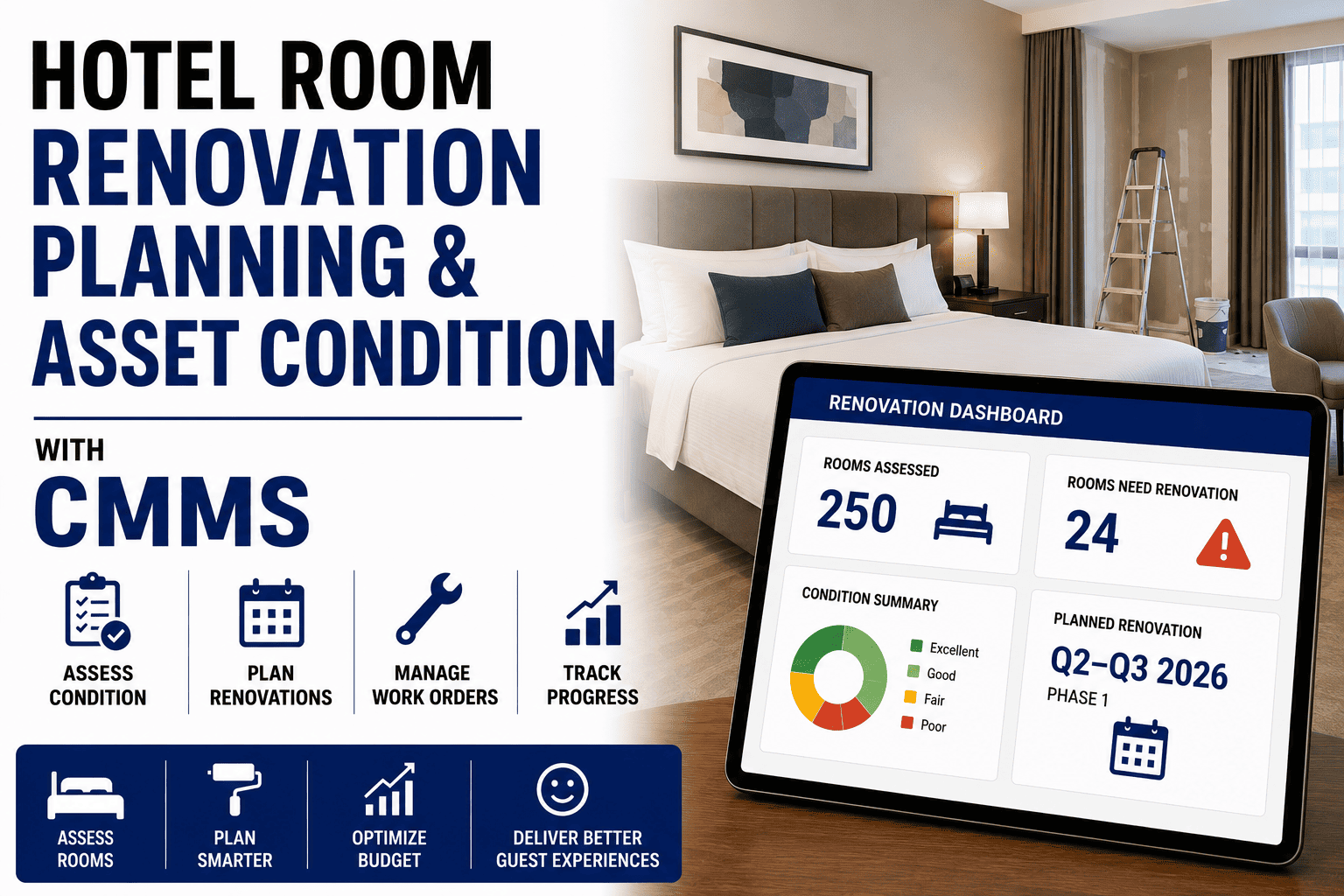
Cosmetic drift is measurable. A 250-room property without a scored condition baseline typically loses 0.4 review points over three years and absorbs a 9–14% ADR penalty on affected rate plans. The right CMMS workflow flags the drift at month 4, not month 34.
Why cosmetic drift costs more than the refurbishment itself
A property running 250 rooms with no scored cosmetic baseline typically spends $38K–$52K per year on reactive touch-ups — paint, vinyl wrap, carpet patching, hardware replacement — and still loses ground on review scores. The spend is real; the visibility is not.
A 312-room upper-upscale property in the Southeast was spending $47,000 annually on ad-hoc paint and carpet work with no condition record. After deploying a CMMS with room-level cosmetic scoring, the engineering team identified 84 rooms in the "amber" band (score 60–74) and scheduled a phased 14-month refurbishment. Result: cosmetic-related guest complaints dropped 61% in the first two quarters post-refurb, and the property recovered 0.28 review points within nine months — translating to roughly $6,900 per month in recovered ADR.
The five-zone cosmetic score every room carries
Each guest room is scored 0–100 across five zones. Scores roll up to a room-level index that triggers refurbishment tiers automatically inside the CMMS — no spreadsheet, no quarterly guesswork.
| Zone | What is inspected | Weight | Trigger threshold | Default action |
|---|---|---|---|---|
| Walls & paint | Scuffs, chips, touch-up mismatch, corner damage, outlet-plate finish | 25% | Score < 70 | Full-room repaint within 60 days |
| Flooring | Carpet wear patterns, seam separation, hard-surface scratches, grout lines | 25% | Score < 65 | Carpet replacement or hard-floor refinish |
| Furniture & millwork | Desk, nightstand, headboard edges, vanity, hinge finish, drawer tracks | 20% | Score < 68 | Refinish or replace per FF&E schedule |
| Bathroom surfaces | Grout, caulk lines, vanity top, chrome pitting, shower door tracks | 20% | Score < 72 | Deep refinish + re-caulk within 30 days |
| Fixtures & hardware | Lever sets, door closers, light switches, air vents, drapery hardware | 10% | Score < 60 | Hardware refresh batch within 45 days |
Where Z = zone score (0–100) and W = zone weight (%). RCI ≥ 85 = green (monitor), 75–84 = watch (schedule touch-up), 60–74 = amber (refurbish within 90 days), < 60 = red (refurbish within 30 days or take out of inventory).
From first scuff to refurbished room: a 12-month CMMS cycle
A scored cosmetic workflow compresses the typical refurbishment decision from 22 months to under 4. Here is how the cycle runs when the CMMS — not a quarterly walk-through — drives the schedule.
Engineering walks every room with the CMMS mobile inspector. Each zone gets a 0–100 score, photo evidence, and a defect map. Rooms flagged amber or red auto-generate work orders.
Green-band rooms with isolated defects (single scuff, one chipped door plate) get a paint-and-hardware touch-up batch. Typical cost: $18–$26 per room. CMMS closes the work order and updates the zone score.
Rooms holding RCI 60–74 enter the refurbishment queue. The CMMS groups them by floor and trade (paint, flooring, millwork) to minimise out-of-inventory nights and contractor mobilisation fees.
Trades execute in 8–12 room blocks. Each room is re-scored on completion; the CMMS resets the zone clock and schedules the next inspection at the FF&E half-life mark (typically 18 months for paint, 36 for carpet).
Year-end CMMS report exports RCI trends, spend per room, and projected red-band rooms for the next 12 months — feeding the CapEx request with defensible numbers instead of estimates.
What changes when cosmetic condition lives in the CMMS
The shift from a quarterly Excel walk-through to a continuous CMMS record is not incremental — it changes who knows what, when they know it, and what they can do about it.
| Dimension | Spreadsheet / quarterly walk | CMMS-driven condition workflow |
|---|---|---|
| Detection latency | 60–90 days between cycles | Same-day, on every housekeeping or engineering pass |
| Score consistency | Varies by inspector; no photo evidence | Standardised 5-zone rubric with timestamped photos |
| Trigger automation | Manual review of flagged rows | Auto work-order generation at RCI thresholds |
| CapEx justification | Anecdotal; "rooms look tired" | Room-level RCI history + spend trend + projected red-band count |
| Out-of-inventory cost | Reactive blocks of 5–8 rooms | Scheduled 8–12 room blocks aligned to occupancy forecast |
| Review-score correlation | Inferred, not measured | RCI mapped to review sub-scores by room and date |
The four signals that move a room from monitor to refurbish
Not every defect warrants a work order. The CMMS watches for four compound signals — when two or more fire on the same room, the refurbishment queue opens automatically.
Room Cosmetic Index drops below 74 for two consecutive inspections. The CMMS locks the score, attaches photos, and opens a planning work order tagged "refurbish — schedule within 90 days."
Same zone (e.g., bathroom grout, desk edge) flagged on three or more inspections within 12 months. Indicates a systemic finish failure, not guest abuse — triggers a root-cause note and a materials upgrade flag.
Guest reviews mentioning "dated," "worn," "tired," or "shabby" linked to a room number push the room's priority weight up. The CMMS cross-reviews the room's last three inspection scores to confirm.
Carpet at 60% of rated life, paint at 80% of rated life, or mattress at month 84. Lifecycle data from the asset register overlays the cosmetic score — a green RCI on a 7-year-old carpet still triggers a replacement plan.
Stop guessing which rooms are slipping. Start scoring them.
Deploy a cosmetic condition workflow in a single afternoon. Import your room list, set the five-zone rubric, and let the CMMS flag drift before your guests do.
Guest room cosmetic condition & CMMS — straight answers
Full five-zone audits should run quarterly on every room, with lightweight single-zone spot checks on every housekeeping turnover cycle — typically 10–15 rooms per day rotating through the floor. The CMMS auto-schedules both cadences and routes spot-checks to the engineering mobile app, so you are not relying on a quarterly walk to catch month-old drift.
Yes. Most CMMS deployments pull room status from the PMS (Opera, Mews, Stayntouch) and ingest review sub-scores via API or a nightly export. When a review mentions a room number, the CMMS attaches it to that room's record and adjusts the priority weight. To see the integration map for your stack, Book a Demo and we will walk through it live.
A trained inspector scores a room in 7–11 minutes using the mobile rubric — roughly $3.50–$5.00 in labor per room at average engineering rates. For a 250-room property that is under $1,250 per quarterly cycle, which is typically less than the cost of a single reactive carpet replacement that earlier scoring would have prevented.
Branded properties often have a mandated refresh cycle (every 5–7 years). The CMMS overlays the brand mandate as a hard lifecycle milestone — meaning even a green-band room on month 60 enters the planning queue. This prevents the common trap of deferring a brand-mandated refresh because the room "still looks fine," which triggers non-compliance penalties at the next brand audit.
Properties moving from spreadsheet tracking to a CMMS-driven cosmetic workflow typically see payback in 4–7 months. The recovery comes from three sources: reduced reactive touch-up spend (18–25% lower), fewer out-of-inventory nights from scheduled refurbishment blocks, and recovered ADR on rooms that would have drifted into red-band review penalties. You can model your own numbers — Start Free Trial and the onboarding flow builds the baseline in the first session.
Your next review score is being written by your worst room.
Score it, schedule it, refurbish it — before the guest checks in. OxMaint gives you the room-level cosmetic index, the triggers, and the CapEx report in one workflow.
Free 14-day trial · No credit card