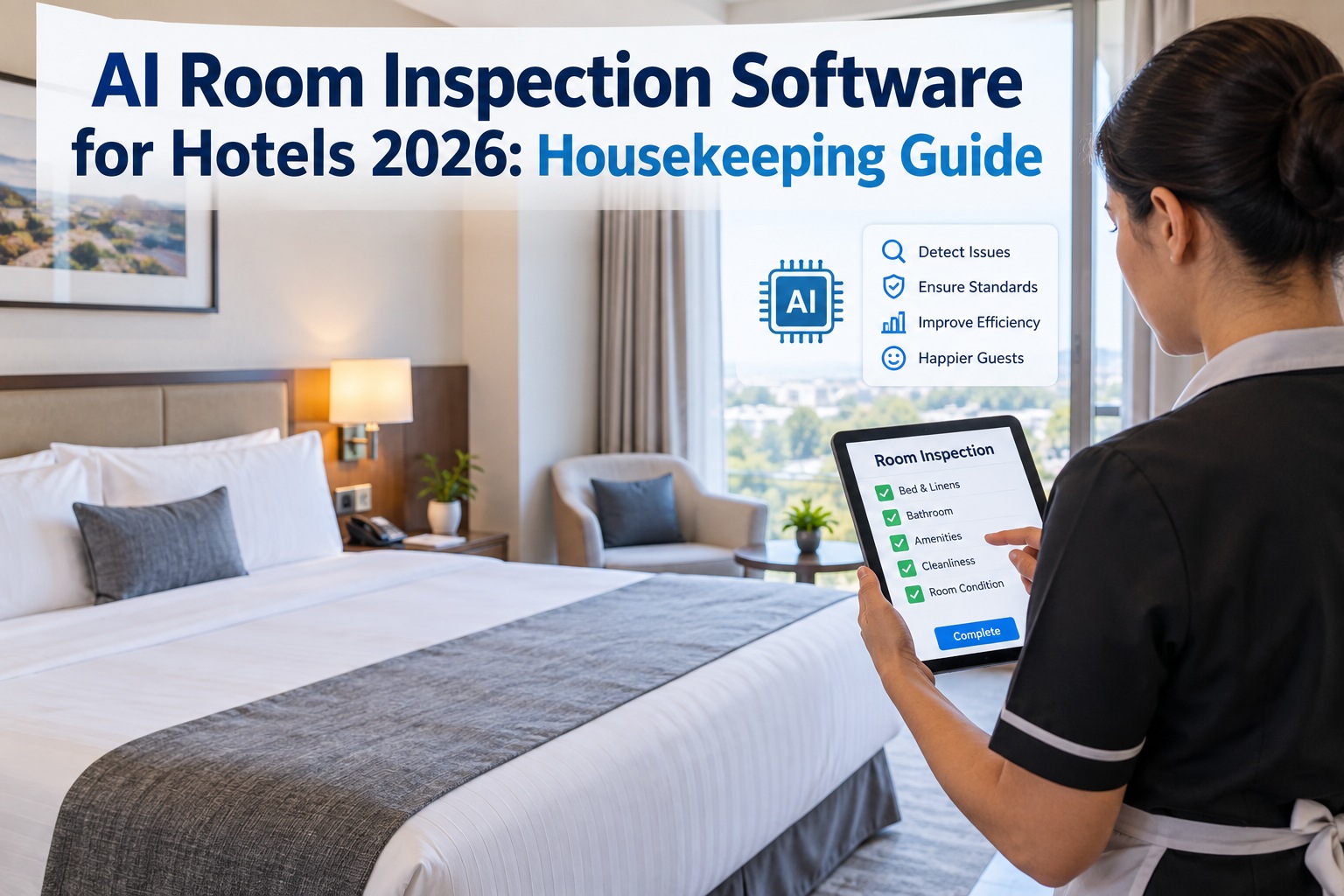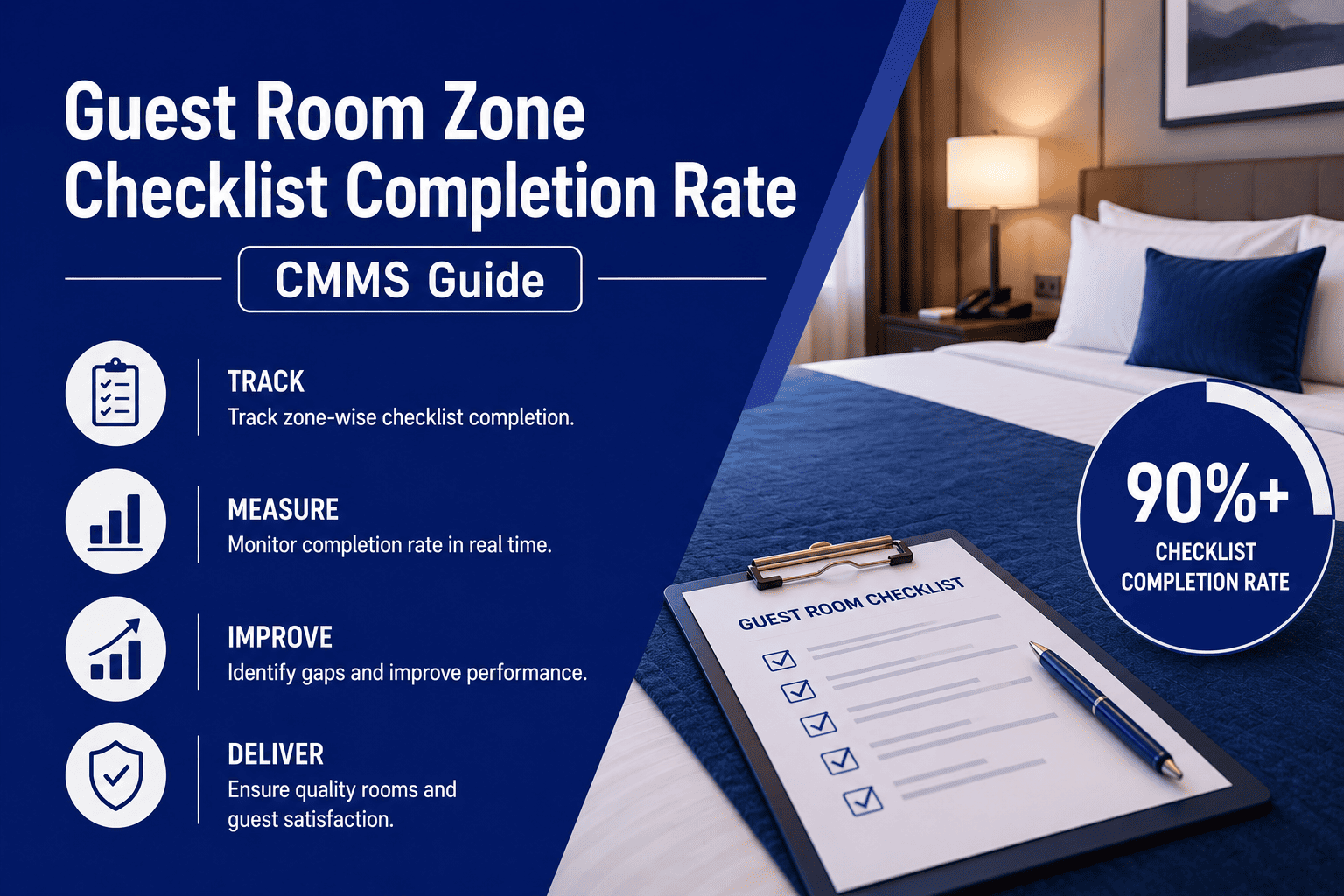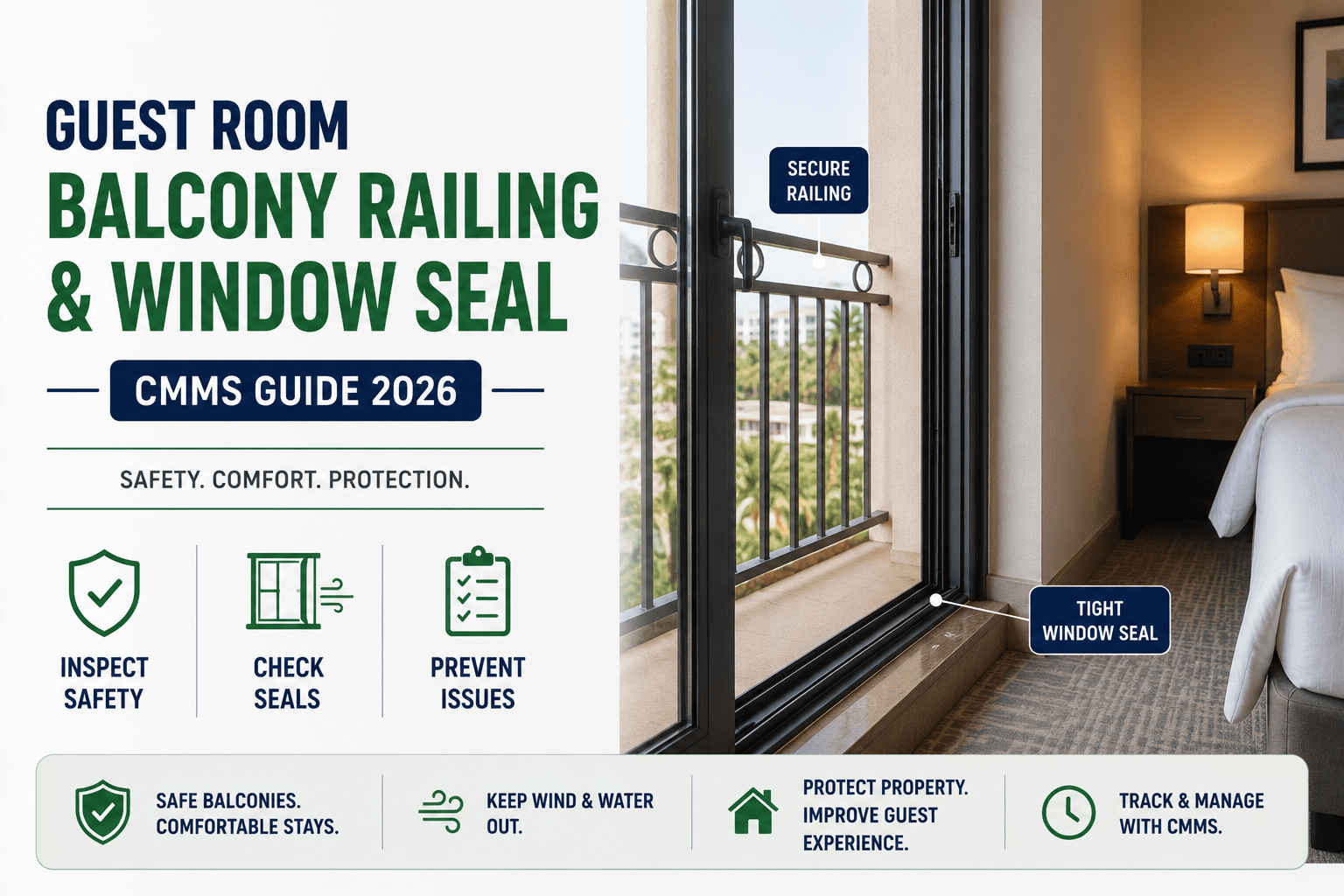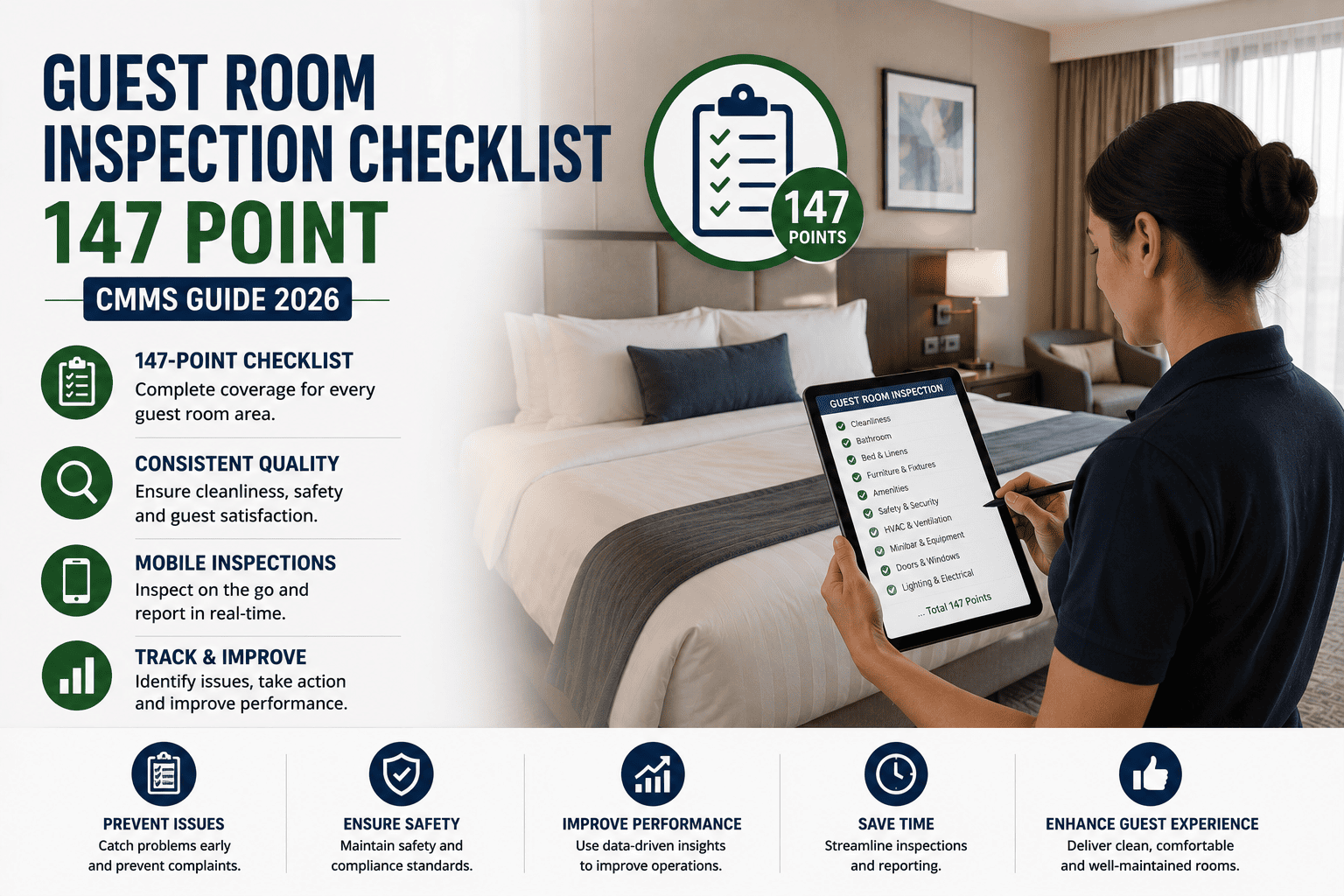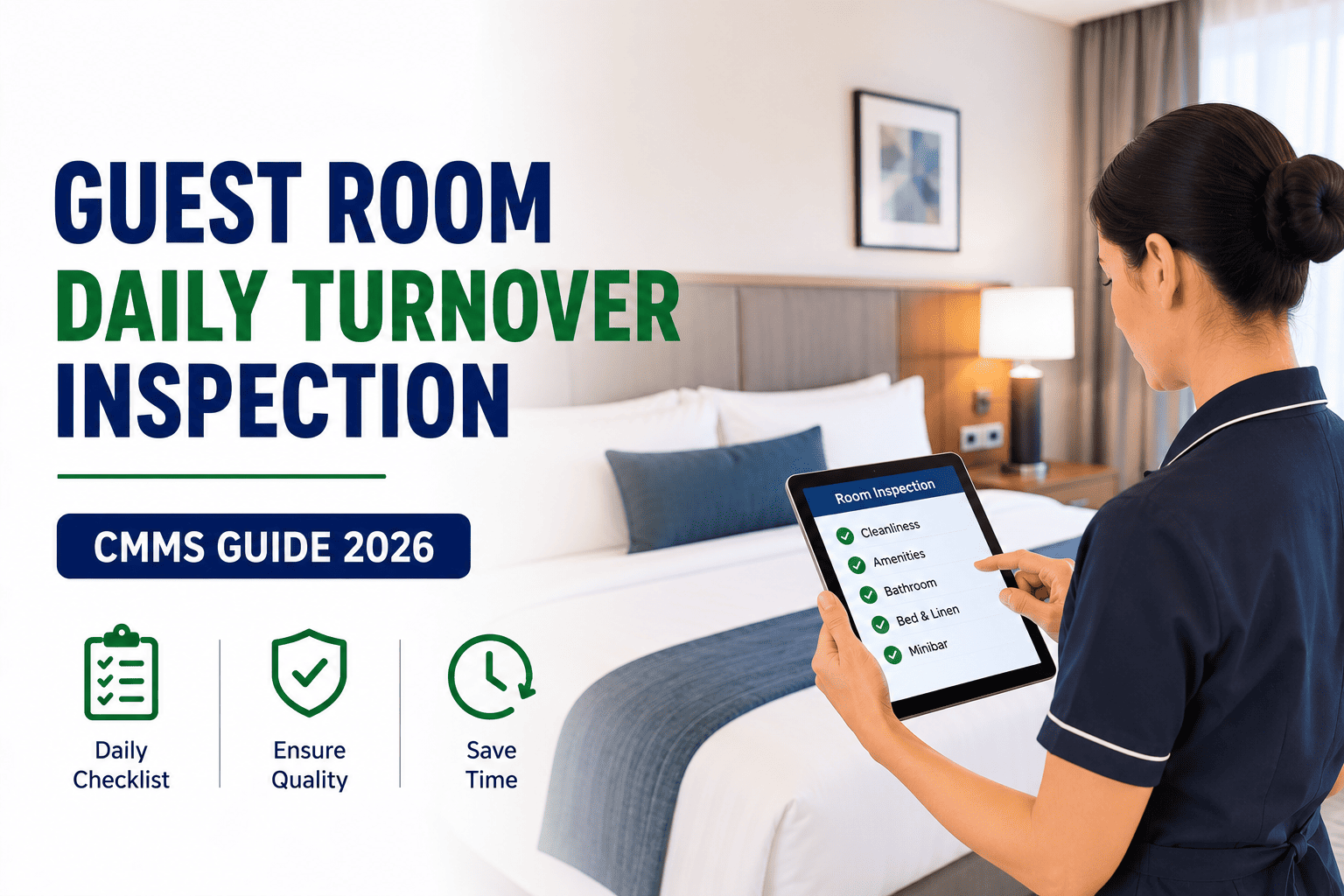
Daily turnover is the 15-to-25-minute window where a departed room becomes a sellable product, and the inspection that closes that window decides whether housekeeping and engineering operate as one team or as two blame pools. In 2026, a guest room daily turnover inspection CMMS replaces the clipboard and the paper defect slip with a structured digital record — every visual check logged, every defect converted to a work order, and every room status pushed live to the property-management system before the front desk assigns the next check-in. This guide walks through the turnover workflow, the defect-to-work-order bridge, PMS room-status integration, and the inspection program that holds quality steady across thousands of check-ins. You can put the workflow into production today when you Start Free Trial on the platform.
What separates a flawless check-in from a guest complaint logged within the first 11 minutes of arrival?
In a property running 80 rooms per housekeeper-day, a single missed bulb, slow drain, or set-point deviation can cost $340 in refund credits, recovery moves, and review-score damage. The guest room daily turnover inspection CMMS turns those failures into logged checks, routed work orders, and a live room status — before the key card is ever cut.
The seven-state room lifecycle a CMMS enforces
Every occupied room moves through a fixed sequence of statuses during a 24-hour cycle. A paper system leaves transitions unverified; a CMMS makes each state change a logged, time-stamped, role-attributed event that both housekeeping and engineering see in real time.
The 28-point visual inspection a CMMS standardizes
A turnover inspection is only as strong as the items it actually verifies. Below is the four-domain checklist that a CMMS digital template enforces on every room, every day — no skip, no sign-off without evidence.
- All ceiling fixtures fully operational
- Bedside lamps both switch on at bulb and base
- Bathroom vanity and mirror light functional
- Closet and corridor lamp tested
- Desk task lamp positioned and working
- Night-light and emergency exit signs lit
- No flicker, hum, or warm-spot on any fixture
- Hot water reaches tap in under 30 seconds
- Sink drain clears within 60 seconds
- Shower pressure and diverter function confirmed
- Toilet flush cycle completes without double-flush
- No visible leak at supply lines or trap
- Grout and sealant intact, no mildew bloom
- Faucet aerator flow steady, no sputter
- PTAC or fan-coil unit responds to thermostat
- Room temperature within 2°F of set-point
- Airflow unobstructed at supply and return
- Filter inspection — no heavy soil or odor
- Thermostat display legible and battery healthy
- No condensation on windows or diffuser
- Default set-point reset to 68°F for arrival
- Bed made to brand standard, no linen stain or tear
- Headboard and frame secure, no squeak
- Desk, dresser, and nightstand surfaces intact
- Chair and upholstery clean, no snag or dent
- TV mounted and powers on to default channel
- Mini-bar restocked, seals intact, temperature logged
- Door lock, latch, and peephole all functional
| Domain | Checks per room | Target pass rate | Fail routing | SLA to repair |
|---|---|---|---|---|
| Lighting | 7 | 99.5% | Engineering work order | 45 min |
| Plumbing | 7 | 99.0% | Engineering work order | 90 min |
| Climate | 7 | 99.0% | Engineering work order | 60 min |
| FF&E | 7 | 98.5% | Housekeeping restock / Engineering if damaged | 30 min |
| Total per room | 28 | 99.0% | Combined routing | ≤90 min |
From a failed check to a routed work order in under 60 seconds
On a paper system, a failed inspection item becomes a handwritten slip that walks to engineering — and frequently walks into a pocket. The CMMS converts the same failure into a structured, prioritized, SLA-tracked work order the instant the supervisor taps "Fail."
A 180-room property running a paper defect process typically loses 14 sellable room-nights per month to rooms held out of order past 4 p.m. At an ADR of $189, that is $2,646 in monthly revenue surrendered to slips that walked, radios that weren't answered, and supervisors who went off shift before engineering arrived.
— Worked scenario based on a mid-scale urban property pre-CMMS baseline
A single source of truth between the CMMS and the front desk
The most expensive defect in a hotel is not a broken faucet — it is a broken faucet in a room the front desk has already assigned. Two-way integration between the CMMS and the property-management system eliminates that mismatch by making room status a shared, real-time field.
| Room status | Set by | Visible to front desk | Sellable? | CMMS action |
|---|---|---|---|---|
| Occupied | PMS | Yes | No | No action |
| Dirty | PMS (checkout) | Yes | No | Trigger turnover task |
| Cleaning | CMMS (attendant accept) | Yes | No | Run checklist template |
| Inspect | CMMS (cleaning complete) | Yes | No | Queue supervisor inspection |
| Hold / Defect | CMMS (failed check) | Yes — flagged | No | Open engineering work order |
| Clean / Ready | CMMS (pass + WO close) | Yes | Yes | Push to PMS, release for sale |
| Out of Order | CMMS or PMS | Yes — flagged | No | Long-form work order, daily review |
Stop assigning rooms your engineers haven't cleared.
Give housekeeping and engineering one shared room-status ledger, auto-routed work orders, and a 28-point inspection that runs on every turnover — without a single paper slip.
The daily inspection program that holds quality across 10,000 check-ins
A checklist run once is a snapshot. A daily inspection program is the system that turns 10,000 individual turnovers into a single, measurable, improvable quality curve. The CMMS is the backbone of that program — capturing the data, surfacing the trends, and closing the corrective-action loop.
Guest room daily turnover inspection CMMS — answered
Run your next 10,000 turnovers on one trusted record.
Deploy a guest room daily turnover inspection CMMS that converts every defect to a work order, syncs room status with your PMS, and holds quality steady across every check-in — no paper, no radio chase, no surprises at the front desk.
Free 14-day trial · No credit card