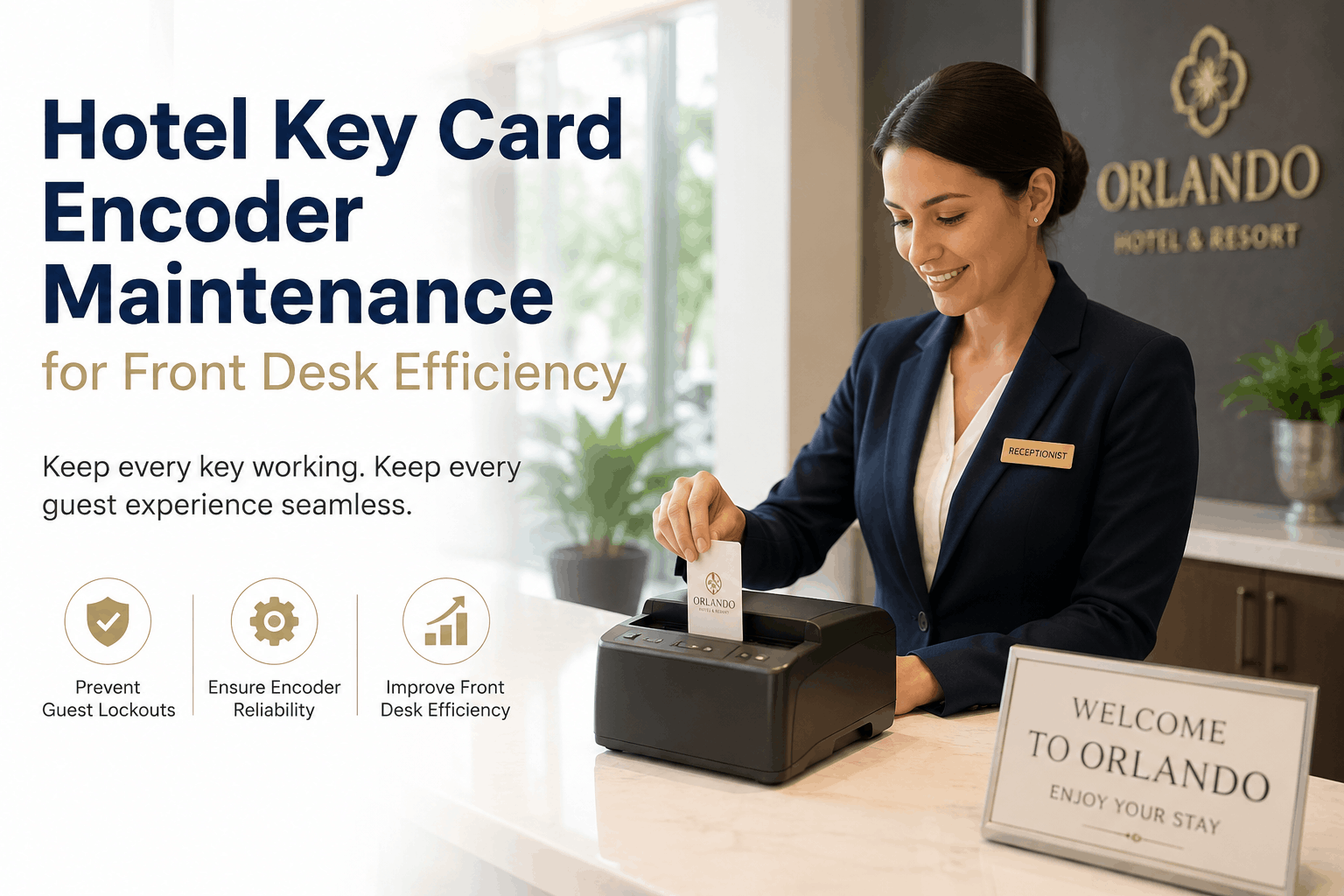
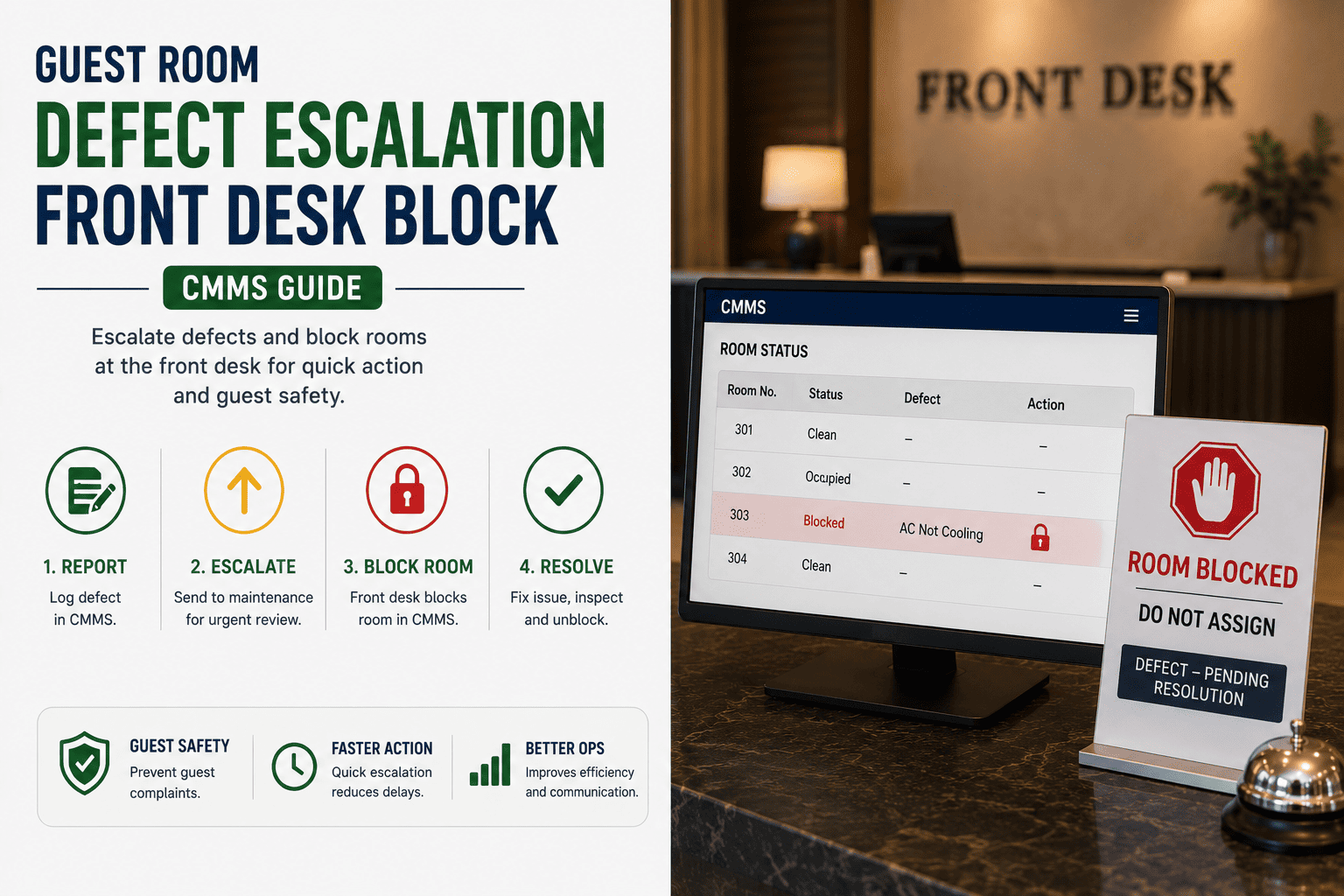
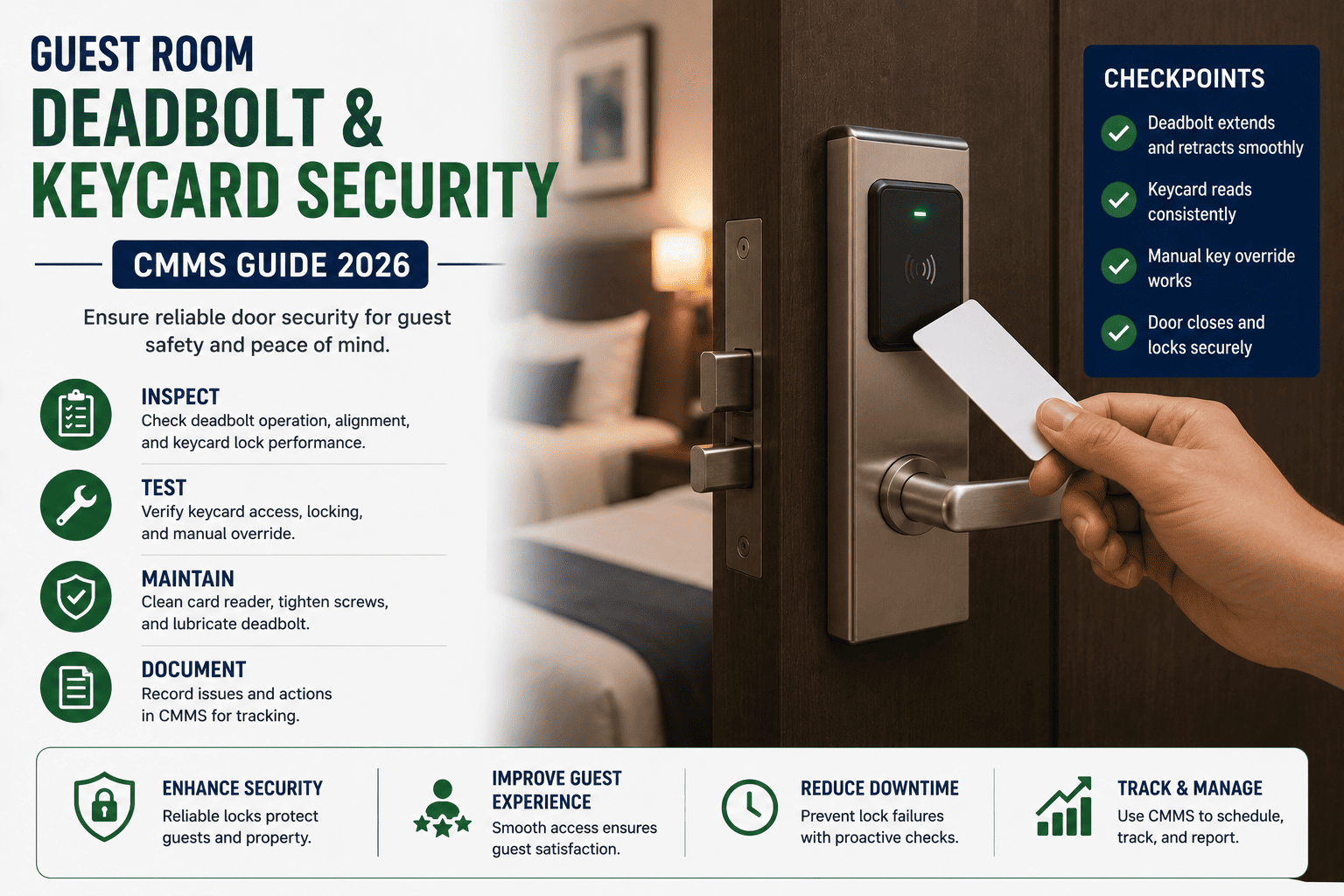
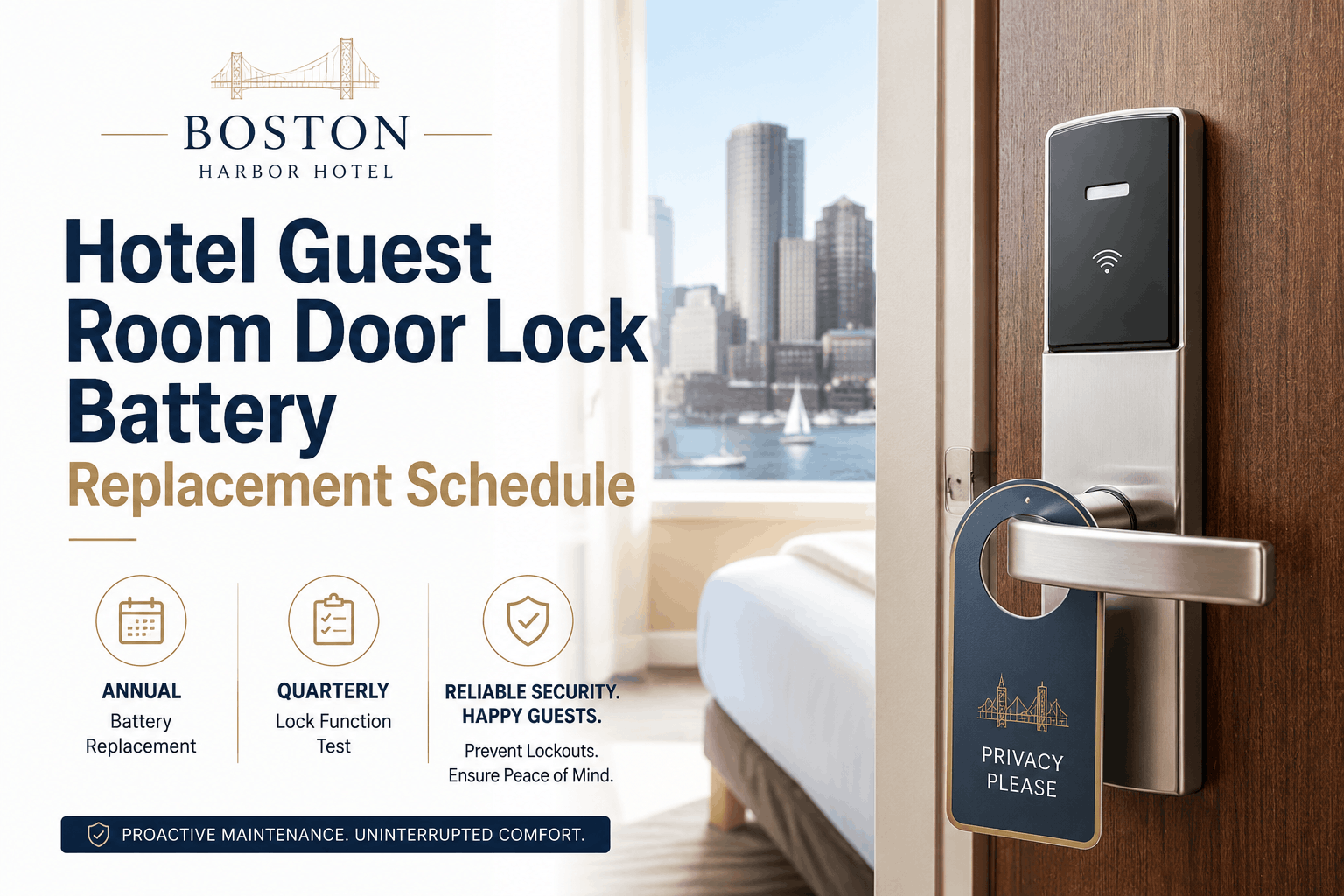
Hotel Key Card Encoder Maintenance for Front Desk Efficiency
By Alex Jordan on June 18, 2026
A key card that fails to open a guest room door is not just a minor inconvenience — it is a failure of the first impression that can set the tone for an entire stay. Every time a guest returns to their room at 10 PM after a long day and cannot get in, the front desk must interrupt check-in of other guests, the engineering team may be called to override the lock, and the guest's confidence in the hotel is damaged. A single malfunctioning key card encoder can cause 20–30 lockout incidents per day, overwhelming front desk staff and driving negative reviews. Start a free trial with Oxmaint to schedule and track key card encoder maintenance, or book a demo to see how hotel engineering teams use Oxmaint's front desk equipment module to prevent lockouts and guest frustration.
HOTEL FRONT DESK · KEY CARD SYSTEMS · ACCESS CONTROL · 2026
Hotel Key Card Encoder Maintenance for Front Desk Efficiency: Monthly Routine for Key Card Encoders and Door Lock Programmers
Encoder head cleaning, magnetic stripe reader maintenance, RFID key card programming, door lock system synchronization, front desk efficiency, and guest lockout prevention — the complete guide to maintaining hotel key card encoders and door lock programmers.
The key card encoder is the most visible piece of front desk technology to guests — and the one that creates the most frustration when it fails. A guest who cannot access their room experiences immediate stress, must return to the front desk, and often waits while staff re-encode new cards. Each lockout incident takes 4–5 minutes of front desk time and creates a negative guest interaction. With 20–30 lockouts per day from a malfunctioning encoder, that's 2+ hours of daily front desk labor wasted on preventable issues. Start a free trial or book a demo to see how Oxmaint's front desk equipment module tracks encoder maintenance and prevents lockouts.
1
Encoder Head Contamination
Dust, dirt, and card residue accumulate on read/write heads
Contaminated heads cause encoding errors and lockouts.
Monthly cleaning prevents 80% of encoder failures.
2
Card Quality Degradation
Worn or damaged cards fail to encode properly
Reusing cards beyond their useful life causes encoding failures.
Track card usage and replace cards annually.
3
Lock System Synchronization
Encoder must sync with lock system database
Out-of-sync encoders create invalid key cards.
Verify synchronization daily at shift start.
Monthly Key Card Encoder Maintenance Checklist
Monthly maintenance of key card encoders is the minimum frequency to ensure reliable operation. The checklist below covers all essential tasks for magnetic stripe and RFID encoders. Oxmaint's front desk PM module generates monthly work orders for encoder maintenance and tracks completion history per device.
Monthly Encoder Maintenance — 6 Essential Tasks
Encoder Head Cleaning
Use cleaning card or isopropyl alcohol on magnetic heads
For magnetic stripe encoders, run a cleaning card through the device 5–10 times. For RFID encoders, wipe the reading surface with a lint-free cloth dampened with 70% isopropyl alcohol.
Critical
Card Transport Inspection
Check for debris, misalignment, and wear
Inspect the card path for debris or obstructions. Verify cards feed smoothly without jamming. Clean any visible debris with compressed air.
Essential
Power Supply Check
Verify voltage and connections
Check power cord and connections. Verify encoder is receiving proper voltage. Loose connections cause intermittent encoding failures.
Electrical
Software/Firmware Update
Check for updates from lock system vendor
Verify encoder is running the latest firmware and software version. Updates often fix encoding errors and improve performance.
Software
Synchronization Test
Create test card and verify door lock function
Encode a test key card and attempt to open a designated test door. If lock fails, troubleshoot synchronization between encoder and lock system.
Verification
Front Desk Staff Feedback
Collect feedback on encoder performance
Ask front desk staff if they have noticed any encoding issues, unusual errors, or recurring lockouts. Staff are often the first to notice developing problems.
Monitoring
Magnetic Stripe vs. RFID Encoders — Different Maintenance Requirements
Hotels use two primary types of key card systems — magnetic stripe and RFID (radio-frequency identification). Each has different maintenance requirements and failure modes. Oxmaint's asset tracking module stores the encoder type per front desk workstation and generates the correct maintenance tasks for each.
Magnetic Stripe vs. RFID — Maintenance Comparison
Magnetic Stripe Encoder
Monthly
Head Cleaning Card
Mechanical Wear
RFID Encoder
Monthly
Surface Wipe
Electronic Failure
Card Reader (Door)
Quarterly
Battery & Connection
Battery Replacement
System Database
Daily
Backup Check
Data Integrity
Common Key Card Encoder Failure Modes and Solutions
Understanding the most common encoder failure modes allows engineering teams to troubleshoot quickly and prevent recurring issues. Oxmaint's front desk equipment module tracks failure types and resolution times, enabling trend analysis and preventive action.
1
Encoder Head Contamination
Dust, dirt, and card residue on read/write heads
Symptoms: Intermittent encoding failures, error messages, cards not reading.
Solution: Monthly cleaning with cleaning card or isopropyl alcohol. Replace cleaning card after 50 uses.
2
Card Wear and Damage
Worn magnetic stripe or damaged RFID chip
Symptoms: Cards work for some guests but not others, visible wear on cards.
Solution: Replace cards annually. Use cards with thicker magnetic stripe coating for longer life.
3
Synchronization Failure
Encoder not in sync with lock system database
Symptoms: Cards encode but locks do not open. System clock drift.
Solution: Verify network connection to lock system. Check time synchronization. Reboot encoder.
4
Power or Connection Issues
Loose cables, power fluctuations, or USB connection failure
Symptoms: Encoder intermittently disconnects or fails to power on.
Solution: Check all connections. Replace cables if worn. Use surge protector.
Prevent Guest Lockouts — Automate Your Encoder Maintenance Schedule
Oxmaint's front desk equipment module tracks encoder cleaning, synchronization testing, and card replacement — ensuring every key card works the first time, every time.
How often should key card encoder heads be cleaned?
Encoder heads should be cleaned monthly as a minimum. High-volume hotels (checking in 50+ guests per day) may require weekly cleaning. Use a dedicated cleaning card or isopropyl alcohol with a lint-free cloth. Never use water or abrasive materials. Start a free trial to set up monthly cleaning work orders.
Why do guests' key cards sometimes stop working after one day?
Most commonly due to: (1) Magnetic stripe damage from cell phones, credit cards, or magnetic closures, (2) Demagnetization from proximity to magnetic fields, (3) Encoder head contamination causing weak encoding, or (4) Lock system synchronization issues. Train front desk staff to advise guests not to place key cards near cell phones or credit cards. If the problem is widespread, inspect the encoder. Book a demo to see how Oxmaint tracks encoder issues.
What is the difference between magnetic stripe and RFID key cards for maintenance?
Magnetic stripe encoders require physical contact with the card — they have read/write heads that wear out and collect debris. They require cleaning cards and occasional head replacement. RFID encoders are contactless — they have no moving parts and don't accumulate debris. However, RFID encoders are more susceptible to electronic failure and require software updates. Both need monthly inspection and synchronization verification. Start free to track encoder type and maintenance requirements.
How do I know if my encoder needs repair or replacement?
Signs of encoder failure: (1) Recurring lockouts despite cleaning and card replacement, (2) Error messages during encoding, (3) Inconsistent card reading (some cards work, some don't), (4) Lock system showing "invalid card" for freshly encoded cards, (5) Front desk staff reporting increasing frustration. If cleaning doesn't resolve the issue, consult the lock system vendor or replace the encoder. Oxmaint tracks repair history to identify when replacement is more cost-effective than continued repair.
Every Guest Deserves a Key That Works the First Time — Automate Your Encoder Maintenance.
Oxmaint's front desk equipment module tracks encoder cleaning, synchronization, card replacement, and vendor support — preventing lockouts and guest frustration. Free to start.