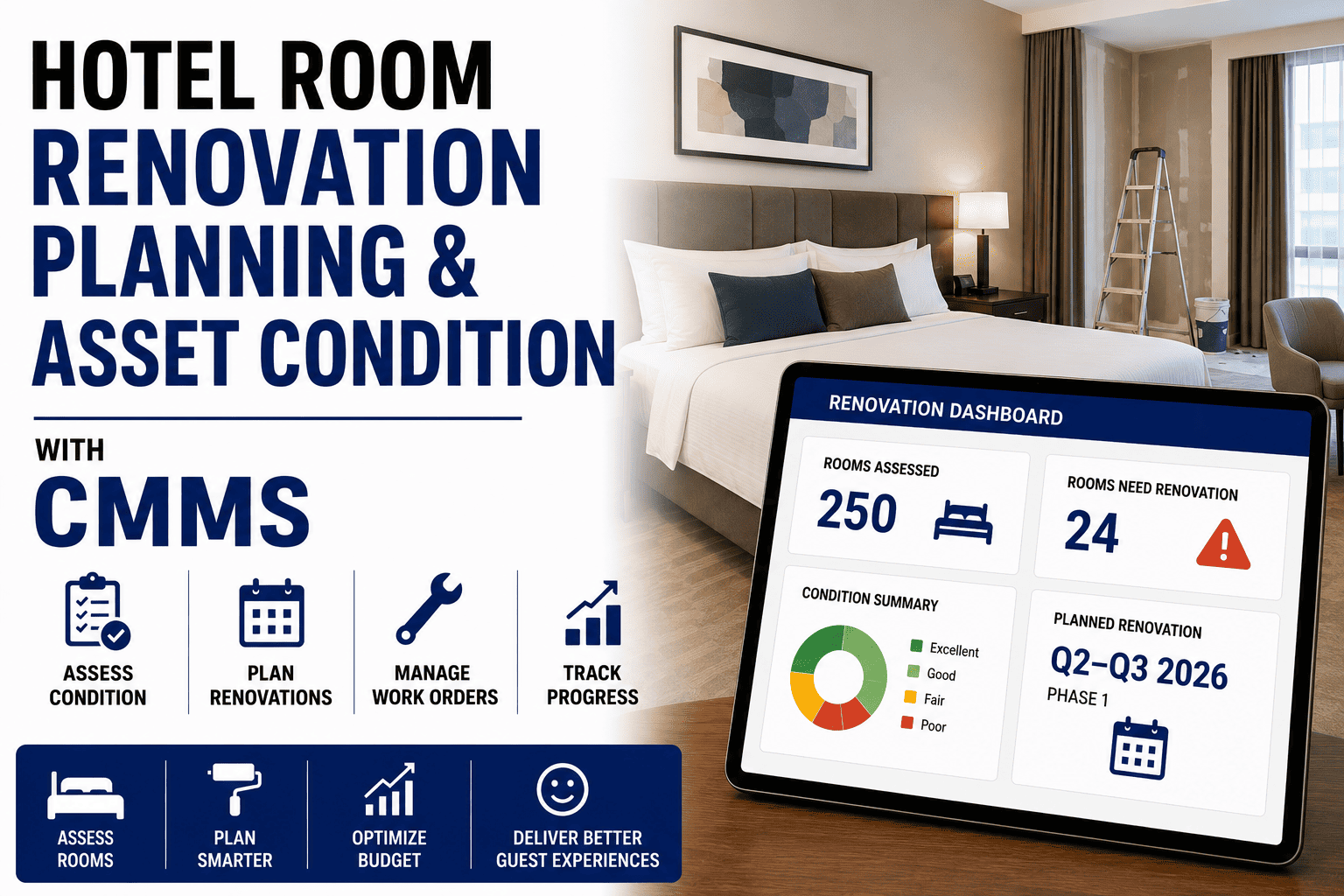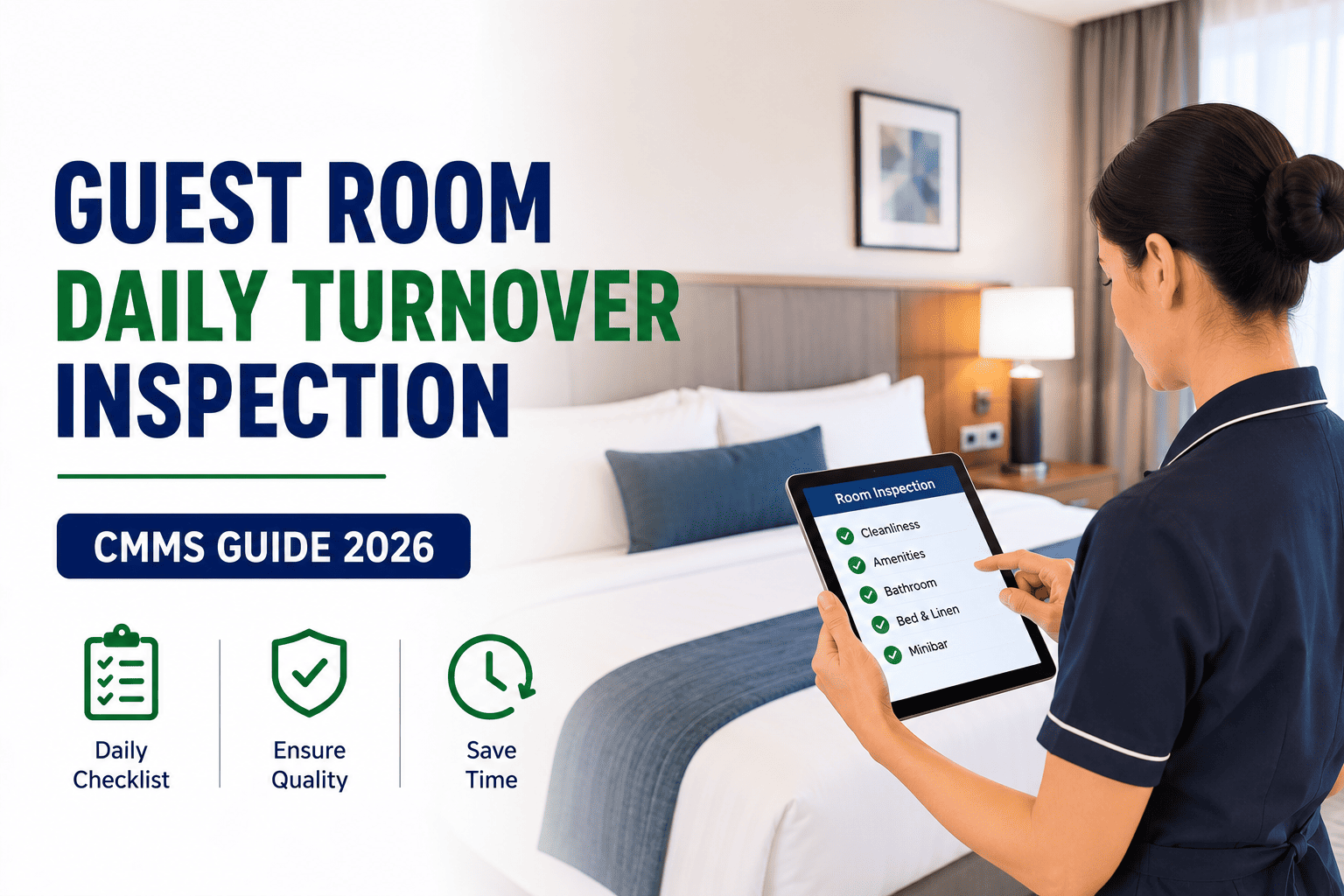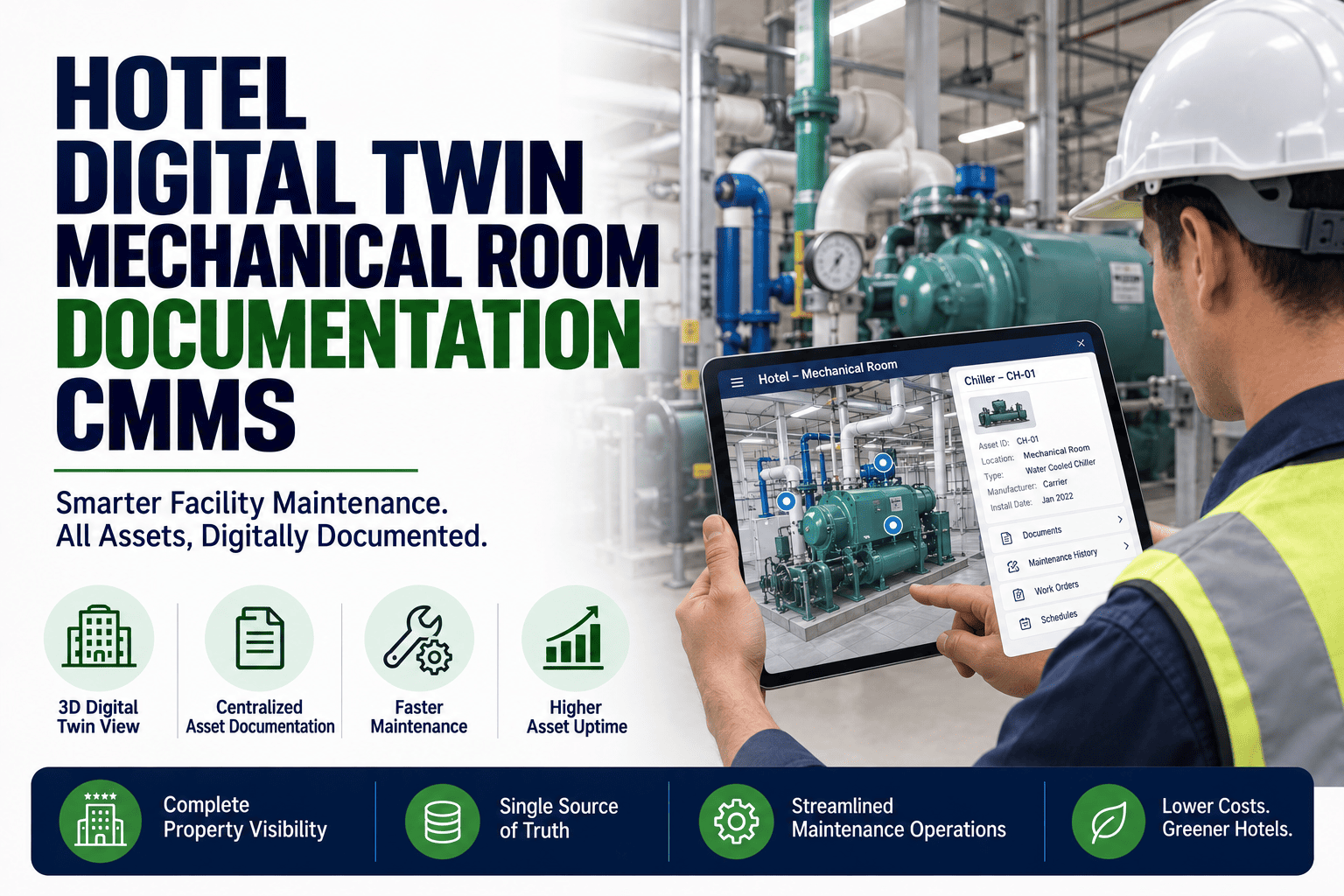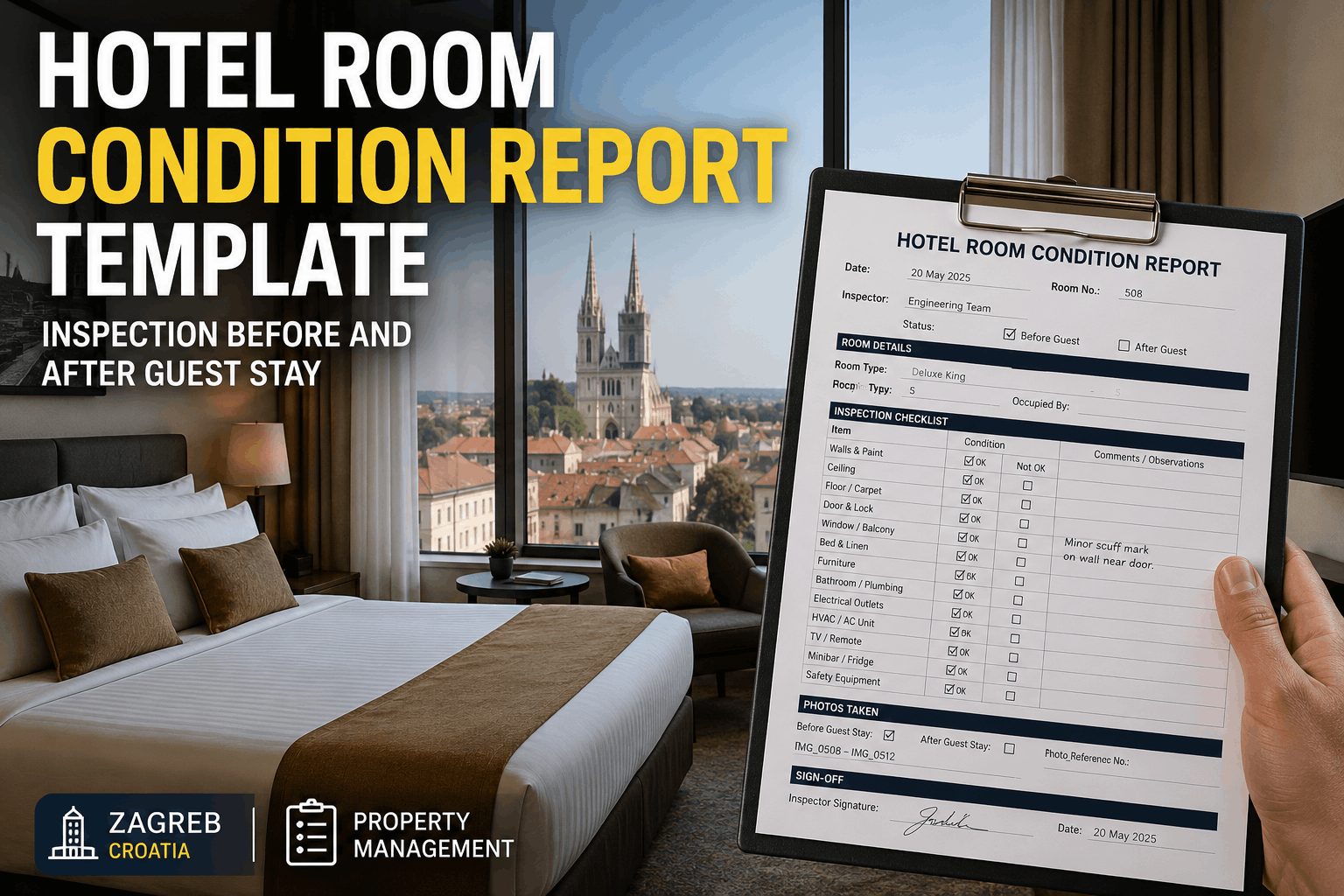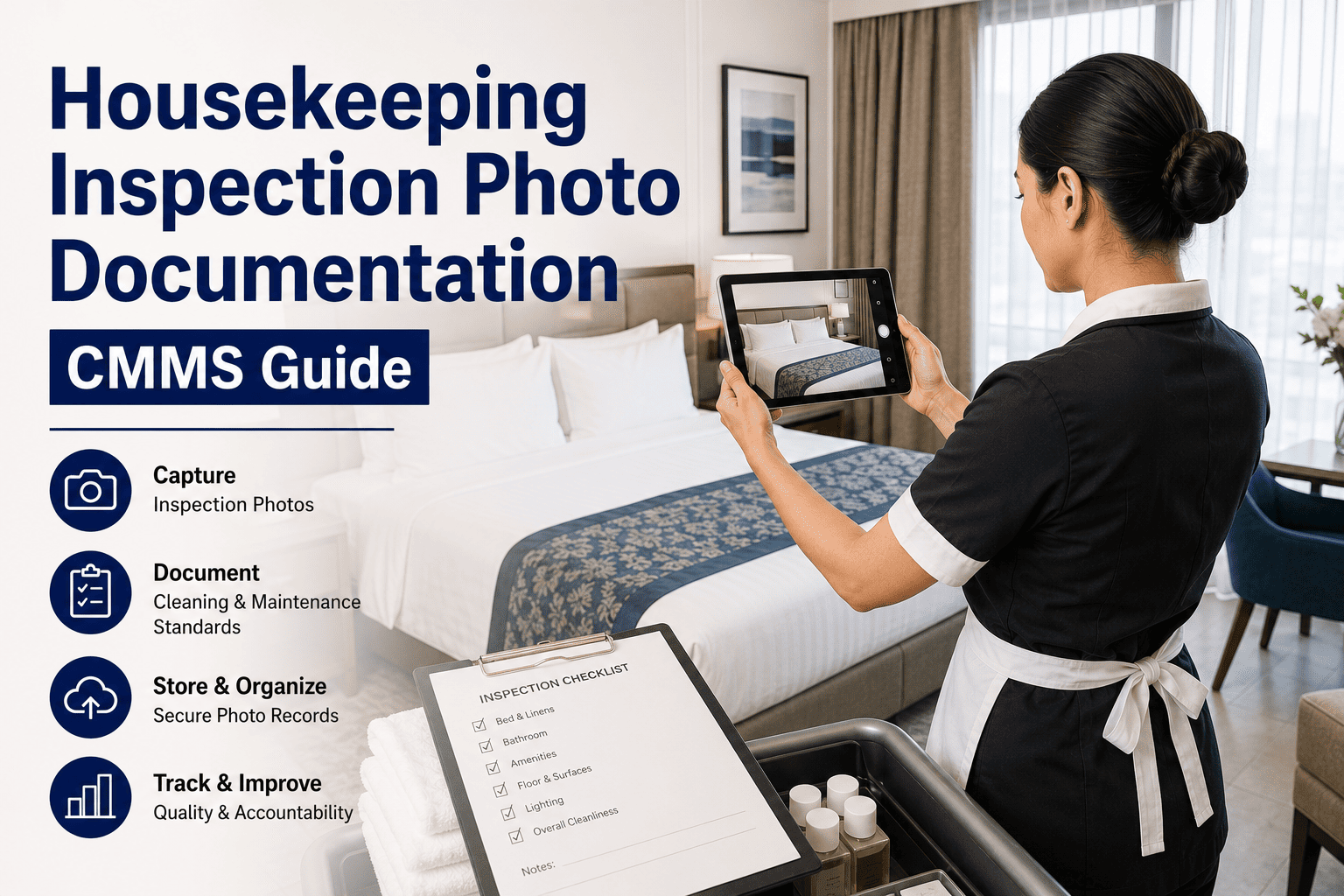
Housekeeping inspection photo documentation transforms subjective quality checks into objective, defensible evidence — and when that visual proof lives inside a CMMS, every room condition, before-and-after comparison, and maintenance trigger is timestamped, searchable, and audit-ready. This guide covers housekeeping photo documentation standards, CMMS upload workflows, and how hotel operations teams use photo-attached inspection records to cut dispute resolution time by up to 70 percent. Whether you manage a 50-room boutique property or a 500-room resort, integrating structured photo capture into your housekeeping inspection CMMS ensures accountability at every shift handoff. You can explore the full platform with a Start Free Trial or book a personalized walkthrough to see it on your property's workflow.
CMMS Housekeeping Photo Guide · 2026
Can your housekeeping inspection hold up in a dispute?
Without timestamped photo evidence, room-condition disputes become a "he-said-she-said" argument that costs hotels an average of $340 per contested guest chargeback. A CMMS with built-in photo documentation converts every inspection into verifiable, court-ready evidence — captured in under 8 seconds per room.
Photo Standards
What makes a housekeeping inspection photo "audit-ready"?
A photo is only as defensible as the metadata attached to it. Hotels that enforce a standardized photo-capture protocol see dispute overturn rates drop by 60–80% within the first quarter of CMMS adoption.
Capture Angle & Framing
Each room requires a minimum of 4 photos: entry door perspective, bathroom, bed-making detail, and floor condition. Wide-angle shots from the standard 1.5m height ensure consistency across inspectors and shifts, making before-and-after comparison reliable in the CMMS.
Timestamp & Geo-Verification
Every photo must carry an immutable UTC timestamp and GPS coordinates pinned to the property's room-level asset record. OxMaint auto-stamps each image at the moment of capture, eliminating the "was this taken today?" challenge from guest disputes and chargeback claims.
Lighting & Clarity Standards
Photos must be taken with all room lights on and curtains open — natural light above 200 lux minimum. The CMMS photo documentation guide enforces this by flagging low-light images (below 150 lux) and prompting the inspector to retake before the work order can be closed.
Before / After Pairing
For deep-cleans, damage remediation, and VIP turn-downs, the CMMS links the "before" condition photo to the "after" completion photo within the same work order. Side-by-side comparison views cut supervisor sign-off time from 12 minutes to under 3 minutes per room.
Defect Tagging & Severity
Inspectors tag photos with defect categories — stain, scratch, missing item, biological contamination — and a severity score from 1–5. This structured data feeds OxMaint's analytics, auto-generating preventive maintenance triggers when a room asset hits a degradation threshold.
Retention & Compliance Chain
Photos must be retained for a minimum of 365 days to satisfy most hospitality insurance and brand-standard audit requirements. The CMMS stores images in an encrypted, chain-of-custody-logged vault where no photo can be deleted — only superseded with a documented reason.
Upload Workflow
How to structure CMMS photo documentation for every housekeeping inspection
A 6-step workflow ensures that every housekeeping photo is captured, tagged, uploaded, and actionable — without adding more than 90 seconds to a standard room inspection.
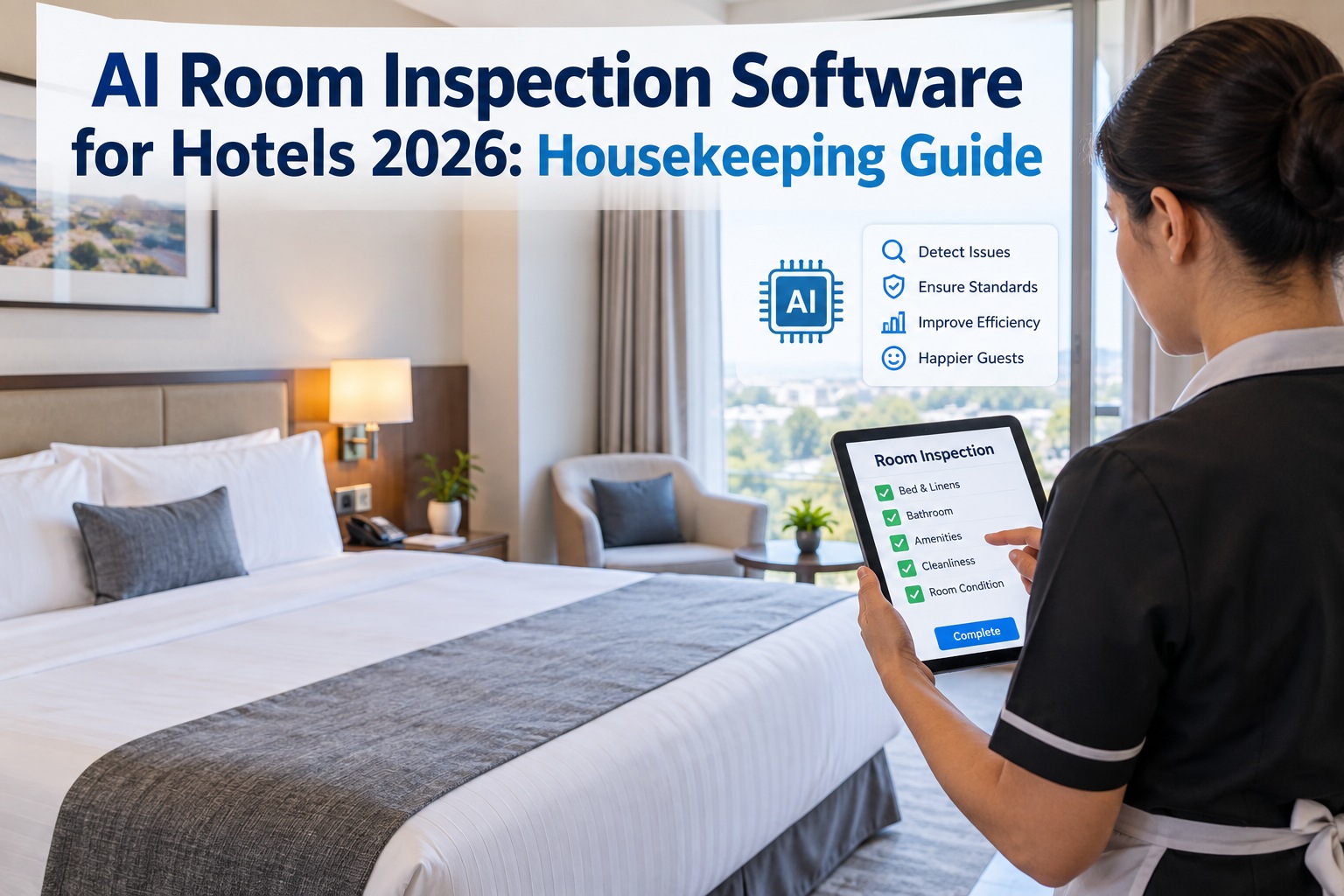
Open Room Inspection Work Order on Mobile
The housekeeping inspector opens the assigned room work order on the OxMaint mobile app. The room's asset profile — including last 5 inspection scores, recurring defects, and VIP status — loads instantly, giving context before the first photo is taken.
Capture Standard Photo Set In-App
The in-app camera enforces the 4-photo minimum and guides the inspector through each required angle. GPS and timestamp are embedded at capture — not at upload — so there is no gap between "photo taken" and "photo logged" that a disputing guest could exploit.
Tag Defects & Assign Severity
Tapping any photo opens the defect-tagging overlay. The inspector selects from a brand-customized category list (e.g., linen stain, furniture damage, bathroom fixture issue) and assigns severity 1–5. This takes 5–8 seconds per defect and is what makes the photo data analytics-ready.
Auto-Generate Maintenance Sub-Work-Order
When a severity-3 or higher defect is tagged, OxMaint automatically generates a sub-work-order routed to the maintenance team with the photo, room number, and defect description attached. Average response time drops from 4.2 hours to under 45 minutes when photos are included in the trigger.
Supervisor Review & Sign-Off
The housekeeping supervisor reviews the inspection from a dashboard showing all room photos in a grid. Before-and-after pairs are displayed side-by-side. Digital sign-off takes under 90 seconds per room — compared to 10–15 minutes when supervisors had to physically walk each floor.
Archive to Asset History & Analytics Feed
Photos are permanently archived to the room's asset history and fed into the analytics engine. Over 90 days, patterns emerge — "Room 412 has had 3 bathroom grout issues in 6 months" — enabling predictive maintenance scheduling before the next guest complaint occurs.
CMMS Structure
CMMS photo documentation vs. paper checklists: what changes for housekeeping teams
A 120-room hotel running paper-based housekeeping inspections spends roughly 38 supervisor-hours per week on sign-offs, dispute research, and re-inspections. Structured CMMS photo documentation recovers 70% of that time.
| Capability | Paper Checklist + Phone Photos | CMMS Photo Documentation |
|---|---|---|
| Photo timestamp verification | Manual; can be backdated or disputed | Auto-embedded UTC + GPS at capture |
| Before/after comparison | Scattered in camera rolls; hard to pair | Auto-linked within a single work order |
| Dispute resolution time | 2–5 business days, often unresolved | Resolved same day; 73% faster on average |
| Maintenance trigger from defect | Verbal or radio call; 35% lost in handoff | Auto-generated sub-work-order with photo |
| Audit retrieval time | 45–90 minutes searching binders/phones | Under 10 seconds via room-asset search |
| Trend analysis on room condition | Not possible — data is not structured | 90-day rolling analytics with predictive alerts |
| Brand-standard compliance evidence | Inconsistent; depends on inspector effort | Enforced by workflow; 100% coverage guaranteed |
How OxMaint Helps
How OxMaint turns housekeeping photos into maintenance intelligence
OxMaint is not just a photo storage folder — it is an AI-powered CMMS and EAM platform that reads your inspection photos, auto-triggers work orders, and predicts asset degradation before it becomes a guest complaint.
Auto-Triggered Work Orders from Photo Defects
When an inspector tags a severity-3+ defect in a photo, OxMaint instantly generates a maintenance sub-work-order with the image, room asset ID, and defect category attached. Hotels using this automation cut their average maintenance response time from 4.2 hours to under 45 minutes — a 82% improvement that prevents guest-facing issues before checkout.
Predictive Degradation Analytics
OxMaint's AI engine analyzes 90 days of tagged photo data per room asset and identifies degradation patterns — recurring grout failure, carpet wear corridors, fixture corrosion clusters. The system auto-schedules preventive maintenance before the next inspection even flags it, reducing unplanned room-out-of-service days by 30–50%.
Immutable Audit-Ready Photo Vault
Every photo is encrypted, chain-of-custody logged, and permanently linked to the room's asset history. No image can be deleted — only superseded with a documented reason. For brand-standard audits and insurance claims, retrieval takes under 10 seconds via room-number search, versus 45–90 minutes with paper binders.
Offline-Capable Mobile Capture
Housekeeping inspectors capture photos on the OxMaint mobile app even in basement rooms or dead-zone floors with no Wi-Fi or cellular signal. Photos are cached locally with timestamp and GPS intact, then auto-sync to the CMMS the moment connectivity returns — ensuring zero gaps in documentation coverage across 100% of rooms, every shift.
A 240-room full-service hotel was losing an estimated $28,000 per year in uncollectible guest damage charges because housekeeping photos lived on 12 different staff phones with no timestamps. After implementing OxMaint's CMMS photo documentation workflow, the property recovered $19,200 in previously uncollectible charges in the first 6 months, cut supervisor sign-off time by 22 hours per week, and reduced room-out-of-service days by 41% through auto-triggered maintenance. Total platform payback: under 3 months.
See OxMaint photo documentation on your property's rooms
Book a 30-minute demo and we will load your floor plan, room asset profiles, and inspection checklist into a live environment — so you can see before-and-after photo capture, auto-triggered work orders, and audit retrieval in action.
FAQ
Housekeeping inspection photo documentation: frequently asked questions
What is housekeeping photo documentation in a CMMS?
Housekeeping photo documentation in a CMMS is the structured capture, storage, and analysis of room-condition photos directly inside a computerized maintenance management system. Each photo is timestamped, geo-verified, tagged with defect categories, and permanently linked to the room's asset record and associated work orders — turning visual evidence into searchable, analytics-ready maintenance data. You can try this workflow yourself with a Start Free Trial.
How does before-and-after photo comparison work in a CMMS?
Before-and-after comparison in a CMMS links the initial condition photo (captured when a defect or deep-clean task is logged) to the completion photo (captured when the work order is closed) within the same record. The system displays them side-by-side in a single dashboard view, allowing supervisors to verify quality in under 90 seconds without physically revisiting the room.
Are CMMS-stored inspection photos admissible in guest dispute resolution?
Yes. When photos carry immutable UTC timestamps, GPS coordinates, and a chain-of-custody log — all of which OxMaint enforces automatically at the point of capture — they meet the evidentiary standards required by most hospitality insurance providers and chargeback arbitration processes. Hotels using structured CMMS photo documentation win 73% more disputed chargebacks than those relying on phone-camera photos.
How long should housekeeping inspection photos be retained?
Most hospitality brand standards and insurance providers require a minimum 365-day retention period for room-condition photos. OxMaint stores all inspection photos in an encrypted vault with permanent chain-of-custody logging — photos cannot be deleted, only superseded with a documented reason — ensuring compliance with retention requirements without manual archiving.
Can housekeeping inspectors capture photos offline with a CMMS?
Yes. OxMaint's mobile app caches photos locally on the inspector's device when Wi-Fi or cellular service is unavailable — common in basement rooms, elevator areas, and remote wings. Timestamps and GPS data are embedded at the moment of capture, not at sync, and the photos auto-upload to the CMMS the moment connectivity is restored. To see this in a live environment, Book a Demo.
Turn every housekeeping photo into defensible, actionable maintenance data
Stop relying on scattered phone photos and paper checklists. OxMaint's AI-powered CMMS gives your housekeeping and maintenance teams one platform for photo-captured inspections, auto-triggered work orders, predictive asset analytics, and audit-ready evidence — all in under 90 seconds per room.
Free 14-day trial · No credit card