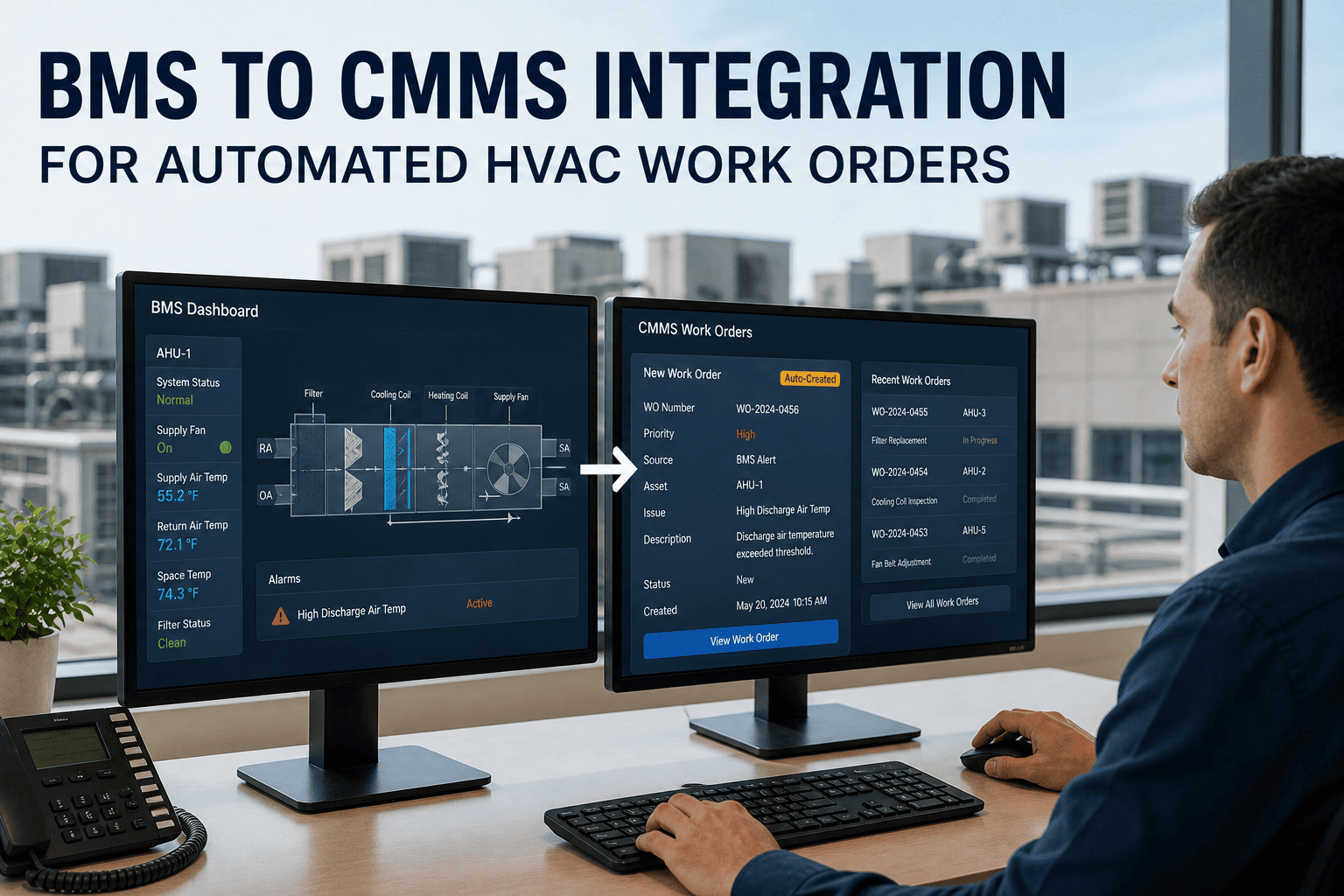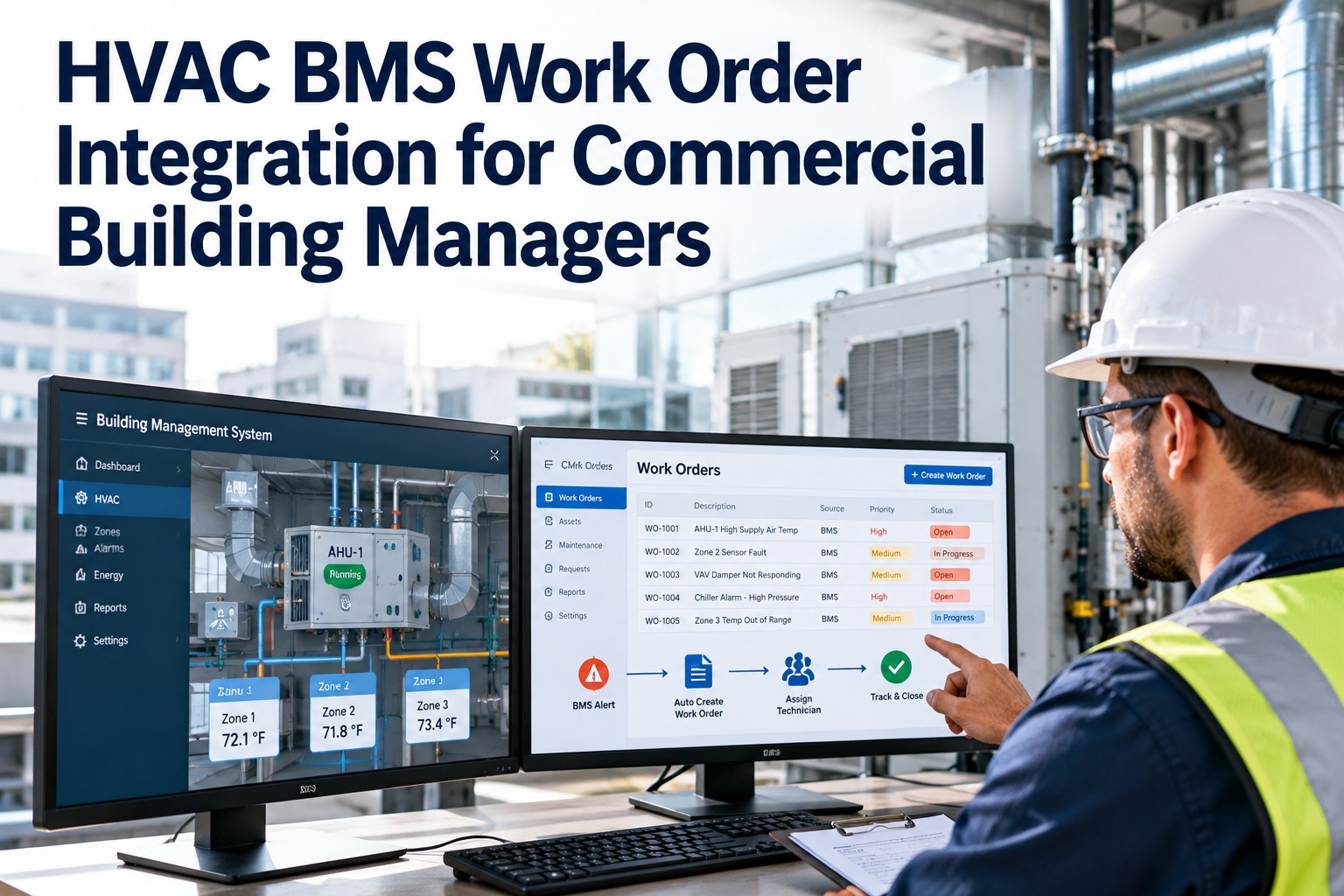
A commercial building's BMS already sees almost everything that goes wrong a chiller tripping, a fan that stopped, a zone drifting out of setpoint, a filter past due. The problem is what happens next: the alarm lights up a head-end screen that nobody is watching at 2 a.m., or it joins a thousand nuisance alarms the team long ago learned to ignore. The fault is seen and not acted on. Integrating the BMS with work-order management closes that gap — a real alarm becomes a prioritized, assigned work order automatically, while the noise gets filtered out instead of burying the team. For a building manager, that's the difference between finding out from the system and finding out from a tenant complaint. OxMaint AI reads your BMS alarms over standard protocols, classifies them, and raises the work order — without touching how the BMS runs.
HVAC BMS Work Order Integration for Commercial Building Managers
Your BMS detects the fault; too often nothing turns it into a repair. Integrating the building management system with work-order management makes a real alarm become a ranked, assigned work order on its own — and filters the nuisance alarms that cause the team to tune out. This guide covers the alarm-to-work-order flow, the protocols that connect them, and the priority tiers that keep the signal clean. OxMaint reads BMS alarms as a data consumer, so the BMS keeps running exactly as it is.
The Real Problem: Alarms Seen, Not Acted On
A BMS is excellent at detection and poor at follow-through — it was built to monitor and control, not to dispatch a technician. So its alarms either scroll past unwatched or drown in nuisance noise until the team filters them out mentally. The gap isn't visibility; it's the handoff from a detected fault to an owned, tracked repair. That handoff is exactly what work-order integration automates. Start free and turn BMS alarms into tracked work in OxMaint AI.
The Alarm-to-Work-Order Pipeline
Integration is a pipeline: the BMS raises the alarm, the system classifies and filters it, a work order is created only when it's warranted, and it's assigned and escalated until closed. Book a demo of the full pipeline on your BMS in OxMaint.
The Priority Matrix: Filtering the Signal From the Noise
The make-or-break of BMS integration is alarm filtering — connect a BMS to work orders without it and you simply automate the flood. A tiered priority matrix routes each alarm by its real urgency, so a chiller failure dispatches immediately while a filter reminder waits for the next PM cycle. Start free and set your priority tiers in OxMaint.
Managers can set custom priority rules for specific alarm codes, and the scoring tunes over time when a lower-priority alarm keeps triggering urgent follow-up. Book a demo of custom alarm rules in OxMaint.
Connecting Every Alarm Without Filtering Just Automates the Flood.
The reason teams ignore BMS alarms isn't carelessness — it's that most alarms don't need anyone, and the few that do are buried. Pipe them all straight into work orders and you've built a faster way to create noise. The value is in the filter: real faults become tracked repairs, nuisance alarms stay logged and quiet, and the team trusts the queue again.
How the BMS Connects: Protocols
Integration reads alarm data over the protocols commercial BMS platforms already speak — no rip-and-replace, no change to the control logic. Common platforms and the standards they expose: Start free and connect over the protocol you already run in OxMaint.
| Common BMS platform | Typical protocols | Role |
|---|---|---|
| Siemens Desigo CC | BACnet / REST | Alarm source |
| Johnson Controls Metasys | BACnet / Modbus | Alarm source |
| Honeywell EBI | OPC-UA / REST | Alarm source |
| Schneider EcoStruxure | BACnet / MQTT | Alarm source |
| Generic / custom BMS | MQTT / Webhook | Configurable feed |
The CMMS acts as a data consumer — it reads alarms and never writes back to the BMS, so your control system keeps running exactly as it does today. Book a demo to map your BMS points to assets in OxMaint.
Which HVAC Alarms Should Raise a Work Order
Not every point deserves a work order, but these are the HVAC alarms that typically do — mapped from the BMS point to the asset it belongs to. Start free and map your critical points in OxMaint.
When an Alarm Goes Unanswered: Escalation
Automation only protects the building if the important things can't be quietly missed. When a work order from an alarm goes unresolved, or the same alarm repeats, the escalation engine reassigns it to a senior technician or supervisor with a time-stamped notification — on thresholds you set by alarm count, time elapsed, or asset criticality. Book a demo of alarm escalation in OxMaint.
Manual vs. Integrated: What Changes
The same alarm, two very different outcomes — the difference is whether a human has to notice it and type it up. Start free and close the manual gap in OxMaint.
How OxMaint Integrates the BMS
Protocol connection, alarm filtering, the work-order pipeline, and escalation all live in one CMMS — so BMS detection finally drives maintenance action. Start free and connect your BMS to work orders.
Frequently Asked Questions
Let the BMS Do More Than Watch.
Your building management system already sees the fault — integration is what turns seeing into fixing. A real alarm becomes a ranked, assigned work order; the nuisance alarms stay quiet; and nothing critical waits for someone to be watching the screen. OxMaint reads your BMS over standard protocols and closes the loop from alarm to repair, without changing how the BMS runs.