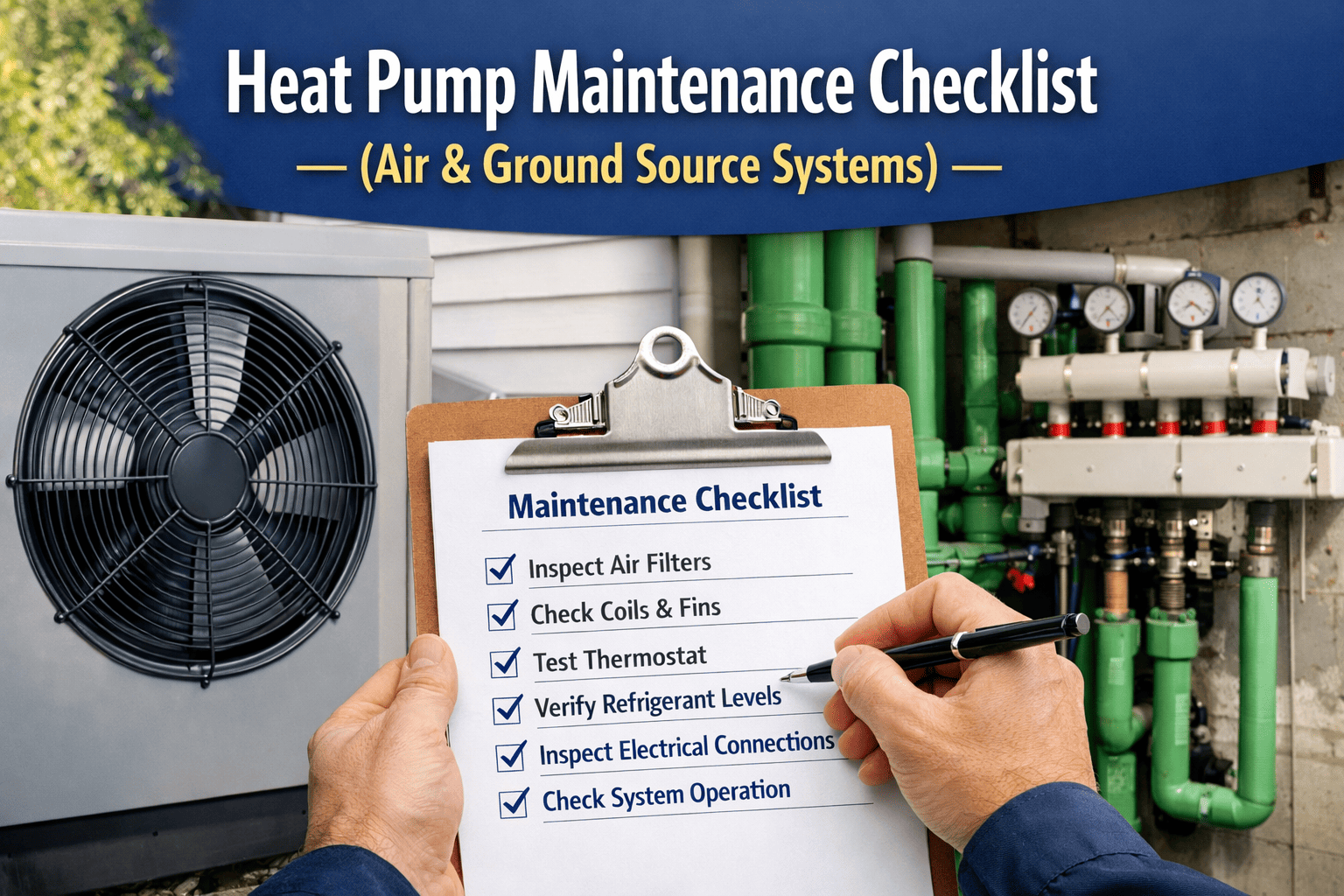
A heat recovery unit is the one part of your HVAC system whose whole job is to give energy back — and it is also one of the easiest to forget. A fouled core, a worn wheel belt or a blocked condensate drain quietly turns a money-saver into a fan-energy burden. OXMAINT AI is the HVAC maintenance management software that schedules every inspection, logs every reading and keeps the history of each heat recovery unit.
HVAC HEAT RECOVERY · INSPECTION · TROUBLESHOOTING · PREVENTIVE MAINTENANCE · 2027
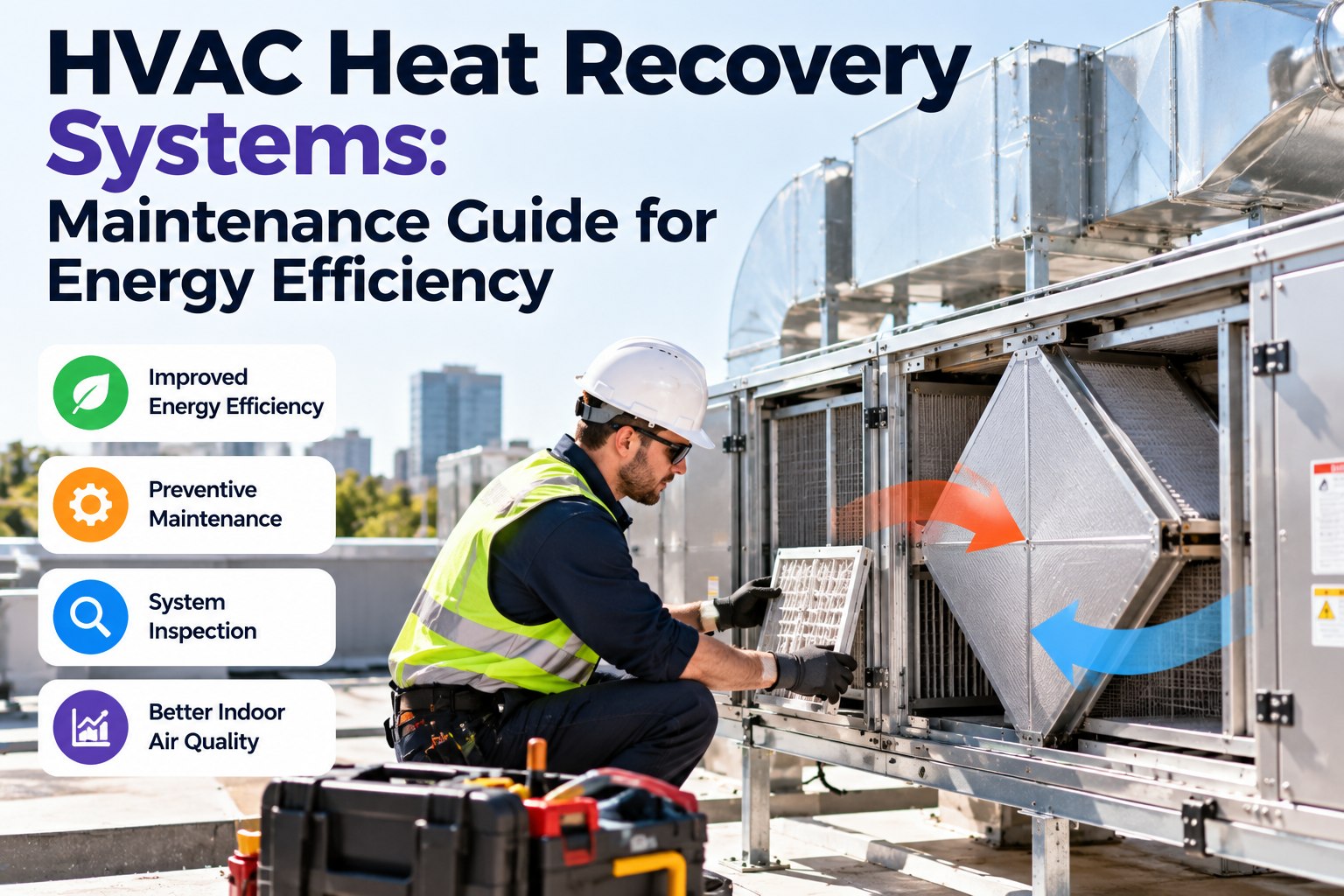
HVAC Heat Recovery Systems: Maintenance Guide for Energy Efficiency
Know your recovery type, what to inspect, how to measure whether it is still working and what to do when it is not. OXMAINT AI turns the guide into scheduled tasks, readings and a record for every unit.
Plate and wheel
Run-around coil
Inspection checklist
Troubleshooting
40–80%
typical efficiency range quoted for plate heat recovery
60–85%
typical range for rotary heat wheels
40–65%
typical range for liquid-coupled run-around coils
<1%
air leakage typical of a well-sealed plate unit
THE HIDDEN LOSS
Nothing alarms when a core slowly fouls. Airflow dips, supply air gets less tempered and the heating and cooling plant picks up the slack. The only way to see it is to measure and log, which is why maintenance of heat recovery is mostly a records job.
Know Your Recovery Type: What Each One Needs
Each type fails in its own way, so the maintenance focus differs. Identify yours before you build the schedule. Sign up free and register each unit by type.
Plate heat exchanger
40–80%
Frost and defrost control
Bypass damper and actuator
Condensate drain
Seals and leakage
Rotary heat wheel
60–85%
Drive belt, motor and speed control
Seals and purge section
Rotor cleanliness
Bearings and alignment
Run-around coil
40–65%
Pump and control valve
Glycol quality and level
Coil fins and leaks
Sensors and sequencing
Efficiency ranges are typical values published by equipment suppliers, not guarantees. Your own unit's design effectiveness is on its data sheet; measure against that.
Walk the Airflow: Eight Inspection Points
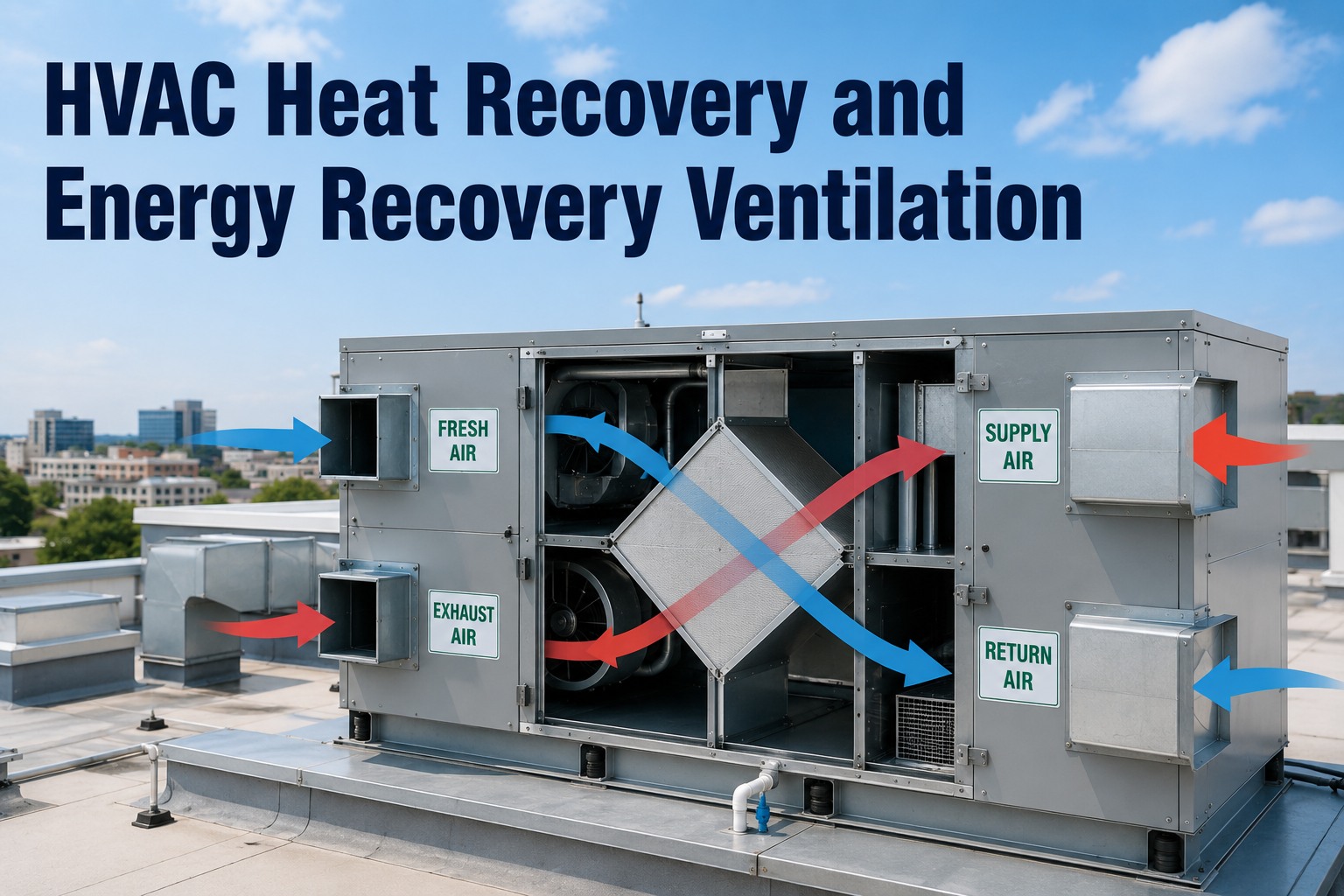
Follow both air streams through the unit. Fresh air comes in, passes the core and is tempered; stale air goes the other way. The same eight points apply to most air-to-air units. Book a demo to see these loaded as a mobile round.
1Outdoor air intakeHoods, louvres, bird screens
2Supply filterLoading and bypass leaks
3HEAT RECOVERY COREFouling, damage, frost, wheel rotation
4Supply fanVibration, belts, bearings
5To the roomsSupply temperature
6Return airGrilles and ducts
2Exhaust filterLoading
7Exhaust fanVibration, belts, bearings
8Drain and casingCondensate, seals, doors
Points 1 to 8 are a simplification. Run-around systems also need the pump, glycol loop and valve checked, which sit outside the airflow path.
Measure Before You Clean: The Effectiveness Check
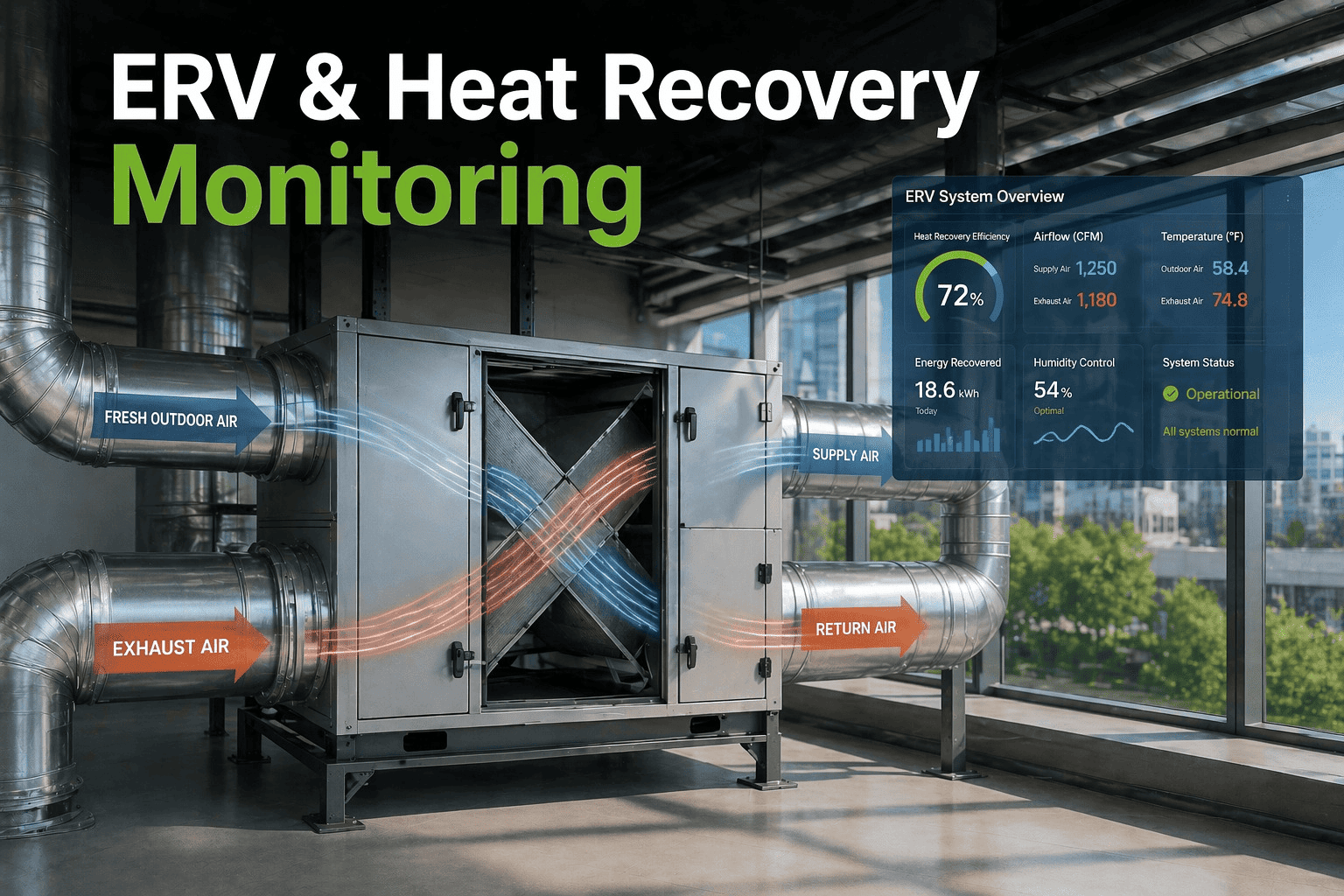
Cleaning without measuring leaves you guessing. A simple temperature check shows how well the core is performing right now. Do it at the same conditions each time so you can compare. Start free and log each reading against the unit.
TEMPERATURE EFFECTIVENESS · EXAMPLE
(Supply after core − Outdoor) ÷ (Return − Outdoor)
Outdoor 0 °C
Return 22 °C
Supply after core 15 °C
15 ÷ 22 = about 68%
Illustrative numbers. Measure with the unit in balanced airflow and steady conditions, and compare with the design value. A reading that keeps falling points to fouling, leakage or a control fault.
What Fouling Costs You
Dirt on filters and core
→
More resistance to airflow
→
Fans work harder, airflow falls
→
Less heat recovered
→
Higher energy bills
Watching differential pressure across filters and the core gives you an early signal before the energy shows up on a bill.
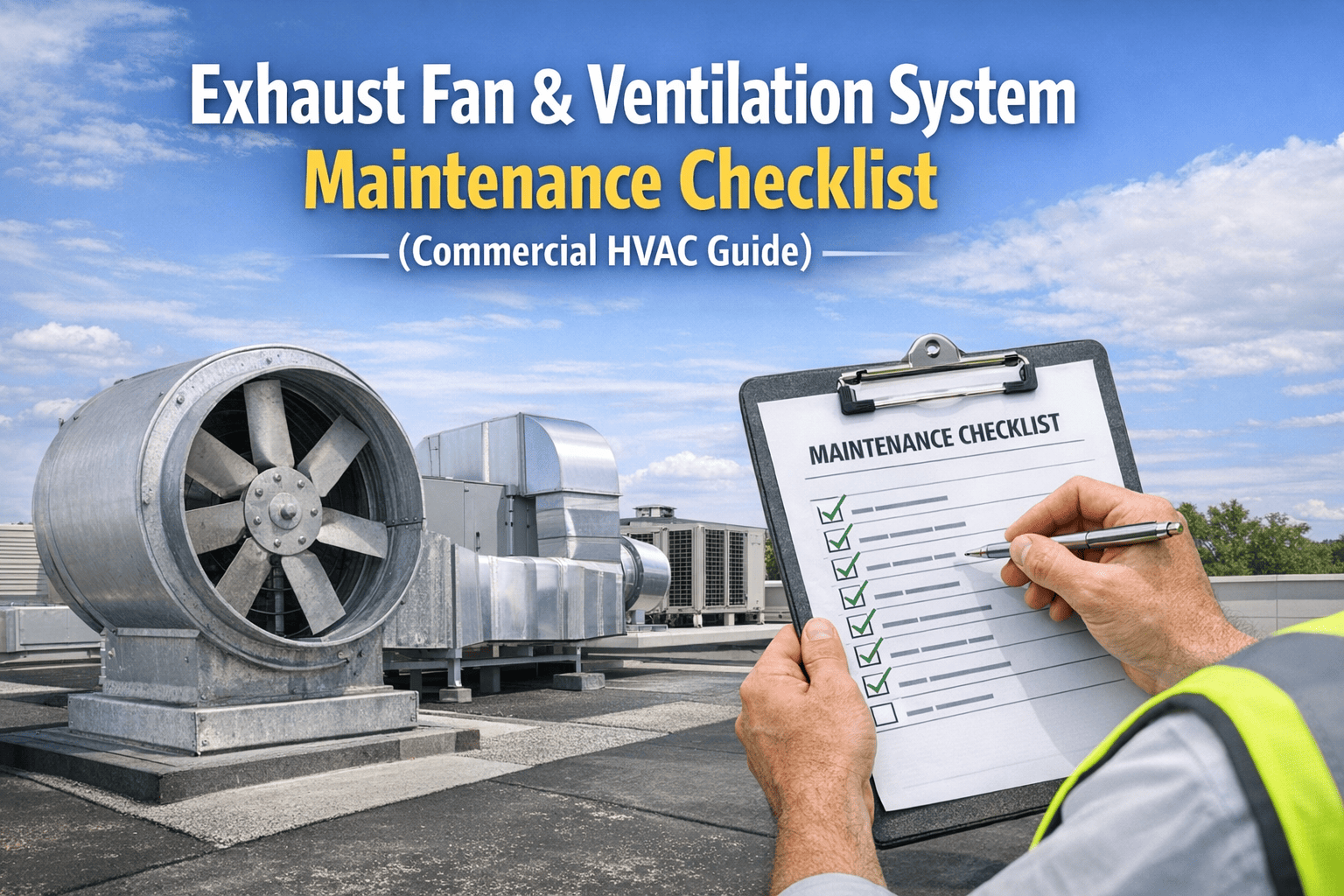
The Heat Recovery Inspection Checklist
Tick items off on your round and record anything that fails as a defect. Frequencies are a sensible starting point; follow your manufacturer's manual where it differs. Book a demo to run this on your phone.
Make Every Heat Recovery Unit Pay You Back.
Load your units into OXMAINT AI. Inspection rounds, readings and defects stay in one record, so you see a falling core before the energy bill does.
Troubleshooting: Symptom to Fix
Start with the cheapest checks. Most heat recovery faults turn out to be airflow, drains or controls. Start free and attach the fix to the unit's history.
Symptom
Likely cause
First action
Supply air not warmed as before
Fouled core or filters, bypass damper stuck open
Run the effectiveness check, inspect the damper
Low airflow, noisy fans
Loaded filters, slipping belts, worn bearings
Read differential pressure, check belts
Frost or ice on the core
Faulty frost sensor, bypass or defrost not working
Test sensors and the damper sequence
Water around the unit
Blocked condensate drain, missing trap
Clear the drain and check the pan
Heat wheel not turning
Broken belt, failed motor or drive fault
Check belt, motor and speed controller
Odour carried to supply air
Worn seals, wrong pressure balance or purge fault
Inspect seals, check fan balance
Scroll sideways on a phone to see every column. Hospitals, labs and kitchens may need extra controls to prevent cross-contamination, so follow your own design basis.
EXPERT REVIEWHVAC engineering view
The most common mistake is cleaning the core and never recording what the readings were before and after. Without a baseline you cannot tell whether the cleaning worked or the unit is still losing performance. Log temperatures and differential pressure at the same operating point each time, and the trend will tell you when to clean, not the calendar.
How OXMAINT AI Supports Heat Recovery Maintenance
OXMAINT AI is a CMMS that turns this guide into recurring tasks, readings and records. Book a demo and we will set up one air handler.
UNITSEvery unit on a register
Type, location, filters and design data attached to each asset.
PMSeasonal PM schedules
Monthly, quarterly and annual tasks that follow your calendar.
ROUNDSMobile inspection checklists
Pass or fail with photos and notes from the plant room.
READINGSReadings and trends
Log temperature and differential pressure and watch the trend.
ORDERDefects to work orders
A failed check opens a work order with an owner and a due date.
HISTORYService history per unit
Filters, belts, cleans and repairs on one timeline.
Questions HVAC Teams Ask
How often should heat recovery units be maintained?
Check filters, drains and airflow monthly, inspect the core and drives quarterly, and do a full clean and control test once a year. Always follow the manufacturer's manual where it differs, and adjust the schedule for dusty or humid sites.
Start free and schedule all three.
How do I know if my heat recovery core is fouled?
Rising differential pressure across the core, falling airflow and a lower temperature effectiveness reading all point to fouling. Logging the same readings at the same operating point each time makes the trend obvious before energy bills show it.
See how readings are trended in a demo.
Why does my heat recovery unit ice up?
Frost usually comes from a faulty frost sensor, a stuck bypass damper or a defrost sequence that is not working in cold weather. Check the sensors and damper movement first, then test the control sequence.
Log sensor tests in OXMAINT AI.
Can I wash the heat recovery core myself?
Some cores can be washed and others cannot, and wheels and sorption rotors have specific rules. Using the wrong method can damage the core or leave it contaminated, so always follow the manufacturer's manual.
Attach manuals to each unit.
Does maintenance software help with energy efficiency?
It keeps equipment in the condition it was designed for and makes performance drift visible early. Scheduled cleans, logged readings and fast repairs stop small faults turning into wasted energy.
Start free and track your first unit.
Keep Your Heat Recovery Working Like New — With OXMAINT AI.
Scheduled rounds, logged readings and a record for every unit. Start with your biggest air handler.