HVAC technicians lose hours every week to paperwork, callback trips for missing photos, and work orders that sit unreadable until someone re-keys them at a desk — and every one of those hours is time not spent on the rooftop unit that is actually failing. A mobile work order app closes that gap by putting the full job — task list, parts, safety steps, and photo documentation — directly on the technician's phone, online or off. Teams that Sign Up Free on OxMaint can move HVAC crews from paper tickets to a guided mobile work order flow that captures photo evidence, tracks completion in real time, and keeps every job documented the moment it's finished, not days later. Mobile-first CMMS deployment turns HVAC field service into a data-backed operation instead of a paperwork backlog.
Why HVAC Field Teams Need a Mobile Work Order App
Rooftop units, mechanical rooms, and crawlspaces rarely have reliable signal — but technicians still need to open a work order, log parts used, capture a photo of the failed component, and close the job before moving to the next site. A mobile CMMS app built for offline capability removes the dependency on connectivity while keeping every completed job synced automatically the moment signal returns. Book a Demo to see how OxMaint's mobile work order app keeps HVAC technicians productive in basements, roofs, and mechanical rooms alike.
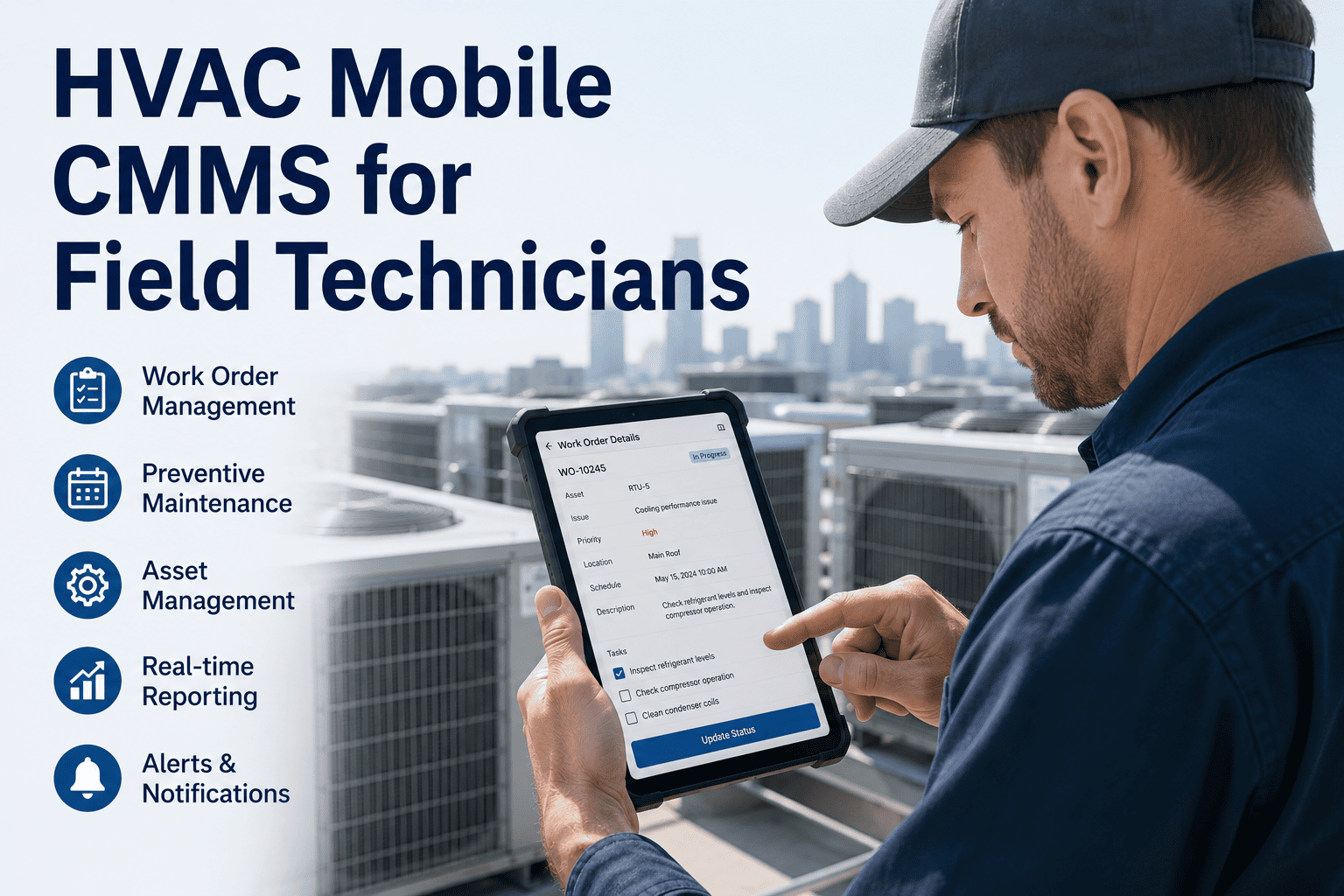
Five Core Capabilities of an HVAC Technician Mobile App
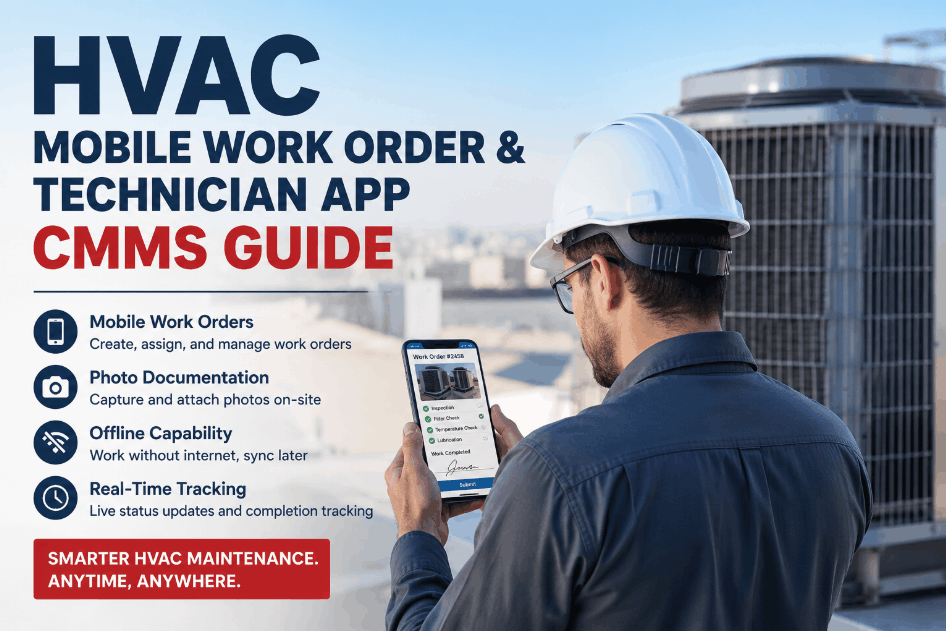
A mobile work order app for HVAC service needs more than a digital checklist. It should guide the technician through the job, capture proof of completion, and sync cleanly with the CMMS the moment the task is closed. Sign Up Free on OxMaint to give your HVAC crews a mobile app built around real field conditions instead of desktop workflows squeezed onto a small screen.
Guided Work Order Creation and Task Breakdown
Technicians open a structured work order with scheduling details, safety requirements, task lists, and required parts already defined — no blank forms to interpret in the field.
Offline Mode with Automatic Sync
Work orders remain fully editable without signal in mechanical rooms and rooftops, syncing automatically the moment connectivity returns so no completed job is lost.
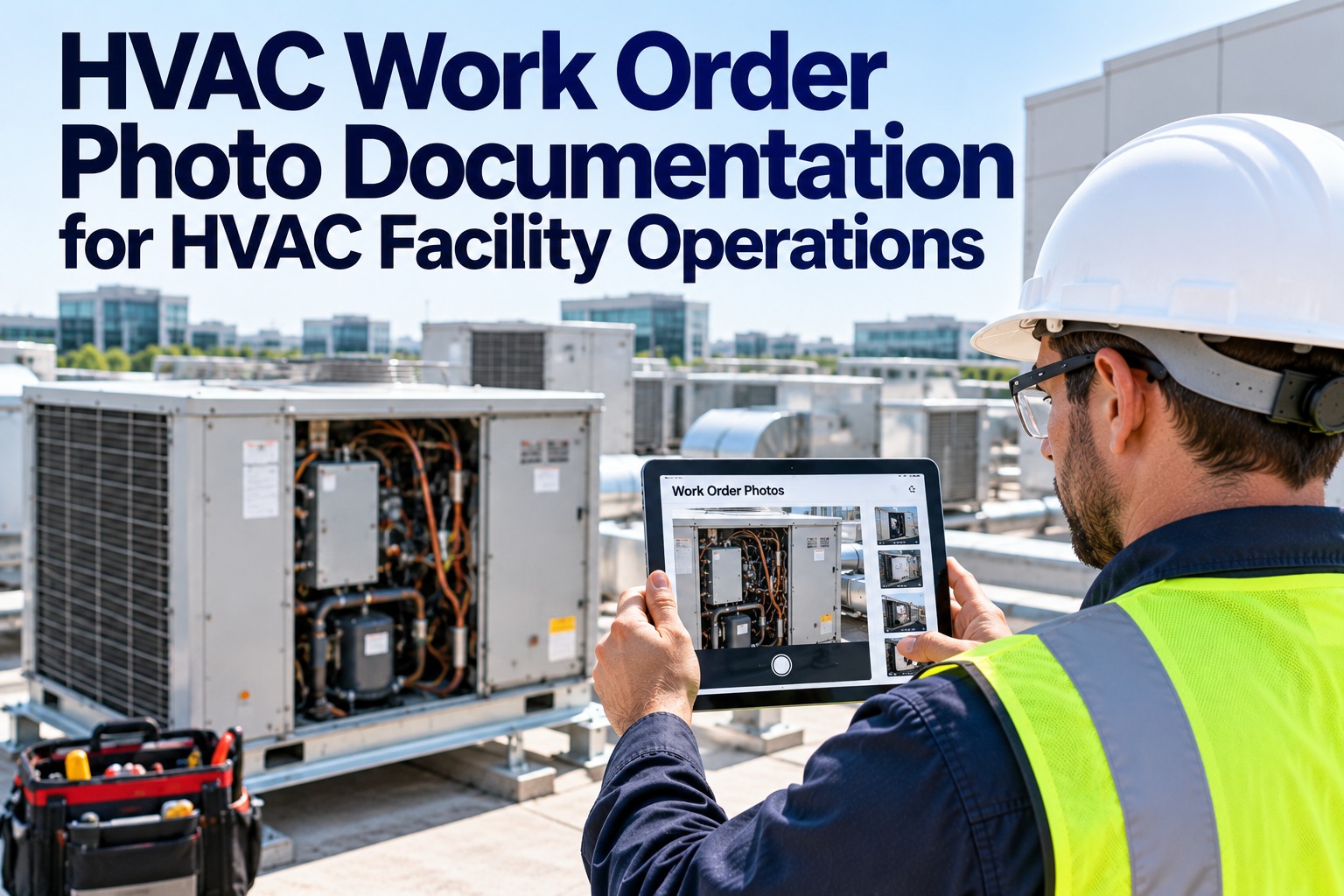
Photo and Document Capture at the Point of Repair
Technicians attach photos of failed components, nameplate data, and completed repairs directly to the work order, building a visual service history for every unit.
Real-Time Completion Tracking for Dispatch
Managers see job status update live as technicians move through their route, enabling same-day reassignment when priorities shift or emergency calls come in.
QR Code Requests and Quick Work Order Creation
Building occupants or technicians scan a QR code to submit an issue instantly, while a streamlined quick work order mode lets techs log urgent fixes with minimal fields.
Mobile Work Order Deployment by HVAC Team Size
Rollout needs differ across HVAC service teams depending on crew size, site count, and dispatch complexity. Comparing your operation against typical deployment patterns clarifies where mobile work orders deliver the fastest return. Book a Demo to walk through a deployment plan sized to your HVAC team.
| Team Profile | Primary Mobile Challenge | Recommended Rollout | Sync Priority | OxMaint Capability |
|---|---|---|---|---|
| Single-Site Facilities Crew | Paper tickets and manual logging | Full app rollout in week one | Standard | Quick work orders + photo capture |
| Multi-Building Campus Team | Dispatch visibility across buildings | Phased rollout by building | High | Real-time completion tracking |
| Mobile Service Contractors | Weak signal at remote job sites | Offline-first configuration | Critical | Offline mode with auto sync |
| 24/7 Emergency Response Crews | Fast triage of urgent requests | QR code intake + quick orders | High | QR request routing |
What Happens When HVAC Work Orders Stay on Paper
Rolling Out a Mobile CMMS for Your HVAC Team
Load Assets and Standard Task Checklists
Register HVAC units by site with standard PM checklists so technicians open pre-built work orders instead of starting from scratch.
Enable Offline Mode for Field Crews
Configure offline sync for technicians working in mechanical rooms, rooftops, and low-signal sites so no completed job is lost.
Turn On QR Code Request Intake
Post QR codes at equipment locations so occupants and technicians can report issues instantly without phone tag or email delays.
Track Completion in Real Time
Use live dashboards to monitor job status across the crew and reassign urgent calls without waiting for end-of-day reports.
Frequently Asked Questions: HVAC Mobile Work Orders
Does the OxMaint mobile app work without internet access?
Yes. Technicians can view, update, and complete work orders offline, and all data syncs automatically once a connection is available.
Can technicians attach photos to HVAC work orders?
Yes. Photos of failed parts, nameplates, and completed repairs attach directly to the work order for a documented service history.
How fast can an HVAC team deploy a mobile work order app?
Most single-site teams are running on mobile within the first week using pre-built checklists and quick work order creation.
Can occupants submit HVAC issues without calling the office?
Yes. QR code requests let anyone report an issue instantly, routing it directly into the technician's mobile work queue.