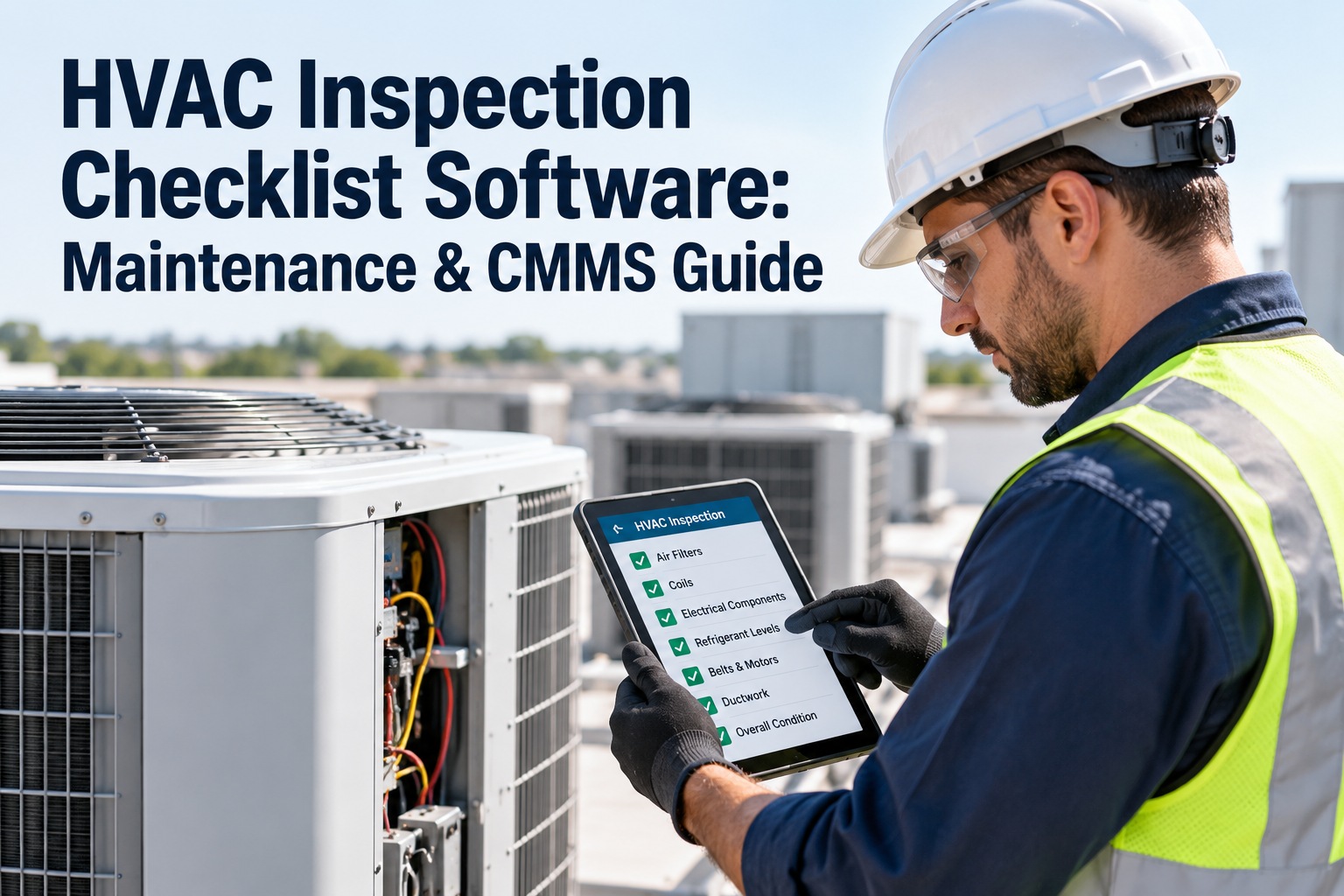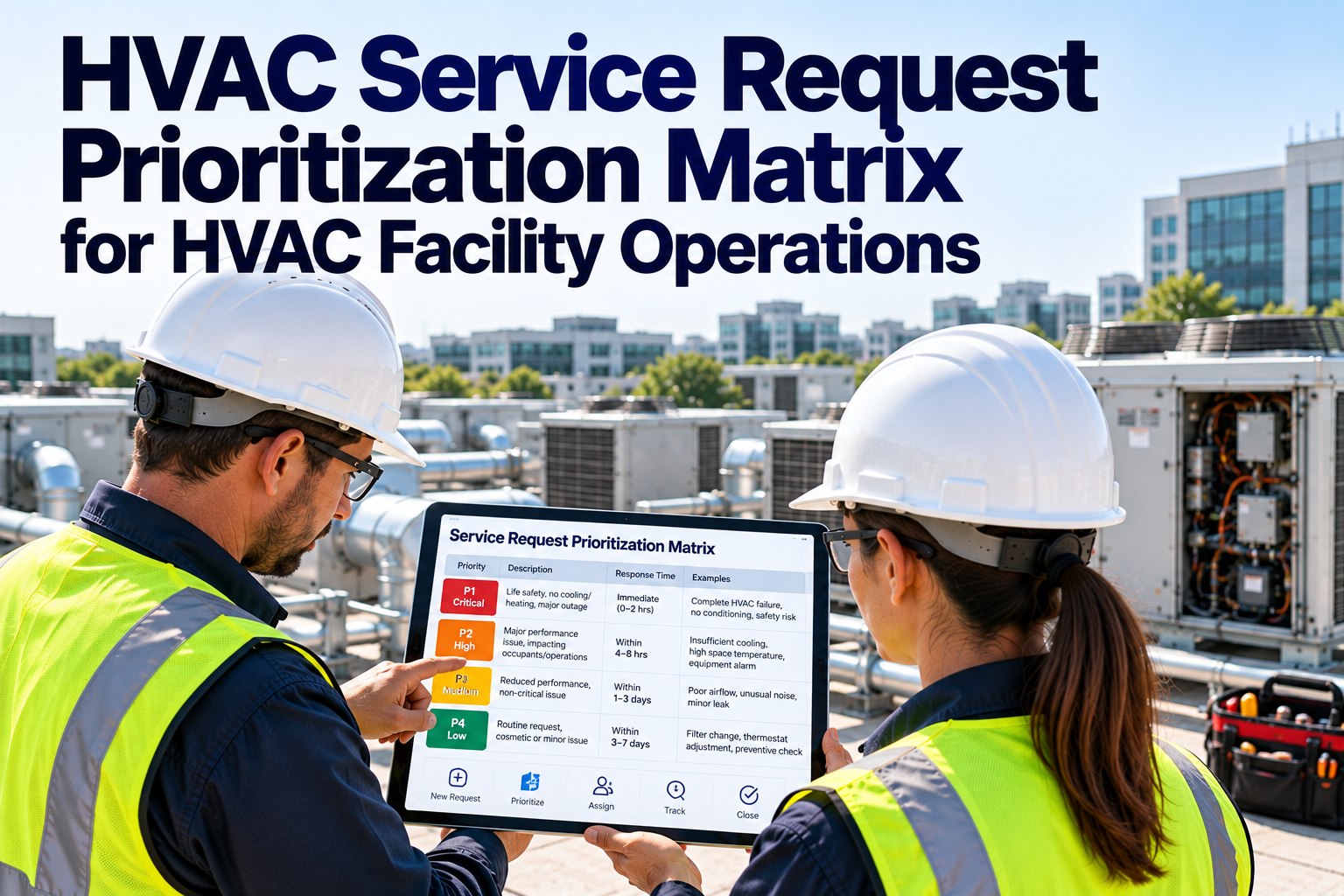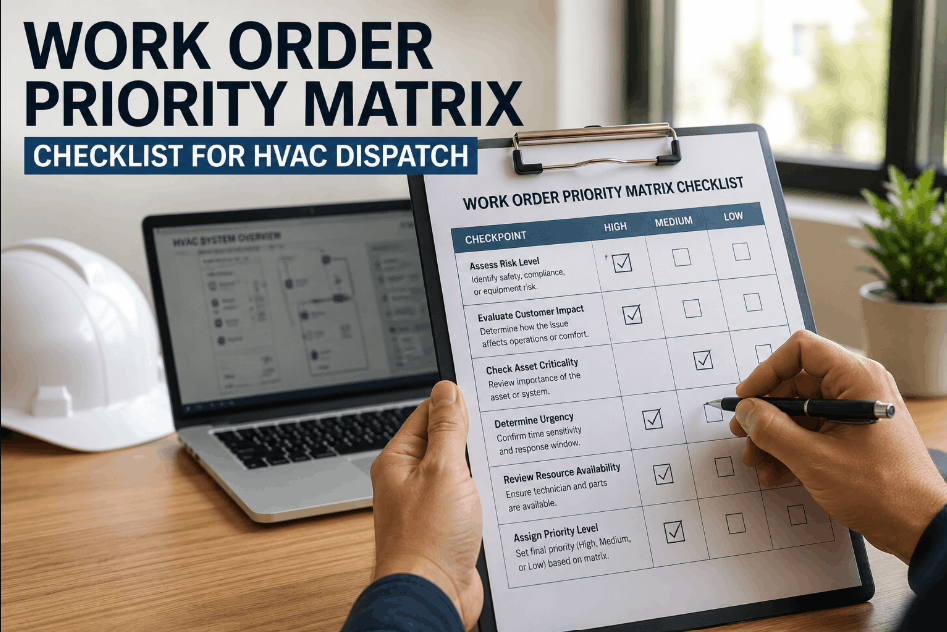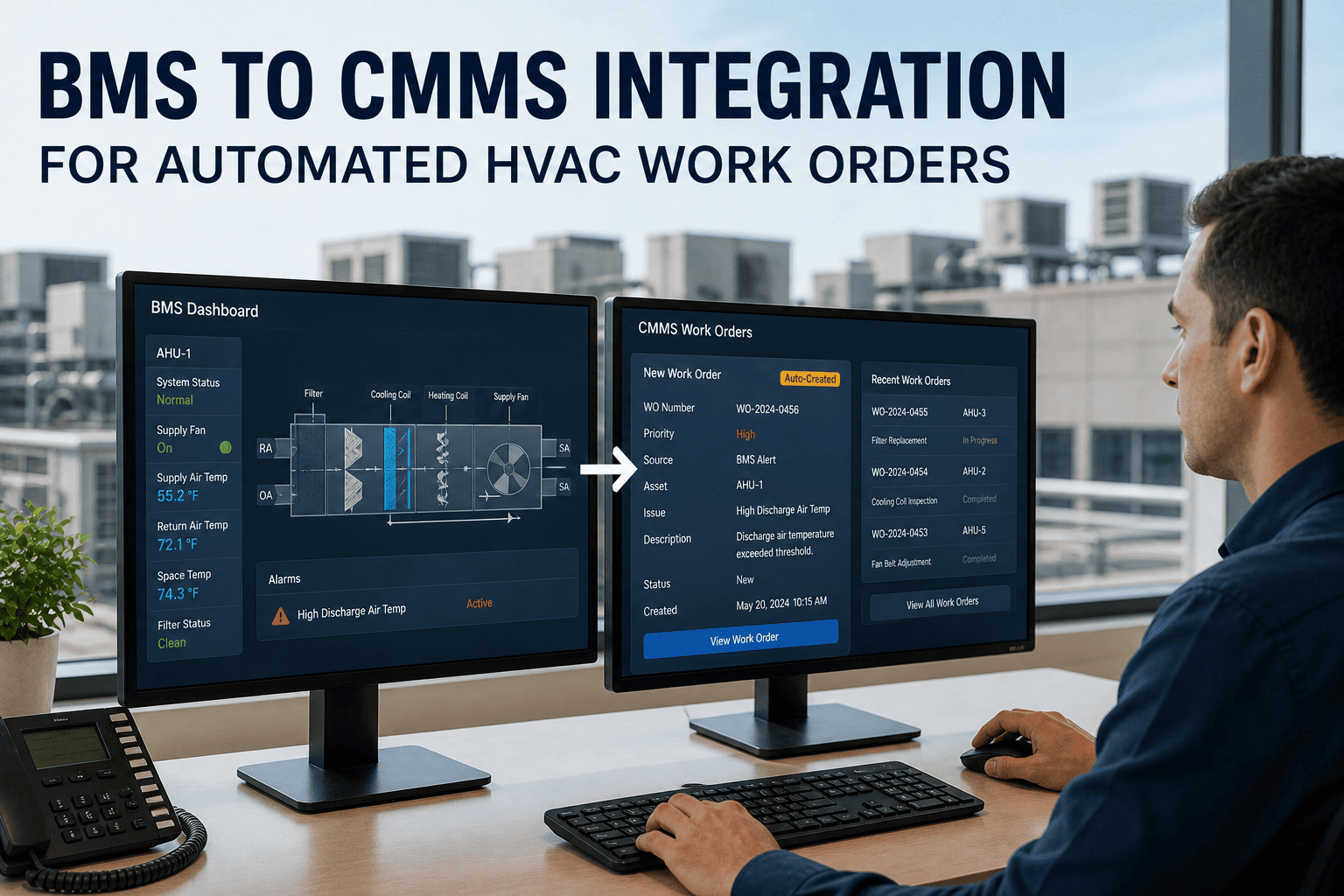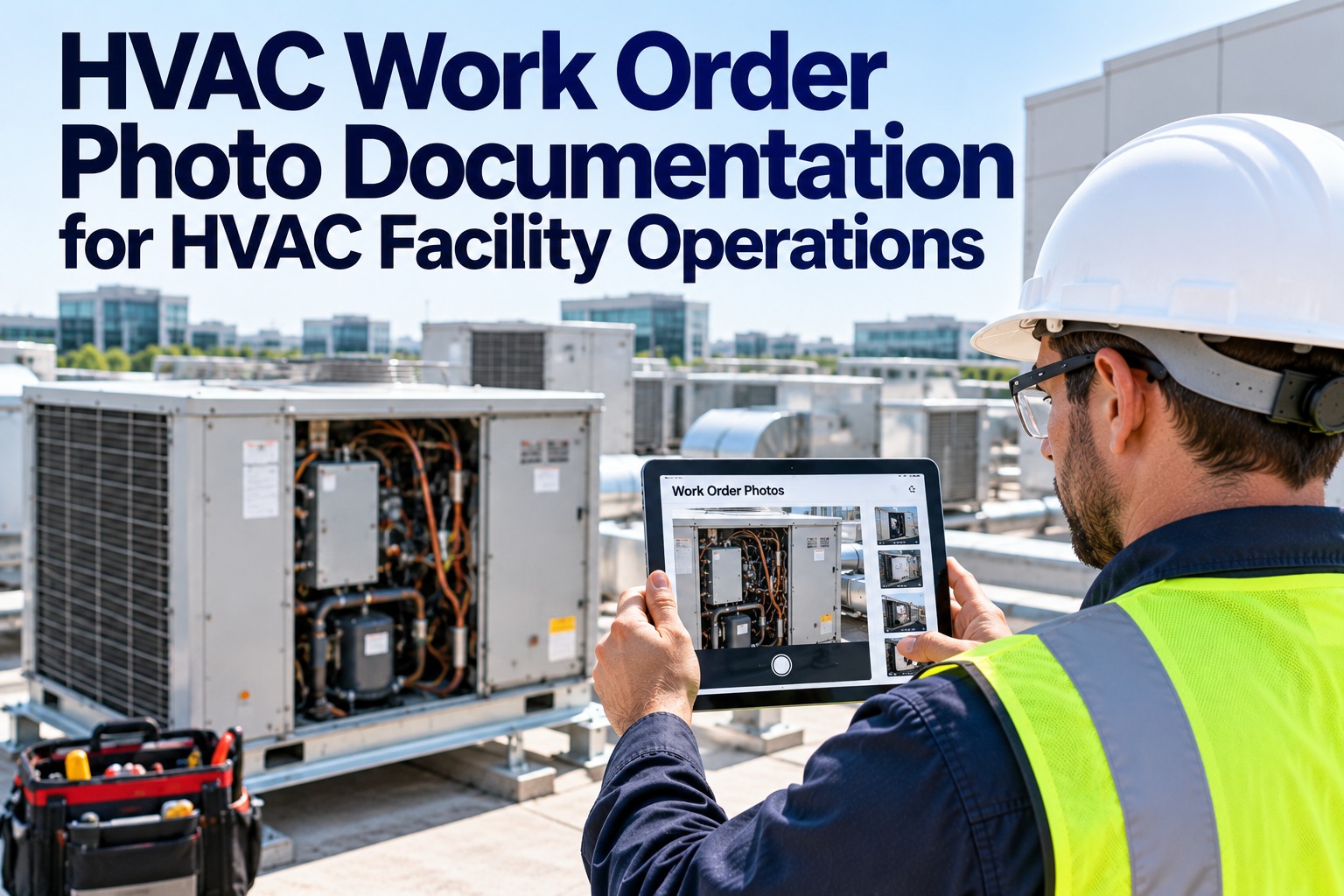
A compressor claim comes back denied. The work was done right — the tech replaced the part, logged the refrigerant, closed the job — but there's no photo of the failed component, no timestamped before-and-after, no proof. So an $8,000-$18,000 repair becomes an out-of-pocket loss, and most of the time the reason is the same: missing or incomplete documentation. A photo attached to the work order would have closed it. OXMAINT AI, the AI-powered HVAC CMMS, puts timestamped, geotagged photos on every work order — so the evidence exists before the tech leaves the roof.
HVAC Work Order Photo Documentation That Holds Up
Denied warranty claims. Callbacks you can't defend. Paper work orders no auditor can read. OXMAINT AI, the AI-powered CMMS and maintenance management software, runs the whole loop on one platform: a work order opens, the tech captures before, during and after photos on a phone, each shot attaches with a timestamp and location, and the job can't close without its evidence — so the proof is on the record, not in someone's memory.
A Photo Is the Cheapest Proof You Own
A HVAC job done right and a HVAC job you can prove was done right are two different things — and only one of them survives a warranty audit or a customer dispute. The gap between them is usually a photo nobody took. OXMAINT AI closes it by making photo capture part of the work order itself, timestamped and geotagged the moment it's shot. Start free and attach photos to your first work order in OXMAINT AI.
The Three-Phase Photo Framework
Good documentation isn't "take a picture" — it's the right shots at the right moments. Before, during and after, each phase captures a different kind of proof, and together they make a work order defensible. OXMAINT AI prompts for each so nothing gets skipped in the field. Book a demo to see the photo framework in OXMAINT AI.
- The failed or degraded component, close up
- Nameplate: model and serial for warranty match
- Surrounding condition — leaks, corrosion, damage
- Any pre-existing issue you didn't cause
- The repair or replacement in progress
- Old part removed, new part staged
- Refrigerant readings and add-volumes
- Anything hidden once the panel closes
- The finished install, clean and buttoned up
- Post-repair readings back in range
- New part in place, serial visible
- Work area left safe and tidy
Annotate as you shoot — a circled leak or a highlighted crack turns a photo into an argument. In OXMAINT AI every image lands on the work order timestamped and geotagged, so the sequence tells the whole story on its own.
What a Photo on the Work Order Prevents
Photo documentation isn't paperwork for its own sake — each shot heads off a specific, expensive problem before it starts. OXMAINT AI builds the capture into the job so the protection is automatic. Start free and protect every job with evidence in OXMAINT AI.
The Complete Warranty Evidence Package
Photos are the anchor, but a defensible warranty claim needs the full record around them. Here's what a manufacturer, auditor or insurer expects to see — and what OXMAINT AI assembles automatically as the job is worked. Book a demo to see an evidence package build itself in OXMAINT AI.
Common rejection triggers are the mirror image of this list: a skipped quarterly PM, an illegible paper work order, no refrigerant leak-rate log, no parts cross-reference. A complete digital record removes every one of them.
The Photo You Didn’t Take Is the Claim You Can’t Win.
By the time a claim is denied or a job is questioned, it's too late to go back for the shot. OXMAINT AI makes the capture part of closing the work order, so the evidence is always there when you need it — and you never drive back for a photo.
From Capture to Closeout, on the Phone
The whole point is that documentation happens in the field, not back at the office where details get lost. OXMAINT AI runs the capture-to-closeout chain on the tech's phone — even with no signal on the roof. Here's the flow. Start free and run this on your crew's phones in OXMAINT AI.
Built for a Tech on a Roof
Documentation only works if it's fast enough that a busy technician actually does it. OXMAINT AI is built for the field — gloved hands, bright sun, no signal — so capturing the proof takes seconds, not a second trip. Book a demo to see the field app in OXMAINT AI.
We lost a compressor claim once because the tech swore he'd photographed the failed unit — on his personal phone, since deleted. That one denial cost more than a year of software. Now every job closes with before, during and after shots on the work order, stamped and located. Warranty submissions stopped bouncing, callbacks got shorter because we could show what we'd done, and the last audit took an afternoon instead of a week.
Frequently Asked Questions
Close Every Job With the Proof Already Attached.
Document HVAC work orders on the OXMAINT AI maintenance management software — in-app before/during/after capture, timestamped and geotagged photos, on-image annotation, offline field use, and a warranty-ready record that closes with the job. Stop losing claims and driving back for a photo.