An HVAC technician spending 15 hours a week on paperwork, parts chasing, and phone calls to the office is not doing maintenance — they are doing administration. With the industry already 110,000 technicians short and that gap projected to reach 60,000 unfilled positions by 2028, every hour lost to manual process is a compounding liability. Mobile CMMS for field technicians eliminates the back-and-forth entirely: work orders arrive on the phone, asset history is scanned on-site, PMs are completed through digital checklists, and records sync the moment the job closes. Sign in to OxMaint to put your field team on mobile CMMS today, or book a demo to see the technician workflow in action.
Blog · Technician Mobility · Mobile CMMS
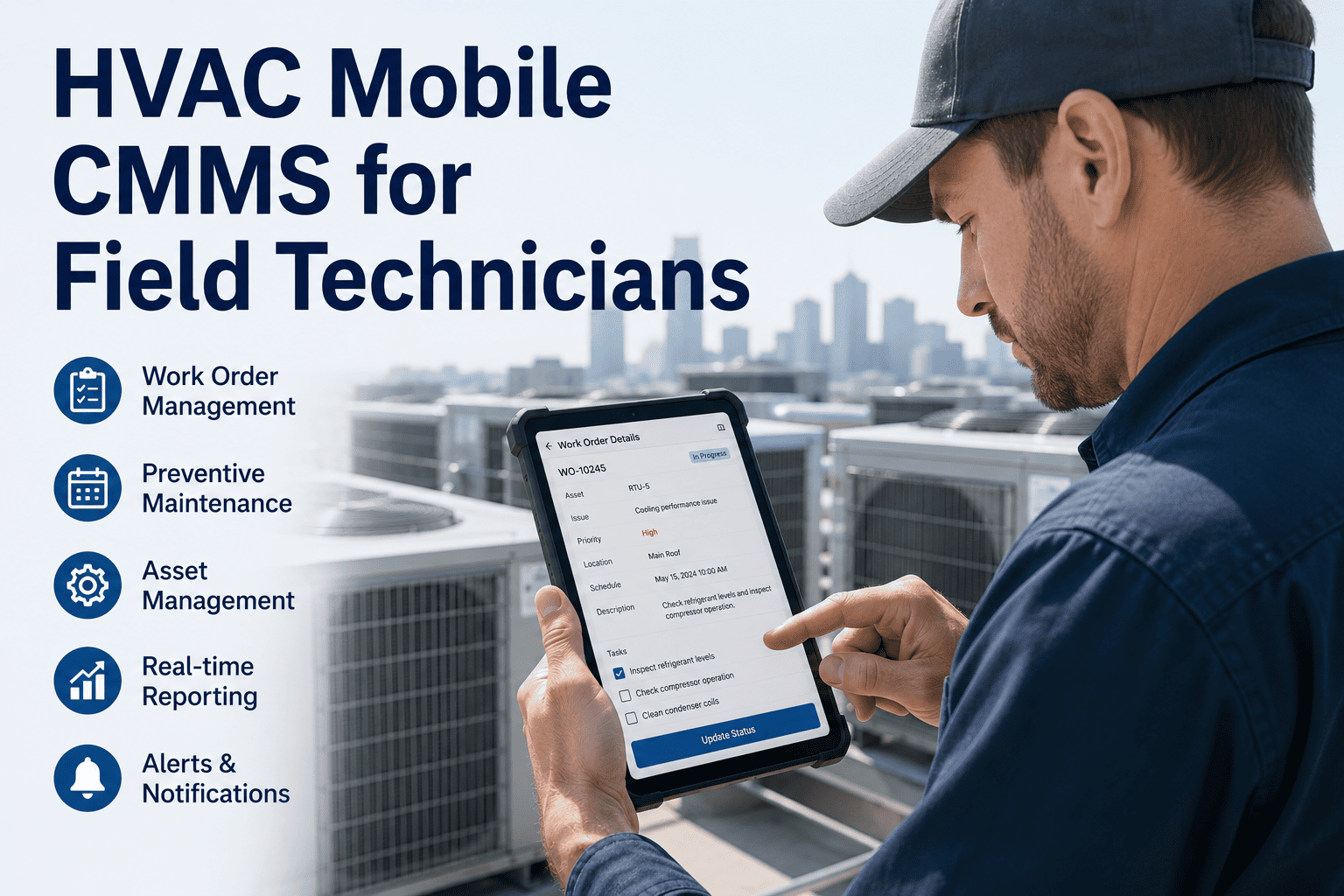
HVAC Mobile CMMS for Field Technicians
Scan assets. Complete PMs. Upload photos. Close work orders. Sync everything — all from a phone. OxMaint Mobile gives every field technician the tools to work faster, document better, and never return to the office for a work order again.
Technician Impact — Mobile CMMS
15 hrs
Saved per technician per week from eliminated paperwork
40%
Reduction in administrative time reported by mobile CMMS teams
57%
Drop in overtime hours when mobile workflows replace manual processes
84%
First-visit fix rate vs 51% without mobile asset history access
The Old Way vs The New Way
What a Technician's Day Looks Like — Before and After Mobile CMMS
7:00 AM
Return to office to collect printed work orders and asset binders
9:30 AM
Call office to ask which parts are in stock before driving to supplier
11:00 AM
Complete job — handwrite notes on paper form, estimate time manually
3:30 PM
Return to office to submit paper records and log completed work
4:45 PM
Dispatcher manually enters data into system — errors introduced
Wrench time: 4–5 hrs of an 8-hr day
7:00 AM
Work orders arrive on phone overnight — start first job immediately
9:30 AM
Scan QR code on unit — full asset history, manuals, last PM on screen
11:00 AM
Complete digital checklist, upload photo, close work order on phone
2:30 PM
Third job of the day completed — records synced automatically in real time
4:00 PM
End of day — all records filed, compliance trail complete, no office visit needed
Wrench time: 7–7.5 hrs of an 8-hr day
Mobile CMMS Capabilities
Everything a Field Technician Needs — In One App
01
QR Code Asset Scan
Point the phone camera at any tagged HVAC unit to instantly pull up model, serial, warranty status, last PM date, open work orders, and full service history — no searching, no calling the office.
02
Digital PM Checklists
Standardized PM checklists built into each work order. Required fields enforce complete documentation — filter replacement, coil readings, refrigerant levels. Technicians cannot close a work order with incomplete steps.
03
Photo and Voice Notes
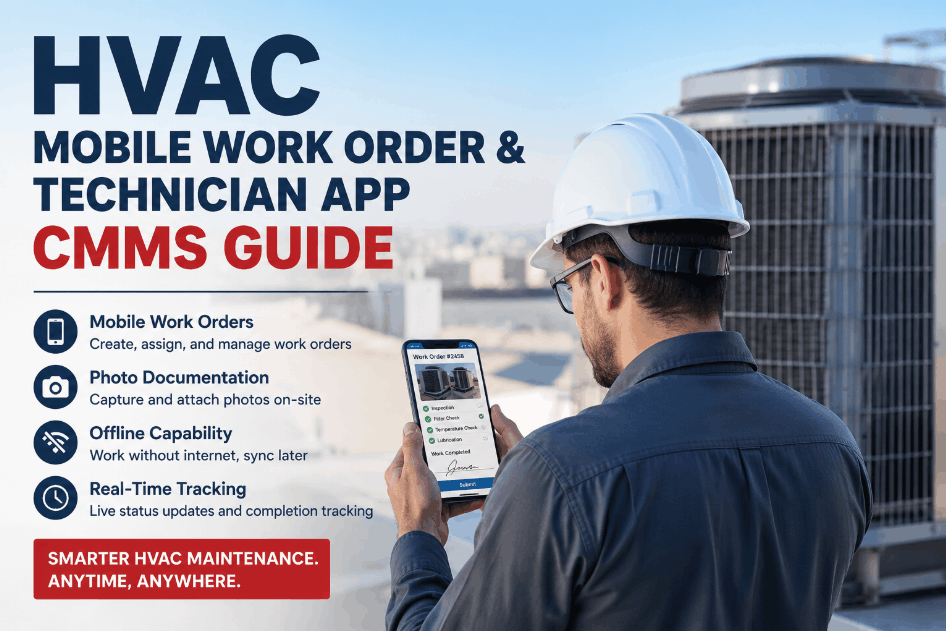
Attach timestamped photos of faults, component conditions, and completed work directly to the work order. Voice notes for complex findings. All evidence stored against the asset — permanently accessible for future technicians.
04
Parts Stock Check
Check inventory availability before leaving for the job. Reserve parts remotely. If a required component is not in stock, raise a purchase request from the field — no phone call, no delay, no second trip.
05
Offline Mode
Work orders, asset data, and checklists sync to the device before the technician leaves coverage areas. Basements, plant rooms, and remote sites with no signal — all work orders still accessible and completable offline. Sync fires automatically when connection restores.
06
Real-Time Work Order Sync
Supervisors see work order status update the moment a technician closes a job. No end-of-day calls, no paper submission, no transcription delays. Every record is timestamped, attributed, and immediately available for compliance reporting.
Put Your Field Team on Mobile CMMS — Deploy in Days, Not Months
No hardware. No IT project. Technicians download the OxMaint app, receive their first work order on mobile, and are fully operational within 48 hours of account setup.
Productivity Impact
Mobile CMMS vs Paper — Measurable Productivity Gains
Administrative time per week
Weekly overtime hours per technician
"
The technician shortage is real, but the bigger problem is not headcount — it is how efficiently the technicians you already have are spending their time. In a typical 20-technician HVAC operation, manual paperwork and office coordination waste somewhere between 10 and 15 hours per week per tech. That is not a small inefficiency — it is equivalent to having 3 or 4 technicians doing nothing but administration. Mobile CMMS does not replace people; it gives the people you have back the time they should be spending doing actual maintenance. The facilities I have seen make the switch consistently report their first-year productivity gains without adding a single head to the team.
Frequently Asked Questions
Can OxMaint Mobile work in areas with no internet signal?
Yes. OxMaint operates fully in offline mode — work orders, asset data, PM checklists, and equipment manuals sync to the technician's device before they enter low-signal areas. Completed work orders, photos, and readings are stored locally and sync automatically when connectivity is restored. HVAC technicians working in basements, mechanical rooms, or remote sites never lose access to their job queue or asset history.
Sign in to start your mobile deployment today.
How do technicians access asset history without scanning a QR code?
QR scanning is the fastest method, but technicians can also search by asset name, location, or serial number directly within the OxMaint mobile app. Each asset profile contains full service history, PM records, warranty information, and attached manuals — all accessible in seconds without calling the office. QR tags accelerate the process in the field but are not a prerequisite for accessing data.
Book a demo to see the mobile asset lookup workflow.
How long does it take to train technicians on OxMaint Mobile?
Most field technicians are fully operational within one shift. The mobile interface is designed for speed in the field — the core workflow of scanning an asset, completing a checklist, uploading a photo, and closing the work order takes under three minutes to learn. OxMaint also includes in-app guidance and supervisor-configurable checklist templates so each technician only sees the tasks relevant to their assignments. No classroom training or IT involvement is required.
Start your free trial and test the mobile workflow today.
Does OxMaint Mobile support photo and signature capture for compliance records?
Yes. Technicians can capture and attach multiple timestamped photos to any work order or checklist step — documenting fault conditions, completed repairs, and component readings. Digital sign-off is supported for work orders requiring supervisor or client acceptance. All photos, signatures, and records are stored permanently against the asset and are included in compliance report exports, meeting documentation requirements for insurance audits, building performance standards, and Joint Commission surveys.
Book a demo to see compliance documentation in OxMaint.
More Wrench Time. Less Paperwork. Same Team Size.
OxMaint Mobile CMMS gives HVAC field technicians the tools to work faster, document completely, and never lose a record — without adding headcount or installing hardware.