Every HVAC technician knows the frustration — you're on a rooftop in the middle of summer, three floors away from the maintenance office, and you need a service history that's locked in a filing cabinet. Or you're troubleshooting a boiler in a basement mechanical room with zero cell signal, and the checklist you need is on a laptop back at the shop. Field HVAC work has always been physically demanding, but the administrative burden of paper-based maintenance systems has made it unnecessarily harder. Mobile CMMS changes that equation entirely — putting every work order, equipment record, digital checklist, and parts catalog in the palm of every technician's hand, regardless of where the job takes them.
Everything a Technician Needs,
Right in Their Pocket
Instant Work Order Access
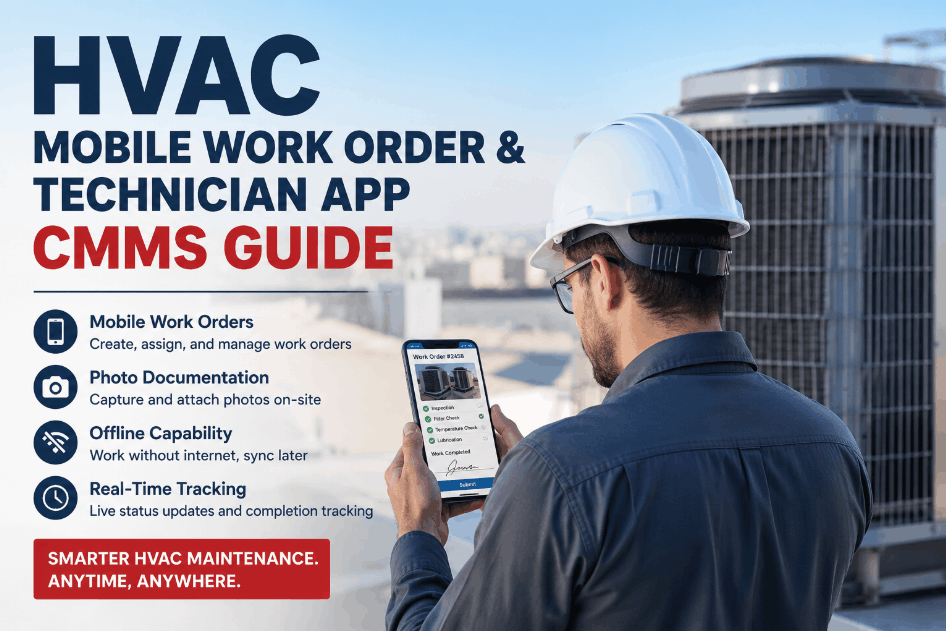
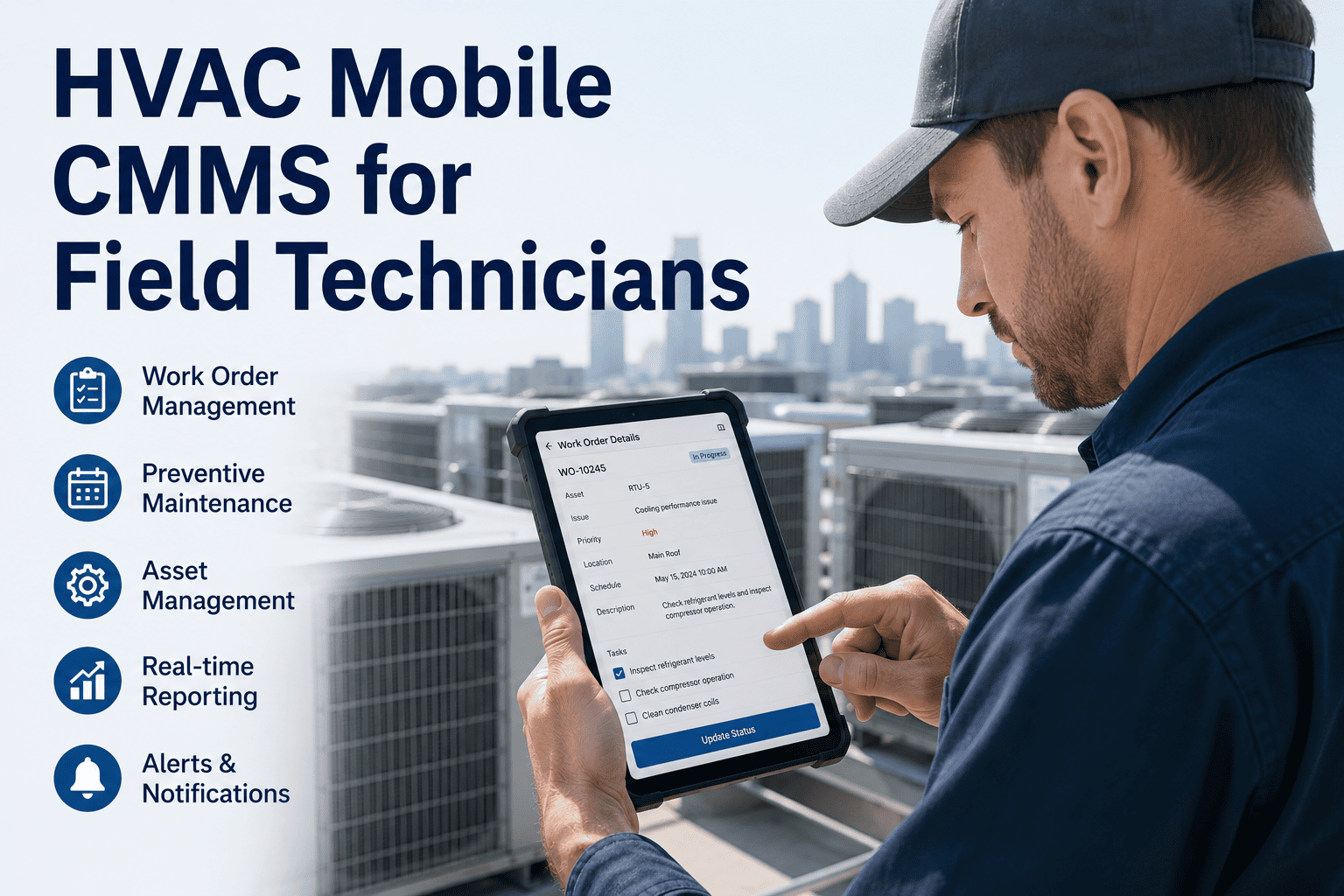
The moment a work order is created or assigned, it appears on the technician's mobile device with full details — asset location, reported issue, priority level, and required tools. No calls to dispatch, no running back to the office. HVAC technicians can accept, update, and close work orders directly from the field, keeping the entire maintenance team synchronized in real time. Sign up and your team can be live with mobile work orders in under an hour.
Access the full service history of any HVAC unit — past repairs, replaced parts, PM records, and technician notes — before even opening a panel. Knowing what was done last time changes how you approach every job.
Basements, mechanical rooms, and rooftop environments often have poor or no signal. OxMaint's offline capability syncs all assigned work orders and asset data to the device — technicians work uninterrupted, and data syncs automatically when connection is restored.
Scan asset tags to instantly pull up equipment records, open work orders, and service histories. Eliminate manual data entry errors and reduce lookup time to seconds — even for unfamiliar equipment in large facilities.
Check real-time parts availability, request stock from the storeroom, and log parts consumed directly against the work order — reducing parts delays and keeping inventory records accurate without a desk visit.
Photo Documentation and Digital Checklists
HVAC maintenance requires evidence — refrigerant readings, belt wear conditions, coil fouling levels, filter states. OxMaint lets technicians attach photos directly to work orders and complete structured digital checklists that enforce consistency across the entire team. No more handwritten notes that get lost or misread. Every job produces a clean, timestamped digital record automatically. Book a demo to see how custom HVAC checklists are configured inside OxMaint.
Built for Every Corner of Your Facility
HVAC maintenance doesn't happen in one place. OxMaint's mobile CMMS is engineered for the physical realities of HVAC fieldwork — from extreme temperatures to signal dead zones.
Direct sunlight, heat stress, and variable signal coverage make traditional paper forms impractical and error-prone.
Offline-capable mobile app with large tap targets optimized for gloves, auto-saves all field data, and syncs when signal returns.
No cell signal, cramped spaces, and complex equipment configurations demand complete offline access to detailed service records.
Full asset history, procedure guides, and PM checklists pre-cached to device. QR scan pulls up boiler and chiller records instantly.
One-handed operation required while on ladders or elevated platforms; documentation must happen at the point of work.
One-tap photo capture from inside access panels, voice-enabled notes, and guided checklist flows that don't require scrolling.
Multiple identical units in sequence with no visible labels — wrong-unit service events are a common and costly error.
Asset-specific QR tags eliminate unit confusion. Scan the tag, confirm the asset, and the correct work order opens automatically.
Ready to Put OxMaint in Every Technician's Hands
Stop sending your team into the field with paper and hope. OxMaint's mobile CMMS gives HVAC technicians the digital tools they need to diagnose faster, document better, and close more work orders on the first visit.
A Technician's Day with OxMaint Mobile CMMS
Technician opens OxMaint mobile app to review today's assigned work orders, sorted by priority and location. All asset data, checklists, and parts requirements are pre-loaded. No morning meeting needed to receive assignments.
Arrives at RTU-12. Scans asset QR tag. OxMaint surfaces the last three service records, revealing a recurring compressor issue. Technician documents diagnosis with photos, completes the repair checklist, and logs parts used — all before descending from the roof. Sign up to see how QR-based asset lookup works in practice.
Drops into the mechanical room basement — zero signal. OxMaint's offline mode keeps all data accessible. Technician completes the full 14-point PM checklist, attaches combustion analysis readings, and flags a corroded fitting for follow-up. Work order auto-syncs on exit.
While inspecting AHU filters on Floor 4, technician discovers a worn belt that wasn't on the scheduled task. Checks parts inventory in OxMaint, confirms stock, adds the belt replacement to the work order, and completes it in the same visit — no callback required. Book a demo to see inventory lookup and live parts requests in action.
All work orders are closed, documented, and submitted. Labor hours, parts used, and job notes have been captured at the point of work throughout the day. The supervisor's dashboard reflects a complete, accurate record — without a single paper form.
Paper-Based vs. OxMaint Mobile CMMS Field Operations
Whether your team manages 20 HVAC units or 2,000, transitioning from paper to mobile CMMS is a process that benefits enormously from expert guidance. Sign up to start your free account and explore OxMaint's full asset library and checklist builder, or book a demo to have our onboarding team walk you through setup before your first day in the field.