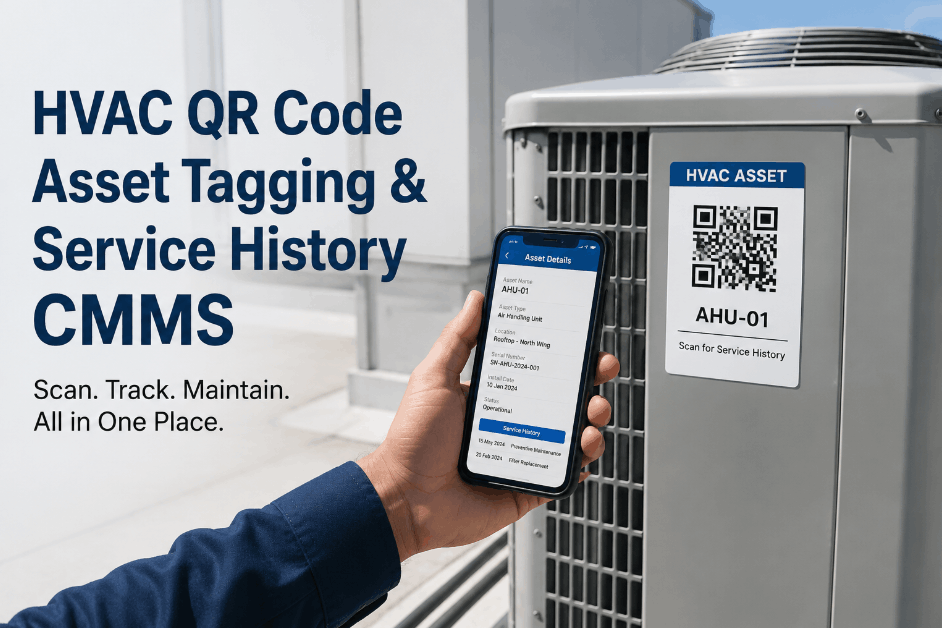
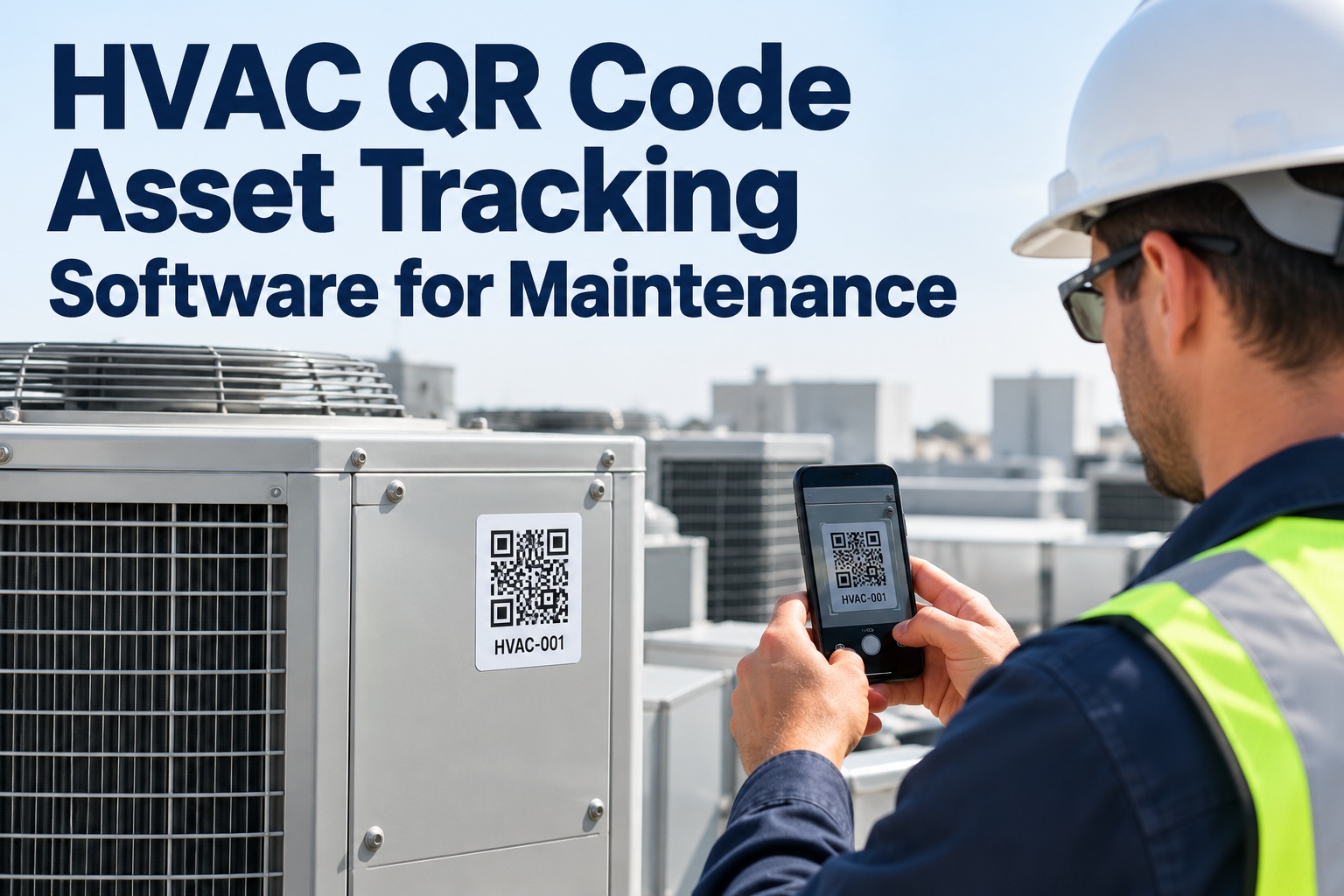
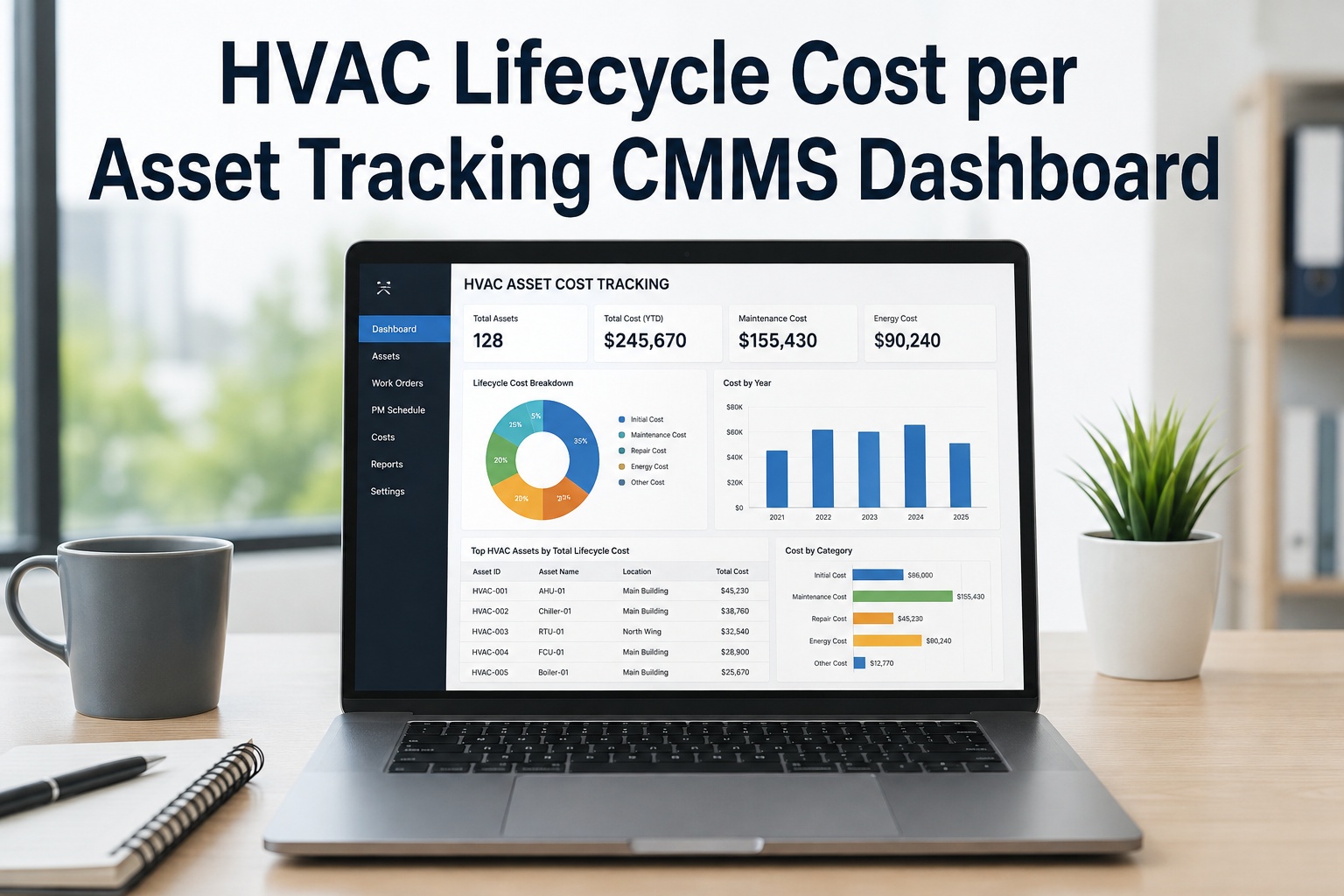
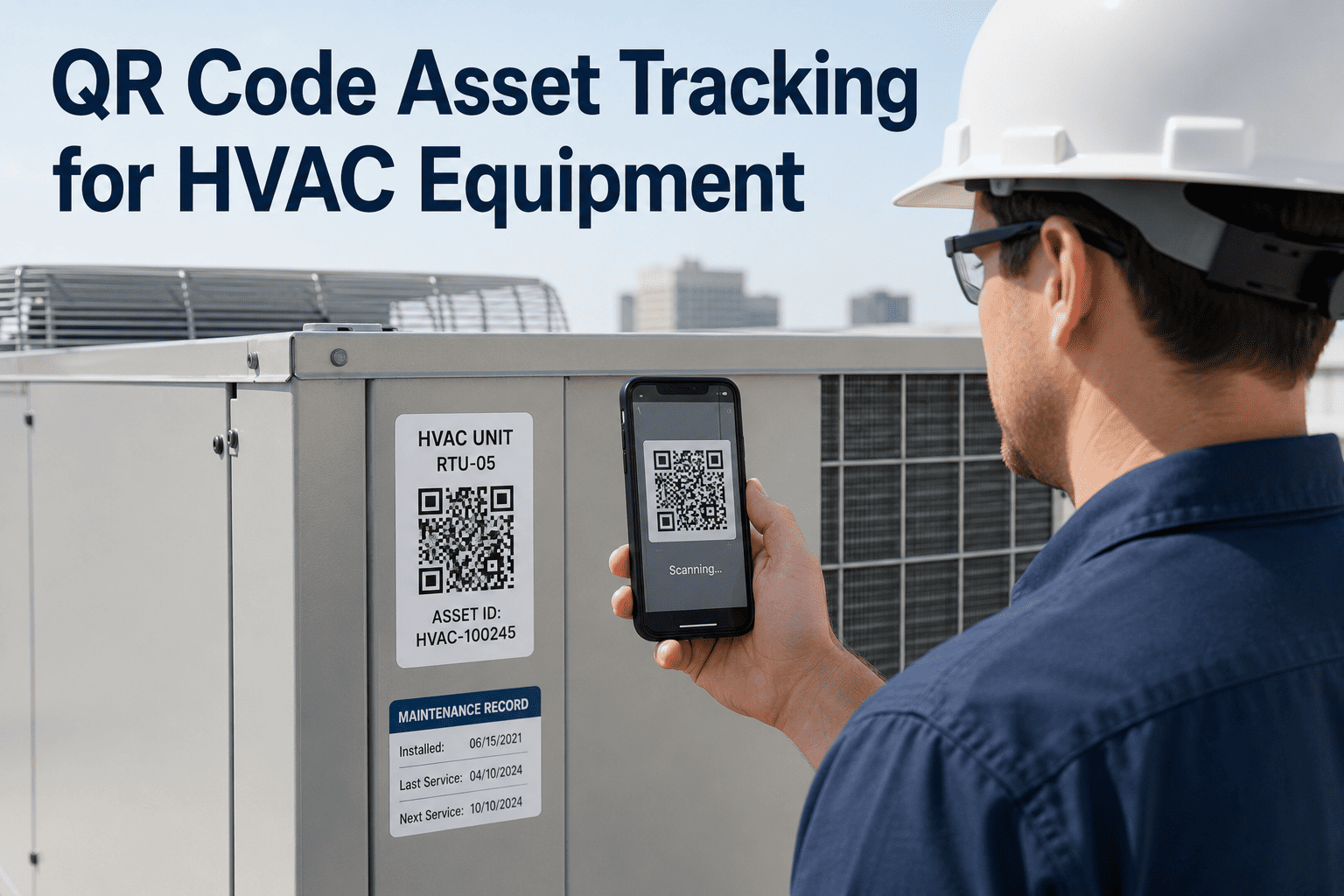
HVAC QR code asset tagging turns every physical unit into a digital gateway — one scan from a smartphone opens the complete asset record, service history, open work orders, PM schedule, and manuals, with no typing, no phone call, and no guessing which of three identical air handlers is actually the faulty one. The silent productivity killer in every maintenance department is not a broken tool; it is the minutes a technician spends searching the CMMS for the right asset and the bad data created when they pick the wrong one. Type "pump" and get 47 results, guess, and the repair logs to the wrong asset — corrupting the history you rely on next year. Sign Up Free to generate QR codes directly from your OxMaint asset registry and tag your first batch in minutes. A tagged HVAC unit gives a technician the last three service records, the parts used in the last repair, and the OEM PM schedule in under three seconds. Book a Demo to see scan-to-work-order in action across a full building portfolio.
HVAC Preventive Maintenance · QR Code Assets · 2026
HVAC QR Code Asset Tagging & Service History CMMS
Scan any HVAC unit for instant service history, mobile scan-to-work-order, and point-of-service asset identification — every tag linked to a live CMMS record.
<3 secTime to open a tagged HVAC unit's full record — history, work orders, PM schedule, manuals
30%Of a technician's working week lost to manual data entry that QR scanning eliminates
$0.50–3Cost per QR tag — comparable to engraved metal tags but linked to unlimited digital data
30%Physical damage a QR code tolerates and still scans reliably in the field
4 Ways QR Tags Transform HVAC Service at the Unit
A QR code alone provides identification, but its real power emerges when integrated with a mobile CMMS — the scan stops being a lookup and becomes an action. The use cases below are where OxMaint turns a tag on an air handler into a live workflow: work orders, inspections, history, and requests, all triggered at the point of service. Sign Up Free to link every tagged HVAC asset to its complete OxMaint record.
01
Scan-to-Work-Order
Use Case: Zero Manual Entry
Eliminates Wrong-Asset Logging
Scan the tag on a rooftop unit and raise a work order pre-populated with the correct asset ID, location, and equipment data. No typing, no transcription errors, and no repair logged against the wrong unit to corrupt the history.
02
Instant Service History
Use Case: Point-of-Service Context
Full Record in Seconds
One scan surfaces the last PM date, open work orders, failure history, warranty status, parts list, and OEM documentation. Technicians arrive prepared instead of reconstructing the story from memory or a binder two buildings away.
03
Scan-Triggered Inspections
Use Case: Proof of Presence
Right Checklist, Right Unit
The scan loads the correct PM checklist for that specific asset at the right frequency. Readings, pass/fail results, and photos are captured at the unit and synced to the record — proof the inspection actually happened where it was logged.
04
No-Login Fault Reporting
Use Case: Occupant Requests
Pre-Identified Asset
A staff member who notices a faulty unit scans the tag and submits a defect report with no login required. The request creates a work order with the asset already identified — cutting request-to-assignment time from hours to minutes.
HVAC Asset Access — Without vs. With OxMaint QR Tags
The difference between a technician who scans and one who searches is the difference between three seconds and five minutes of guesswork per job. The comparison below shows what changes when OxMaint links every HVAC unit to a live record through a scannable tag. Book a Demo to see how QR tagging closes the identification gap across your facility.
QR Asset Program Maturity — Where Does Your Facility Score?
QR tagging capability ranges from no tags and description-based identification to a full scan-driven program where every asset interaction is an action logged against the record. The framework below identifies where a facility sits today and the highest-impact next step. Book a Demo to assess your asset tagging maturity with an OxMaint solutions engineer.
HVAC QR Asset Program Maturity
Score 5 = full scan-to-action program · Score 1 = no tags, description-based ID
5
100% Tagged · Scan-to-Action · Proof-of-Presence Logging
Every HVAC asset is tagged. Scans create work orders, load inspection checklists, and open full history. Every scan timestamps a proof-of-presence audit record.
Profile: Zero wrong-asset logging. Scan data doubles as PM compliance and technician coverage evidence.
4
Critical Assets Tagged · Scan-to-View
Chillers, boilers, and major AHUs tagged and linked. Scans open history but work order creation still partly manual. Rollout to distributed units in progress.
Action: Extend tagging to rooftop and split systems and enable scan-to-work-order everywhere. The value compounds with coverage.
3
Some Tags · Not CMMS-Linked
A few units carry labels but they link to static data or nothing at all. A QR code without a live CMMS behind it is just a sticker — the value is entirely in what the scan triggers.
Gap: Link tags to a live asset registry so scans open records and create work orders, not static pages.
2
Asset IDs Only · Manual Lookup
Assets have ID numbers in the CMMS but no scannable tags. Technicians search by name or location and pick from lists of similar units.
Risk: Wrong-asset work orders corrupt history. Description-based ID fails for new technicians and moved equipment.
1
No Tags · Ambient Knowledge
Assets identified by description — "the big one John always works on." History lives in memory and paper. When the person who knows is out, the knowledge is gone.
Risk: The identification gap costs minutes per job and produces unreliable data no analysis can trust.
Stop Typing. Start Scanning. Every HVAC Unit, Instantly.
OxMaint generates QR codes from your asset registry, links them to complete records, and turns every tagged unit into a digital gateway — accessible from any phone in under three seconds.
How OxMaint Structures QR Asset Tagging
OxMaint generates unique QR codes directly from the asset registry — no third-party tools, no manual linking, no spreadsheet matching — and ties each code to its record automatically. Every scan becomes a gateway to action: create a work order, complete an inspection, or open history, all pre-populated with the correct asset. Sign Up Free to generate your first batch of tags in OxMaint. Book a Demo to see a phased tagging rollout mapped to your critical HVAC assets.
Registry-Generated Codes
No Third-Party Tools
Tags tied to records automatically
OxMaint generates QR codes from the asset registry and links each to its record — print, attach, and scan, with no manual matching or spreadsheet reconciliation.
Durable Field Tags
−40°C to 150°C
Rated for harsh environments
Recommended tags print on industrial polyester or aluminum rated for heat, chemicals, moisture, and vibration — indoor labels for AHUs, metal tags for outdoor units.
Offline Scanning
Works in Dead Zones
Cached data in basements and roofs
The OxMaint app caches last-synced asset data locally, so technicians access records in basement mechanical rooms and remote rooftop units without connectivity.
Phased Rollout
Critical Assets First
Value in weeks, not months
Tag chillers, boilers, and major AHUs in week one, then rooftop and split systems over the following weeks — delivering immediate value while coverage builds.
"
Three rooms in one wing shared the same number but had different air handlers, and we were constantly logging repairs to the wrong unit — which made the history useless when we tried to spot patterns. After tagging every HVAC asset in OxMaint, a technician scans the unit and the exact record opens with the last three services and the PM schedule, right there on the phone. The wrong-asset work orders stopped overnight. Our newer techs are productive on day one because they no longer have to reconstruct which unit is which from memory.
Maintenance Supervisor — Commercial Campus, 3 buildings, 500+ tagged assets, Georgia, USA
Frequently Asked Questions
What does scanning a QR-tagged HVAC unit show a technician?
One scan opens the full asset profile — last PM date, open work orders, failure history, warranty status, parts list, and OEM documentation — in under three seconds, with no typing or phone calls.
Do technicians need an app installed to scan QR asset tags?
Technicians with the OxMaint app get the full record and work order screen on scan. For read-only lookups, any standard QR scanner opens a mobile web view — no app required for basic asset access.
Do QR tags work in basement mechanical rooms without signal?
Yes. The OxMaint app caches last-synced asset data locally, so technicians access records offline in deep mechanical rooms and remote rooftop units, syncing automatically when the device reconnects.
How durable are QR tags on outdoor HVAC equipment?
Recommended tags print on industrial polyester or aluminum rated from −40°C to 150°C and resist chemicals, moisture, and vibration. Outdoor units use metal tags; indoor AHUs use polyester adhesive labels.
How long does it take to tag an HVAC asset inventory?
Most facilities tag in phases — critical chillers, boilers, and AHUs in week one, then rooftop and split systems over two to four weeks. OxMaint generates codes from the registry so batches are ready in minutes.
Turn Every HVAC Unit Into a Digital Gateway — One Scan Away.
OxMaint generates QR codes from your registry, links them to live records, and turns every tagged unit into instant service history and scan-to-work-order — accessible from any phone.