HVAC Service Request Prioritization Matrix for HVAC Facility Operations

By William Jerry on September 29, 2026

hvac-service-request-prioritization-matrix-for-hvac-facility-operations

Every HVAC team faces the same morning: a queue of service requests, a limited crew, and no shared rule for what gets touched first. So priority defaults to whoever complained loudest, whichever ticket is newest, or whatever the last phone call was — and a no-cooling call in a server room waits behind a lukewarm-lobby complaint. A prioritization matrix replaces that guesswork with one repeatable rule: score every request on impact and urgency, and the priority — and the response clock — fall out automatically. OxMaint AI maintenance management software runs that matrix on every incoming request, so the right job rises to the top before anyone has to argue about it.

Facility Management · HVAC · Service Request Prioritization · 2026

Triage Every HVAC Request by Impact and Urgency — Not by Who Shouts

When priority is a judgment call, the loudest request wins and the critical one waits. A prioritization matrix scores each request on two axes — how much it affects, how fast it's escalating — and assigns a priority and a response target the same way every time. OxMaint AI applies the matrix automatically, routes the right crew, and starts the SLA clock, so triage is consistent whether it's 9 a.m. or a 2 a.m. call.

1Request comes in
→
2Score impact × urgency
→
3Auto-assign priority
→
4Route & start SLA clock
2 axes
impact & urgency decide every priority
P1–P4
four priority tiers, each with its own response clock
1 rule
applied the same way to every request, every shift
Auto-SLA
response target set the moment a request is scored

The Two Axes: Impact and Urgency

Every request answers two questions. How much does it affect, and how fast is it getting worse? Rate each on three levels and the priority is decided for you. Start free and score every request on both axes in OxMaint AI.

IMPACT — how much it affects
HighA whole building, a critical space (server room, OR, lab), or occupant safety
MediumA floor, a department, or several occupants — comfort clearly degraded
LowA single room or zone, cosmetic or minor comfort, core work uninterrupted
URGENCY — how fast it escalates
HighNo workaround, conditions worsening, safety or asset damage imminent
MediumWorkaround exists but the problem will grow if left for hours
LowStable, a reliable workaround exists, safe to schedule later

The HVAC Prioritization Matrix

Cross the two axes and every request lands in one cell — and every cell carries a priority. This is the grid, read impact down the side and urgency across the top. Book a demo to see this matrix scoring requests in OxMaint AI.

Impact ↓ / Urgency →
High urgency
Medium urgency
Low urgency
High impact
P1Critical
P2High
P3Medium
Medium impact
P2High
P3Medium
P4Low
Low impact
P3Medium
P4Low
P4Low

A no-cooling server room (high impact, high urgency) is a P1. A warm lobby with fans running (low impact, medium urgency) is a P4. The matrix makes that call the same way every time — no debate, no favouritism. Sign up free and lock the rule into every request in OxMaint AI.

"Whoever Called Last" Is Not a Prioritization Strategy.

Without a matrix, urgent and trivial requests share one queue, and the crew works on whatever surfaced most recently — while a P1 quietly escalates. OxMaint AI scores every request the instant it lands and pushes the criticals to the top, so nothing important waits behind noise.

Response Targets by Priority

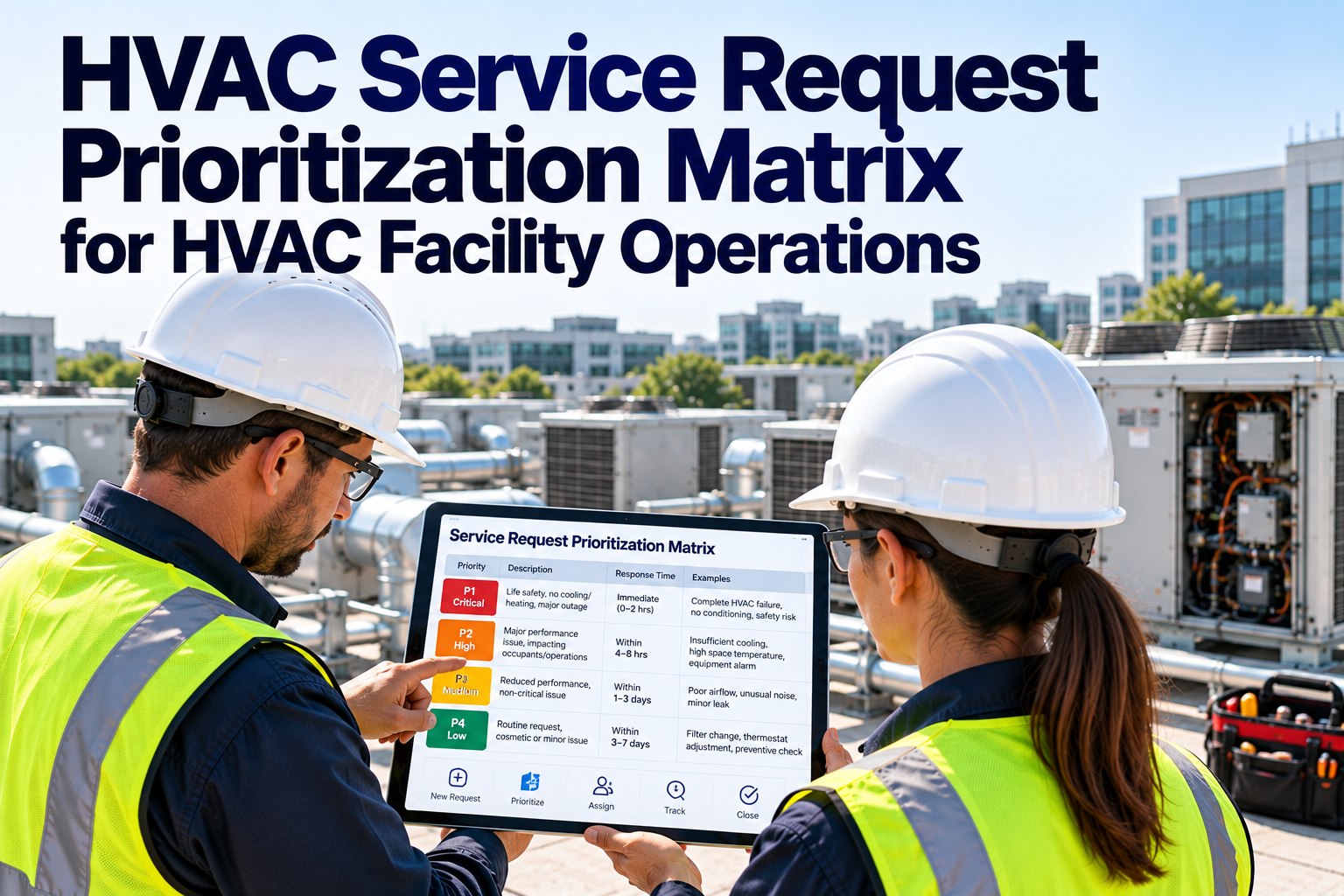
A priority means nothing without a clock attached. Each tier carries a response and resolution target — tune these to your crew size and contract, but keep them consistent. Start free and attach an SLA clock to every priority in OxMaint AI.

P1
Critical
Building-wide outage · no cooling to a critical space · safety hazard
~15 min respond
~4 hrs resolve
P2
High
A floor or department down · comfort badly degraded, worsening
~1 hr respond
~8 hrs resolve
P3
Medium
A zone affected · workaround in place · not escalating fast
~4 hrs respond
~3 days resolve
P4
Low
Single room · minor comfort · safe to schedule into planned work
~8 hrs respond
~5 days resolve

These are common starting benchmarks — adjust them to your team's capacity and any contractual commitments. Book a demo to configure SLA targets in OxMaint AI.

What Can Override the Matrix

A good matrix is the default, not a straitjacket. A few factors can bump a request up a tier — and the matrix should make room for them explicitly. Start free and build override rules into triage in OxMaint AI.

Safety & Compliance
Anything touching life safety, air quality, or a code requirement jumps straight to the top regardless of comfort impact.
Critical Space
Server rooms, labs, clean rooms, and healthcare areas carry higher impact than their floor area suggests.
Weather & Season
A heat-wave cooling failure or a deep-freeze heating loss escalates faster than the same fault in mild weather.
Asset Risk
A fault that will damage equipment if left running raises urgency even when occupant comfort looks fine.

How OxMaint AI Runs the Matrix

A matrix on a whiteboard is only as good as the discipline applying it. OxMaint AI builds the rule into the system, so it runs on every request automatically. Start free and turn triage into a repeatable system.

Impact & Urgency Capture
Every request records both scores at intake — the priority is calculated, not guessed.
Auto-Priority & SLA
The matrix assigns P1–P4 and starts the matching response clock the moment the request lands.
Priority-Sorted Queue
The crew sees P1s first — the work list orders itself, so nothing critical hides in the backlog.
Override Rules
Safety, critical-space, and weather escalations built in, so exceptions are handled by design.
Skill-Based Routing
The scored request goes to the right technician and asset, not just the next name on the list.
SLA Tracking & Alerts
A request nearing its response target flags before it breaches — with a record of every tier's performance.

Frequently Asked Questions

What is an HVAC service request prioritization matrix?
A grid that scores each request on impact and urgency, then assigns a priority (P1–P4) and a response target — so triage is consistent instead of a judgment call. Start free and run it in OxMaint AI.
How are impact and urgency different?
Impact is how much a request affects — a building, a floor, a room. Urgency is how fast it's escalating. A big problem that's stable can rank below a smaller one that's spreading. Book a demo of two-axis scoring.
What response times go with each priority?
Common starting targets run from about 15 minutes to respond on a P1 down to a business day on a P4 — adjusted to your crew capacity and contracts. Sign up free and set your own SLA clocks.
Can a request override its matrix score?
Yes — safety, code, critical spaces, weather, and asset-damage risk can bump a request up a tier, and a good system builds those overrides in. Book a demo of override rules.
How does a CMMS enforce the matrix?
OxMaint AI captures impact and urgency at intake, calculates the priority, starts the SLA clock, and sorts the queue — so the rule runs on every request without anyone remembering to apply it. Start free and see it work.

Make the Right Job Rise to the Top — Every Time.

A prioritization matrix turns triage from an argument into arithmetic: score the impact, score the urgency, and the priority and the clock are decided for you. Applied by hand it slips under pressure; built into OxMaint AI it runs on every request, routes the right crew, and flags an SLA before it breaches — so the critical call is never the one that waited.



Share This Story, Choose Your Platform!