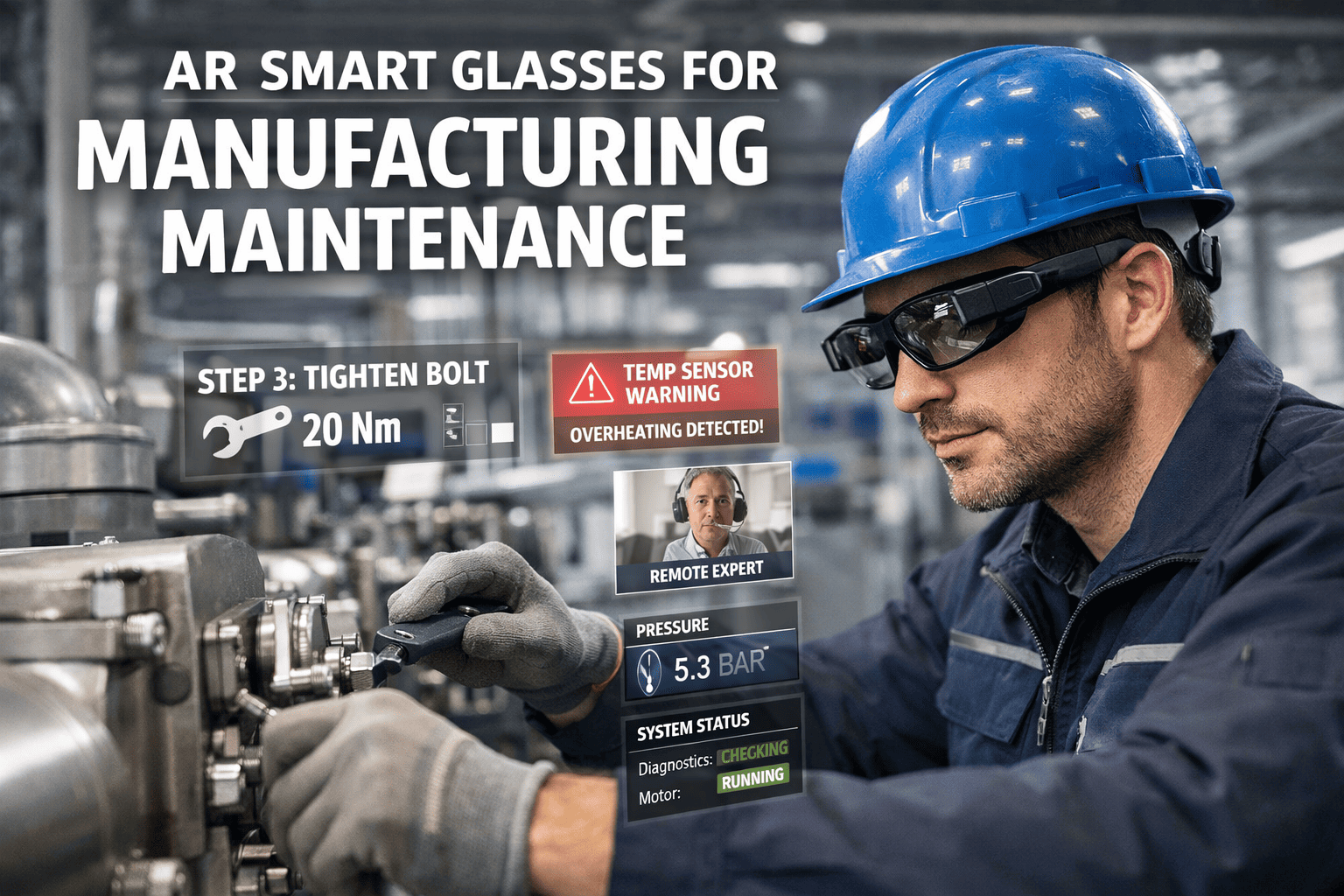
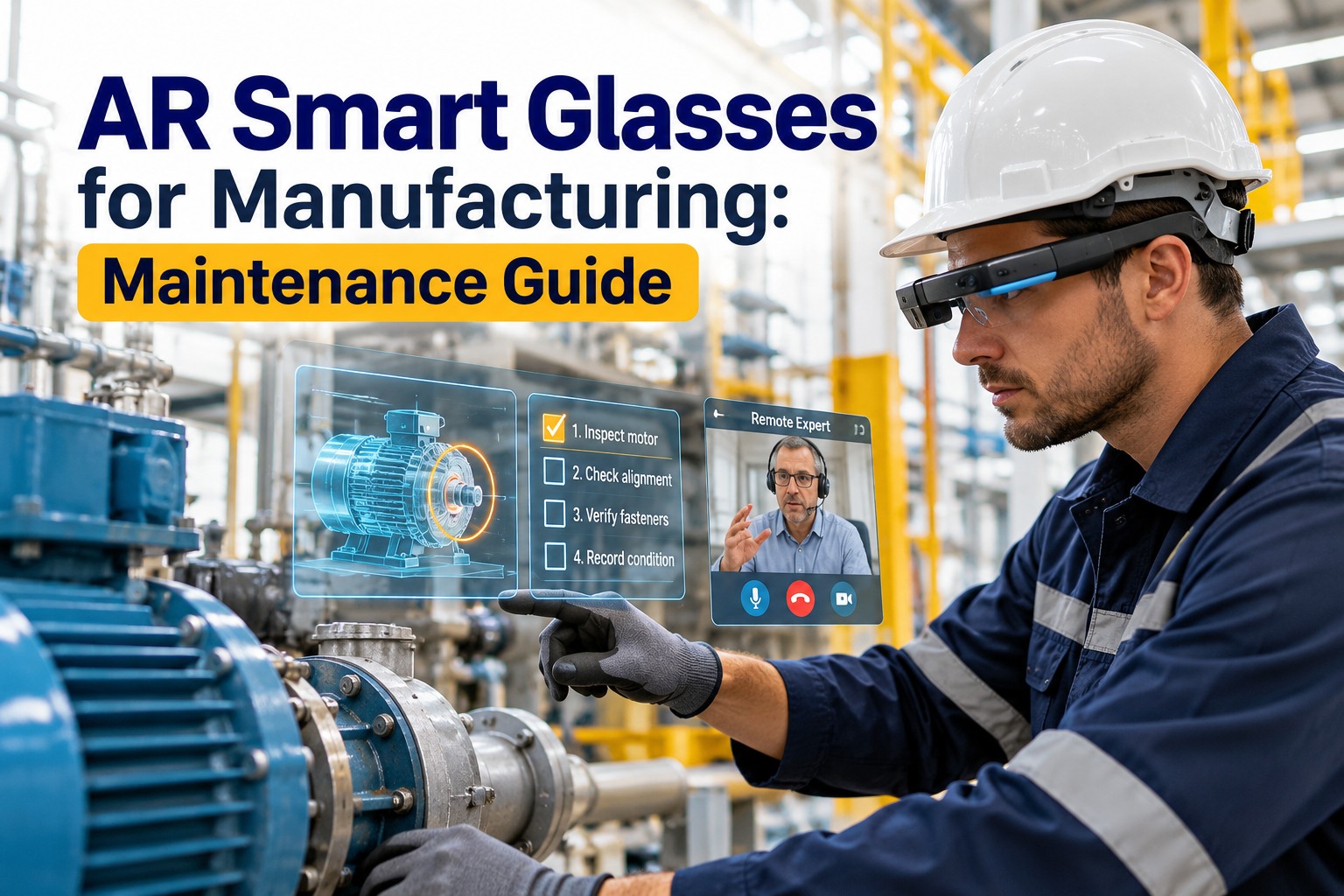
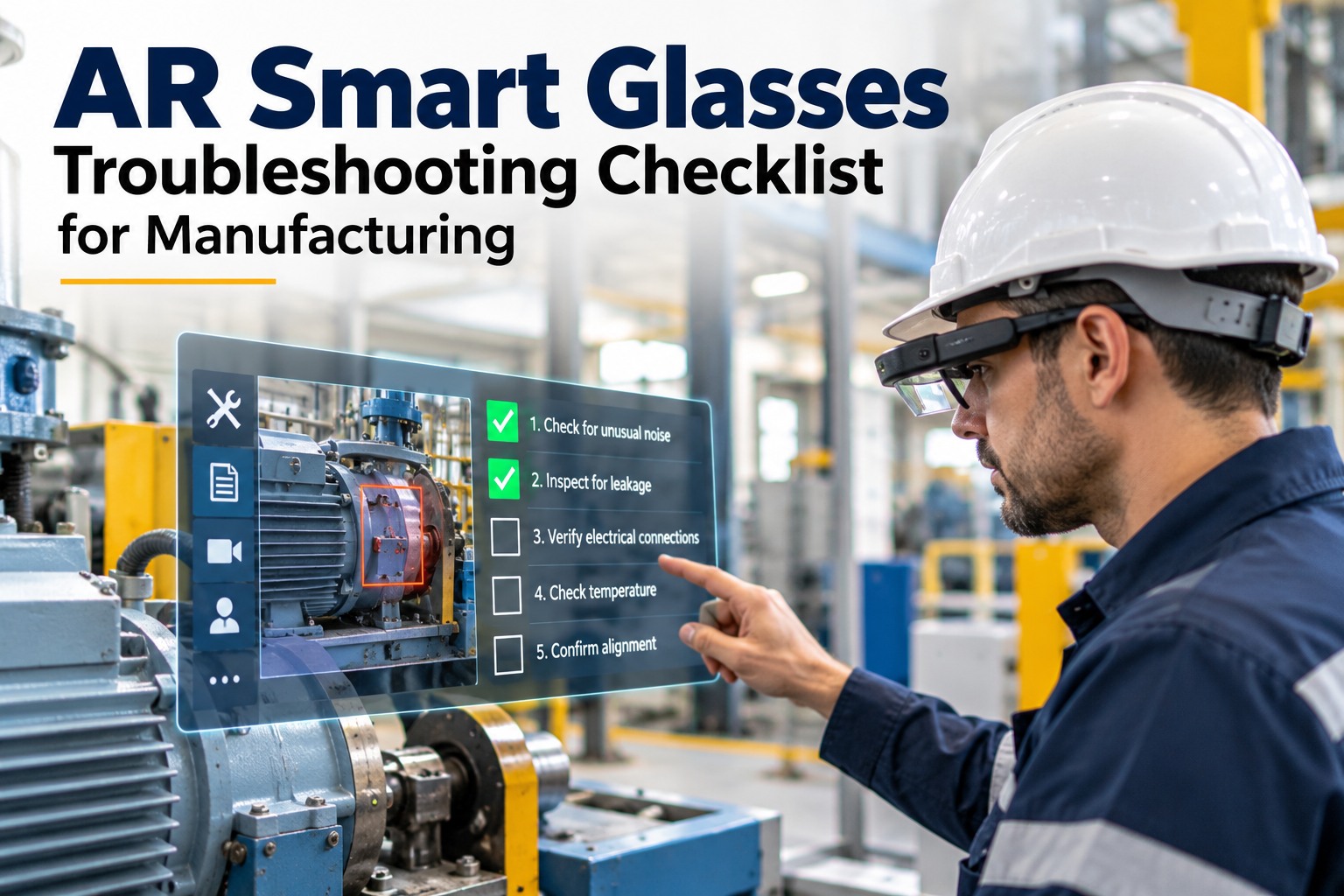
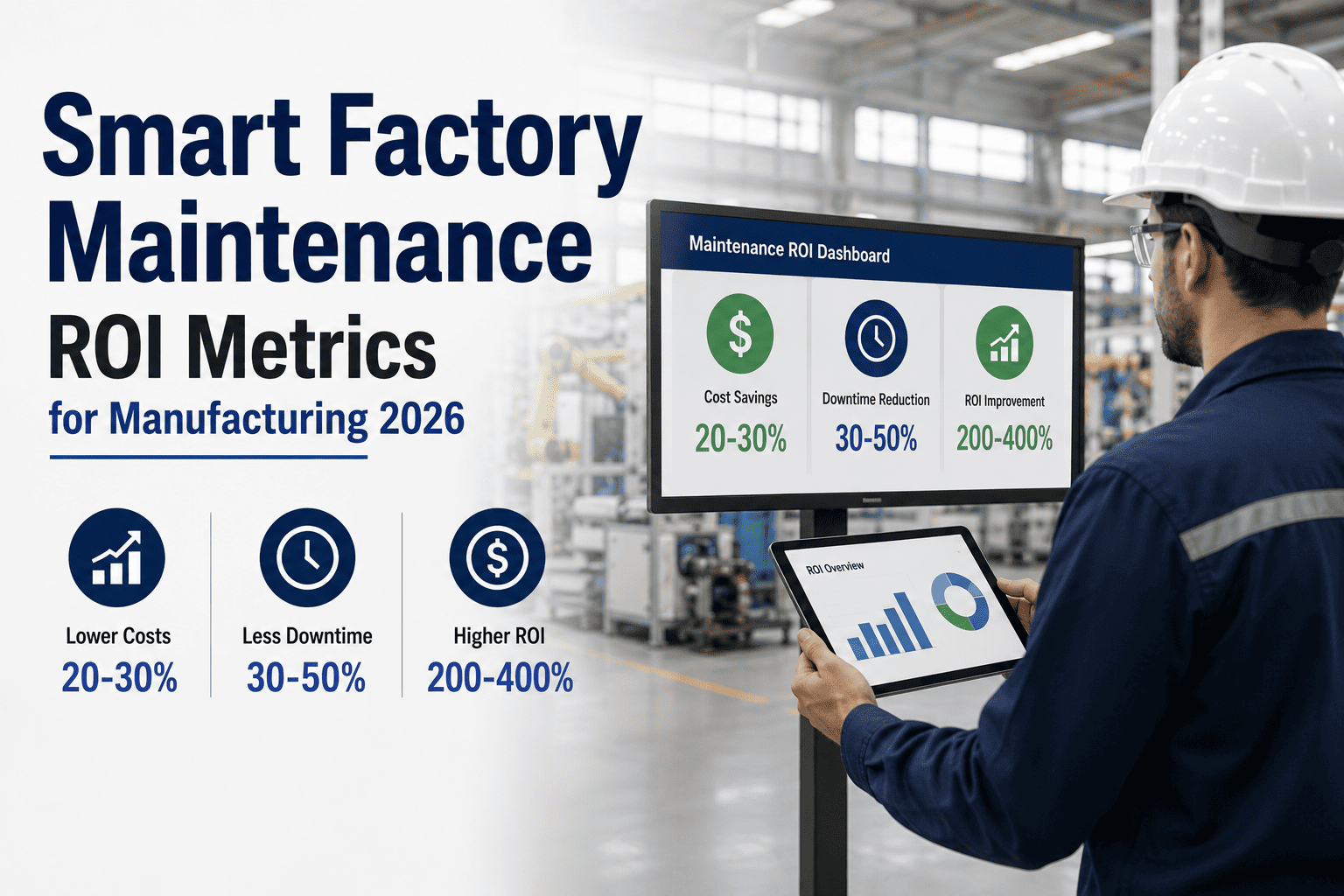
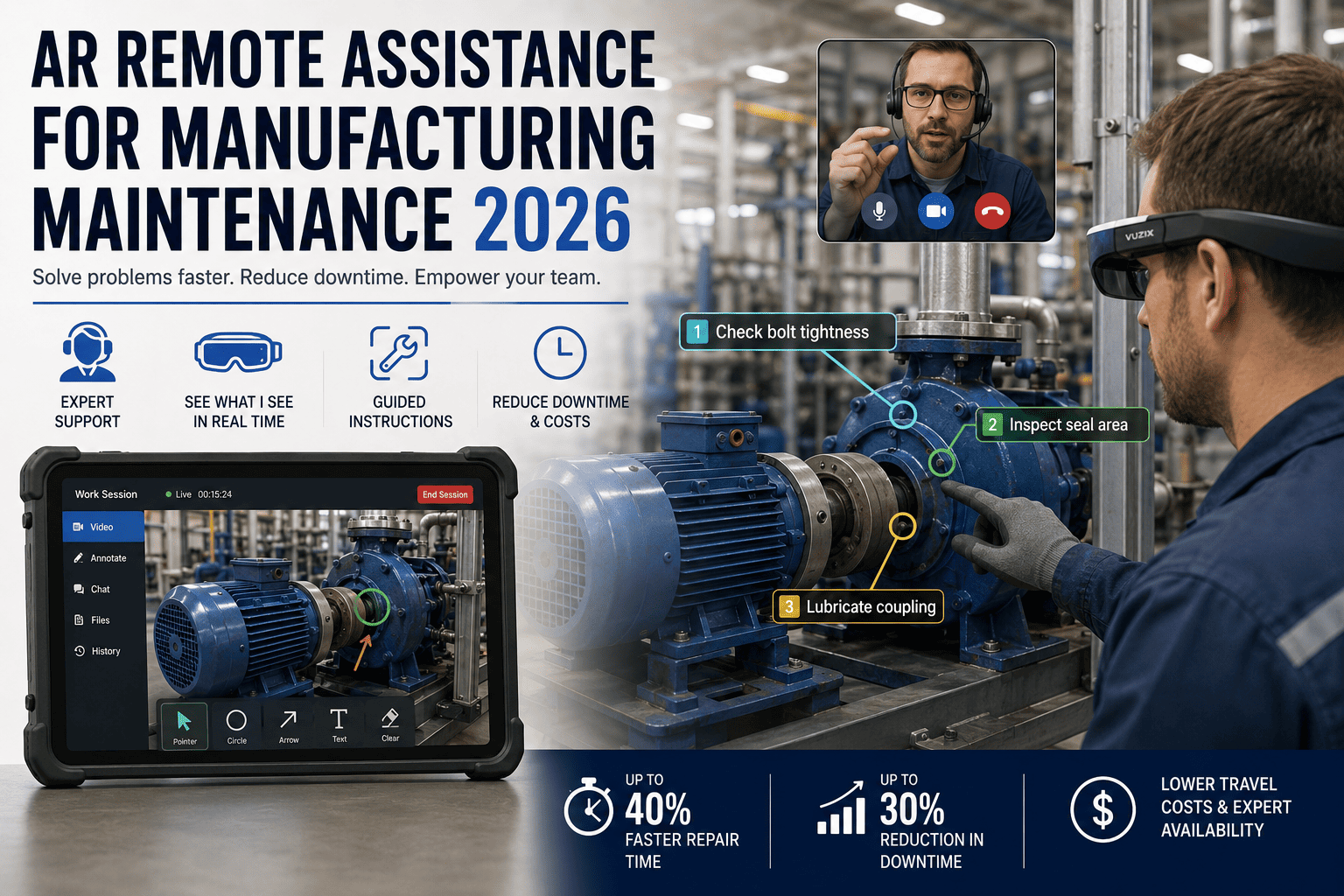
A maintenance technician spends 23% of every work order searching for documentation, radioing control rooms, or waiting for a senior engineer to arrive. AR smart glasses cut that wasted time to near zero by projecting work instructions, equipment history, and live expert guidance directly into the technician's field of view while both hands stay on the tools. Manufacturing plants deploying AR-assisted workflows report 25% improvements in first-time-fix rates, 32% fewer procedural errors, and payback windows of 9 to 18 months per deployed unit.
Smart Factory & Industry 4.0
Your Technicians Need Both Hands on the Machine. And the Manual. And the Radio.
AR smart glasses collapse three tools into one heads-up display, connect your CMMS work orders directly to the technician's line of sight, and let a remote expert see exactly what your frontline sees. Here is how manufacturing maintenance actually runs on AR wearables in 2026.
32%
Reduction in procedural error rates with AR-guided workflows versus paper and tablet-based instructions
25%
Improvement in first-time-fix rates reported by manufacturing firms after smart glasses deployment
40%
MTTR reduction achievable on complex maintenance tasks through AR guidance and live remote expert access
9-18
Month payback window per deployed AR unit based on avoided downtime and reduced training costs
The Short Version
AR smart glasses are ruggedized wearable computers that overlay CMMS work orders, equipment schematics, torque specs, and live video calls with remote experts directly onto the technician's field of view. Connected to Oxmaint, they turn every maintenance job into a guided, documented, and escalation-ready execution. Leading industrial devices cost $2,000 to $3,500 per unit and pay back within 9 to 18 months through reduced MTTR, higher first-time-fix rates, and faster technician onboarding.
What the Technician Actually Sees
The value of AR smart glasses is not the hardware itself. It is the information layer that appears in the technician's line of sight the moment they look at a machine. Oxmaint pushes work order data, asset history, safety checkpoints, and live expert streams into that layer so the technician never breaks focus from the equipment.
LIVE WORK ORDER
WO-2026-04817
PRIORITY 2
Asset in view
Conveyor Drive Motor 4B — Line 2
Last PM: 47 days ago · MTBF: 2,140 hrs · 3 open findings
STEP 3 of 9
Loosen coupling bolts. Torque spec appears when wrench is detected.
VIBRATION
4.8 mm/s RMS — 38% above baseline
REMOTE EXPERT
Raj K. connected · seeing your view
"Next step" · voice command active
Battery 84% · 6h 12m remaining
Representative heads-up overlay when Oxmaint pushes a work order to an AR smart glasses device. Every element replaces a trip to a clipboard, a control room radio call, or a wait for a senior engineer.
Why Paper, Tablets, and Radios Fail on the Factory Floor
01
Clipboard work orders lose the context trail
Paper checklists become illegible in dusty, oily, or high-humidity environments. Completed forms get filed without photo evidence, torque readings, or timestamped step completion data. Audit trails fall apart the moment a regulator asks for proof.
02
Tablets force technicians to put down their tools
Every tablet glance means setting down a wrench, removing gloves, unlocking a screen, and breaking concentration on a torque sequence. A 45-minute repair gets padded by 12 to 18 minutes of device fumbling across multiple steps.
03
Radio escalation describes problems, not shows them
Voice calls to a senior engineer require the technician to describe what they are seeing in words. Misinterpretation causes wrong parts to be fetched, wrong sequences to be executed, and second site visits when the expert finally arrives in person.
04
Tribal knowledge walks out the door with retiring techs
When a 30-year veteran retires, their mental model of equipment quirks, workaround sequences, and failure patterns leaves with them. Paper-based training captures less than 20% of that knowledge. New hires repeat the same mistakes for years.
Stop losing time between the work and the work order
Push Oxmaint Work Orders Straight Into the Technician's Line of Sight
Oxmaint connects to RealWear, Vuzix, HoloLens, and Google Glass Enterprise with no custom integration. Work orders, asset history, and step-by-step checklists appear on the heads-up display the moment a job is assigned.
The Four AR Maintenance Workflows That Drive ROI
Not every maintenance task benefits equally from AR wearables. The value concentrates in four workflow categories where hands-free information access, remote escalation, and visual documentation collapse hours off every incident. Book a demo to see which of your existing work order types qualify first.
Workflow 1
Guided Step-by-Step Repair Execution
Instead of memorising a 14-step motor alignment procedure, the technician sees each step overlaid on the equipment. Torque specs appear when a tool is detected in the field of view. Completion is confirmed by voice or gesture. Oxmaint logs the step timestamp automatically, creating an audit-ready execution record.
32%Fewer procedural errors
18-22%Faster execution per job
100%Step-level audit trail
Workflow 2
Remote Expert "See-What-I-See" Escalation
A junior technician encounters an unfamiliar fault. Instead of radioing a description or waiting hours for a senior engineer to travel, they trigger a live stream. The expert sees exactly what the technician sees, annotates the live view with circles and arrows, and guides the fix step-by-step. Travel costs collapse. MTTR collapses.
75%Faster escalation resolution
25%First-time-fix rate improvement
60%Reduction in expert travel hours
Workflow 3
Hands-Free Inspection and Data Capture
Technician walks a route of 40 assets per shift. At each asset, voice commands log gauge readings, capture reference photos, and mark pass or fail against a digital checklist. No paperwork, no transcription, no double-entry. The inspection report lands in Oxmaint the moment the route completes, with full photo evidence archived per asset.
40%Faster inspection routes
ZeroTranscription errors
EveryAsset photo-documented
Workflow 4
On-the-Job Training and Knowledge Capture
A senior technician performs a complex repair once. Their first-person view, voice narration, and step completion events are recorded. Oxmaint converts the recording into a reusable AR training module. The next technician sees the same overlay on the same equipment. Decades of tribal knowledge become structured, searchable, and repeatable.
40-60%Faster technician onboarding
50%Shorter time to competency
PermanentKnowledge archive
Industrial AR Device Landscape
The right AR wearable depends on environmental conditions, battery life, head-mounted display type, and whether the workflow requires full spatial AR or a reliable hands-free heads-up display. Oxmaint integrates with every major industrial device category.
Before and After: The Maintenance Day on AR
Traditional Maintenance Day
08:00
Technician prints paper work orders at control room, walks 400m to Line 2
08:18
Arrives at asset, realises work order lacks schematic reference, walks back
08:42
Returns with binder, starts diagnosis, hits unfamiliar fault code
09:15
Radios senior engineer, describes symptoms over noisy line
10:30
Senior engineer arrives on-site after finishing another job
11:45
Repair completed, technician writes findings on paper
14:00
Paper form entered into CMMS at day's end, no photos, no step timestamps
AR-Enabled Maintenance Day
08:00
Oxmaint pushes work order to technician's smart glasses, schematic pre-loaded
08:08
Arrives at asset, voice command pulls up full history and recent readings
08:15
Guided diagnosis overlay identifies fault code, links to resolution steps
08:22
Unfamiliar condition triggers live call, expert sees exactly what tech sees
08:35
Expert annotates live view, guides tech through resolution hands-free
09:20
Repair completed, voice command closes work order with photo evidence
09:21
Oxmaint has full audit trail: steps, photos, timings, expert involvement
How Oxmaint Connects to AR Smart Glasses
Technician Layer: AR Wearable Device
Heads-up display
Voice commands
POV camera
Live expert stream
Mobile API · Encrypted
Oxmaint Mobile CMMS Layer
Work order engine
Asset history
Digital checklists
Evidence archive
Cloud sync · Role-based access
Plant Systems Layer
IIoT sensors
SCADA / MES
ERP integration
Digital twin
No custom integration required. Oxmaint's mobile-first architecture pushes work orders to any supported AR device via standard API. Live video, voice-logged data, and photo evidence sync bidirectionally without middleware.
ROI Calculation: A Plant-Scale AR Deployment
Year One Return
MTTR reduction (28% on qualifying jobs)$446,000
Expert travel hours eliminated$112,000
Training time reduction for new hires$68,000
First-time-fix improvement (fewer return visits)$94,000
Error reduction (scrap, rework, safety)$73,000
Annual benefit
$793,000
Year-one investment (devices + platform)
$48,500
Payback period
Under 4 weeks
Deployment Roadmap: From Pilot to Plant-Wide
Phase 01
Weeks 1-3
Workflow Selection and Baseline
Identify 2 to 3 high-frequency maintenance workflows with measurable baselines: motor repair, conveyor alignment, hydraulic troubleshooting. Establish current MTTR, first-time-fix rate, and training time as KPIs to beat.
Phase 02
Weeks 4-8
Pilot Deployment
Deploy 3 to 5 AR units with a single crew on pilot workflows. Oxmaint pushes work orders, checklists, and asset history directly to the devices. Capture first-person repair recordings to build reusable AR training modules.
Phase 03
Weeks 9-16
Remote Expert Network
Connect senior engineers and OEM support contacts to the live expert stream. Configure escalation rules in Oxmaint so specific fault codes or priority levels trigger automatic expert notification with the technician's live view.
Phase 04
Months 5-9
Plant-Wide Scaling
Expand to full maintenance crew with device-per-technician or shared pool model. Board-ready reports show MTTR trending, first-time-fix improvement, and avoided downtime cost. Capital request for next-phase hardware gets approved on proven data.
From pilot to proven in under 90 days
Start Your AR Pilot on Your Highest-Downtime Workflow
What AR Smart Glasses Unlock in Oxmaint
01
Work Order Push to Heads-Up Display
Oxmaint assigns a work order to a technician, and the job appears on their AR device the moment they walk near the asset. Voice command opens the full task detail without a phone or clipboard.
02
Asset History at Line of Sight
QR anchor on the asset or machine vision recognises the equipment. Oxmaint pushes last 90 days of work orders, sensor readings, and open findings directly into the field of view.
03
Step-by-Step Guided Procedures
Digital SOPs appear one step at a time with voice-activated progression. Photo capture, gauge readings, and pass/fail marks feed back into Oxmaint as the step completes.
04
Live Remote Expert Streaming
One voice command connects the technician to a remote expert who sees the POV camera view, annotates the live feed, and guides the repair hands-free. Call recordings attach to the work order.
05
Automatic Evidence Archive
Every photo, voice log, gauge reading, and expert annotation attaches to the work order. Audits, warranty claims, and compliance reports pull from a structured evidence archive instead of scattered paperwork.
06
AI-Assisted Troubleshooting
When a technician encounters an unfamiliar fault, Oxmaint surfaces the top three likely causes based on asset history, sensor data, and past work orders from similar equipment across the fleet.
Frequently Asked Questions
Which AR smart glasses work with Oxmaint out of the box?
Oxmaint integrates with RealWear Navigator series, Vuzix M400 and Blade, Microsoft HoloLens 2, Magic Leap 2, and Google Glass Enterprise Edition 2 without custom development.
Book a demo to confirm your specific device model.
How long does a pilot deployment take from contract to live work orders on the devices?
A 3 to 5 device pilot on a single workflow typically goes live within 3 to 4 weeks. No custom integration is required for supported device models.
Start your free trial to begin workflow scoping immediately.
Can AR glasses operate in hazardous or ATEX-classified areas?
Yes. RealWear HMT-1Z1 is ATEX Zone 1 certified, and Navigator devices are available in intrinsically safe variants. Oxmaint workflows run identically on both standard and ATEX hardware.
Is remote expert video streaming secure enough for industrial use?
Enterprise AR platforms use encrypted video streams with role-based access control and session logging. Oxmaint enforces user permissions per asset, per work order, and per expert role.
Book a security review demo for detailed policies.
What happens to AR devices when Wi-Fi or cellular coverage drops?
Oxmaint caches the active work order, checklist, and asset history on-device. Voice-logged data queues locally and syncs automatically when connectivity returns. Live expert streaming requires connectivity, but guided procedures continue offline.
Do technicians need special training to use AR smart glasses effectively?
Most technicians reach productive competency within 2 to 4 hours of hands-on orientation. Voice commands are intuitive, and guided procedures reduce cognitive load rather than adding it.
Schedule a demo to see the onboarding flow.
How does AR deployment pay back versus just upgrading to a tablet-based CMMS?
Tablets solve the digital work order problem but not the hands-free execution problem. AR adds 18 to 22% faster execution, 75% faster expert escalation, and full photo/voice evidence capture. Payback typically runs 9 to 18 months per unit.
Industry 4.0, worn on the technician's head
Your Next Maintenance Job Should Be Guided, Documented, and Escalation-Ready Before the Technician Touches a Tool
Oxmaint pushes work orders to AR smart glasses, captures hands-free evidence, and connects live remote experts without any custom integration. Start a pilot on one workflow and prove the ROI before scaling.