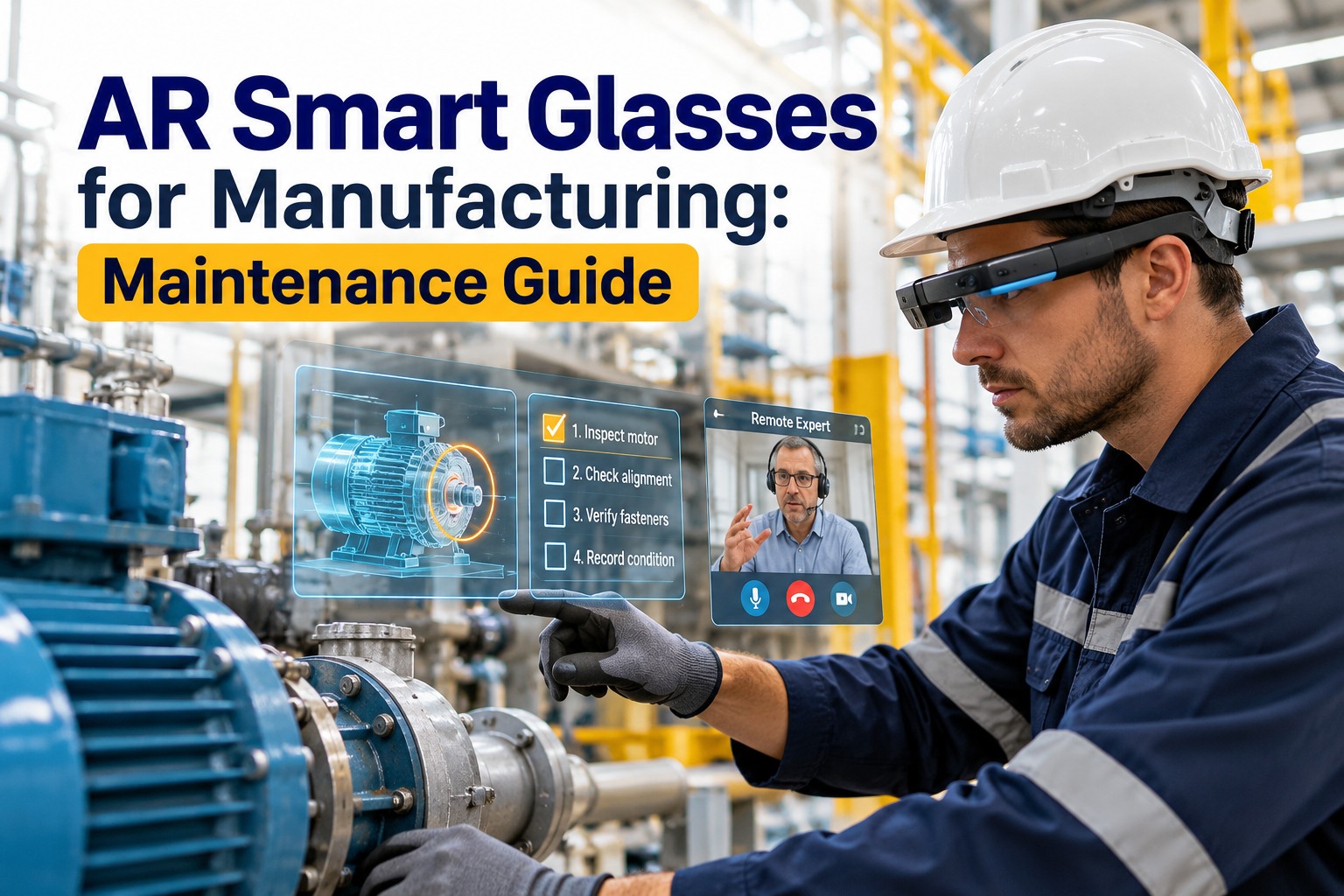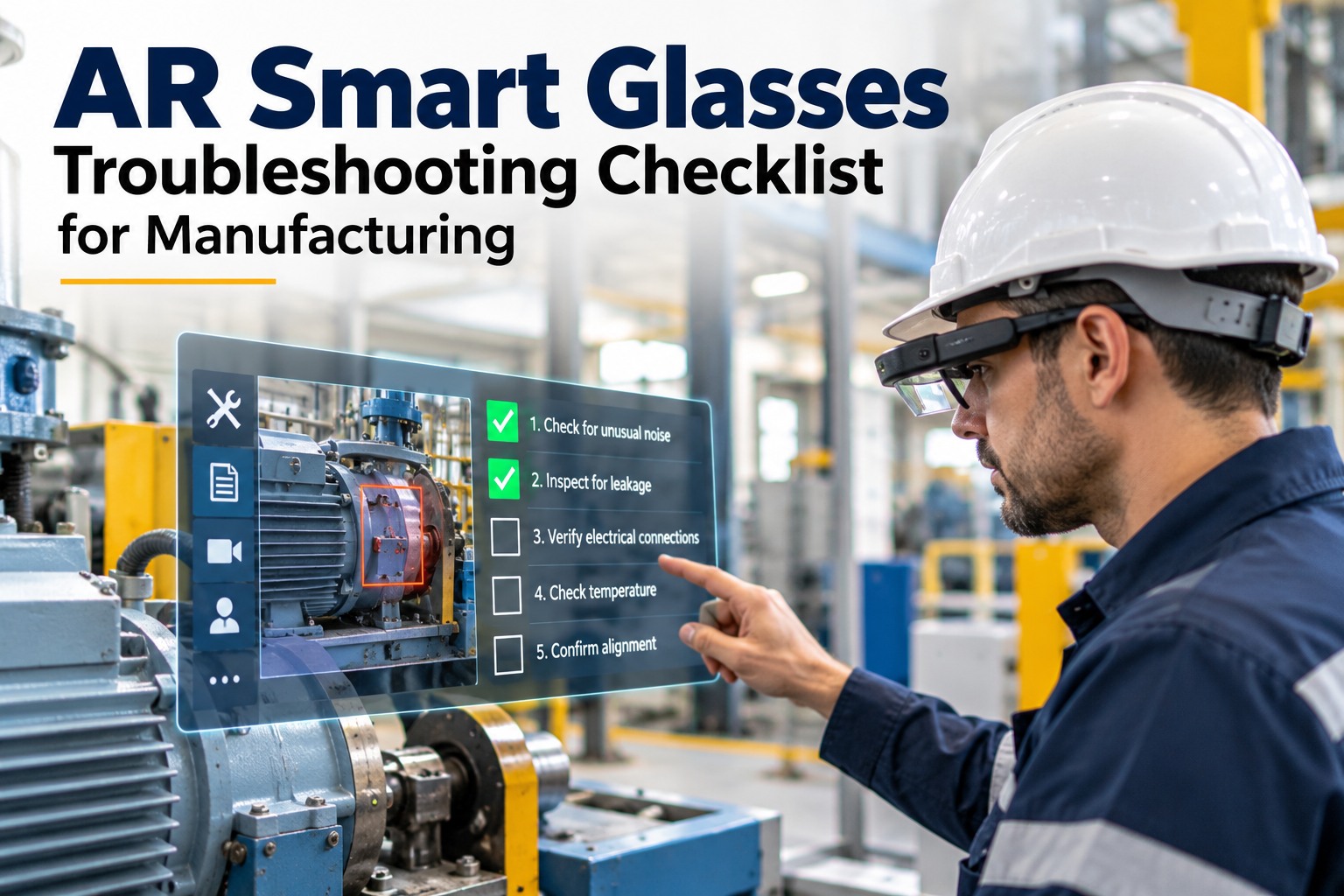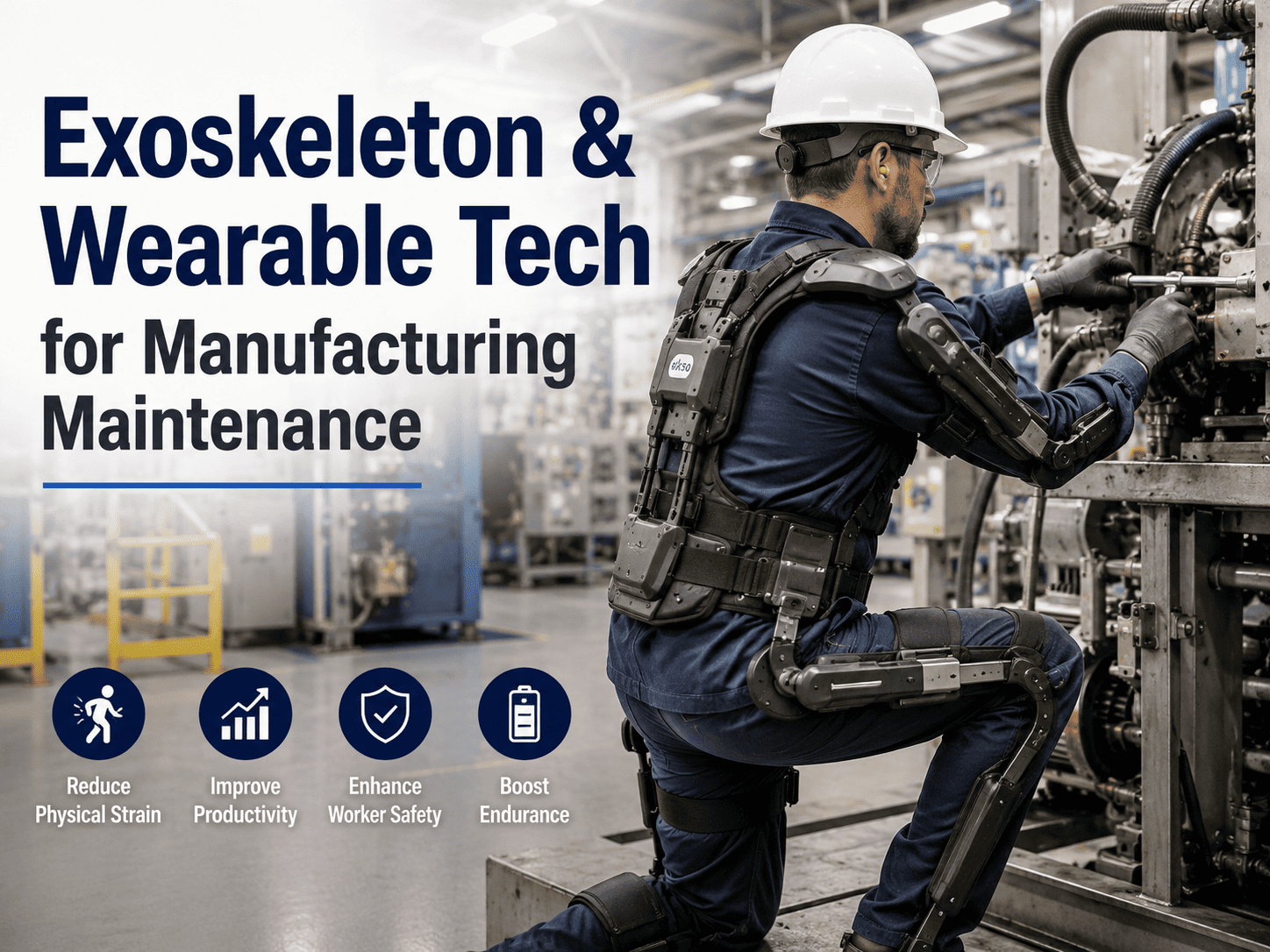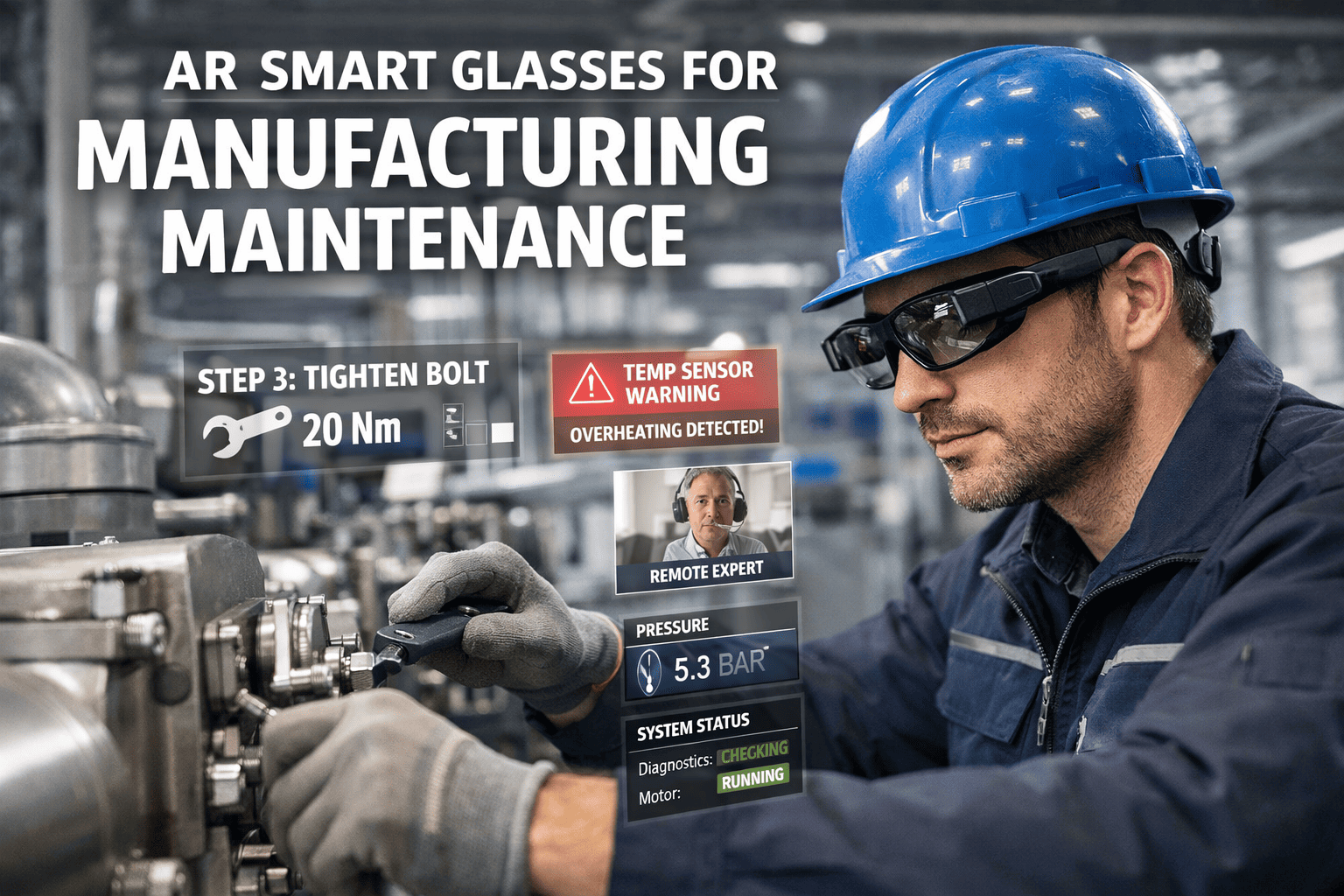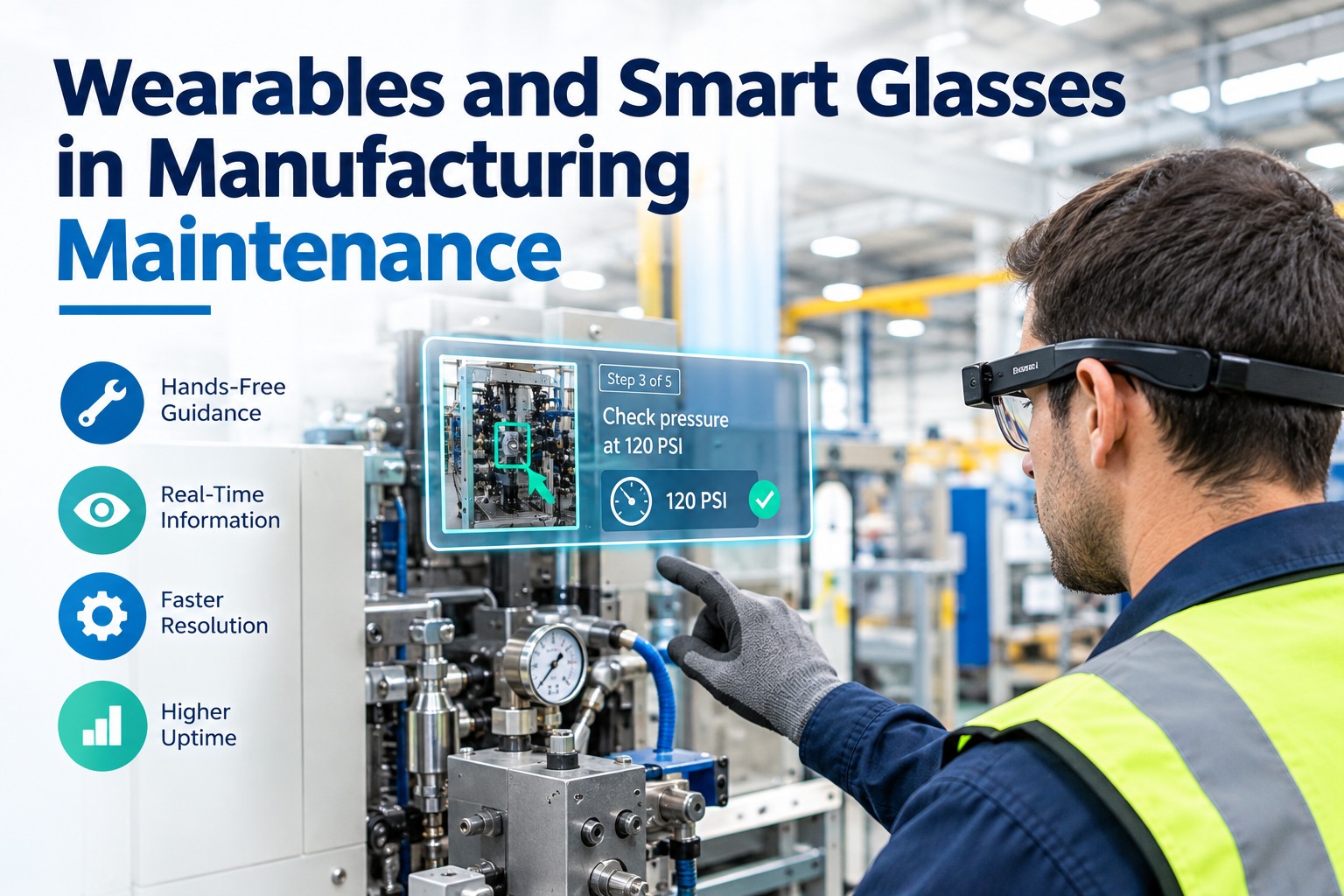
A maintenance technician spends a surprising share of every job not fixing anything they're walking back to a terminal, putting a tool down to swipe a tablet, or waiting on a phone call to reach the one engineer who's seen this fault before. Wearables and smart glasses remove those interruptions: the SOP sits in the technician's line of sight, readings get captured by voice, and a remote expert sees exactly what the frontline sees — all without a hand leaving the work. This guide is a practical playbook: the hardware options that actually survive a plant floor, how to tell which jobs are worth the glasses, the network and battery realities nobody mentions in the demo, and how to run a pilot that scales instead of stalling.
Wearables & Smart Glasses in Maintenance: From Demo-Floor Novelty to Production Tool
Hands-free wearables let a technician consult procedures, log readings, and pull in an expert without ever putting a device down. The technology is mature — the hard part is choosing the right hardware, picking the right jobs, and running a pilot that earns its way to rollout. Here's how to do all three.
The Real Problem Wearables Solve: The Micro-Break
Watch a technician on a complex job and count the micro-breaks — every time they stop the task to look something up, set a wrench down to scroll a tablet, or leave the machine to find a drawing. Each one breaks focus, adds minutes, and is where mistakes creep in. Wearables collapse those breaks: the information moves to the worker instead of the worker moving to the information. The value is highest exactly where a technician has to act, observe, and decide at the same time — which is most of skilled maintenance. Sign up free and the work order, checklist, and asset history push straight to the device the moment a job is assigned.
Step 1: Match the Hardware to the Floor
Not every device suits every plant. The choice comes down to environment, how long a shift runs, whether you need explosion-proof certification, and whether the task needs true spatial AR or just a reliable heads-up display. Here's how the main categories compare on the factors that decide a deployment. Book a demo to talk through which fits your floor.
| Device class | Best fit | Battery / shift | Ruggedness | Control |
|---|---|---|---|---|
| Assisted-reality headset (e.g. RealWear Navigator 520) |
Heavy industrial maintenance, inspections, remote expert calls | ~6–8 hrs, hot-swap battery for continuous shifts | IP66, ~2 m drop, hard-hat mountable | 100% voice, works in noise up to ~100 dBA |
| Intrinsically safe headset (e.g. RealWear Navigator Z1) |
Hazardous / explosive atmospheres — chemical, oil & gas, some process areas | Hot-swap, all-shift | ATEX Zone 1 / IECEx / Class 1 Div 1 certified | Voice-first, PPE-compatible |
| Monocular smart glasses (e.g. Vuzix M400) |
Lighter tasks, mixed workflows, situational awareness of surroundings | Hot-swappable batteries for varied shifts | Rugged, lightweight, PPE-friendly | Voice + touchpad |
| Spatial AR headset (e.g. HoloLens-class) |
3D overlay onto equipment, guided assembly, complex training | Shorter — better for bounded tasks than full shifts | Less rugged; indoor / controlled areas | Gesture + gaze + voice |
Rule of thumb: rugged voice-first headsets win on the plant floor for maintenance; save full spatial AR for guided assembly and training. In classified areas, intrinsic safety isn't optional — it's the whole decision.
Step 2: Pick the Jobs Worth the Glasses
Wearables don't pay off on every task — they pay off where hands-free access, remote escalation, and visual capture actually save time. Before a pilot, sort your work orders against these four signals. If a job hits two or more, it's a strong candidate. Try OxMaint free and tag which of your existing work-order types qualify first.
The Glasses Weren't the Hard Part. Connecting Them to the Work Was.
Plenty of pilots stall because the wearable becomes a fancy video-call device disconnected from the actual work order — readings captured on the glasses never reach the system, and supervisors still wait for paper at shift end. OxMaint's mobile-first CMMS pushes the live work order, checklist, and asset history onto the heads-up display, and every step, measurement, and sign-off syncs back in real time. The glasses connect through the same mobile API a phone uses — integration in days, not months.
Step 3: The Realities the Demo Skips
Every wearables demo runs on a perfect network with a full battery. Your plant floor is neither. These are the three practical constraints that decide whether a rollout survives contact with reality — plan for them before you buy, not after. Book a demo to pressure-test them against your environment.
Step 4: Run a Pilot That Actually Scales
The pilots that fail try to boil the ocean — every device, every crew, every task at once. The pilots that scale start narrow, prove a number, and expand on evidence. Here's the arc that works. Start free and connect a handful of devices to live work orders before you commit to a fleet.
Why the CMMS Connection Is the Whole Game
A wearable is only as valuable as what it's connected to. Untethered, it's a hands-free camera. Wired into the work-order lifecycle, it becomes a guided, documented, escalation-ready execution layer — and that's where the time savings actually live. Book a demo to see the full loop: job assigned, guided on the display, synced back live.
Start with the workflow that hurts most, connect the glasses to live work orders, prove the number, and scale on evidence — with the CMMS carrying the work order to the display and the results back. Try OxMaint free or book a demo to see it on your floor.
We were skeptical — smart glasses felt like a gadget. So we piloted exactly one thing: remote expert assist on our two most complex lines, six headsets, one number to move. Because the glasses fed our work orders through OxMaint, every call was documented and every reading landed on the job automatically. First-time fix on those lines climbed, the callbacks dropped, and our best engineer stopped driving two hours to look at things a junior tech could handle with him watching. We scaled on that result, not on the hype.
Frequently Asked Questions
Put the Work Order Where the Technician Is Already Looking.
OxMaint pushes live work orders, checklists, and asset history onto the smart-glasses display, captures readings and sign-offs hands-free, and syncs everything back in real time — connecting RealWear, Vuzix, HoloLens, and Google Glass through the standard mobile API in days, not months. Start with one workflow and scale on the result. Start free — no credit card, unlimited users, forever. Or book a demo.