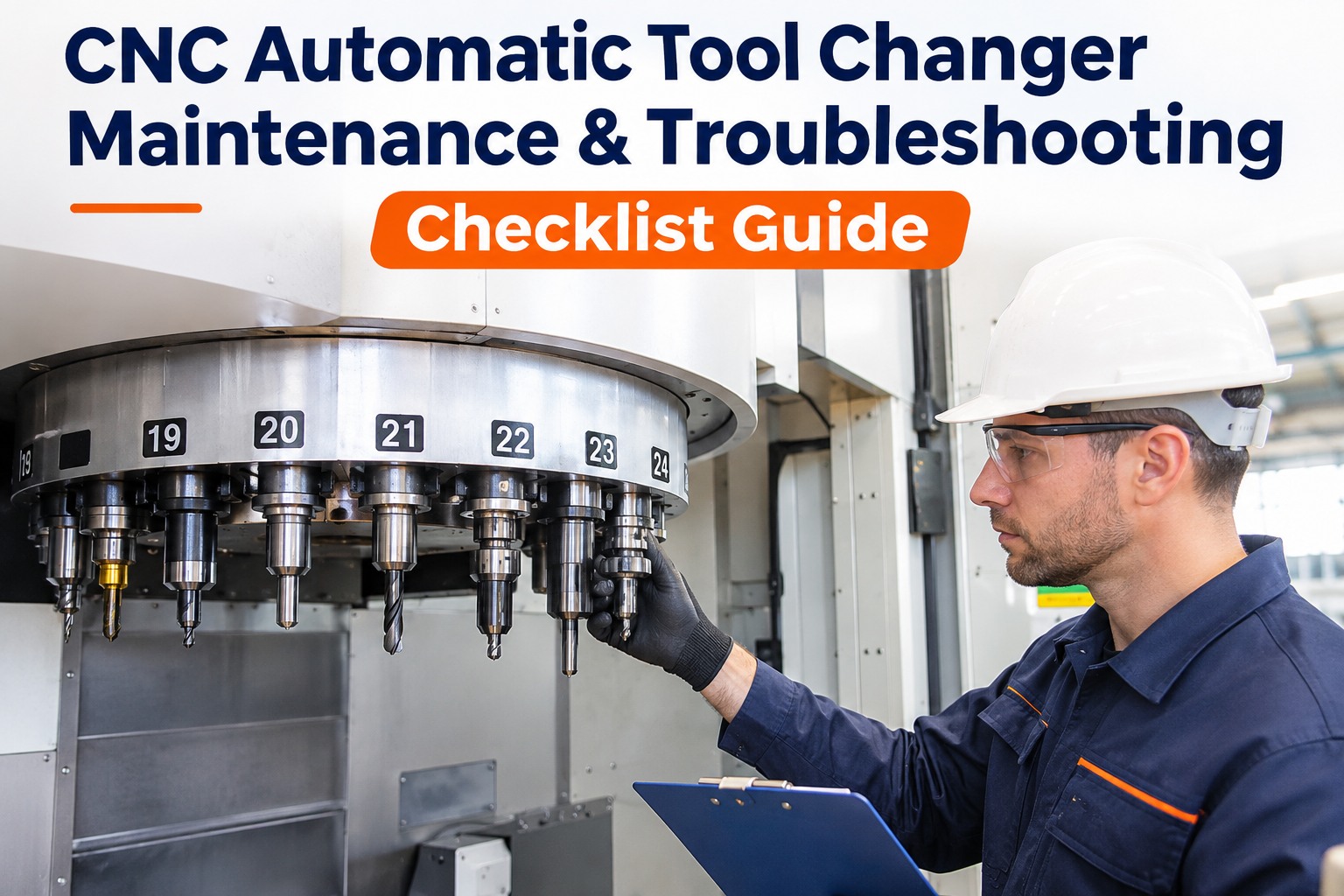
When an automatic tool changer misses, the whole cell stops. A dropped tool, a gripper that does not release or a spindle that will not unclamp can turn a lights-out shift into a morning of recovery. Most ATC alarms trace back to a short list of mechanical causes: dirty tapers, worn pull studs, weak drawbar force, misaligned arms and low air pressure. This checklist covers the magazine, arm, gripper, drawbar and pull studs, plus the alarms they cause. Sign In to Try Micro App to see tool changer faults tracked in a working plant, or book a demo to see ATC checks as PM.
CNC Automatic Tool Changer Maintenance & Troubleshooting Checklist
Magazine, arm, gripper, drawbar force and pull-stud checks, plus fixes for the tool changer alarms that stop machining cells. Sign in to the micro app and see a real tool changer fault already recorded on a ready-made plant.
ATC Maintenance Checklist by Area
- Clean pockets and check retention clips
- Inspect chain or disc for wear and tension
- Confirm indexing stops cleanly at each pocket
- Check pocket orientation and tool numbering
- Check arm alignment to spindle and pocket
- Inspect gripper fingers, keys and springs
- Look for scoring on tool flanges
- Lubricate cams and slides as specified
- Clean the spindle taper every shift
- Measure drawbar clamping force on schedule
- Check unclamp air or hydraulic pressure
- Listen for slow or noisy unclamp
- Inspect pull studs for wear and cracks
- Torque pull studs to the specified value
- Clean holder tapers and flanges
- Retire holders with fretting or damage
Common ATC Alarms and Fixes
| Alarm or symptom | Likely cause | Fix |
|---|---|---|
| Tool unclamp fault | Low air pressure or weak unclamp cylinder | Check supply, regulator and cylinder |
| Tool clamp not confirmed | Worn pull stud, dirty taper, weak drawbar | Clean, test drawbar force, replace stud |
| Arm overtravel or position alarm | Arm out of alignment or sensor shifted | Realign arm and verify sensors |
| Magazine not in position | Indexing sensor or chain tension | Adjust tension, check sensor |
| Tool dropped on change | Gripper wear or arm misalignment | Replace gripper parts, realign |
Catch Drawbar and Pull Stud Wear Before It Drops a Tool
The demo plant already has a completed CNC tool changer misload on one machining center and a late compressor service on hold. Sign in to the micro app and see both on the board before you add your own machines.
See a Tool Changer Fault in a Working Plant
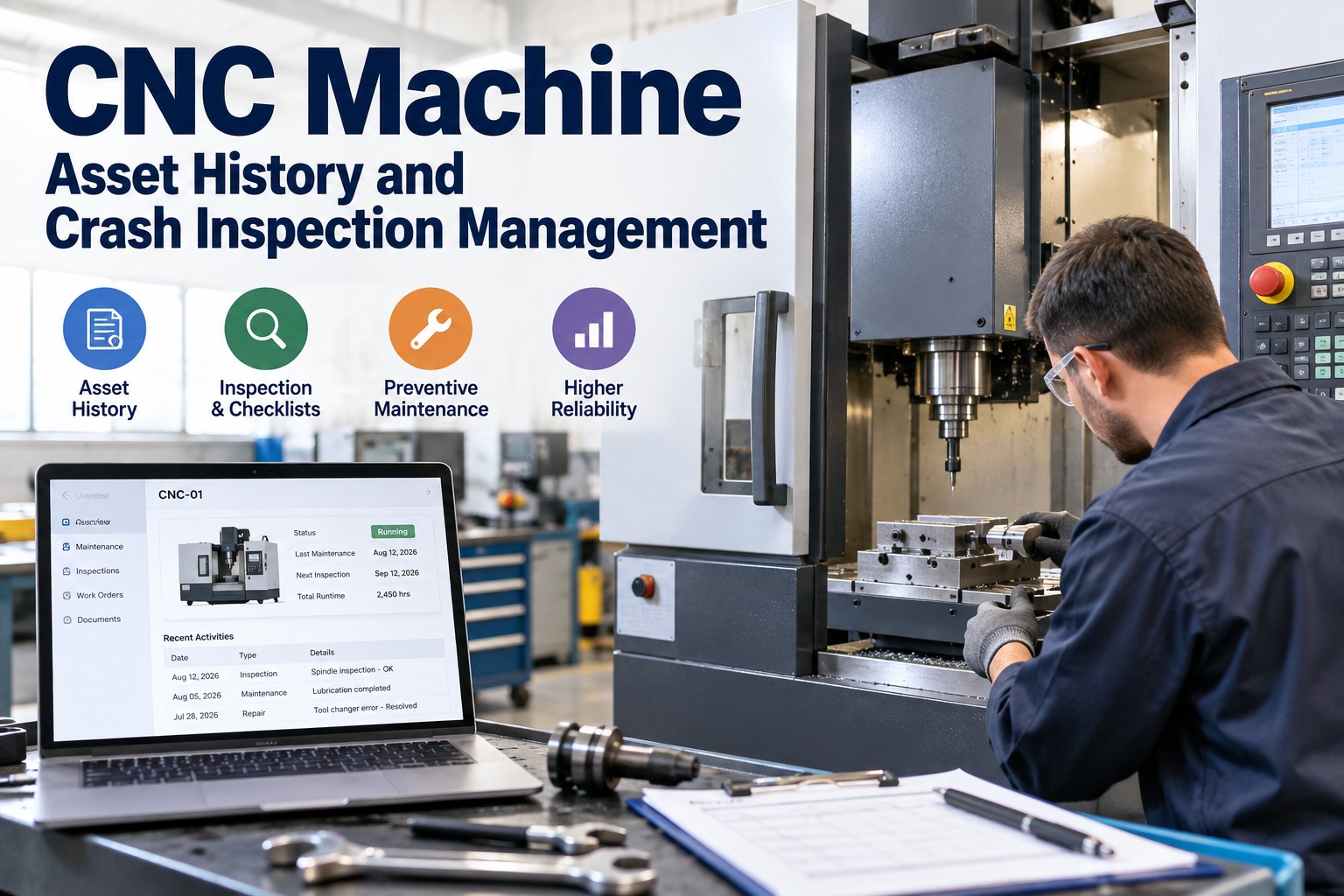
The Oxmaint AI portal opens on a ready-made metal fabrication and assembly plant: 58 machines, including four CNC machining centers, plus parts and stock, PM schedules and two months of work orders. The Kanban Board can be searched by work order, title, machine or technician. Search for CNC Machining Center 02 and you find a completed CNC tool changer misload, the kind of ATC fault this checklist is meant to prevent.
These are the portal's starting records. Anything you add or change is saved and shared with everyone signed in, so the numbers you see will move. Sign In to Access Micro App
Unclamp Faults Often Start at the Compressor
A tool unclamp fault is often an air problem, not a spindle problem. In the demo plant, Screw Air Compressor 01 has its 2,000 hour service on hold and late. The dashboard puts it on the "Needs attention" list alongside the other late high-priority jobs.
When several CNC machines raise unclamp faults in the same week, check the air supply first. The compressor is its own asset in the register, so its late service shows up next to the machines that depend on air. Get Started with Micro App
What Happens When a Check Fails
Each Machining Center Has Its Own Record
In the Asset Master, each machining center has its own code, location, criticality and health score. Asset QR generates a unique code for each one. Print the tag, attach it to the machine, and an operator who sees a tool changer alarm can scan it to open a maintenance request already filled in with that machine.
Which Part of the Portal Does What
- PM Schedules and PM Forecast: drawbar force and pull stud checks with an interval and the next due dates
- Daily Checks and Inspection: shift taper cleaning, with inspections recorded, failed and findings open
- Asset QR: a printed tag on each machine opens a request already filled in with that machine
- Asset Master: every machine by site and area, with status and criticality
- Work Orders and Kanban Board: every job from Open to Completed, late jobs flagged, search by machine or technician
- Parts, Stocks and Parts Readiness: pull studs, gripper parts and disc springs as part lines with minimums
- Purchasing: Purchase Orders and Demand Parts for what runs low
- Dashboard and KPIs: Needs attention list, assets down and MTTR, counted from the live record
Most tool changer crashes start as small wear on pull studs, grippers or drawbar springs. Measuring drawbar force against a limit on schedule turns a hidden failure into a planned repair.
Frequently Asked Questions
Keep the Tool Changer Changing
A dropped tool costs far more than a drawbar check. Sign in to the micro app, search a machining center's work orders on a ready-made plant today, and add your own machines when you are ready.