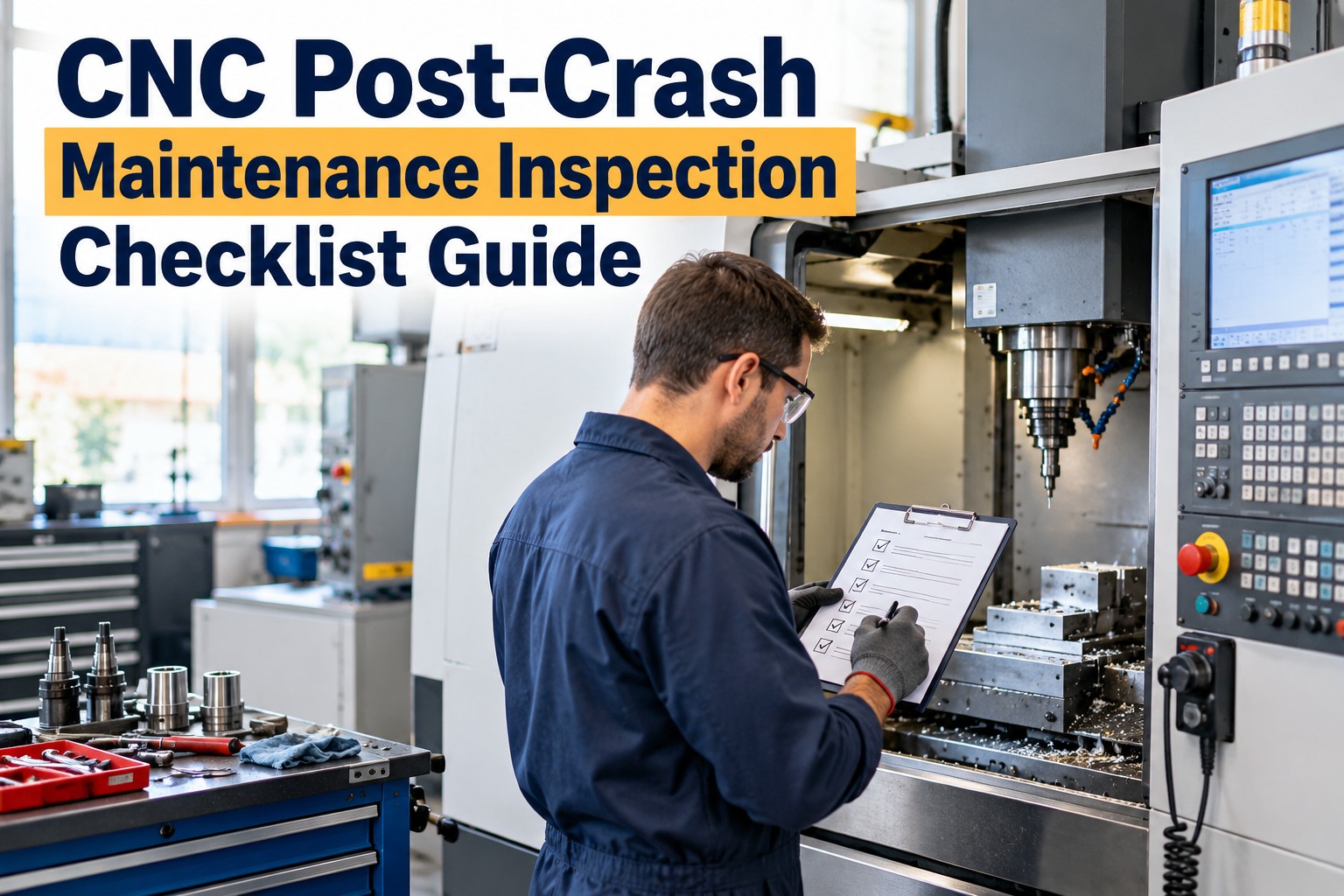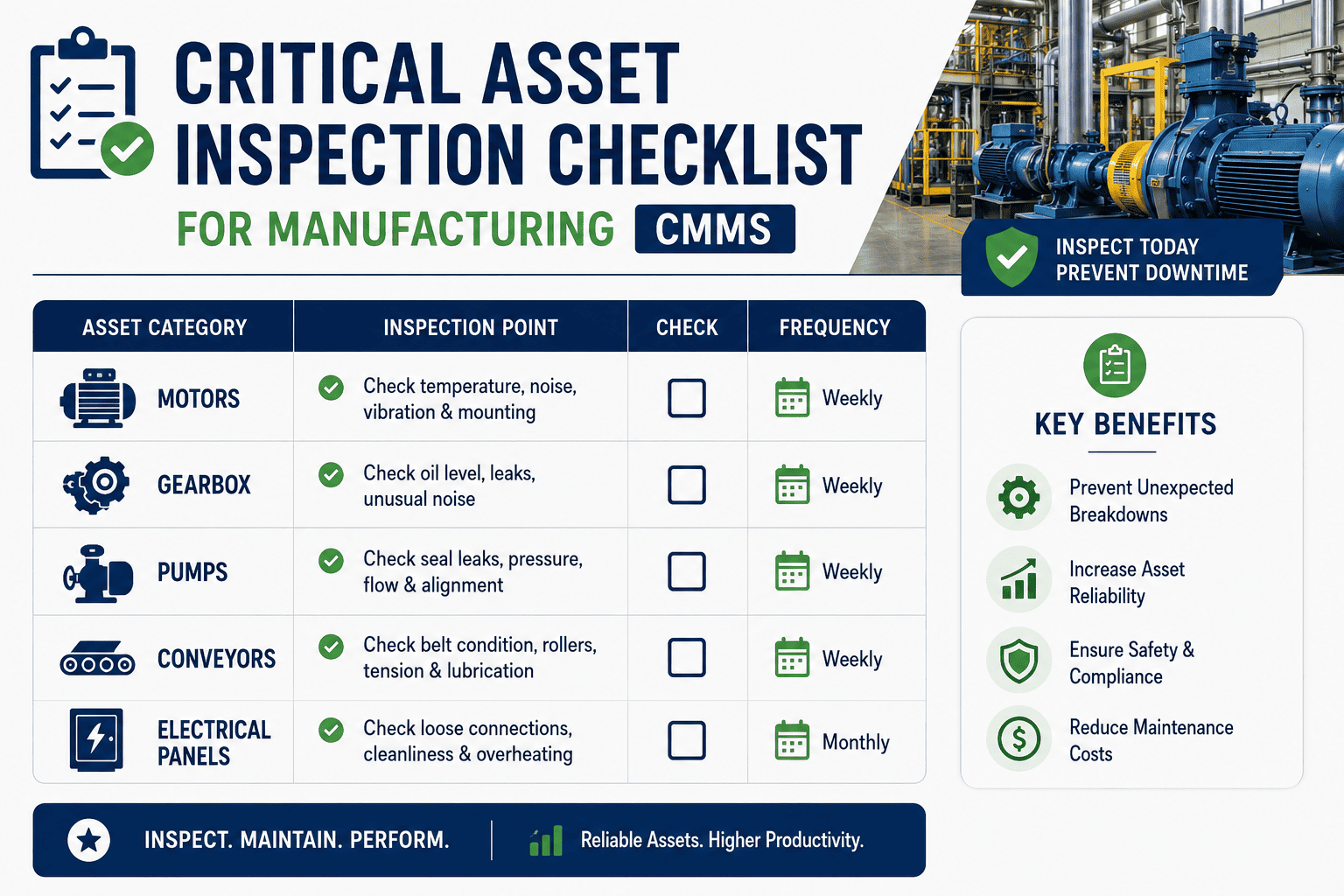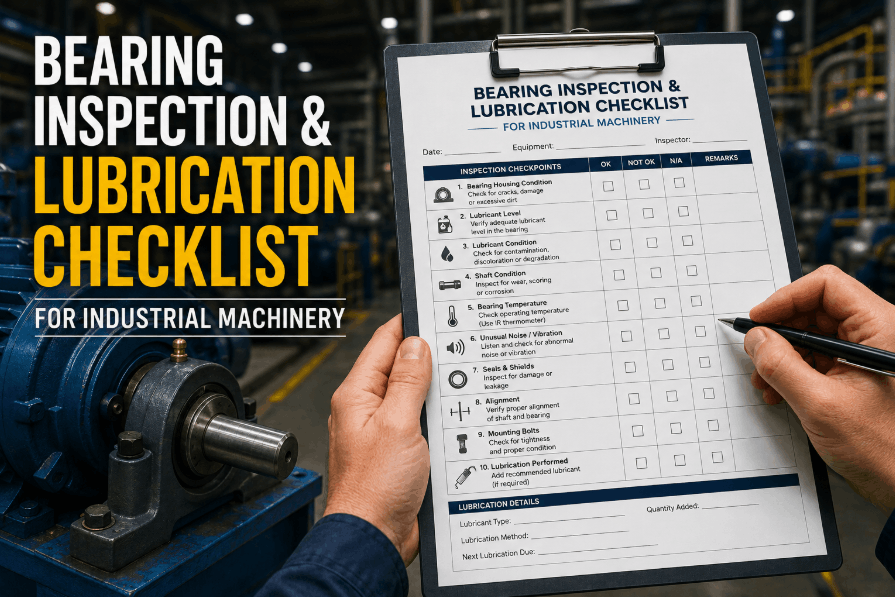
A CNC crash is loud, fast, and over in seconds — a tool plunges into a fixture, a collision alarm fires, and the operator resets the machine and gets back to running parts. What doesn't happen nearly as often is the inspection that should follow: checking spindle runout, axis backlash, and tool holder condition before trusting that machine with a tight-tolerance job again. A crash that isn't inspected and logged doesn't disappear — it just shows up later as an out-of-spec part nobody can explain. This guide walks through how to manage CNC asset history and post-crash inspection properly — what to check, how to log it, and how a crash becomes a tracked event instead of a rumor on the shop floor - using OXMAINT AI, the AI-powered CMMS that keeps every crash, inspection and repair tied to that specific machine's history.
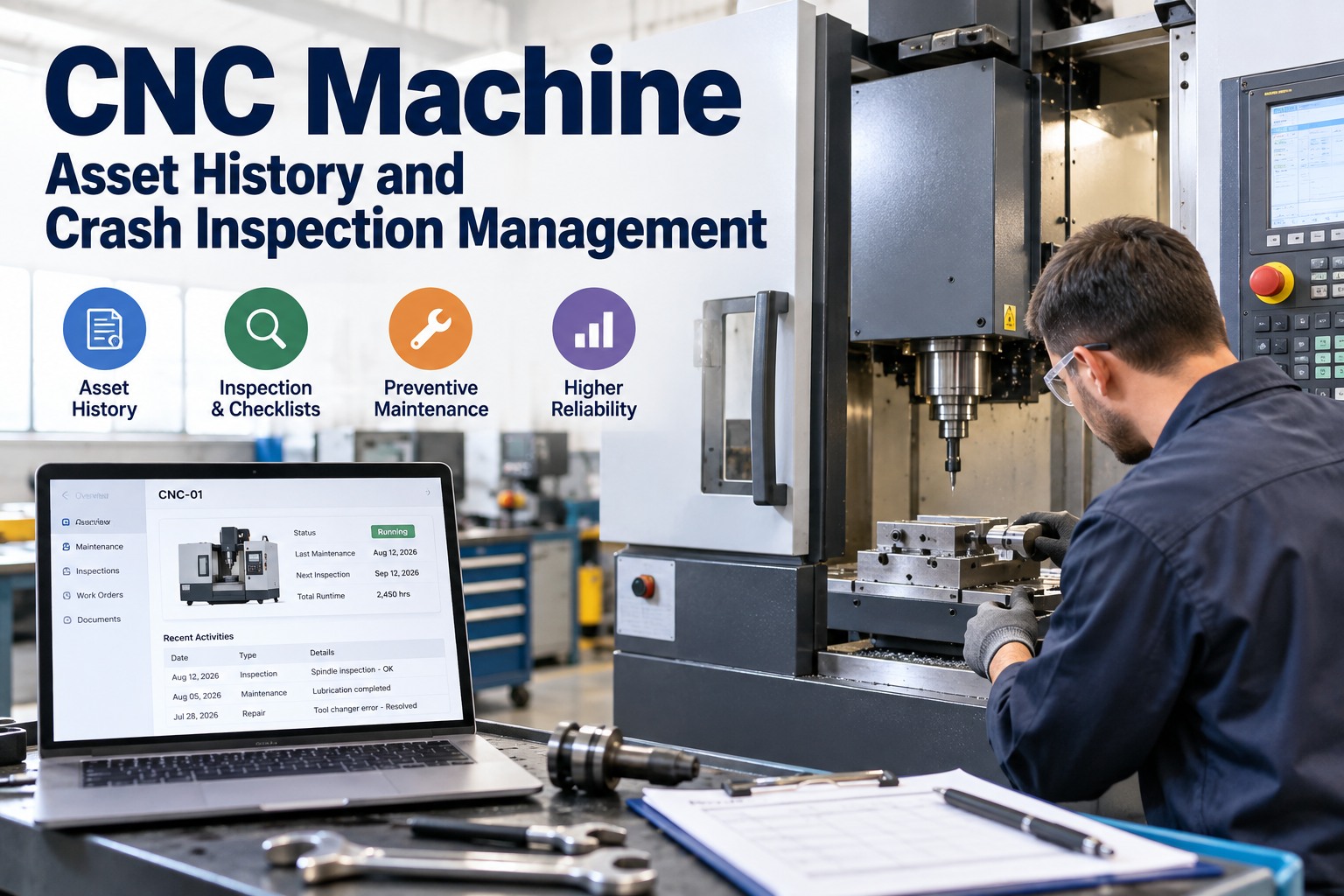
CNC Machine Asset History and Crash Inspection Management
A crash that only lives in an operator's memory can't protect the next job run on that machine. OXMAINT AI connects the full workflow: a crash gets logged against the specific machine the moment it happens, that event opens a post-crash inspection checklist automatically, any finding outside spec converts into a corrective work order, and the whole sequence — crash, inspection, repair, verification — becomes part of that machine's permanent asset history for the next calibration or PM cycle to reference.
Why "It Seemed Fine After the Reset" Isn't an Inspection
A machine can look and sound normal immediately after a crash and still be carrying damage that only shows up as a part out of tolerance three jobs later — a spindle with slightly more runout than before, a ballscrew with new backlash, a tool holder that's no longer perfectly seated. The reset clears the alarm; it doesn't clear the risk. Start free and start logging crash events in OXMAINT AI.
- Crash cleared from the alarm log, never logged anywhere else
- No standard checklist run before the machine goes back into production
- Spindle and axis condition checked only if something seems obviously wrong
- No record connecting a later out-of-spec part back to an earlier crash
- Machine's crash history lives in shift-change conversation, if at all
- Every crash logged against the specific machine, timestamped
- A standard post-crash checklist runs before the machine returns to production
- Spindle, axes and tool holder condition checked every time, not just when something seems off
- A later quality issue can be traced back to a prior crash on the same machine
- Full crash history sits on the machine's own record for anyone to review
The Crash-to-Repair Workflow
A crash isn't one event — it's a sequence that either happens consistently or gets skipped under production pressure. OXMAINT AI runs the same four steps every time, so the checklist doesn't depend on how busy the shift is. Book a demo to see this workflow run on your own machines.
What a Post-Crash Checklist Should Cover
A generic "check the machine" note isn't a checklist. This is a general reference for what a post-crash inspection typically covers — your own machine builder's specifications and your shop's standards should set the actual acceptance criteria. Sign up free and build your own post-crash checklist in OXMAINT AI.
| Check | What to look for | Why it matters after a crash |
|---|---|---|
| Spindle runout | Deviation from the spindle's normal runout reading | A crash can shift spindle alignment even without visible damage |
| Axis backlash | Play in the ballscrews on the affected axis or axes | An impact can introduce backlash that shows up as dimensional drift |
| Tool holder & toolholding | Damage to the holder, taper, or clamping mechanism | A damaged holder can seat incorrectly on every tool change afterward |
| Visual & alignment | Fixture, table, and guarding condition at the crash location | Catches obvious damage a runout or backlash check alone might miss |
The Part That Comes Back Out of Tolerance Three Jobs Later Started Here.
A crash that isn't properly inspected doesn't cost you today — it costs you the next time that machine runs a tight-tolerance part. OXMAINT AI makes sure the checklist runs every time, not just when someone remembers.
One Crash, Start to Cleared
Here's how a single crash event actually moves through OXMAINT AI. Book a demo to see this on your own shop floor.
Informal Reset vs. Tracked Crash History
| What matters | Crash cleared, no record | Tracked in OXMAINT AI |
|---|---|---|
| Where the crash is documented | Nowhere, or a verbal shift handoff | Logged against the specific machine |
| Inspection before returning to production | Depends on who's on shift and how busy they are | Standard checklist triggers automatically |
| Connecting a later quality issue to a past crash | Nearly impossible to trace | Both events sit on the same machine history |
| Repair verification | Often informal or skipped | Logged against the same work order |
| Crash frequency by machine | Not tracked at all | Visible over time on the asset record |
Frequently Asked Questions
Turn Every Crash Into a Checklist, Not a Story Told at Shift Change.
Log every crash against its specific machine, run the same inspection checklist every time, and let a flagged finding draft its own corrective work order — building a real history your team can trust.