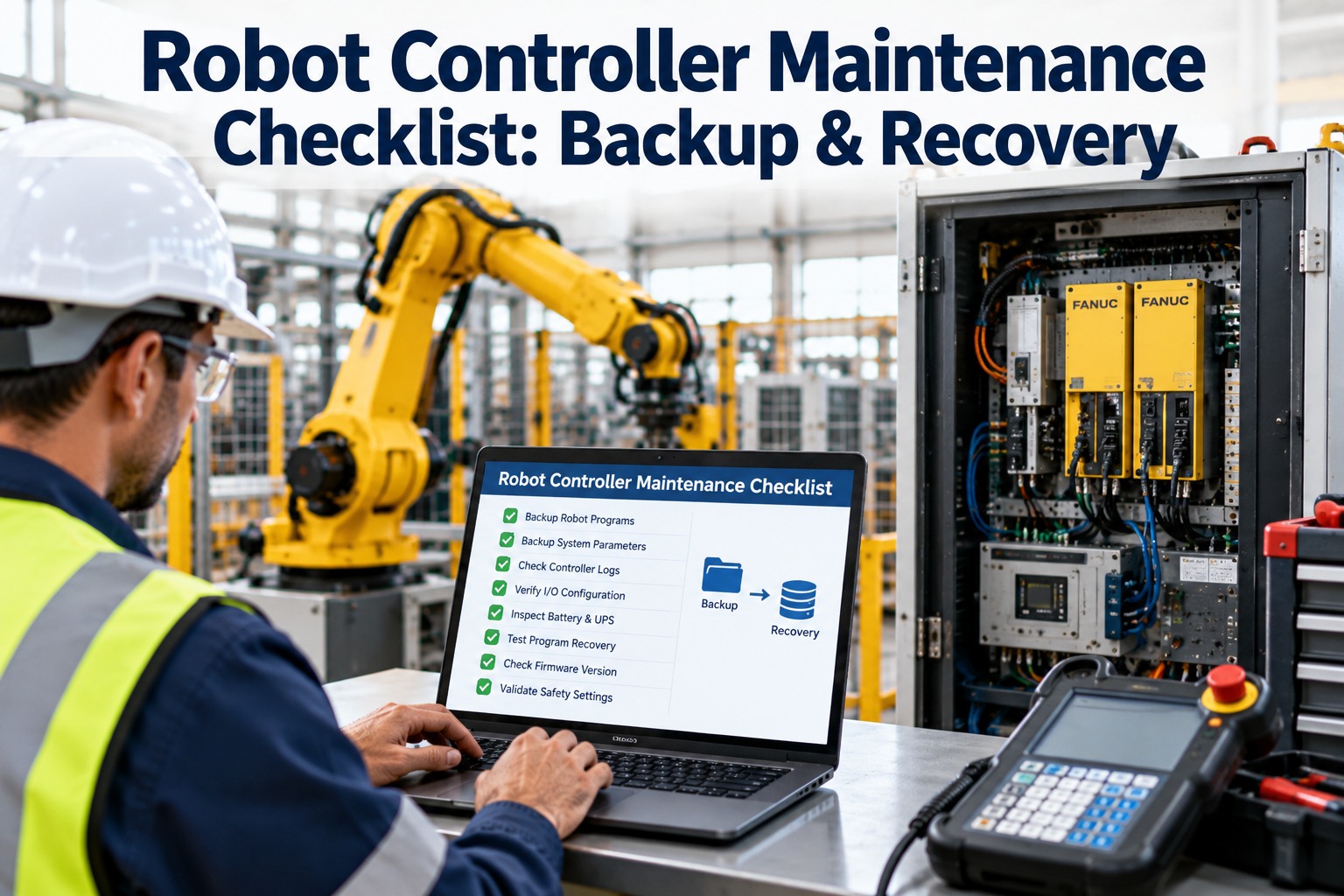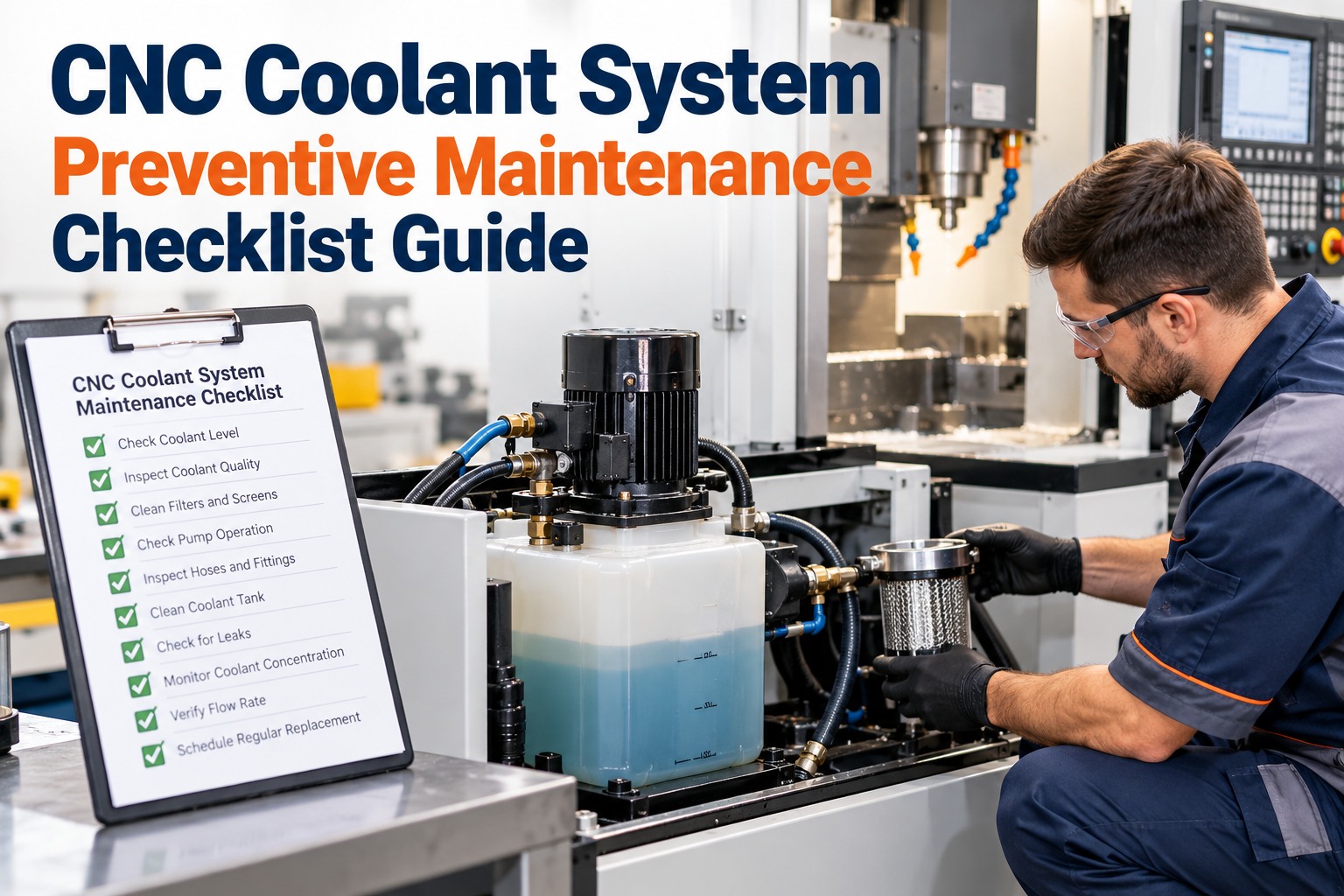
A PLC fails at 2 a.m. The replacement is on the shelf, but the program inside the dead one was last backed up two years ago, and three engineers have changed it since without telling anyone. Now the line is down while someone tries to rebuild logic from memory and old emails. This is one of the most avoidable disasters in manufacturing. A reliable backup routine and a disciplined change process mean a failed controller costs minutes, not days. This checklist covers both. OxMaint AI maintenance management software tracks every controller as an asset, schedules backup checks, and records each change as an approved, documented work order.
Manufacturing PLC Backup and Change Management Checklist Guide
Back up before you touch it. Approve before you change it. Verify after you finish. Three habits that protect every machine on your floor.
What Goes Wrong Without a Process
These four situations cause most PLC-related downtime. Each one is preventable. Start free and put controls around them.
Part 1: The PLC Backup Checklist
Tick each item for every controller. Anything you cannot tick is a gap to close. Book a demo to see these as recurring tasks.
- PLC program and configuration
- HMI and operator panel projects
- SCADA project and tag databases
- Drive, servo and robot parameters
- Network and switch configurations
- Firmware version and hardware list
- At least three copies of each backup
- Two different storage types
- One copy kept off-site or in a secure cloud
- Clear names with date and version
- Access limited and logged
- Before any program change
- Immediately after any approved change
- On a regular schedule for every controller
- After firmware or hardware replacement
- Compare running program with stored copy
- Test a restore on a spare or simulator
- Record who tested it and when
- Keep software and licenses available
Part 2: The Change Management Checklist
Every program change, however small, should follow the same path. Start free and run changes as approved work orders.
Describe what, why and which machine.
Check risk to safety, quality and other systems.
Named person signs off before work starts.
Save the current version and a rollback plan.
Make the change, ideally tested off-line first.
Test operation and safety functions.
Update backups, drawings and history.
The Change Nobody Recorded Is the One That Stops the Line.
When a machine misbehaves, the first question is "what changed?" OxMaint AI keeps each controller's change history, approvals and findings together, so the answer takes seconds, not a day of detective work.
Part 3: What a Good Change Record Contains
Part 4: Keep the Controller Itself Healthy
Backups protect the program. Routine care protects the hardware and the data feeding it. Book a demo to schedule these checks.
| Area | Check | Typical timing |
|---|---|---|
| Memory battery | Check status and replace per manufacturer schedule | Per maker guidance |
| Cabinet & cooling | Clean filters, check fans, temperature and dust | Quarterly |
| Power supply | Check voltage, connections and surge protection | Semi-annual |
| Diagnostics & alarms | Review fault logs and repeating machine alarms | Weekly / monthly |
| Firmware & software | Review versions, patches and compatibility | Planned, with approval |
| Sensors & I/O | Calibrate and verify field sensors against reference | Per criticality |
| Access & security | Review users, passwords and remote access | Quarterly |
How Mature Is Your Process?
Find your level, then aim for the next one. Start free and climb the ladder.
How OxMaint AI Supports Automation Reliability
Frequently Asked Questions
Make Every Controller Recoverable and Accountable.
Put backups on a schedule, run every change through approval, and keep a history you can trust when the line is down.