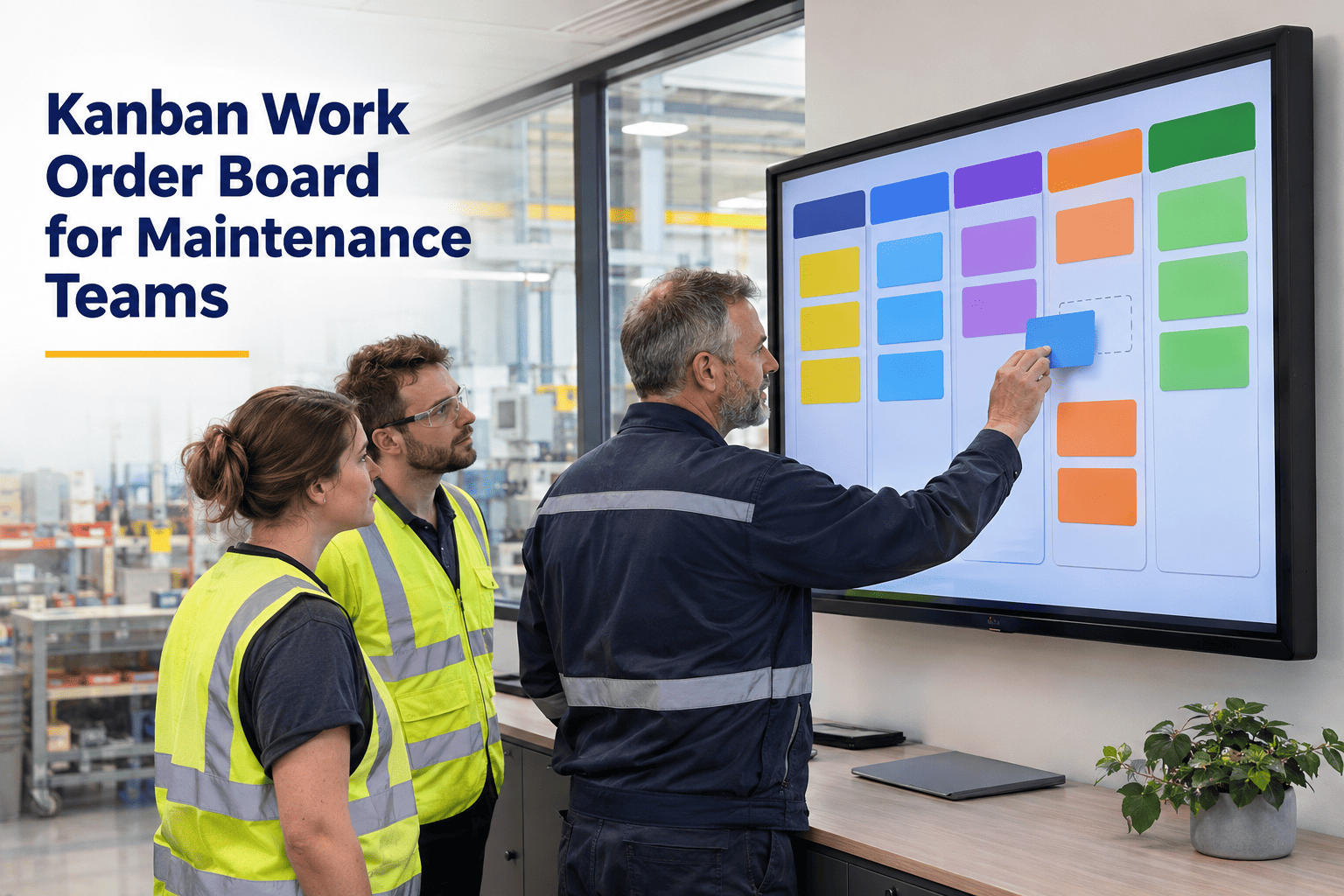
A maintenance list tells you how many jobs are open. A board tells you where each one is stuck. Oxmaint shows every work order as a card in its status column, from Open through Assigned, In Progress and On Hold to Completed, and each move asks for what the next stage needs: who is on the job, why it is waiting, or what work was done. Cards also show whether the parts a job lists are on the shelf. Sign up to try the micro app and open a sample plant with 133 cards already on the board.
Kanban Work Order Board for Maintenance Teams
Drag a card, or use its Move control, and the board asks the questions a supervisor would. Sign up and open a sample board with real-looking jobs on it.
The Sample Plant's Board, Column by Column
The portal opens on a sample metal fabrication plant with about two months of work orders. This is how its board read on 26 November 2026. Open is empty because every open job already has someone on it, so those cards sit under Assigned. Sign up to open the real board.
Sample plant records from the Oxmaint portal, captured 26 Nov 2026. 140 work orders in total; 7 cancelled jobs are counted but not shown, and the Completed column shows the latest 15. Your numbers will differ.
Every Move Asks One Question
The same rules sit behind the board, the job page and the work order list, so a job cannot skip a step through one door that another door would have stopped. These are the questions, by the column a card enters.
| Card moves to | Required | Also captured |
|---|---|---|
| Assigned | Who is doing the job | Instructions for the technician; a due date filled in from the priority |
| In Progress | A person on the job, if nobody is yet | A start note; "Safety steps done?" when the job or its asset has a permit, a lockout or a safety checklist |
| On Hold | The reason it is waiting | An expected date; for parts, the part or purchase order it waits for |
| Completed | A summary of the work done | Time, downtime, parts used, the cause, photos and whether a follow-up job is needed |
| Back a step or Cancelled | The reason | A line in the job's activity with who moved it and when |

Why a Card Is Waiting
On Hold is where jobs go quiet. Oxmaint makes the reason part of the move, picked from a short list, so the twelve held cards on the sample board each say why they are there.
Links the part or the purchase order the job is waiting on, so the store and the buyer see it too.
The machine cannot come down until the line does. The card says so instead of looking forgotten.
An electrician, a fitter or an outside service firm has to come first.
Someone has to sign off cost, scope or access before work continues.
Allowed, but only with your own words written in, so nothing is held without a reason.
Each held card can show when the job is expected to move again.
Move a Card on the Sample Board
Open the board, drag a job to On Hold and see what the portal asks. Sign up to the micro app and try it on the sample plant.
Due Dates Set by Priority
When a job is assigned, the board fills in a due date from its priority. The planner can change it, but the starting point is the same for everyone.
Read from the portal's status map (lib/stageMap.js). On the sample board, red dates on a card mean the job is past due.
Parts on the Card, Before Anyone Walks to the Store
A work order can list the parts it needs. Oxmaint hands the stock on the shelf out across every open job in the order the work would be done: started jobs first, then priority, due date and age. The card then shows Parts ready, or how many parts are short. A filter narrows the board to jobs with parts ready, jobs waiting on parts, or jobs with no parts listed. Sign up to try the parts filter.

Board or List?
Search by number, title, asset or manufacturer
Filter by status, priority, type and asset
Export to CSV or PDF
Best for finding one job or reporting on many
Every job by stage, at a glance
Drag or Move, with the stage questions built in
Filter by person, priority and parts state
Best for the daily stand-up and the planner's morning
A board helps most when the columns are honest. Keep Open for jobs nobody owns yet, and look at On Hold every morning: a held card without a fresh expected date is usually a job that has been forgotten. List the parts on planned jobs before they are assigned, so the card can warn you about a short part before the technician finds out at the store counter. Editorial guidance, not a quote from a named person.
Frequently Asked Questions
Every Job, Every Stage, One Board
See where each work order is, why the held ones are waiting, and which jobs have their parts. Sign up and open the sample board.