Coolant is the cheapest fluid in the shop and the one most likely to wreck a week. Let it drift out of concentration and tools wear fast; let tramp oil sit and it turns rancid over a weekend, stinks out the bay and raises skin complaints; let the sump silt up and the pump starves mid-cut. Almost none of it is the coolant's fault — it's a checklist nobody ran. This guide lays out the daily-to-annual tasks that keep a CNC coolant system healthy, and OXMAINT AI — the AI-powered maintenance management software — puts every one on a schedule and turns a failed check into a work order.
CNC Machine Tools · Coolant System · Preventive Maintenance Checklist · 2026
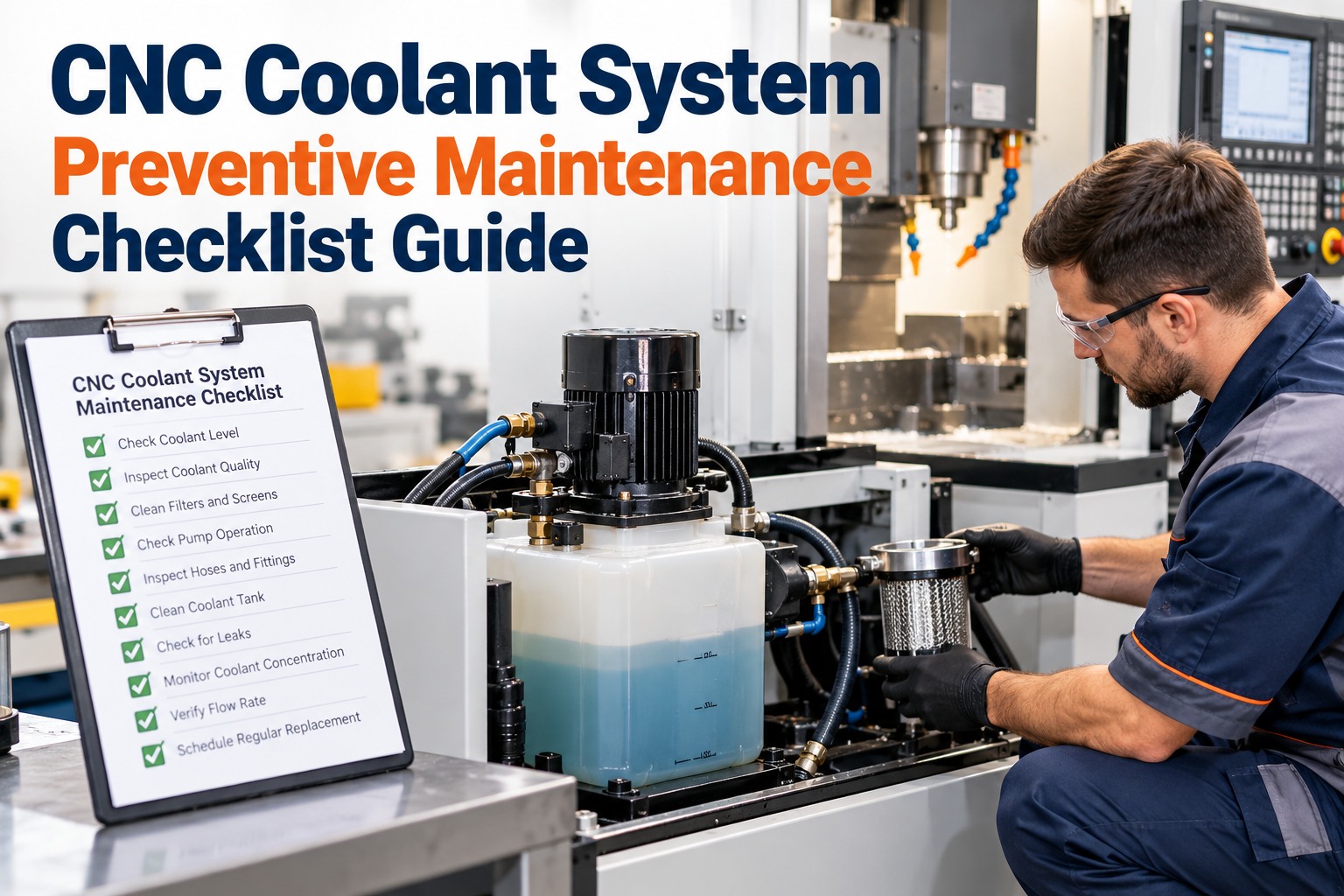
CNC Coolant System Preventive Maintenance Checklist
Healthy coolant is a maintained system, not a topped-up tank. This checklist covers concentration and chemistry, contamination, filtration, delivery, the sump and fluid health — on a clear frequency — and the OXMAINT AI maintenance management software keeps each task scheduled, logged and tied to the machine.
D · Daily
W · Weekly
M · Monthly
Q · Quarterly
A · Annual
What Neglected Coolant Actually Costs
Coolant failure never arrives alone — it shows up as tool spend, scrap, downtime and a safety complaint all at once. These are the six it drives; book a demo to put coolant upkeep on a schedule in OXMAINT AI.
Short tool life
Weak concentration cuts lubricity, so edges wear fast and tool spend climbs.
Rancidity & odor
Tramp oil and debris feed bacteria; the sump turns over a weekend and the bay stinks.
Skin complaints
Out-of-range chemistry and bacteria irritate skin — an operator health issue, not just a fluid one.
Corrosion & rust
Low concentration or bad pH lets parts, slides and the machine itself rust.
Poor surface finish
Foam, residue and contamination show up as scrap and rework on the part.
Unplanned downtime
A starved pump or clogged line stops the cut — a machine down on a problem a check would have caught.
The Checklist, by System
Six parts of the coolant system, each with the checks that keep it healthy and how often to run them. Follow the frequency tags and the fluid maker's own spec for your coolant; start free and load this checklist onto your machines in OXMAINT AI.
01Concentration & Chemistry
Check concentration with a refractometer each shiftD
Top up with pre-mixed coolant, never plain waterD
Correct concentration back to the maker's target rangeW
Test pH against the fluid's healthy bandW
Record concentration and pH to a trend per machineM
02Contamination & Tramp Oil
Look for surface tramp oil, foam and discolorationD
Smell the sump for the first signs of microbial activityD
Run the skimmer or coalescer to pull tramp oil offW
Dip-test for bacteria and fungal growthM
Dose biocide to the fluid maker's guidance when neededM
03Filtration & Chips
Clear chips and fines from screens and strainersD
Check the conveyor or filter media for cloggingW
Inspect filtration equipment for wear and bypassM
Change filter media on its service intervalQ
04Pump & Delivery
Confirm flow and pressure at the nozzleD
Clear and re-aim nozzles onto the cutting zoneW
Check hoses and fittings for leaks and wearW
Inspect the pump for noise, vibration and seal weepM
05Sump & Housekeeping
Check and maintain the sump levelD
Remove settled fines and sludge from the tank floorW
Assess sludge build-up and plan a partial cleanM
Drain, deep-clean and recharge the system with fresh fluidA
06Fluid Health & Disposal
Watch coolant temperature for overheatingD
Log fluid condition and top-up volumes usedW
Review fluid life against usage and contamination trendQ
Dispose of spent coolant to local regulationsA
A Checklist on a Clipboard Gets Skipped. One on a Schedule Doesn't.
Daily coolant checks are the first thing to slide on a busy shift. The OXMAINT AI maintenance management software puts every task on its interval, flags the ones coming due, and turns a failed check into a corrective work order before the sump turns.
The Numbers Worth Knowing
Two readings drive coolant health more than any other — and both have a healthy band your fluid maker sets. Treat these as the typical starting point and follow your product's data sheet; book a demo to track these per machine in OXMAINT AI.
CONCENTRATION
~5–10%
Typical water-miscible range, but set by the coolant and the job. Too low loses lubricity and rust protection; too high brings residue and foam. Measure with a refractometer and multiply by the fluid's factor.
pH
~8.5–9.5
A healthy water-based coolant sits mildly alkaline. A slide toward neutral often signals bacteria taking hold; a climb can irritate skin. Check against your fluid's stated band, not a fixed rule.
Quick Troubleshooting
When something's off, the symptom usually points straight at the check that lapsed. Read it, act on the first fix, and log it against the machine; start free and keep this guide on every CNC in OXMAINT AI.
How OXMAINT AI Runs Coolant PM
A checklist only works if it actually happens and gets recorded. That's the part the OXMAINT AI maintenance management software runs, machine by machine; book a demo to build your coolant routine in OXMAINT AI.
Scheduled checks
Daily-to-annual coolant tasks on their intervals per machine, flagged as they come due so nothing slides.
Digital checklist on a device
Operators record concentration, pH and condition at the machine — readings captured, not scribbled on a sheet.
Failed check to work order
An out-of-range reading raises a corrective job on its own, routed before the problem reaches the part.
Concentration & pH trends
Every reading logged per machine, so a sump drifting out of band is caught on the trend, not by its smell.
Coolant & filter stock
Concentrate, biocide and filter media tracked and reordered, so a top-up or change never waits on supply.
Full asset history
Every check, dose, change and clean kept per machine — the record that proves upkeep and finds the repeat.
“
Coolant was the job everyone assumed someone else was doing, so it got done when it smelled. Putting the daily concentration check on the operator's handheld and trending it changed the whole thing — we catch a sump drifting low days before it used to turn. Tooling spend and the Monday-morning stink both came down. The unplanned coolant-related stops are the ones that fell the most.
Machine Shop Supervisor · Precision CNC Manufacturer
Frequently Asked Questions
How often should CNC coolant concentration be checked?
At least once per shift with a refractometer — it's the single most important daily check. Concentration drifts as water evaporates and coolant is carried off on chips, so a quick reading catches it before tools or parts suffer.
Start free and schedule the check.
What concentration and pH should CNC coolant run at?
Typically around 5–10% concentration and a mildly alkaline pH near 8.5–9.5, but both are set by your specific coolant and job — always follow the fluid maker's data sheet rather than a fixed number.
Why does coolant go rancid and smell?
Tramp oil, metal fines and debris in the sump feed bacteria, which multiply fastest when the machine sits idle over a weekend. Skimming tramp oil, keeping the sump clean and dosing biocide as needed is what stops it.
Book a demo to schedule it.
Should I top up coolant with water or pre-mixed fluid?
Always top up with properly pre-mixed coolant. Adding plain water dilutes the concentration, weakening lubricity and rust protection and feeding microbial growth — the opposite of what a top-up should do.
How does a CMMS help with coolant maintenance?
It schedules every check so none get skipped, captures concentration and pH readings on a device, trends them per machine, and turns an out-of-range result into a corrective work order automatically — so coolant upkeep is managed, not left to memory.
Keep the Coolant Healthy, Keep the Spindle Cutting.
Run the full coolant checklist with the OXMAINT AI maintenance management software — every daily-to-annual task scheduled per machine, readings captured on a device, concentration and pH trended, and a failed check turned into a corrective work order. Stop fixing coolant by smell and start managing it by data.