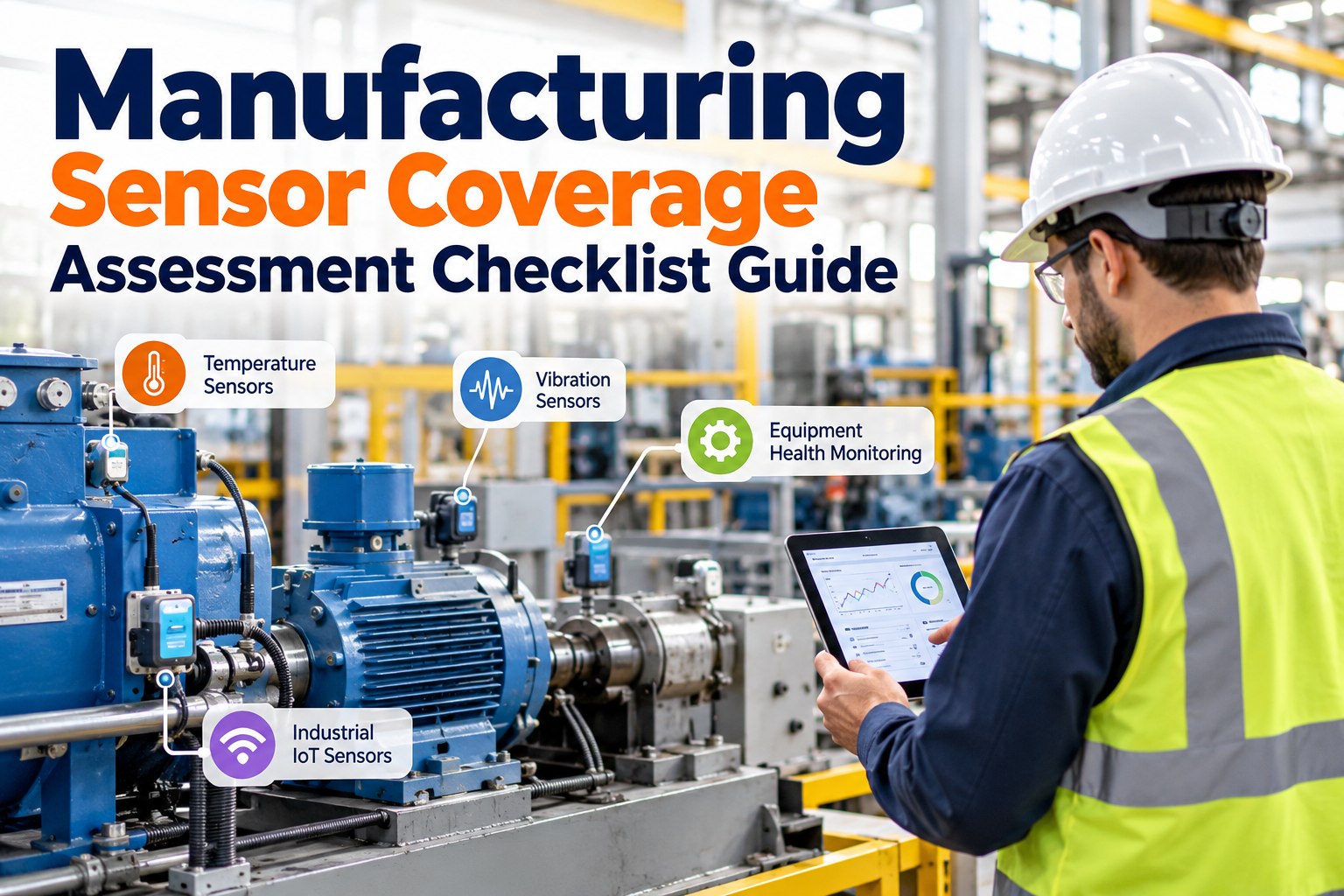
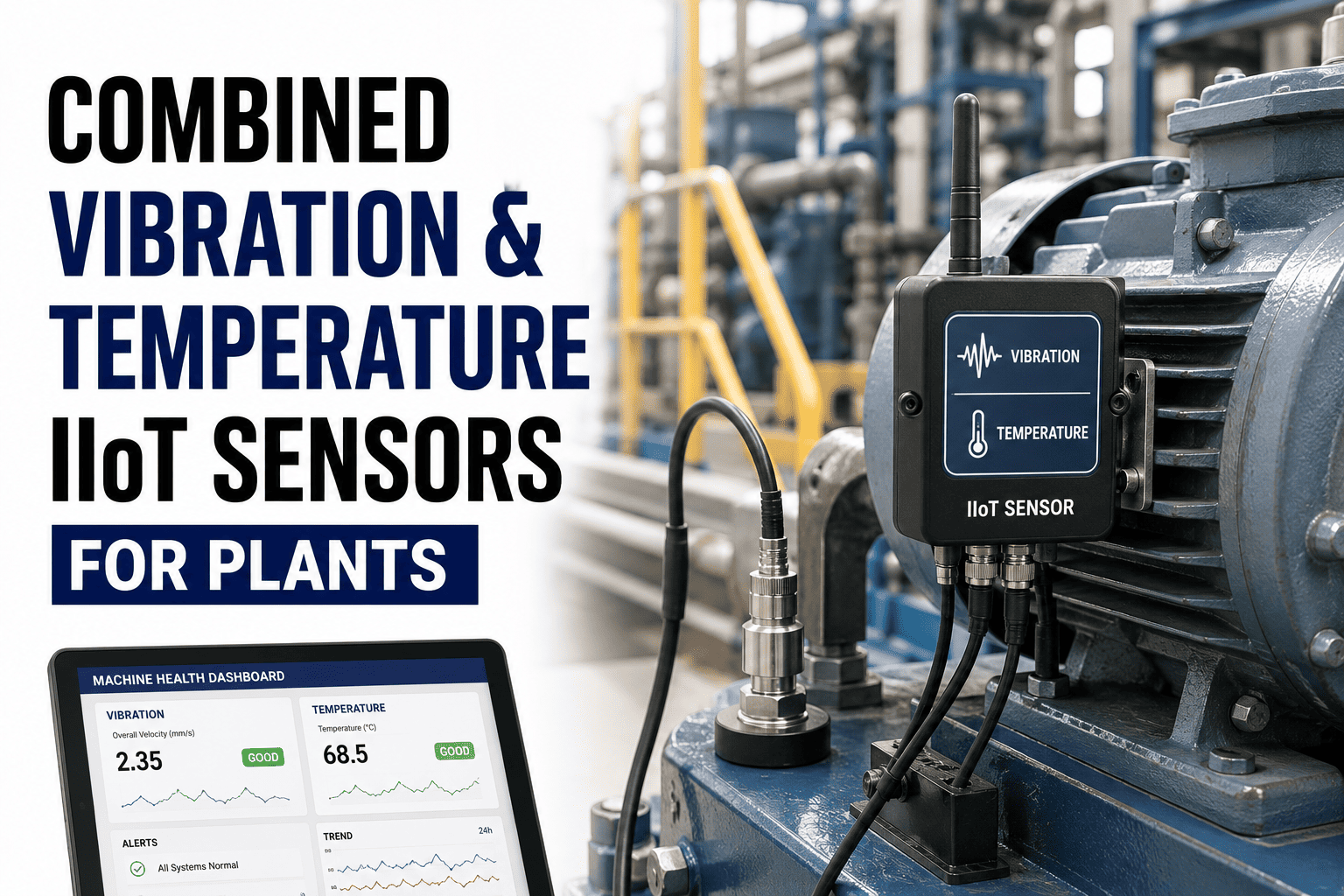
Half the sensors on a typical manufacturing plant are on the wrong assets, and the other half are being ignored. A bearing on a critical pump runs blind while a vibration sensor sits on a conveyor nobody worries about. This checklist walks the coverage audit end-to-end — what you have, what matters, and what to put where next. OXMAINT AI is the AI-powered CMMS and maintenance management software that holds the coverage map, scores every asset's visibility, and turns each sensor reading into a ranked work order — so a growing fault becomes a planned repair, not a surprise failure.
A plant without a coverage map ends up over-sensing routine equipment and under-sensing the assets that stop production. This guide gives you a four-step audit: inventory your assets, score their criticality, map current sensor coverage against what each class needs, and close the gaps. The OXMAINT AI software holds every result in one asset-grounded view, so the audit becomes an operating standard, not a one-off report.
primary sensor families cover almost every manufacturing asset — vibration, temp, current, acoustic, oil, pressure
A/B/C
asset criticality tiers decide which sensors are required, recommended or optional — not budget alone
70-85%
of mechanical failures carry a measurable early signature — if the right sensor is on the right asset
0
value from a sensor whose reading never reaches a work order — coverage without an action loop is noise
The Coverage Heatmap: Asset Class × Sensor Family
The quickest way to find a coverage gap is to put every asset class against every sensor family in one grid. The pattern is immediate — motors tend to be well-covered on vibration and poorly on current; pumps are the opposite; gearboxes almost always miss oil monitoring. OXMAINT AI holds this heatmap live against your actual asset register, so you see the real gaps on your plant, not a textbook average — schedule a walkthrough of the live coverage map in OXMAINT AI.
Asset class
Vibration
Temperature
Current / Power
Ultrasonic / Acoustic
Oil / Wear
Pressure / Flow
Electric motor
R
R
R
O
—
—
Centrifugal pump
R
O
O
O
—
R
Gearbox
R
R
—
O
R
—
Fan / blower
R
O
O
—
—
O
Compressor
R
R
O
R
R
R
Conveyor / drive
O
O
R
—
—
—
Bearing (standalone)
R
R
—
R
—
—
R Required for criticality A assets · O Recommended · — Not typically needed
Criticality First: Which Assets Deserve Which Coverage
A plant that puts the same sensors on every asset wastes capital on the wrong 70%. Criticality is the lever — tier A assets get full multi-modal coverage, tier B gets one primary sensor plus route-based inspection, tier C stays on periodic handheld routes. OXMAINT AI carries each asset's tier and the sensor policy that goes with it, so coverage decisions follow a rule, not a hunch.
TIER A · CRITICAL
Line-stopping assets · single points of failure · safety-interlocked machines
Multi-modal continuous monitoring — vibration, temperature, current and condition sensors feeding one asset view. Threshold alerts open work orders automatically.
TIER B · IMPORTANT
Important but with redundancy · longer repair tolerance · shared load
One primary continuous sensor (usually vibration or temperature) plus monthly route-based inspection. Trend alerts raise a review ticket.
TIER C · ROUTINE
Non-critical · easy to replace · limited production impact
Periodic handheld or walk-around inspection on a fixed route; no continuous instrumentation needed unless history says otherwise.
The Four-Block Coverage Assessment Checklist
Walk this checklist front to back. Block A grounds the audit in a real asset list; Block B scores criticality; Block C maps current sensor coverage against the heatmap above; Block D closes the gaps. Every item becomes a timestamped record against the asset in OXMAINT AI, so the audit is the operating standard going forward — not a slide deck filed and forgotten.
BLOCK A · Asset Inventory
BLOCK B · Criticality Scoring
BLOCK C · Coverage Gap Mapping
BLOCK D · Closing the Gaps & the Action Loop
A Sensor Without a Work-Order Link Is a Decoration.
Coverage is only half the problem — the other half is what happens when a signal breaches threshold. The OXMAINT AI maintenance management software routes every reading into one asset-grounded view, raises a prioritized defect the moment a trend crosses the line, and tracks the fix to closure. Visibility becomes action.
Not every coverage gap deserves the same response. A missing vibration sensor on a Tier A pump is a weekend project; a missing acoustic sensor on a Tier C conveyor can wait. This decoder matches the pattern you'll see on the heatmap to the right next step — prioritize the ones that keep production running — start free and set up your coverage gap register in OXMAINT AI.
Gap pattern
What it tells you
Right next step
Tier A asset, no vibration sensor
Blind to the single most useful early signal on rotating equipment
Fit wireless accelerometer or wired IEPE this cycle; baseline within two weeks
Tier A gearbox, no oil sensor
Missing wear-metal and water-ingress signatures weeks before vibration shifts
Fit inline wear-particle sensor + quarterly lab sample schedule
Tier B motor, no temperature RTD
Overload and winding issues reach failure before vibration catches them
Add PT100 or IR window at winding and bearings; threshold alert into CMMS
Multiple sensors, no CMMS link
Data lives in vendor portals — nobody acts because nobody sees
Route feeds into OXMAINT AI; set threshold-to-work-order rule per asset
Tier C assets heavily instrumented
Capital sunk on readings that rarely drive action
Redeploy sensors to Tier A gaps; keep handheld route coverage on C
Sensor fitted, no baseline learned
Thresholds set on vendor defaults — false positives teach ops to ignore
Learn asset-specific baseline for 2-4 weeks before enabling alerts
Six Coverage Mistakes to Avoid
Almost every poor coverage program fails for one of these six reasons — and most of them are correctable from the heatmap alone without buying more sensors. OXMAINT AI holds the mistake pattern in the review so a quarterly refresh is a rapid check, not a full rebuild.
EVEN COVERAGE
Putting the same sensors on every asset. Capital gets spent on Tier C equipment while Tier A gaps remain.
DATA ISLANDS
Each vendor's sensors siloed in its own portal. The signals exist, but no one view spots the pattern across them.
NO ACTION LOOP
Thresholds alert a dashboard nobody watches — nothing opens a work order. The sensor is cosmetic.
VENDOR DEFAULTS
Thresholds left at factory values rather than baselined per asset. False positives teach the team to ignore the system.
WRONG MOUNTING
Vibration sensors on the frame instead of the bearing housing, RTDs away from the hot spot. The reading is misleading, not wrong.
STATIC MAP
Coverage audited once and never revisited. New assets go uninstrumented; retired sensors keep feeding stale alerts.
How the OXMAINT AI Software Runs Sensor Coverage
Every control described above — the asset register, the criticality tiers, the coverage heatmap, the threshold-to-work-order loop, the quarterly refresh — is a feature the OXMAINT AI maintenance management software was built to run for manufacturing fleets — spin up a free account and put your coverage map on OXMAINT AI.
Live Asset Register
Every rotating, electrical and process asset held with parent-child hierarchy, nameplate data and failure history in one register.
Criticality Tier Policy
Tier A/B/C bands enforced against the sensor rules each tier requires — coverage decisions follow policy, not budget drift.
Coverage Heatmap View
The asset-class × sensor-family grid rendered live from the register — priority gaps surfaced first.
Multi-Vendor Signal Ingest
OXMAINT AI reads from wireless accelerometers, PT100 RTDs, MCSA, ultrasonic, oil-wear sensors and process tags into one asset view.
Threshold-to-WO Loop
A baseline breach raises a prioritized defect record and drafts the work order with asset history already attached.
Quarterly Audit Refresh
Coverage map versioned over time — new assets land in the audit, acted-on gaps close, redeployed sensors tracked.
Frequently Asked Questions
Where do we actually start a sensor coverage assessment?
Start with Block A — a clean asset register. Without it, criticality scoring is guesswork and the heatmap has no rows. OXMAINT AI holds the register, hierarchy and nameplate data as the foundation every other block builds on. Start free and import your asset list into OXMAINT AI.
Do we need to rip out existing vendor dashboards to use OXMAINT AI?
No. The software ingests feeds from the vibration, temperature, current, acoustic, oil and process sensors you already run — the goal is one asset-grounded view, not a second system. Vendor portals stay for raw-data drill-down.
How do we baseline a new sensor so the alerts aren't just noise?
Let the sensor run against the asset for two to four weeks before enabling alerts. OXMAINT AI learns the normal operating band automatically and lets you tune threshold multipliers per asset — so an alert means a real deviation, not a vendor-default false positive.
Which single sensor family gives the biggest early-warning payoff on rotating assets?
Vibration — ISO 10816 and ISO 20816 align every rotating-machine class to it, and most mechanical failure modes carry a measurable vibration signature well before an audible or thermal one.
How often should we refresh the coverage audit?
Quarterly at minimum, and after any major asset or line change. OXMAINT AI holds the audit cadence per site and flags assets added or removed since the last review.
See Every Gap. Close the Ones That Matter.
Put your asset register, criticality tiers and sensor coverage map on the OXMAINT AI maintenance management software — one live view across every plant, every reading routed to a work order, every quarterly refresh versioned. The sensor you need is the one your Tier A asset doesn't have yet.