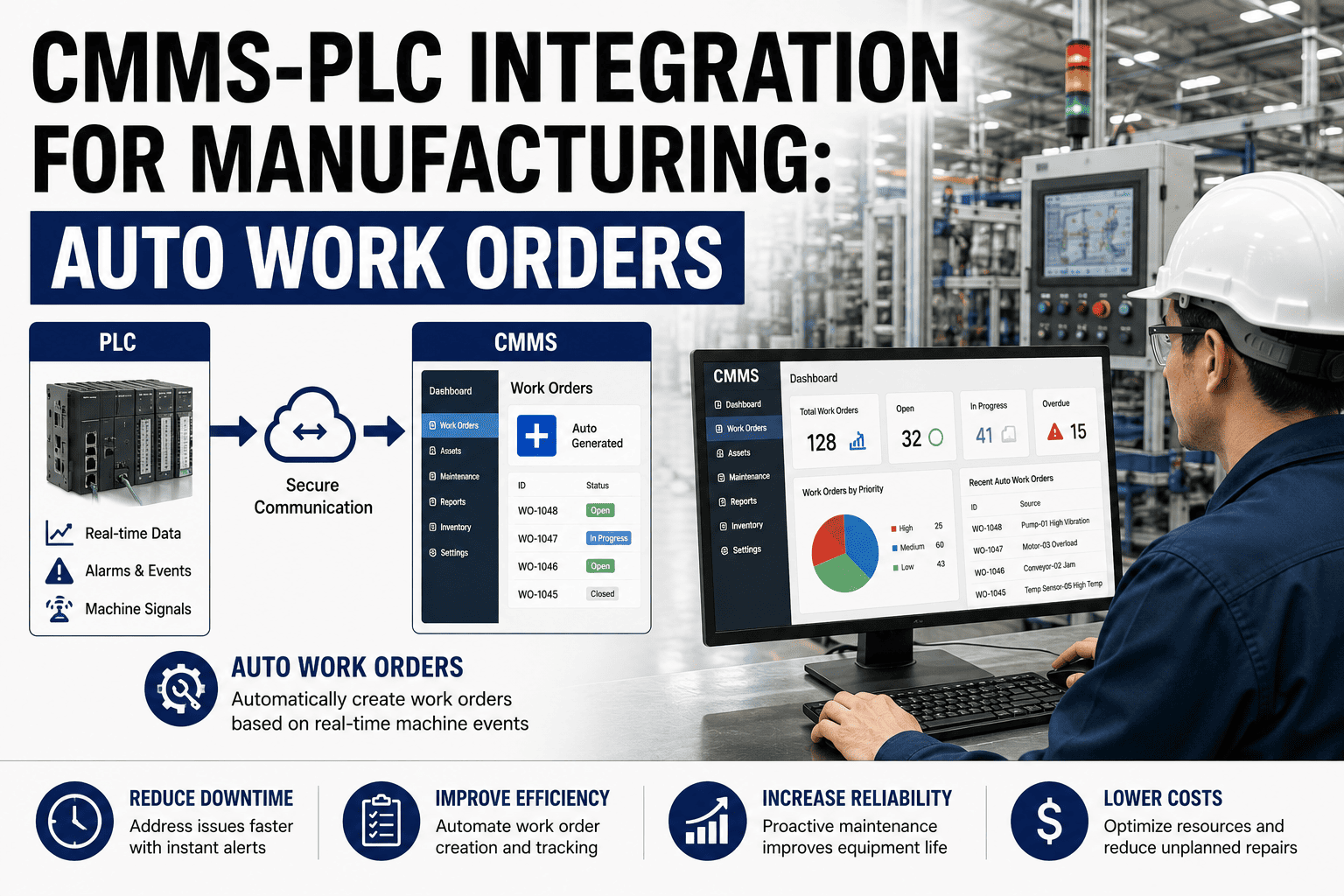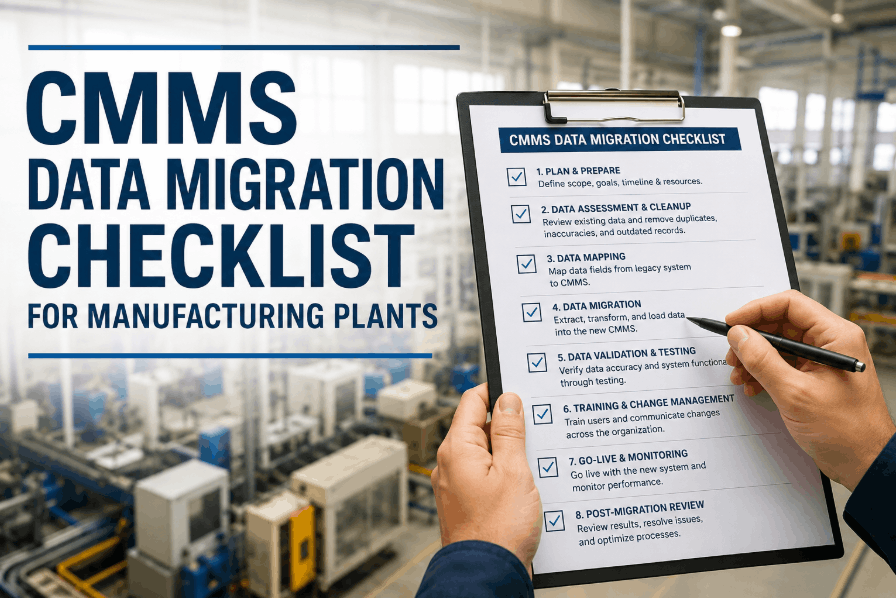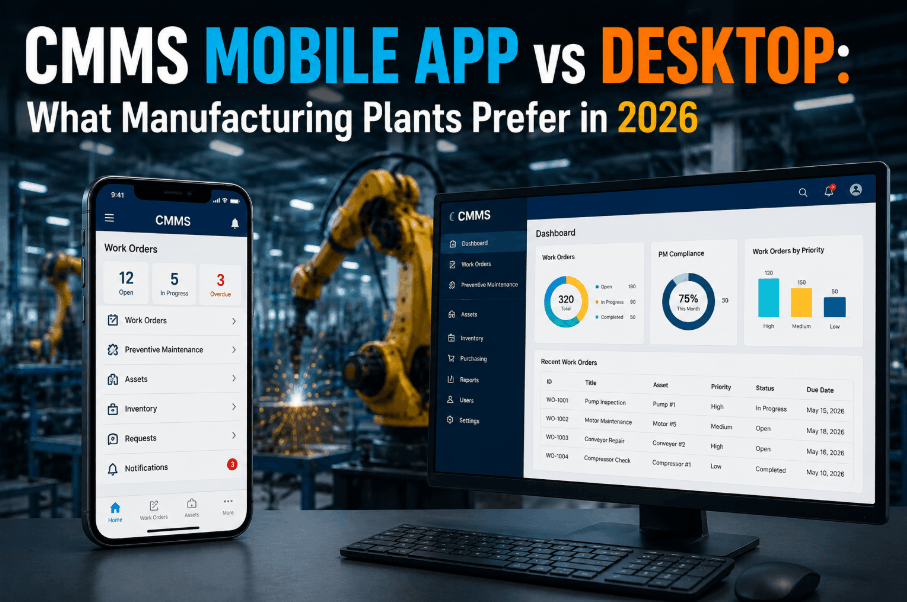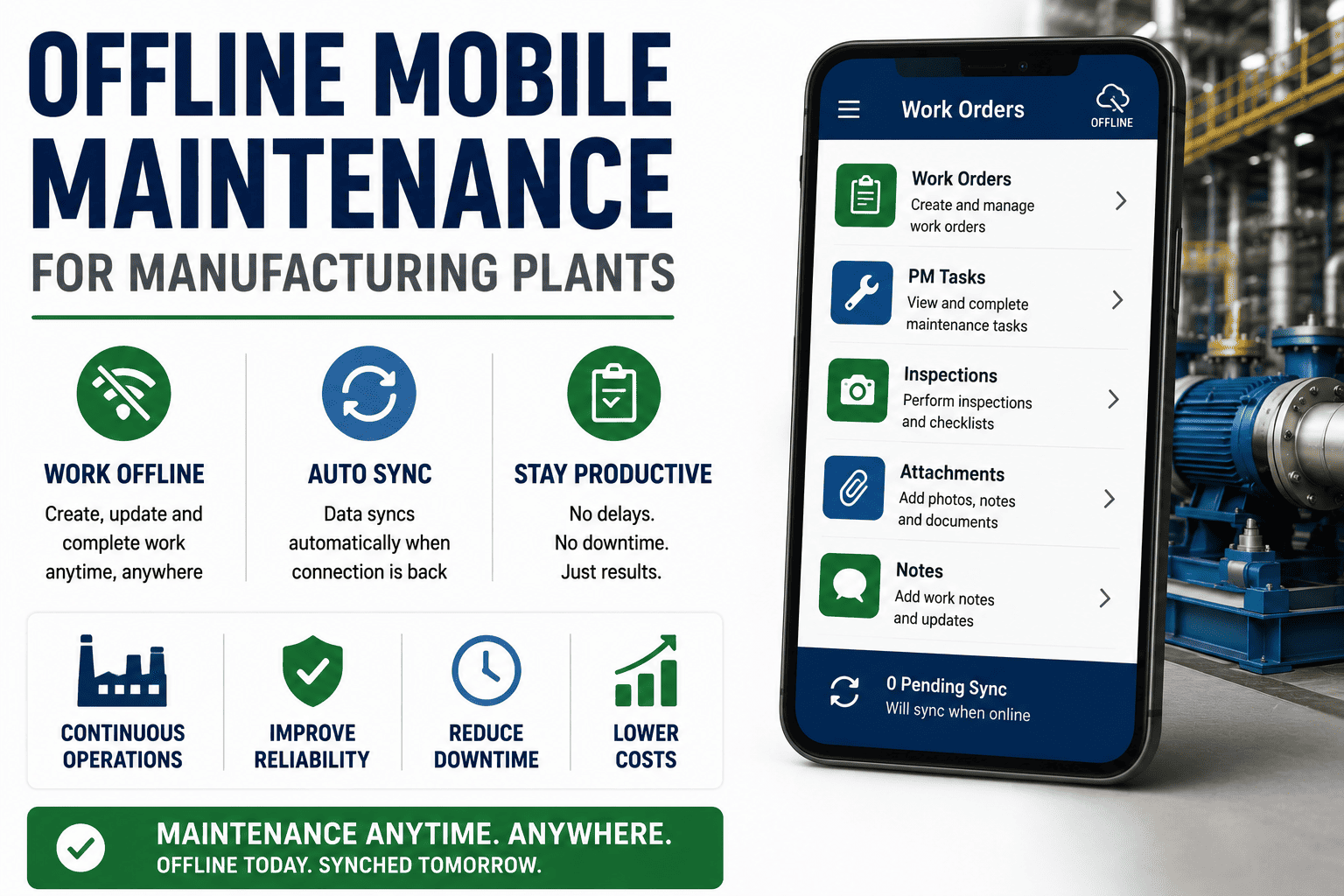
Offline mobile maintenance for manufacturing plants is the difference between a technician who closes a work order at the machine and one who wastes 20 minutes walking back to a desktop terminal. A mobile offline maintenance strategy stores work orders, asset histories, QR scans, photos, and spare-parts data directly on the device, then synchronizes everything automatically the moment a Wi-Fi or cellular signal returns. Modern CMMS offline mode for manufacturing eliminates the dead-zone problem that kills software adoption on the plant floor, ensuring every preventive and reactive task is executed, timestamped, and audit-ready regardless of network connectivity. If your maintenance team is still relying on paper backups or clunky spreadsheets because your current software drops connection in the back of the plant, it is time to Start Free Trial of an offline-first platform built for industrial environments.
OFFLINE-FIRST MAINTENANCE
No Signal? No Problem. Execute Work Orders Anywhere on the Plant Floor.
Manufacturing facilities are packed with Wi-Fi dead zones, faraday-cage enclosures, and concrete walls that block cellular data. An offline CMMS for manufacturing ensures your technicians never lose access to asset histories, PM checklists, or work order execution tools just because they walked into the stockroom or a remote compressor building.
THE CONNECTIVITY PROBLEM
Why Standard Mobile CMMS Platforms Fail on the Manufacturing Floor
Most cloud maintenance tools assume a constant, high-speed internet connection. In a real manufacturing plant, that assumption breaks down within the first 50 feet of the production line.
A standard online-only mobile maintenance app does not just frustrate technicians, it actively destroys data integrity. When a technician cannot update a work order in real-time, they resort to clipboards, sticky notes, and memory. Those notes get transcribed days later, often missing critical failure codes, torque values, or safety observations. The result is an EAM database full of holes, making it impossible to trust your OEE calculations, MTBF trends, or predictive maintenance algorithms. A true offline CMMS for manufacturing solves this by caching the entire work execution workflow locally on the device.
CORE ARCHITECTURE
How CMMS Offline Mode Works for Plant Maintenance Teams
Effective mobile maintenance offline capability is not just a cached screen. It is a local database architecture designed to execute, validate, and queue complex maintenance operations without a server connection.
Local Work Order Caching
The CMMS downloads assigned work orders, asset profiles, OEM manuals, and PM checklists to the device's local storage. Technicians execute tasks, check off steps, and log labor hours even in a faraday-cage electrical room.
QR and Barcode Scanning Offline
Camera-based QR scanning pulls up the exact asset record instantly without hitting the server. Pull up install dates, warranty status, and recent failure history right at the machine, regardless of signal strength.
Photo and Signature Queueing
Technicians capture failure photos, safety sign-offs, and digital signatures directly in the app. Media files are compressed and queued in a local transaction pipeline, waiting for a connection to upload securely.
Automatic Sync and Conflict Resolution
When the device reconnects, a delta sync pushes queued data to the cloud. Timestamp-based conflict resolution ensures that if two technicians update the same asset, the most recent validated data overwrites the older record without crashing the app.
STEP-BY-STEP WORKFLOW
The Offline Work Order Execution Timeline for Technicians
Follow a typical corrective maintenance work order through an offline mobile maintenance workflow to see how data flows seamlessly from a dead zone back to the central EAM database.
Pre-Shift Data Sync
At shift start on the plant Wi-Fi, the technician's app automatically downloads all assigned work orders, updated PM schedules, asset criticalities, and current spare-parts inventory levels for their assigned zone.
Offline Asset Identification
Walking into a signal-dead stockroom, the technician scans the QR code on a malfunctioning conveyor motor. The offline database instantly loads the asset's BOM, schematic, and last five work order histories.
Local Work Execution and Documentation
The technician completes the repair, fills out mandatory failure codes, types diagnostic notes, attaches a photo of the worn bearing, and signs the digital completion form entirely offline.
Reconnection and Background Push
Returning to the operations center, the device detects Wi-Fi. The app pushes the queued work order, photo attachment, and signature to the cloud, triggering an automatic spare-parts deduction and notifying the supervisor.
PLATFORM COMPARISON
Online-Only CMMS vs. Offline Mobile Maintenance Software
When evaluating plant CMMS offline capabilities, the difference between a "responsive web app" and a true offline-first mobile application directly impacts your maintenance KPIs.
| CAPABILITY | ONLINE-ONLY CMMS | OFFLINE-CAPABLE CMMS |
|---|---|---|
| Work Order Access in Dead Zones | App freezes; data inaccessible | Full execution, editing, and completion |
| QR Code Asset Lookup | Requires active server handshake | Instant local database query |
| Photo and Signature Capture | Fails to upload or save | Compressed and queued locally |
| Spare Parts Inventory Check | Cannot verify stock availability | Checks cached stock levels and locations |
| Sync Conflict Handling | Overwrites data or errors out | Timestamp-based automatic resolution |
| Technician Adoption Rate | Low (forces paper workarounds) | High (app always works) |
Real-World Example: A 180-Asset Food Processing Plant
A mid-sized food processing facility was spending $42,000 annually on unplanned downtime caused by delayed corrective maintenance. Their online-only CMMS forced technicians to walk back to a central terminal to log repairs, resulting in an average 47-minute lag between task completion and system updates. By switching to OxMaint's offline mobile maintenance solution, technicians completed work orders directly at the equipment. The plant cut work order cycle time by 38%, improved PM compliance from 71% to 94%, and recovered $28,500 in avoided downtime costs within the first six months.
SOLUTION FIT
How OxMaint Solves Offline CMMS for Manufacturing
OxMaint is an AI-powered CMMS and EAM platform engineered for the realities of the plant floor. Our offline architecture ensures your maintenance team never misses a data entry, even in the deepest corners of your facility.
Offline-First Mobile App
Download work orders, asset registers, and PM templates locally. Technicians execute maintenance tasks, capture digital signatures, and log parts without relying on plant Wi-Fi.
Intelligent Sync Engine
Our delta-sync technology pushes queued data to the cloud the moment connectivity returns. Conflict resolution algorithms ensure data integrity across multiple concurrent users on the same asset.
Offline QR Asset Tracking
Scan any equipment QR code or barcode to instantly pull up OEM specs, warranty info, safety procedures, and recent failure history directly from local device storage.
Predictive Analytics Integration
Because offline data is captured perfectly and synced without loss, OxMaint's AI engine has the high-quality historical data it needs to predict bearing failures, motor faults, and pump cavitation before they happen.
SEE IT IN ACTION
Stop Losing Maintenance Data to Wi-Fi Dead Zones
See how OxMaint's offline mobile maintenance software keeps your technicians productive, your assets tracked, and your compliance audit-ready from anywhere on the plant floor. Book a 30-minute demo and we will show you exactly how it works on your assets.
FREQUENTLY ASKED QUESTIONS
CMMS Offline Mode for Manufacturing: Common Questions
What does offline CMMS mode for manufacturing actually do?
Offline CMMS mode caches work orders, asset data, PM checklists, and QR lookup databases directly on a mobile device. Technicians can execute tasks, log parts, capture photos, and sign forms without an internet connection. The data syncs automatically to the central server once the device reconnects to Wi-Fi or cellular service.
How does an offline mobile maintenance app handle sync conflicts?
Top offline CMMS platforms use timestamp-based conflict resolution. When two technicians update the same work order offline, the system validates both entries upon reconnection and merges the data based on the most recent timestamp and required fields. If a true conflict exists, it flags the record for supervisor review rather than overwriting data. You can see this in action when you Book a Demo with our team.
Can technicians scan QR codes for assets without an internet connection?
Yes. An offline-capable mobile CMMS downloads the asset register and associated QR mappings to the device during the initial sync. When a technician scans a code in a dead zone, the app queries the local database and instantly displays the asset profile, BOM, history, and attached safety documents.
How much data can be stored locally for offline maintenance work orders?
Most modern offline CMMS apps can store thousands of work orders, asset records, and reference documents on a standard mobile device. Media files like photos are compressed locally to save space. The exact limit depends on device storage, but a typical configuration easily handles a full week of assigned maintenance tasks for a single technician.
Is offline mobile maintenance secure for sensitive plant data?
Yes, offline data is secured via device-level encryption and application-level authentication. If a device is lost or stolen, administrators can remotely wipe the local cache. Once data syncs to the cloud, it is removed from the local queue, minimizing the risk of prolonged data exposure on the device.
TRANSFORM YOUR MAINTENANCE OPERATIONS
Deploy a CMMS That Works Where Your Technicians Work
OxMaint delivers AI-driven work order management, predictive maintenance, and seamless offline execution for manufacturing plants of any size. Stop letting Wi-Fi dead zones dictate your maintenance data quality and plant uptime.
Free 14-day trial · No credit card