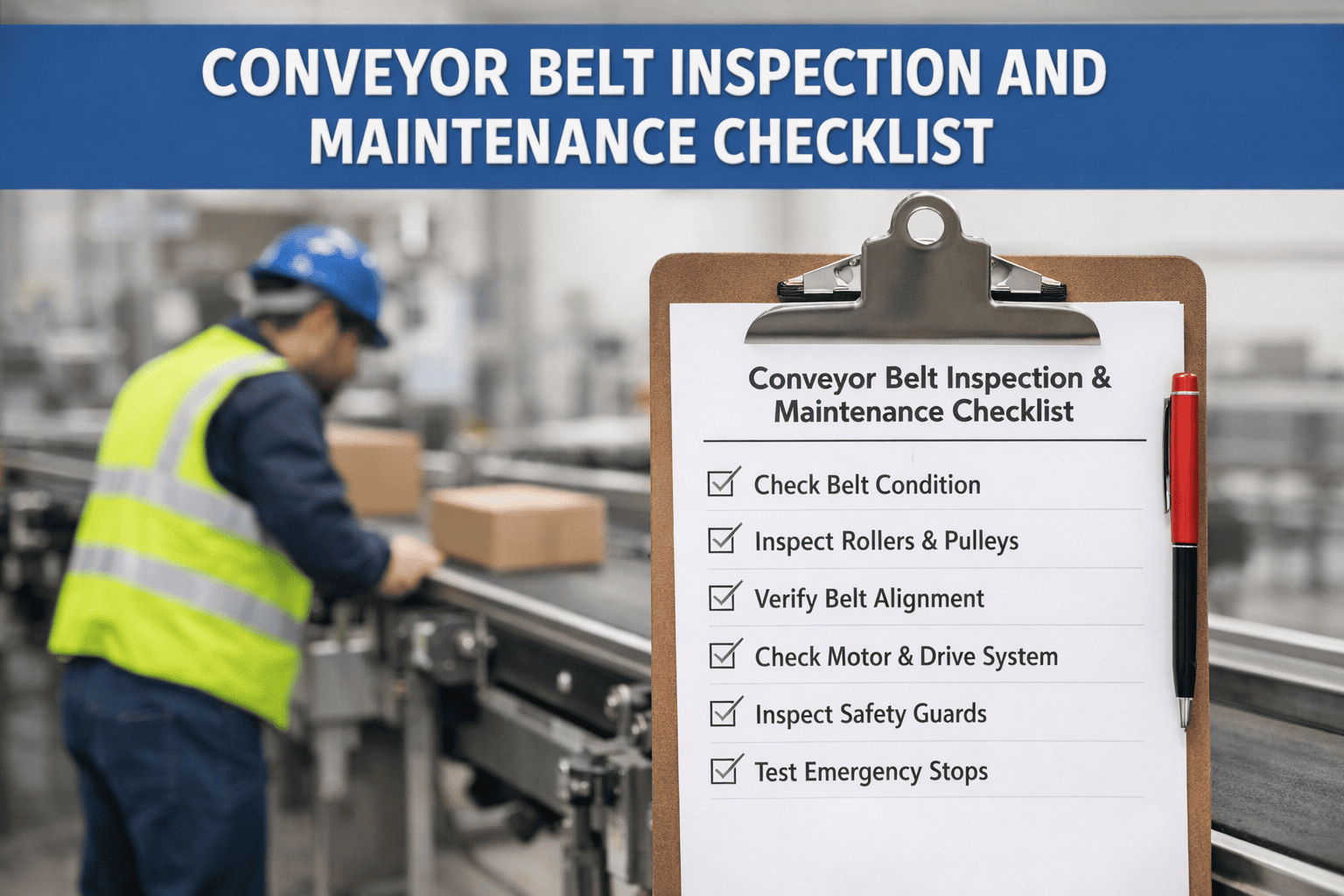
A roller conveyor rarely fails all at once. One roller starts to drag, a drive belt stretches, a zone card faults, and cartons begin backing up long before the line stops. Most of these warnings can be found on a ten-minute walk, if the walk follows a checklist and the findings go somewhere. This page gives you that checklist for motor-driven roller (MDR), line-shaft and gravity sections, plus a PM schedule you can print. OxMaint AI maintenance management software turns each finding into a tracked work order, so the checklist doesn't end up in a drawer.
Conveyor Systems · Maintenance Checklist · MDR · Line-Shaft · Gravity
Roller Conveyor Maintenance Checklist for Manufacturing Plants
Use the checks below by conveyor type and frequency. Then let OxMaint AI connect the walk-around to the rest of the workflow: inspection finding, logged defect, assigned work order and a preventive schedule that repeats it.
1Inspection round
→
2Defect logged
→
3Work order assigned
→
4PM repeats it
⚠
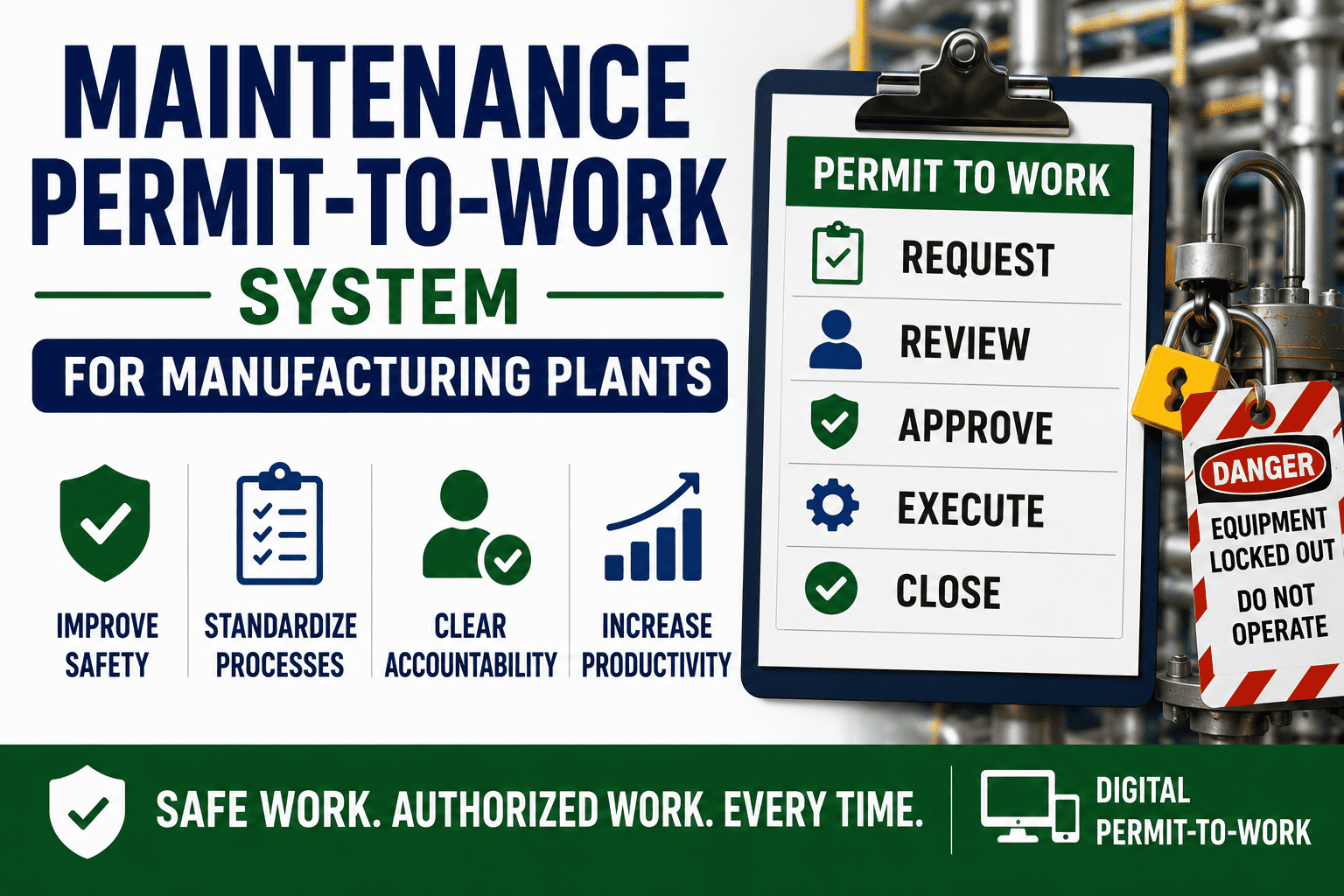
Safety first. Hands-on checks need lockout/tagout. Keep guards on pinch points, and never reach into a running conveyor. Always follow your OEM manual: intervals and torque values below are general guides, not specifications.
Know Your Conveyor in 30 Seconds
The three common roller types fail in different ways, so they need different checks. Book a demo to see each as its own asset type.
MDR
Motor-driven roller
A motor sits inside selected rollers; zone cards and sensors control accumulation. Watch the electronics and O-bands.
LINE SHAFT
Line-shaft
One shaft turns the rollers through belts or spools. Watch drive belts, shaft bearings and alignment.
GRAVITY
Gravity
No drive; product rolls on a slope. Watch roller bearings, frame level and free rotation.
The Checklist, by Frequency
Tick the boxes on your walk, and log anything that fails. Start free and run this as a mobile checklist.
DAILY Walk and listen · no LOTO needed
☐ Listen for grinding, squeal or clicking
☐ Look for rollers that aren't turning
☐ Check product tracking and skew
☐ Confirm guards and e-stops are in place
☐ Clear debris, film and stray cartons
☐ Note any zone that jams or stalls
WEEKLY Hands-on · lock out first
☐ Spin rollers by hand; flag any that drag or seize
☐ Check for rough or noisy bearings
☐ Inspect drive belts / O-bands for wear and cracks
☐ Check frame bolts, brackets and supports
☐ Look at sensors, cables and connectors for damage
☐ Check side guides and transitions
MONTHLY Adjust and verify
☐ Check drive belt tension and tracking
☐ Inspect line-shaft bearings and spools
☐ Verify MDR roller speeds; readjust if needed
☐ Clean dust from zone cards and electrical enclosures
☐ Test photo-eye sensors and zone function
☐ Check roller level and alignment across sections
QUARTERLY / ANNUAL Deeper checks · per OEM
☐ Check MDR fasteners and torque
☐ Replace worn O-bands and belts as a set
☐ Check shaft alignment and straightness
☐ Review roller and motor replacement history
☐ Inspect frame, welds and floor supports
☐ Audit spare parts against failure history
Printable PM Schedule
Copy this into your plan or print the page. Book a demo to load it into OxMaint AI as recurring PMs.
| Task | MDR | Line-shaft | Gravity | Frequency |
| Listen / visual walk |
✔ |
✔ |
✔ |
Daily |
| Hand-spin rollers |
✔ |
✔ |
✔ |
Weekly |
| Inspect O-bands / drive belts |
✔ |
✔ |
— |
Weekly |
| Belt tension and tracking |
✔ |
✔ |
— |
Monthly |
| Zone cards and sensors |
✔ |
— |
— |
Monthly |
| Shaft and bearing check |
— |
✔ |
— |
Monthly |
| Frame level and bolts |
✔ |
✔ |
✔ |
Monthly |
| Fastener and torque check |
✔ |
✔ |
✔ |
Quarterly |
Set final intervals from your OEM manual, your duty cycle and your own failure history. A high-use accumulation zone needs a tighter cycle than a lightly loaded gravity run.
Symptom to Fix: Quick Reference
Roller won't turn
Likely: seized bearing, debris, bent shaft
Fix: free or replace the roller
Loud grinding or squeal
Likely: worn bearing, dry shaft, misalignment
Fix: find the roller; replace or realign
Zone won't move product
Likely: worn O-band, drive card fault, sensor blocked
Fix: check band, card status and sensor
Cartons skew or jam
Likely: uneven rollers, loose guides, frame out of level
Fix: level, tighten and replace worn rollers
A Checklist Only Works If Findings Get Fixed.
Paper checklists record a problem and stop. OxMaint AI links the inspection to the asset, creates the work order, holds the history and repeats the PM on schedule, so a dragging roller gets a name, an owner and a due date.
Keep a Repair Kit and Spares Ready
Common roller conveyor parts worth stocking, based on your failure history. Start free and link spares to each conveyor.
Replacement rollers
O-bands / Poly-V belts
MDR / motor rollers
Zone / drive cards
Photo-eye sensors
Spools and bearings
Fasteners and brackets
Guide hardware
How OxMaint AI Runs Your Conveyor Checklist
Mobile Inspections
Checklists on a phone, with findings logged at the roller.
Defect to Work Order
A failed check becomes an assigned, tracked job.
Recurring PMs
Daily, weekly and monthly tasks repeat on schedule.
Asset Visibility
Every conveyor and zone in one register with history.
Spare Parts Link
Rollers and belts tied to the sections they serve.
Repair History
See repeat failures and tune intervals from the record.
Frequently Asked Questions
How often should roller conveyors be inspected?
A daily walk, weekly hands-on checks and monthly adjustments are a common starting point. Set final intervals from the OEM manual and your duty cycle.
How do roller conveyors work?
Product rides on rollers that are either driven (by motors inside rollers, or a shaft and belts) or free-turning on a gravity slope.
What are the common MDR conveyor maintenance tasks?
Checking roller speeds, O-bands, drive cards, sensors, fasteners, and keeping electronics clean.
When should I replace a conveyor roller?
When it seizes, drags, is noisy or visibly damaged. Replacing early is cheaper than a stopped line or a damaged neighbor.
Can a CMMS replace a paper checklist?
Yes. It keeps the same checks on a phone, then creates work orders, history and repeat PMs from the findings.
Turn Every Walk-Around Into Action.
The checklist finds the problem. OxMaint AI makes sure someone fixes it, records it and checks again on schedule.