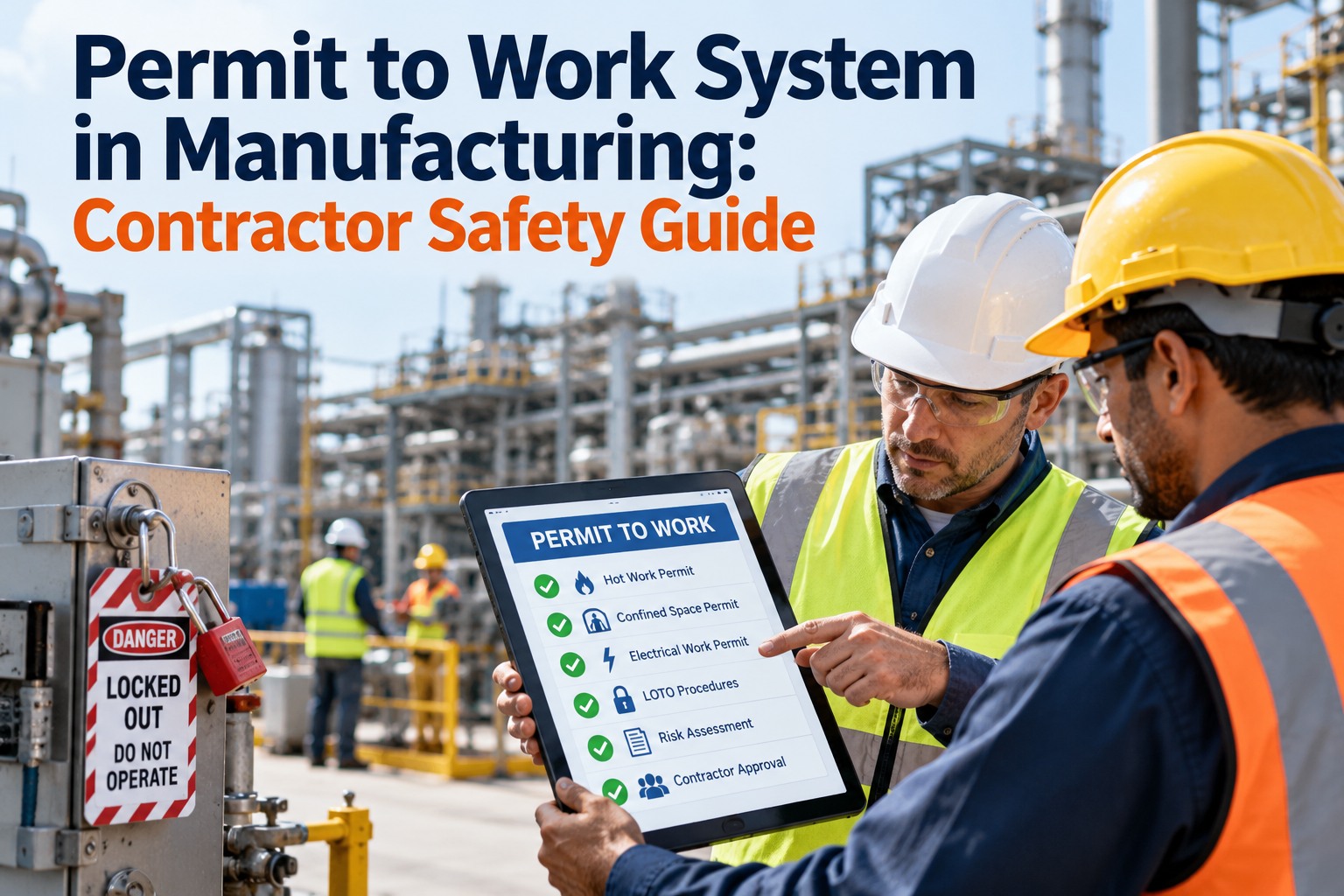
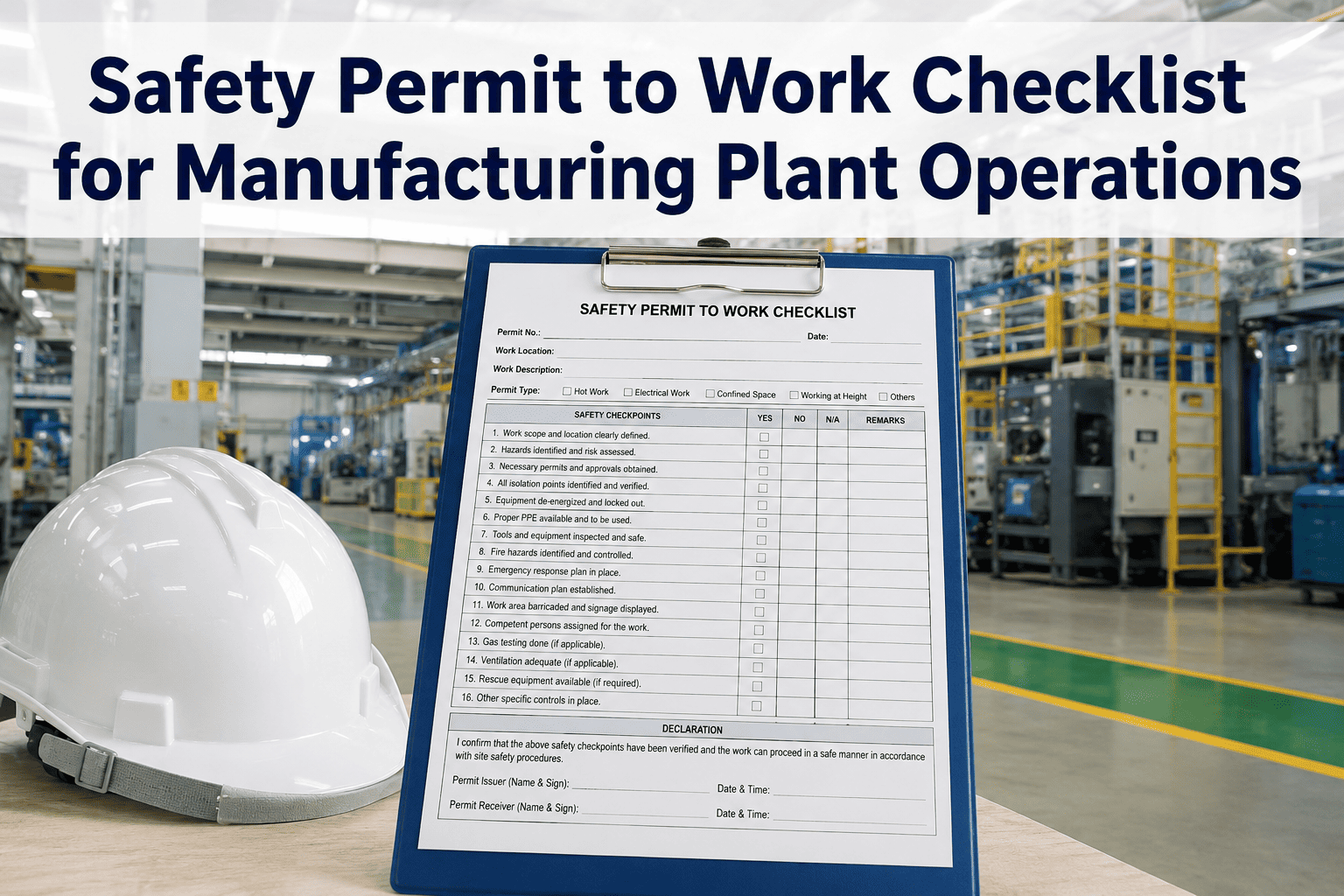
A maintenance technician is sent to weld a cracked guard bracket beside a conveyor. The job is ten minutes of work. Nearby are cardboard offcuts, a drum of lubricant and a gap in the floor that leads to the level below. Welding sparks can travel a long way, and a smouldering fire can start after the welder has packed up and left. That is why hot work needs a permit: a short, structured check that confirms the area is safe before the arc is struck and stays safe until long after it stops. This guide gives you a hot work permit checklist and template for plant welding repairs, built around the 35-foot rule, the fire watch, extinguishers and closeout, with OSHA 29 CFR 1910.252 and NFPA 51B as the reference points. It also shows how OXMAINT AI, the AI-powered CMMS, keeps the permit checks attached to the repair work order. Sign In to Try Micro App to see it in a working plant.
OXMAINT AI · Work Orders · EHS Management · Hot Work Safety
Hot Work Permit Checklist for Manufacturing Plant Welding Repairs.
When the permit lives on one sheet and the repair lives on another, steps get missed. The OXMAINT AI micro app opens on a ready-made plant with assets, QR codes, work orders and inspections already loaded. Sign in and see how the repair request, the hot work checks and the closeout record stay together in one work order.
1Repair RequestA defect is raised from a QR scan or a request
➜
2Hot Work ChecksA digital checklist covers the area, fire watch and extinguisher
➜
3Work OrderThe welding job is assigned with the checks attached
➜
4Closeout RecordFinal inspection and fire watch notes stay on the asset history
Which Repairs Need a Hot Work Permit?
Any work that can produce sparks, flame or heat enough to ignite materials is hot work. Where it happens outside a designated, equipped hot work area, a permit process normally applies. Your own program and your insurer may be stricter, so use this as a starting point. Sign In to Try Micro App
Arc and gas weldingTorch cuttingBrazing and solderingGrinding that throws sparksHeat treatingOpen flame heating
Step 1 in the Portal: The Repair Request
Most welding repairs start as a fault someone on the floor notices. The OXMAINT AI portal opens on a ready-made metal fabrication and assembly plant, with 58 assets, parts and stock, PM schedules and two months of work orders. Its Asset QR screen generates a code for every asset, so the request carries the right machine from the very first step.
Asset QR Codes Generate a printable code for one asset at a time · 58 assets · All Sites
How asset QR codes work
Pick an asset to generate its code
Each code is unique to that asset and carries its own address
Scanned, it opens a maintenance request already filled in with that machine
Print the tag and attach it to the equipment
Anyone on the floor reports a fault against the right asset without opening the CMMS
Select asset Showing 25 of 58 assets
Overhead Crane 01
CMH-OC-001Overhead CraneMediumOperational
Allen-Bradley · Model M549 · Receiving & Raw Material
Band Saw 01
CMH-BS-002Band SawLowOperational
Lincoln Electric · Model M271 · Receiving & Raw Material
Print sheet (58 tags)
These are the portal's starting records. Anything you add or change is saved and shared with everyone signed in, so the numbers you see will move. Sign In to Access Micro App
Three Roles, Three Signatures
Hot work safety depends on three different people doing three different jobs. Combining them on a busy shift is where permits go wrong.
AUTHORISES
Permit Authorising Individual
Inspects the area, sets the precautions, signs the permit and confirms it is safe to start.
DOES THE WORK
Hot Work Operator
Welds or cuts, keeps equipment in good condition and stops if conditions change.
WATCHES
Fire Watch
Trained to use the extinguisher and raise the alarm, and has no other job while the work runs.
In the portal, every work order names the technician it is assigned to, and the Kanban Board filters by person. The Team tile shows the crew those permits are signed by, and whether any job is still waiting for someone to own it.
TeamHealthy
9 of 50 seats
6 technicians
2 sites
0 jobs unassigned
Seats used18%
Technicians on the board
Ryan FosterJake SullivanTyler BrooksCarlos RamirezAndre WilliamsEmily Novak
On a hot work job, the technician on the work order is the operator. The fire watch and the authoriser should be two other named people, never the same name twice.
The Permit Timeline: The Risk Doesn't End When the Arc Stops
Smouldering fires can develop after work is finished. OSHA sets at least 30 minutes of fire watch after completion. NFPA 51B asks for at least one hour in its recent editions, and allows for extra monitoring beyond that, as decided by the authorising individual. Use the stricter figure your site, insurer or local authority requires. Book a demo to see closeout steps tracked.
BeforeInspect, clear, protect, sign
DuringContinuous fire watch, including breaks
After: 30 min+OSHA minimum fire watch
After: 1 hr+NFPA 51B fire watch
Extra monitoringAs the authoriser decides
The 35-Foot Rule, Drawn Out
Picture a circle 35 feet (11 metres) around the work. Inside it, combustibles are either removed or protected, and openings that could carry sparks are covered. When combustibles cannot be moved, a fire watch is part of the answer. Get Started with Micro App
FloorsSwept clean of debris, dust and scraps. Combustible floors protected.
CombustiblesMoved out, or covered with fire-resistant material.
OpeningsCracks, floor and wall openings, ducts and vents covered or watched.
Liquids and gasesFlammable liquids moved. Atmosphere tested where needed.
Other sideCheck what is on the far side of walls and partitions.
Hot Work Permit Template — Tick as You Go
Use this on screen, or print the page to PDF for a paper copy. Every "no" is a reason to stop and fix, not to proceed. See digital inspection checklists.
Permit, Repair and Record. One Work Order.
Sign in to the micro app and open a real welding job on the Kanban Board. See where the permit checks, the three named roles and the closeout record fit, before you set it up for your own site.
Step 3 in the Portal: The Welding Job on the Board
The demo plant has a Fabrication & Welding area with 9 assets, one of them under maintenance. It also has Robotic Welding Cell 01, with an open, late job for a torch liner and contact tip change. On the Kanban Board, that job sits in the Open column with its asset, code and technician. Any welding or grinding repair raised near combustibles would sit in the same place, with the permit checks done before it moves to In Progress.
Robotic Welding Cell 01EveryoneAny priorityAny parts state
Open 31
WO-2632 Late · 27 Oct 2026
Robot torch liner and contact tip change
Robotic Welding Cell 01 · CMH-RWC-017
Tyler Brooks
Move to… ▾
Before it moves to In Progress
☐ Permit signed by the authorising individual
☐ Combustibles within 35 ft removed or covered
☐ Fire watch named and briefed
☐ Charged extinguisher at hand
The checklist on the right comes from the permit template above, not from the portal. Put it on a Daily Checks or Inspection form so every item is recorded. Sign In to Try Micro App
How to Fill In a Hot Work Permit: Five Habits
1
Be specific about the location. Name the asset and area, not "plant floor".
2
Describe the actual task. "Weld bracket on conveyor 3 guard" beats "repair".
3
Write start and expiry times. A permit covers one job, one area and one period.
4
Name each person. Operator, fire watch and authoriser, with signatures.
5
Record the closeout time. Note when the fire watch ended and who checked the area.
Stop Signs: When Not to Start
✕Flammable vapours or atmosphere detected
✕Combustibles cannot be moved or protected
✕No trained fire watch available
✕Sprinklers impaired with no approved alternative
✕Conditions changed since the permit was signed
✕Permit expired or signatures missing
Hot Work Permit Audit Checklist: Six Questions
An auditor or insurer will look for evidence, not intentions. Can you answer all six from your records? Book a demo to see audit trails.
1Is there a completed permit for each job?
2Are names, times and signatures present?
3Were fire watches trained?
4Were extinguishers charged and in date?
5Is the closeout time recorded?
6Were any findings fixed and closed?
Question 6 is where most audits find a gap. In the portal, inspections are counted from the live record: how many were recorded, how many failed and how many findings are still open. The Getting Started screen turns the failures into a to-do: each failed inspection should become a corrective work order.
InspectionsWatch
80% pass rate
40 inspections recorded
8 failed
39 findings open
Passing80%
What to look at first
8 inspections failed
Each one should become a corrective work order.
8 critical jobs are open
These are the ones that stop production.
17 work orders are past their due date
Reassign or reschedule before the backlog sets.
A permit audit asks the same question about hot work: was every "no" on the checklist fixed and closed? Get Started with Micro App
Frequently Asked Questions
Is a hot work permit required by OSHA?
OSHA 1910.252 requires the area to be inspected and authorised before cutting or welding, and facilities covered by process safety management must use a hot work permit. Many sites use written permits for all hot work.
Sign In to Access Micro App
How long must a fire watch stay after welding?
OSHA's minimum is 30 minutes. NFPA 51B, in recent editions, calls for at least one hour, with extra monitoring possible. Follow the stricter requirement that applies to you.
Book a demo to see closeout tracking.
What is the 35-foot rule in hot work?
Combustibles within 35 feet (11 m) of hot work should be removed or protected, and openings that could carry sparks covered. A fire watch applies where a fire could develop.
Sign In to Try Micro App
Who can issue a hot work permit?
A trained, designated person, often called the permit authorising individual, who has inspected the area and understands the precautions. Your program should name who qualifies.
Book a demo to see role-based work orders.
Do I need a permit in a designated welding shop?
Permanent, designated hot work areas are generally treated differently from field repairs, but they still need safe conditions and your own controls. Confirm how your program defines them.
Get Started with Micro App
Can I try this without setting anything up?
Yes. The portal starts with a ready-made plant, so you can look at the assets, QR codes, inspections, work orders and team straight away. When you are ready, add your own machines under Assets, or send your asset list, parts and stock, PM schedules and work order history (an export from your current CMMS or a spreadsheet is enough) and they are loaded in place of the starting records.
Sign In to Access Micro App
Check First. Weld Safely. Close the Record.
Do not wait for an audit or a near miss to find the gaps. Sign in to the micro app, try the full request-to-closeout flow on a ready-made plant today, and add your own assets when you are ready.