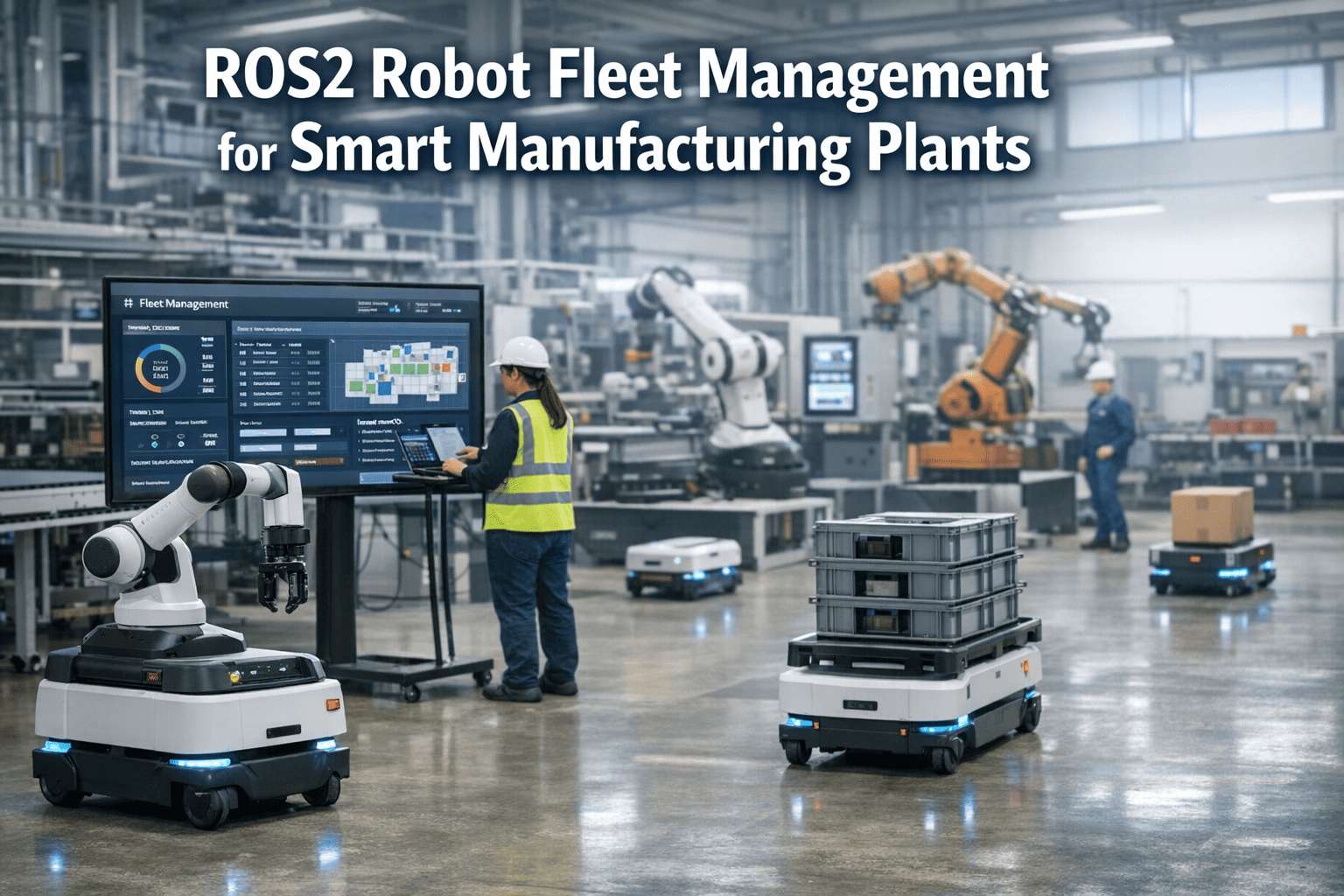
ROS2 Robot Fleet Management for Smart Manufacturing Plants
By Johnson on April 6, 2026
Manufacturing plants deploying ROS2-powered robot fleets — AMRs, robotic arms, AGVs — are discovering that the real bottleneck is not the robots themselves but keeping dozens or hundreds of autonomous units coordinated, maintained, and productive across a live production floor. Oxmaint's fleet management platform bridges the gap between ROS2 robotic operations and proactive maintenance by turning every robot into a tracked asset with automated work orders, real-time health monitoring, preventive scheduling, and full lifecycle traceability — so your fleet runs as a synchronized workforce instead of isolated machines that break down without warning.
ROS2 Fleet Management
Your Robots Talk to Each Other. Your Maintenance System Should Too.
Unify robot health monitoring, automated work orders, preventive scheduling, and fleet-wide uptime analytics — purpose-built for ROS2-powered manufacturing environments.
Why Robot Fleets Fail Without Centralized Maintenance
ROS2 solves the coordination problem — multi-robot task dispatch, shared corridor navigation, real-time DDS communication. But ROS2 does not solve the maintenance problem. When a motor overheats on AMR-14 at 2 AM, who gets notified? When the fleet adapter flags battery degradation across six units, where does that data go? Without a CMMS connected to your fleet layer, robot downtime becomes reactive, unpredictable, and expensive.
Siloed Telemetry
Motor temps, battery cycles, and error codes stay trapped in ROS2 dashboards — never reaching the technician who needs to act before a failure halts the line.
Spreadsheet Scheduling
Calibration intervals, sensor cleaning, and firmware updates managed in Excel break the moment a robot transfers between lines or a technician calls in sick.
No Impact Traceability
When AMR-07 ran three shifts with a degraded LiDAR sensor, which batches were affected? Manual logs cannot answer that question in time for a quality review.
Reactive Downtime
Without condition-based triggers flowing into a work order system, every robot failure is a surprise — production stops, technicians scramble, and the fleet loses hours.
How Oxmaint Connects to Your ROS2 Fleet Layer
ROS2 nodes publish real-time telemetry — battery state, motor temperature, task completion, error codes. Oxmaint consumes that data and turns it into maintenance intelligence: automated work orders when thresholds breach, preventive schedules based on operating hours, and a complete audit trail per robot from commissioning through decommission.
ROS2 Fleet Layer
DDS topics publish battery, motor, sensor, and task data from every AMR, arm, and AGV in real time
Fleet Adapter Bridge
Normalizes telemetry from heterogeneous robots — different vendors, firmware versions, and protocols — into a unified data stream
Oxmaint CMMS
Converts telemetry into work orders, preventive schedules, spare parts requests, and compliance records automatically
Auto Work Orders
Preventive Scheduling
Health Dashboards
Audit Trail
See Oxmaint Running a Robot Fleet in 30 Minutes
Walk through automated work order generation, preventive scheduling tied to operating hours, and fleet-wide uptime dashboards — configured for your robot types and production layout.
Six Capabilities That Separate Fleet-Ready CMMS from Generic Tools
A CMMS that cannot handle robot-specific maintenance patterns — operating-hour triggers, multi-vendor firmware tracking, sensor recalibration cycles — forces your team back into manual workarounds. These are the capabilities Oxmaint delivers out of the box for ROS2-powered manufacturing environments.
01
Asset Registration with Full Lifecycle
Every robot — AMR, robotic arm, AGV — is registered as a tracked asset with serial number, vendor, firmware version, commissioning date, and location. Transfer a unit between lines and its entire maintenance history follows automatically.
02
Condition-Based Work Order Generation
When ROS2 telemetry flags a motor running above thermal threshold or battery capacity dropping below 70%, Oxmaint auto-generates a prioritized work order and assigns it to the right technician — before the robot goes offline.
03
Preventive Scheduling by Hours, Cycles, or Calendar
Sensor cleaning, LiDAR recalibration, wheel bearing replacement, and firmware updates are scheduled based on actual operating hours, task cycles, or manufacturer-recommended intervals — not guesswork.
04
Multi-Vendor Fleet Tracking
Mixed fleets from different manufacturers — MiR, OTTO, Geek+, custom builds — are managed in one platform. Different maintenance protocols, spare parts catalogs, and firmware schedules per vendor are configured independently.
05
Spare Parts Inventory Linked to Robots
When a work order is created for wheel motor replacement on AMR-12, the system checks inventory for the exact part, reserves it, and alerts procurement if stock falls below minimum. No technician downtime waiting on parts.
06
Fleet Uptime and Cost Analytics
Consolidated dashboards show MTBF, MTTR, uptime percentage, maintenance cost per robot, and fleet utilization — giving plant managers the data to justify fleet expansion or identify chronic underperformers.
Robot Types Oxmaint Tracks Across the Plant Floor
Manufacturing robot fleets are rarely homogeneous. A single plant may run AMRs for material transport, articulated arms on assembly lines, AGVs on fixed routes, and cobots in packing stations — each with different maintenance profiles, vendor protocols, and failure modes. Oxmaint handles all of them in one asset register.
Robot Fleet Asset Categories
Robot Type
Typical Use in Manufacturing
Key Maintenance Triggers
Oxmaint Tracking
AMRs
Material transport, lineside delivery, WIP movement
Battery degradation, wheel wear, LiDAR drift
Operating hours, charge cycles, route distance
AGVs
Fixed-route pallet transport, dock-to-line movement
Guide sensor fouling, motor overheating, belt wear
ROS2 Fleet Management — The Maintenance Gap Nobody Talks About
Open-RMF and ROS2 fleet adapters solve traffic coordination, task dispatch, and multi-vendor interoperability on the software side. But the physical side — the motors, bearings, sensors, batteries, and frames that actually move product — degrades on a timeline that software alone cannot manage. Here is what the maintenance gap looks like at scale.
What ROS2 / Open-RMF Manages
Multi-robot task scheduling and dispatch
Traffic deconfliction in shared corridors
Fleet adapter integration across vendors
Real-time telemetry publishing via DDS
Lift, door, and resource negotiation
THE GAP
What Oxmaint Manages
Preventive maintenance by hours / cycles / calendar
Auto work orders from telemetry threshold breach
Spare parts inventory tied to each robot
MTBF / MTTR / cost-per-robot analytics
Full audit trail from commission to decommission
Fleet Scale Benchmarks — Where Plants Stand in 2025
Understanding where your fleet size sits relative to industry adoption helps calibrate your maintenance infrastructure investment. Plants with 10 robots and plants with 200 robots face fundamentally different coordination and uptime challenges — but both need a centralized system to avoid reactive firefighting.
1 – 10 Robots
Pilot Stage
Spreadsheets might work temporarily but create zero audit trail and no scalability path when the fleet doubles.
10 – 50 Robots
Growth Stage
Mixed vendors, multiple lines, and shift coverage gaps make manual tracking unsustainable. CMMS becomes essential.
50 – 200 Robots
Scale Stage
Fleet-wide analytics, spare parts forecasting, and condition-based triggers are the only way to maintain 95%+ uptime.
200+ Robots
Enterprise Stage
Multi-site fleet management with centralized dashboards, standardized PM protocols, and predictive maintenance models.
Whether You Run 5 Robots or 500 — Start Here
Oxmaint scales from a single production line to multi-site enterprise fleets. Sign up in under two minutes or talk to our team about your specific ROS2 fleet configuration.
How does Oxmaint integrate with a ROS2-based robot fleet?
Oxmaint receives telemetry data — battery state, motor temperature, error codes, task completion — from your ROS2 fleet layer and converts threshold breaches into automated work orders. Each robot is registered as a tracked asset with its full maintenance history. Book a demo to see the integration configured for your fleet setup.
Can Oxmaint manage a mixed fleet with robots from different vendors?
Yes. AMRs, AGVs, robotic arms, and cobots from different manufacturers are tracked independently with vendor-specific maintenance protocols, spare parts catalogs, and firmware schedules — all in one unified platform. Start a free trial to see multi-vendor fleet tracking in action.
What maintenance scheduling options are available for robots?
Oxmaint supports preventive scheduling by calendar time, operating hours, task cycle count, or condition-based triggers from live telemetry. Sensor cleaning, LiDAR recalibration, bearing replacement, and firmware updates each follow their own interval logic. Talk to our team about configuring schedules for your specific robot types.
Does Oxmaint track spare parts inventory for robot fleets?
Every work order links to the specific spare parts needed for that robot model. Inventory levels are tracked in real time, minimum stock alerts trigger procurement requests, and part usage history per robot feeds into cost-per-unit analytics. Sign up free and configure your parts catalog in minutes.
Is Oxmaint useful for smaller fleets with fewer than 20 robots?
Smaller fleets often see the fastest ROI — a single AMR down for an unplanned shift costs more than the annual software subscription. Oxmaint requires no dedicated robotics team to operate and deploys in under two minutes with automated scheduling from day one.
Your Robots Deserve a Maintenance System as Smart as They Are
Oxmaint gives manufacturing teams automated work orders from live telemetry, preventive scheduling by operating hours, fleet-wide uptime analytics, and a complete audit trail per robot — so your ROS2 fleet runs at peak efficiency instead of surviving on reactive fixes. See the full platform in a 30-minute walkthrough.